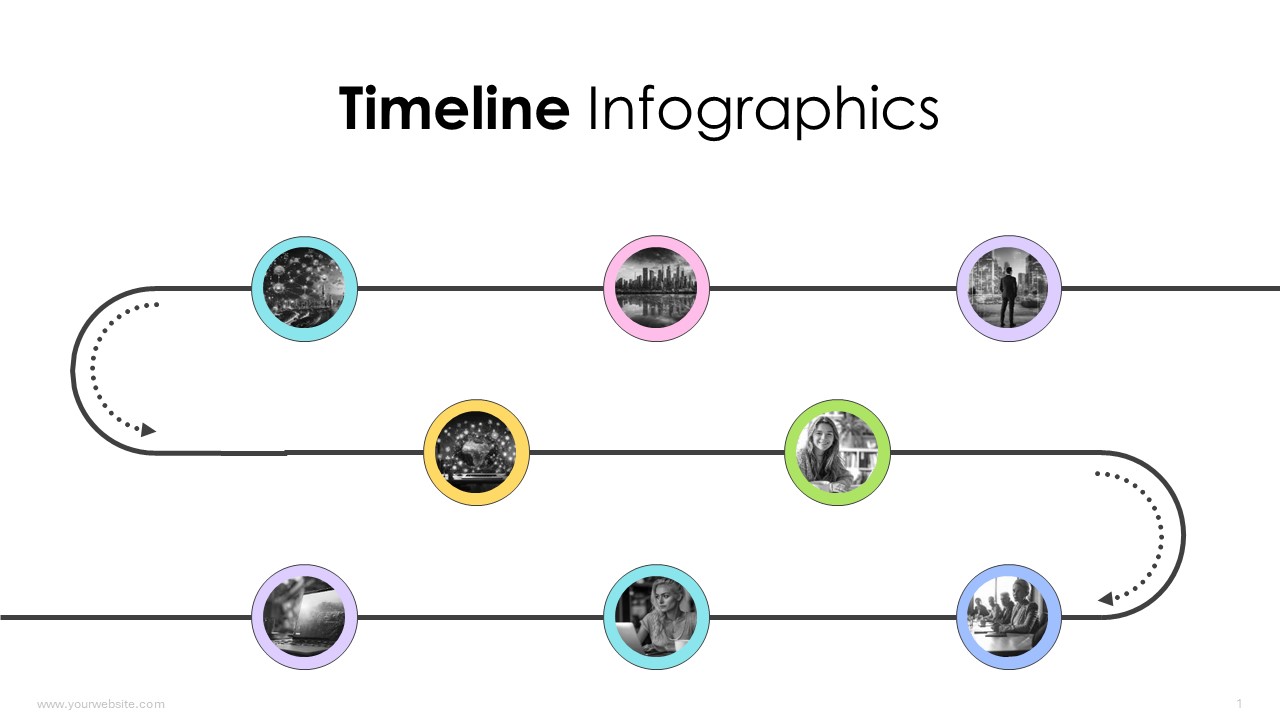
Timeline Infographics
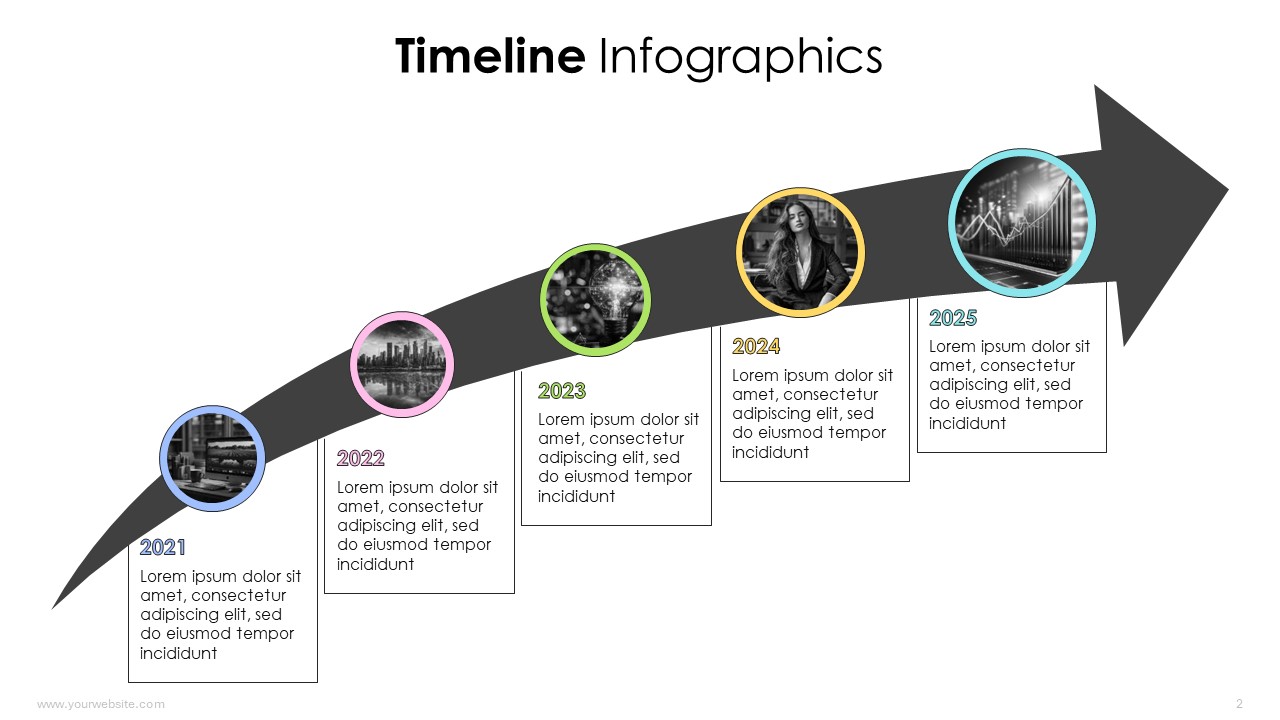
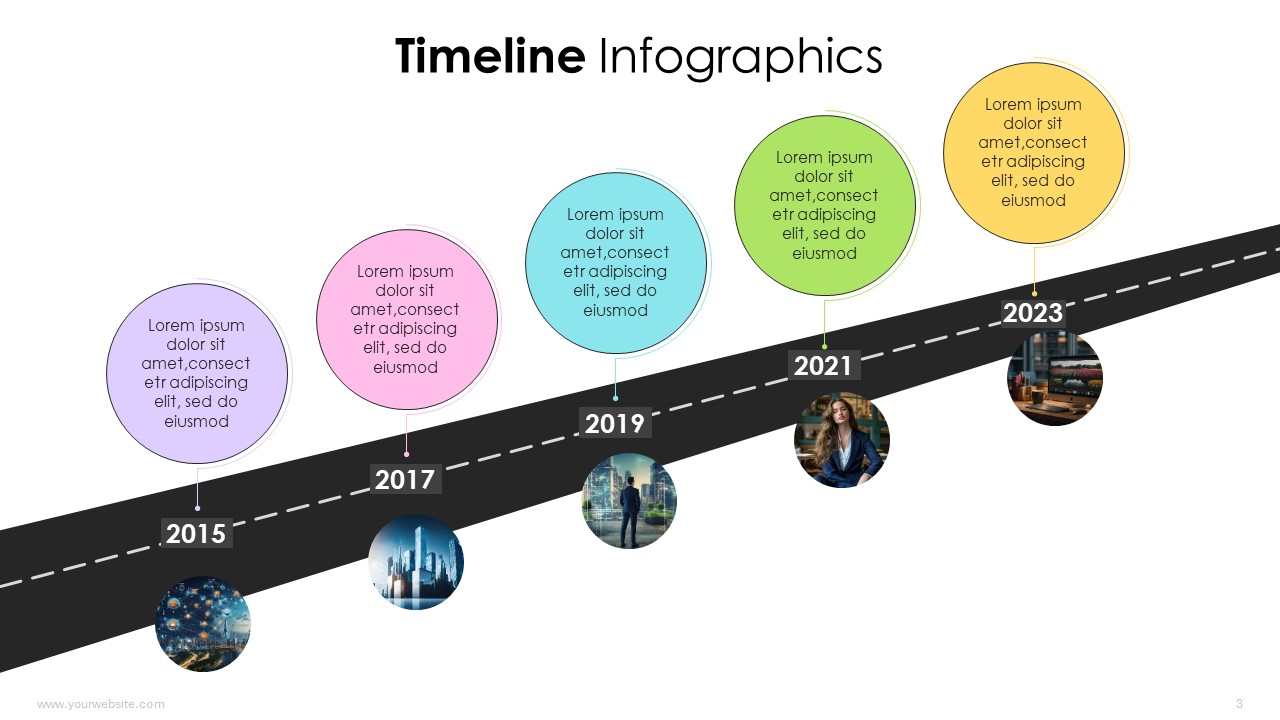
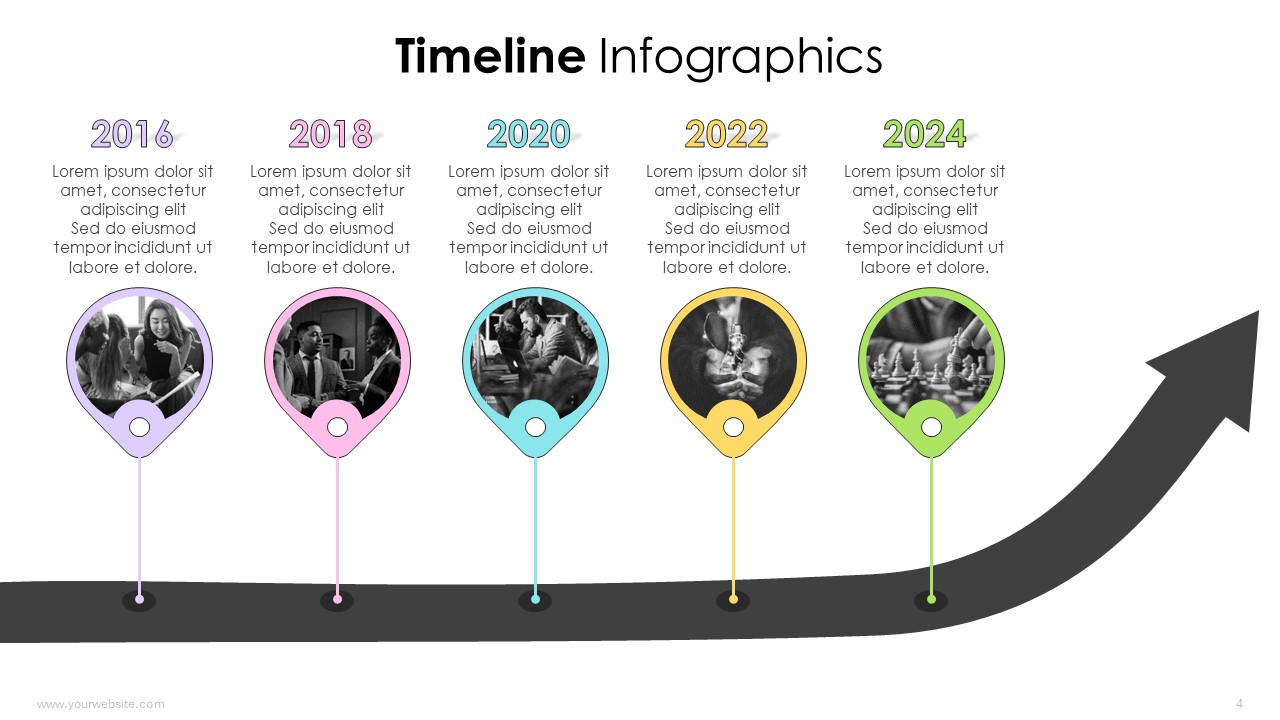
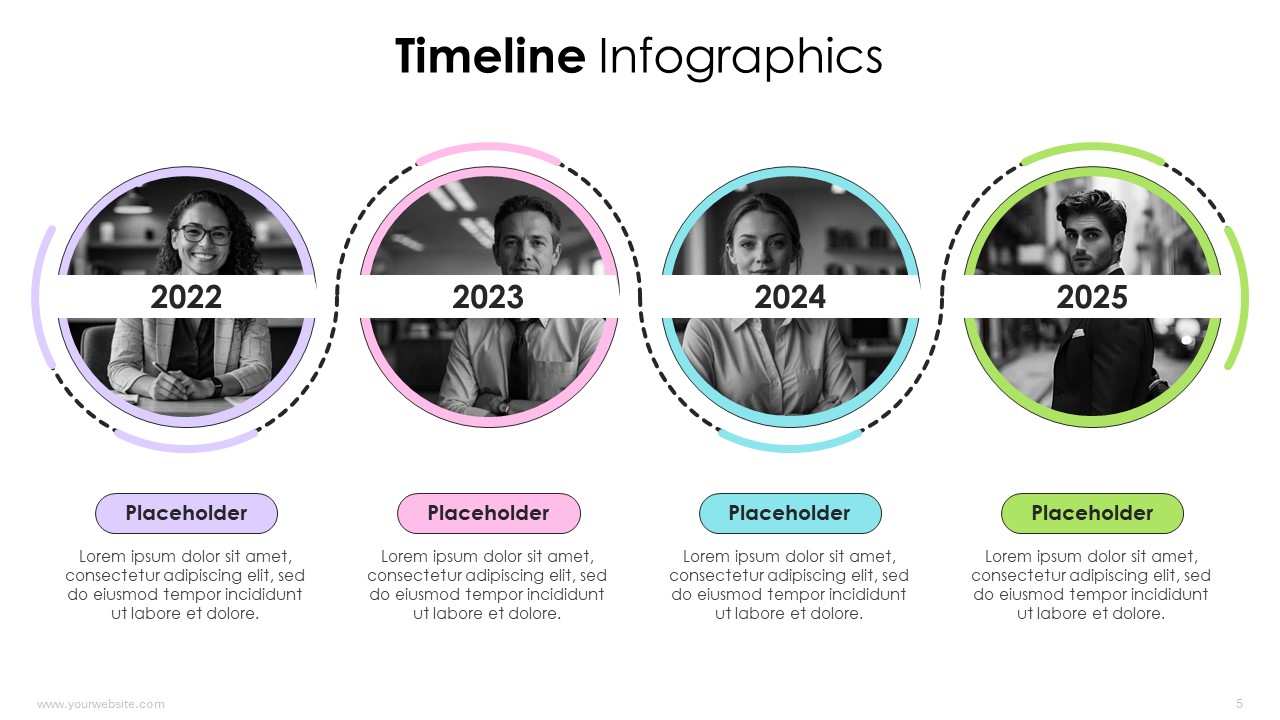
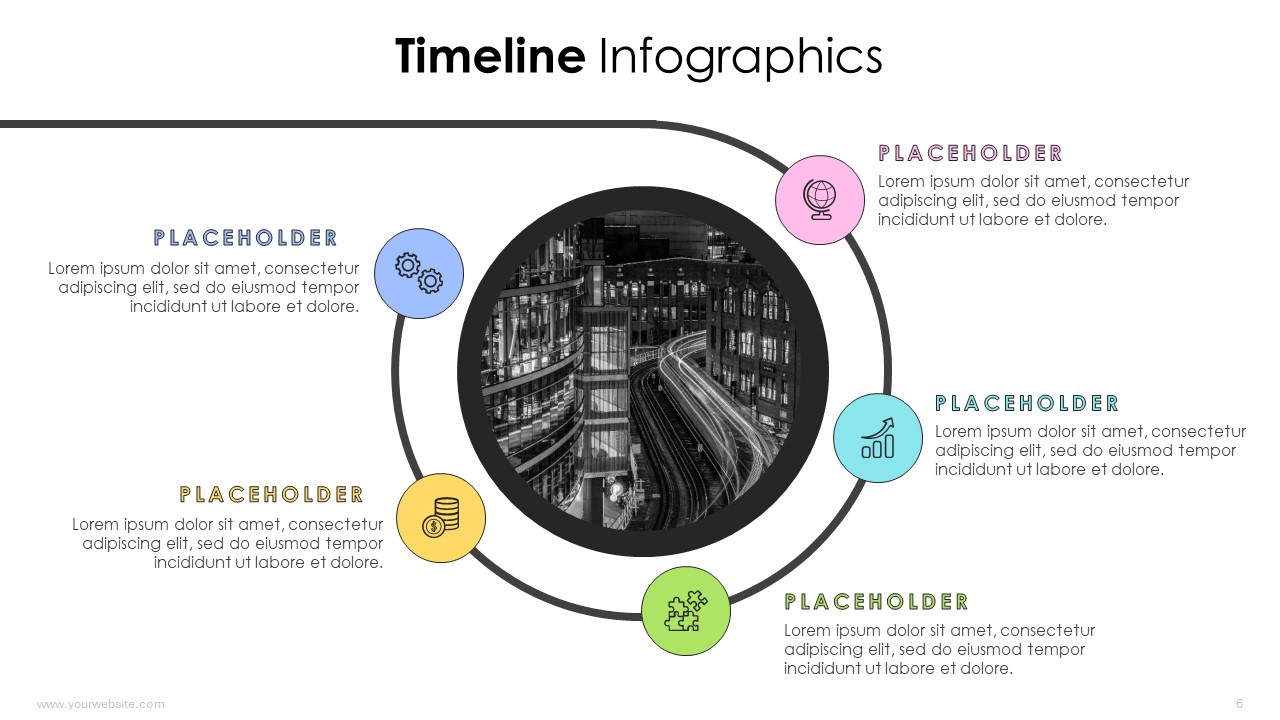
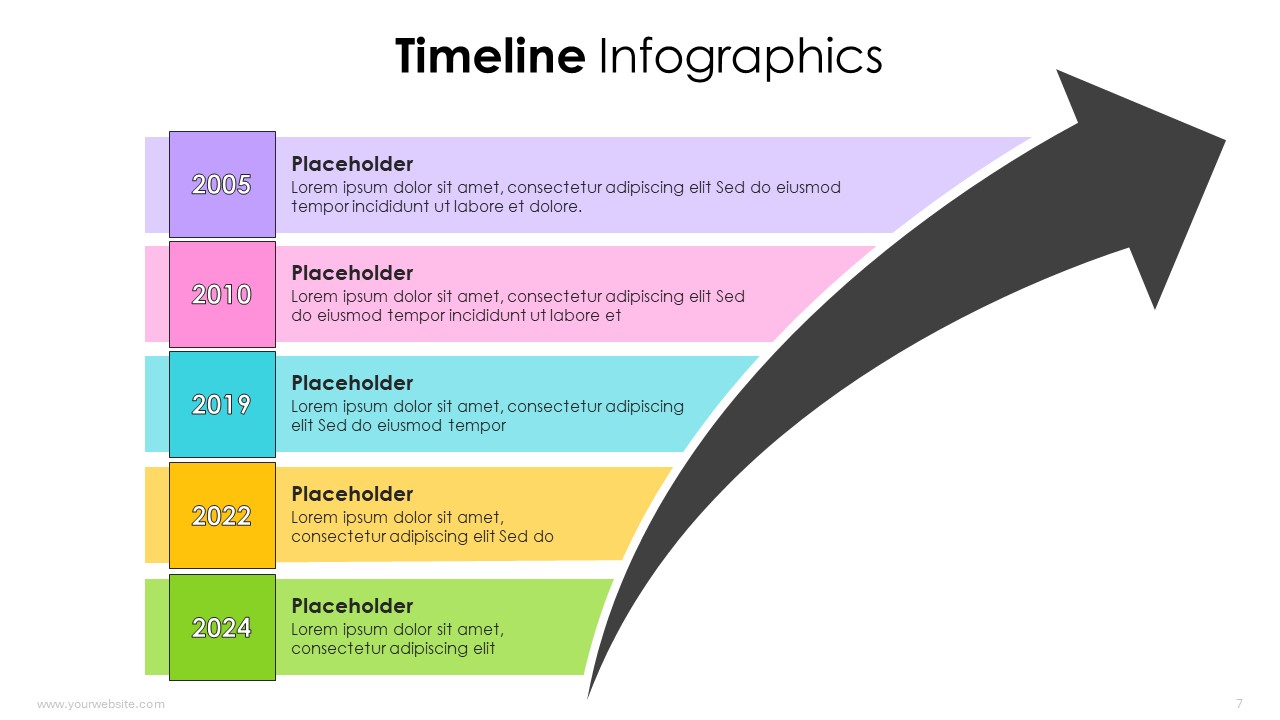
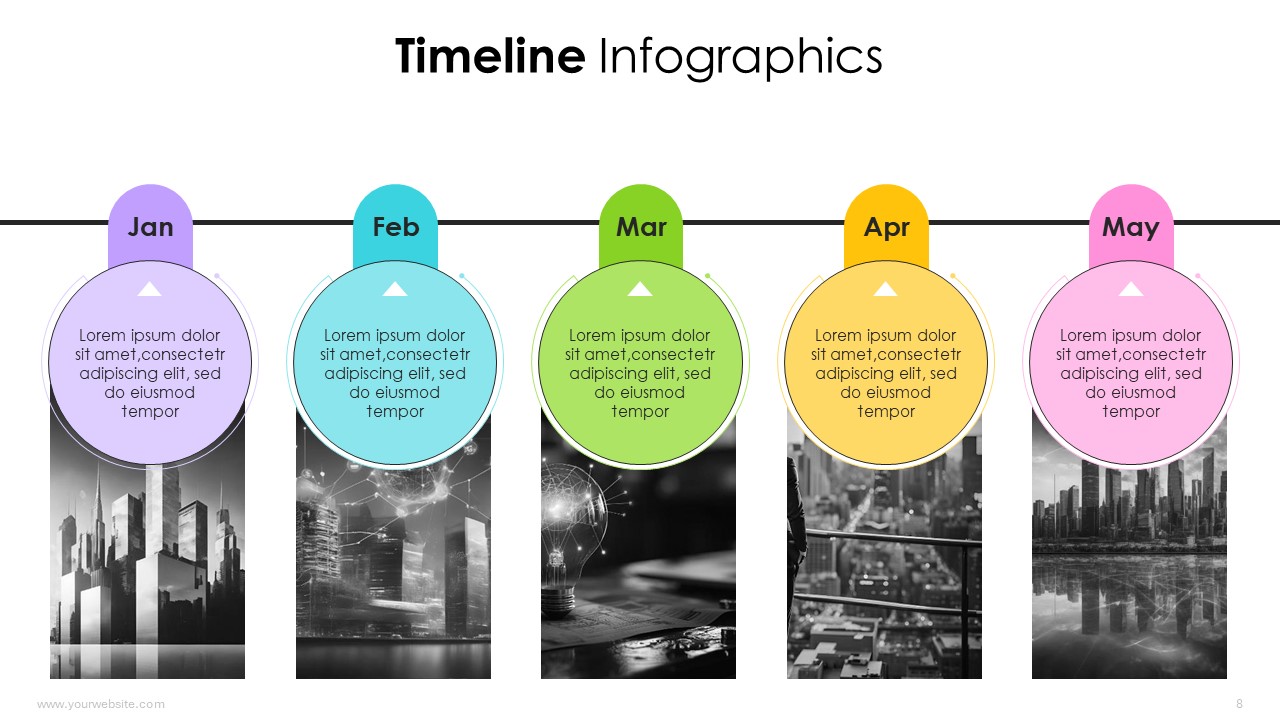
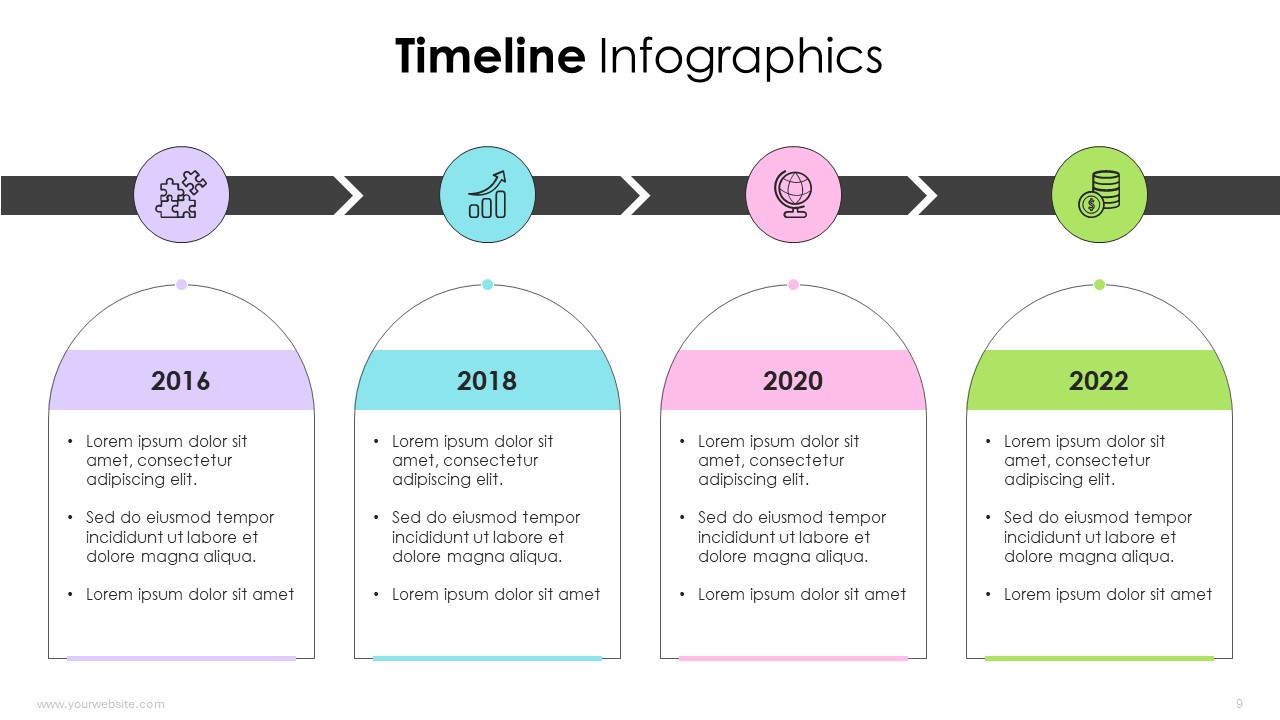
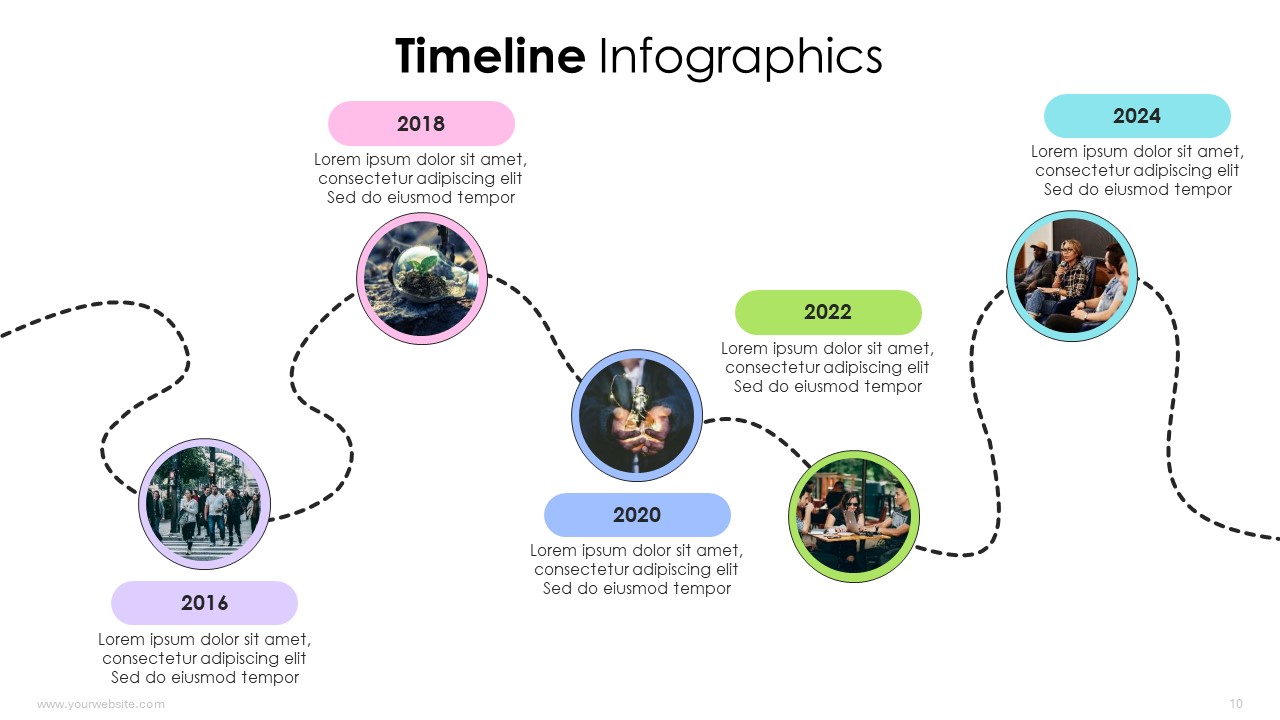
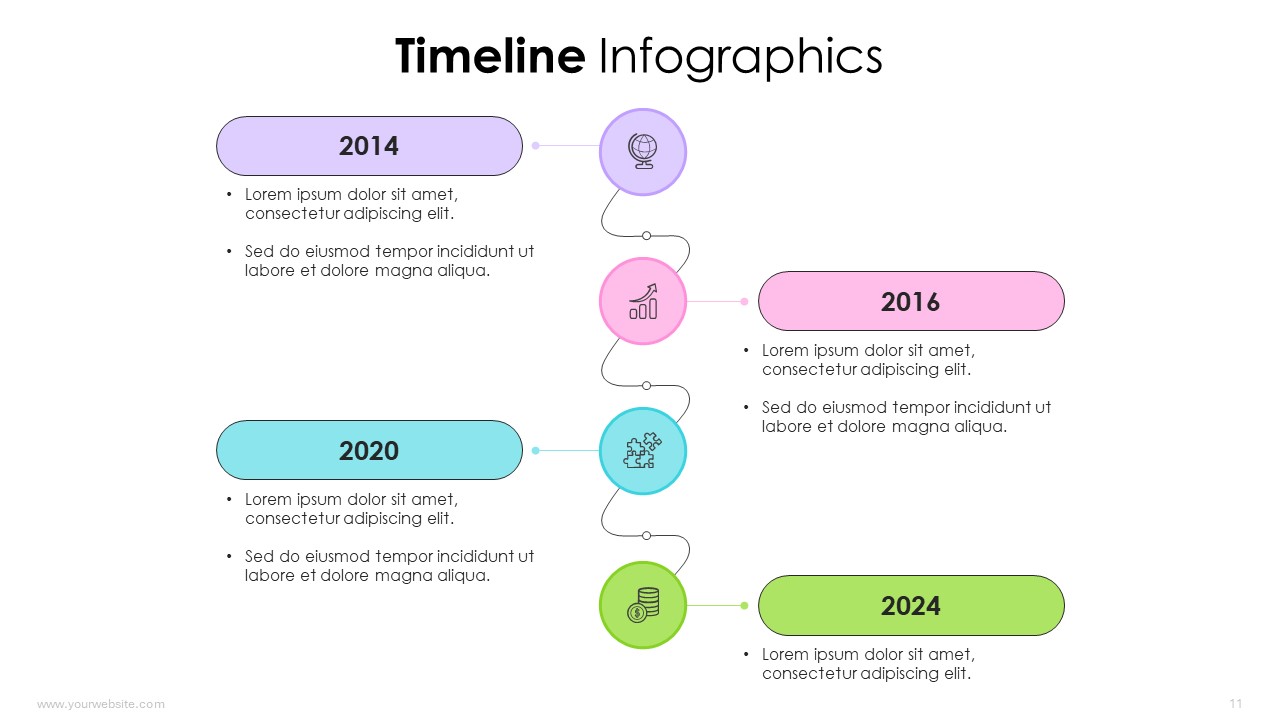
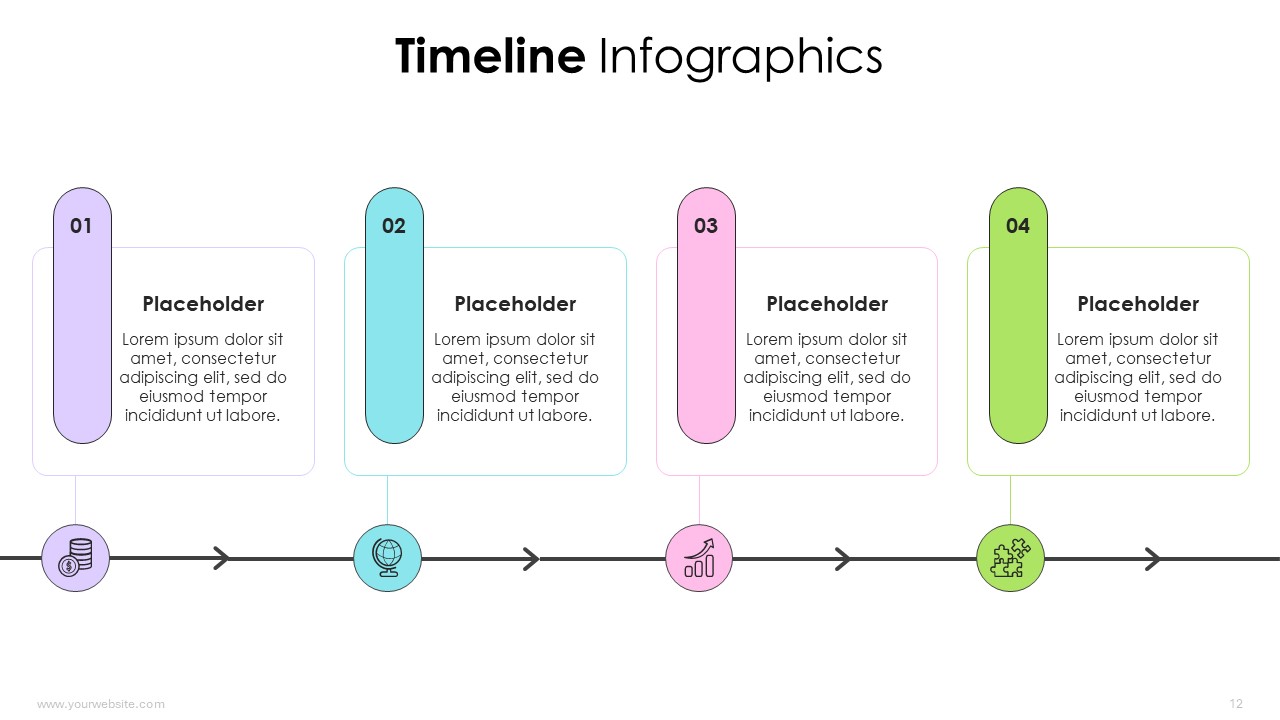
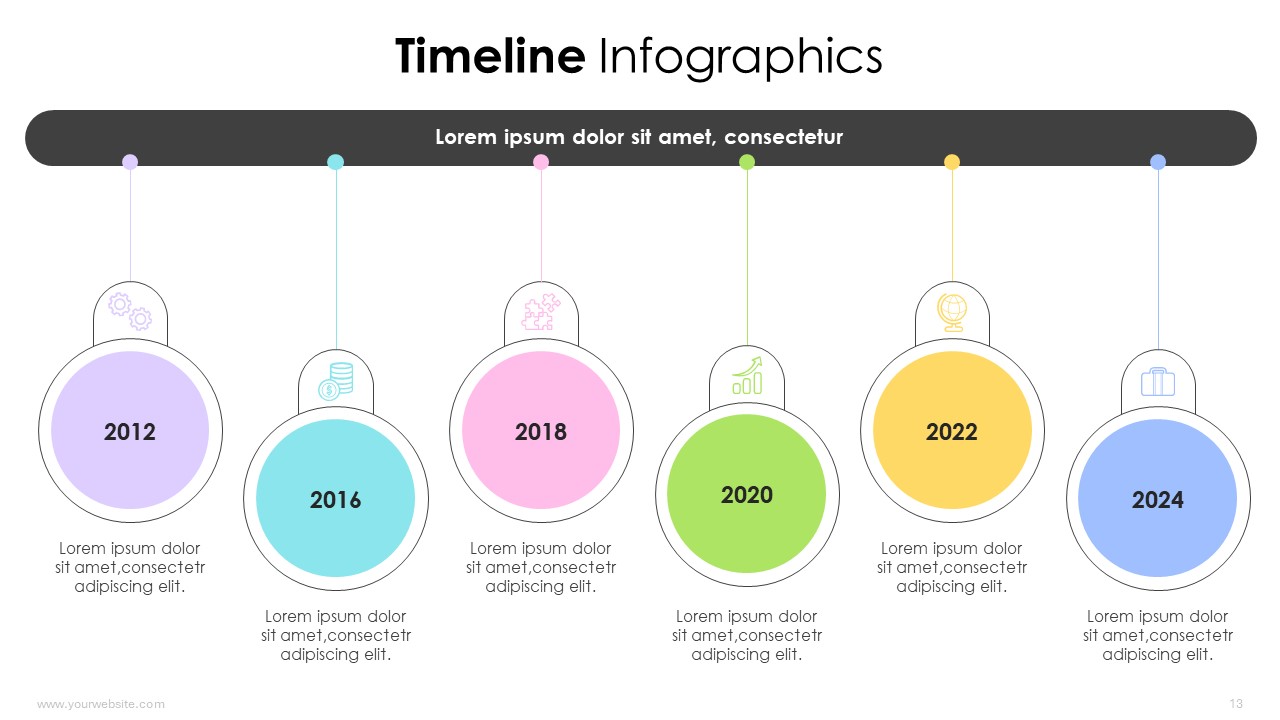
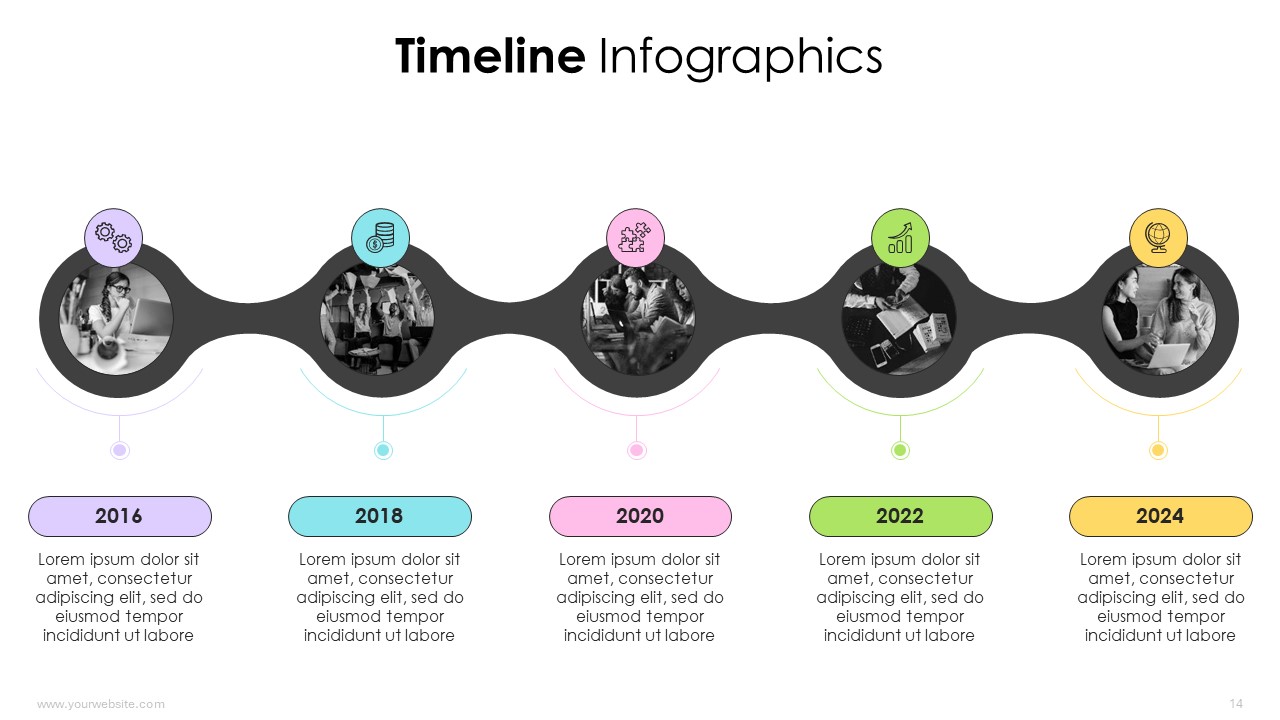
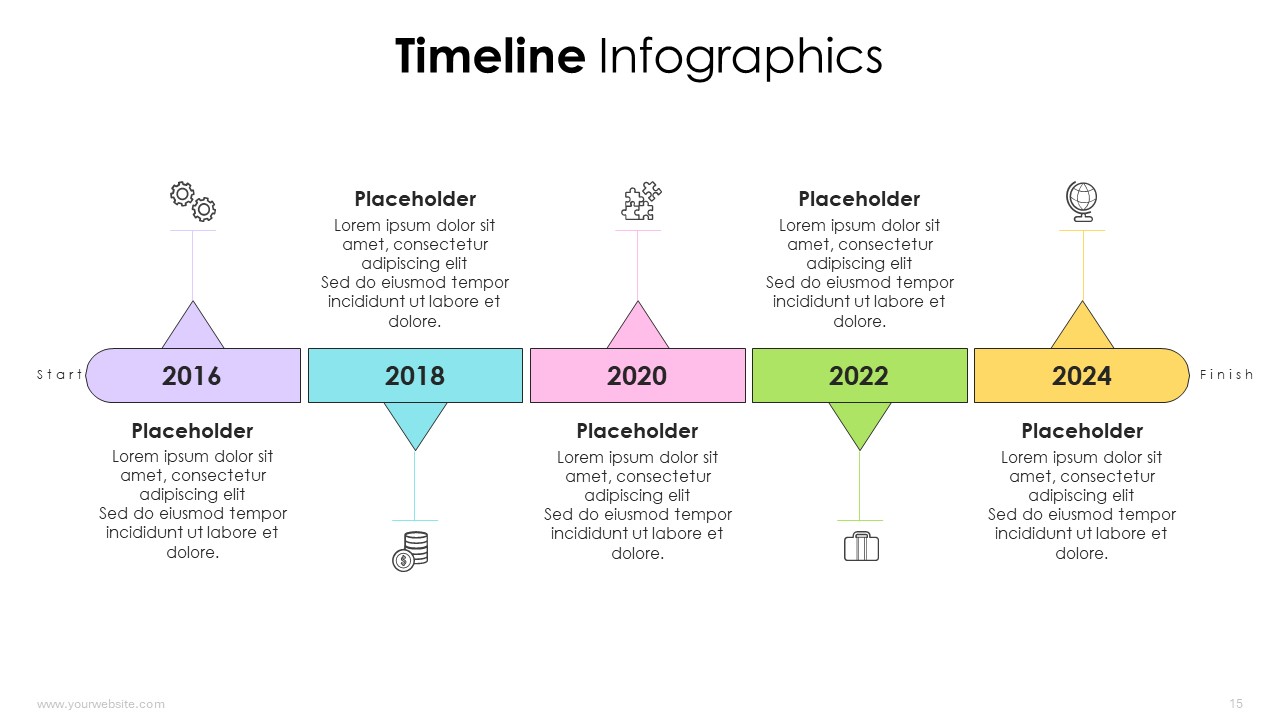
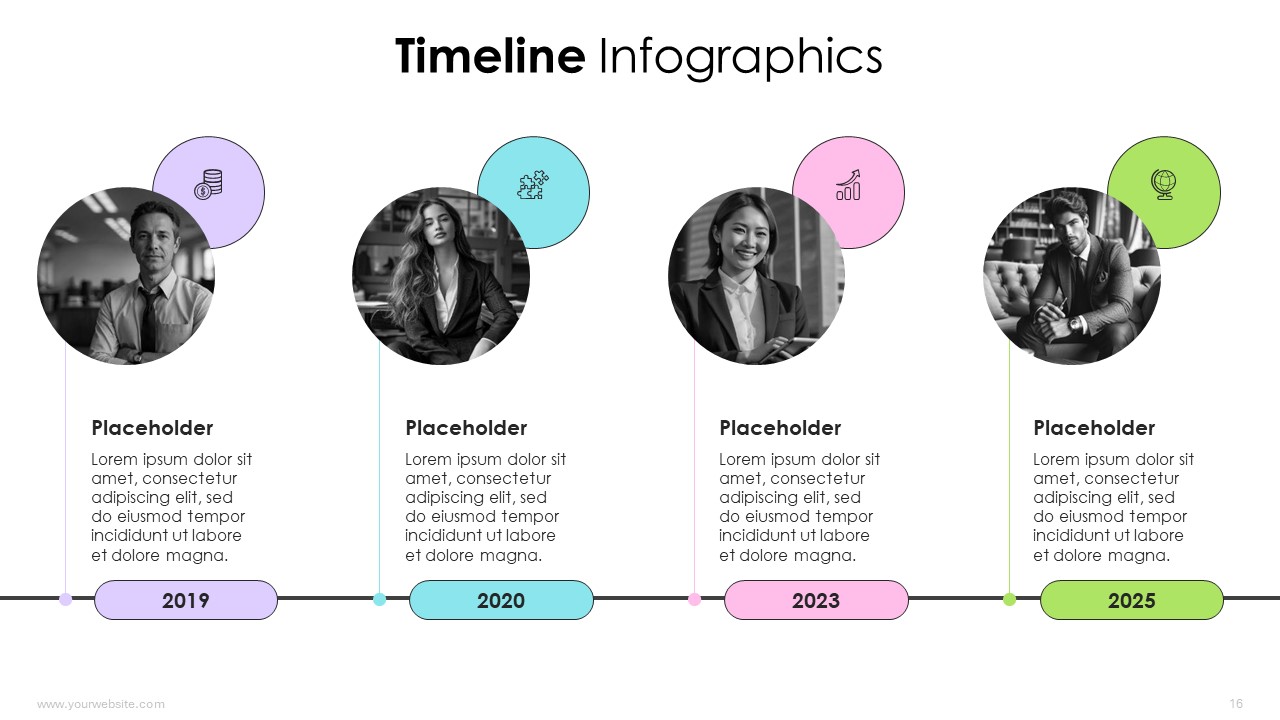
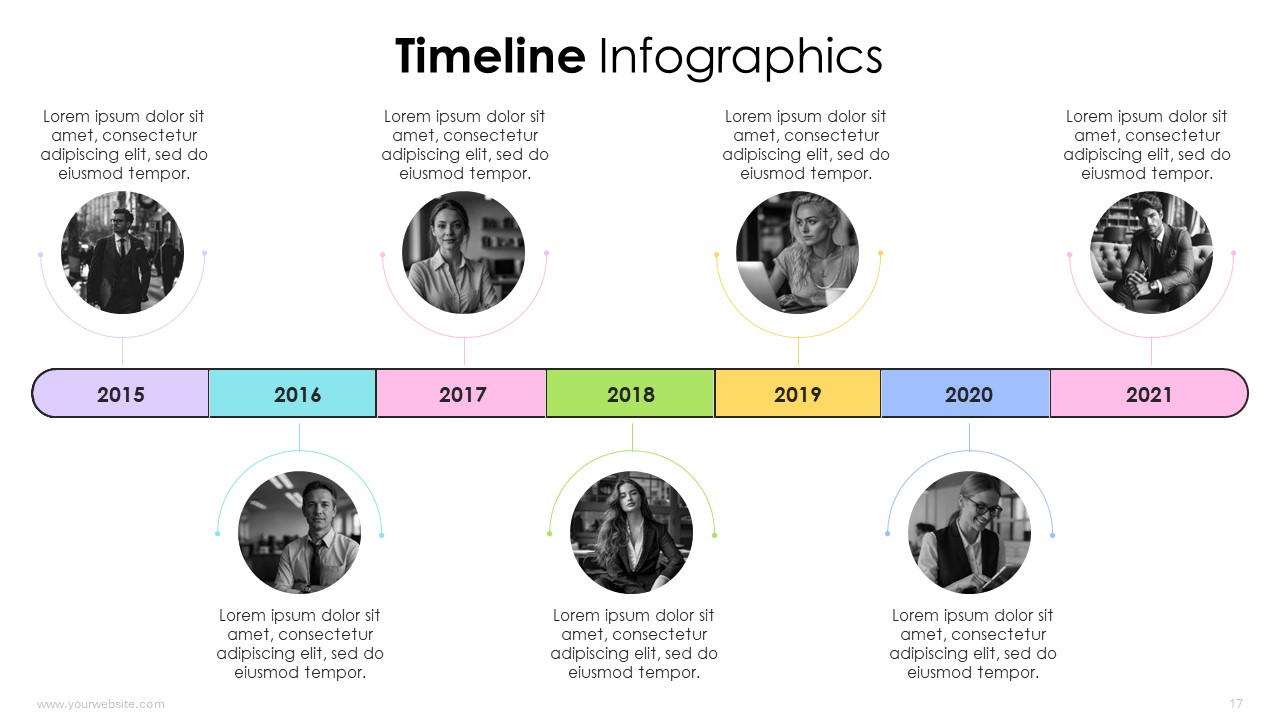
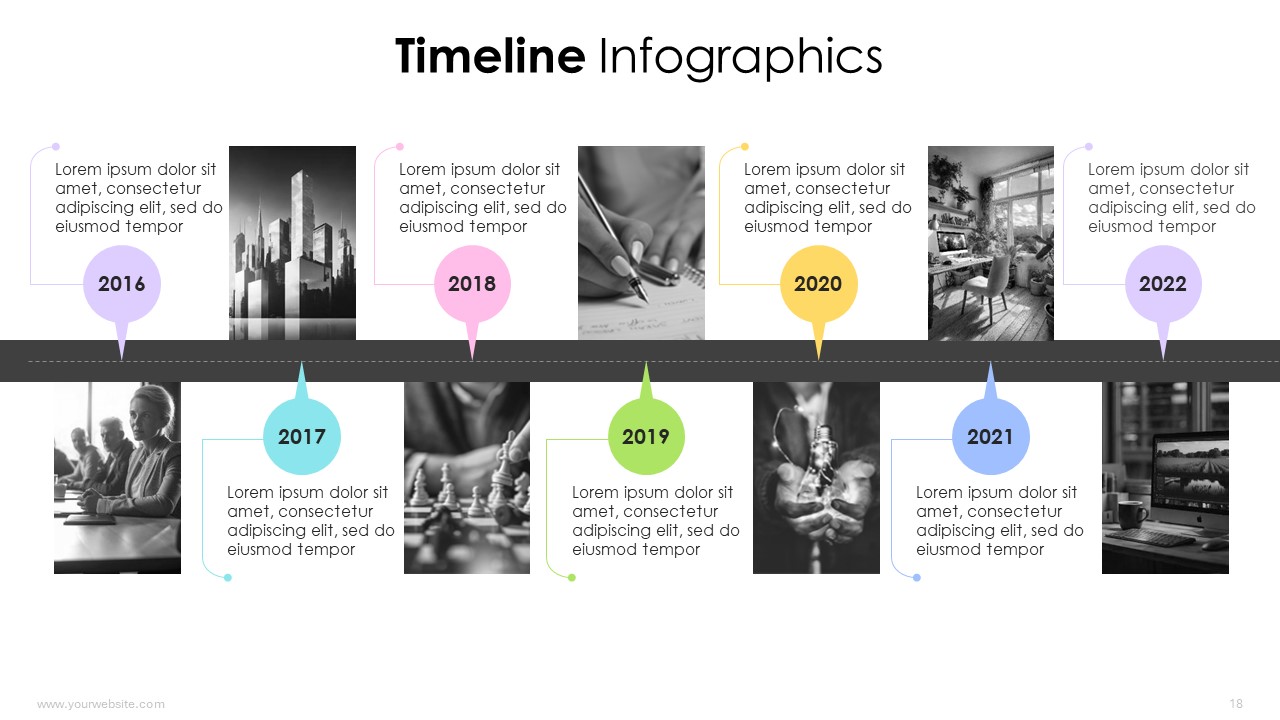
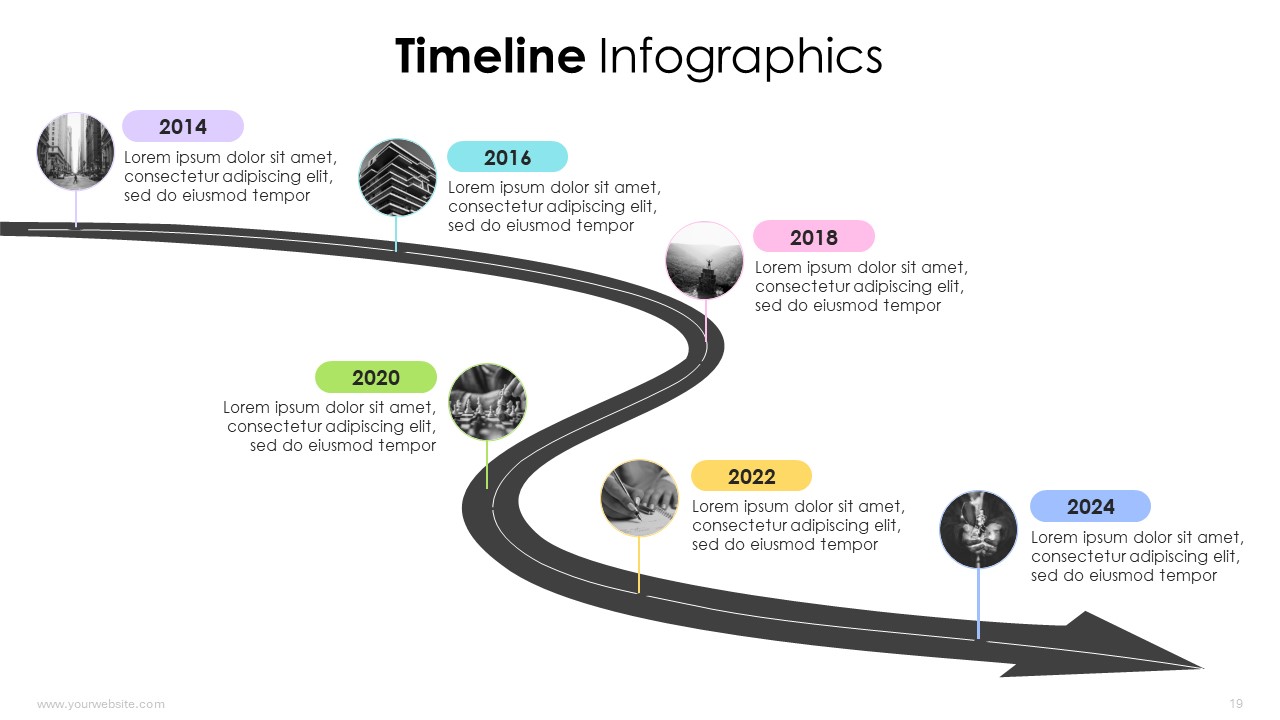
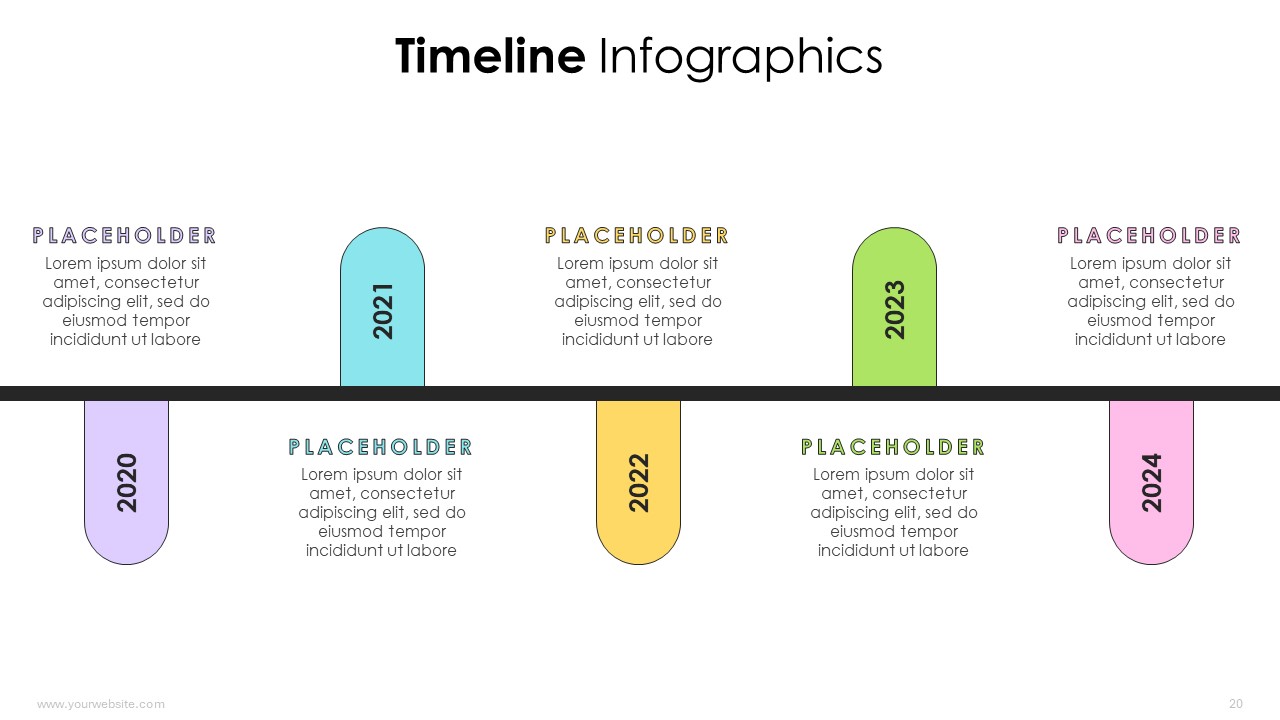
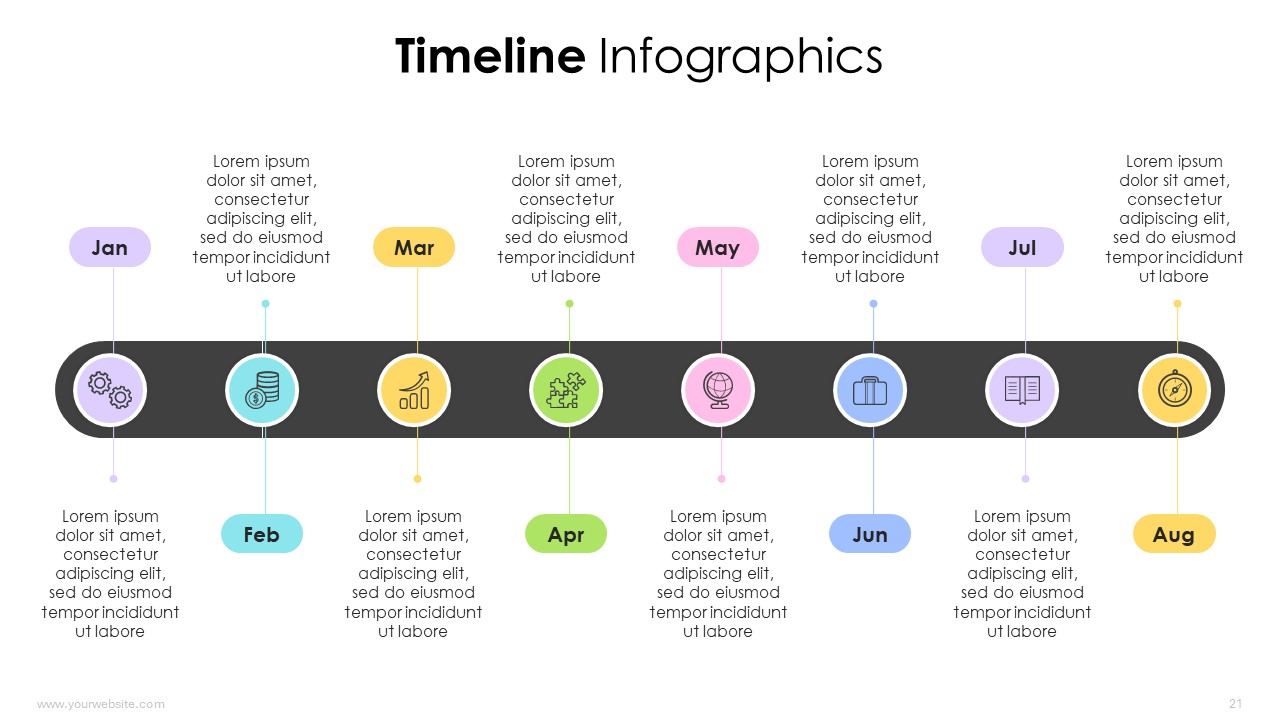
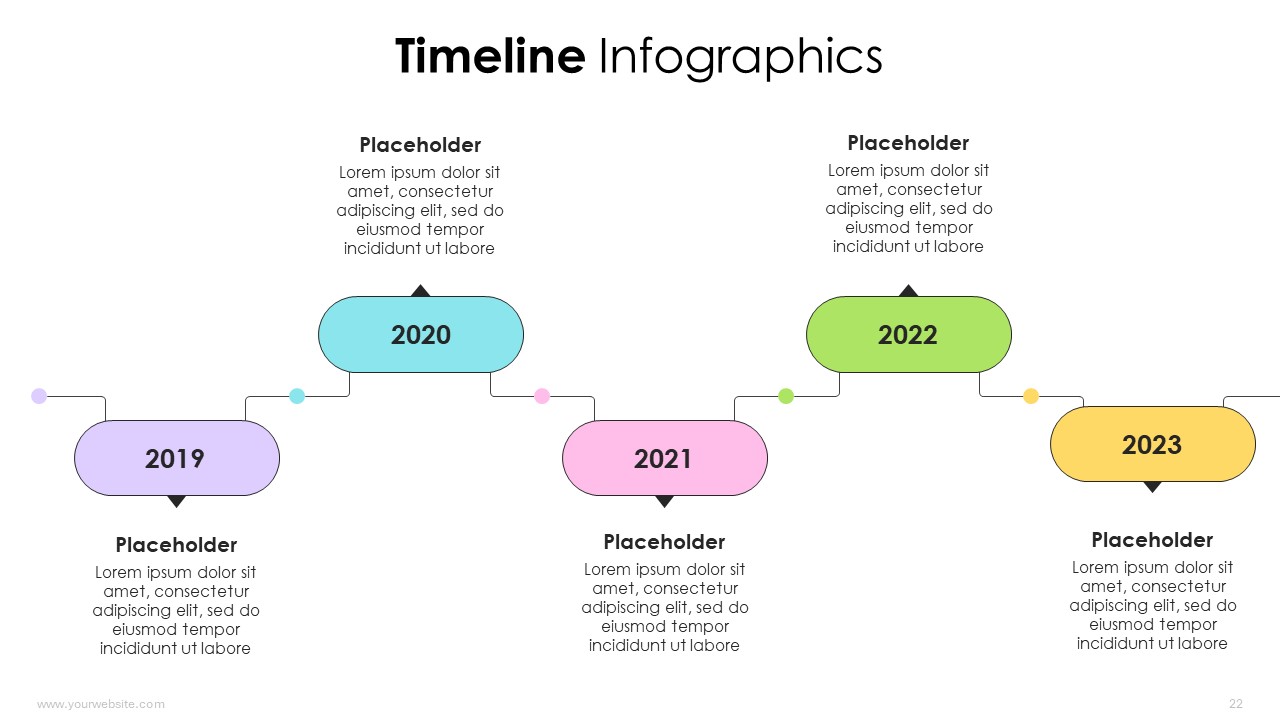
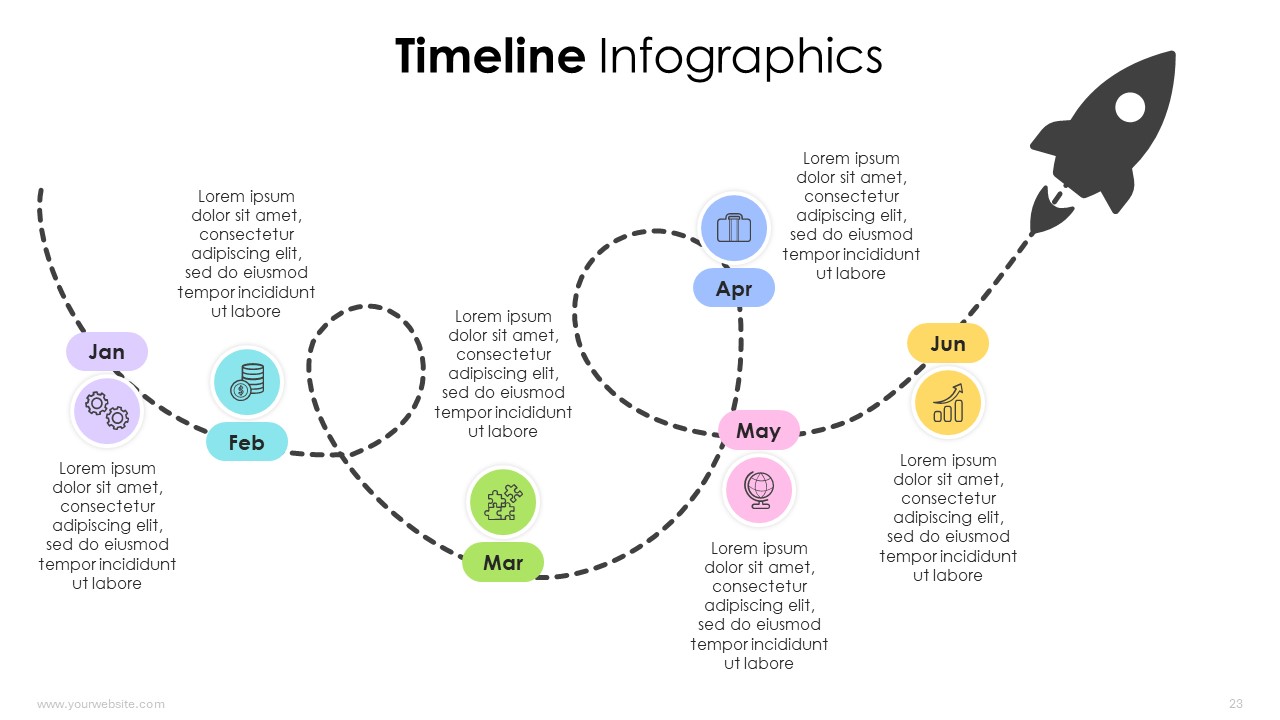
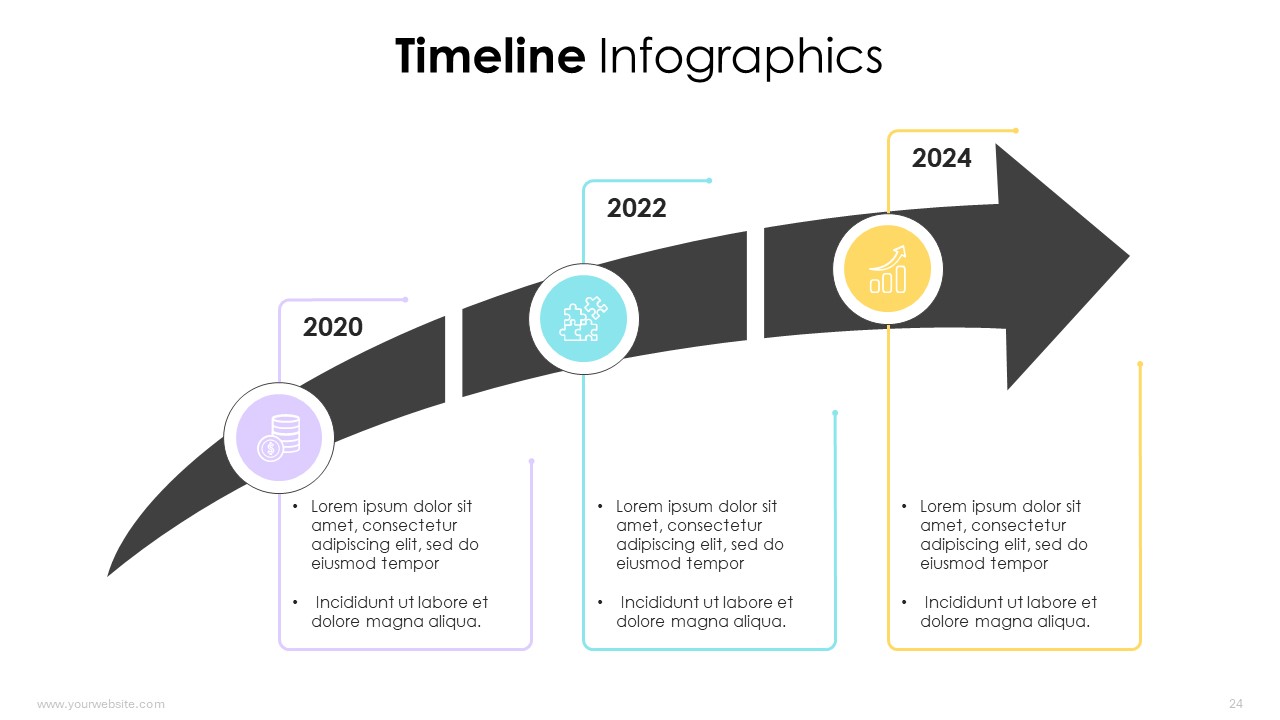
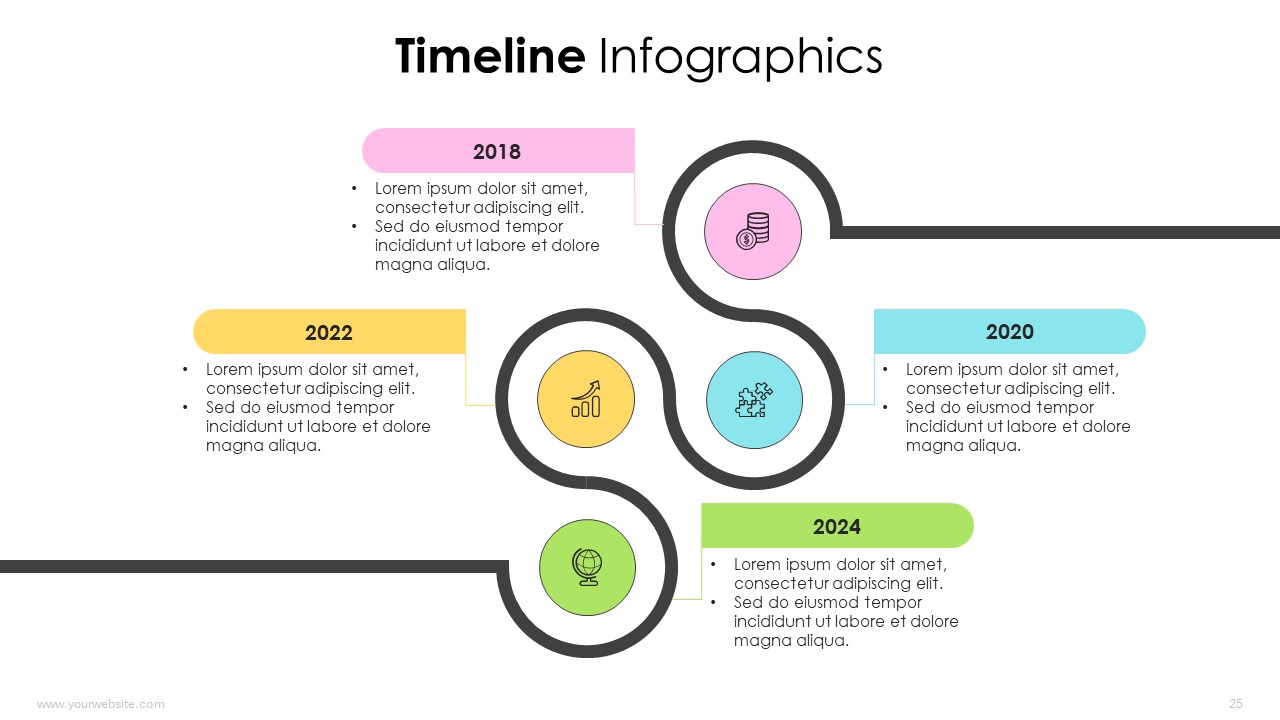
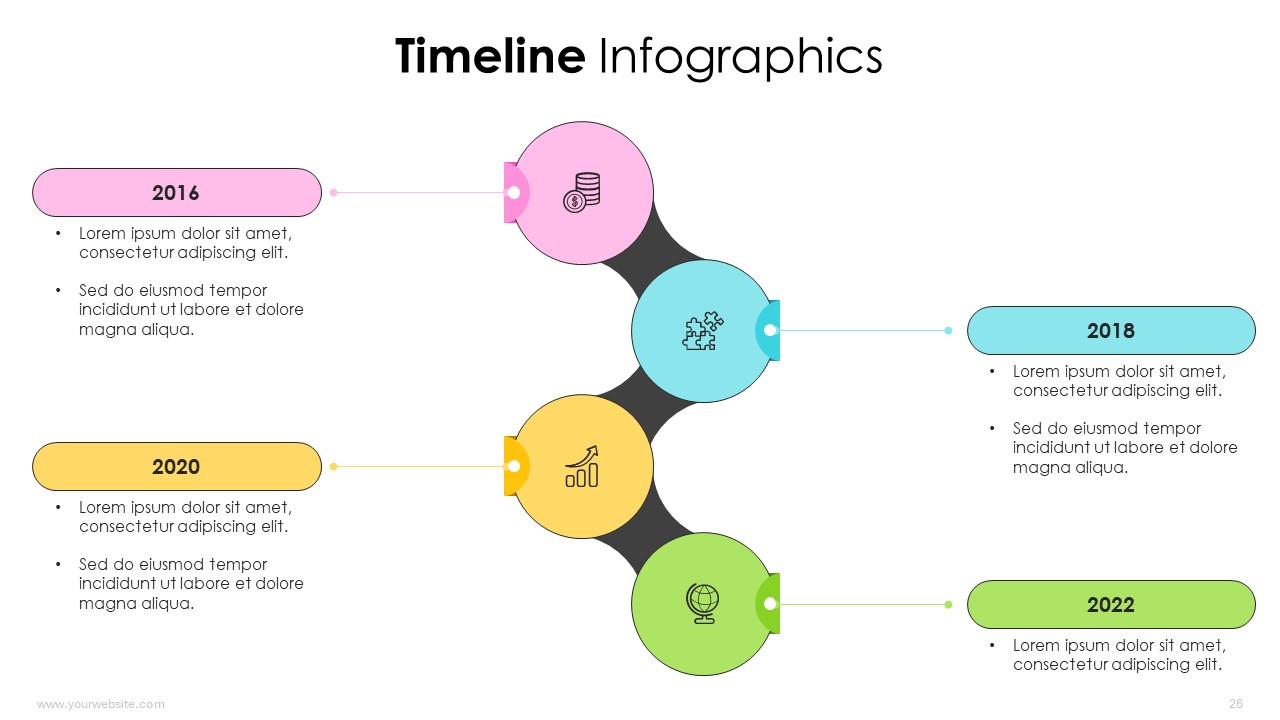
The Timeline Infographics GoogleThemes and PowerPoint Template presentation comprises 27 slides featuring pastel shades of green, red, orange, yellow, and pink. This presentation is designed to help audiences visualize chronological events, project milestones, or historical timelines in a clear and aesthetically pleasing manner. With predesigned slides that can be easily customized by replacing images, it simplifies the process of creating engaging and informative timelines. Ideal for use in business planning, educational settings, historical presentations, and project management, it serves business professionals, educators, project managers, and historians. This presentation aids in enhancing understanding and retention by providing a structured and visually appealing format for displaying sequential information.
Template Specifications
| Name: | Timeline Infographics |
| Quantity: | 27 slides |
| Ratio: | 16:9 |
| Colors : | |
| Rating: | Premium |
| Tutorials: | Click Here to View More |
SlidesBrain offers presentation features that allow you to customize every aspect of your slides. This means you can modify text, images, colors, fonts, and icons to your liking. Additionally, adjusting graphs in PowerPoint is simple, enabling you to change colors, numbers, and labels to match your preferences and create the perfect presentation.
Looking for a slide or PPT that’s uniquely yours? Our presentation design agency is here to help make your ideas a reality. As a leading presentation design company, we focus on delivering premium-grade bespoke presentations that engage your audience and ensure message retention. Kindly get in touch with us for professional custom presentation design services and transform your brand’s message for the purpose that you have in mind.
Premium Template
Unlock this template and gain unlimited access
Template Specifications
Dimensions
15 Slides, 1366 x 768 pixels – 16:9 Aspect Ratio (HD Presentation Quality)
Format
Download as a PPT to share with your recipient or generate a shareable link for online sharing.
Customizable
This template can be fully customized. You can edit content, change image(s), apply custom colors, input your own fonts and logo, and more.
Related tags
Related Presentations
No related products found.
-
agenda
Editable 365 Days Calendar 2029 Planner PPT Template and Google Slides
Rated 0 out of 5agenda | 14 slides 16:9 -
agenda
Editable 365 Days Calendar 2028 Planner PPT Template and Google Slides
Rated 0 out of 5agenda | 15 slides 16:9 -
agenda
Editable 365 Days Calendar 2027 Planner PPT Template and Google Slides
Rated 0 out of 5agenda | 11 slides 16:9 -
agenda
Editable 365 Days Calender 2026 Planner PPT Template and Google Slides
Rated 0 out of 5agenda | 13 slides 16:9 -
blue
SWOT Analysis for Business Infographics Fully Customizable PPTX and Google Slides
Rated 0 out of 5Frameworks | 17 slides 16:9 -
blue
Startup Success Pyramid Infographics Editable Presentation and Google Slides
Rated 0 out of 5Frameworks | 7 slides 16:9 -
blue
Progress Bar Infographics with Data Charts PPT and Google Slides
Rated 0 out of 5Charts | 13 slides 16:9 -
funnel
Learning Training Funnels Infographics PowerPoint Google Slides Theme
Rated 0 out of 5funnel | 6 slides 16:9
Related products
-
Cyan
Medical Checkup Health Tips and Stethoscope PowerPoint Presentation
Rated 0 out of 5Free PowerPoint Templates | 16 slides 16:9 -
brown
Jewelry Trends 2026 Cloud Dancer Pantone Color of the Year PPT
Rated 0 out of 5Free PowerPoint Templates | 23 slides 16:9 -
abstract
Ecology Environment Infographics Powerpoint Template
Rated 0 out of 5basic shapes | 17 slides 16:9 -
brown
Autumn Business Insights Strategies for Growth and Success PPT
Rated 0 out of 5Business | 22 slides 16:9
Customer Reviews
“A review from a customer who benefited from your product. Reviews can be a highly effective way of establishing credibility and increasing your company's reputation.”
Customer Name
“A review from a customer who benefited from your product. Reviews can be a highly effective way of establishing credibility and increasing your company's reputation.”
Customer Name


MS Powerpoint