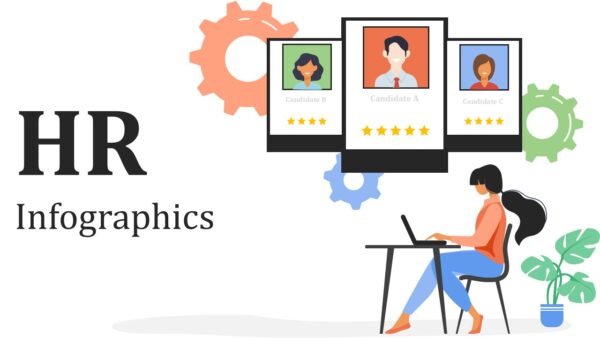
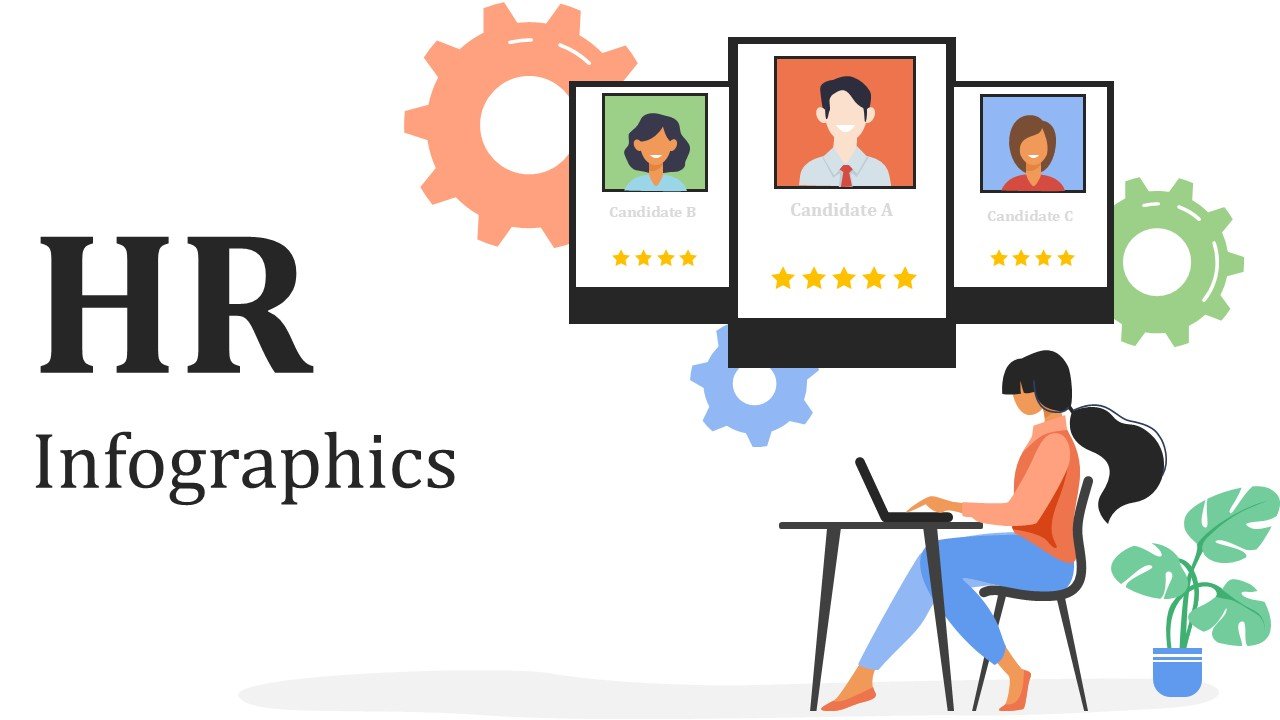
HR Infographics PPT PowerPoint and Google Slides is a modern, professionally designed presentation template created for human resources teams, HR managers, recruiters, business leaders, consultants, trainers, and organizational development professionals It has 15 unique infographic slides that use a vibrant Orange, Blue, and Green color palette and offer multiple ways to tell your story with clean designs, lots of white space, and high-quality graphics.
By simplifying HR concepts and complex workforce data, this flexible presentation can be used to communicate data and concepts related to employee engagement, recruitment, talent management, workforce planning, performance management, the employee lifecycle, training, retention, and organizational development.
HR Infographics PPT PowerPoint and Google Slides template uses high quality illustrations as well as editable vector graphics, and provides easy, professional templates for HR analytics presentations, employee reports, recruitment briefs, and management presentations. This 100% editable PowerPoint and Google Slides template provides a polished visual Presentation.
Template Features:
-
- 15 Premium Infographic Slides: Includes 15 HR focused designs to help structure recruitment, employee lifecycle, workforce metrics, performance, engagement, training, retention, and HR Strategy.
- Orange, Blue & Green Color Palette: A unique color palette that conveys professionalism and approachability in an HR context.
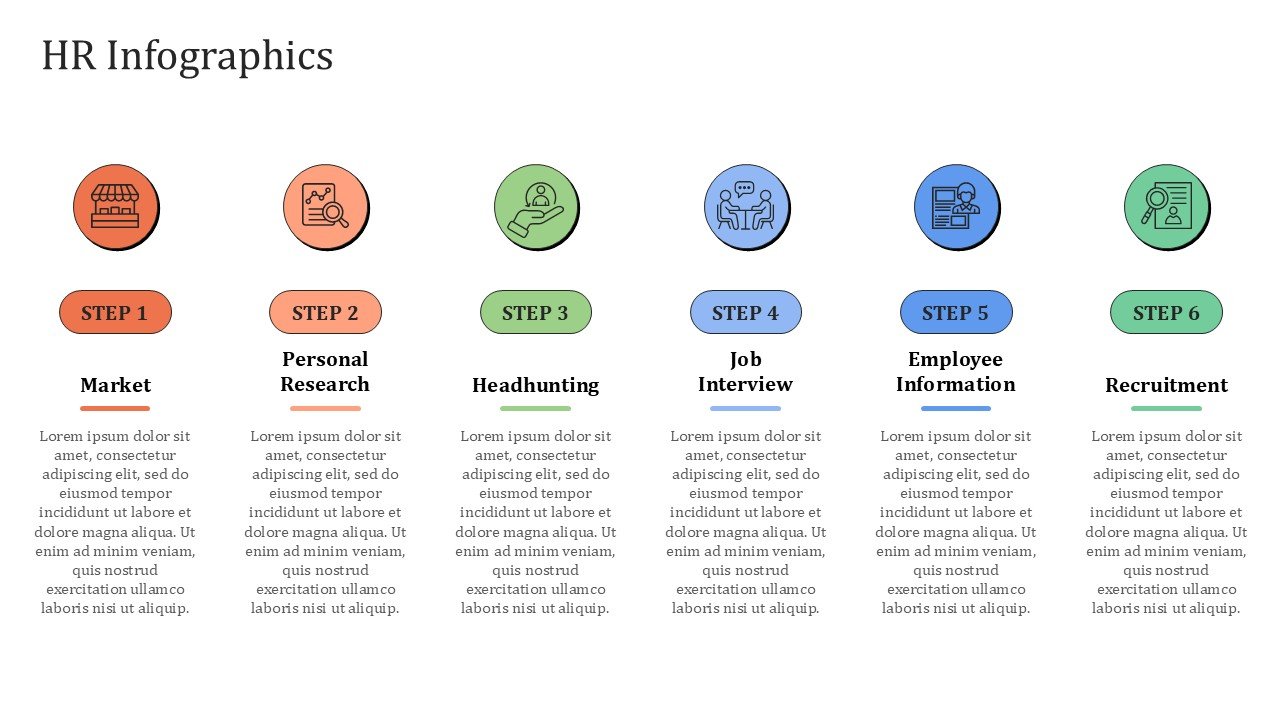
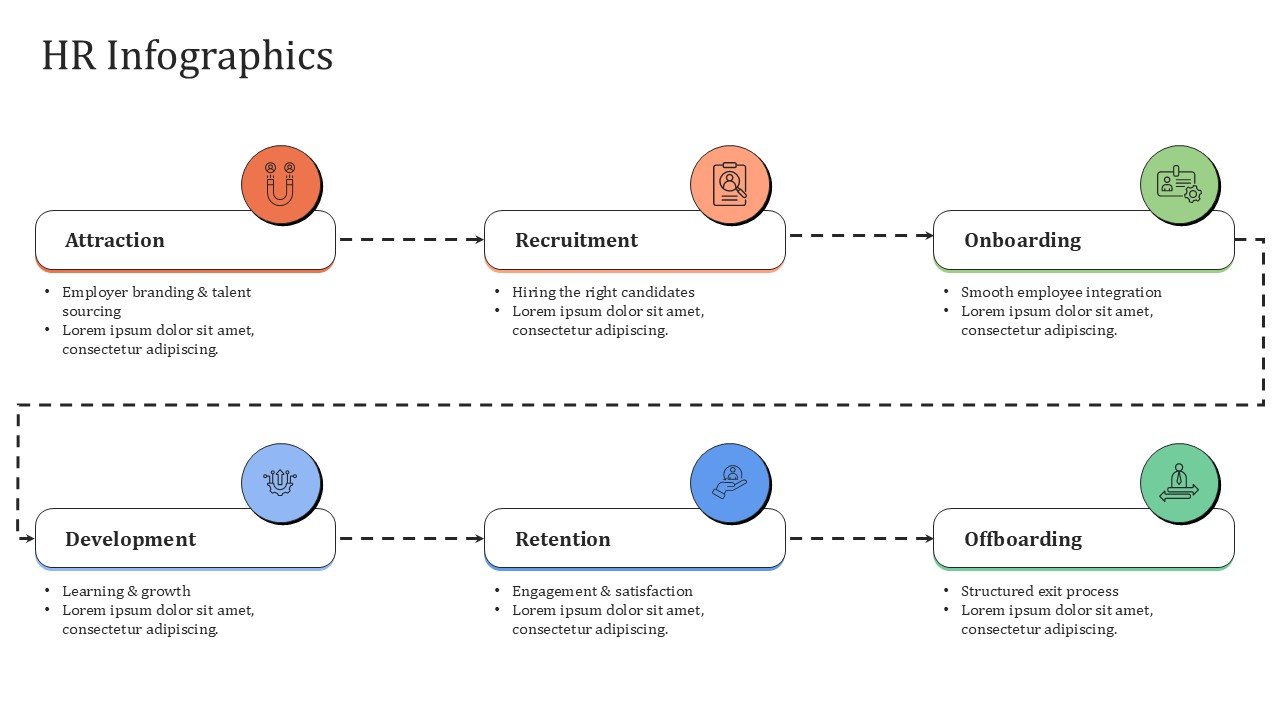
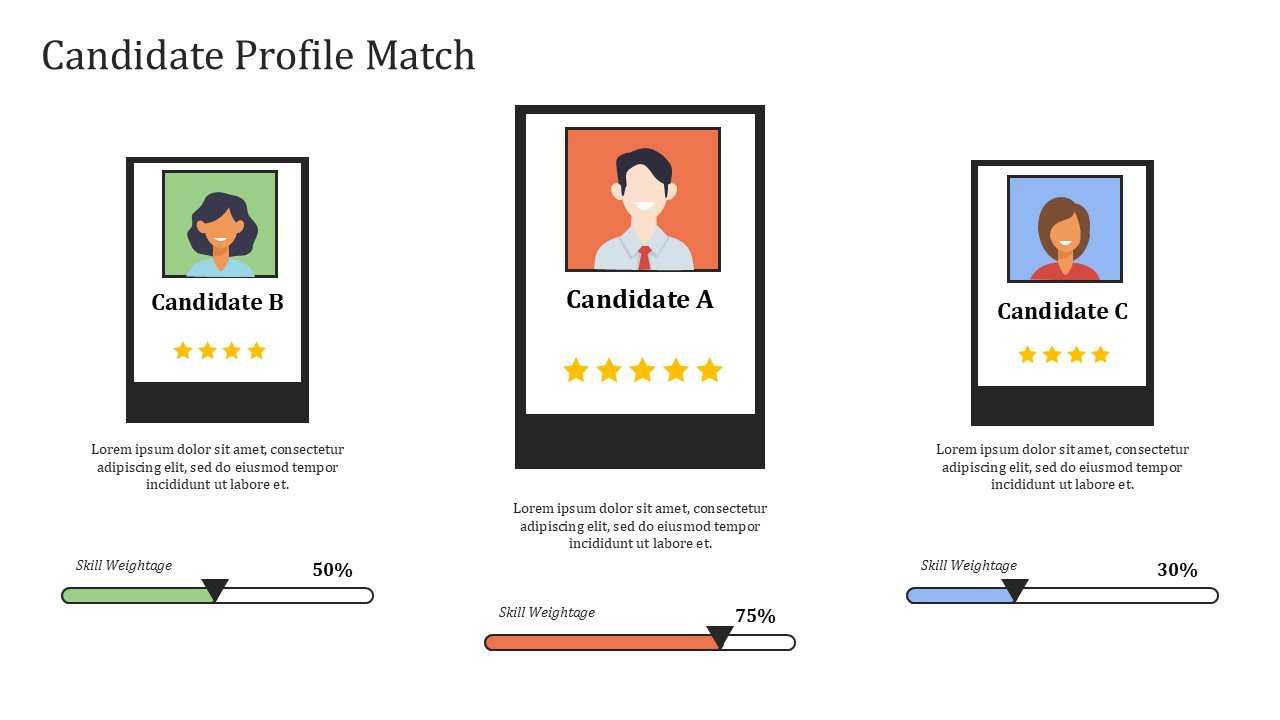
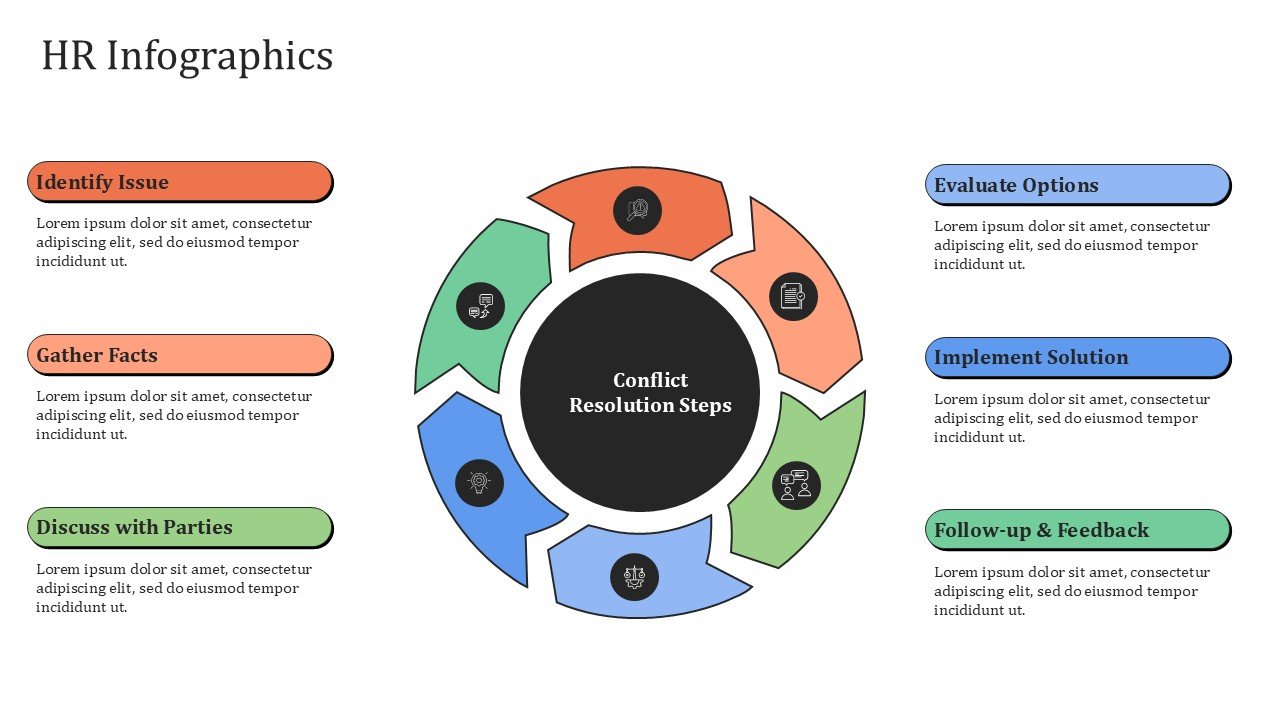
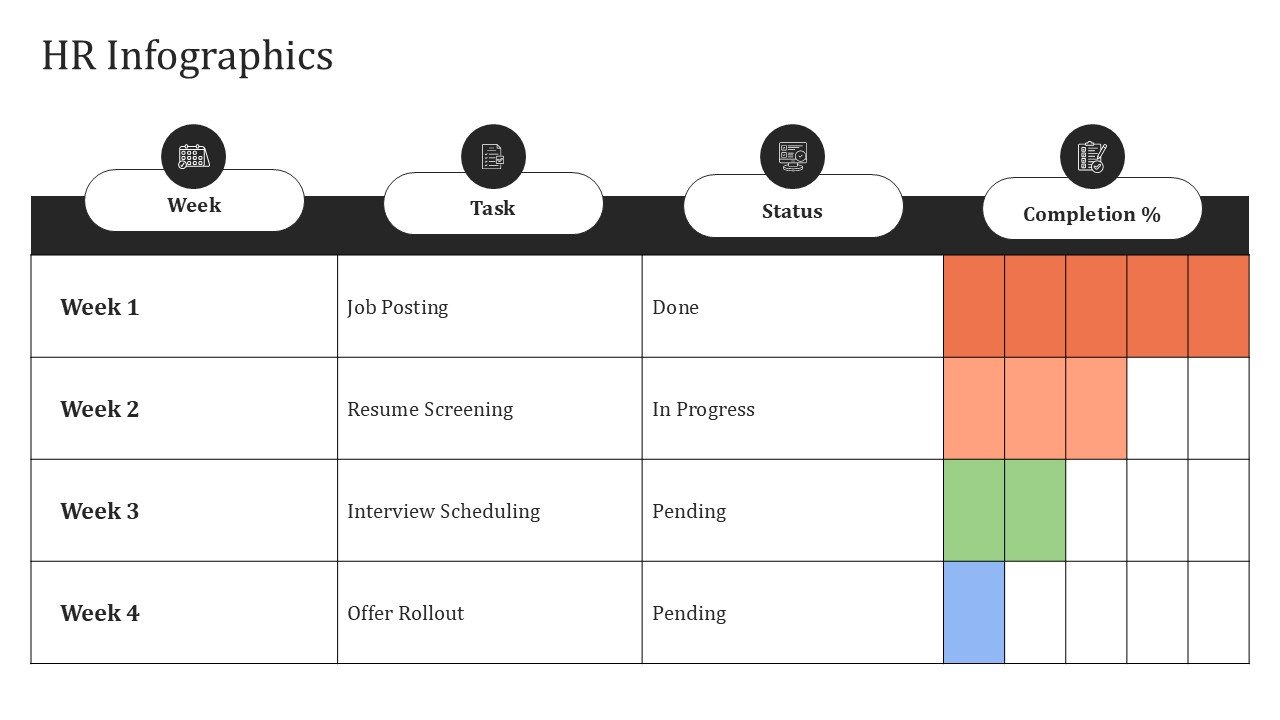
- Modern Infographic Design: HR concepts expressed via a wide array of visual cards, structured layouts, timelines, processes, charts, and organization design.
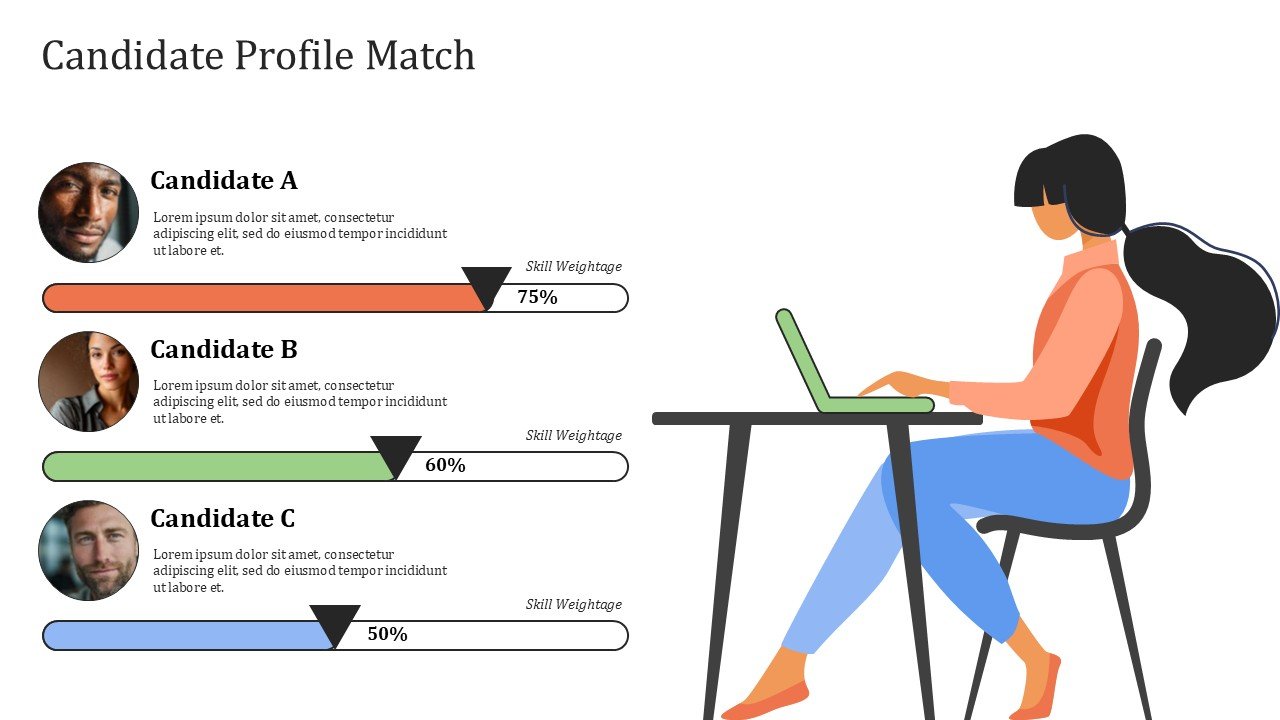
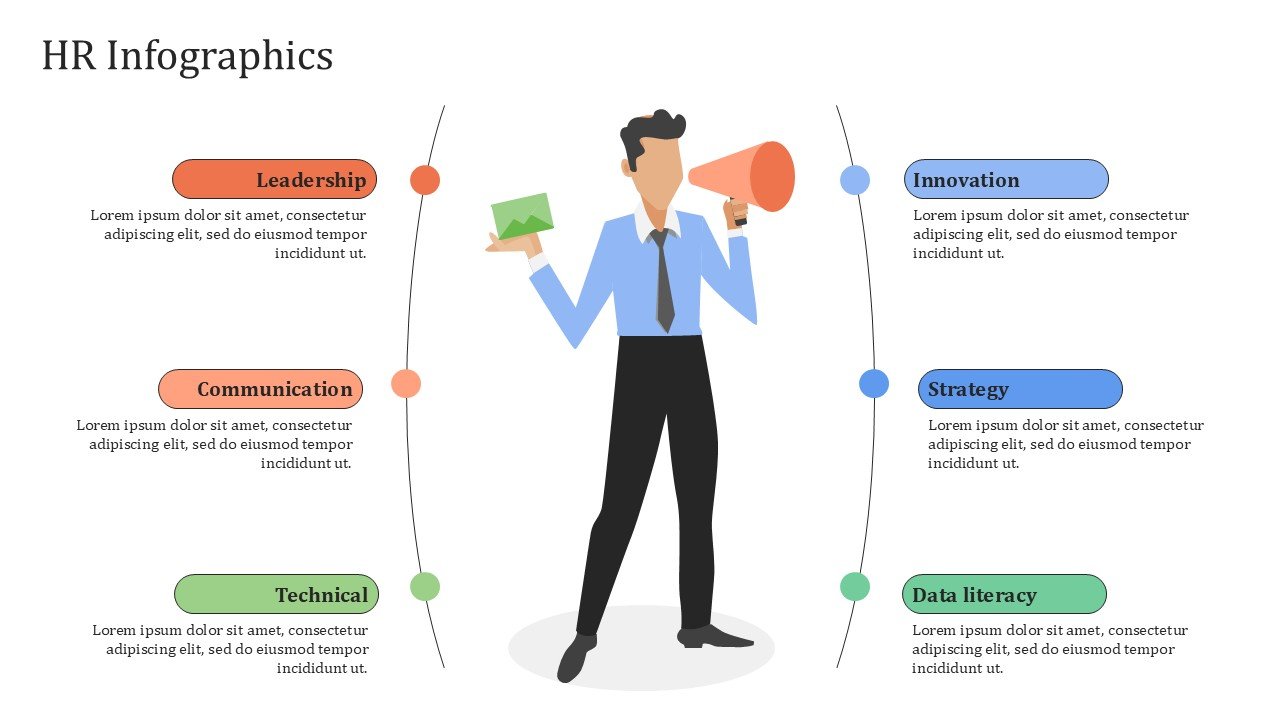
- Editable Vector Graphics: Several slides include ready to use design elements that include graphics as well as vector illustrations and icons.
- Fully-Editable Templates: Directly edit text, colors, images, chart data, diagrams, and elements in PowerPoint or Google Slides after downloading the template.
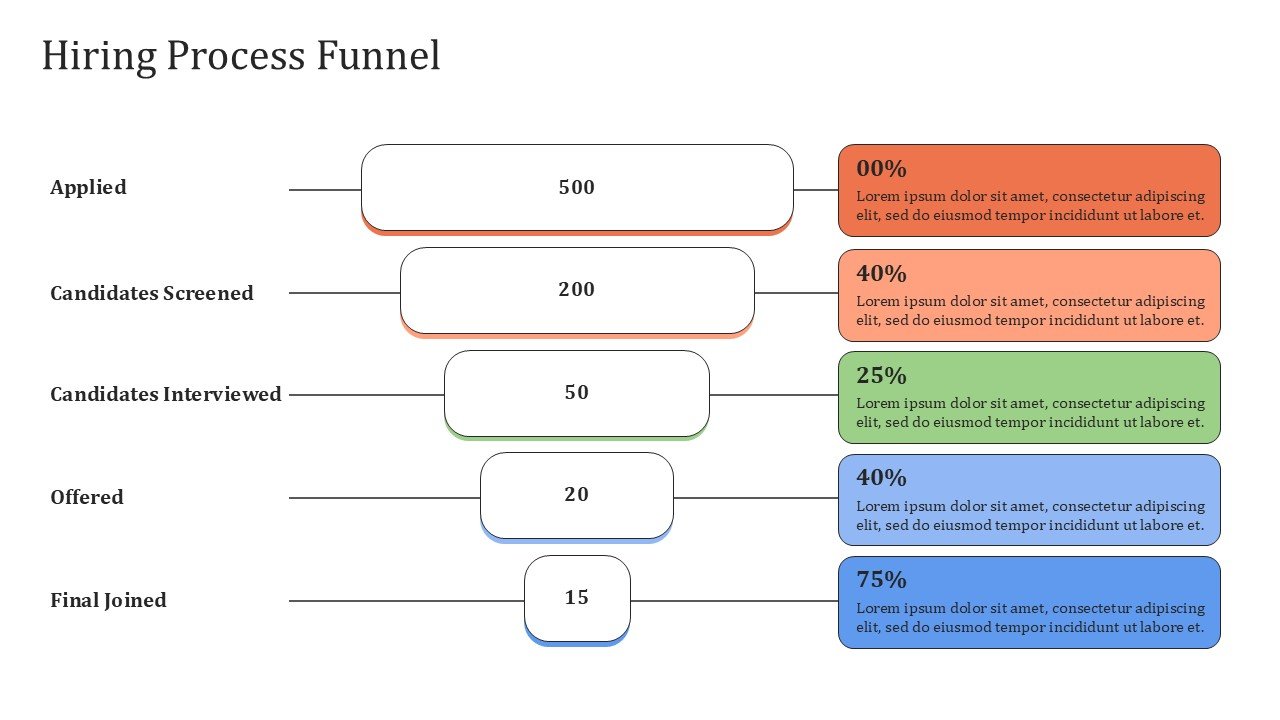
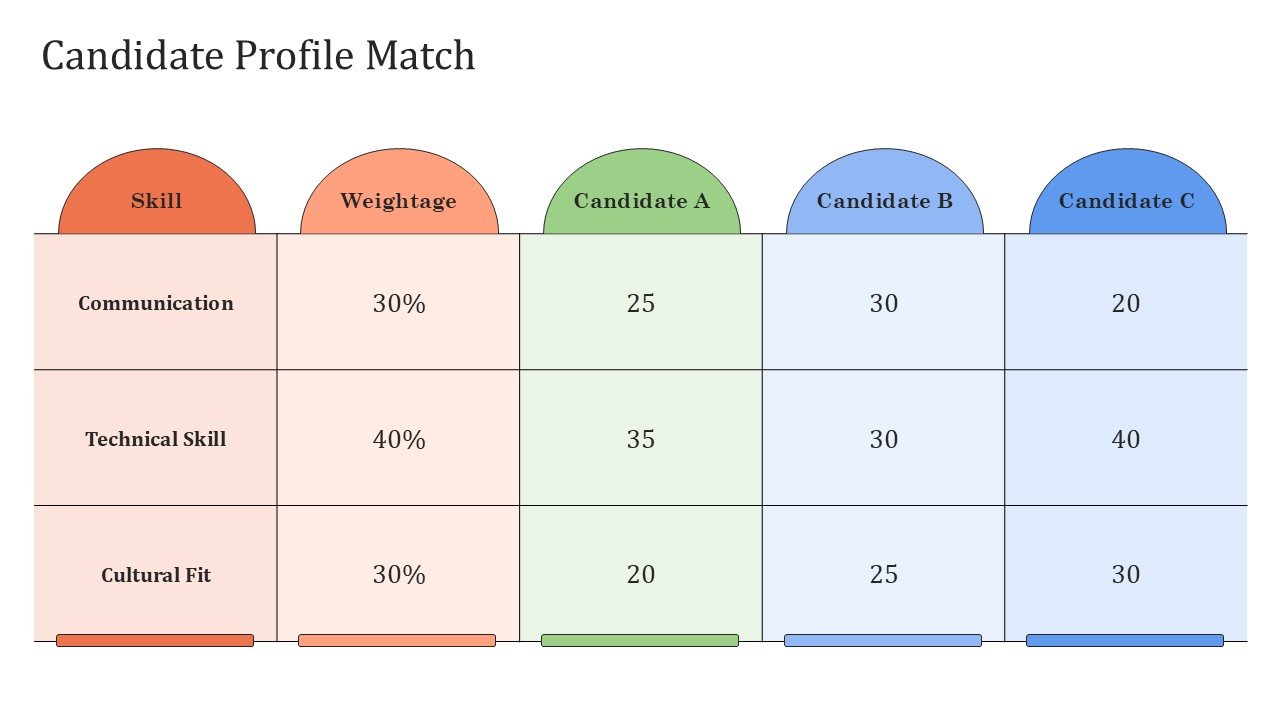
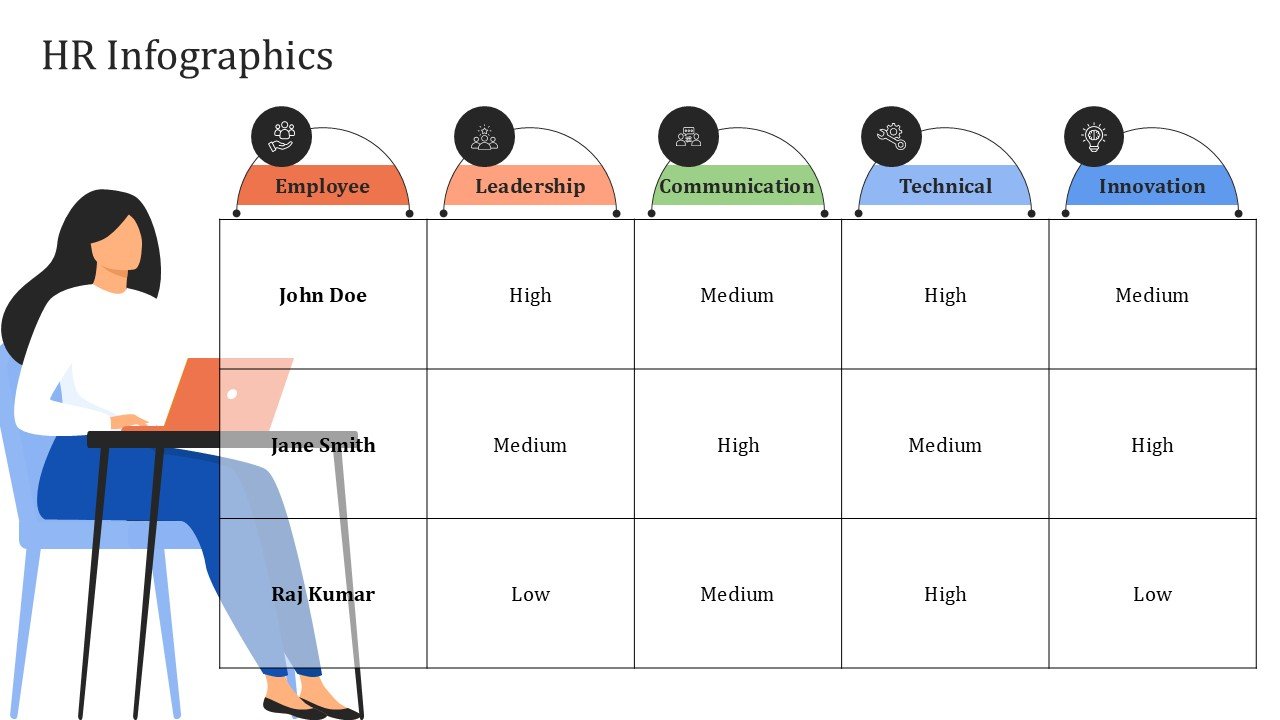
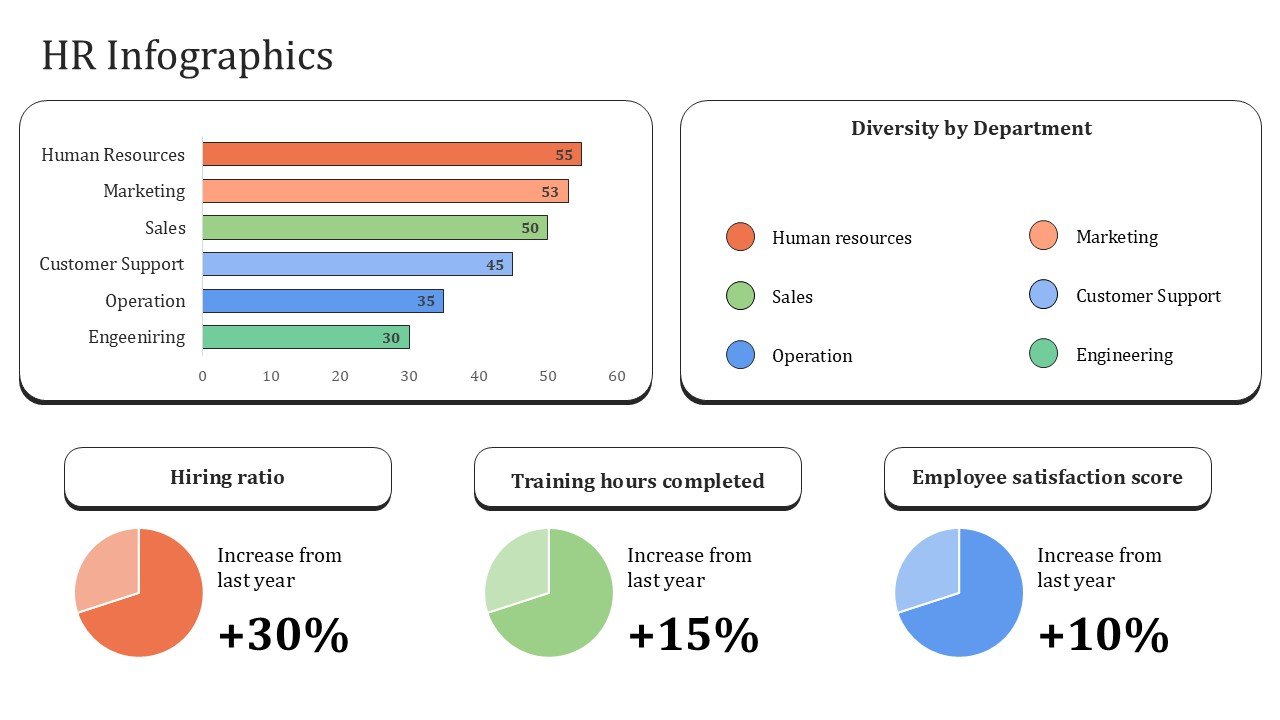
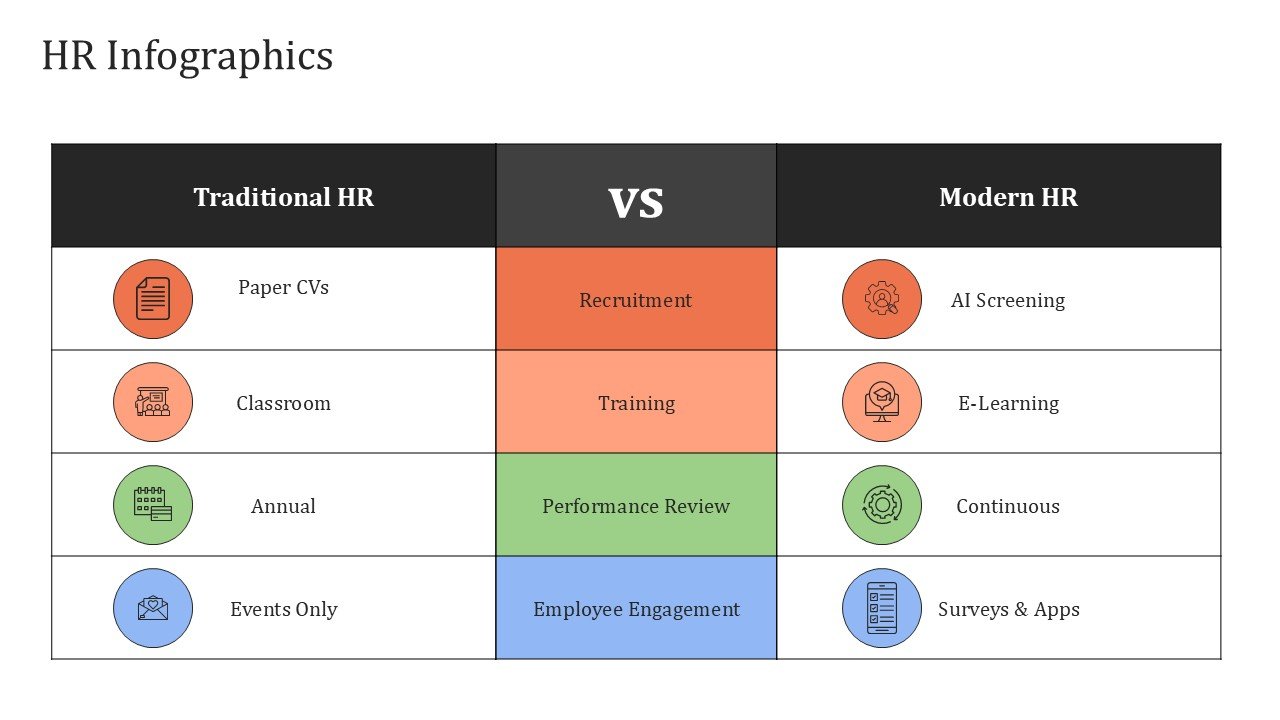
- Data-Driven HR Visuals: Includes dashboards, visuals for HR KPIs, process charts, HR frameworks, employee journey visuals, comparison charts, percentage visuals, timelines, and employee flow diagrams.
- 16:9 Widescreen Aspect Ratio: Templates designed specifically for HR presentations, workshops, training, and employee reports.
- PowerPoint & Google Slides Compatible: Allows for easy presentation customization across both platforms.
Perfect For:
-
- HR Directors and Managers: Presenting workforce and Human Resource performance, HR strategies, and employee engagement to the higher management.
- Talent Acquisition and Recruitment: Includes talent visualization and recruitment process as well as hiring funnel and talent strategies.
- Learning and Development: Sharing employee training vector visuals for skills development and onboarding and career growth.
- The People and Culture Team: Includes employee engagement, workplace culture and satisfaction, and employee experiences.
- Business Consulting: HR strategy and workforce reporting, assessments, and presentations for HR workshops.
- Corporate Trainers: HR management, employee process, and policy visualization.
- Business and HR Managers: Employee performance metrics and talent management.
FAQ’s
Is this HR infographic presentation fully editable?
Yes. The editable PowerPoint and Google Slides versions allow you to change or customize text, colors, charts, diagrams, icons, shapes, and change vector elements as needed.
Do template graphics contain vectors?
Graphics can be referred to as ‘vectors.’ As pointed out in the presentation, several graphics that are infographics, illustrations, etc., contain elements that can enhance your story to cover HR concepts. These can be edited and presented in the template.
Can I change the Orange, Blue, and Green color palette?
Yes. The color scheme is fully customizable. You can replace the orange, blue, and green accents with your organization’s corporate colors while maintaining the overall infographic structure.
What HR topics can I present using this template?
You can easily present a variety of HR topics using this template, including recruiting, employee onboarding, workforce planning, employee engagement, talent, performance and training management, employee retention and satisfaction, employee experience, etc.
Is this template adequate for HR data and KPI presentations?
Yes. The template has editable KPI cards, charts, percentage layouts, comparison layouts, diagrams, and other layouts to showcase progress and process for HR metrics.
Can I use this template for employee training and workshops?
Yes. This template has a modern design and can be used for for HR training, employee workshops, onboarding sessions, leadership development, corporate learning, and internal communication.
Can I use the HR infographic deck in Google Slides?
Yes. Import the .pptx file into Google Slides and customize the compatible text, shapes, icons, charts, colors, and vector-based presentation elements directly within Google Slides.



 MS Powerpoint
 Google Slides