Resourcing Model Infographics Editable PPT PowerPoint and Google Slides is a visually engaging presentation template created to assist organizations in communicating the planning, allocation, structuring, and management of their workforce as well as their staffing and capacity strategies. This template contains 12 unique infographic slides and features a bold palette of Blue, Green, Red, Yellow, and Brown hues that contrast beautifully against clean and modern layouts while highlighting effective visual frameworks.
Resourcing Model Infographics Editable PPT PowerPoint and Google Slides is designed for the project manager, HR professional, business leader, consultant, operations manager, and resource planner, and contains ample, reusable visuals for communication surrounding the planning of resources, staffing, role distribution, workforce capacity, and requirements.
Resourcing Model Infographics Editable PPT PowerPoint and Google Slides deck contains editable slide components to quickly transform complex resourcing information into simple and professional graphical information. Each slide deck is customizable in PowerPoint and Google Slides.
Template Features:
- 12 Premium Infographic Slides: This template includes 12 Infographic Slides in a variety of resourcing focused layouts covering workforce planning, capacity, allocation, staffing, utilization, team structures and resource requirements.
- Blue, Green, Red, Yellow & Brown Palette: A multi-color scheme that helps separate resource categories, roles, priorities, and planning stages.
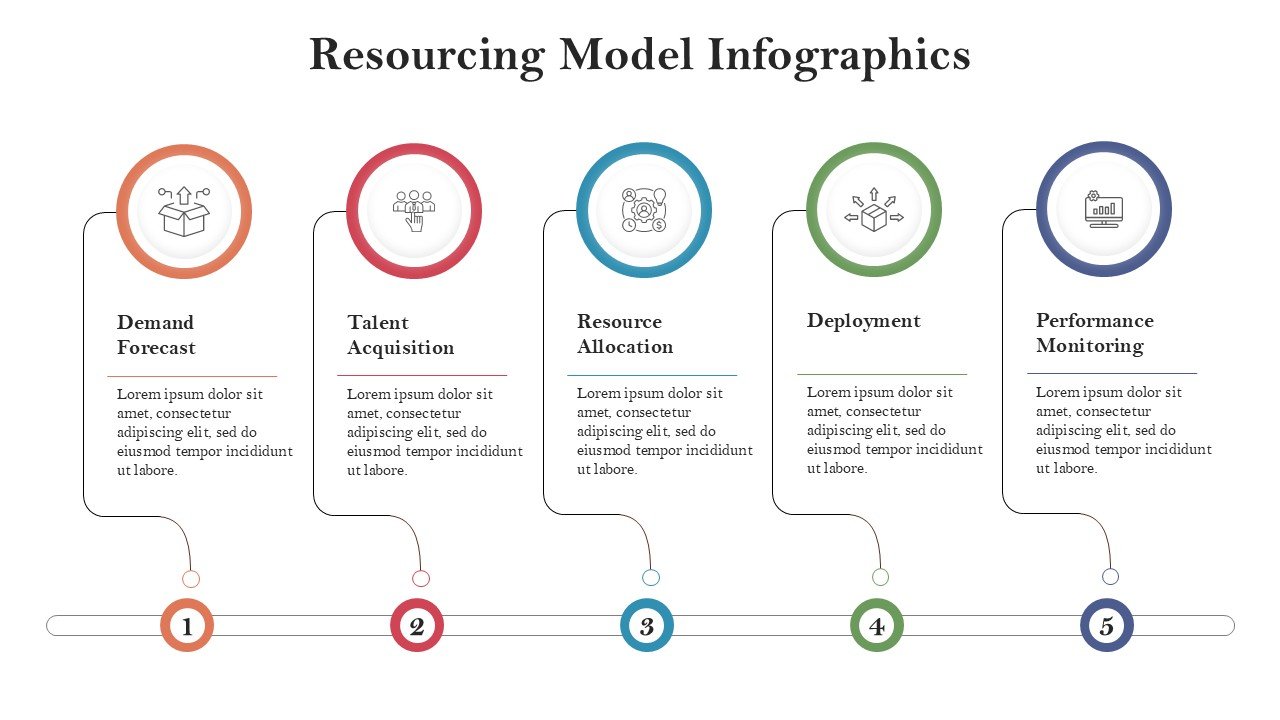
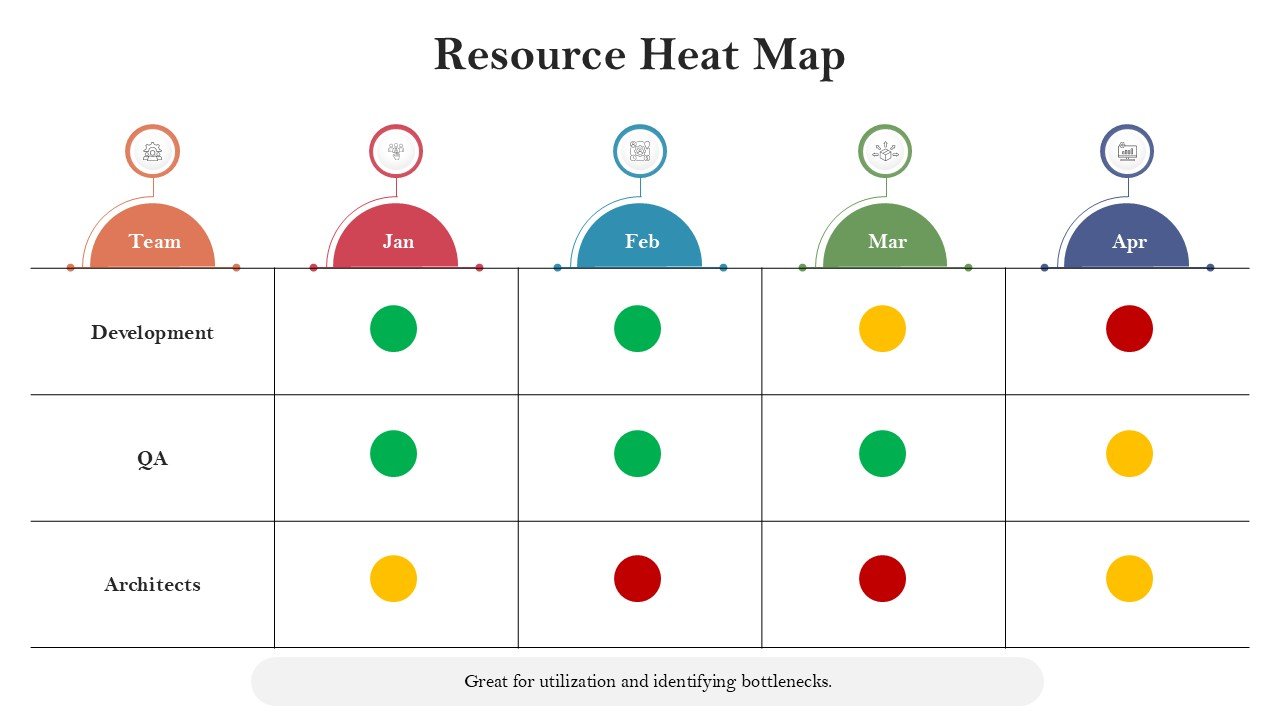
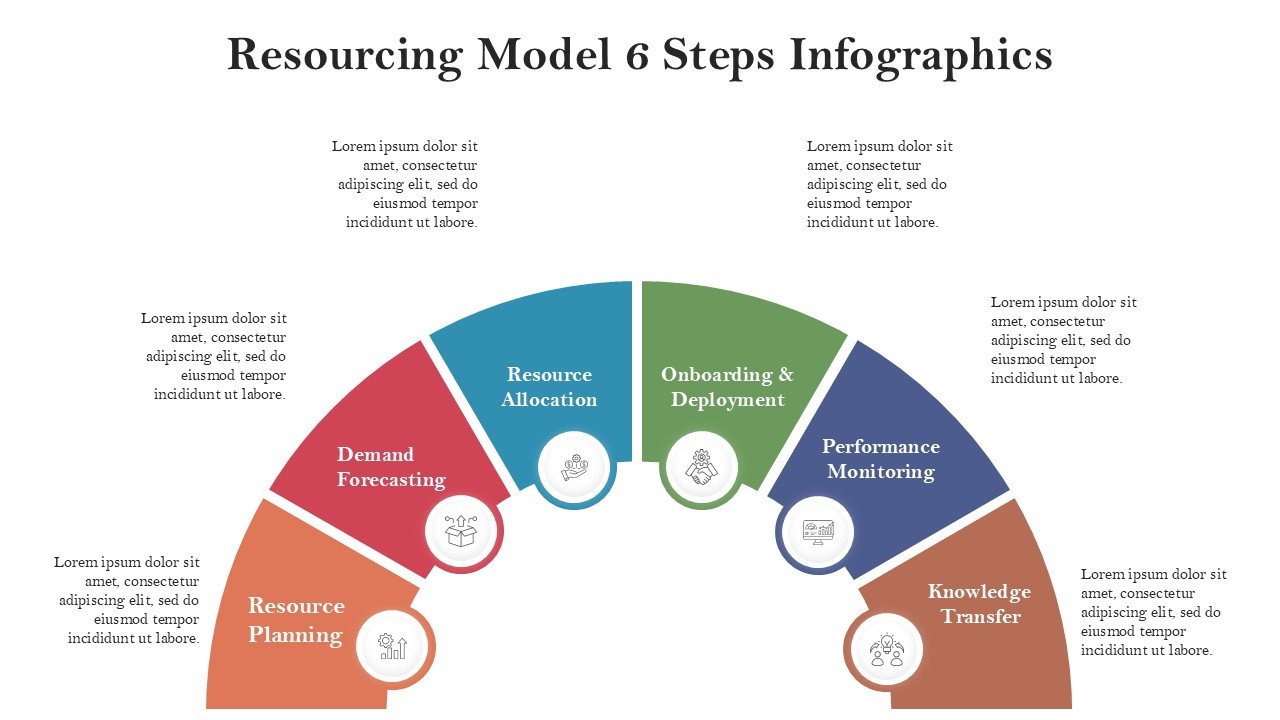
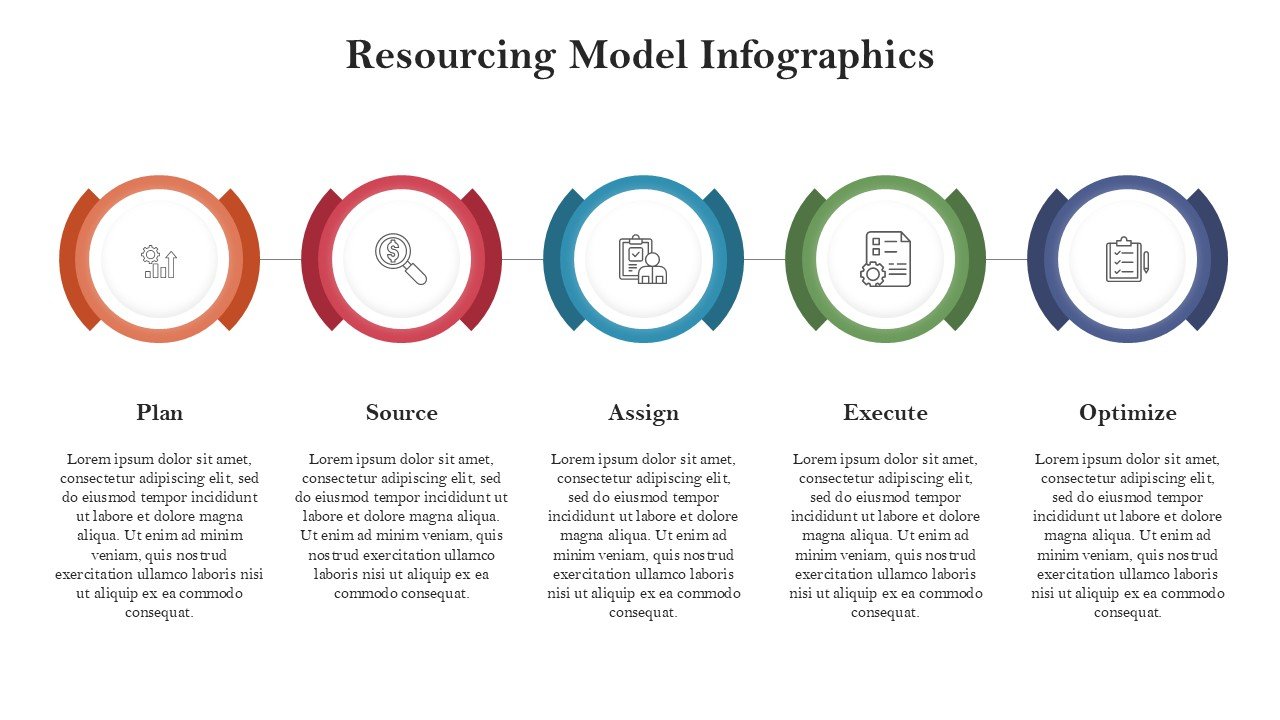
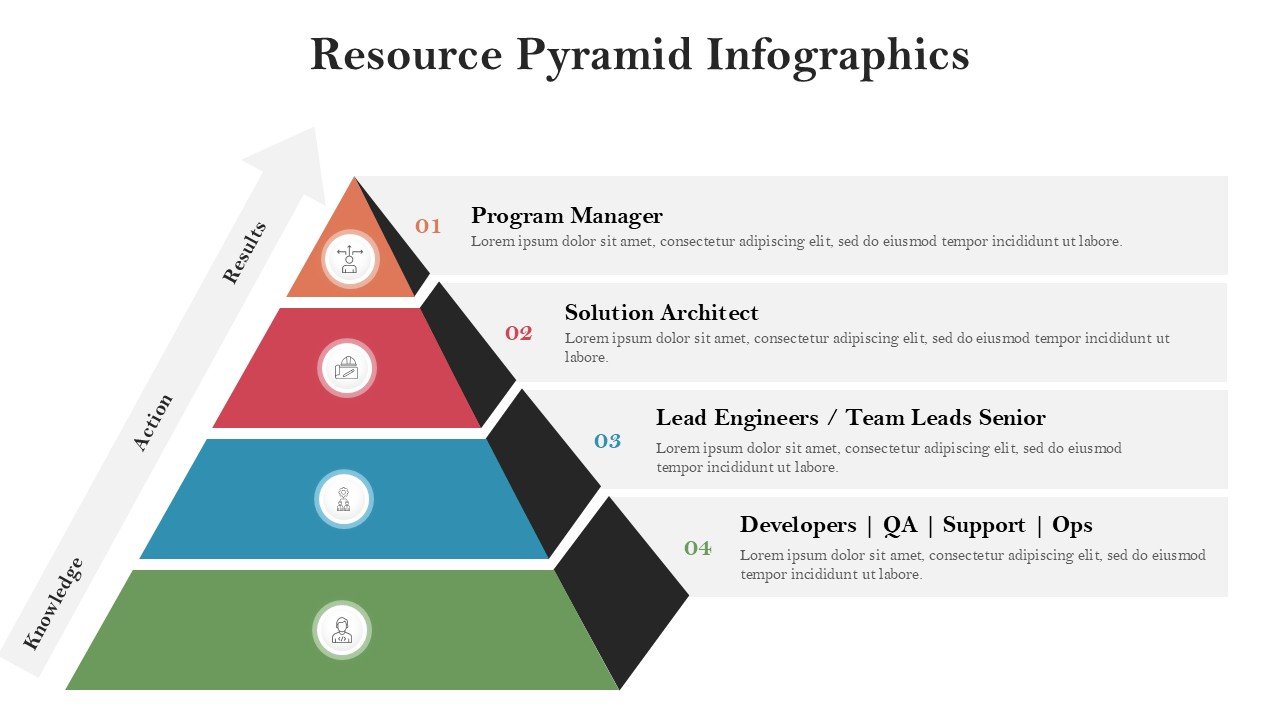
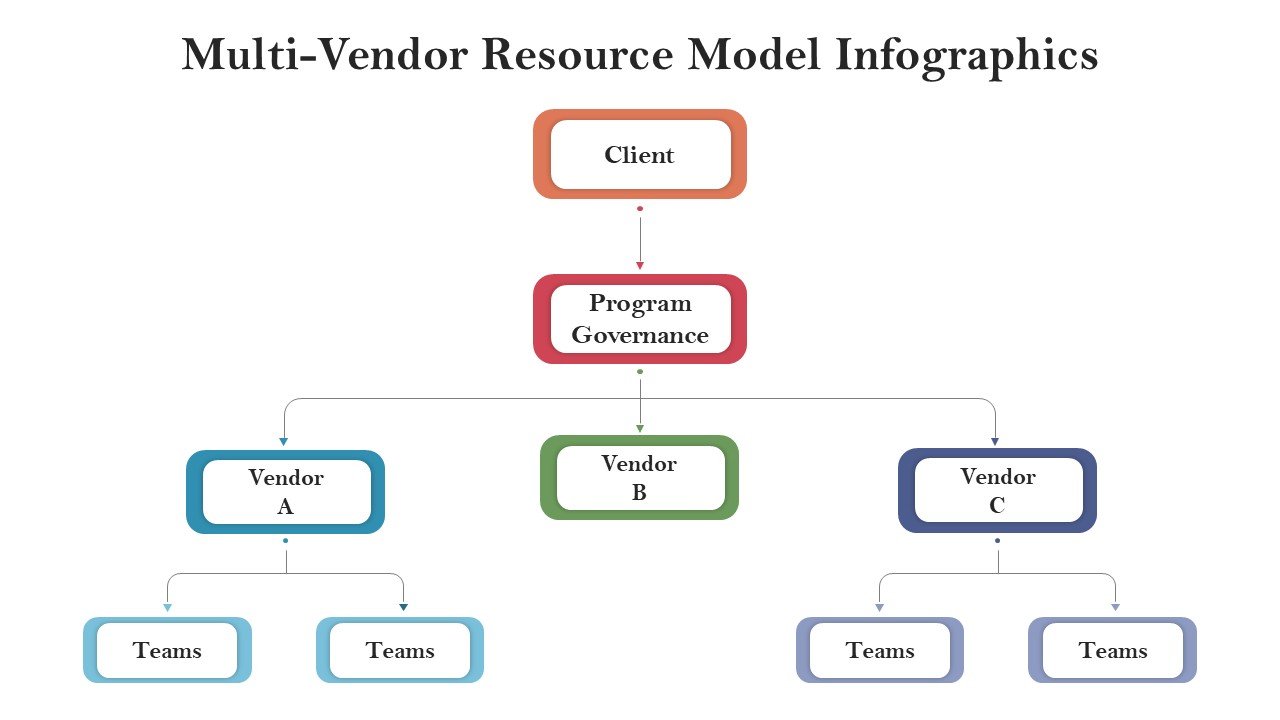
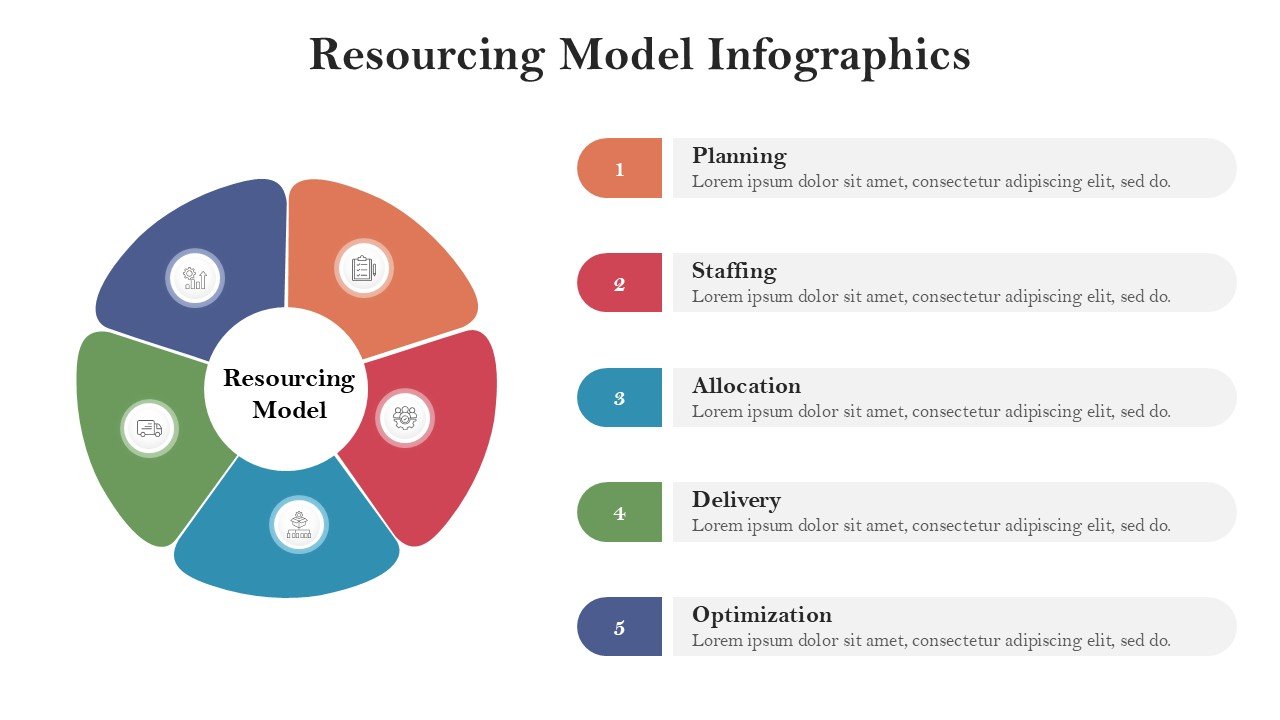
- Resource Planning Visuals: Includes editable resource allocation diagrams, workforce models, capacity charts, team structures, utilization visuals, and planning frameworks.
- 100% Fully Editable: Customize text, colors, icons, charts, shapes, diagrams, and infographic components directly in PowerPoint or Google Slides.
- Flexible Business Applications: Alter layouts for workforce planning, project staffing, consulting, operations, HR strategy, capacity planning, and organizational management.
- 16:9 Widescreen Format: Designed for executive meetings, project reviews, workshops, consulting presentations, business reports, and virtual presentations.
- PowerPoint & Google Slides Compatible: Slides can easily be edited, duplicated, rearranged, and fully customized.
Perfect For:
-
- Project Managers: Project staffing, staff assignment, resource capacity tracking, and communication of resource needs.
- HR & Workforce Planning Teams: Staffing model presentation, workforce capacity, role distribution, talent needs, and organizational resource planning.
- Operations Managers: Resource and operational capacity assessments and workplace resource prioritization.
- Business Consultants: Resource strategy, operational assessments, staffing recommendations, and client reports.
- PMO & Portfolio Teams: Assessments of resource demands across various projects, resource capacity assessments, and prioritization of resource allocation.
- Business Leaders & Executives: Conveying workforce strategy, resource allocation assessments, and organizational capacity and resource allocation assessments.
- Team Leaders & Department Managers: Visually conveying team resource allocation assessments and capacity
FAQ’s
Is this Resourcing Model infographic template fully editable?
Yes. All 12 slides are fully editable in PowerPoint and Google Slides. You can fully customize text, colors, icons, charts, and other visual elements.
What can I use the Resourcing Model presentation for?
The template can be adapted for workforce planning, project staffing, resource allocation, capacity planning, team structures, utilization assessments, hiring plans, resource forecasting, and organizational planning.
Can I change the Blue, Green, Red, Yellow, and Brown color palette?
The colors can be customized in the template. This allows you to use your organization’s corporate colors across the infographic while preserving template structure.
Does the template include resource allocation visuals?
Yes, these graphics can be found in the presentation. The graphics can be used to organize, manage, and prioritize resources. These graphics can also be used to plan capacity and staff, distribute work and teams, and manage and allocate resources to varying levels of work; each slide has editable graphics to help organize your content.
Can I use this template for project management?
Yes, this template can help to develop a staffing plan for a project and/ or to develop a presentation for a PMO regarding the staffing of a project, etc.
Can the slides be used for HR and workforce strategy?
Yes, a variety of the graphics can be edited to assist in the planning of workforce capacity and to assist in developing talent management strategies and recruitment, etc. in addition they can assist in developing graphics regarding streams of a workforce and planning the development of required skills.
Can I use the template in Google Slides?
Yes. Import the .pptx file into Google Slides and customize the compatible text, shapes, charts, icons, colors, and infographic elements directly within Google Slides.



 MS Powerpoint
 Google Slides