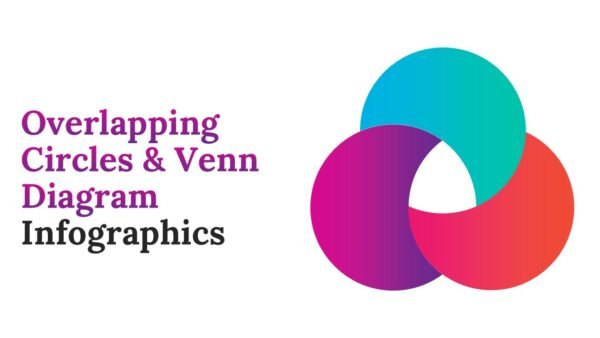
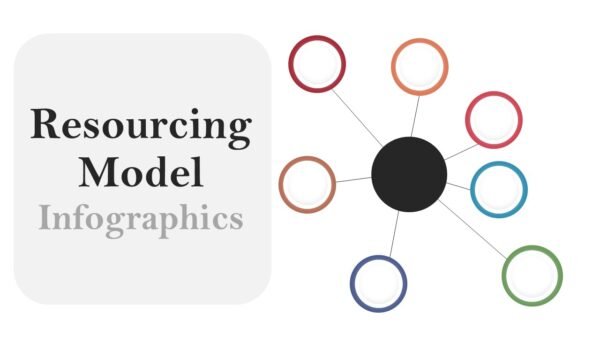
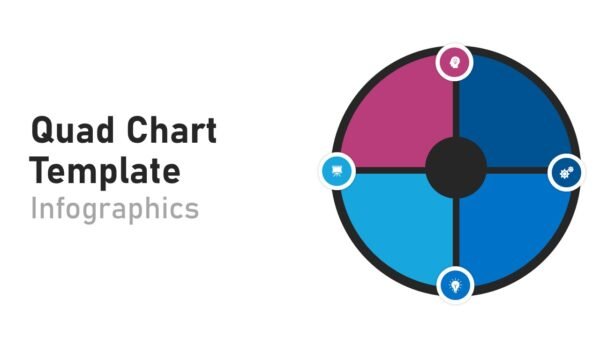
Asking Questions Infographics PowerPoint Infographics and Google Slides is a template designed to help break down how to ask good questions through visuals and design. This template includes 13 infographic slides. This template also includes a variety of colors and layouts that help engage the audience with the survey content.
This template would help a variety of professions including business professionals, trainers, teachers, and consultants. This template provides the visual framework needed to describe how different questions relate to one another and how to scaffold a conversation. This framework is helpful for outlining various questioning techniques and tasks for problem solving, research, feedback, and decisions.
Asking Questions Infographics PowerPoint Infographics and Google Slides is a time saver as it translates complex concepts of survey and questioning techniques needing little instruction on how to use the template. It helps turn survey concepts into clear, memorable, visually stunning infographics, and can be used for business or classroom activities.
Template Features:
-
- 13 Premium Infographic Slides: These slides include various layout options to help build visuals for processes related to the flow of idea exploration or feedback, discovery, and decision-making.
- Blue, Purple, Cyan, Red & Yellow Palette: Colors are used to help differentiate and distinguish the various elements featured throughout the template.
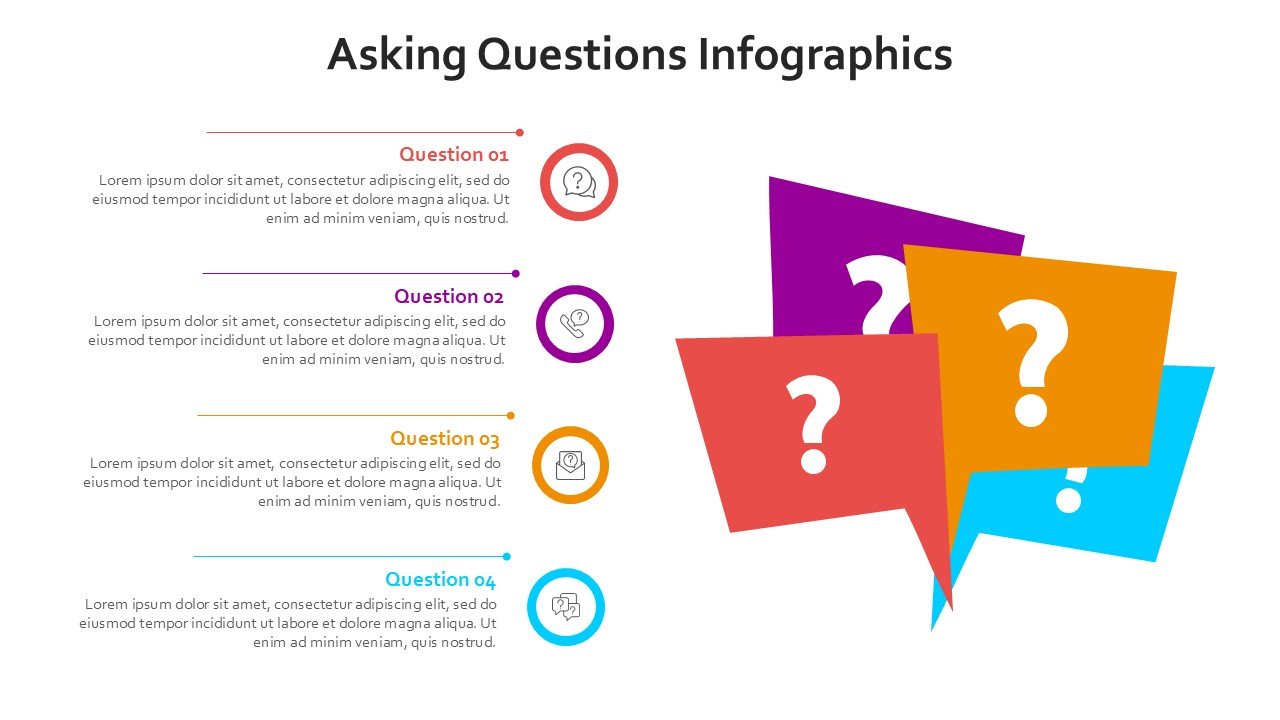
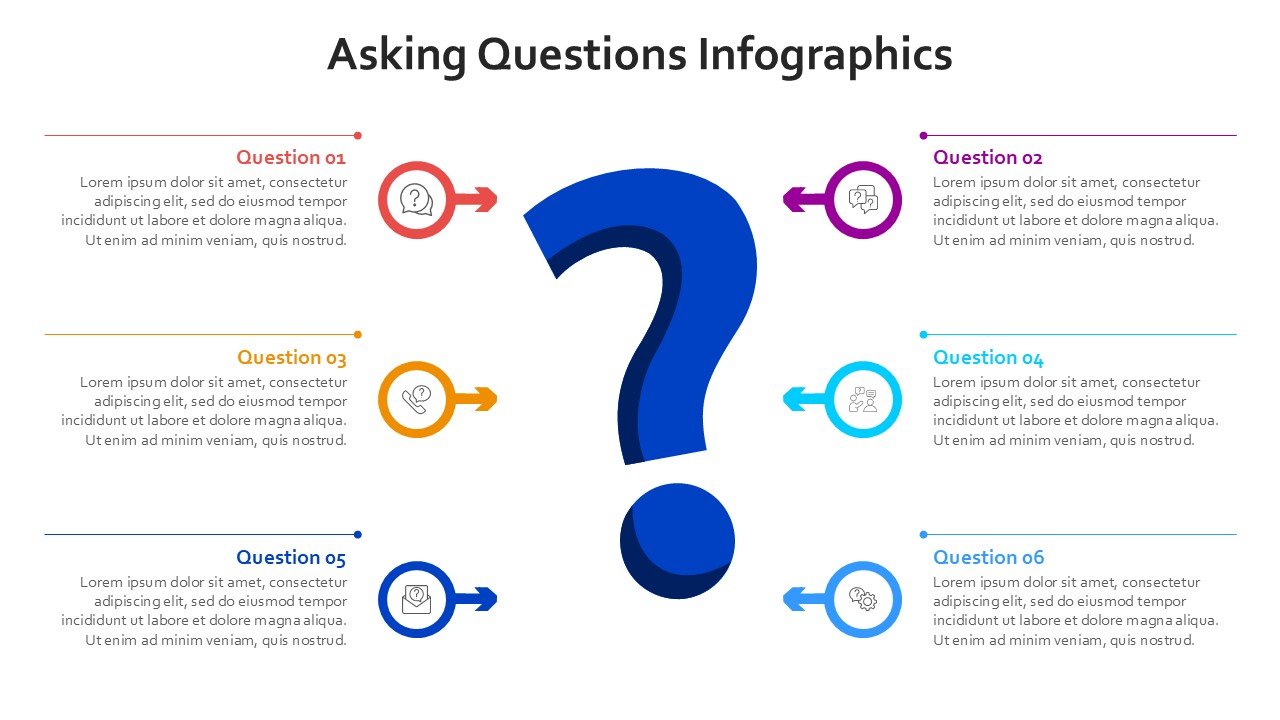
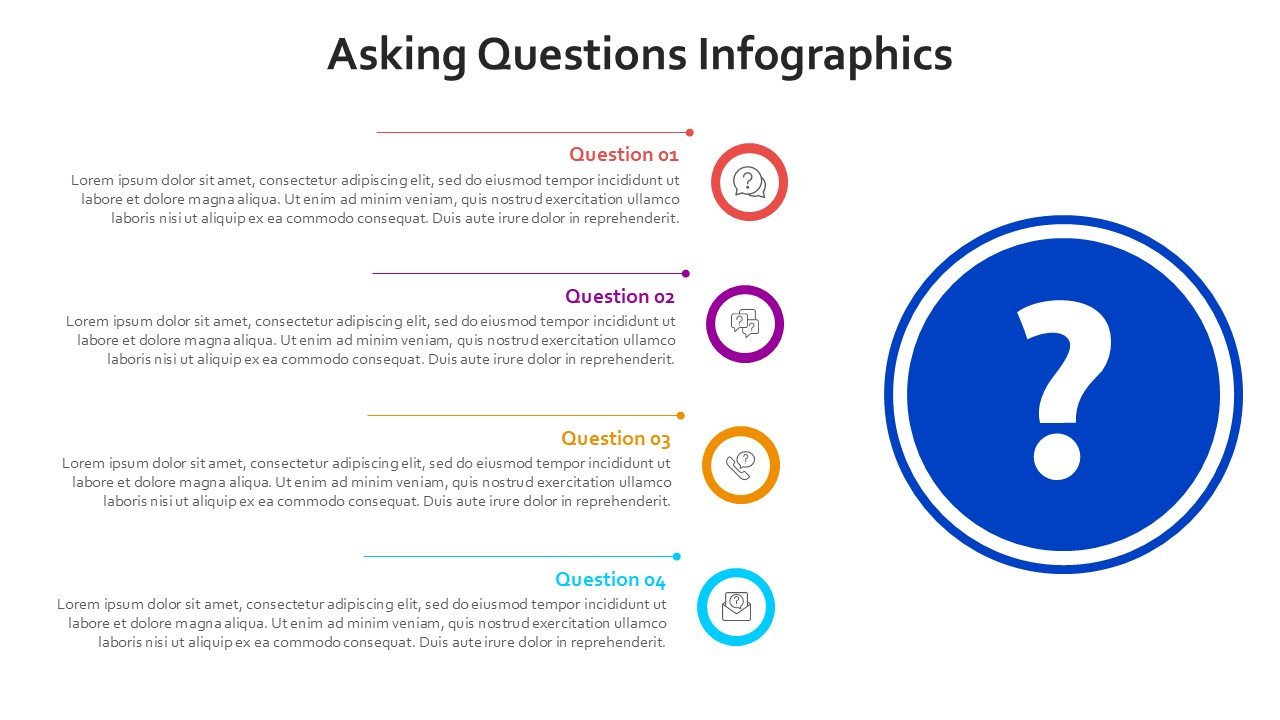
- Modern Infographic Design: Clean geometric elements, colorful data cards, connected diagrams, timelines, flowcharts, and visual frameworks create an engaging presentation experience.
- 100% Fully Editable: Customize text, colors, icons, shapes, diagrams, and infographic elements directly in PowerPoint or Google Slides.
- Communication-Focused Visuals: Includes question funnels, circular frameworks, comparison diagrams, step-by-step processes, categorized question cards, and multiple infographics.
- 16:9 Widescreen Format: Optimized for classrooms, workshops, training sessions, webinars, business meetings, and professional presentations.
- PowerPoint & Google Slides Compatible: Easily edit, rearrange, and customize the presentation across both platforms.
Perfect For:
-
- Teachers & Educators: Explaining questioning techniques, critical thinking, classroom discussions, and inquiry-based learning.
- Corporate Trainers: Teaching employees how to ask better questions, gather information, and solve problems. Communicate better with colleagues by improving information gathering through more effective questioning techniques.
- Business Consultants: Present discovery frameworks, stakeholder interviews, and questioning techniques coupled with problem analysis.
- Coaches & Facilitators: Guiding workshops, conversations, brainstorming, and reflection.
- Sales & Marketing Teams: Customer discovery, needs analysis, interview frameworks, and questioning techniques for sales conversations.
- HR & Management Professionals: Employee feedback, interviews, team discussions, and improved communication.
- Students & Researchers: Research questions, inquiry processes, interview frameworks, and information gathering
FAQ’s
Is this Asking Questions infographic template fully editable?
Yes. All 13 slides are fully editable in PowerPoint and Google Slides. You can customize the text, colors, icons, shapes, diagrams, and infographic elements to your presentation liking.
What types of questioning concepts can I present?
The template can be adapted for open-ended and closed-ended questions, probing questions, clarification questions, strategic questions, discovery questions, reflective questions, interview questions, and problem-solving frameworks.
Can I change the Blue, Purple, Cyan, Red, and Yellow colors?
Yes. You can change all the visual components and replace the current color palette with your own brand or presentation theme.
Is this template suitable for education and training?
Yes. It is particularly effective when designing learning modules for classroom instruction, employee training, workshops, communication courses, coaching sessions, and interactive learning presentations.
Does the presentation include editable infographic diagrams?
Yes. The deck has materials for the construction of multiple types of visual aids such as circle diagrams, step diagrams, comparison diagrams, and connected infographic structures.
Can I use this template for business presentations?
Yes. It can be used for presentations on customer discovery, consulting workshops, sales coaching, interviews, collaboration, strategic planning, research, and decision-making.
Can I use this presentation in Google Slides?
Yes. Import the .pptx file in a workspace in Google Slides then customize the available text, shapes, icons, colors, and infographics in Google Slides.




 MS Powerpoint
 Google Slides