Sankey Diagram Infographics Powerpoint Template
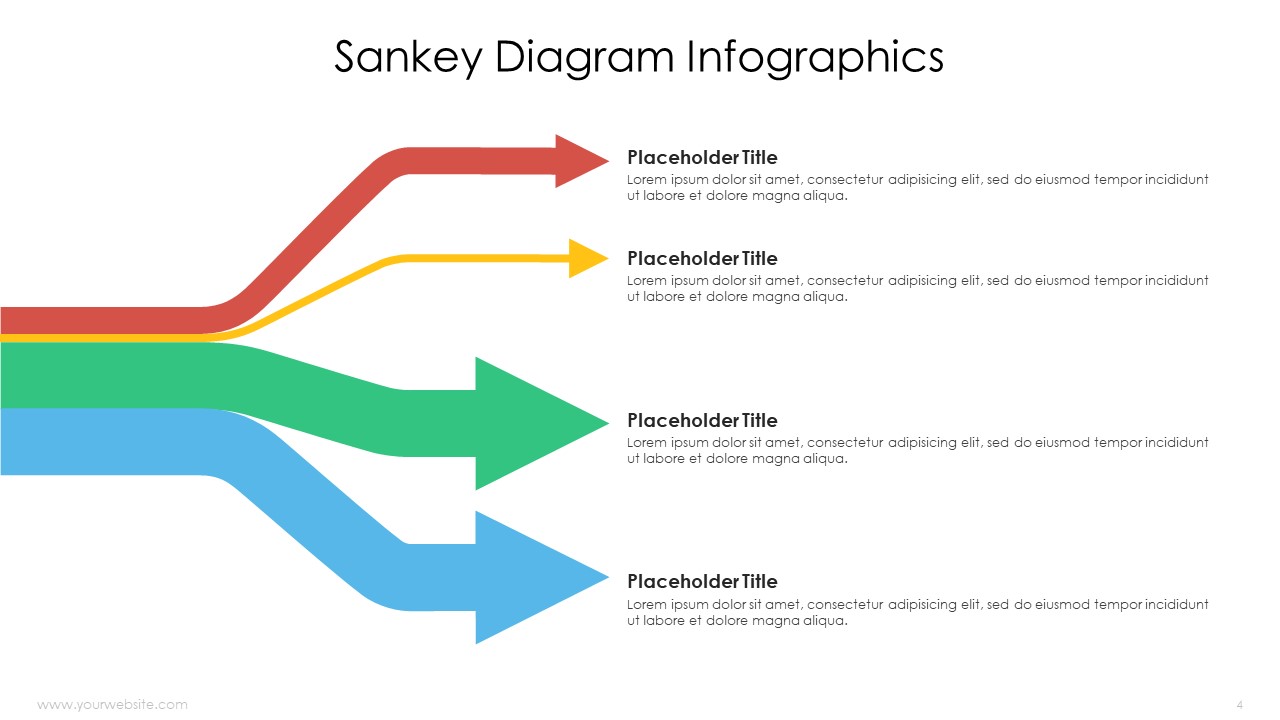
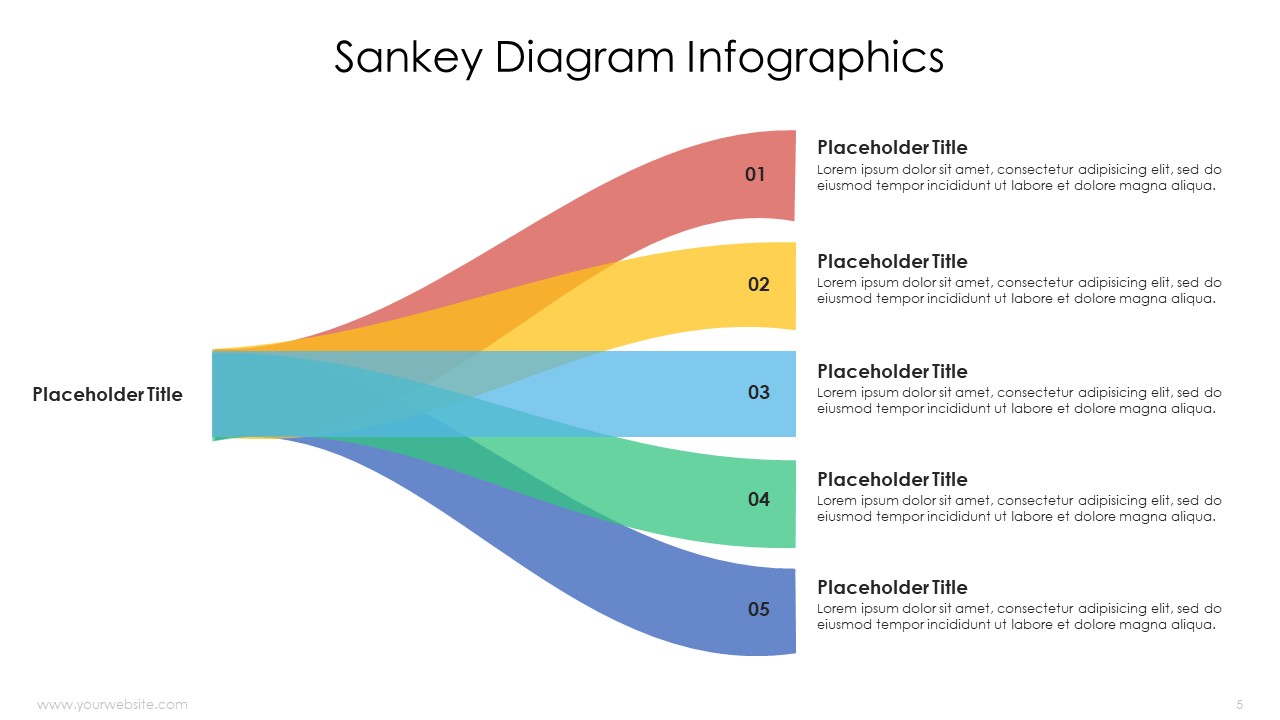
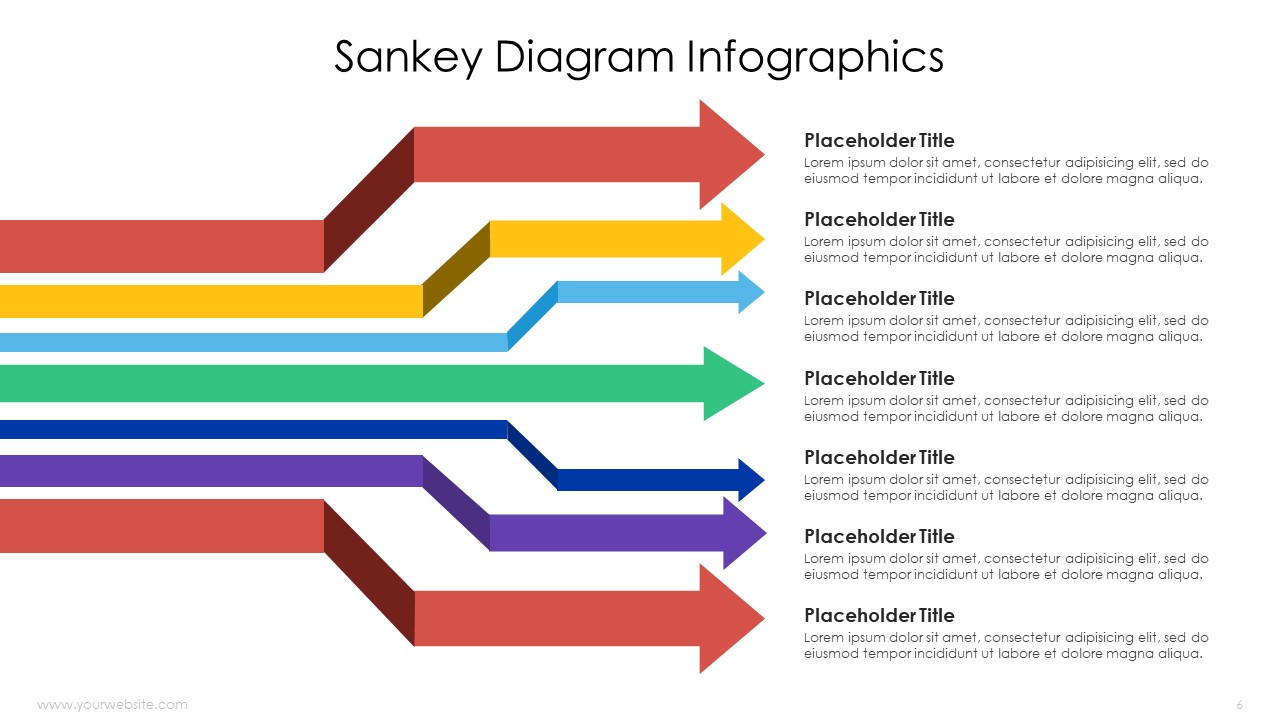
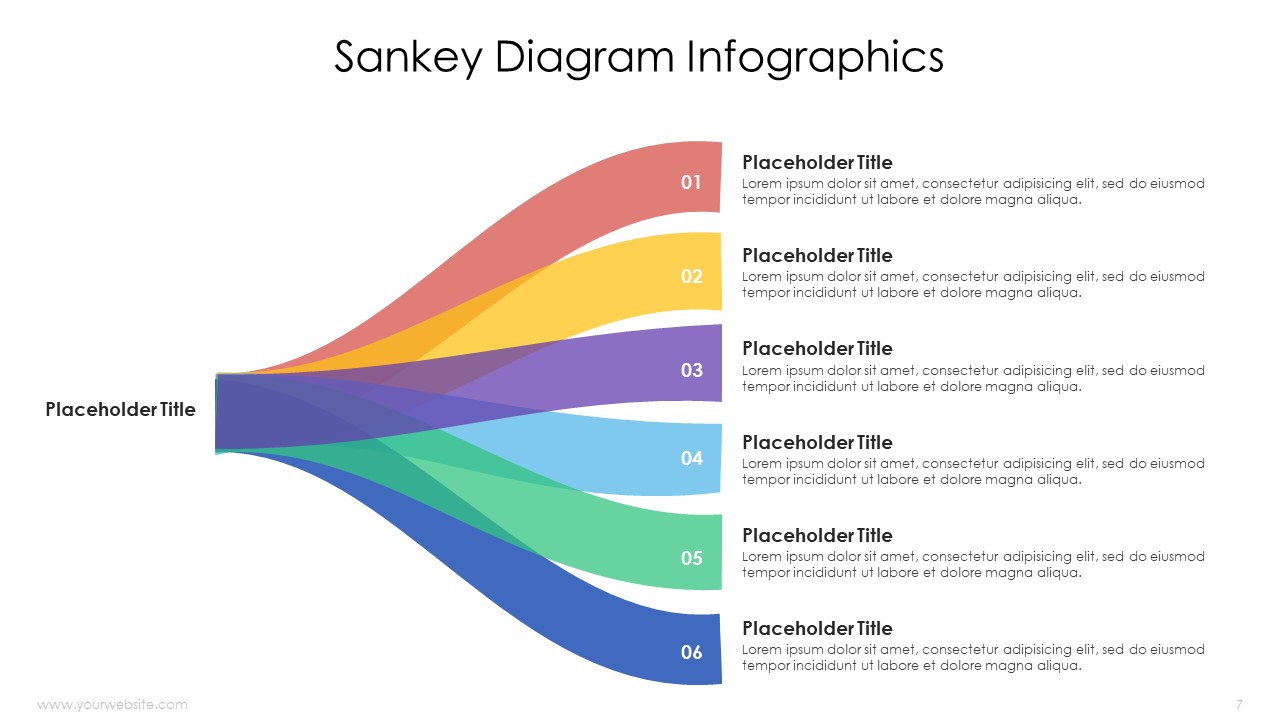
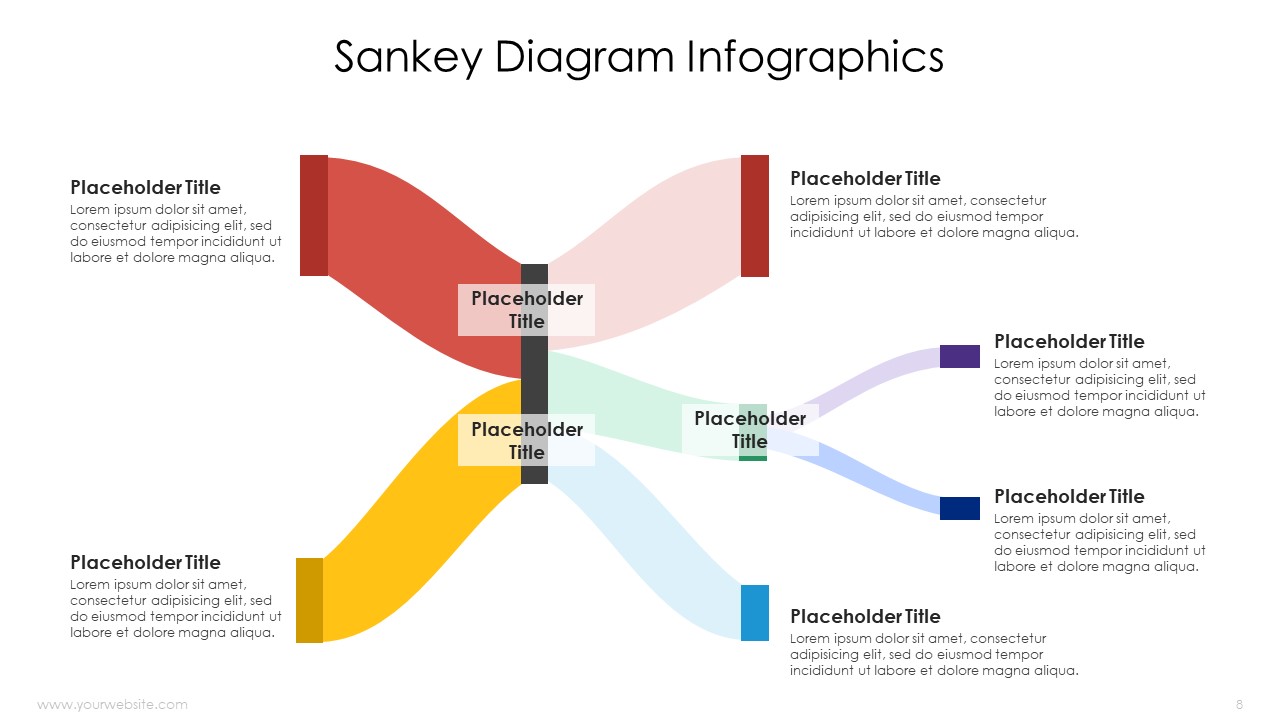
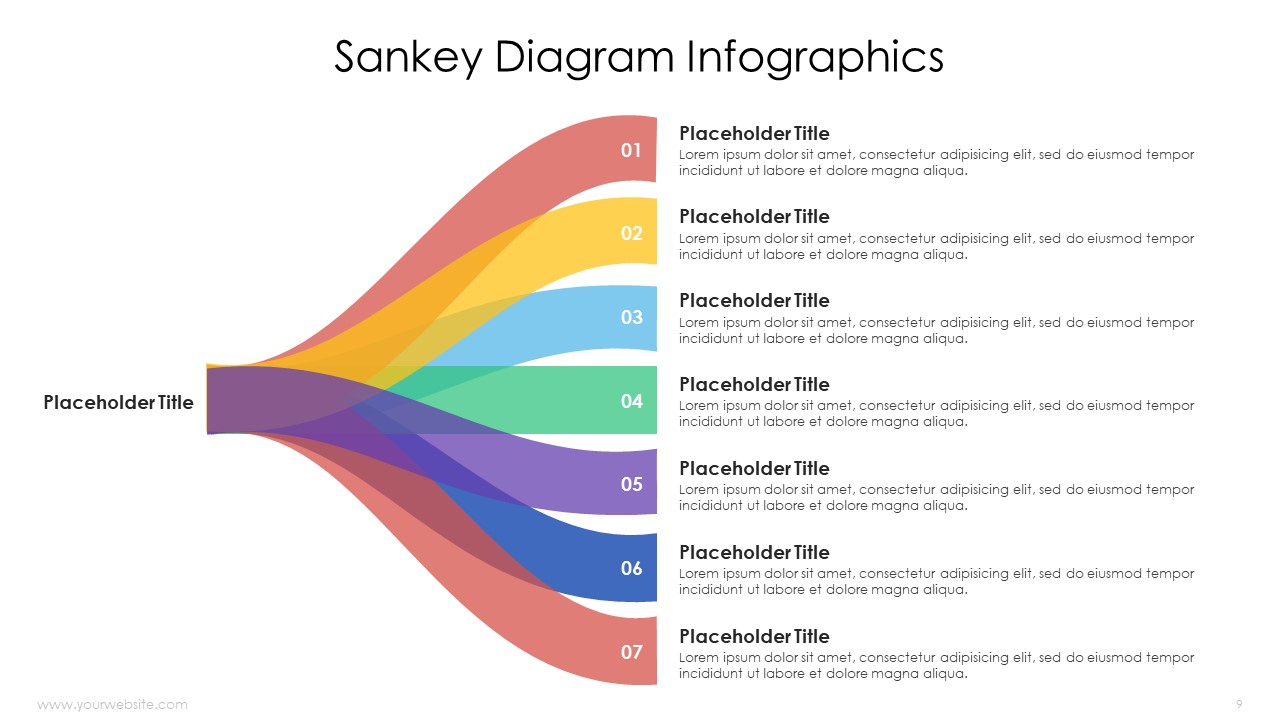
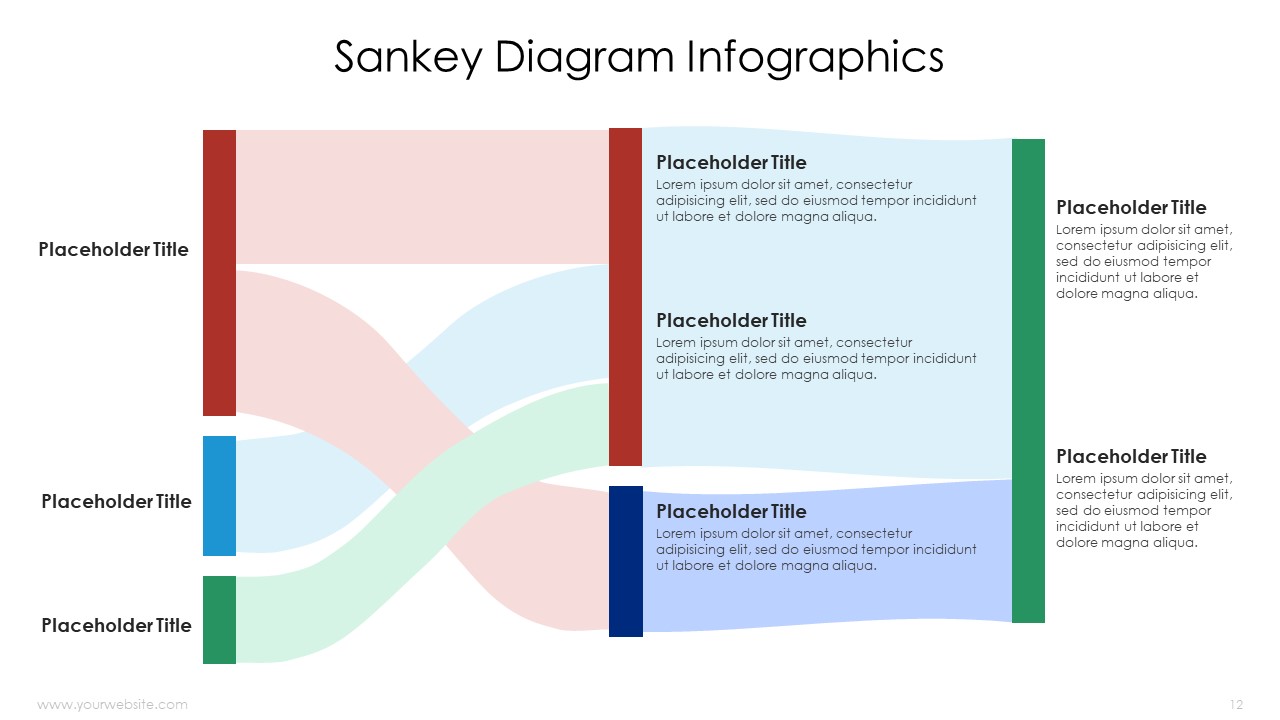
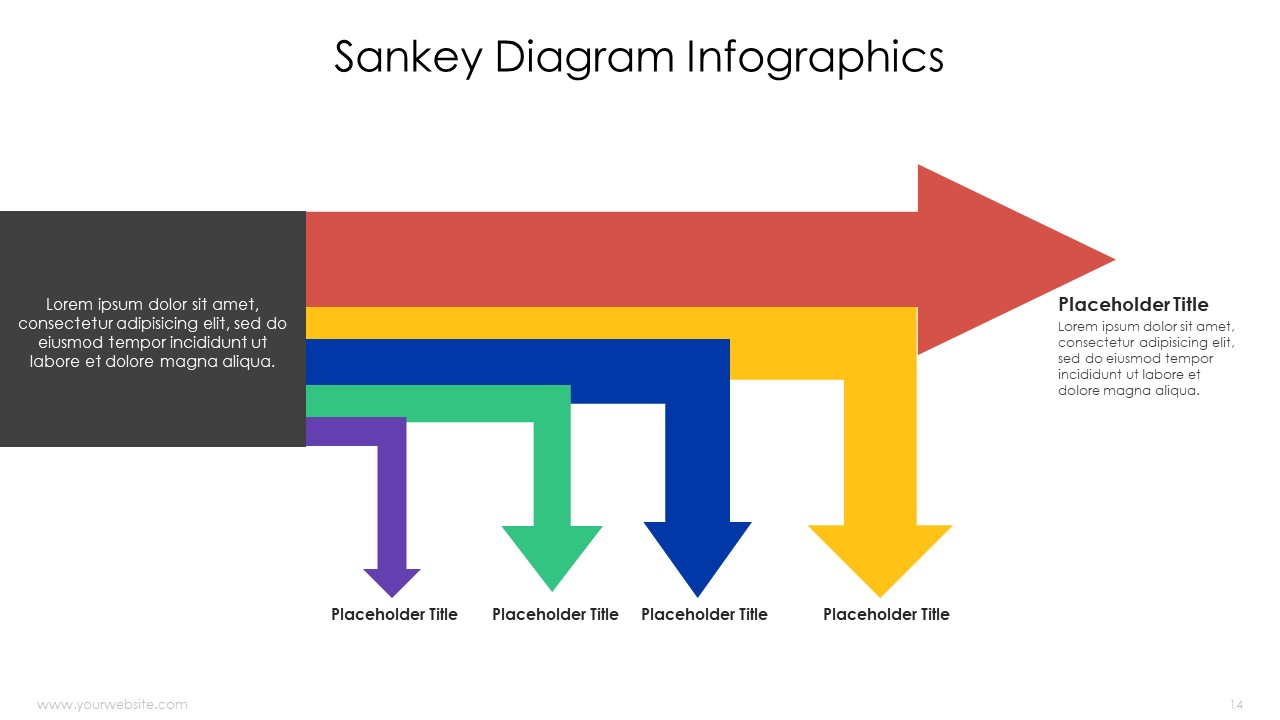
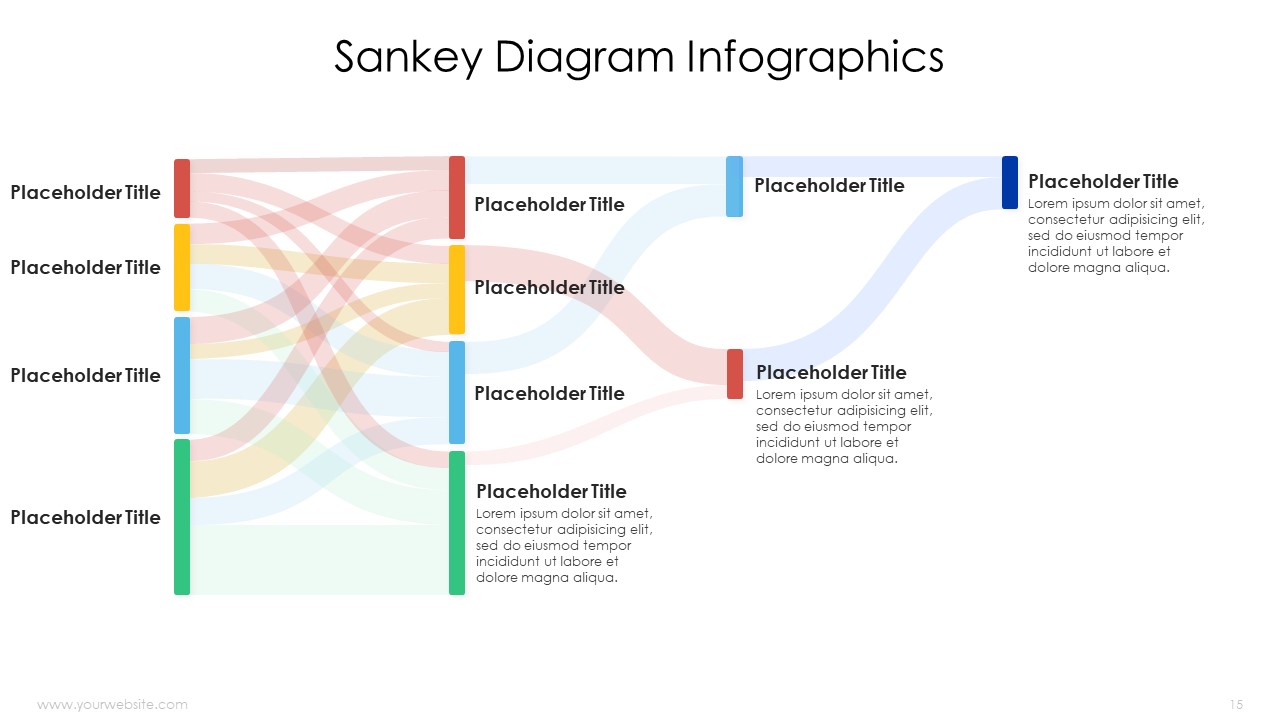
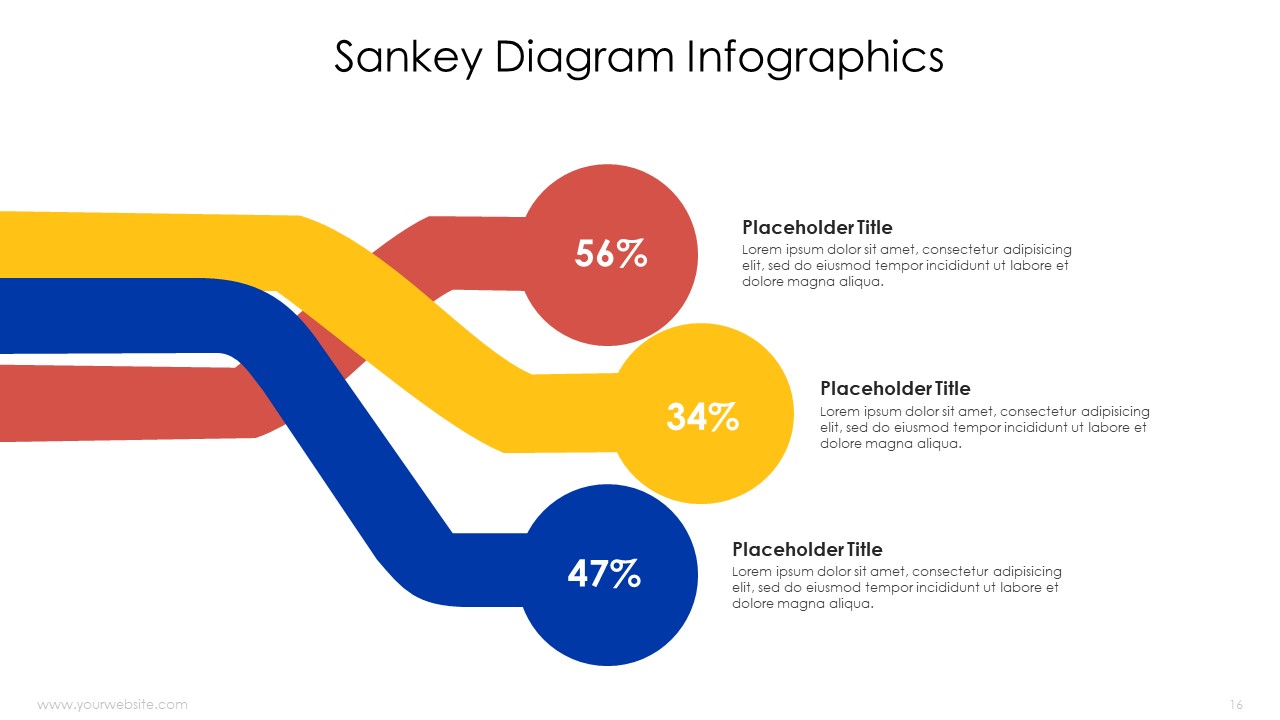
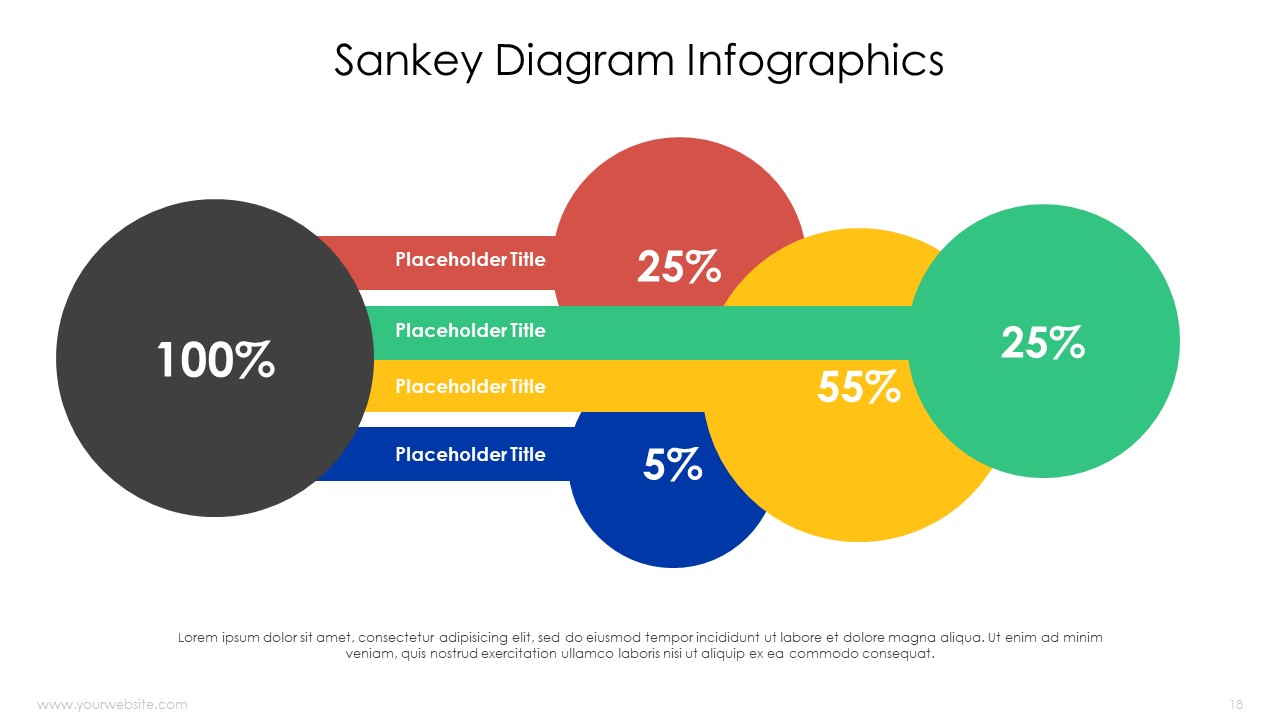
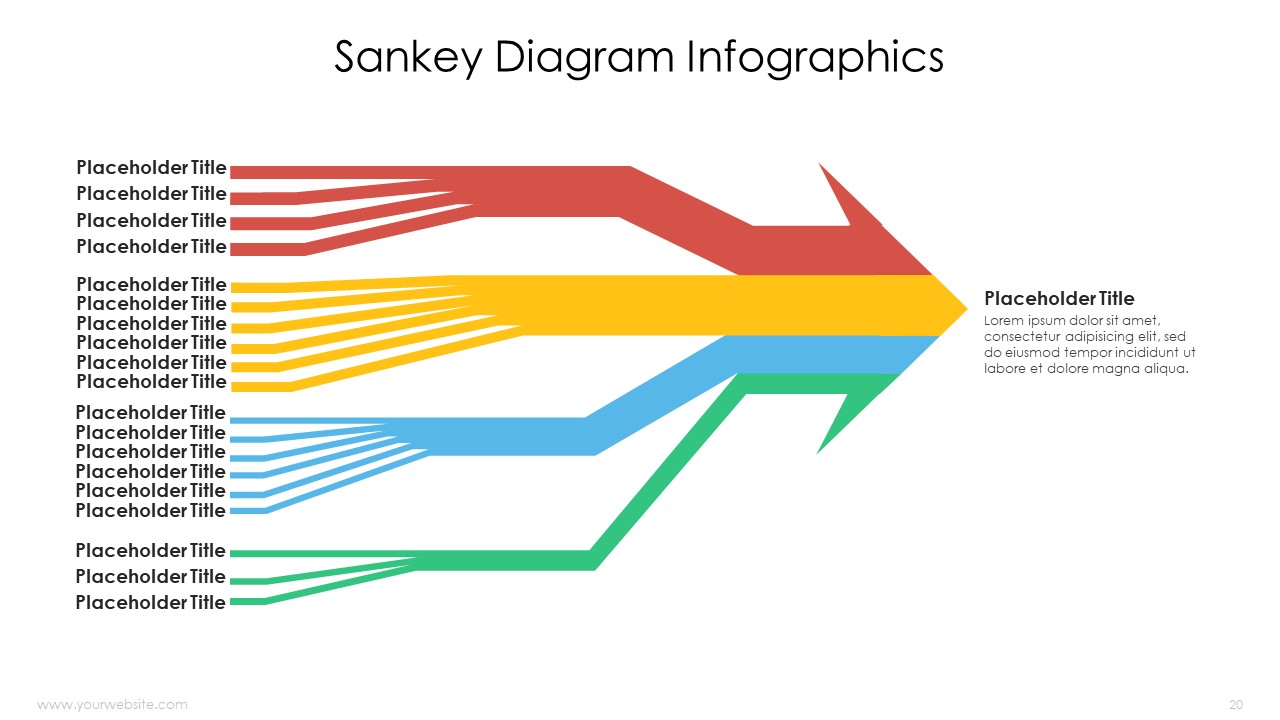
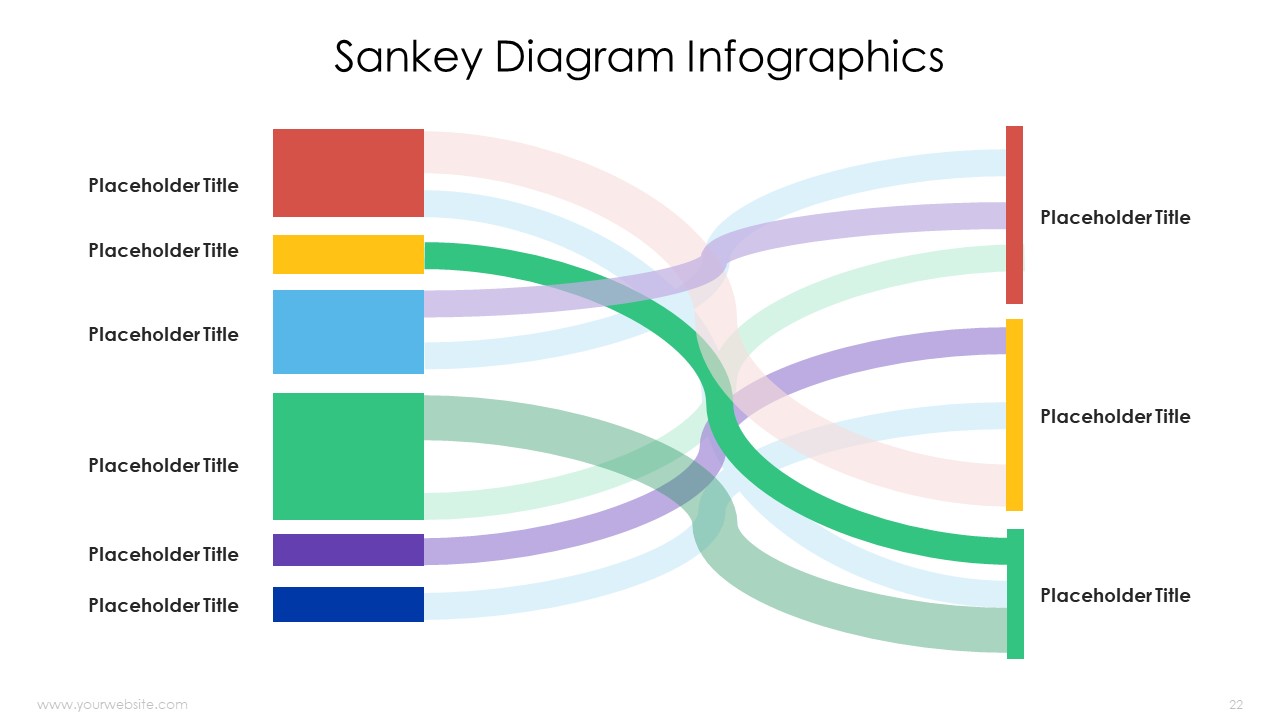
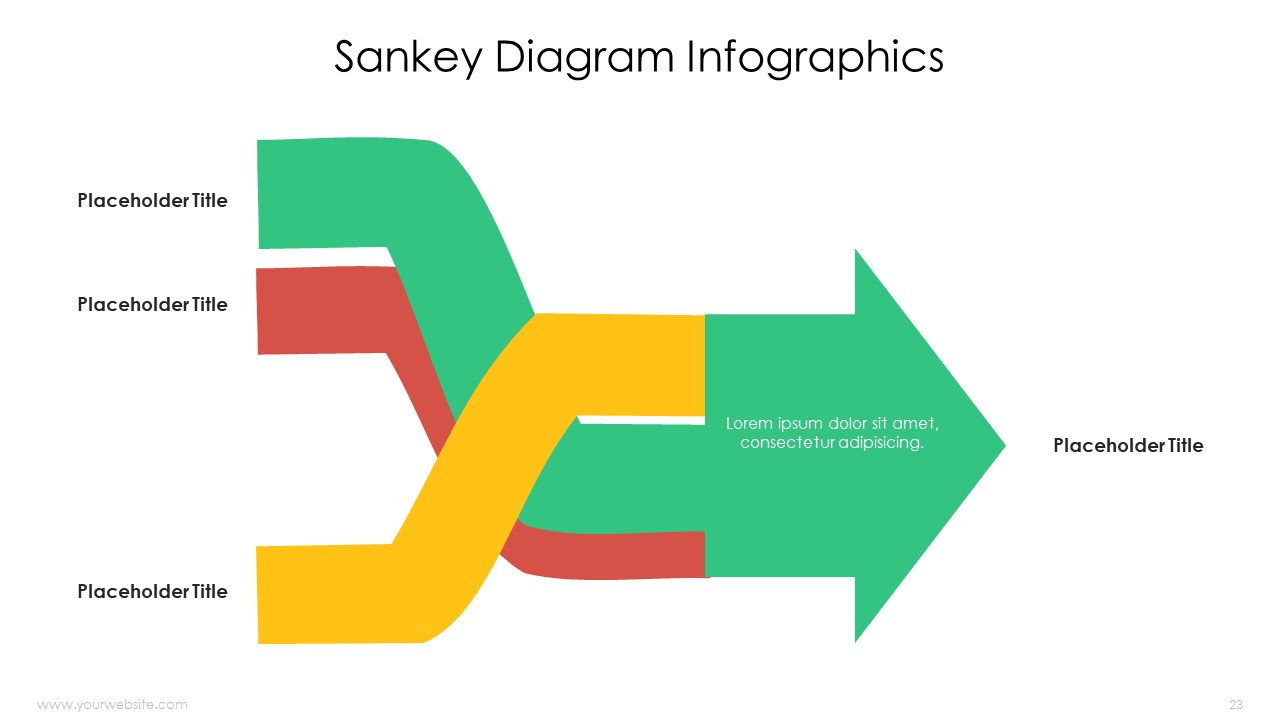
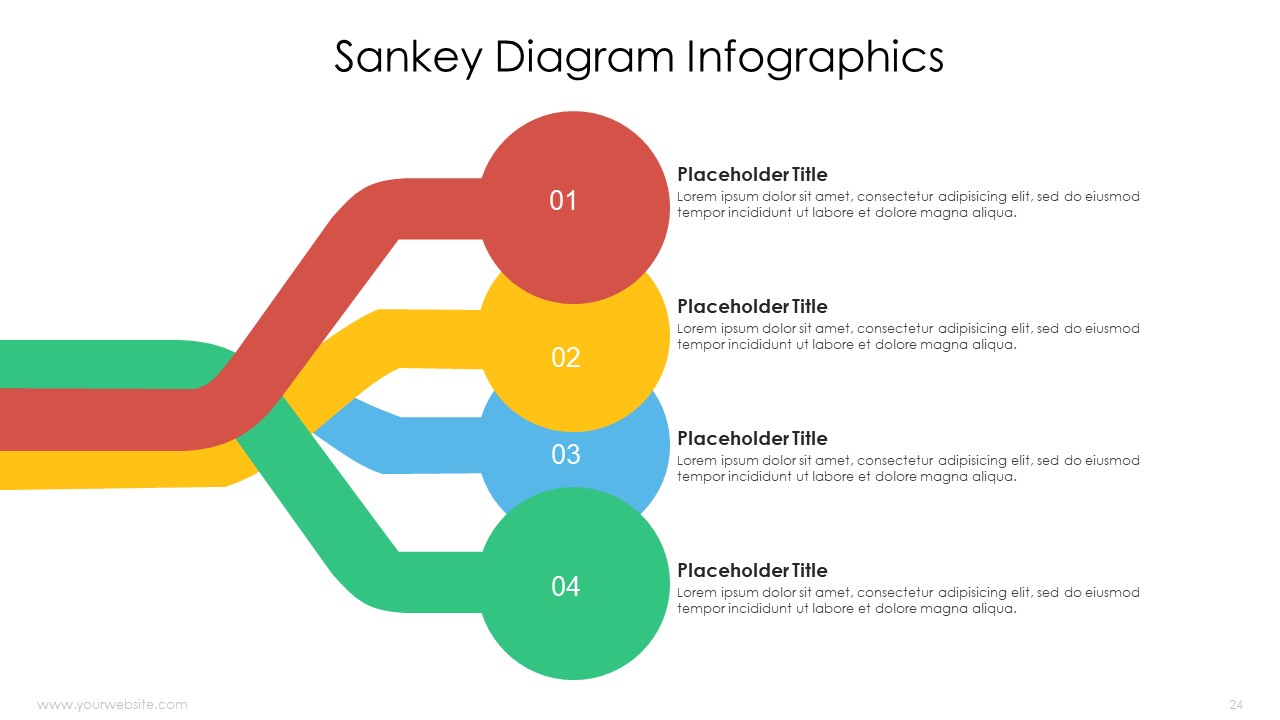
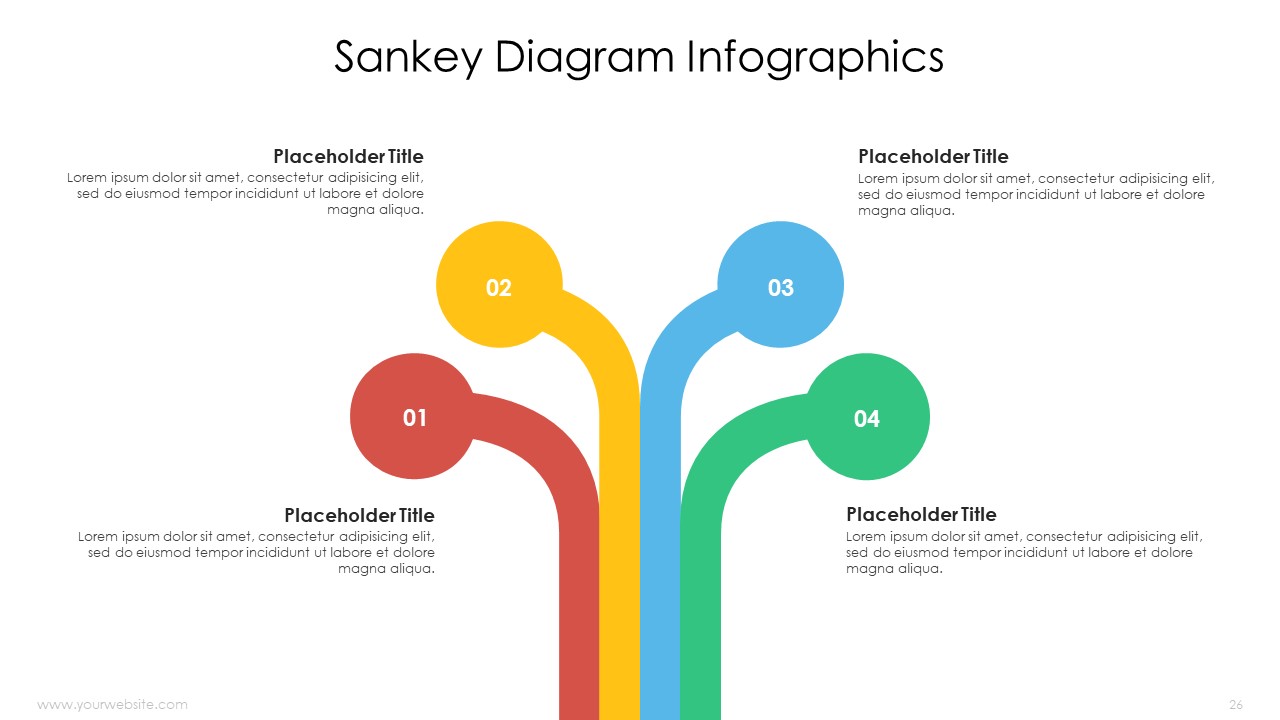
Sankey Diagram Infographics PowerPoint Templates efficiently represent complex data flows in Google Slides and PowerPoint. The presentation includes 26 editable slides with a vibrant color scheme (red, yellow, blue, green, purple & grey) to highlight data movement and relationships. It is suitable for data analysts, management consultants, project executives and those involved in process optimization or financial analysis.
Sankey Diagram Infographics Templates simplify complex data relationships and flow patterns, making them ideal for financial reports, workflow diagrams, and resource allocation presentations. This visual representation clearly shows resource allocation in stakeholder meetings, team discussions, and class presentations. This way users can simplify complex ideas using this template therefore audience will interact with their analysis on another level.
Template Specifications
| Name: | Sankey Diagram Infographics Powerpoint Template |
| Quantity: | 26 slides |
| Ratio: | 16:9 |
| Colors : | |
| Rating: | Premium |
| Tutorials: | Click Here to View More |
SlidesBrain offers presentation features that allow you to customize every aspect of your slides. This means you can modify text, images, colors, fonts, and icons to your liking. Additionally, adjusting graphs in PowerPoint is simple, enabling you to change colors, numbers, and labels to match your preferences and create the perfect presentation.
Looking for a slide or PPT that’s uniquely yours? Our presentation design agency is here to help make your ideas a reality. As a leading presentation design company, we focus on delivering premium-grade bespoke presentations that engage your audience and ensure message retention. Kindly get in touch with us for professional custom presentation design services and transform your brand’s message for the purpose that you have in mind.
Premium Template
Unlock this template and gain unlimited access
Template Specifications
Dimensions
15 Slides, 1366 x 768 pixels – 16:9 Aspect Ratio (HD Presentation Quality)
Format
Download as a PPT to share with your recipient or generate a shareable link for online sharing.
Customizable
This template can be fully customized. You can edit content, change image(s), apply custom colors, input your own fonts and logo, and more.
Related tags
Related Presentations
No related products found.
-
agenda
Editable 365 Days Calendar 2029 Planner PPT Template and Google Slides
Rated 0 out of 5agenda | 14 slides 16:9 -
agenda
Editable 365 Days Calendar 2028 Planner PPT Template and Google Slides
Rated 0 out of 5agenda | 15 slides 16:9 -
agenda
Editable 365 Days Calendar 2027 Planner PPT Template and Google Slides
Rated 0 out of 5agenda | 11 slides 16:9 -
agenda
Editable 365 Days Calender 2026 Planner PPT Template and Google Slides
Rated 0 out of 5agenda | 13 slides 16:9 -
blue
SWOT Analysis for Business Infographics Fully Customizable PPTX and Google Slides
Rated 0 out of 5Frameworks | 17 slides 16:9 -
blue
Startup Success Pyramid Infographics Editable Presentation and Google Slides
Rated 0 out of 5Frameworks | 7 slides 16:9 -
blue
Progress Bar Infographics with Data Charts PPT and Google Slides
Rated 0 out of 5Charts | 13 slides 16:9 -
funnel
Learning Training Funnels Infographics PowerPoint Google Slides Theme
Rated 0 out of 5funnel | 6 slides 16:9
Related products
-
A4 Presentation Templates
Truck Driver Resume
Rated 0 out of 5A4 Presentation Templates | 3 slides 16:9 -
abstract
Fall Abstract Free Google Slides Themes and PowerPoint Template
Rated 0 out of 5Free PowerPoint Templates | 16 slides 16:9 -
A4 Presentation Templates
Business Consultancy Services Brochure
Rated 0 out of 5A4 Presentation Templates | 2 slides 16:9
Customer Reviews
“A review from a customer who benefited from your product. Reviews can be a highly effective way of establishing credibility and increasing your company's reputation.”
Customer Name
“A review from a customer who benefited from your product. Reviews can be a highly effective way of establishing credibility and increasing your company's reputation.”
Customer Name


MS Powerpoint