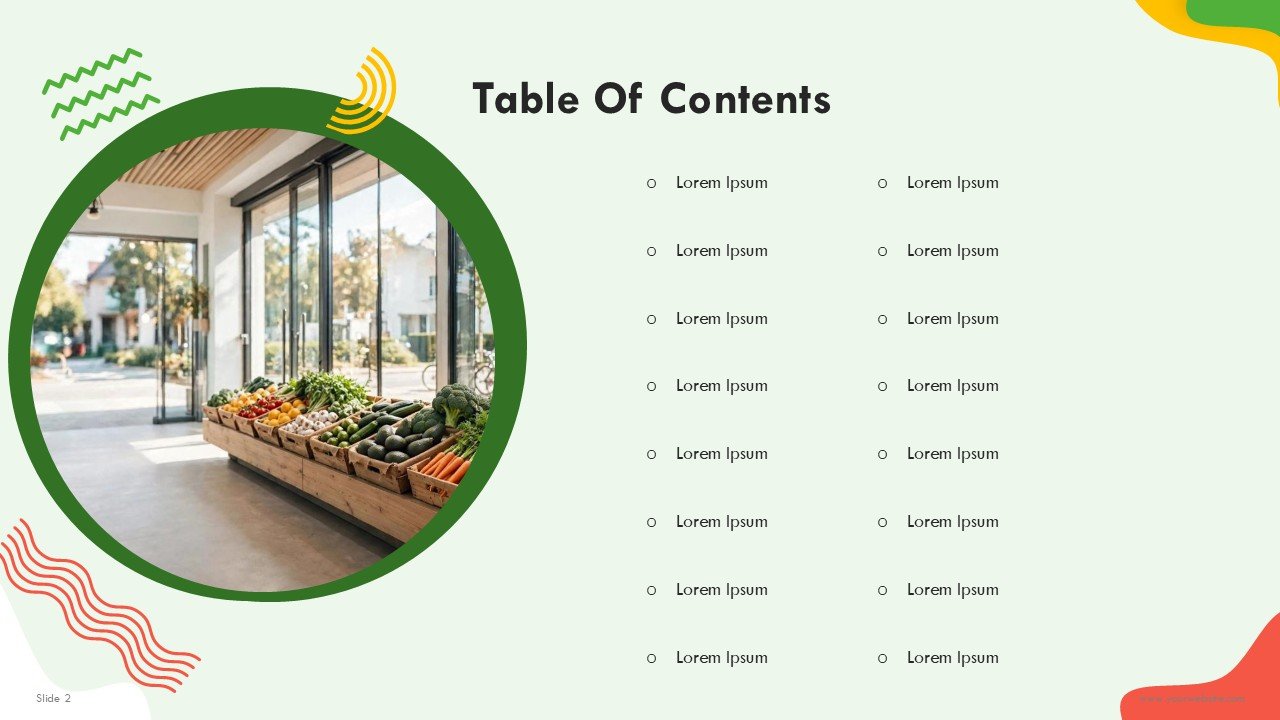
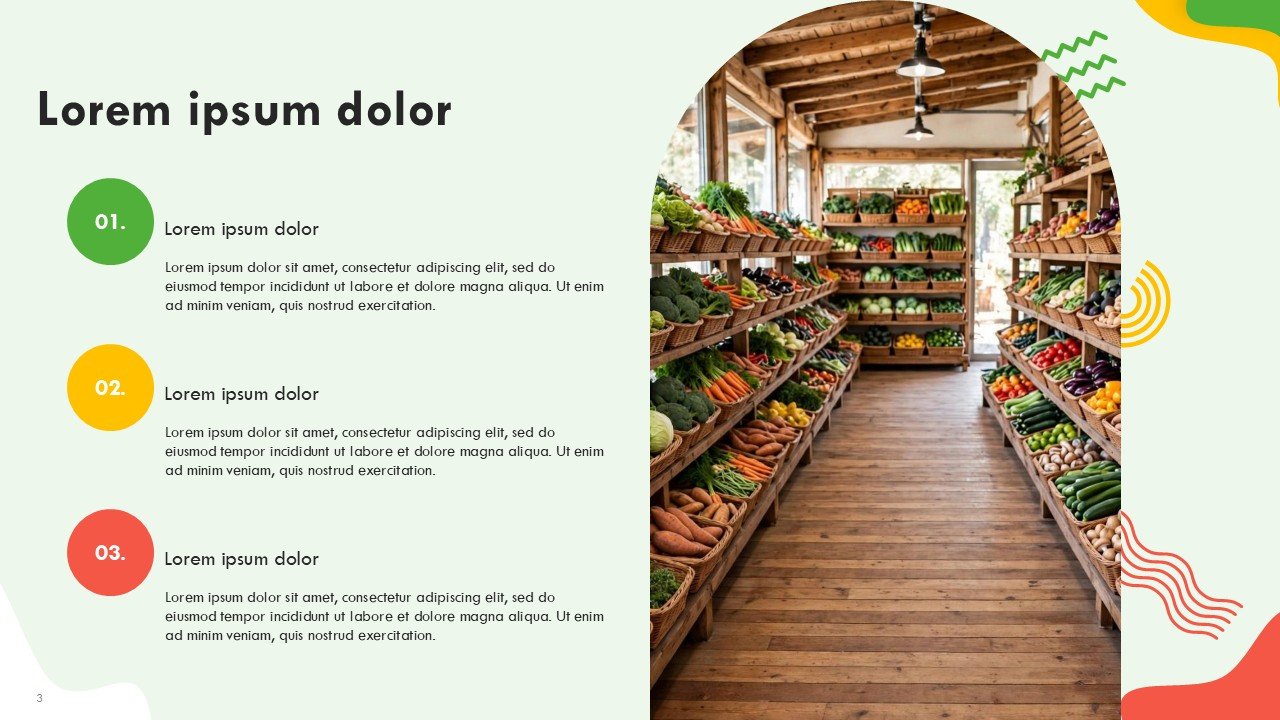
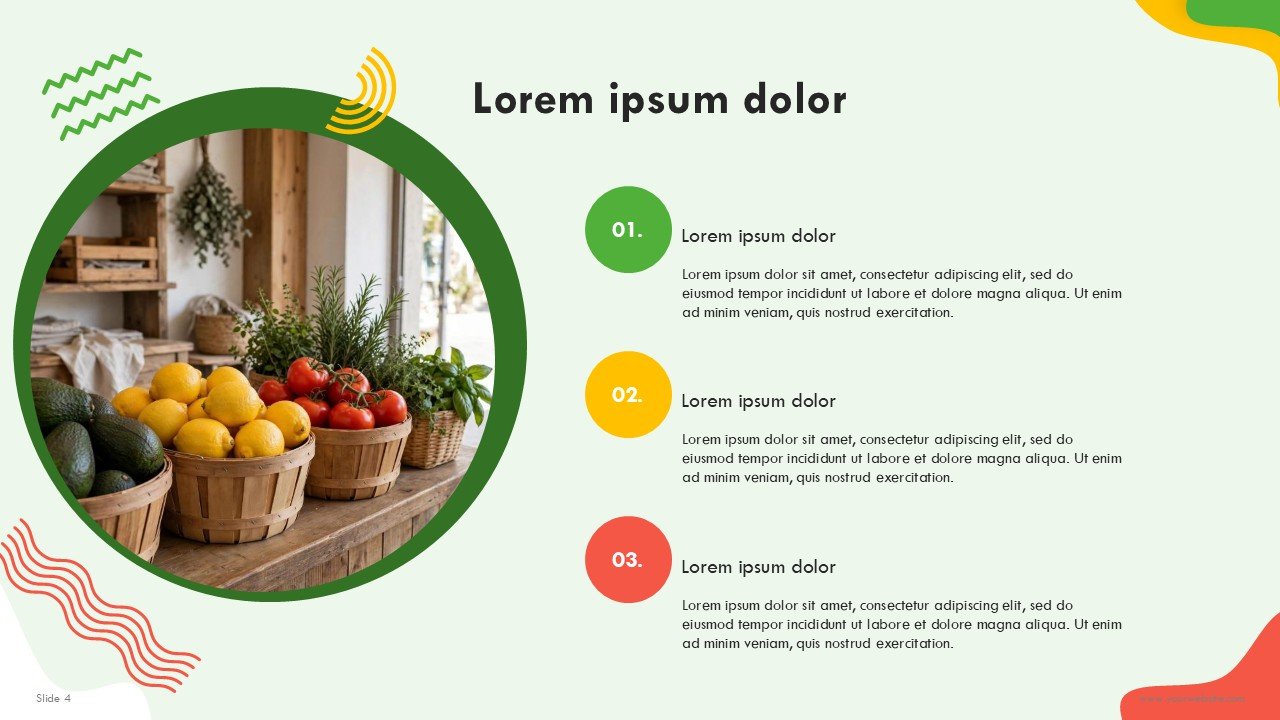
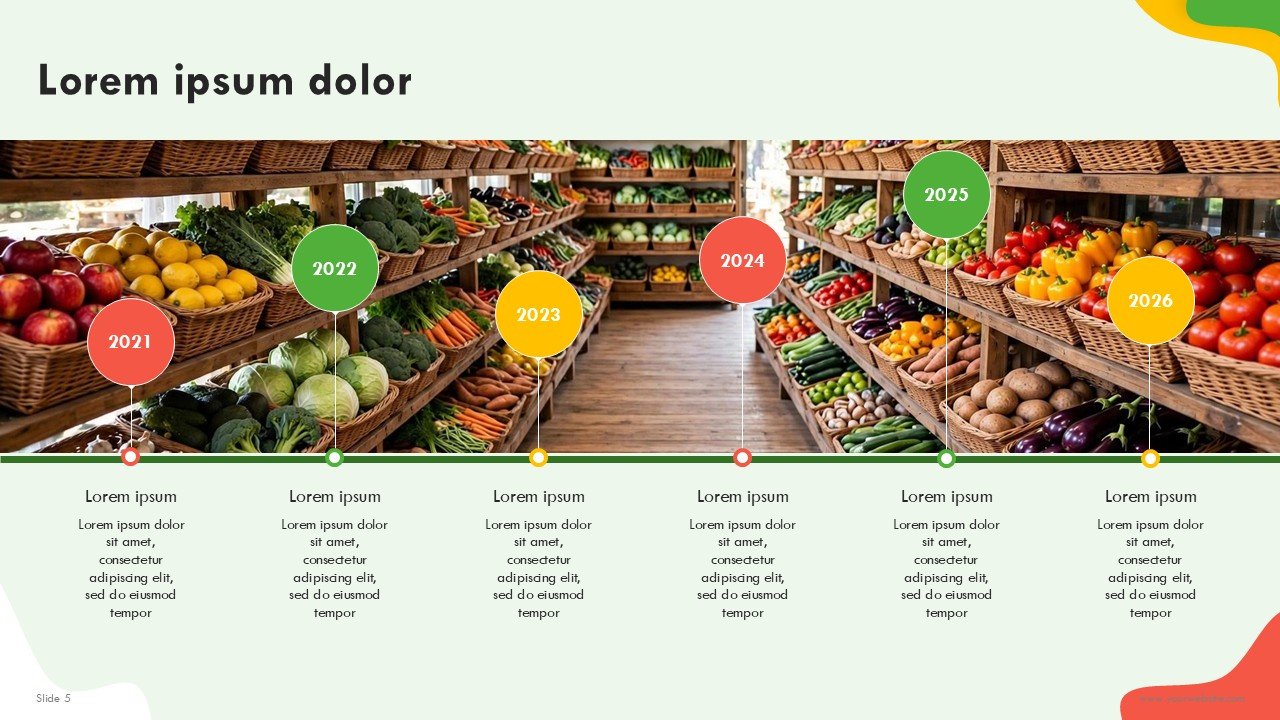
Free Supermarket Business PowerPoint Presentation and Google Slides is a user friendly presentation template made for supermarkets, grocery stores, and other retail and food related businesses and entrepreneurs. It includes 17 slides. The template format includes 17 professionally designed slides with elegantly placed, dynamic Green, Red, and Yellow color palette with a fun, contemporary Memphis-style geometric design that will add energy and interest to your business presentation.
Free Supermarket Business PowerPoint Presentation and Google Slides template helps retail businesses explain their operations, their market strategies, their products, their customers, their sales results, and how they plan to grow their business. It provides a ready to use framework for a compelling supermarket business plan or company presentation.
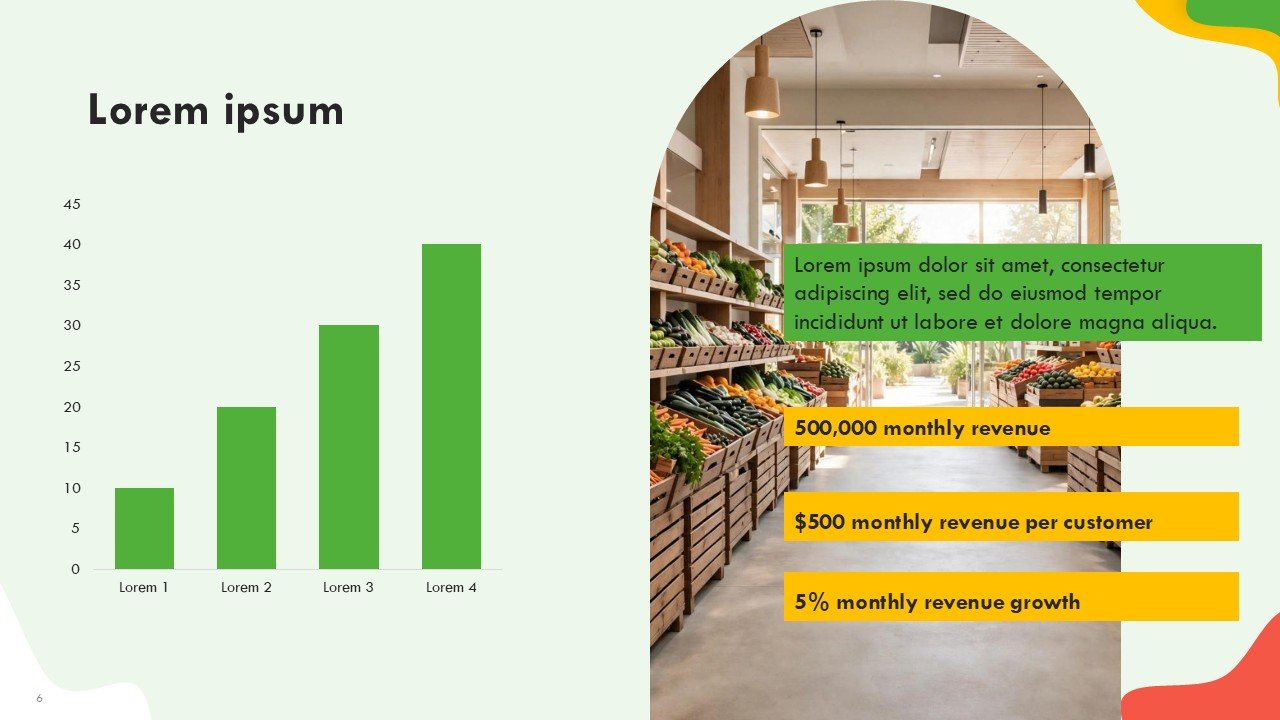
This presentation has bold and colorful, abstract, geometric shapes. It includes editable charts and structured content with ready to present content layouts. This free fully editable business plan presentation template for a retail strategy presentation Supermarket management reports, startup planning, or presentations to potential investors is easy to use.
Template Features:
-
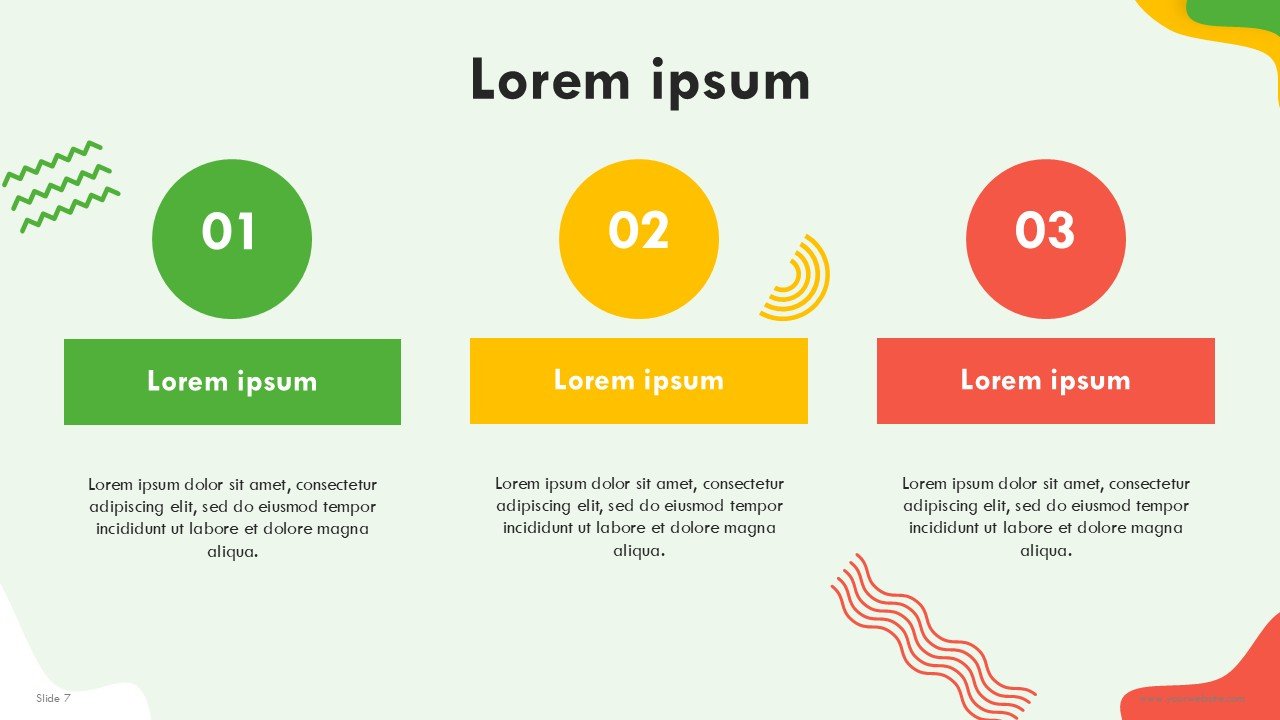
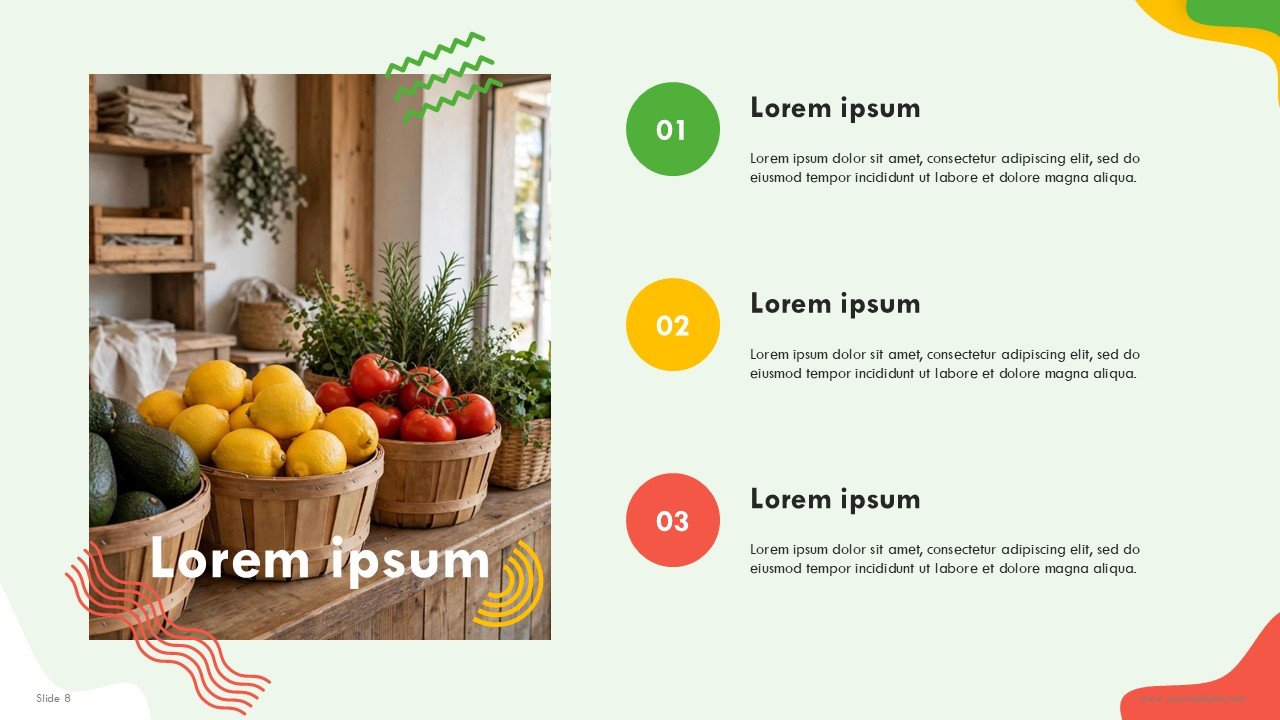
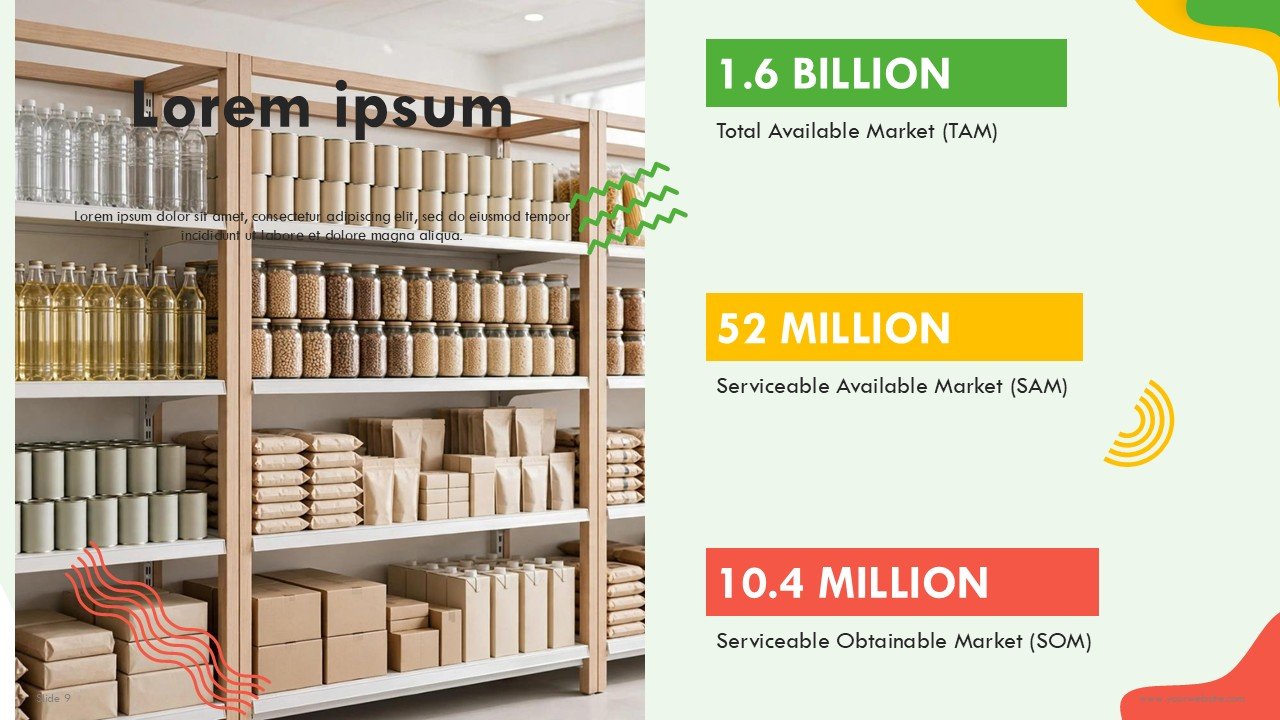
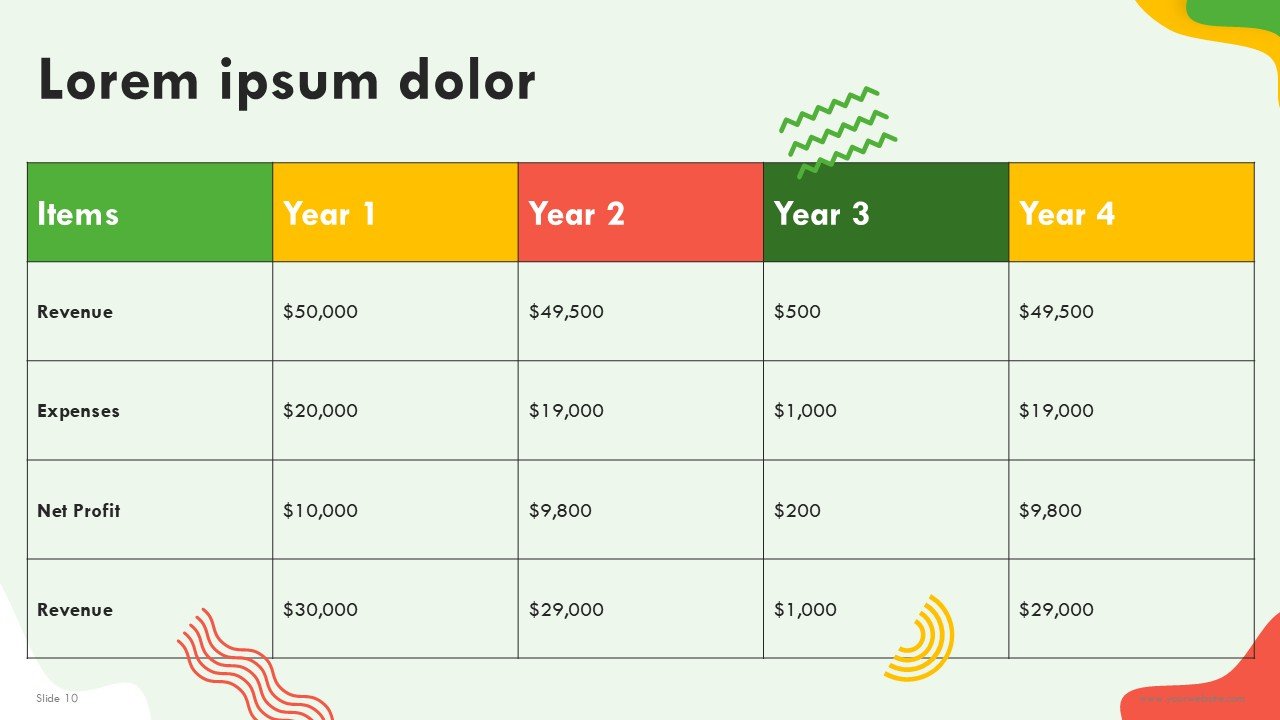
- 17 Free Presentation Slides: A fully designed business presentation format that covers an overview of a supermarket, business concept, market opportunity, target customers, product categories, store operations, competitive analysis, marketing strategy, sales plan, financial overview, and a growth strategy.
- Green, Red, & Yellow Color Palette: A retail inspired color combination that is enthusiastic and client centered.
- Memphis Geometric Design: Personality and interest are offered with a contemporary composition of colorful accents and abstract patterns, while maintaining a structured business format with geometric shapes.
- 100% Fully Editable: Directly in PowerPoint and Google Slides, content, text, colors, charts, icons, shapes, and diagrams can be edited.
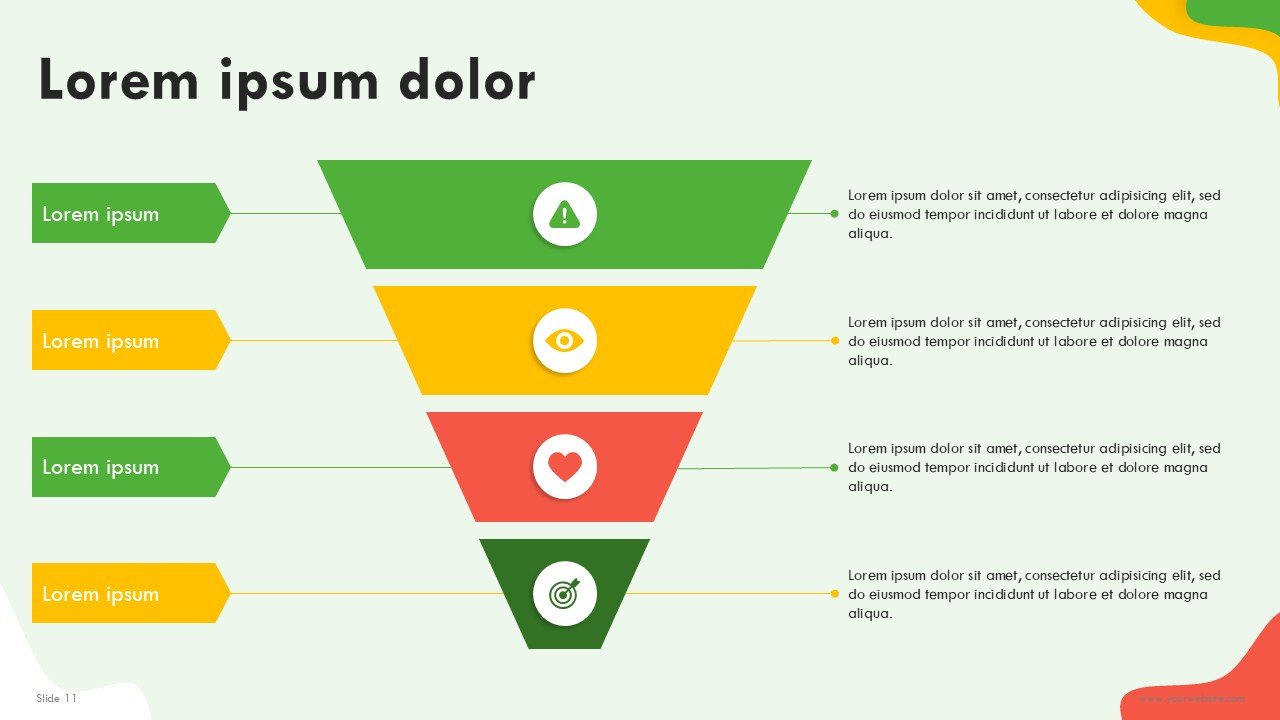
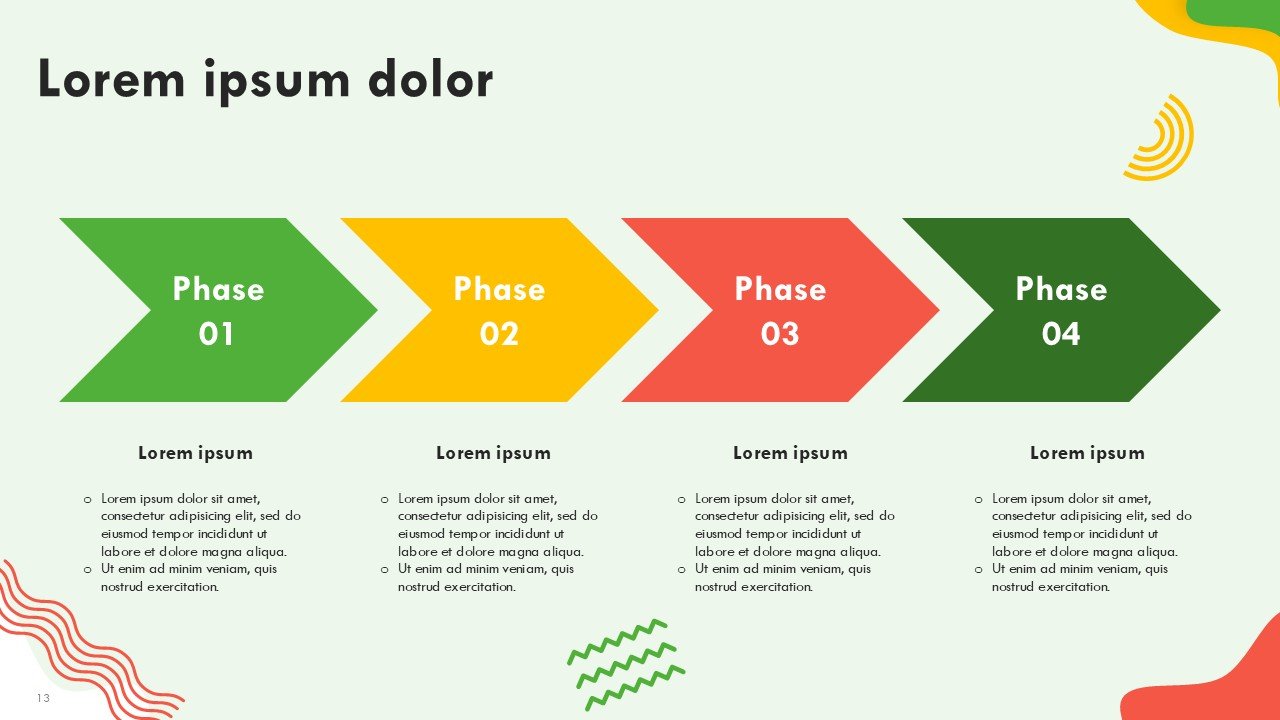
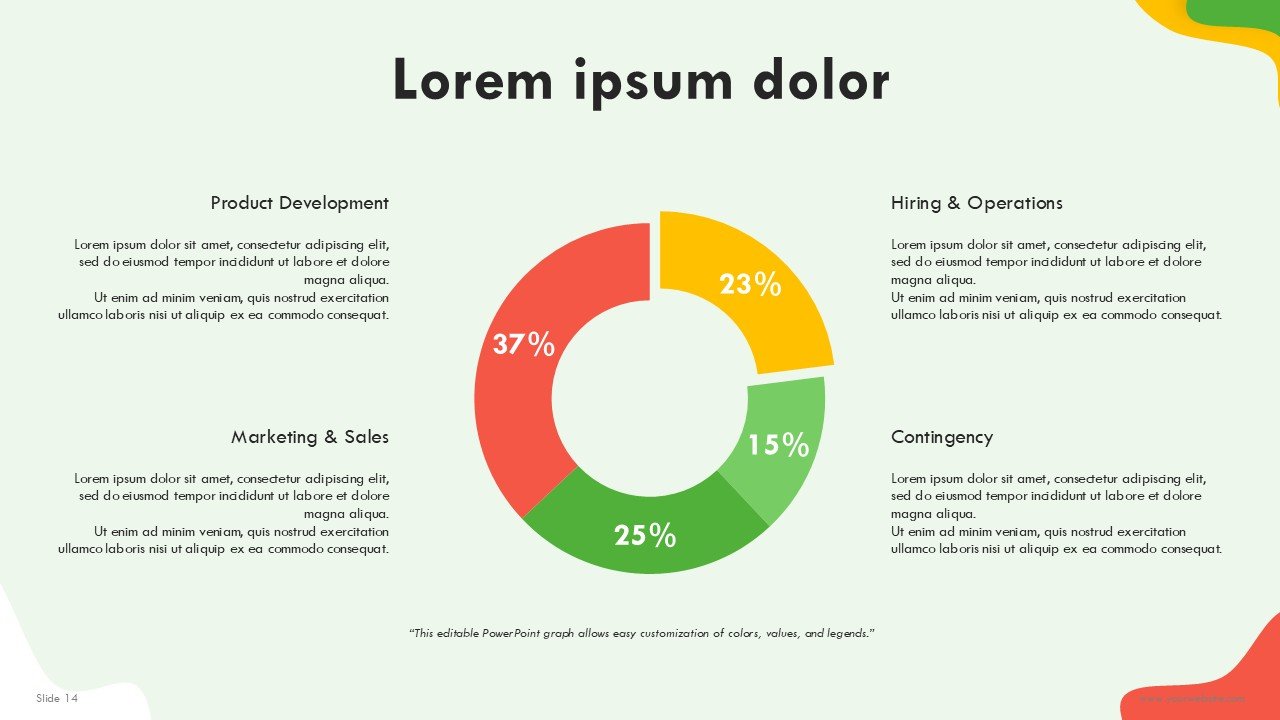
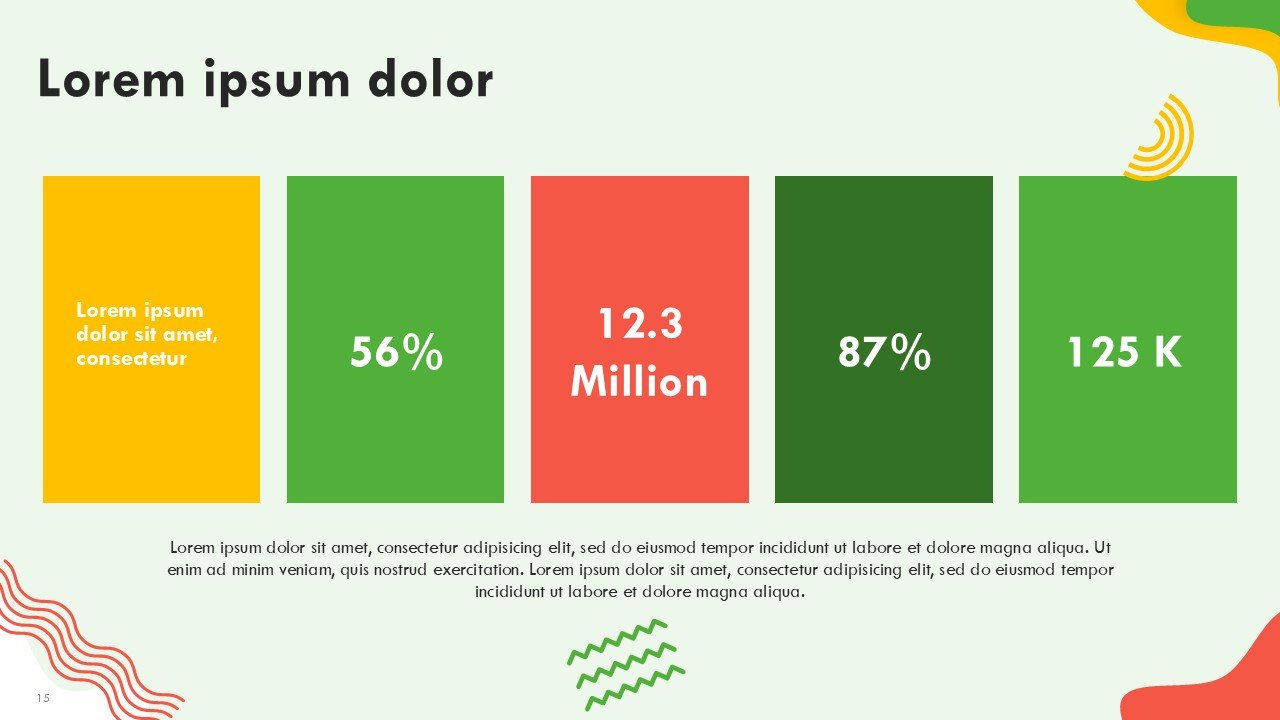
- Retail Business Visuals: Includes editable layouts for product categories, customer segments, sales performance, store operations, marketing activities, and business growth.
- Free Presentation Template: A useful starting point for creating professional supermarket and grocery retail presentations without building the visual structure from scratch.
- 16:9 Widescreen Format: Optimized for business meetings, retail planning sessions, investor presentations, classroom projects, webinars, and company presentations.
- PowerPoint & Google Slides Compatible: Easily edit, rearrange, duplicate, and customize the presentation across both platforms.
Perfect For:
-
- Supermarket Owners & Managers: Supermarket owners and managers can use the business visuals to present all aspects of their business and operations including sales performance, customer segments, employee marketing strategies, and business growth plans.
- Grocery Store Entrepreneurs: Grocery store entrepreneurs can use business visuals to prepare supermarket business plans and proposals, market strategies and investment presentations.
- Retail Business Professionals: Professionals in the retail industry can use business visuals to present business strategies and marketing plans, as well as customer segments, sales goals and positioning.
- Food & Grocery Retailers: Grocery retailers can use the business visuals to present the retail products, store concepts and promotions, customer experiences, and strategies for retail business growth.
- Business Consultants: Business consultants can use the visuals to prepare business strategies for retail and supermarkets, as well as do a business assessment and prepare marketing strategies and client proposals.
- Students & Business Learners: Use the visuals to prepare a presentation for business plans, case studies, retail marketing strategies, and supermarket products.
- Investors & Startup Teams: Used to present a supermarket business concept and the strategies to start and grow the business, as well as the opportunities for retail business growth.
FAQ’s
How much does the Supermarket Business presentation template cost?
The Supermarket Business presentation template is free. This means that you an easily build on the foundation of this template for your retail business presentations.
Is the supermarket presentation fully editable?
Yes, the slides come with a fully editable presentation. Use PowerPoint or Google Slides to change the text, colors, and shapes. You can insert diagrams, charts, and a variety of other elements.
What business topics can I present with this template?
The template can be used for supermarket business plans, grocery store strategies, retail operating plans, market analysis and structures, product category frameworks, customer insights and marketing plans, sales strategies, financial reports, and expansion strategies.
Can I change the Green, Red, and Yellow color palette?
The color palette can be changed. You are completely in control of the presentation and can personalize it to reflect your supermarket’s corporate identity.
What is the Memphis geometric design style?
Memphis design uses bold, bright, and contrasting colors. There are lots of shapes and other fun design elements. It is a unique and creative way to present information.
Can I convert a grocery store Google Slides theme to Microsoft PowerPoint?
Yes. Open the template in Google Slides, click File > Download, and select Microsoft PowerPoint (.pptx) to edit it on your desktop.
Is it free to download grocery store presentation slides?
Yes. You can download as many grocery store presentation templates on SlidesBrain as you like for free, no hidden fees.
What is the best location to find high-quality PowerPoint designs?
SlidesBrain has the best selection of high-quality PowerPoint templates and pitch deck templates for sale. Along with quality templates, we offer custom presentation designs, professional vector designs, and flexible pricing.
Why should I use SlidesBrain over other slide template sites?
SlidesBrain has 100% editable vector shapes, Google Slides integration, modern designs, and dedicated business pitch deck designs created by presentation design experts.
How do I change theme colors for PowerPoint Online?
Go to the Design tab in the top ribbon, click Variants, select Colors, and pick your preferred color palette to update all slides automatically.
How do I change theme colors for PowerPoint for Mac?
Click the Design tab and under Variants select Colors and choose the color theme or select a custom color for your presentation.
How do I change slide colors for PowerPoint on mobile (ios/android)?
From the main menu, select Design and then Background Color to choose the slide background color.





 MS Powerpoint
 Google Slides