PowerPoint Infographics Editable 3d Ladder Steps 2 to10
Premium
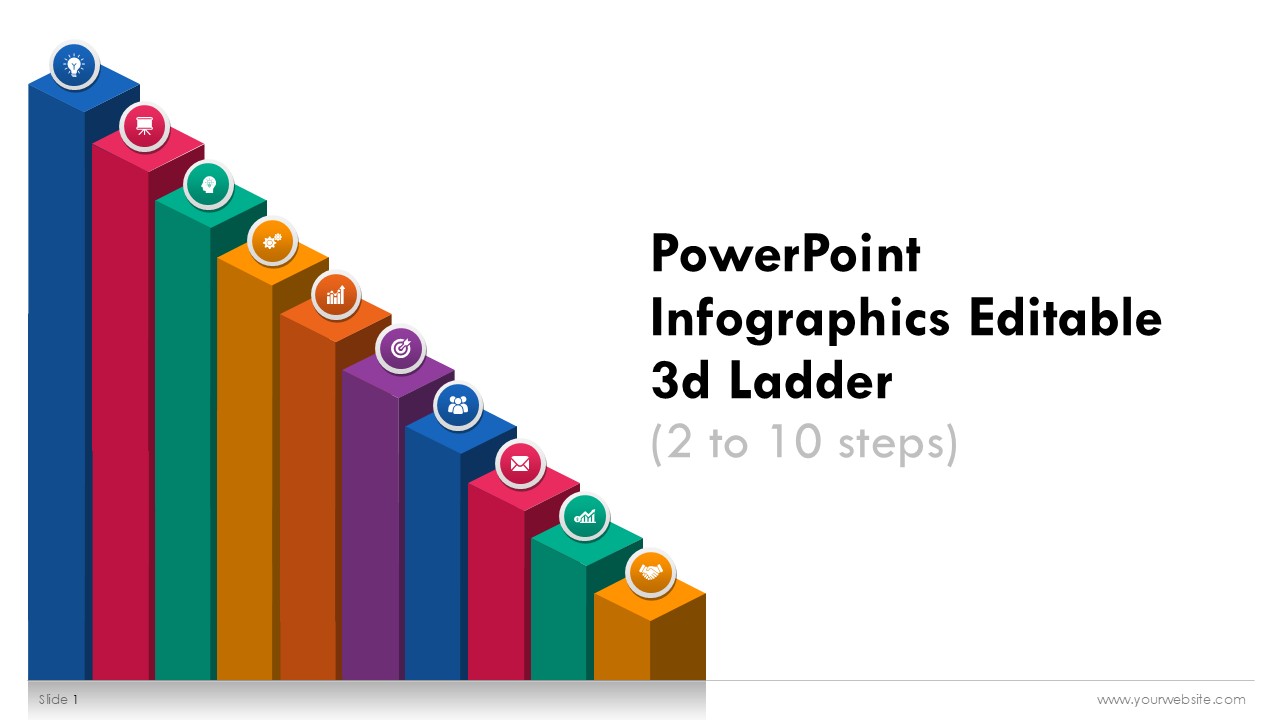
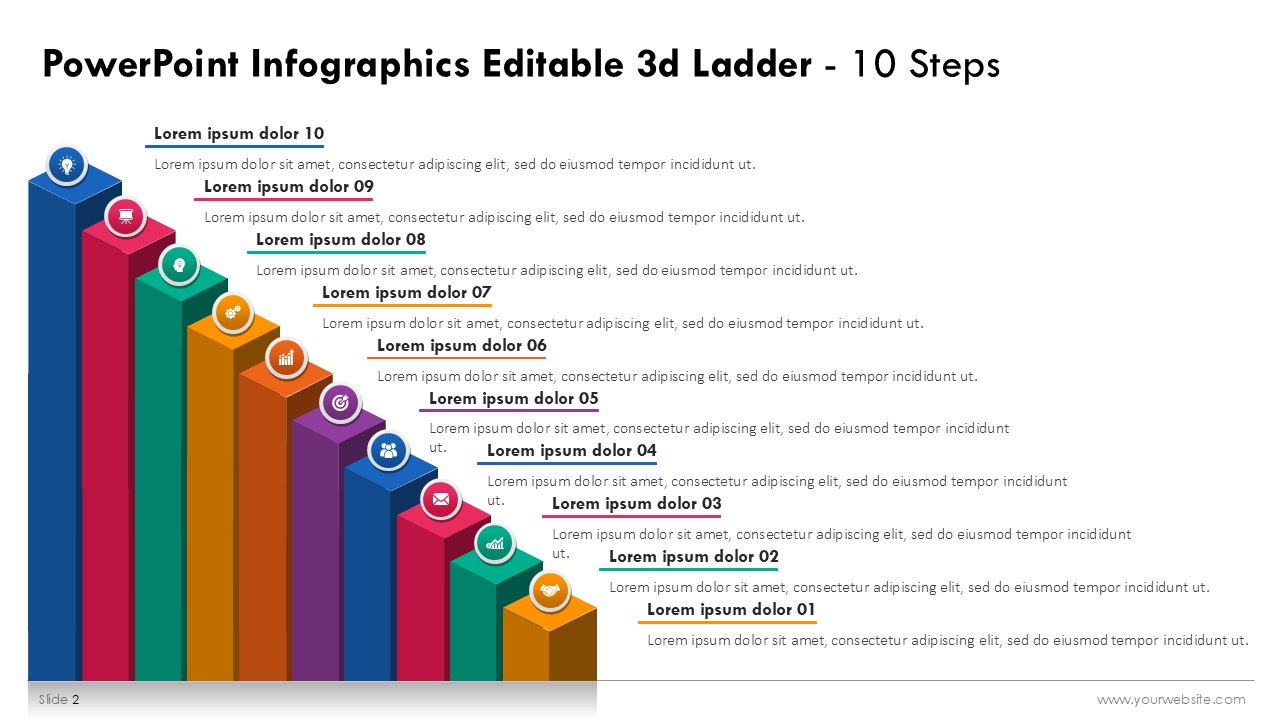
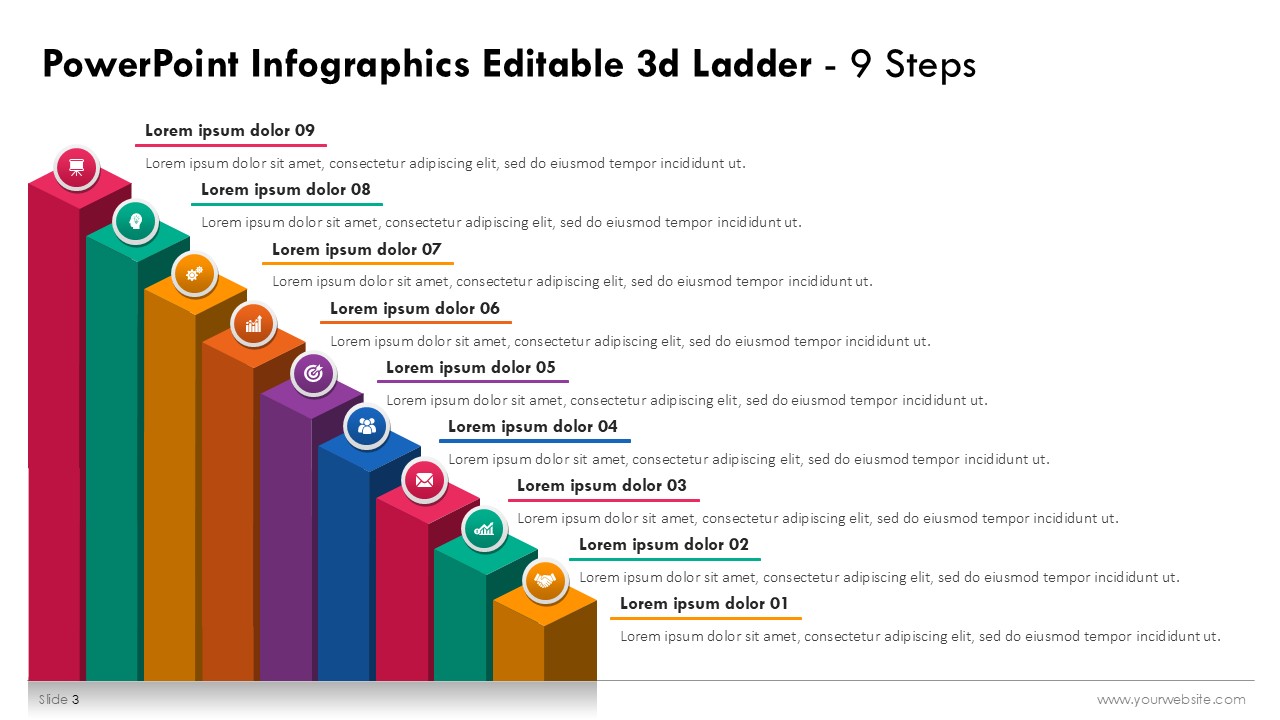
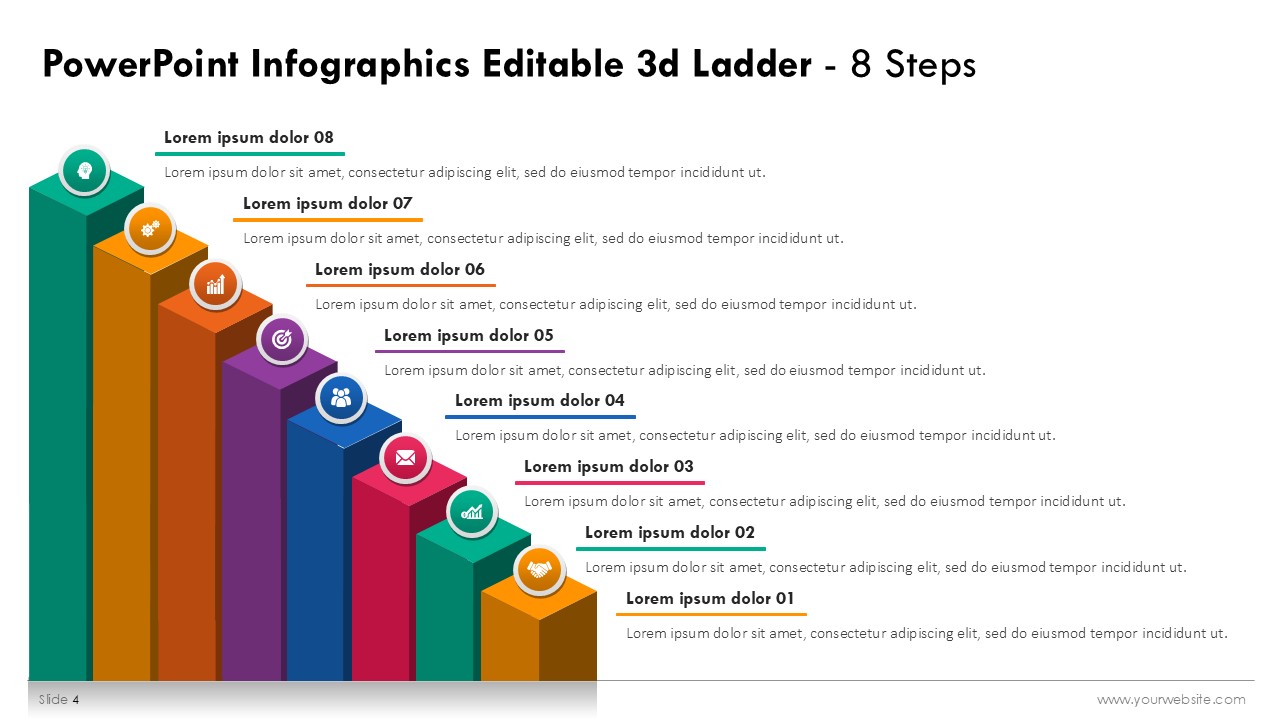
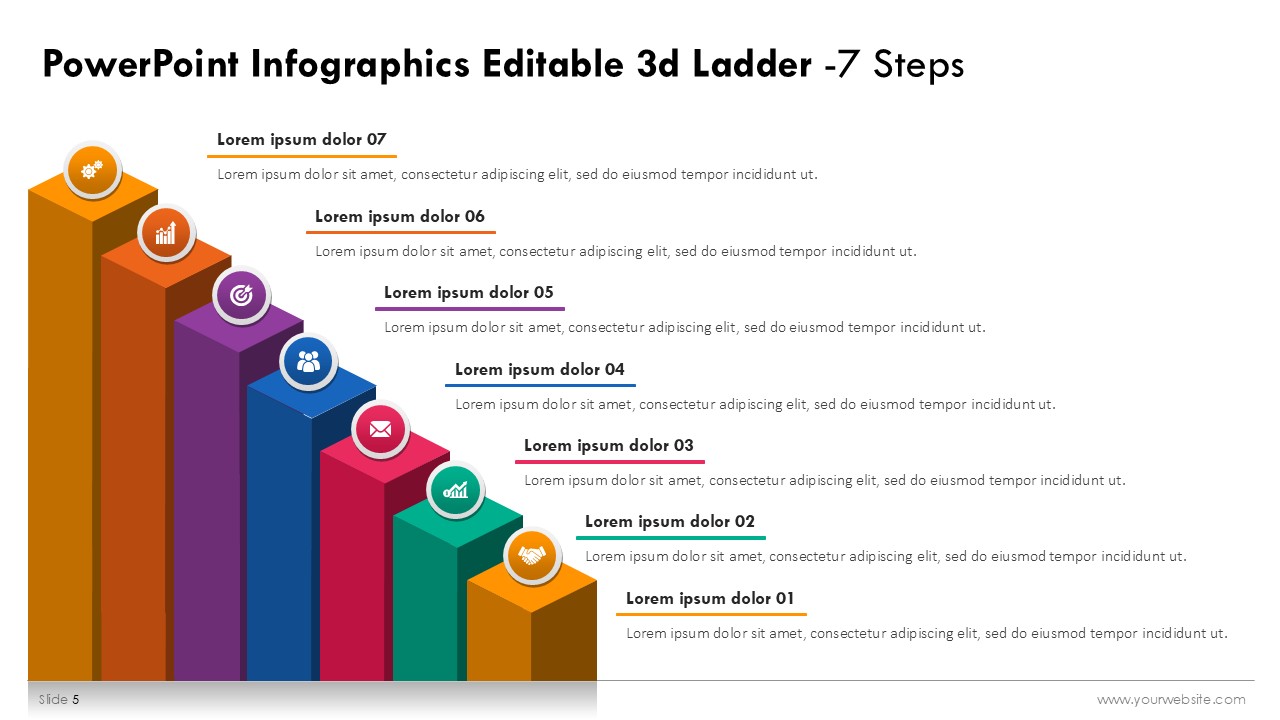
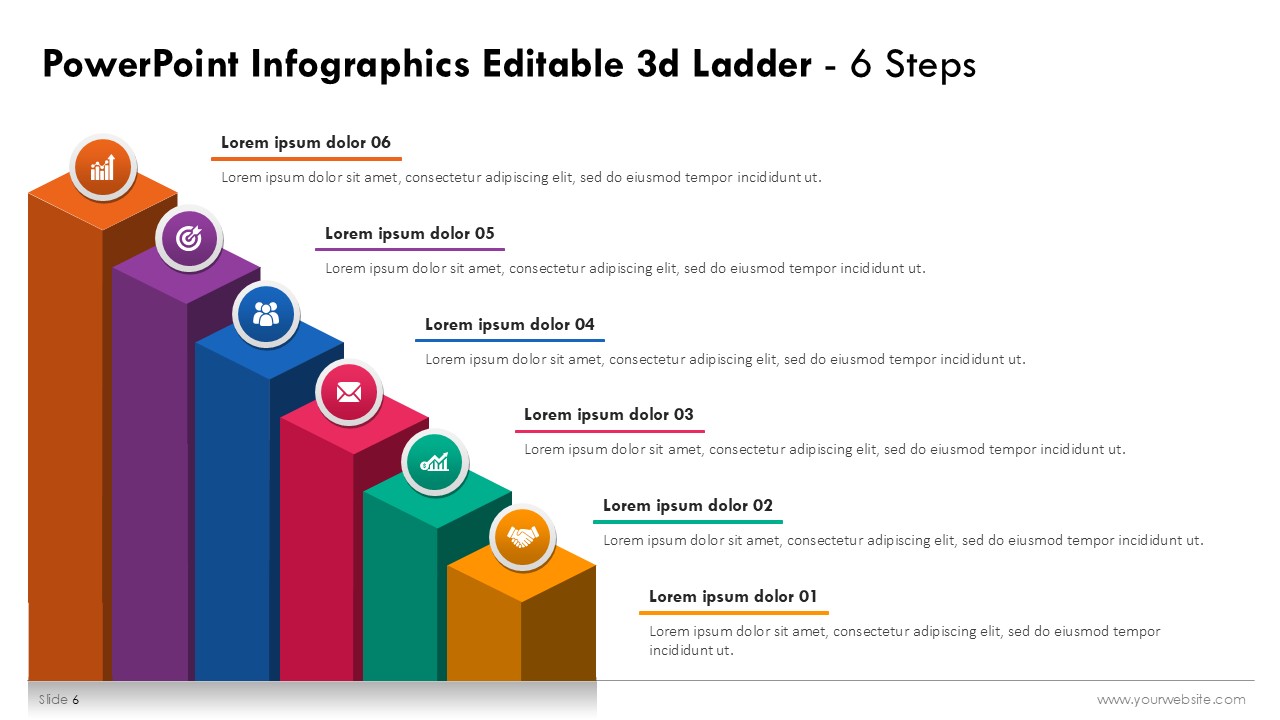
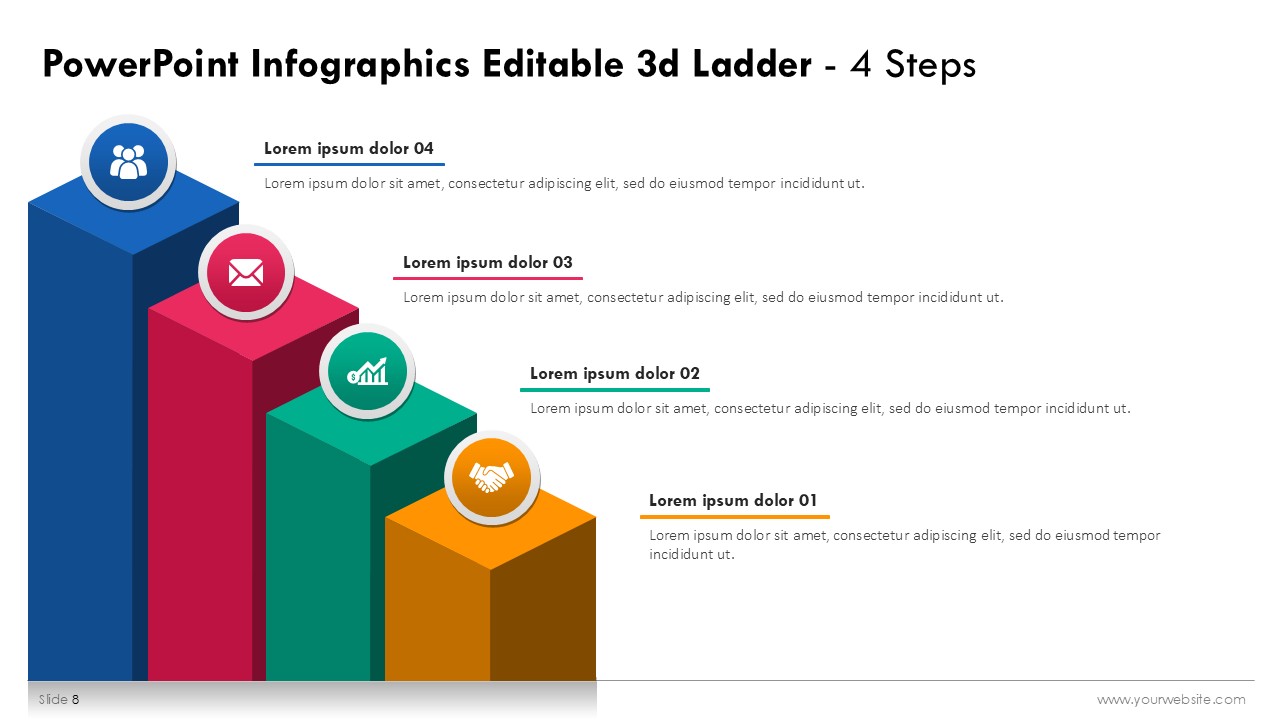
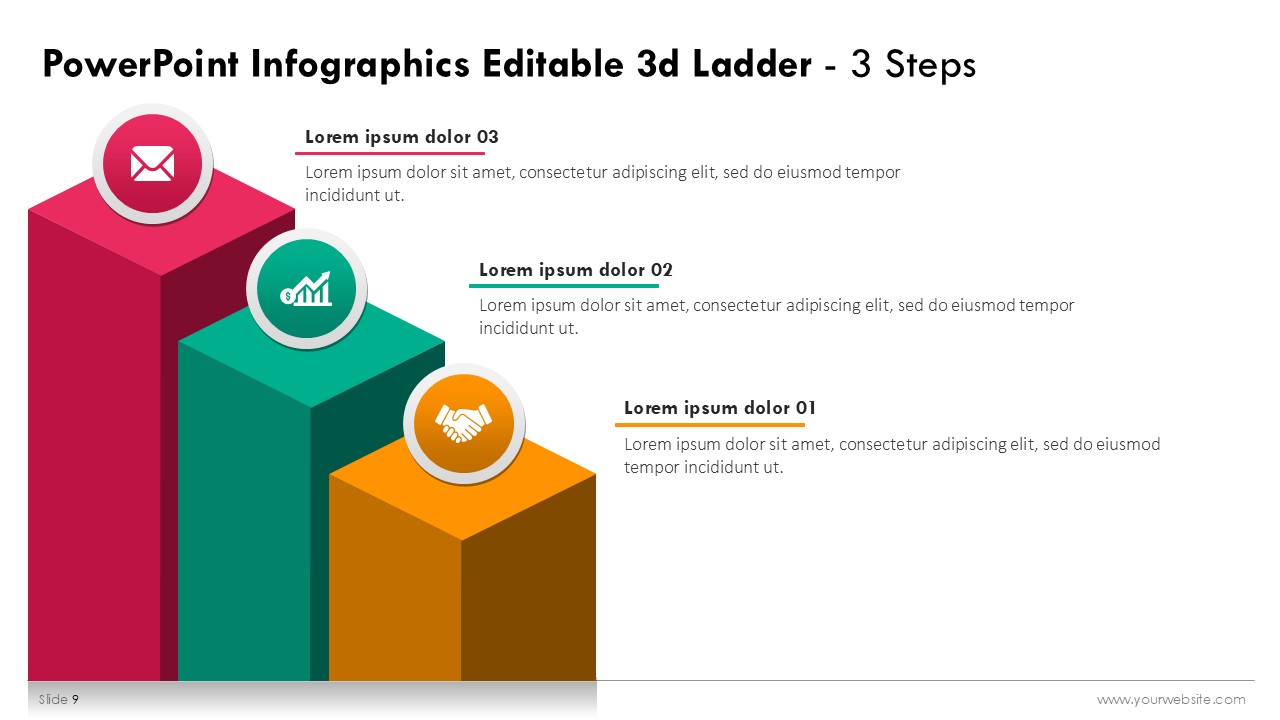
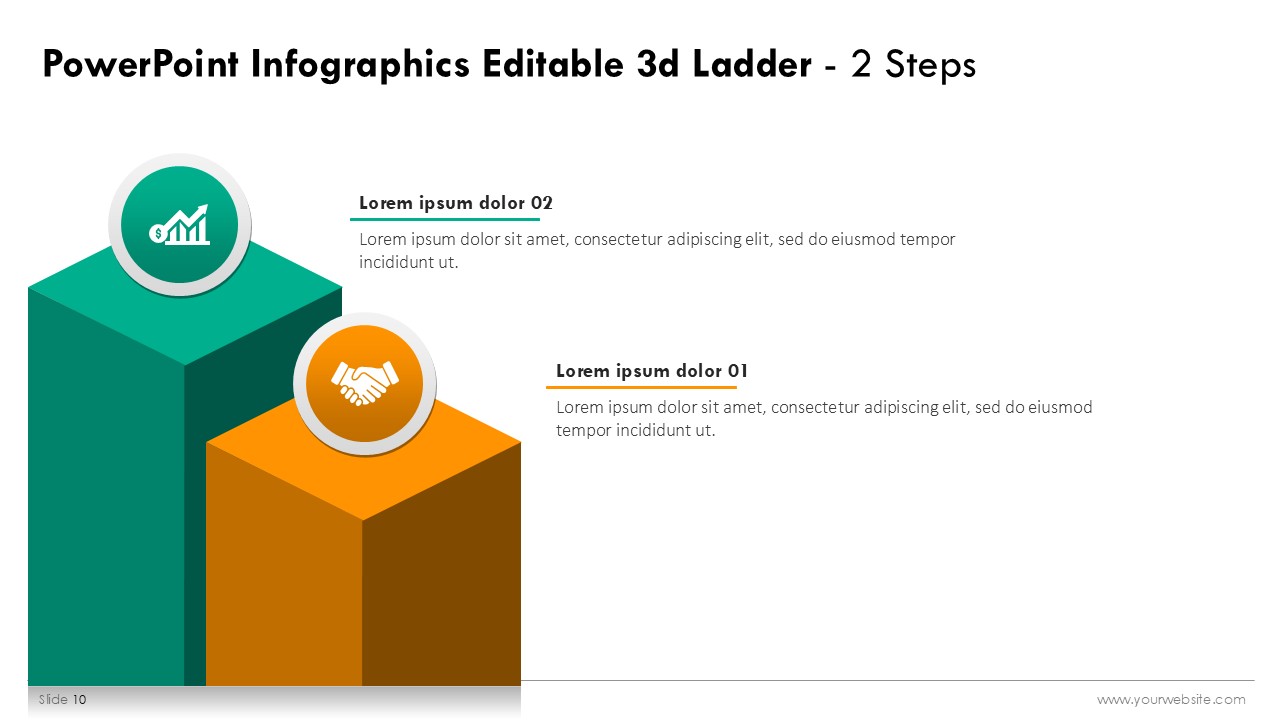
The PowerPoint Infographics Editable 3D Ladder Steps 2 to 10 is a premium template comprising 11 professionally designed slides in a vibrant color scheme of blue, pink, green, yellow, orange, and purple. Like all other products on this site, this template is fully editable in both PowerPoint (PPT) and Google Slides. For businesses and educators alike, this template offers eye-catching visuals which provide ease of understanding while presenting step-by-step guides, growth strategies, or progress milestones. It is perfect for corporate presentations, training sessions, or project updates and helps in easy yet professional delivery of complex ideas. Striking 3D slides of ladders make your presentations more creative, and the colorful palette adds vibrance.
The slides are tailored to effectively convey important data and information that include workflows, milestones, or strategic planning. The advanced and classic 3D style of the slides paired with excelent color choices offers a vibrant modern look. This template is fully editable meaning that texts, colors, and even layout can be changed for branding or theme purposes. Whether it is Google Slides or PPT, this template can be accessed making collaboration seamless.
Download now to make striking and engaging presentations with the utmost ease. Anyone who wants to convey their thoughts and craft modern PowerPoint presentations will appreciate the PowerPoint Infographics Editable 3D Ladder Steps 2 to 10.
SlidesBrain offers presentation features that allow you to customize every aspect of your slides. This means you can modify text, images, colors, fonts, and icons to your liking. Additionally, adjusting graphs in PowerPoint is simple, enabling you to change colors, numbers, and labels to match your preferences and create the perfect presentation.
“A review from a customer who benefited from your product. Reviews can be a highly effective way of establishing credibility and increasing your company's reputation.”
★★★★★Rated 5 out of 5
“A review from a customer who benefited from your product. Reviews can be a highly effective way of establishing credibility and increasing your company's reputation.”




 MS Powerpoint
 Google Slides