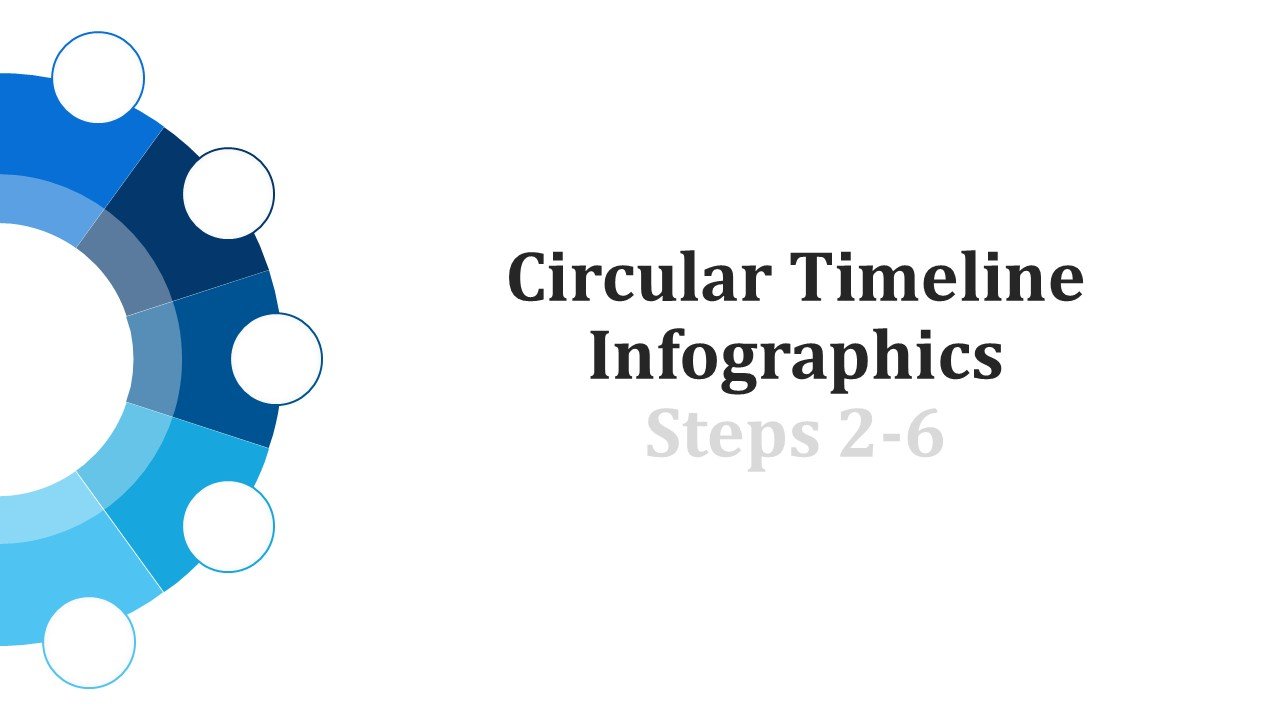
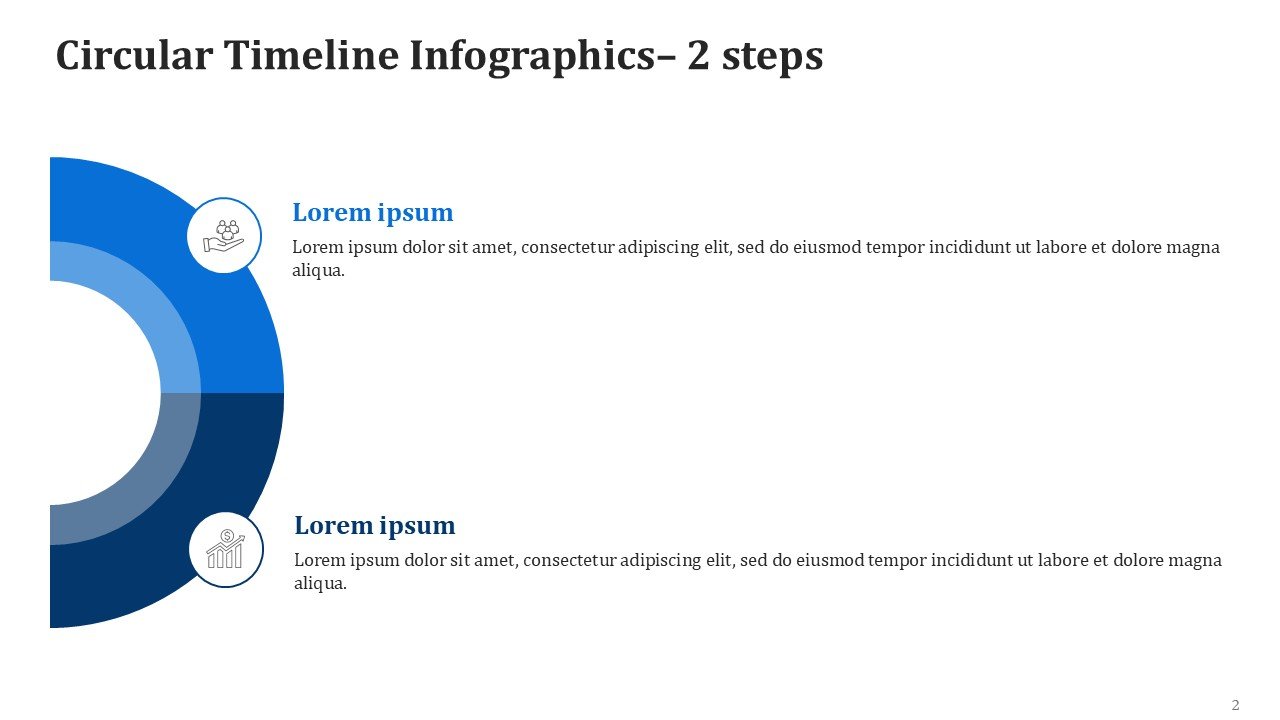
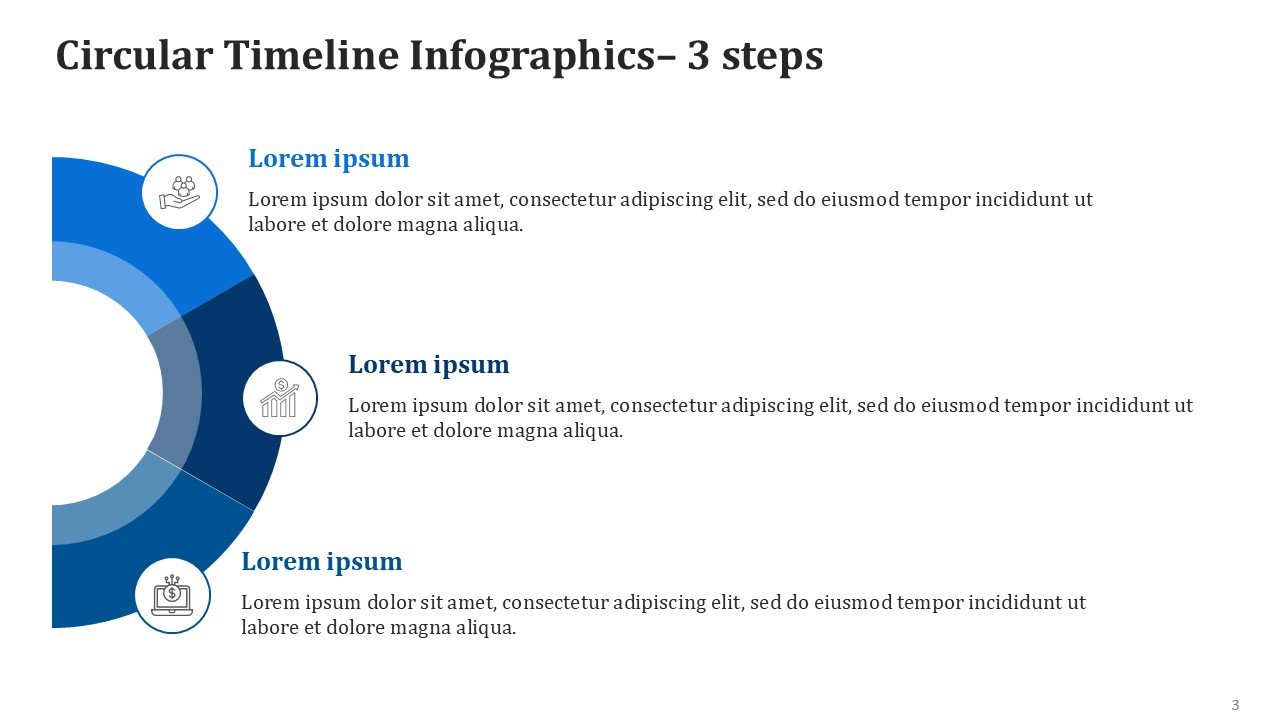
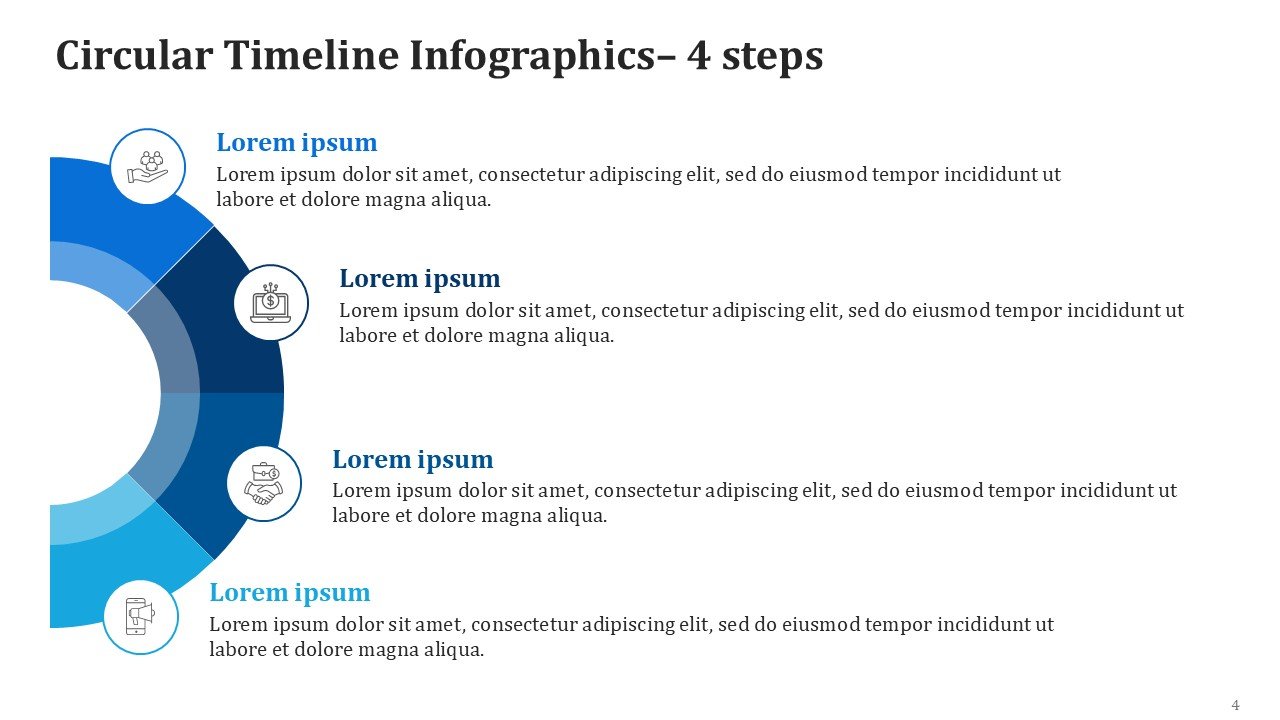
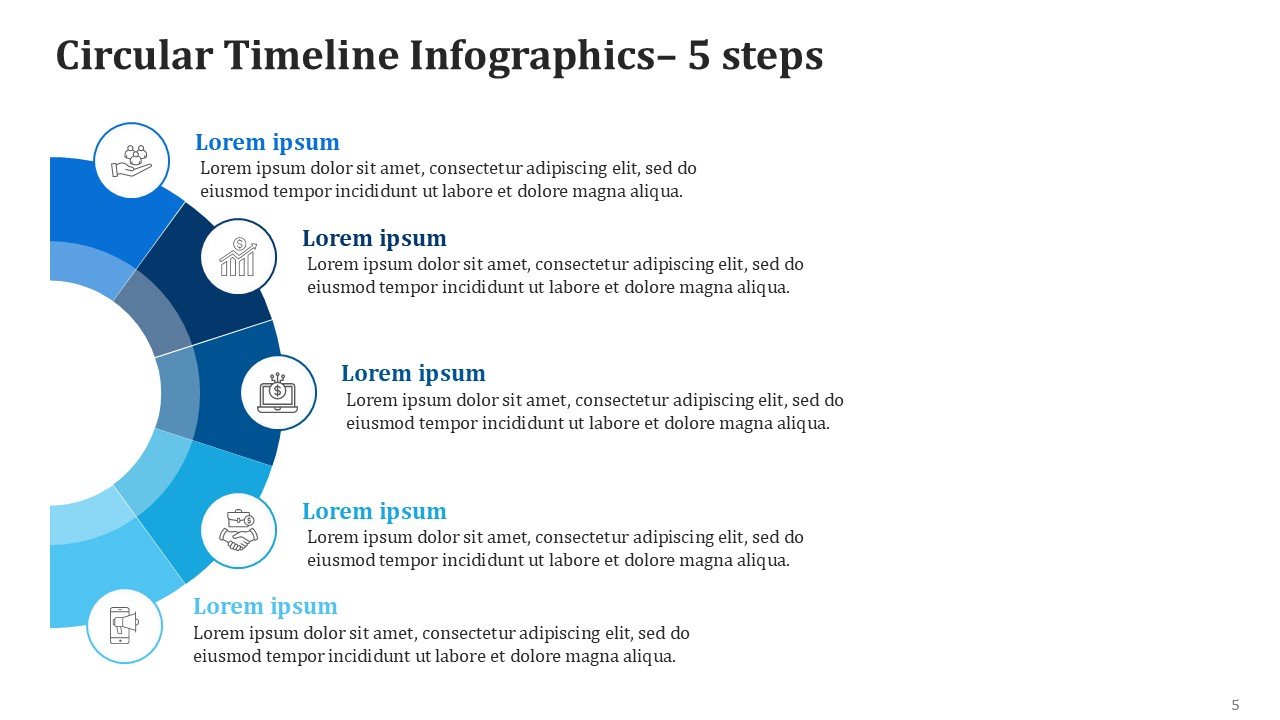
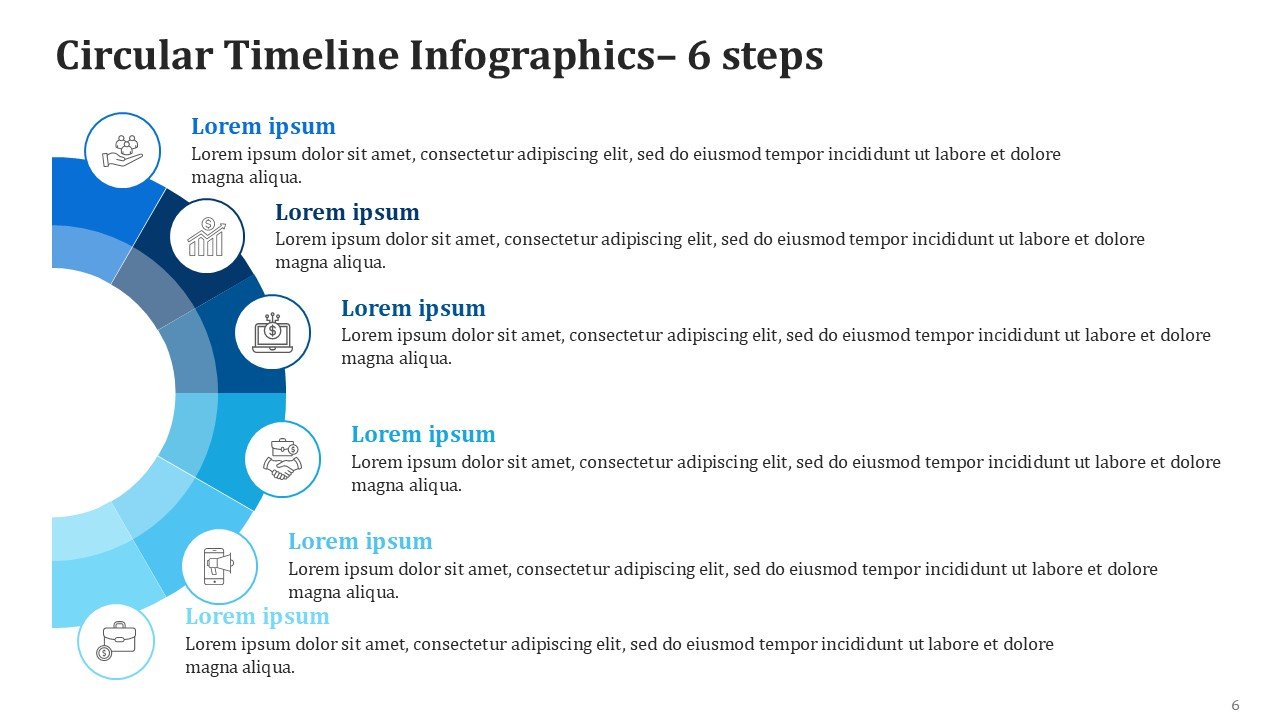
The Circular Timeline Infographics PPT PowerPoint Presentation has been made to illustrate the design and approach for the timelines and the development stages as well as providing unique features to showcase various levels of detail and dimensions in a circular way. The modern cyan to blue gradient color scheme of the design template gives it a visually appealing and succinct style for easy continuity in the analysis of the information organized in stepwise and chronological order, and improves the audience’s ability to connect the information presented in the design to the timeline annotated through each data point.
There are 7 slides in Circular Timeline Infographics PPT PowerPoint Presentation and they have been designed to maximize clarity, form, and respective imbalances proportionately to the rest of the slides, aligned to respective axes, and circular in representation and sheem of the slides for the Circular Timeline Infographics PPT PowerPoint Presentation, to add visually appealing professional and high end representing the company in the Corporate Design, Corporate Innovation and Corporate Academia.
Circular Timeline Infographics PPT Powerpoint Presentation aids in simplifying and telling the story of the complex and confusing information through the use of visual analogues, in order to increase the ability to efficiently communicate the ideas in a clear and impactful manner in the data and information in the layout. Additionally, the Circular Infographic layout is designed to accompany the project roadmap and/or the stages of development of marketing and /or of a product and /or the business strategy timeline.
The Circular Timeline Infographics PPT PowerPoint Presentation temlates offer flexible options for customization, making it easy to fit with your brand or presentation needs by changing the text, icons, colors, graphs, charts, and images. Additionally, the templates are compatible with Microsoft PowerPoint and Google Slides which makes it easier to create professional and high-quality presentations.
Template Features :
7 professionally designed circular infographic slides
Modern blue cyan-premium color scheme
Creative circular timeline and process layouts
Clean, minimalist, and professional design
100% fully editable PowerPoint slides
Easy-to-edit text placeholders and infographic elements
Editable icons, shapes, and visual components
Fully customizable colors and infographic styles
Compatible with Microsoft PowerPoint & Google Slides
Ideal for timelines, project stages, and workflow presentations
High-quality layouts for business, marketing, and strategy presentations
Suitable for corporate reports, project planning, and educational use
Designed for both digital presentations and live presentations
Premium template for professional and commercial use
SlidesBrain offers presentation features that allow you to customize every aspect of your slides. This means you can modify text, images, colors, fonts, and icons to your liking. Additionally, adjusting graphs in PowerPoint is simple, enabling you to change colors, numbers, and labels to match your preferences and create the perfect presentation.
“A review from a customer who benefited from your product. Reviews can be a highly effective way of establishing credibility and increasing your company's reputation.”
★★★★★Rated 5 out of 5
“A review from a customer who benefited from your product. Reviews can be a highly effective way of establishing credibility and increasing your company's reputation.”



 MS Powerpoint
 Google Slides