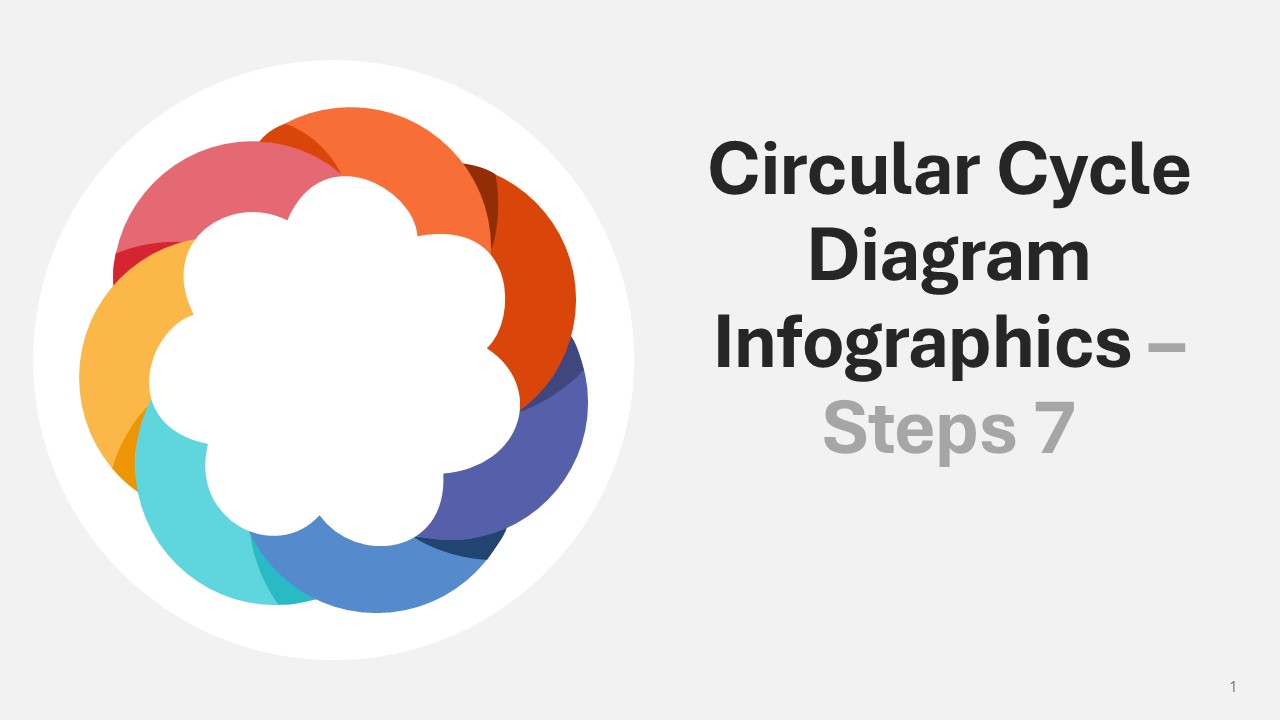
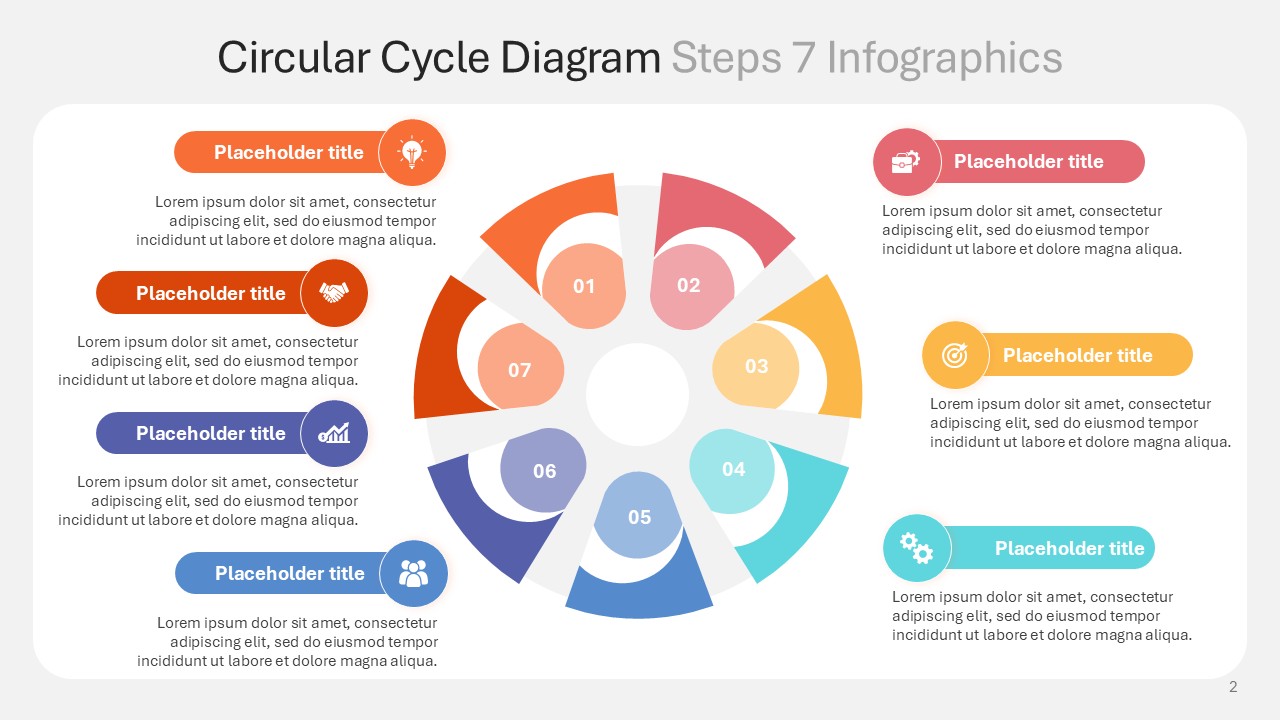
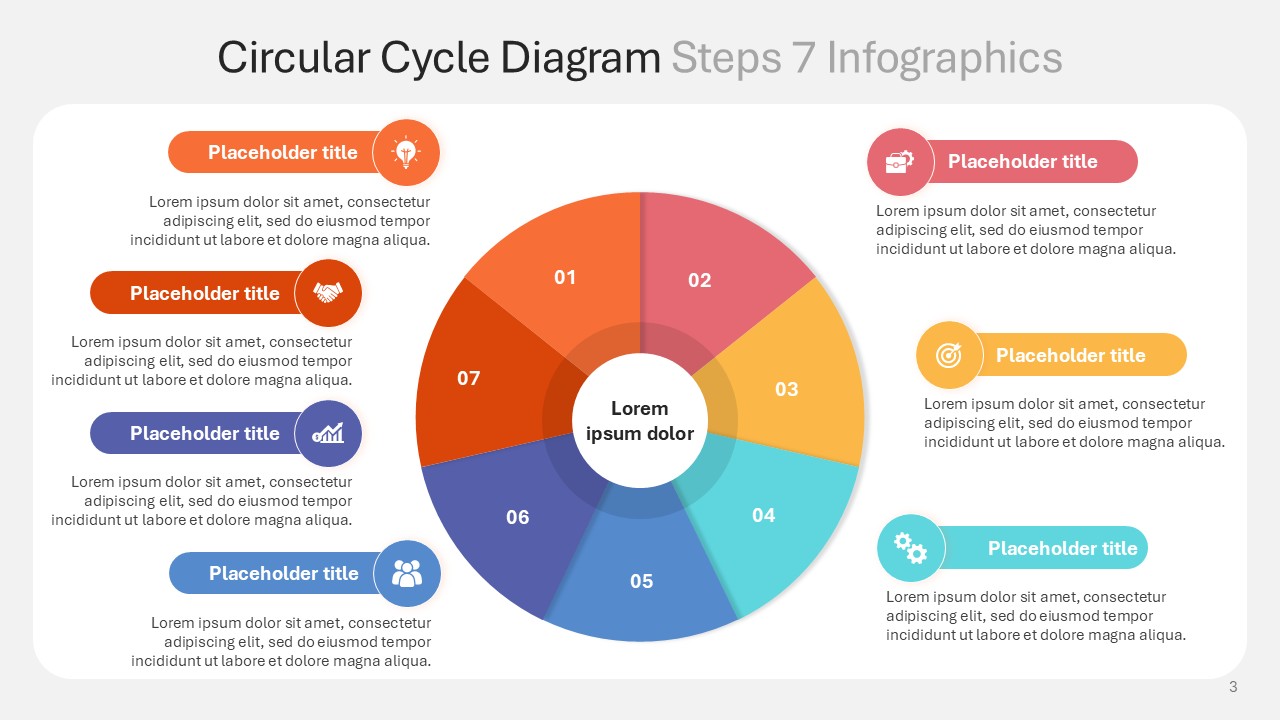
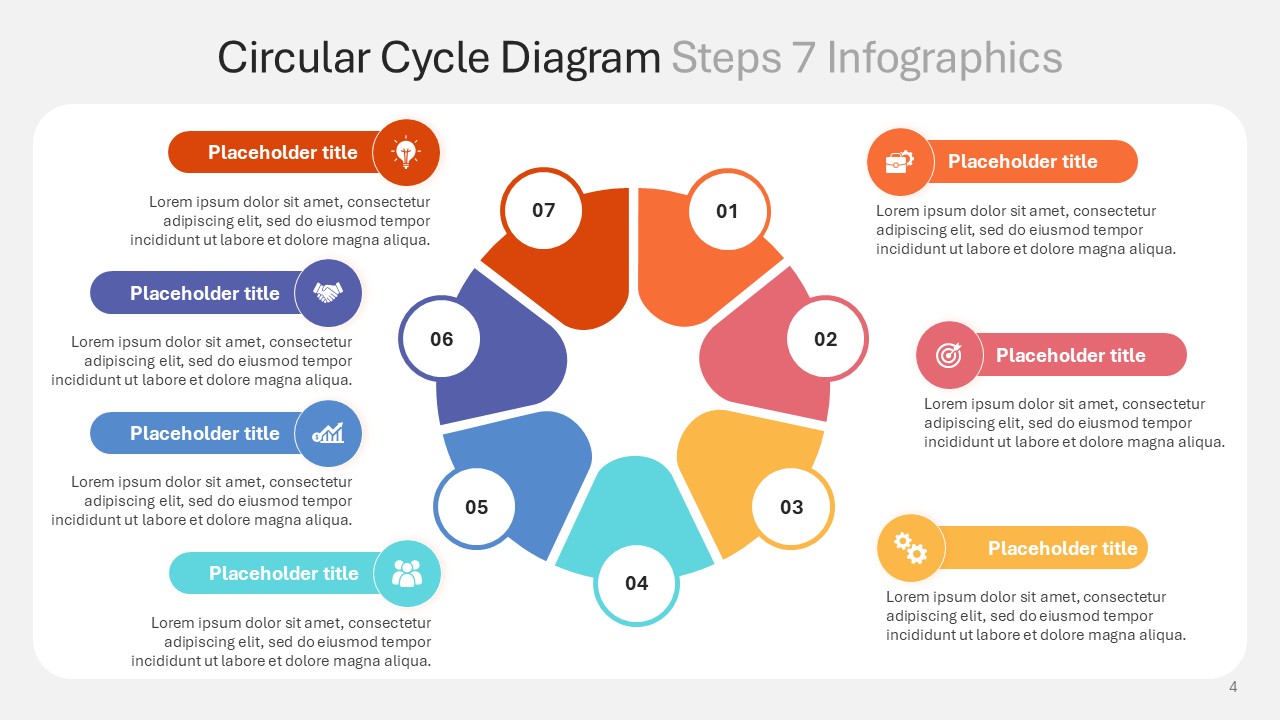
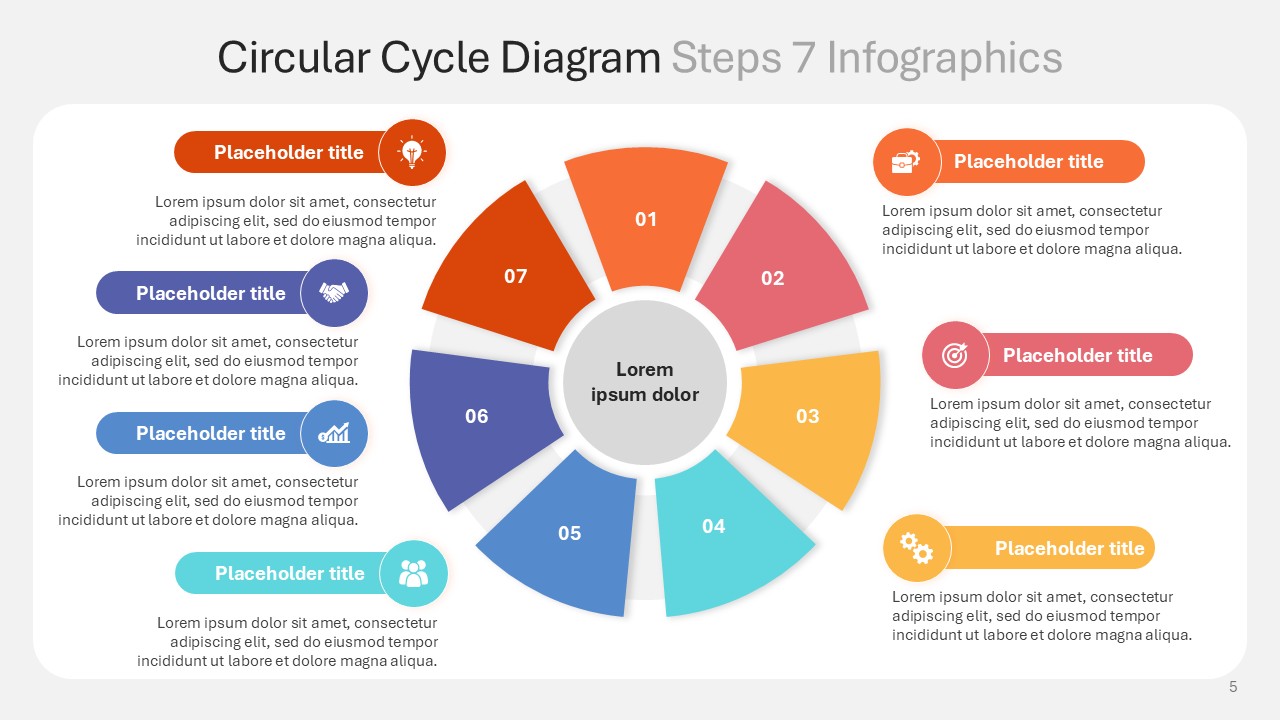
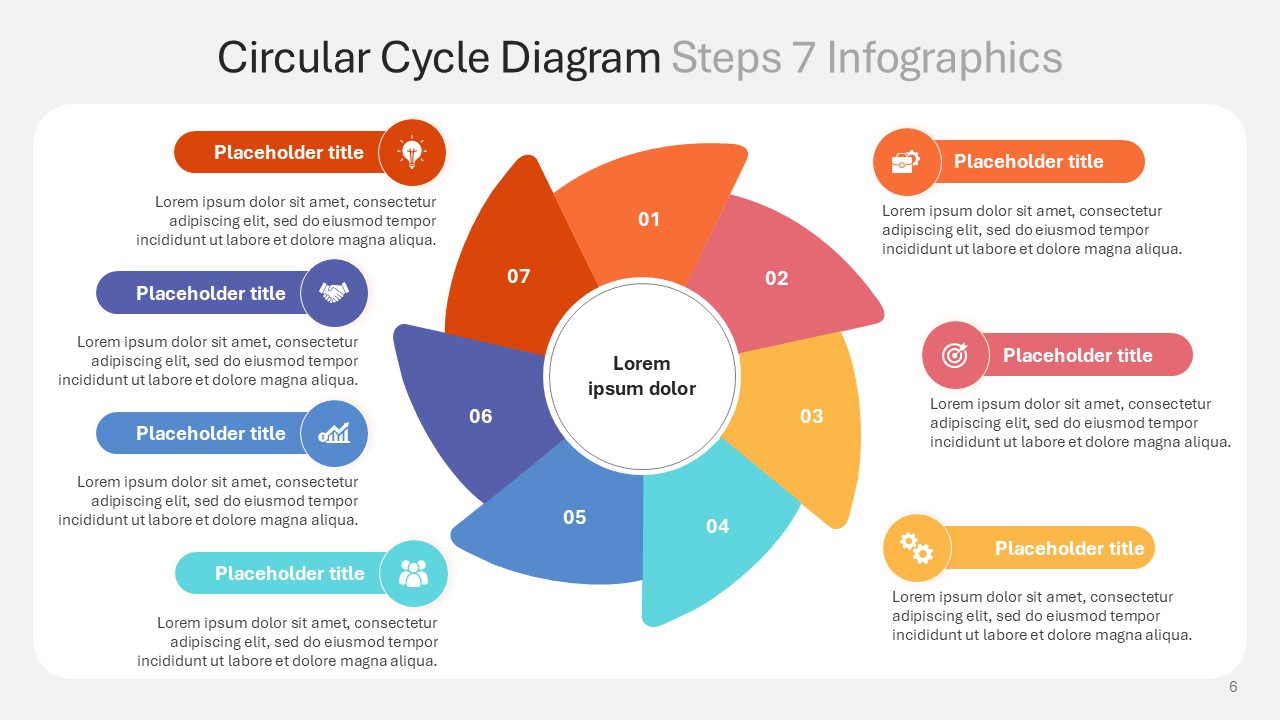
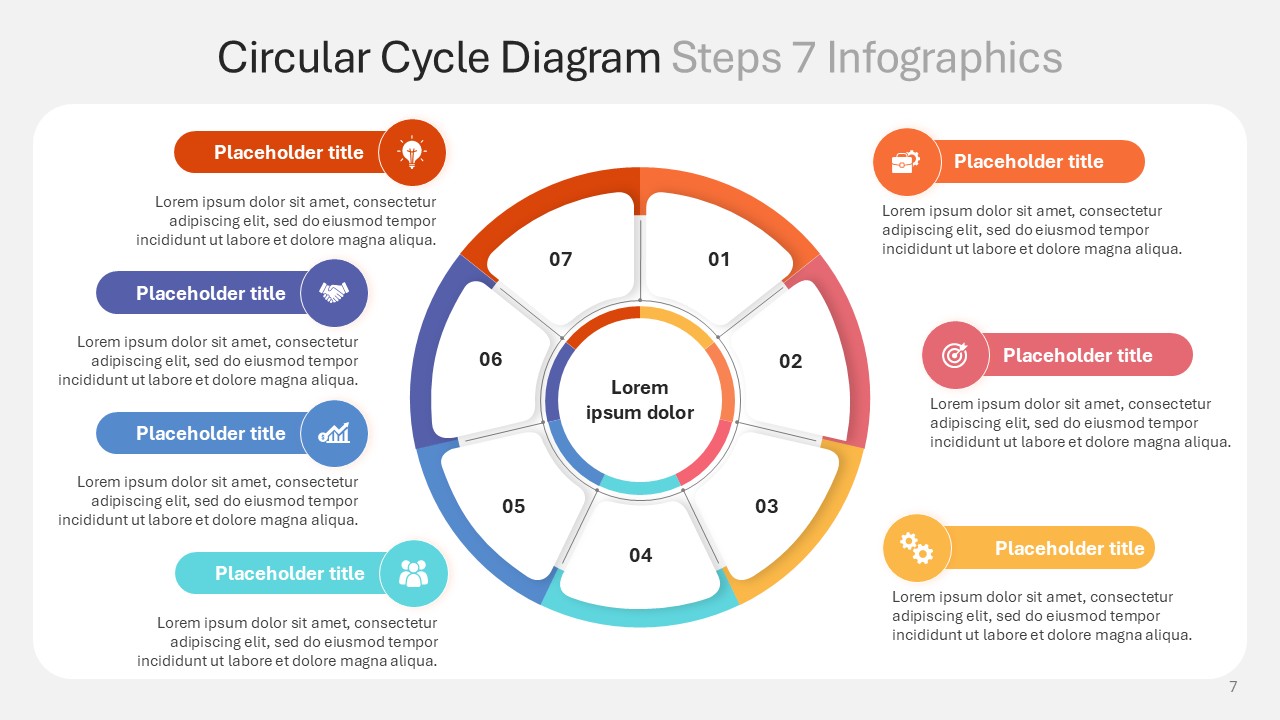
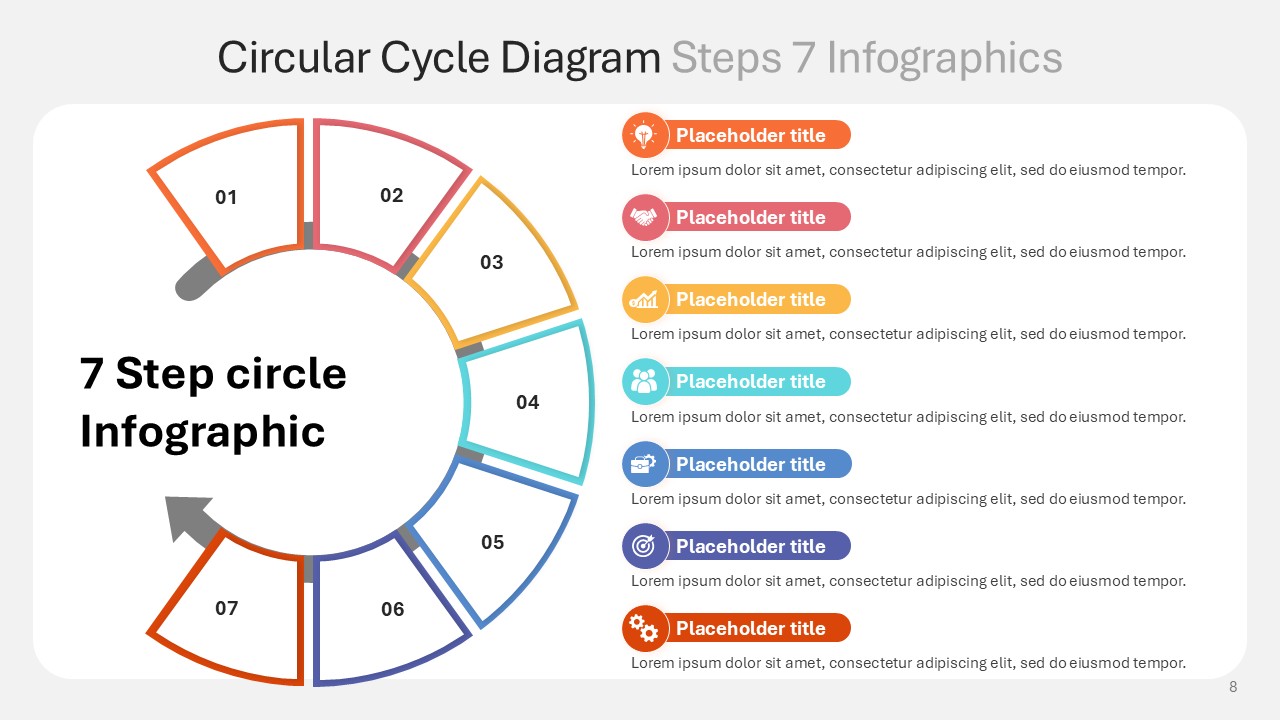
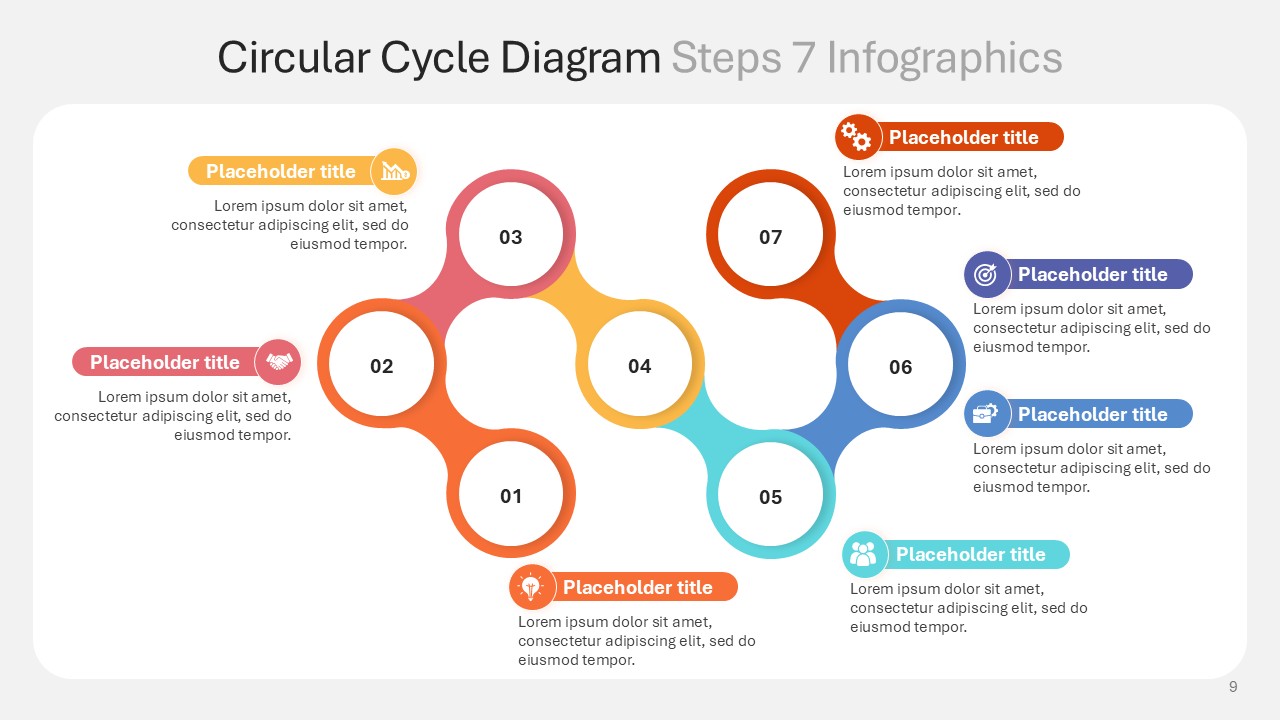
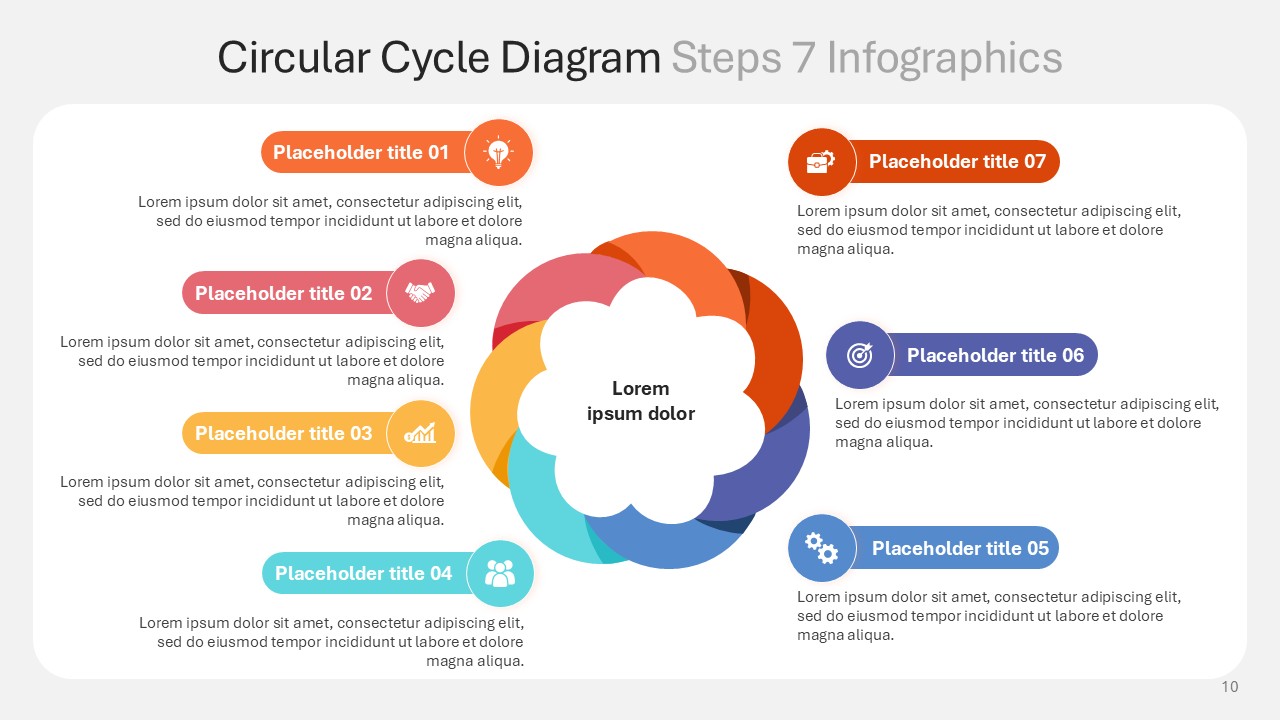
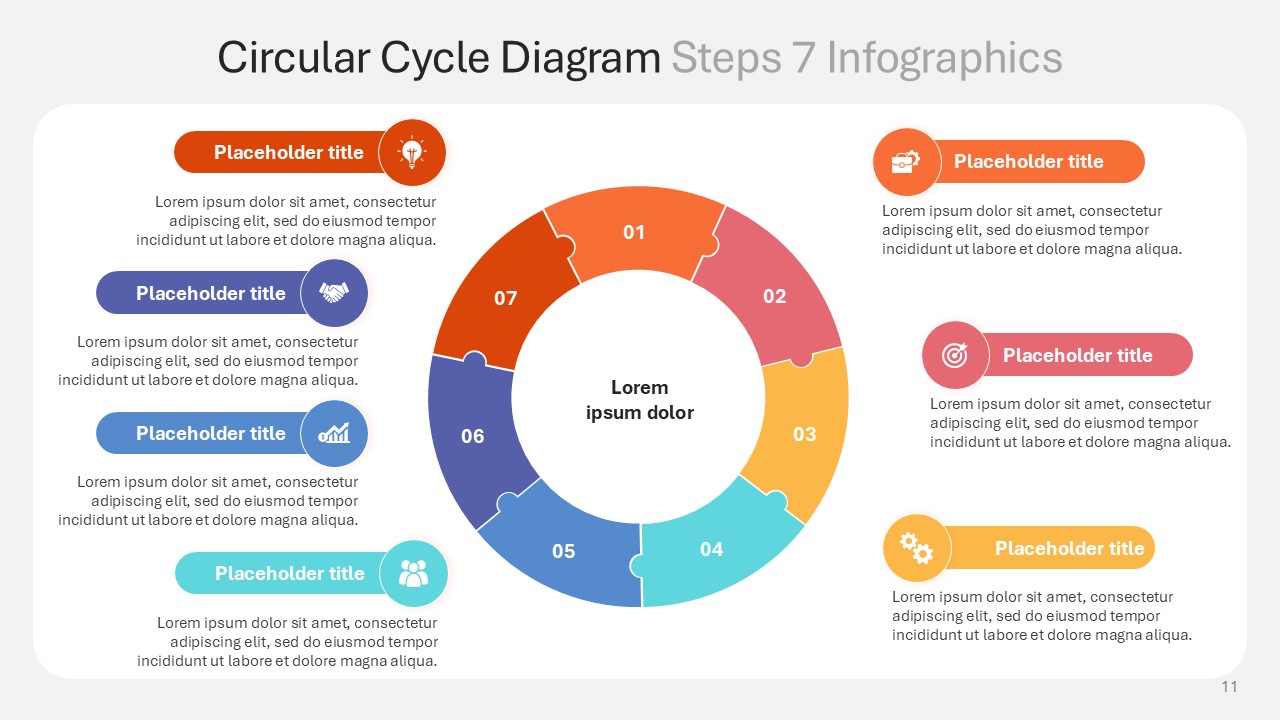
The Circular Cycle Diagram Steps 7 Infographics PPT Presentation breaks down seven stages into a vivid, easy to understand infographic narrative split across 12 presentation slides. Each step is illustrated using a specific color from the circular spectrum infographic which helps guide the audience through the stepwise processes. These colors include red, orange, yellow, green, and blue. The slides are formatted in a circular format that helps aid continuity in the narrative. These presentation slides are useful for strategists, educators, and project managers to simplify the life cycles or frameworks of product development into a narrative.
Each step is streamlined to enhance the audience’s retention of the presentation using a specific primary color. The colors are red for the initial phase, orange for development, yellow for testing, green for growth, and blue for the final phase of optimization. The slides are useful for depicting processes like customer journey loops or quality management systems, as they clearly illustrate the stages while maintaining a visual flow.
This template is fully editable and can be used in Powerpoint and Google Slides. You will be able to change colors, icons, and text to fit your branding or better fit your context. From defining strategies to training teams on procedural cycles, and from showing operational workflows to stakeholders to using the Circular Cycle Diagram Steps 7 Infographics PPT Presentation, this tool will help you visualize progression with elegance and professionalism. Suitable for business analysts, teachers, project managers, and even consultants, the Circular Cycle Diagram Steps 7 Infographics PPT Presentation contains 12 editable slides that offer modular circular graphics with accompanying text placeholders.
SlidesBrain offers presentation features that allow you to customize every aspect of your slides. This means you can modify text, images, colors, fonts, and icons to your liking. Additionally, adjusting graphs in PowerPoint is simple, enabling you to change colors, numbers, and labels to match your preferences and create the perfect presentation.
“A review from a customer who benefited from your product. Reviews can be a highly effective way of establishing credibility and increasing your company's reputation.”
★★★★★Rated 5 out of 5
“A review from a customer who benefited from your product. Reviews can be a highly effective way of establishing credibility and increasing your company's reputation.”




 MS Powerpoint
 Google Slides