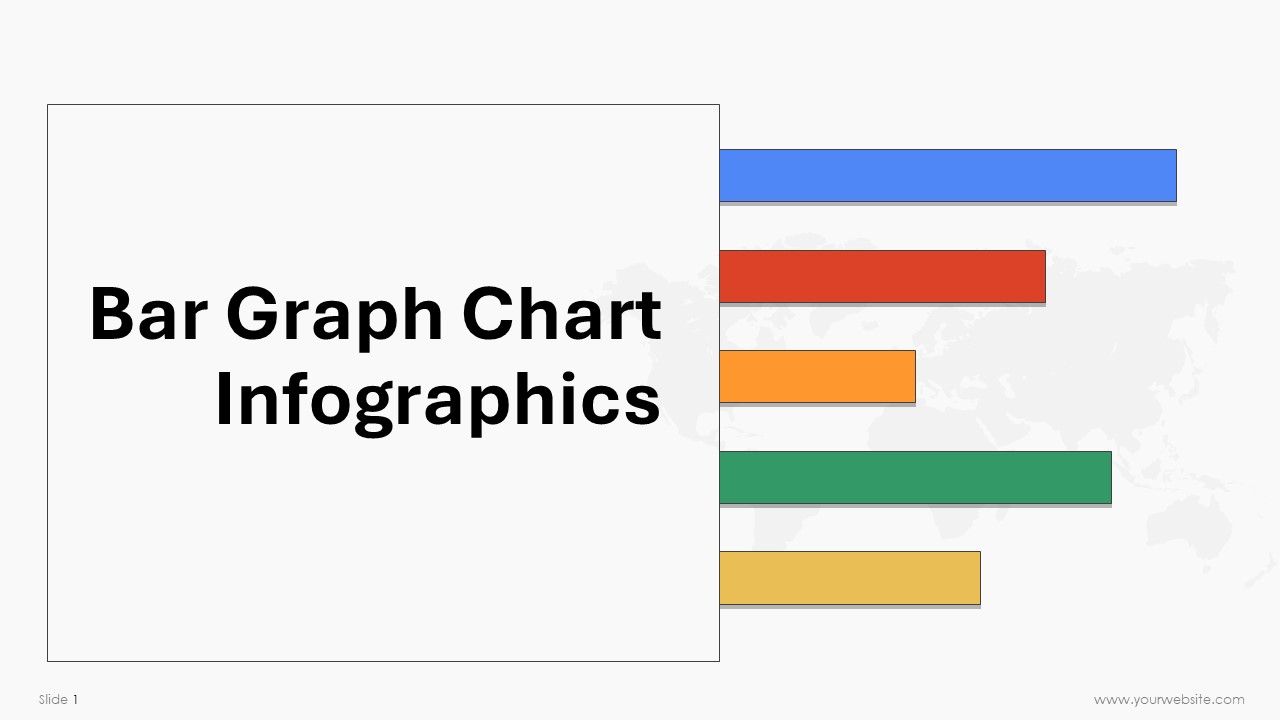
Bar Graph Chart Infographics
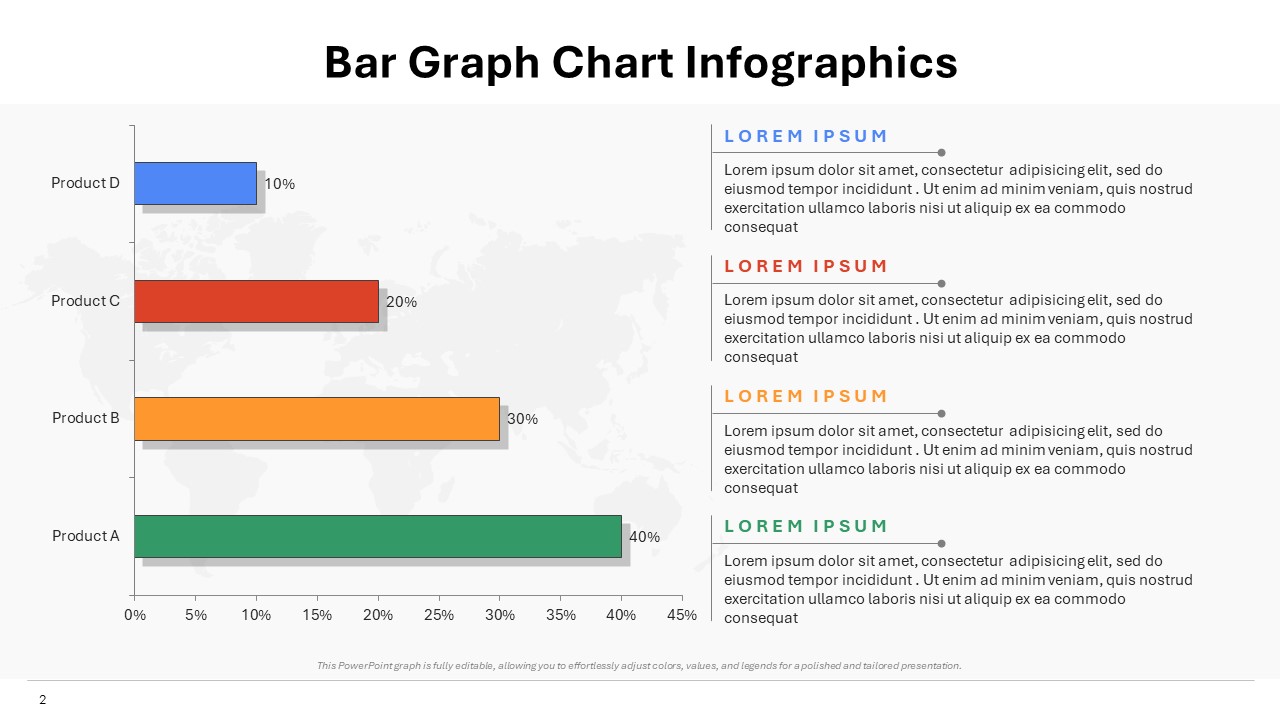
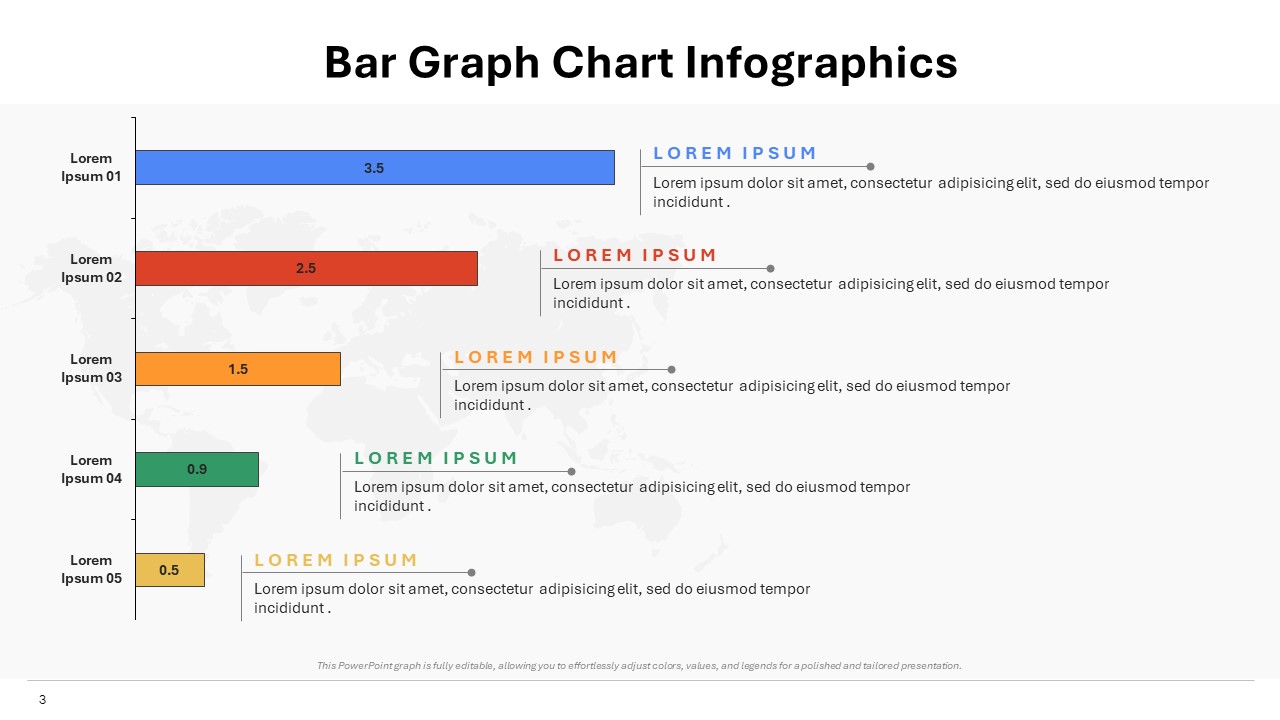
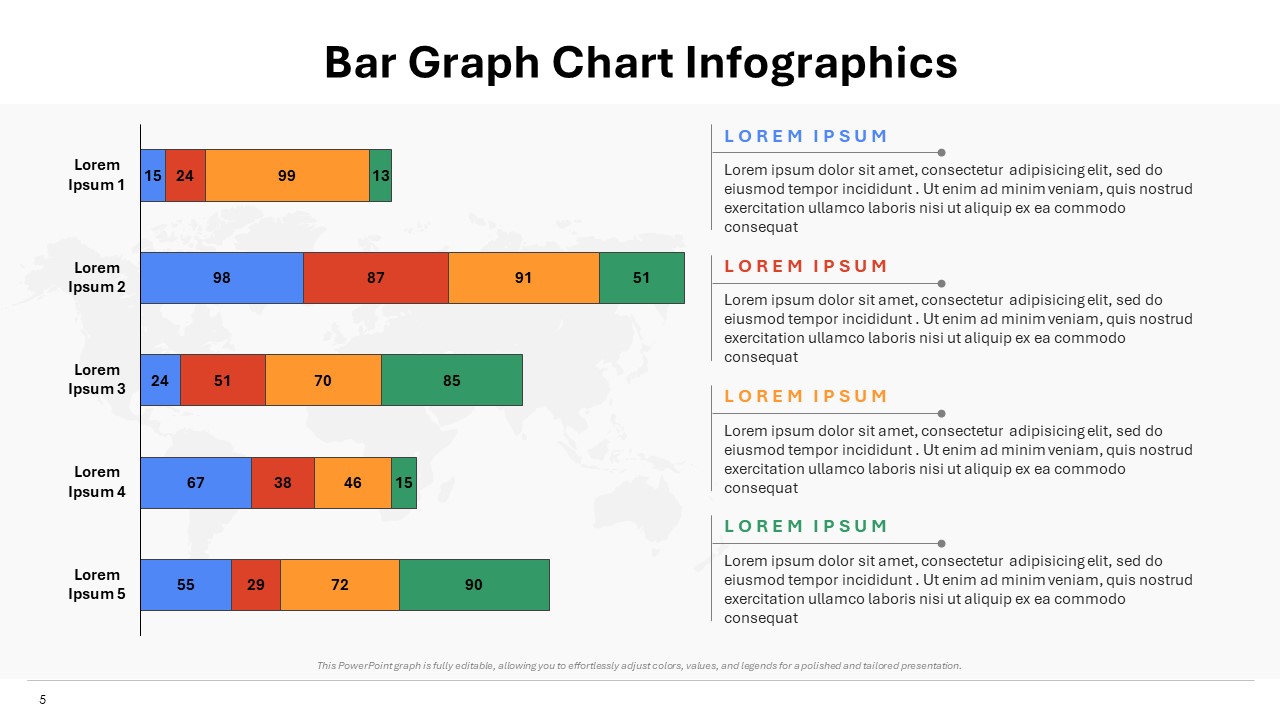
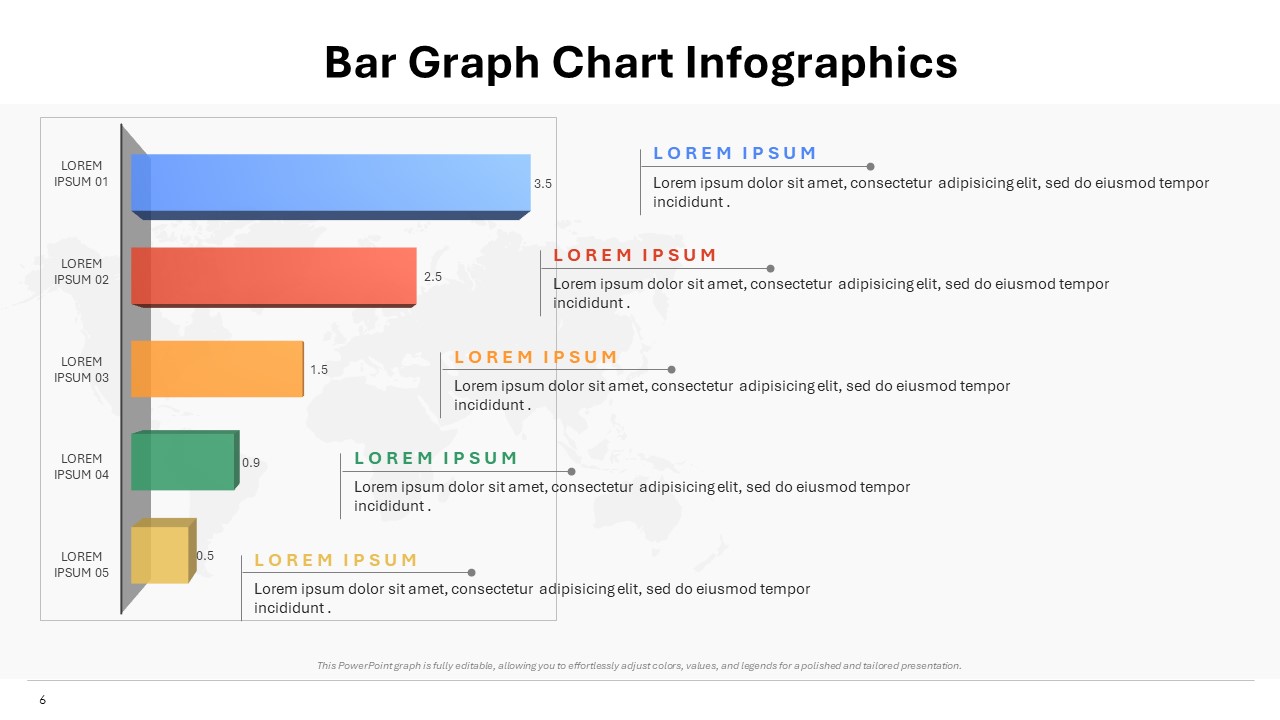
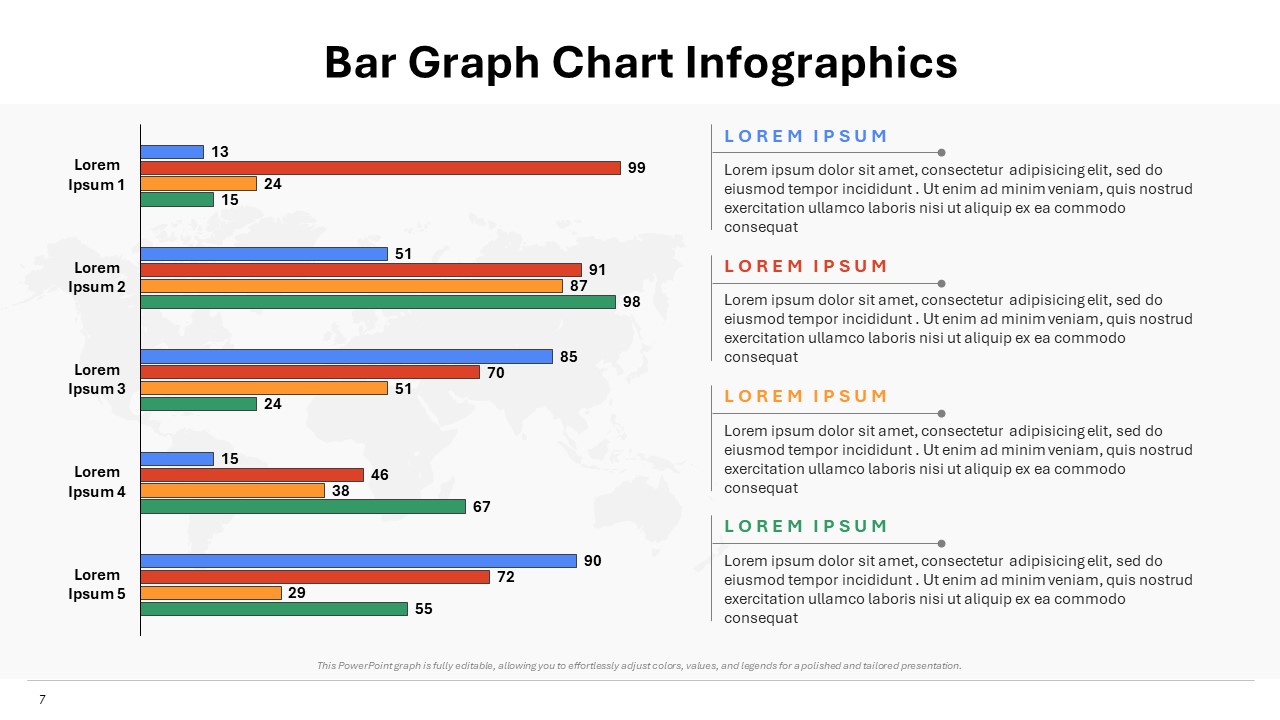
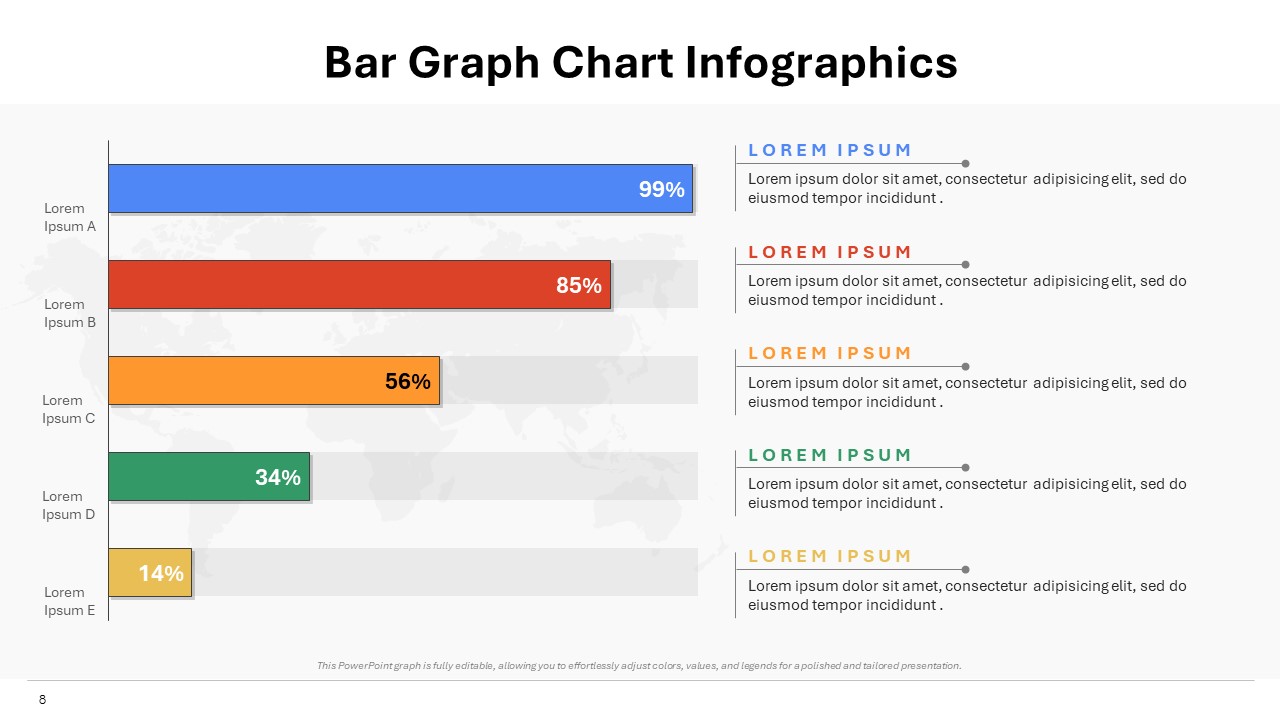
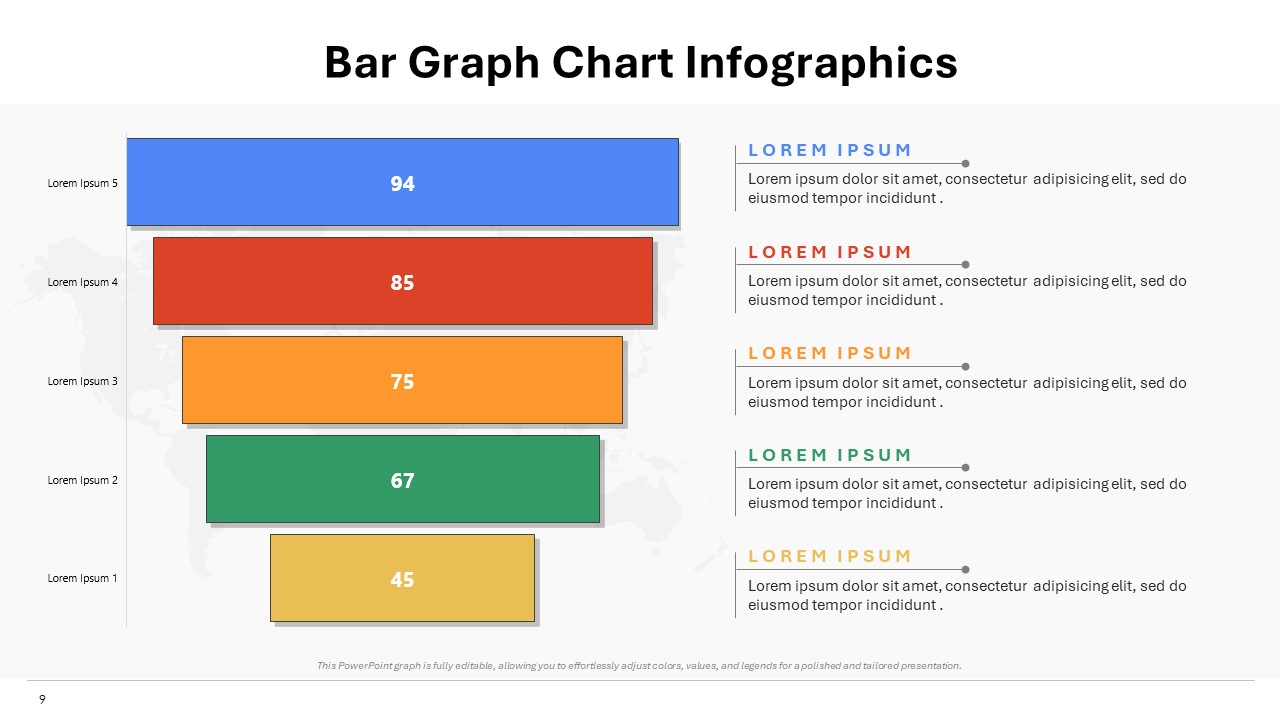
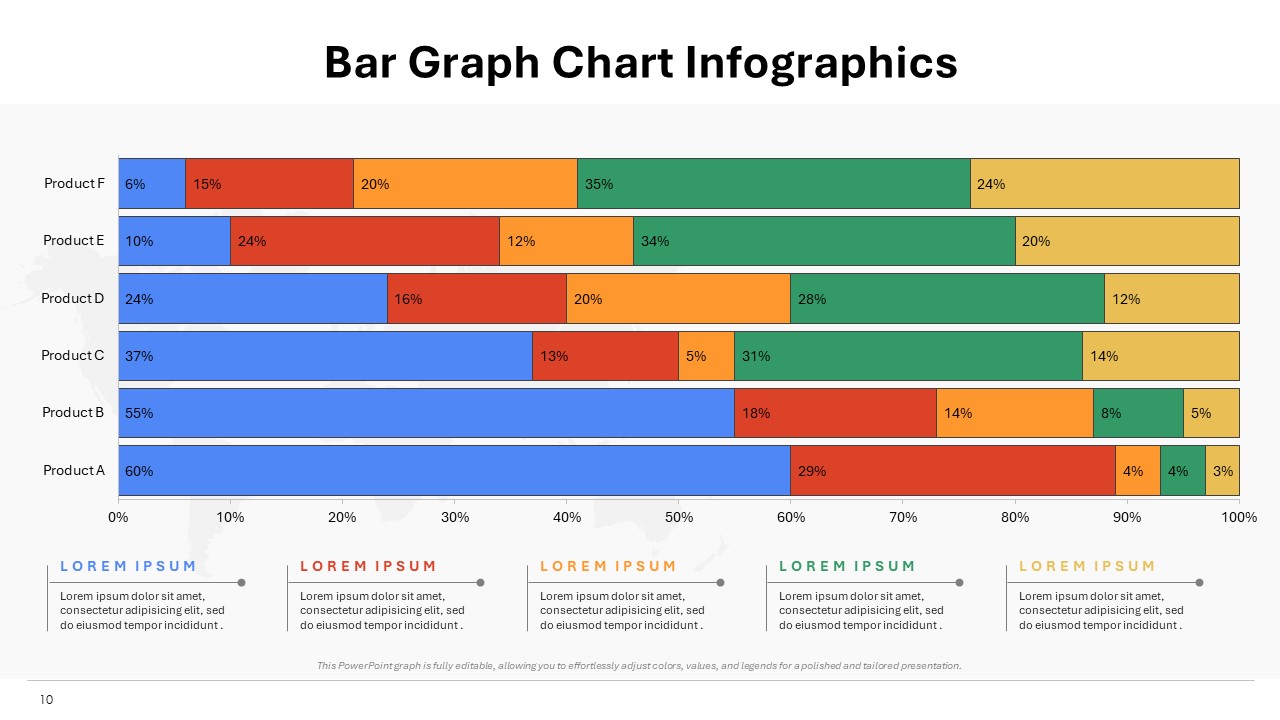
Enhance your presentations with our Bar Graph Chart Infographics template. Compatible with both PowerPoint and Google Slides, this template simplifies complex data into visually compelling bar graphs. With adjustable colors, fonts, and styles, you have full control over the appearance of your charts. Ideal for professionals in diverse fields, it offers a versatile solution for boardrooms, classrooms, and conferences. Engage your audience and communicate insights effectively with our Bar Graph Chart Infographics template, which is fully editable for seamless customization.
Template Specifications
| Name: | Bar Graph Chart Infographics |
| Quantity: | 10 slides |
| Ratio: | 16:9 |
| Colors : | |
| Rating: | Premium |
| Tutorials: | Click Here to View More |
SlidesBrain offers presentation features that allow you to customize every aspect of your slides. This means you can modify text, images, colors, fonts, and icons to your liking. Additionally, adjusting graphs in PowerPoint is simple, enabling you to change colors, numbers, and labels to match your preferences and create the perfect presentation.
Looking for a slide or PPT that’s uniquely yours? Our presentation design agency is here to help make your ideas a reality. As a leading presentation design company, we focus on delivering premium-grade bespoke presentations that engage your audience and ensure message retention. Kindly get in touch with us for professional custom presentation design services and transform your brand’s message for the purpose that you have in mind.
Premium Template
Unlock this template and gain unlimited access
Template Specifications
Dimensions
15 Slides, 1366 x 768 pixels – 16:9 Aspect Ratio (HD Presentation Quality)
Format
Download as a PPT to share with your recipient or generate a shareable link for online sharing.
Customizable
This template can be fully customized. You can edit content, change image(s), apply custom colors, input your own fonts and logo, and more.
Related tags
Related Presentations
No related products found.
-
blue
SWOT Analysis for Business Infographics Fully Customizable PPTX and Google Slides
Rated 0 out of 5Frameworks | 17 slides 16:9 -
blue
Startup Success Pyramid Infographics Editable Presentation and Google Slides
Rated 0 out of 5Frameworks | 7 slides 16:9 -
blue
Progress Bar Infographics with Data Charts PPT and Google Slides
Rated 0 out of 5Charts | 13 slides 16:9 -
brown
Business Excellence Pyramid Infographics for PowerPoint and Google Slides
Rated 0 out of 5Infographics | 6 slides 16:9 -
basic shapes
Speech Bubble PowerPoint Template Print Ready Slide Deck
Rated 0 out of 5basic shapes | 10 slides 16:9 -
Frameworks
Service Delivery Funnels Infographics PPT Google Slides Template
Rated 0 out of 5Frameworks | 6 slides 16:9 -
blue
Pyramid Workflow Infographics Fully Customizable PPTX
Rated 0 out of 5Frameworks | 7 slides 16:9 -
blue
Project and Process Horizontal Funnel Infographics for PowerPoint and Google Slides
Rated 0 out of 5Frameworks | 6 slides 16:9
Related products
-
Artificial Intelligence PowerPoint Templates
Types of Artificial Intelligence PowerPoint Template
Rated 0 out of 5Artificial Intelligence PowerPoint Templates | 16 slides 16:9 -
blue
Holiday Memories Christmas PowerPoint Deck
Rated 0 out of 5Free PowerPoint Templates | 21 slides 16:9 -
blue
Diwali Cultural and Spiritual Importance Presentation Template
Rated 0 out of 5education | 18 slides 16:9 -
Business
Competitive Analysis Strategic Business Plan Presentation Template
Rated 0 out of 5Business | 18 slides 16:9 -
cream
Canadian Independence Day Flag Traditions PPT Template
Rated 0 out of 5Free PowerPoint Templates | 16 slides 16:9 -
A4 Presentation Templates
Business Invoice Sample
Rated 0 out of 5A4 Presentation Templates | 1 slides 16:9
Customer Reviews
“A review from a customer who benefited from your product. Reviews can be a highly effective way of establishing credibility and increasing your company's reputation.”
Customer Name
“A review from a customer who benefited from your product. Reviews can be a highly effective way of establishing credibility and increasing your company's reputation.”
Customer Name


MS Powerpoint