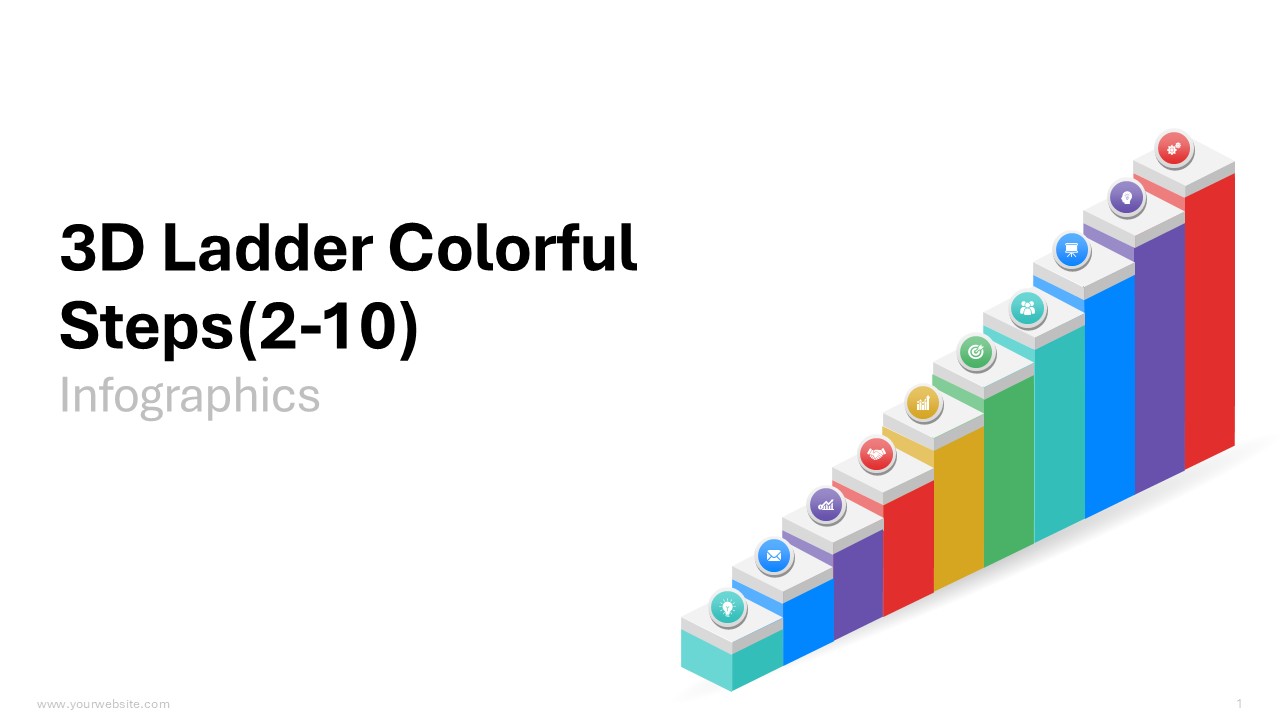
3D Ladder Colorful 2 to 10 Steps PowerPoint Infographics
Premium
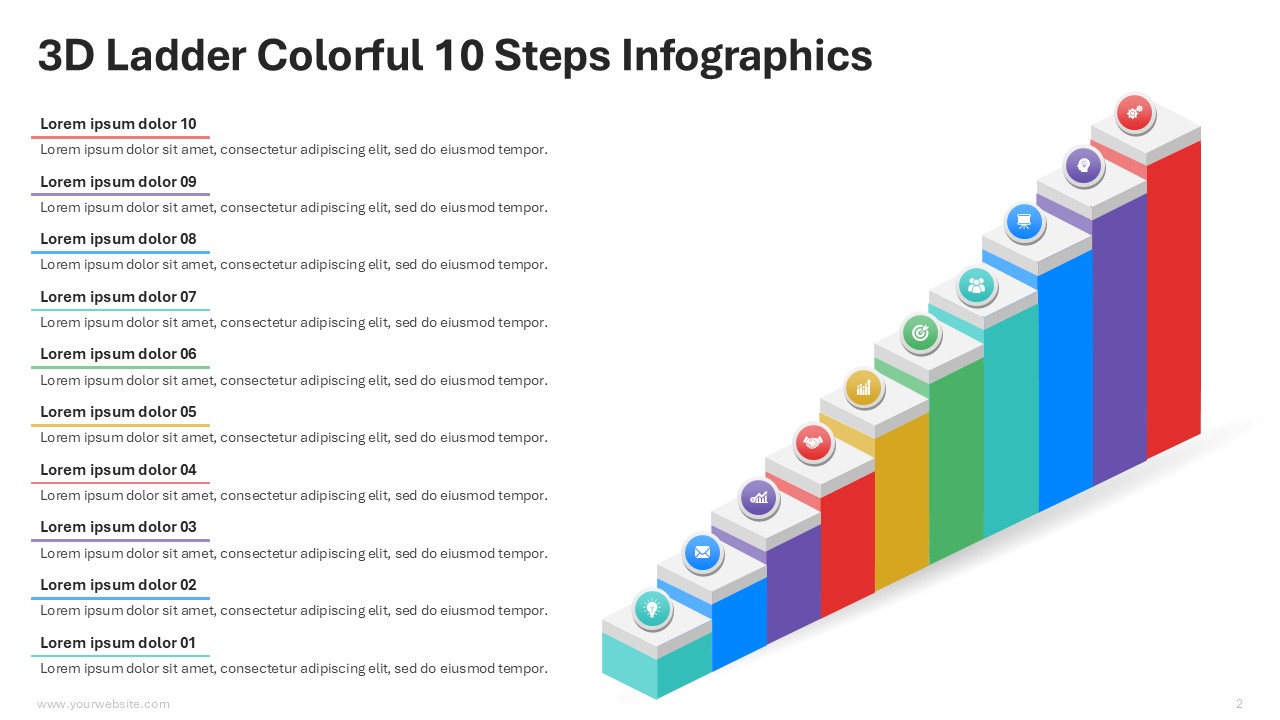
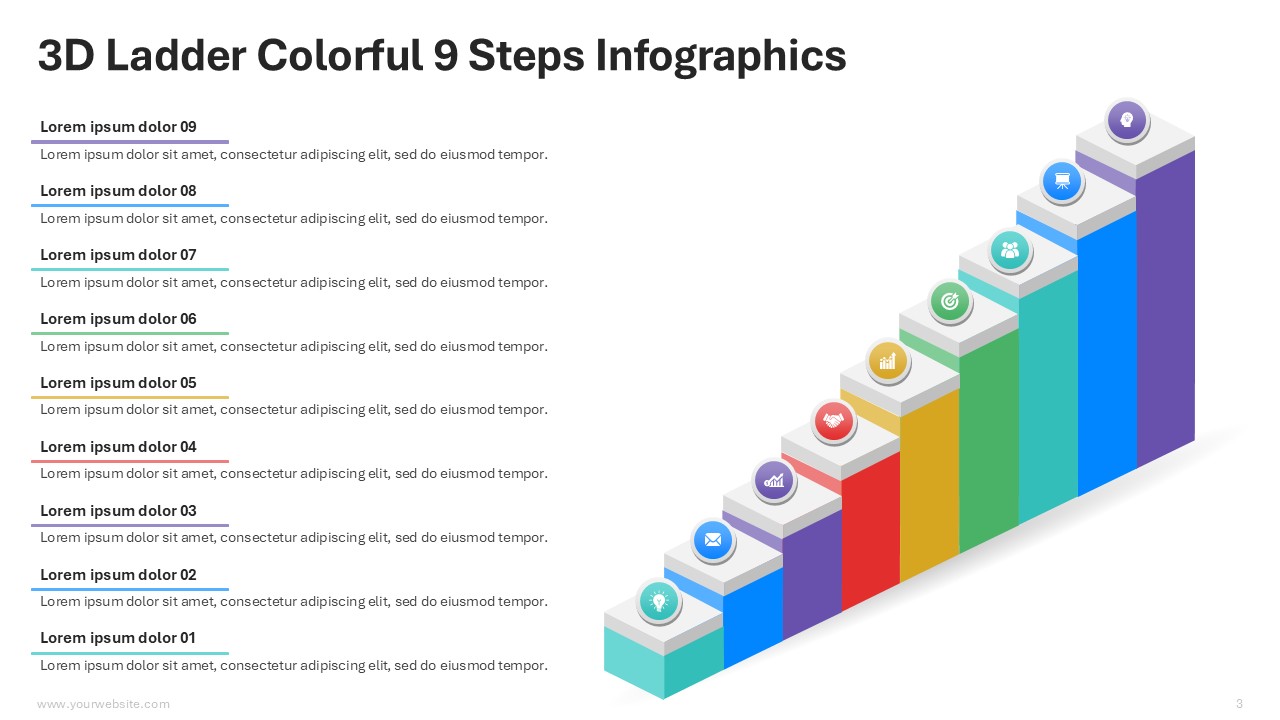
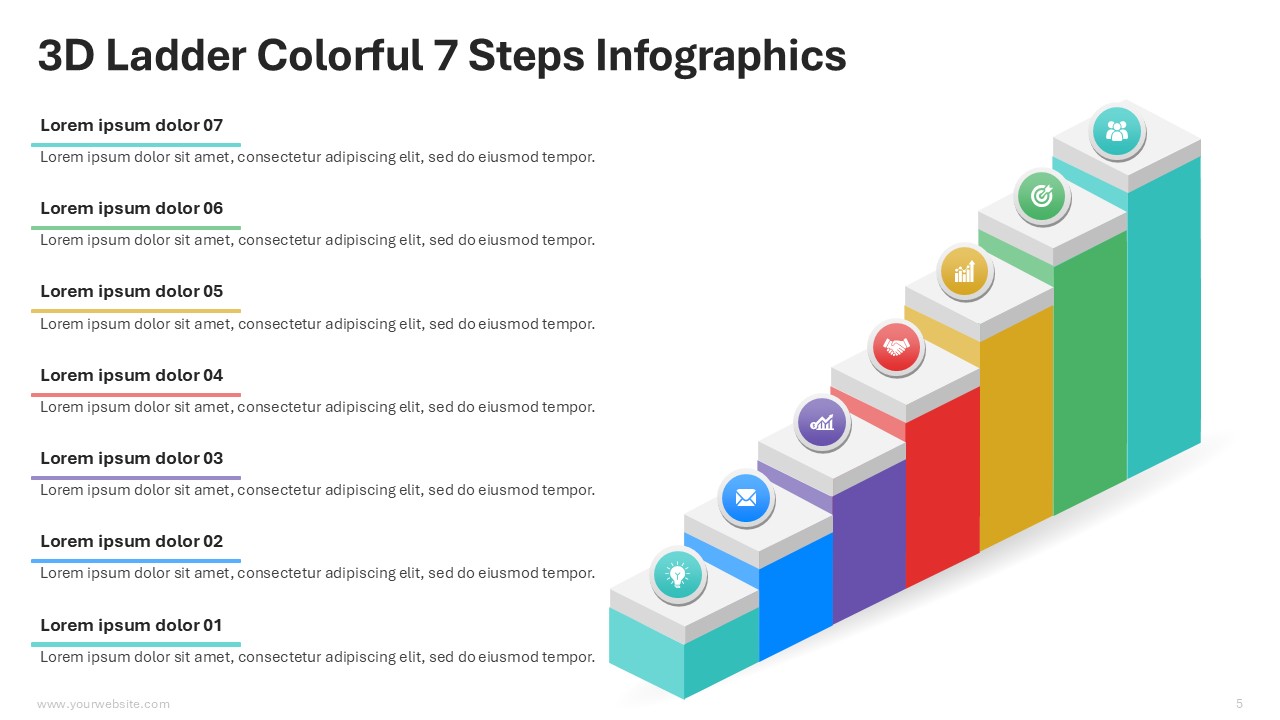
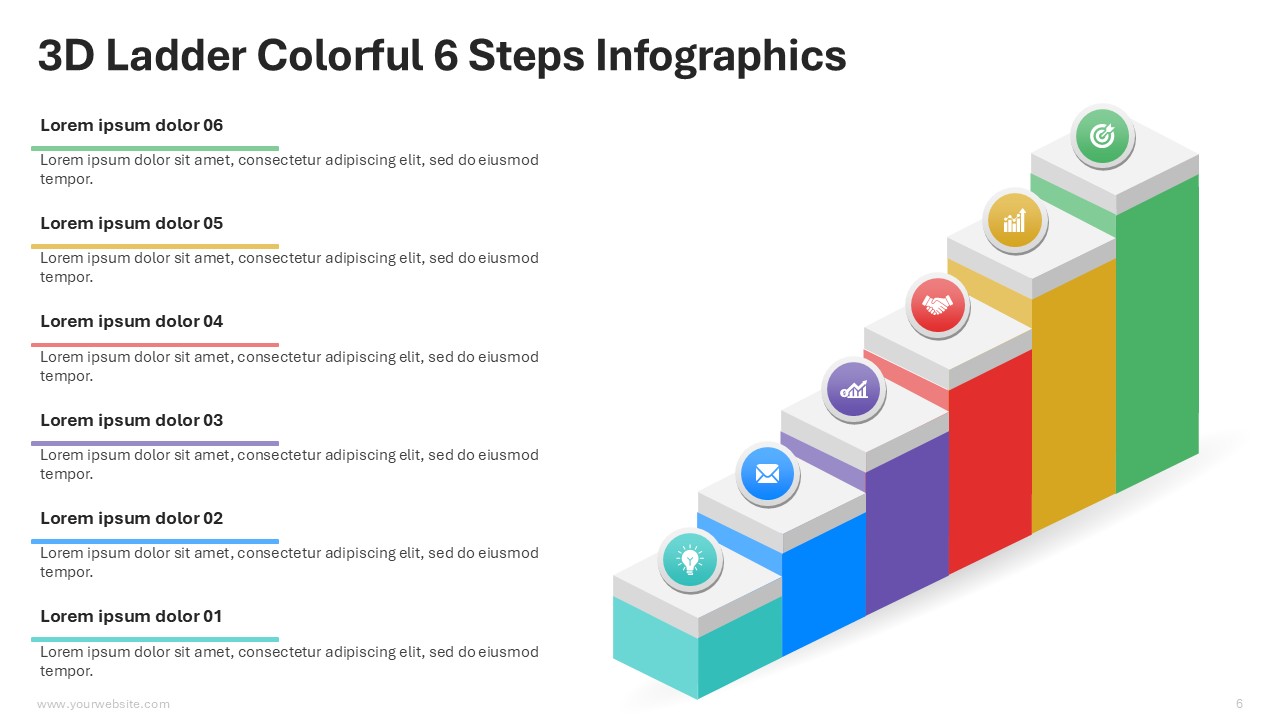
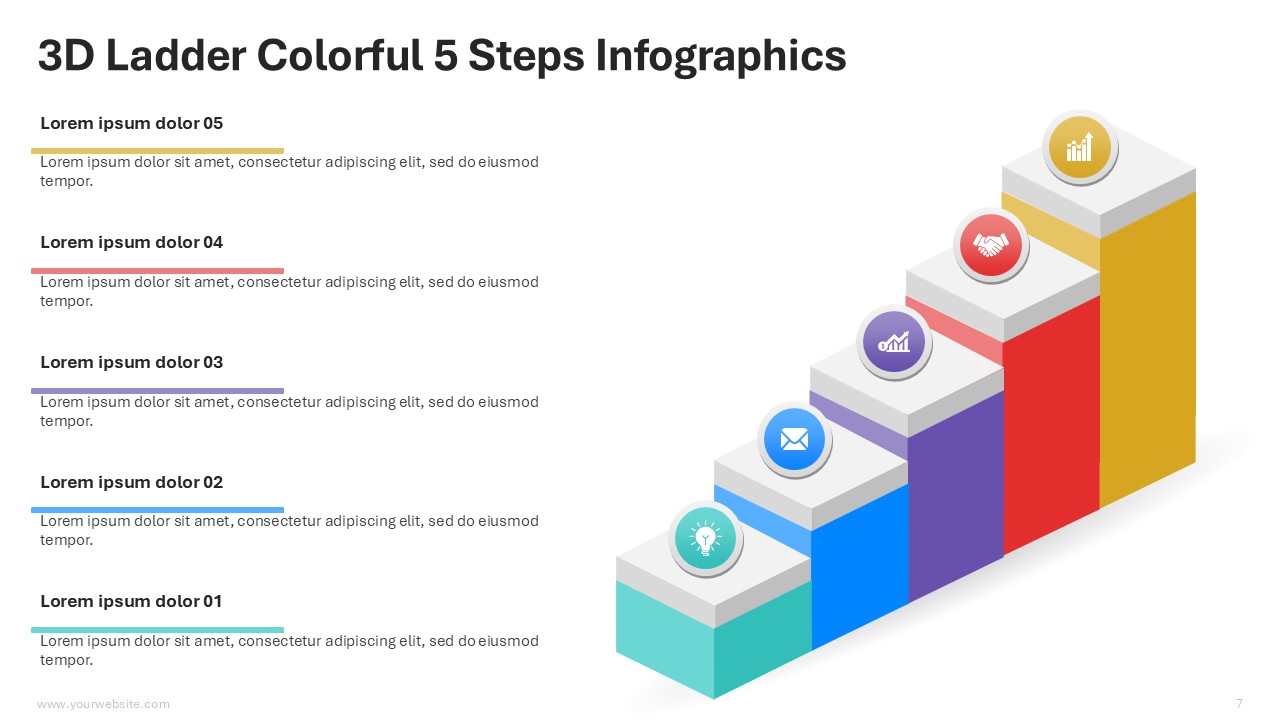
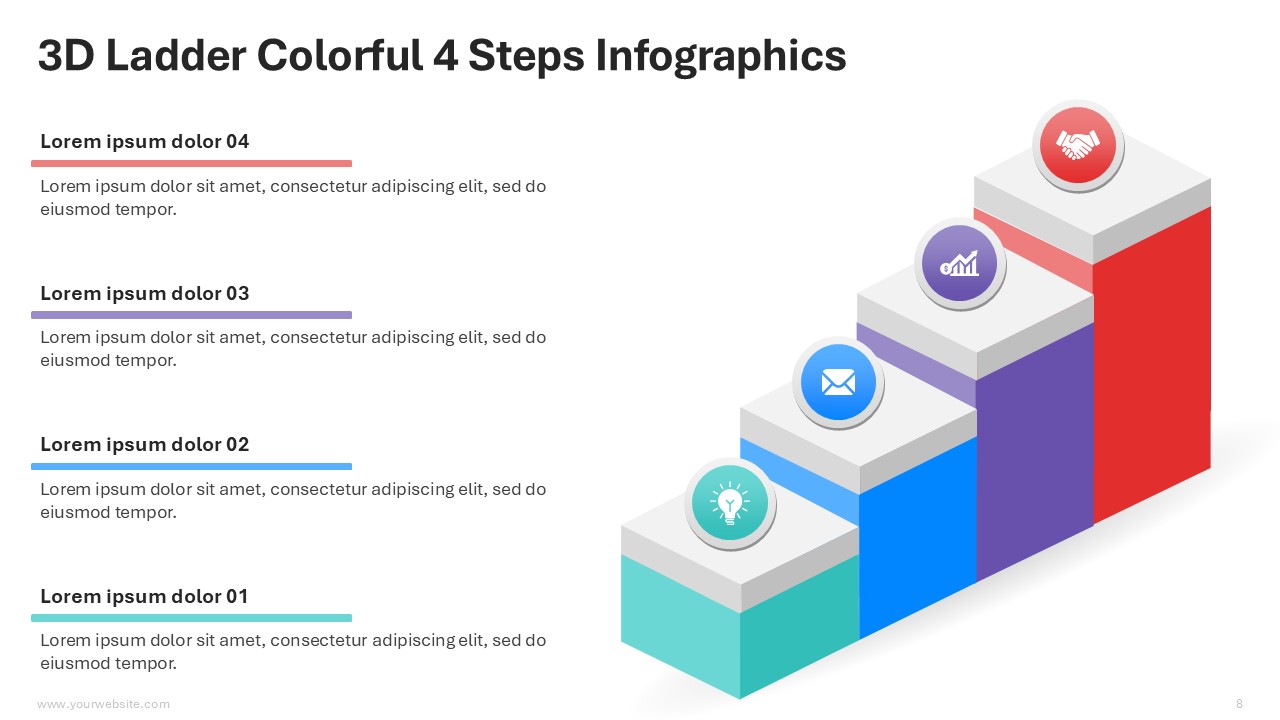
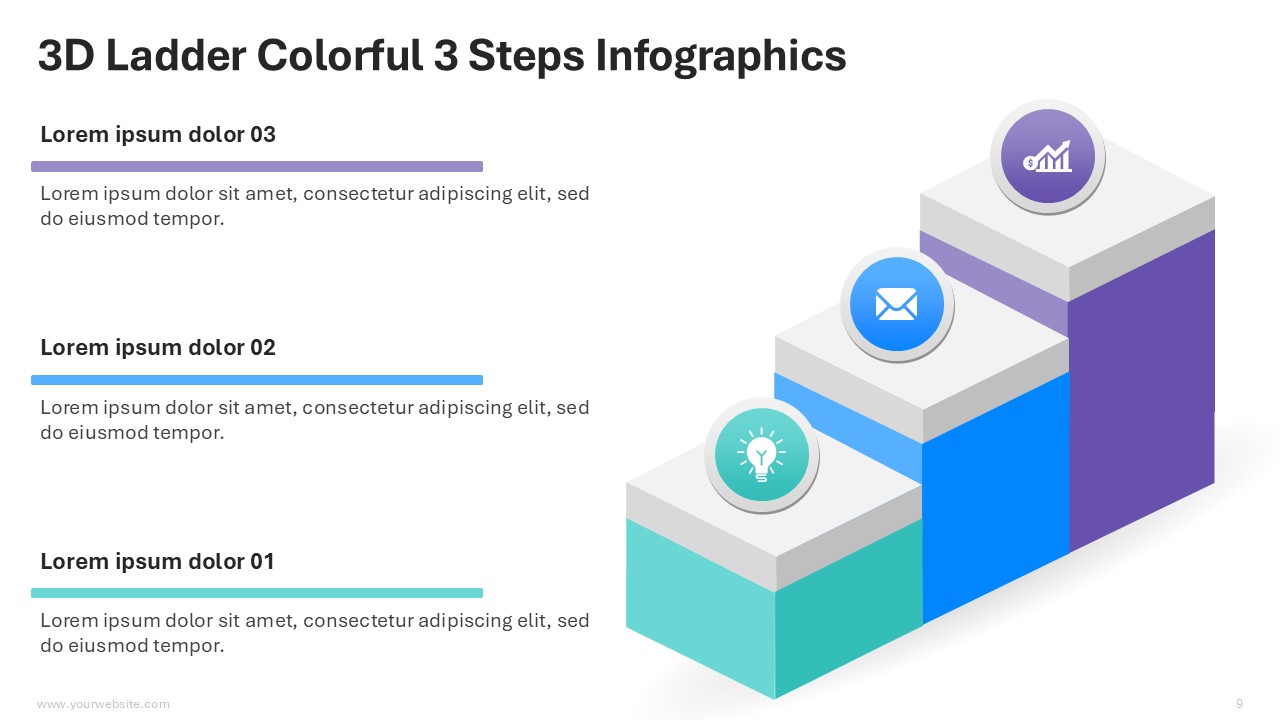
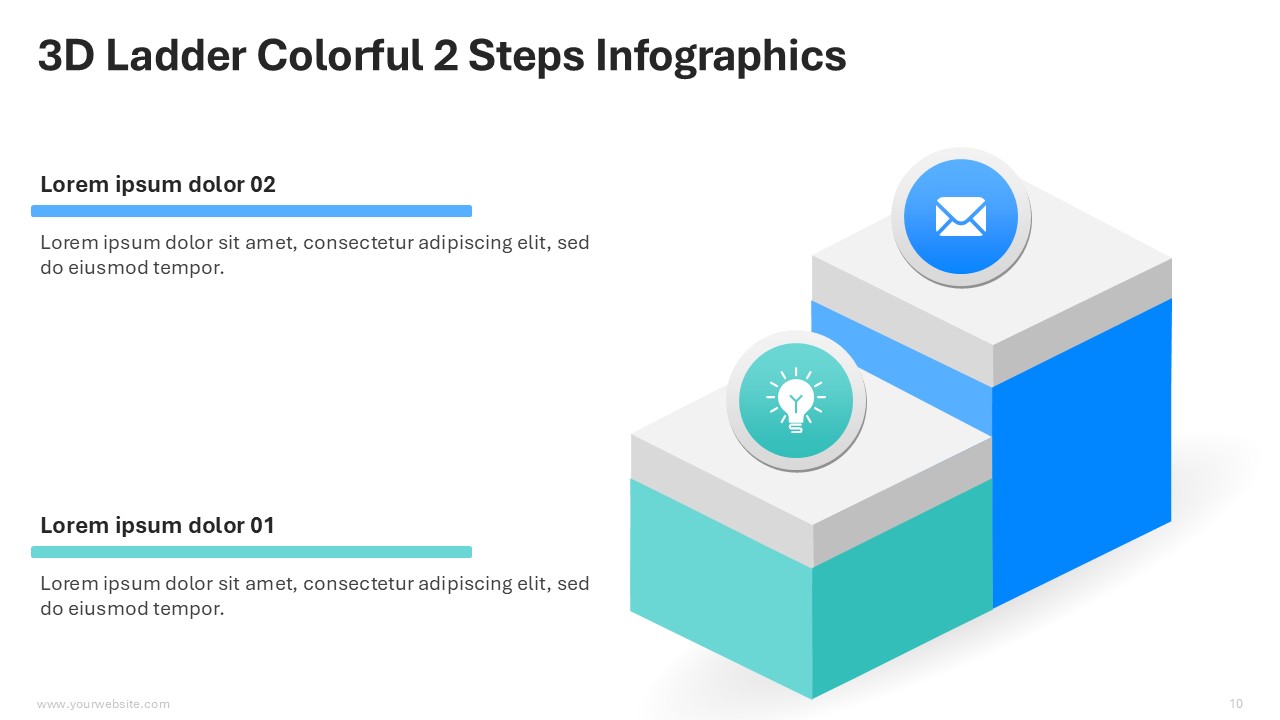
This 3D Ladder Colorful 2 to 10 Steps infographics template is a premium and fully editable PowerPoint (PPT) and Google Slides template that contains 11 templates in the green, blue, red, yellow, and purple vibrant color scheme. It is exceptionally suitable for business professionals, educators and team leaders as they can use this template to present stepwise processes, growth strategies or progress milestones in visually appealing ways. It useful both for corporate presentations and training sessions or project updates as it simplifies complex ideas while ensuring professionalism. The 3D ladder design with different colors enhances creativity and more attention to details while making sure the slides are eye-catching.
This template can be used to present key information including workflows, milestones or strategic plans. The modern aesthetics alongside the 3D effect truly bring a vibrant twist to your works. With the ability to change the text, colors, and layouts, this template can be customized to adhere to your preferred branding. Designed for use in both PPT and Google Slides, it facilitates hassle-free collaboration while being flexible for the end-user’s needs.
Download now to craft stunning and captivating presentations in minutes. This 3D Ladder Colorful 2 to 10 Steps PowerPoint Infographics template will make you stand out in modern communication. It is essential to have for every modern professional.
SlidesBrain offers presentation features that allow you to customize every aspect of your slides. This means you can modify text, images, colors, fonts, and icons to your liking. Additionally, adjusting graphs in PowerPoint is simple, enabling you to change colors, numbers, and labels to match your preferences and create the perfect presentation.
“A review from a customer who benefited from your product. Reviews can be a highly effective way of establishing credibility and increasing your company's reputation.”
★★★★★Rated 5 out of 5
“A review from a customer who benefited from your product. Reviews can be a highly effective way of establishing credibility and increasing your company's reputation.”




 MS Powerpoint
 Google Slides