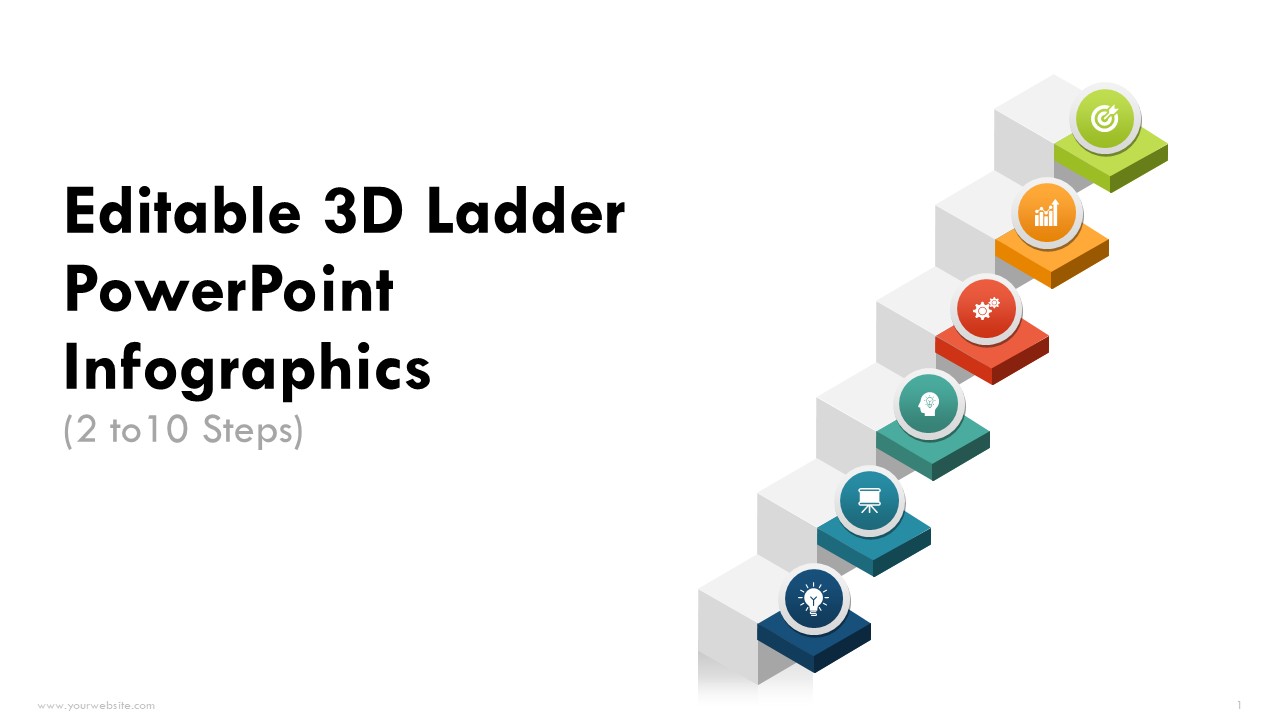
Editable 3D Ladder Steps 2 to 10 PowerPoint Infographics
Premium
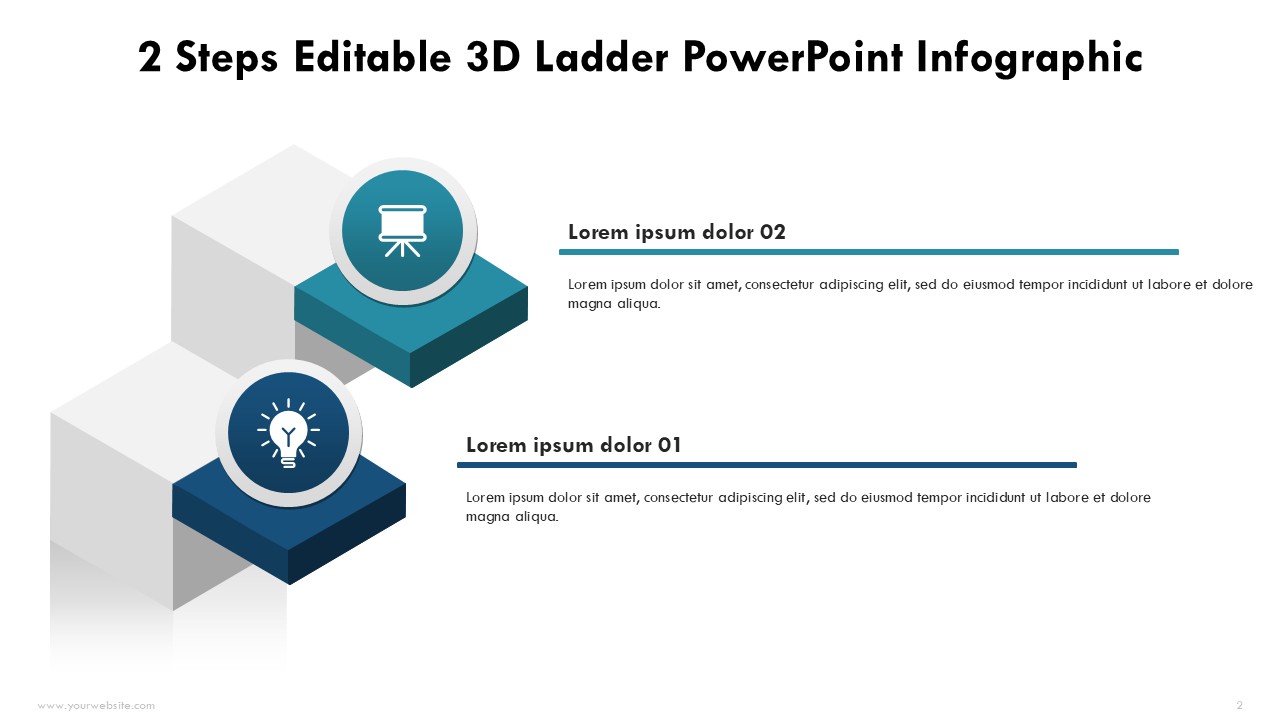
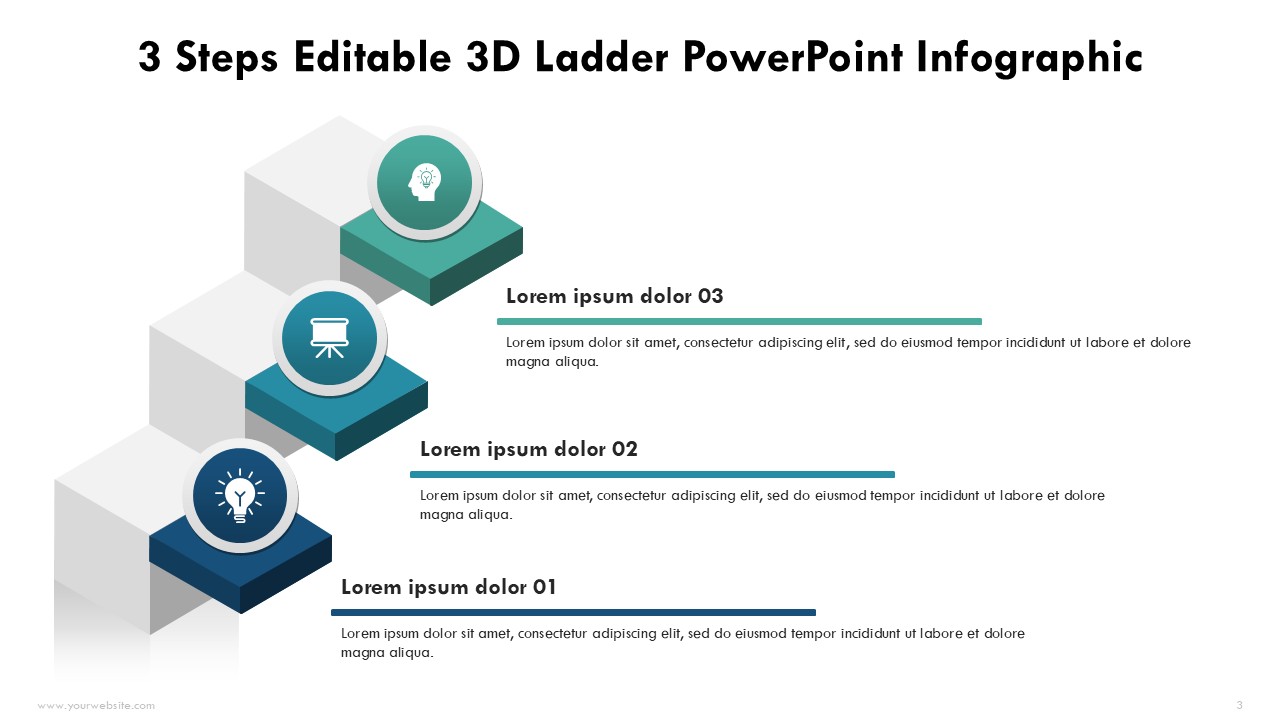
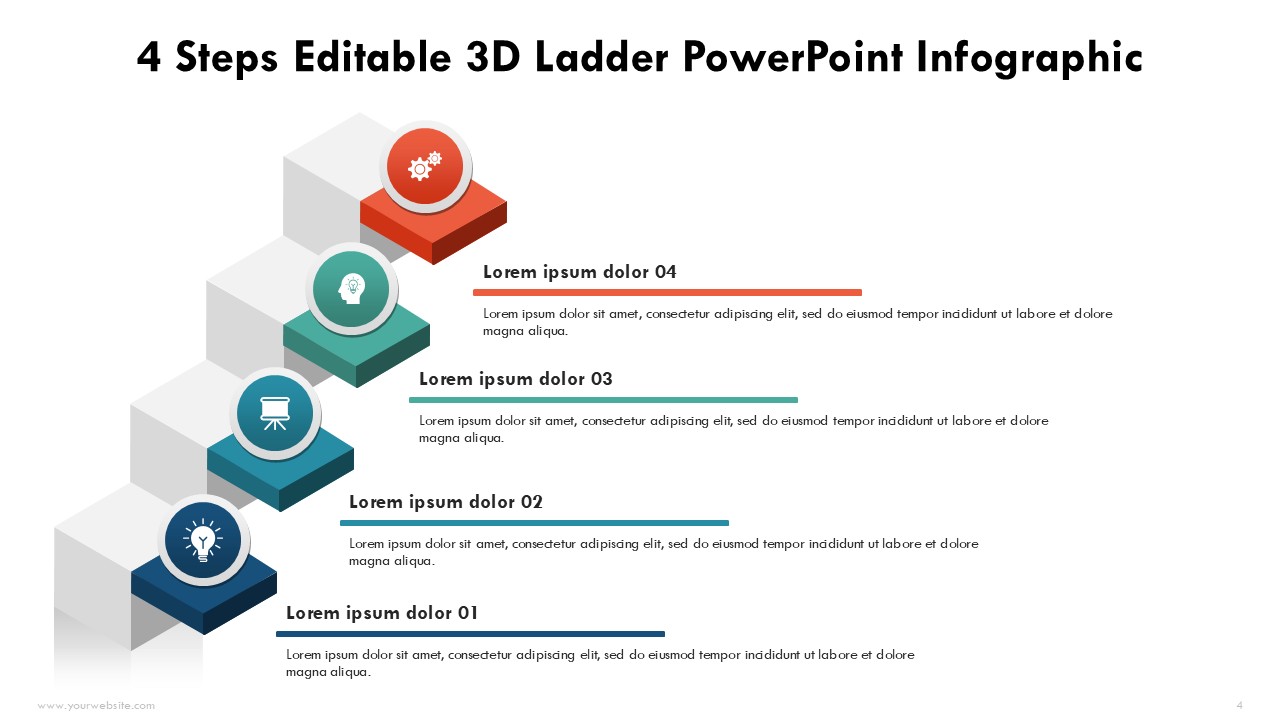
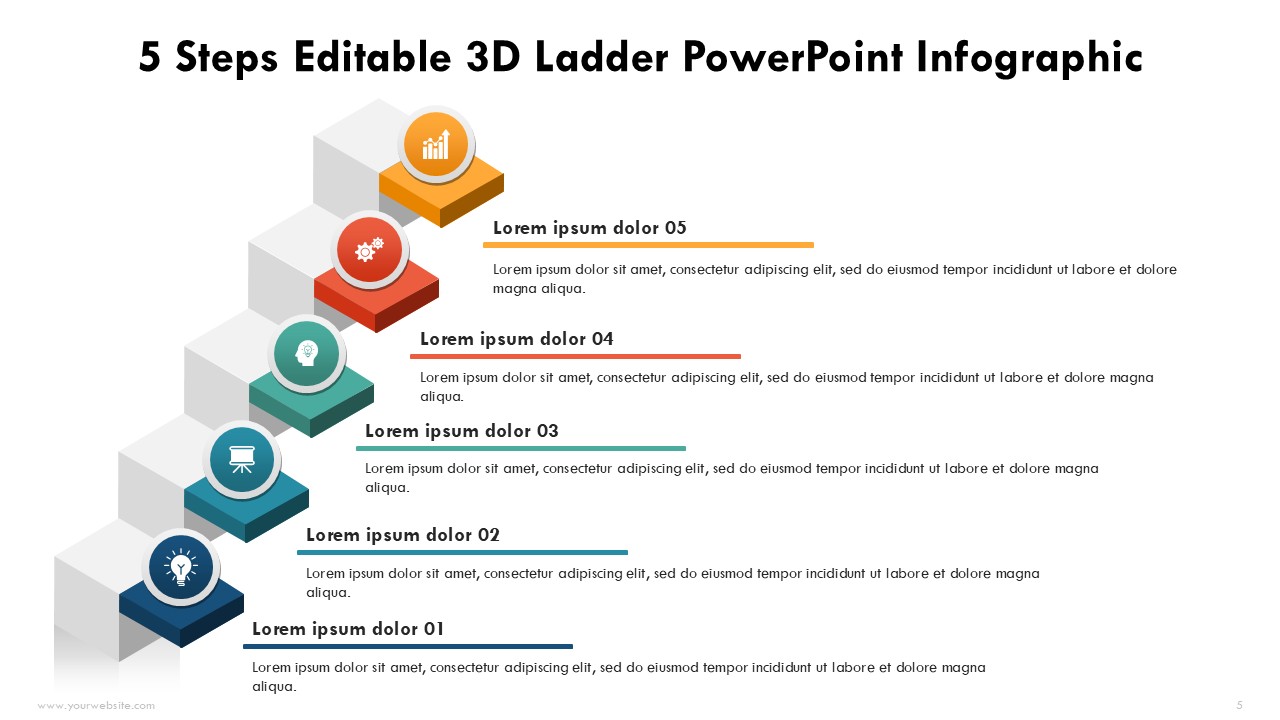
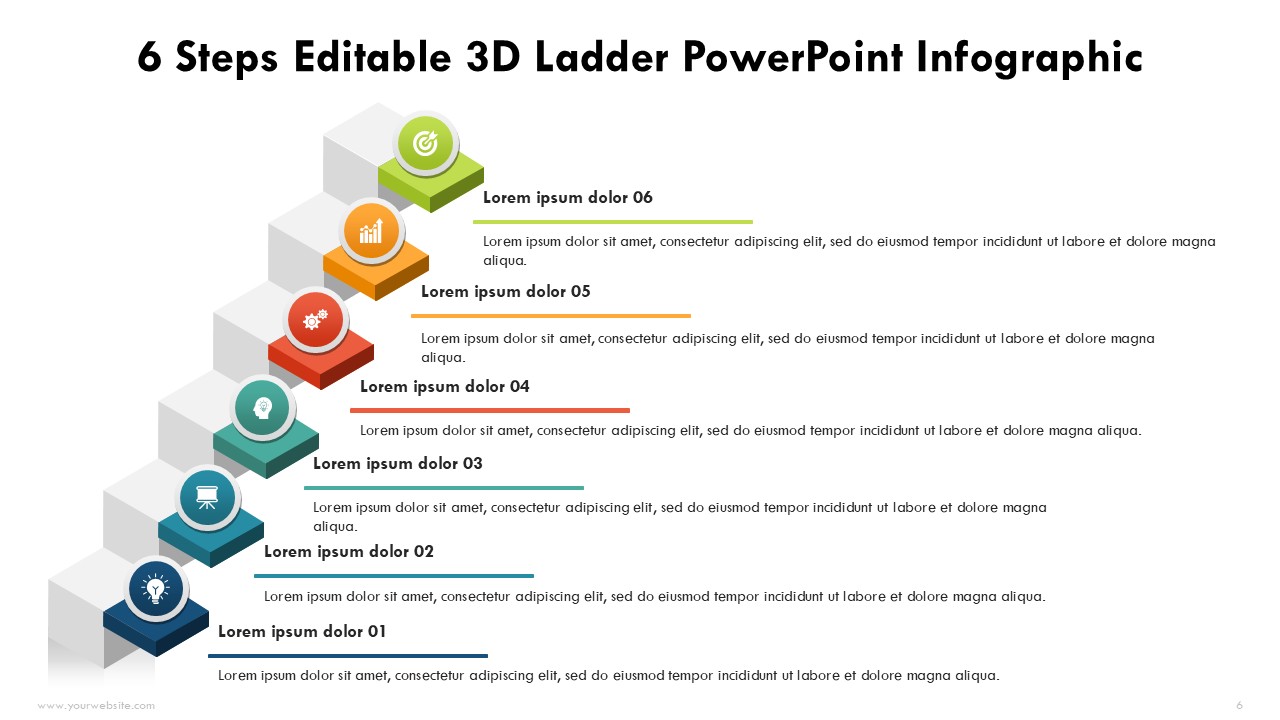
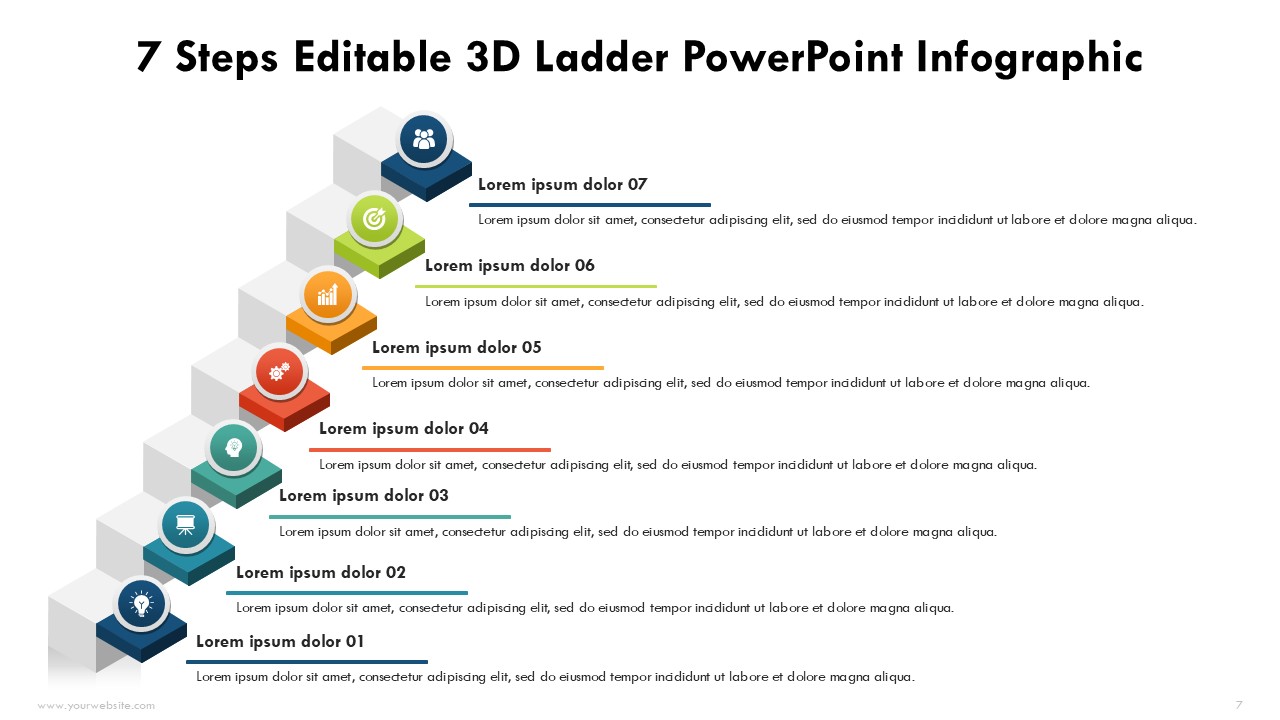
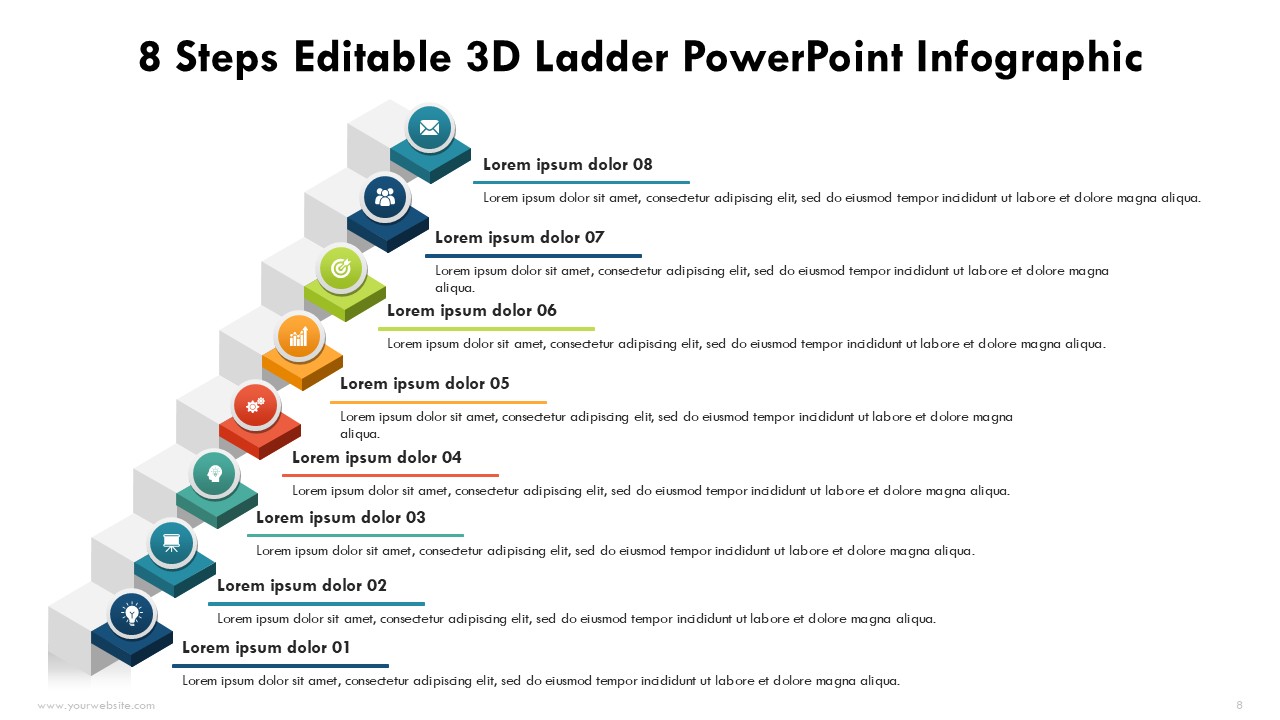
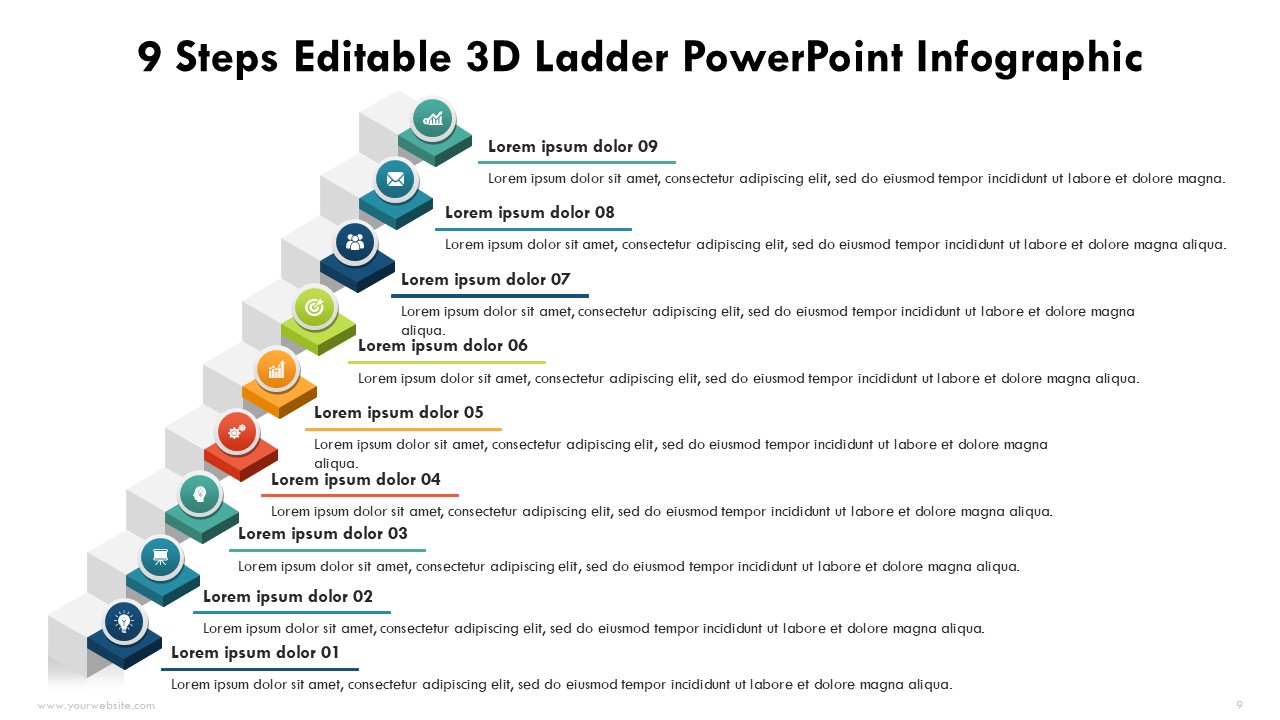
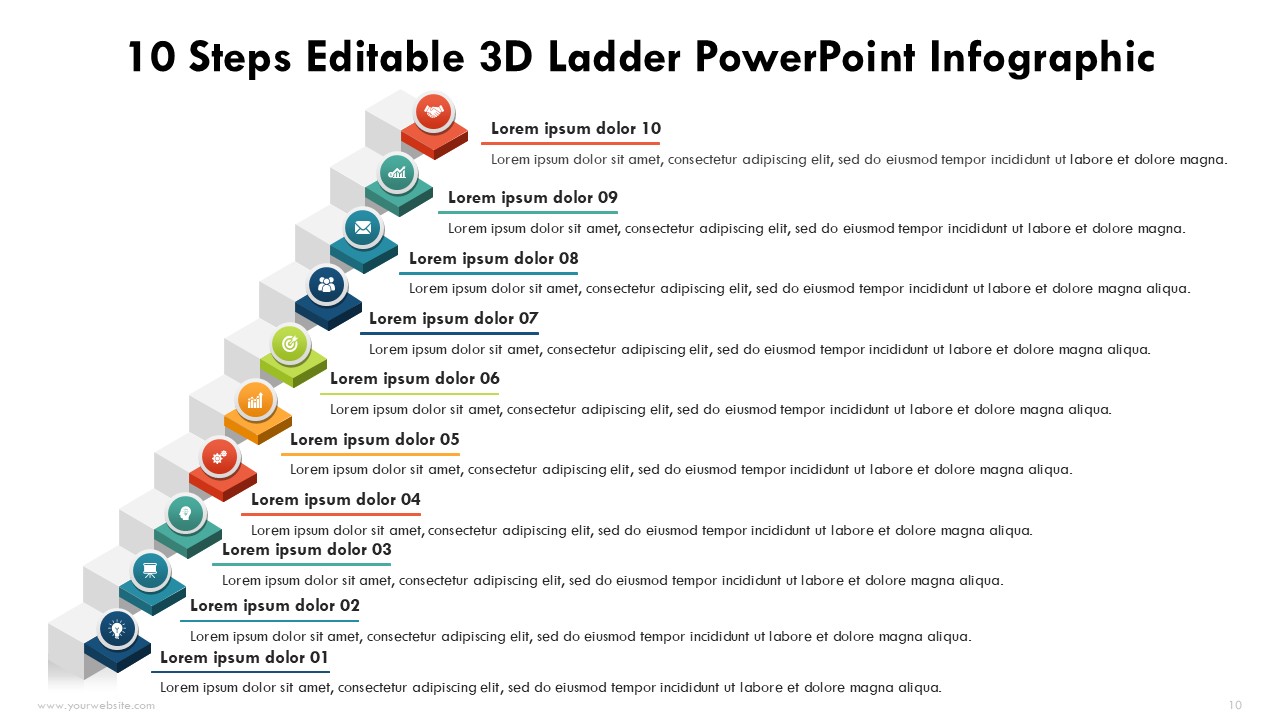
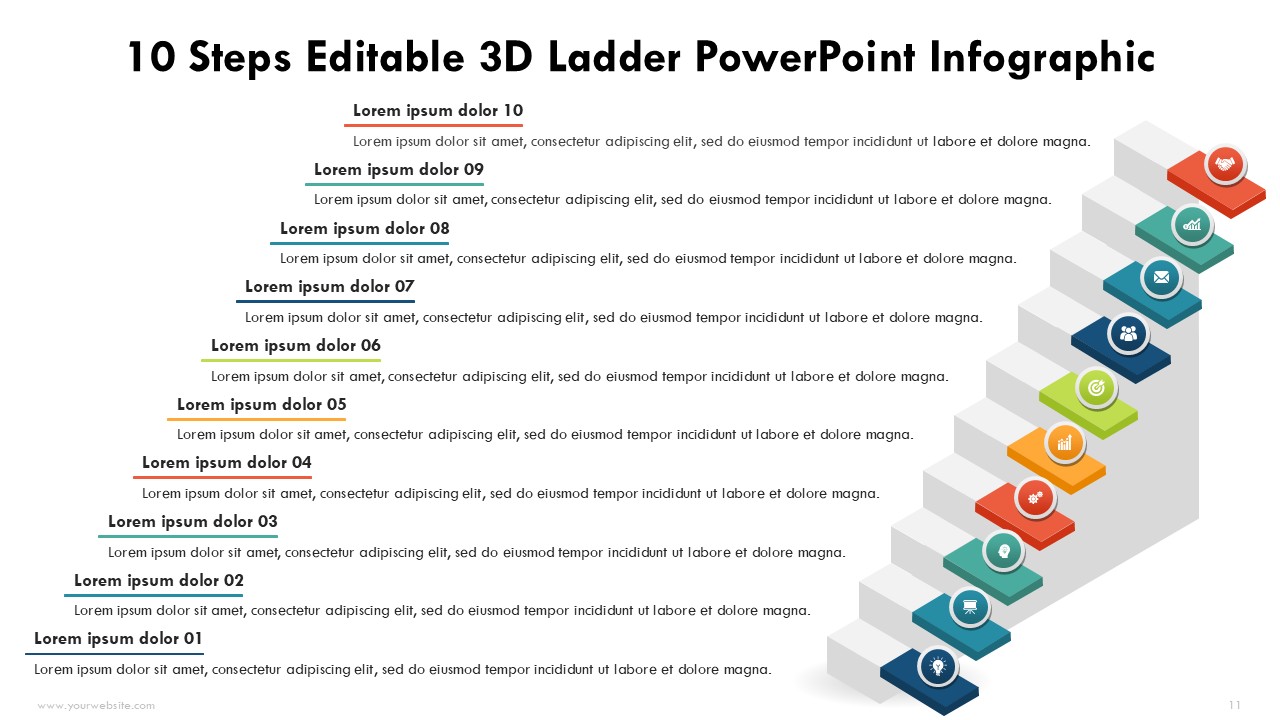
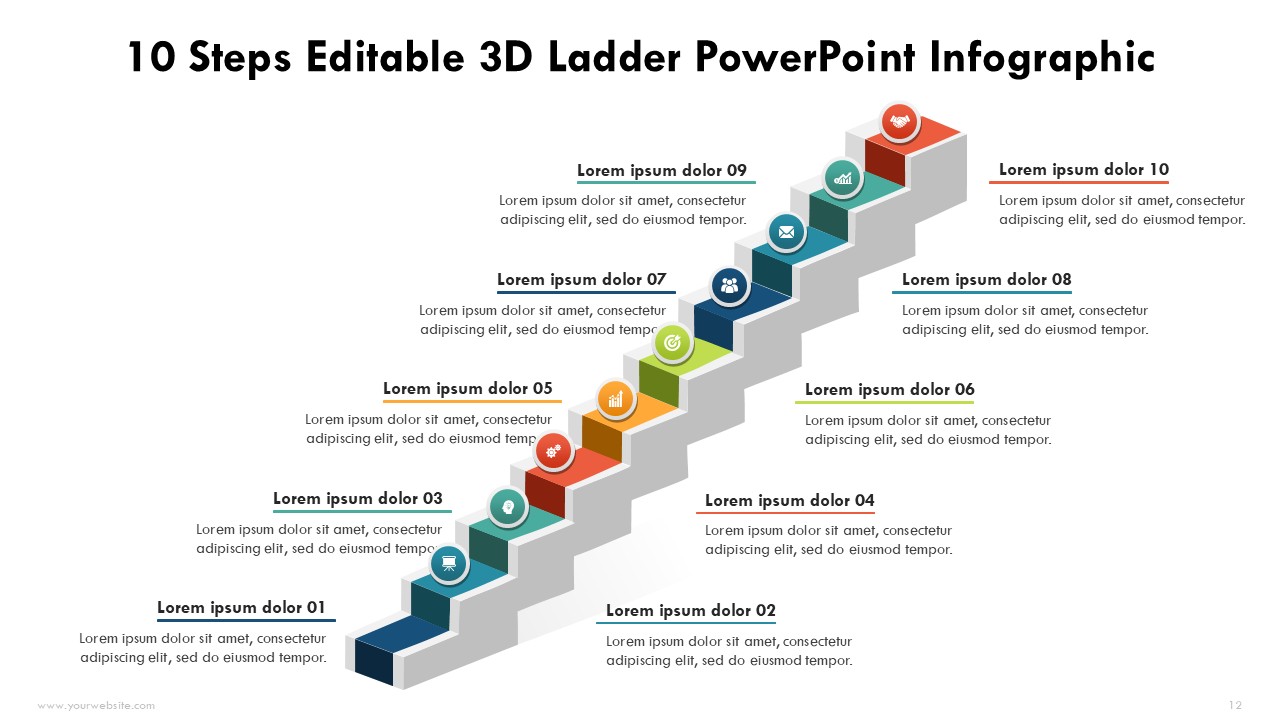
This Editable 3D Ladder Steps 2 to 10 PowerPoint Infographics template is an elegant piece of material meant to demonstrate advancement, phases, or step-by-step procedures in a diagrammatic form. This template has 13 slides which can be completely edited and are of different colors such as blue, green, red, and yellow which makes it ever more suitable for advanced modern presentations. This template is equally helpful for business people, teachers, and team leaders as it transforms intricate thoughts into concise logical frameworks.
The 3D ladder, in particular, is well suited for depicting the workflow of a business, growth strategies, or project milestones. This template will enable you to communicate effectively during corporate meetings, trainings, and other academic presentations. The scope of the content to be included is limitless. This template is also fully editable as custom texts, colors, and layouts can be added to suit the company or presentation theme. The slide is suited for PowerPoint as well as Google Slides, making collaboration simpler.
Some key highlights of this template are editable 13 slides with modern 3D ladder designs, the vibrant blue, green, red, and yellow colors, and complete customization. This template is efficient in depicting progress tracking, workflows, or any step-by-step task sequentially in an aesthetically pleasing manner.
Downloading this ppt will allow you to easily engage in the creation of high-quality presentations. If you are looking to amplify your storytelling and data presentation activities, the Editable 3D Ladder Steps 2 to 10 Infographics Template is an ideal tool. It ensures that your slides are attractive and make an impact.
SlidesBrain offers presentation features that allow you to customize every aspect of your slides. This means you can modify text, images, colors, fonts, and icons to your liking. Additionally, adjusting graphs in PowerPoint is simple, enabling you to change colors, numbers, and labels to match your preferences and create the perfect presentation.
“A review from a customer who benefited from your product. Reviews can be a highly effective way of establishing credibility and increasing your company's reputation.”
★★★★★Rated 5 out of 5
“A review from a customer who benefited from your product. Reviews can be a highly effective way of establishing credibility and increasing your company's reputation.”



 MS Powerpoint
 Google Slides