3D Cube Steps 2 to 10 Diagram PowerPoint Infographics
Premium
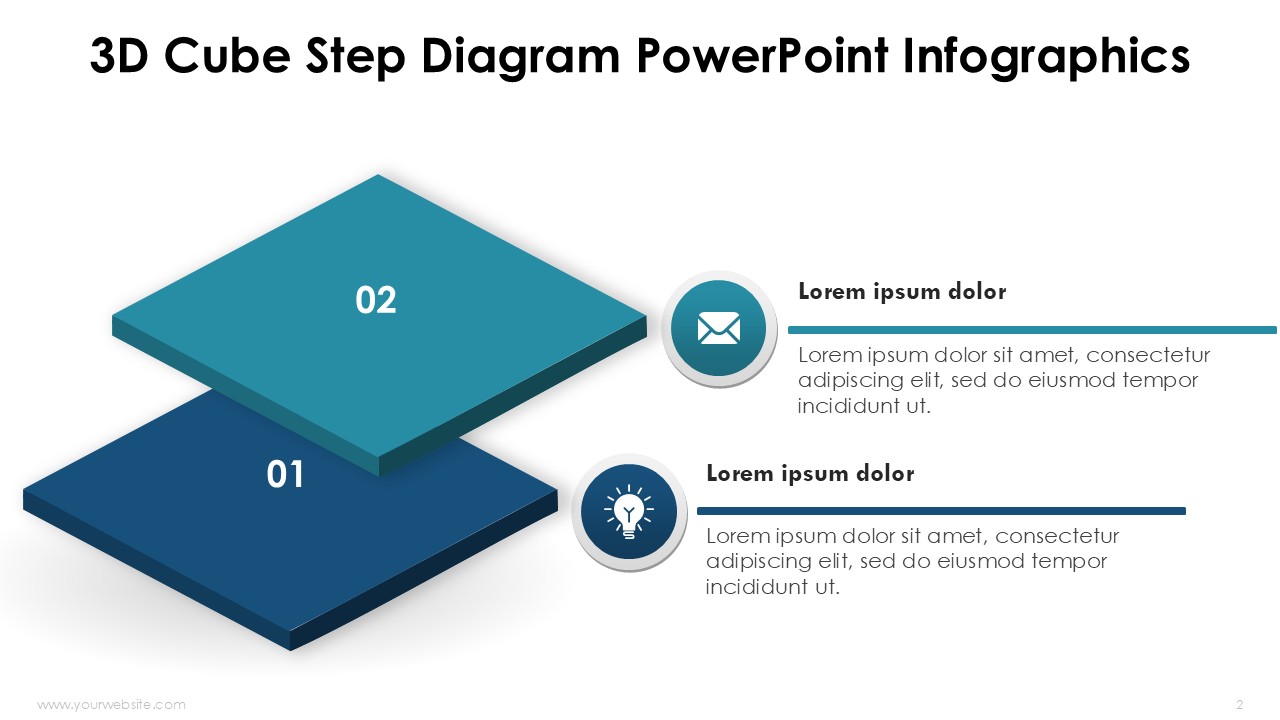
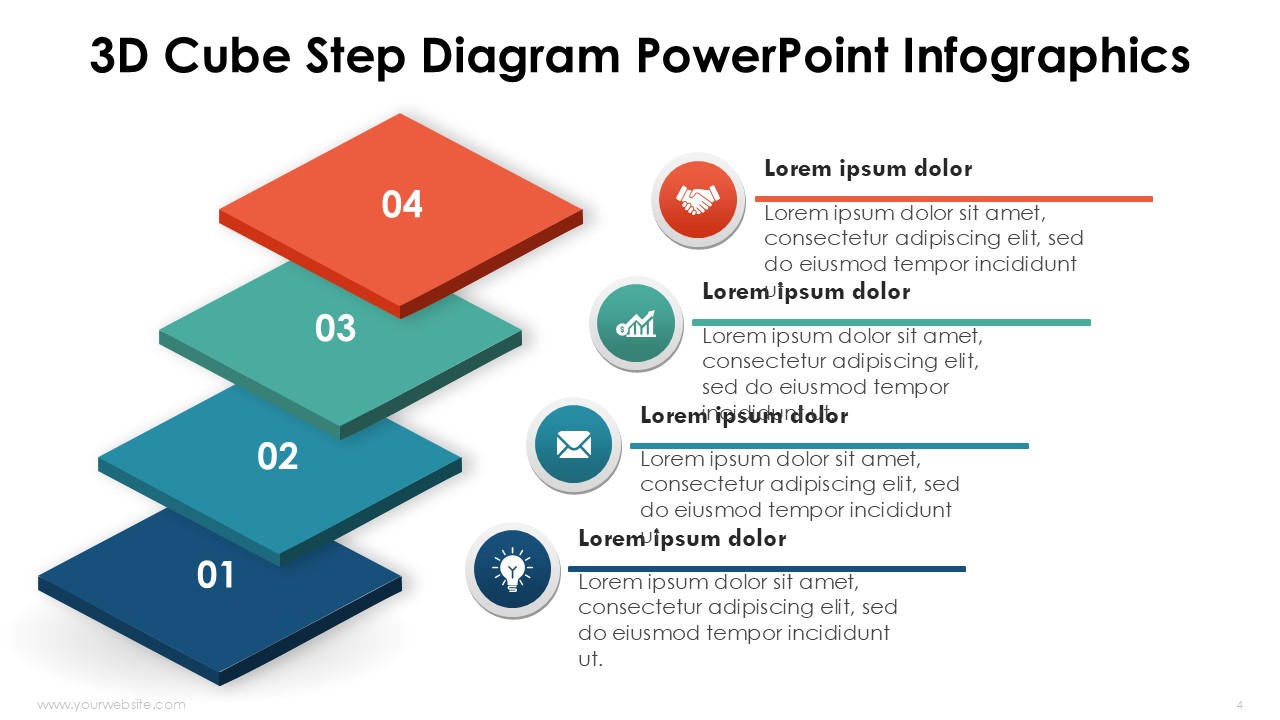
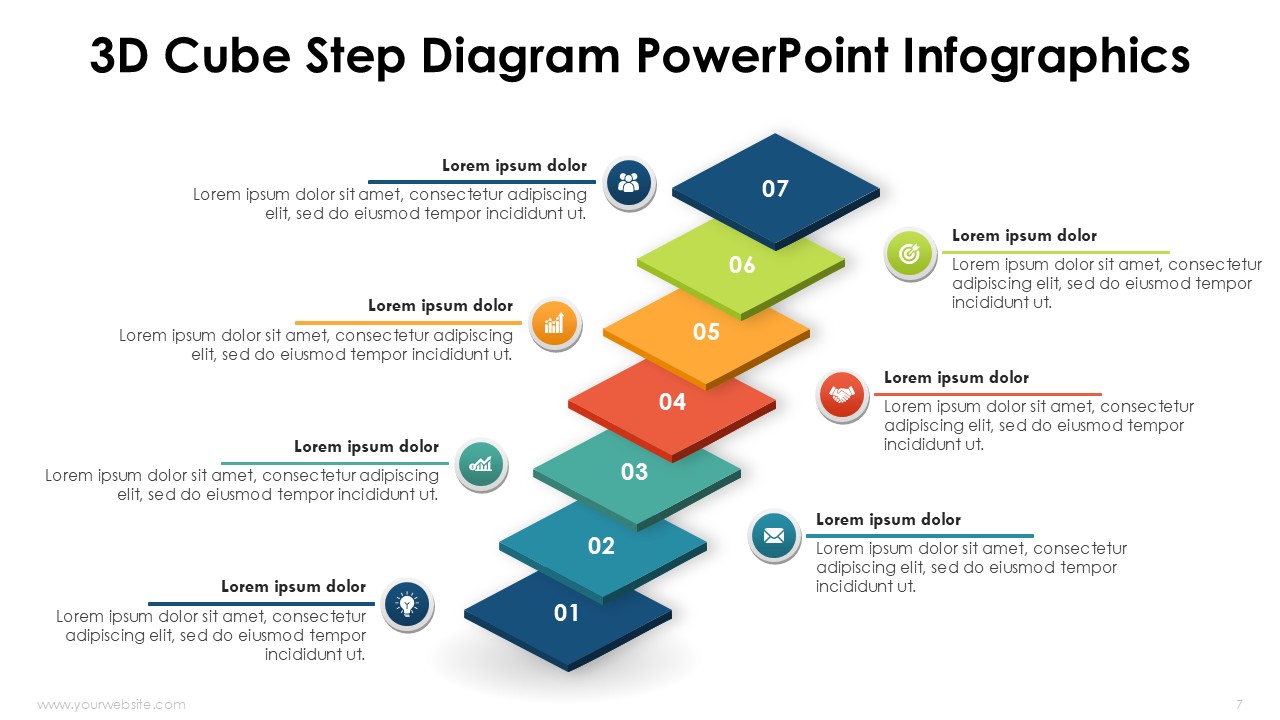
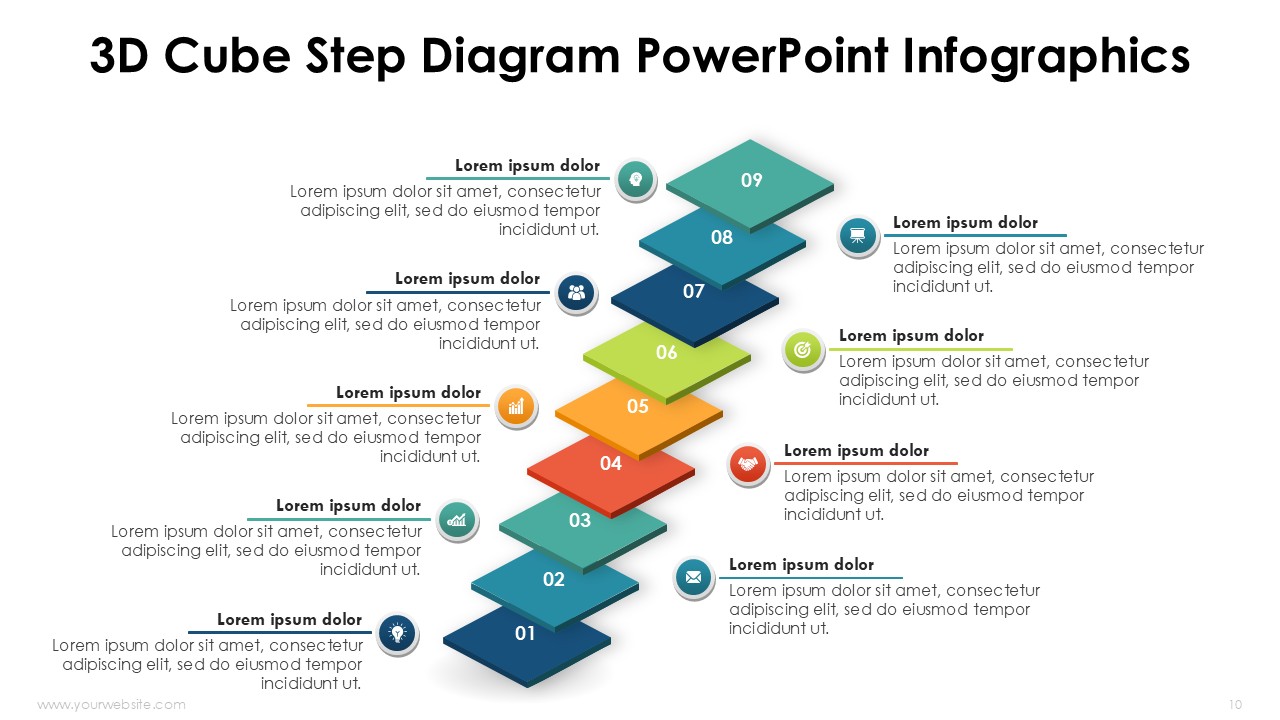
3D Steps 2 to 10 Cube Diagram PowerPoint Infographics template is a perfectly crafted tool that represents stages, steps or progress made within an processes in the most professional manner. This template has over 12 slides that can be edited in a blue, green, red, yellow and other bright colors and are perfect for modern presentations. Because this template allows for maximum editing, it is useful for business people, teachers, and team leaders as it makes conveying complex ideas very simple and clear.
The cube shape allows for the best representation of workflows, growth strategy as well as project milestones. This template can be used for corporate presentations, training, and even in school lectures as it helps portray the content in a way that is helpful to the audience. This template is also extremely customizable as it allows for editing the color, text and layout to that of ones preferences, and is usable on Powerpoint and Google Slides for maximum convenience.
Key features of this template include 12 unique slides that can be modified are featured with modern 3D cube designs, Eye catching schemes with bright blue, green , red and yellow colors, Fully adjustable for any requirements, Works in PowerPoint and Google Slides
Now download to simplify the creation of highly professional presentations. Those who want to tell a story and present complex information in an easy-to-digest manner should not miss out on this 3D Cube Steps 2 to 10 Diagram Infographics template. It enhances the beauty of the slides and makes them appealing to the audience.
SlidesBrain offers presentation features that allow you to customize every aspect of your slides. This means you can modify text, images, colors, fonts, and icons to your liking. Additionally, adjusting graphs in PowerPoint is simple, enabling you to change colors, numbers, and labels to match your preferences and create the perfect presentation.
“A review from a customer who benefited from your product. Reviews can be a highly effective way of establishing credibility and increasing your company's reputation.”
★★★★★Rated 5 out of 5
“A review from a customer who benefited from your product. Reviews can be a highly effective way of establishing credibility and increasing your company's reputation.”










 MS Powerpoint
 Google Slides