Types of Organizational Charts Presentation Template
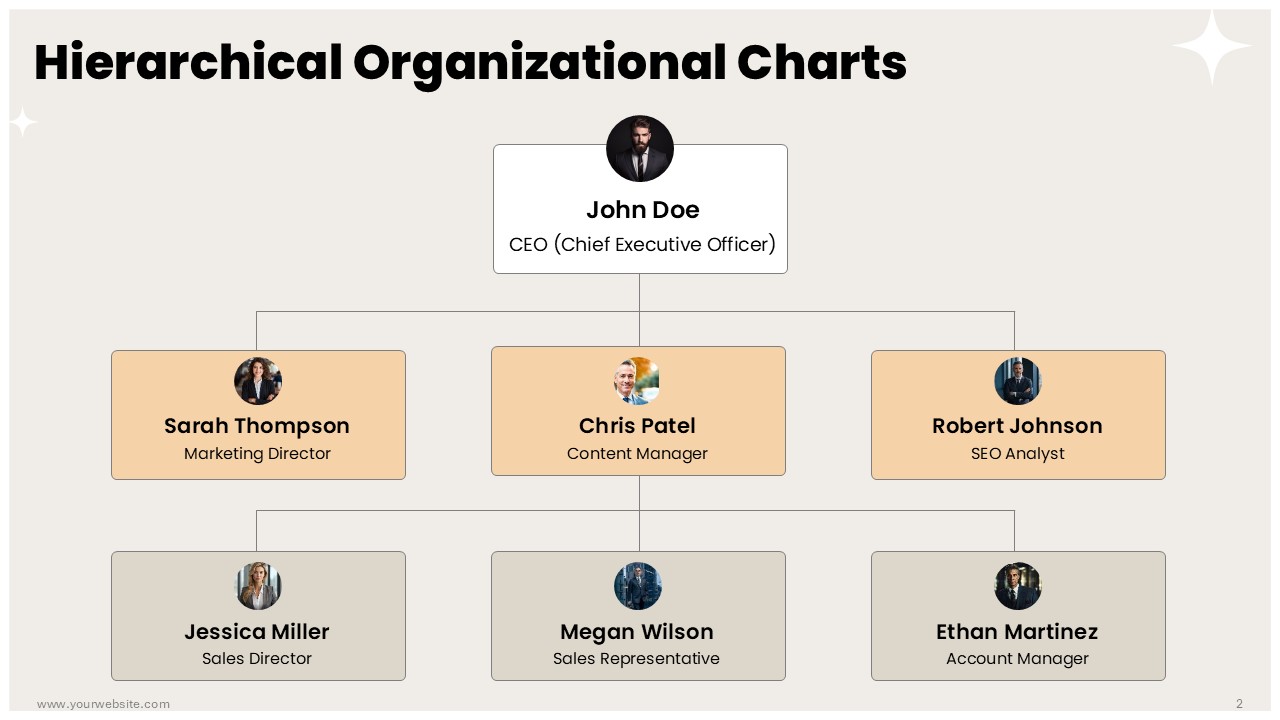
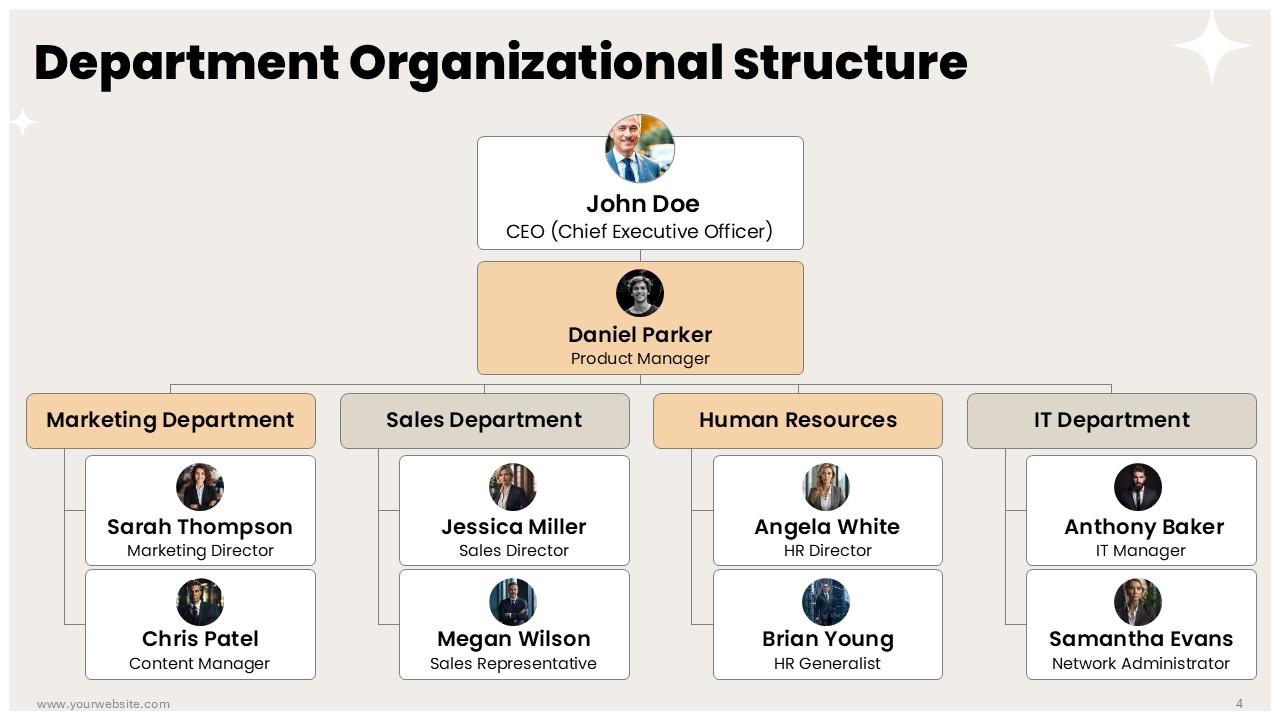
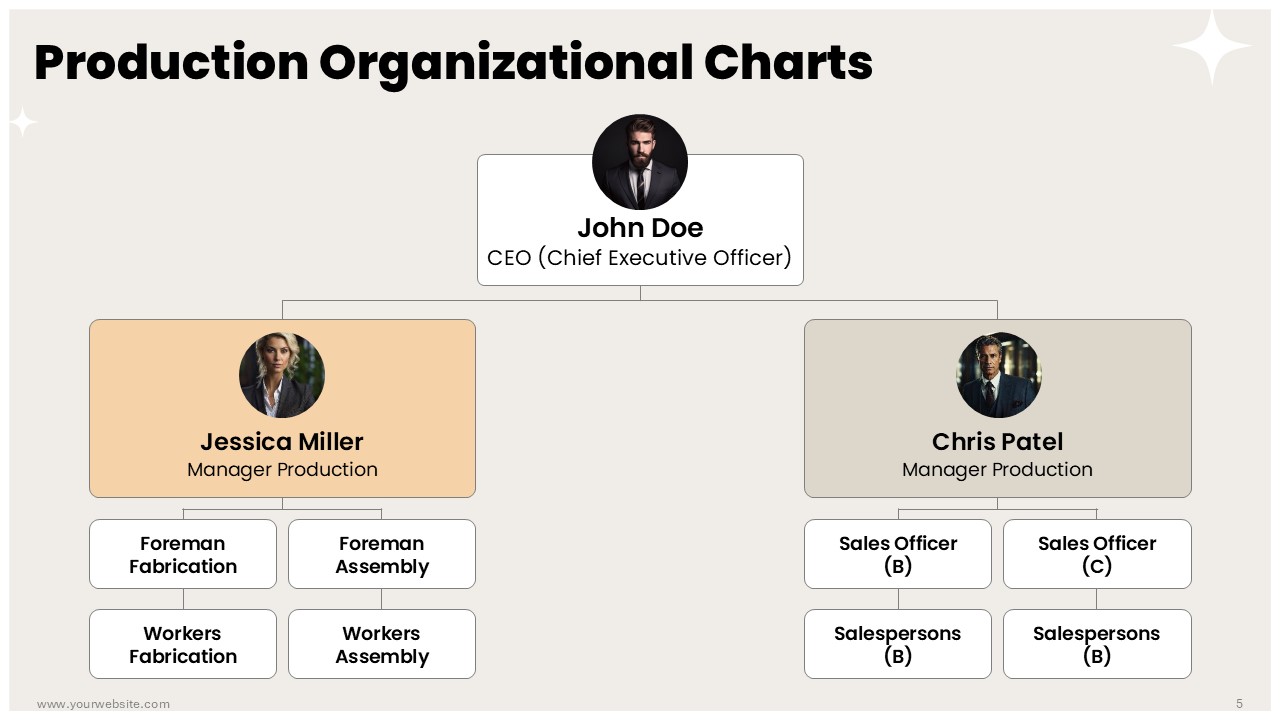
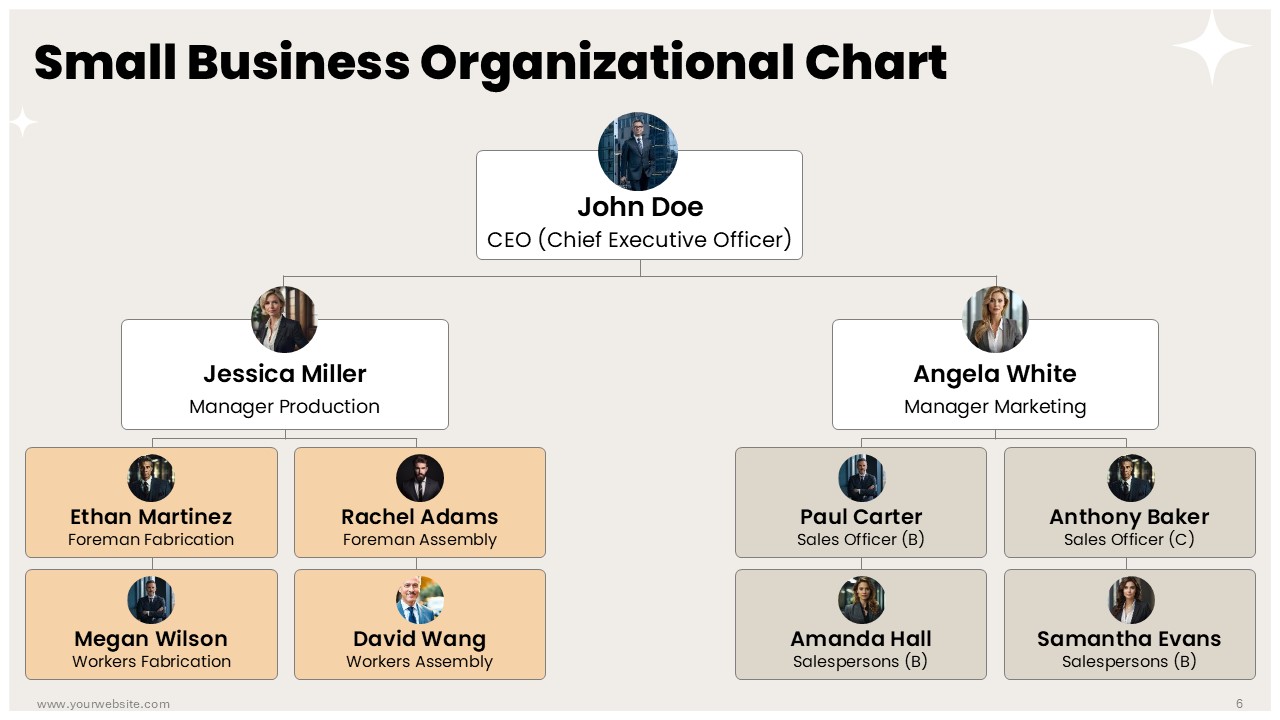
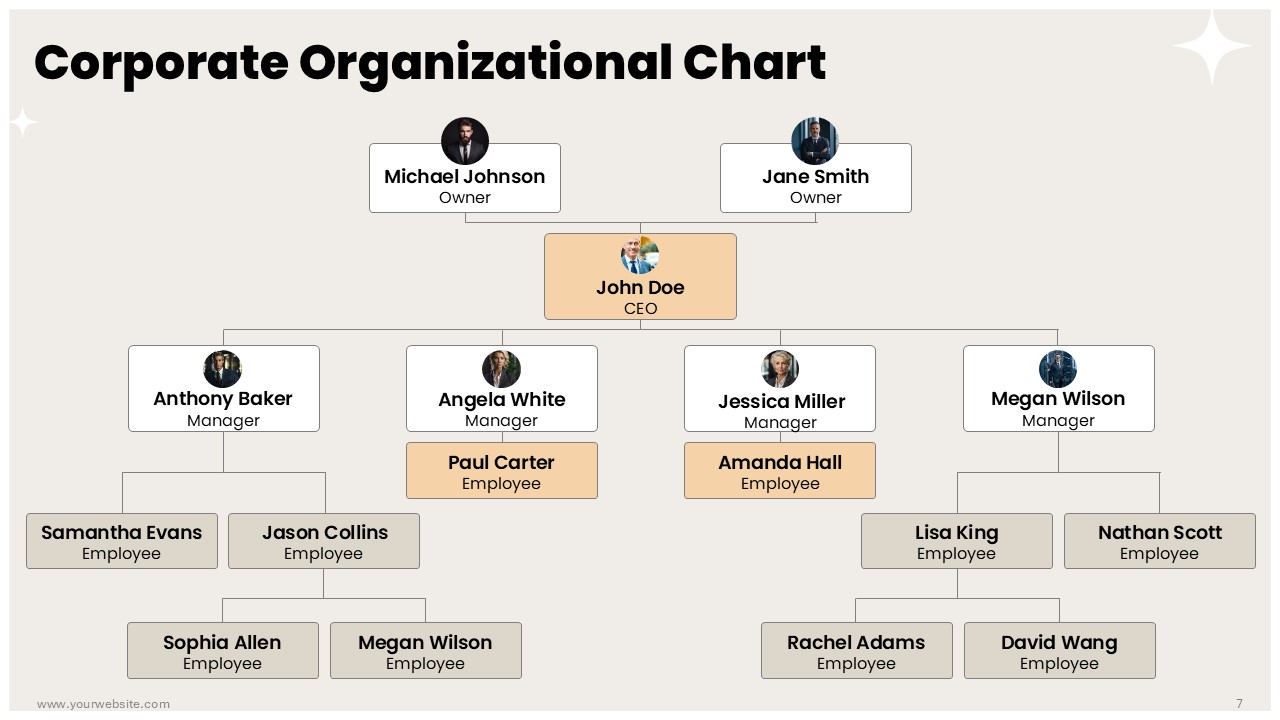
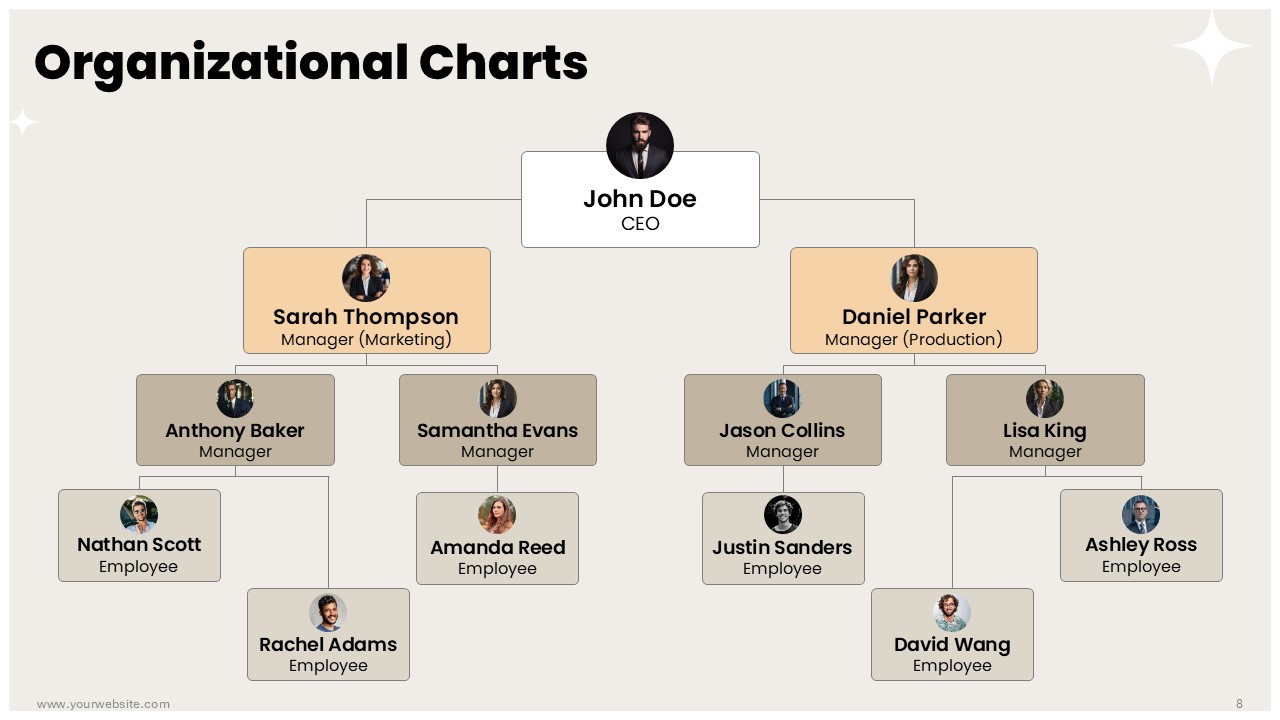
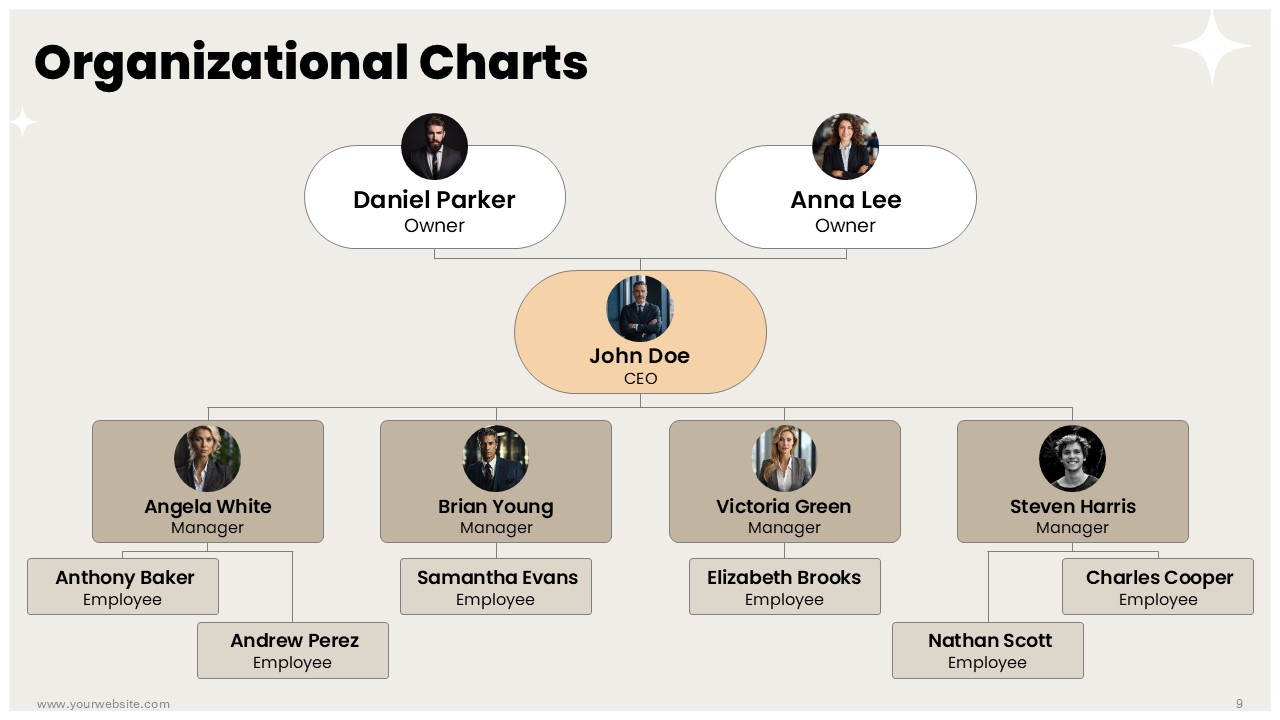
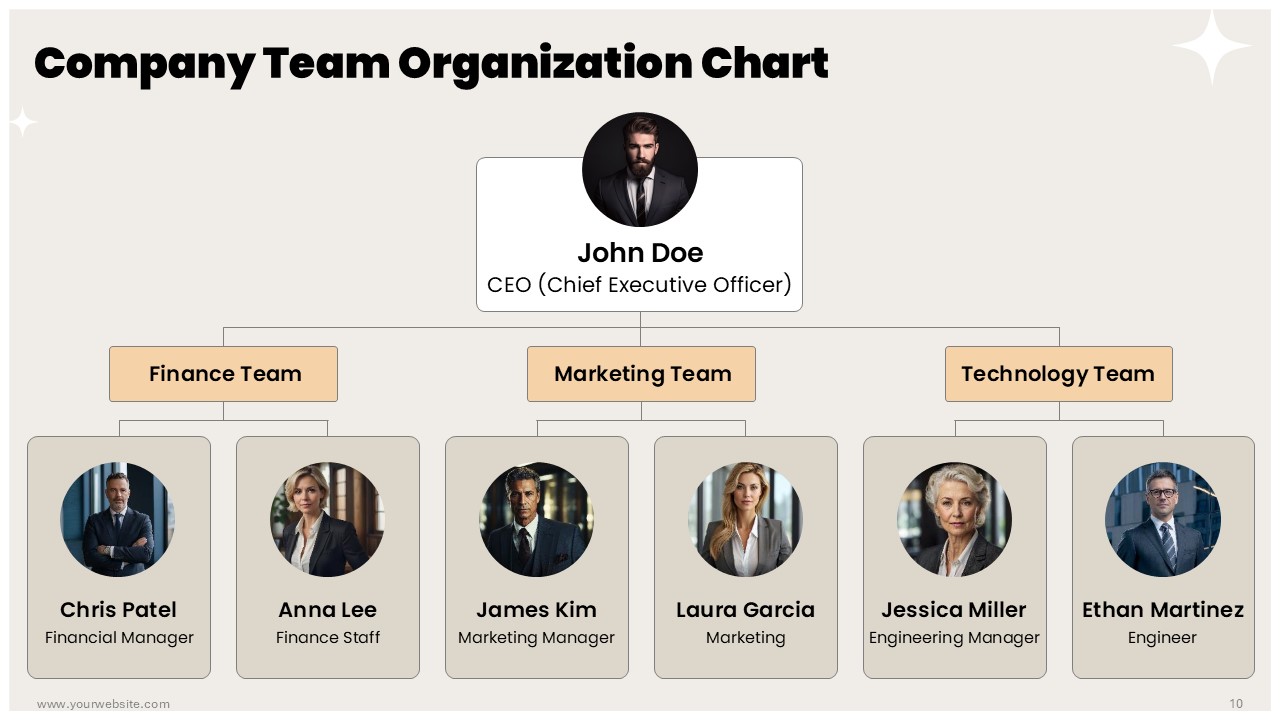
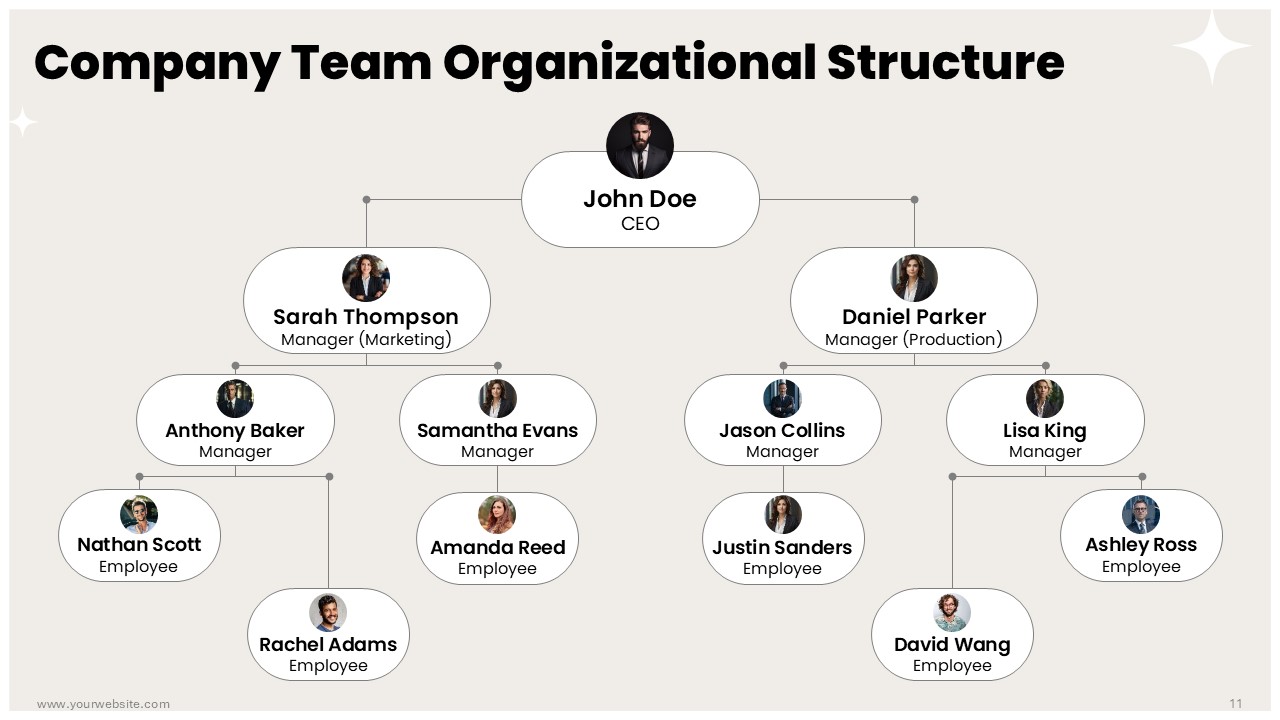
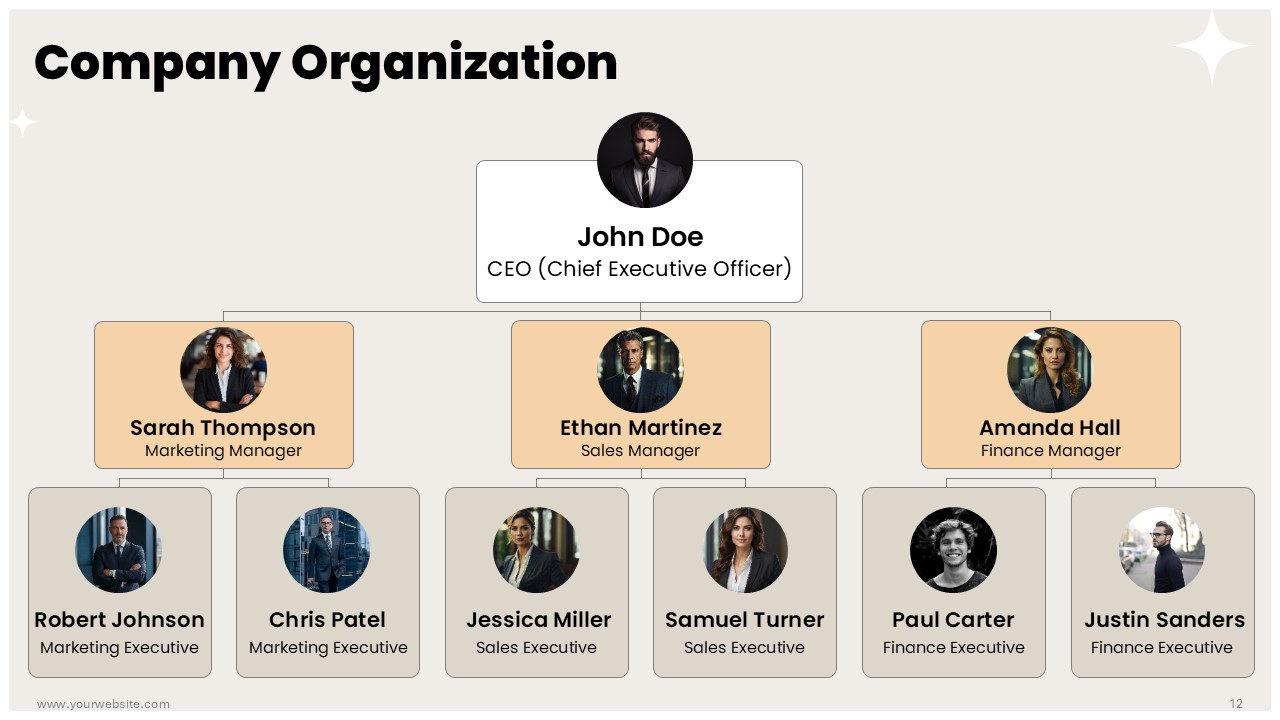
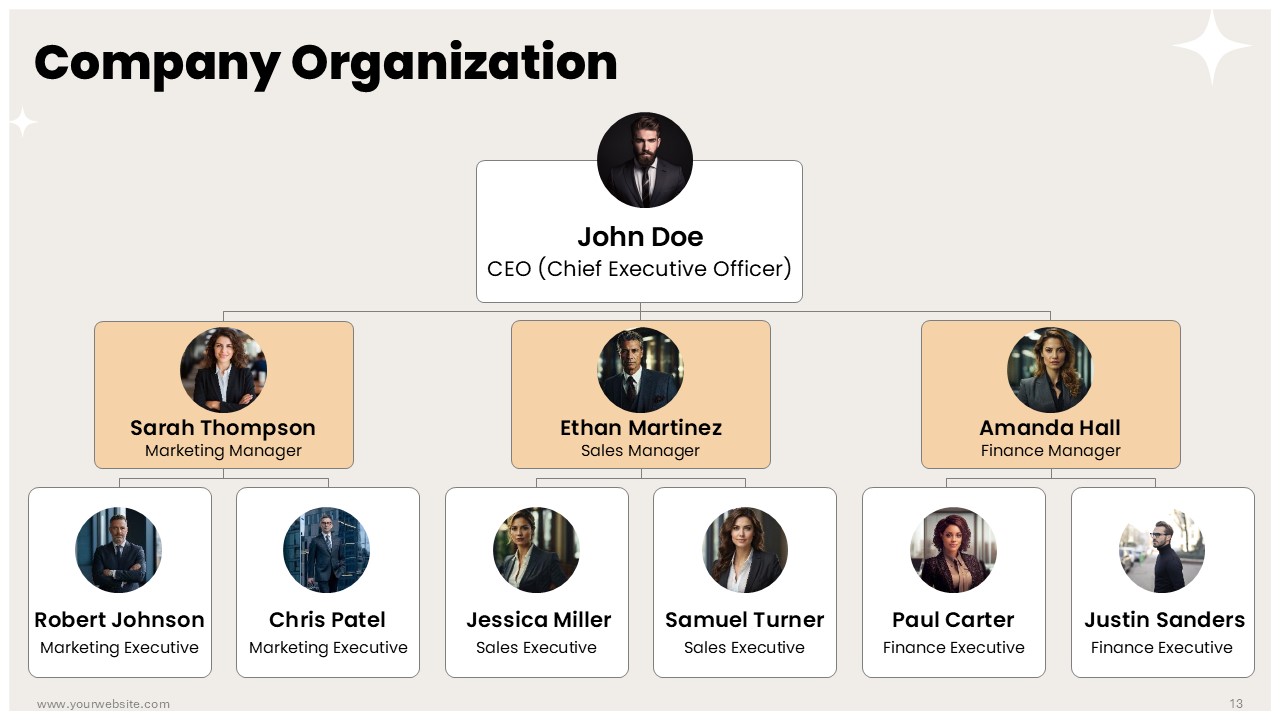
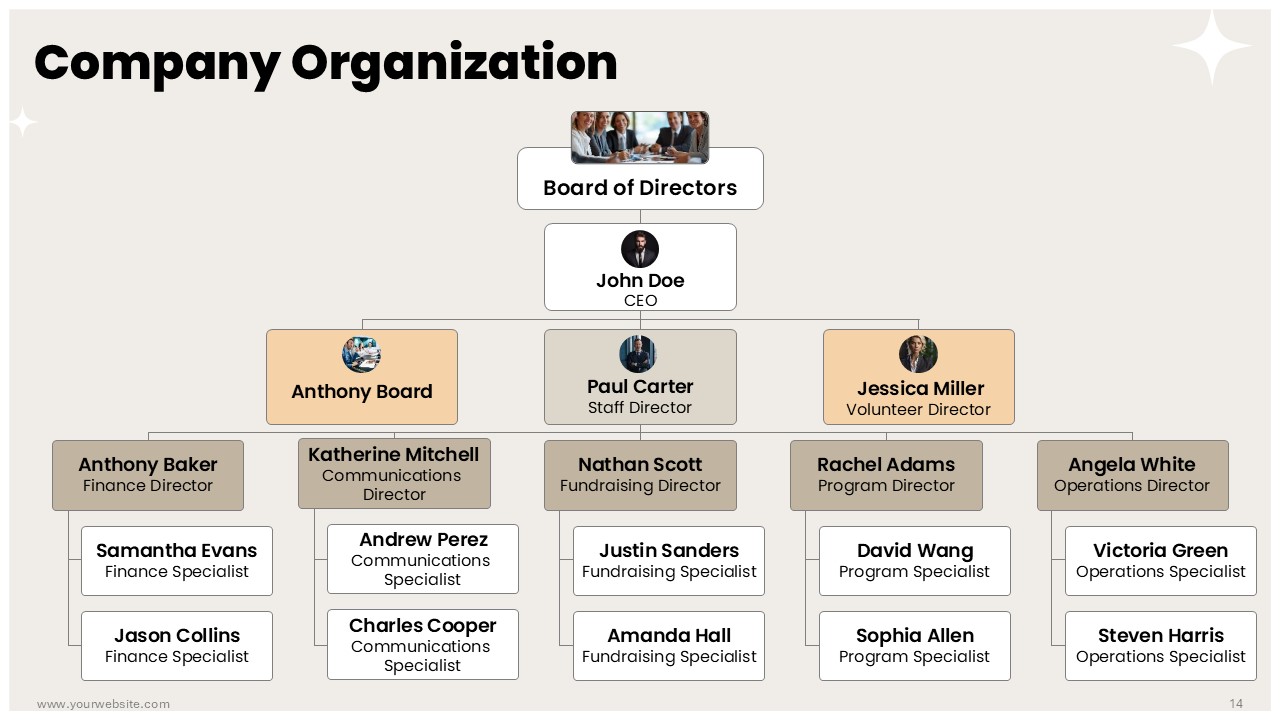
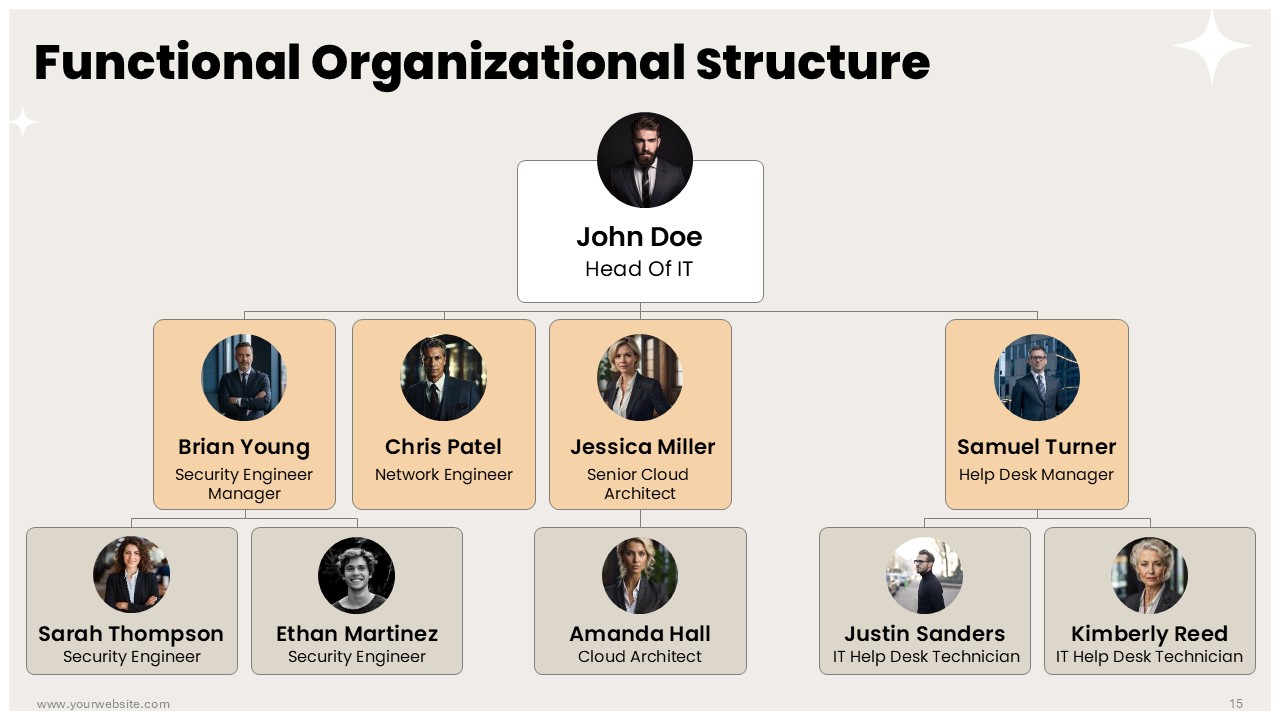
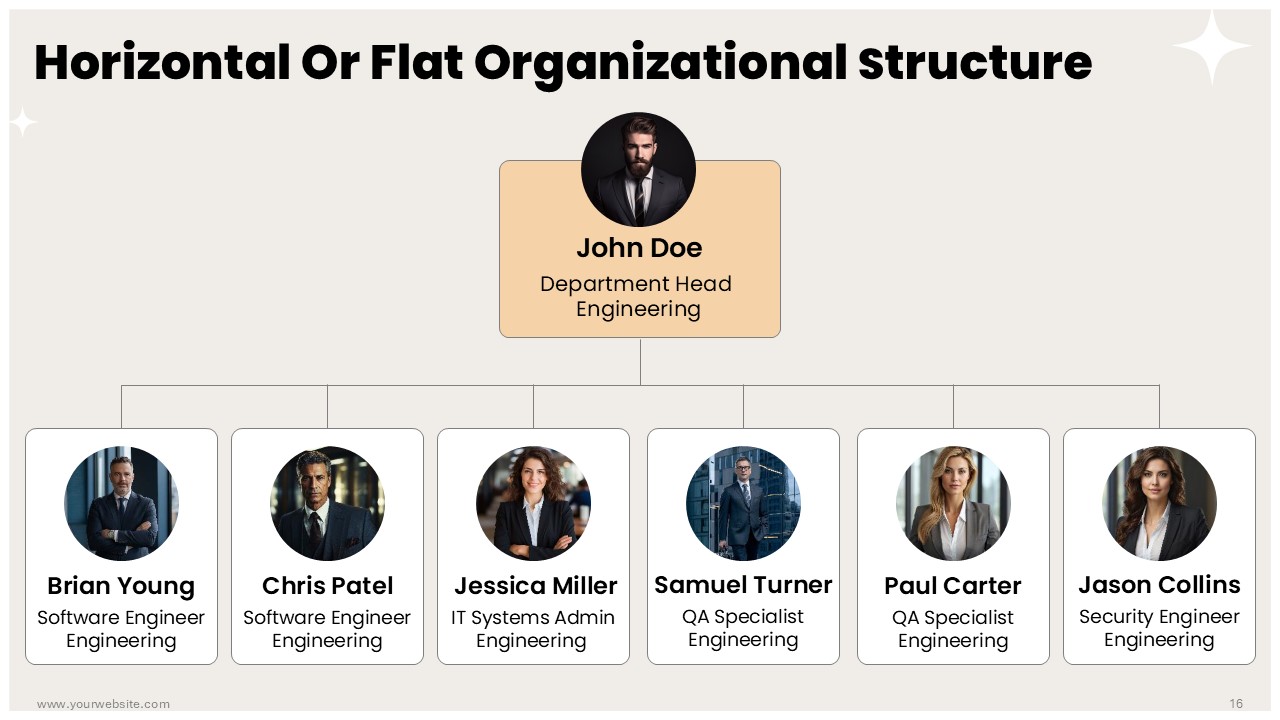
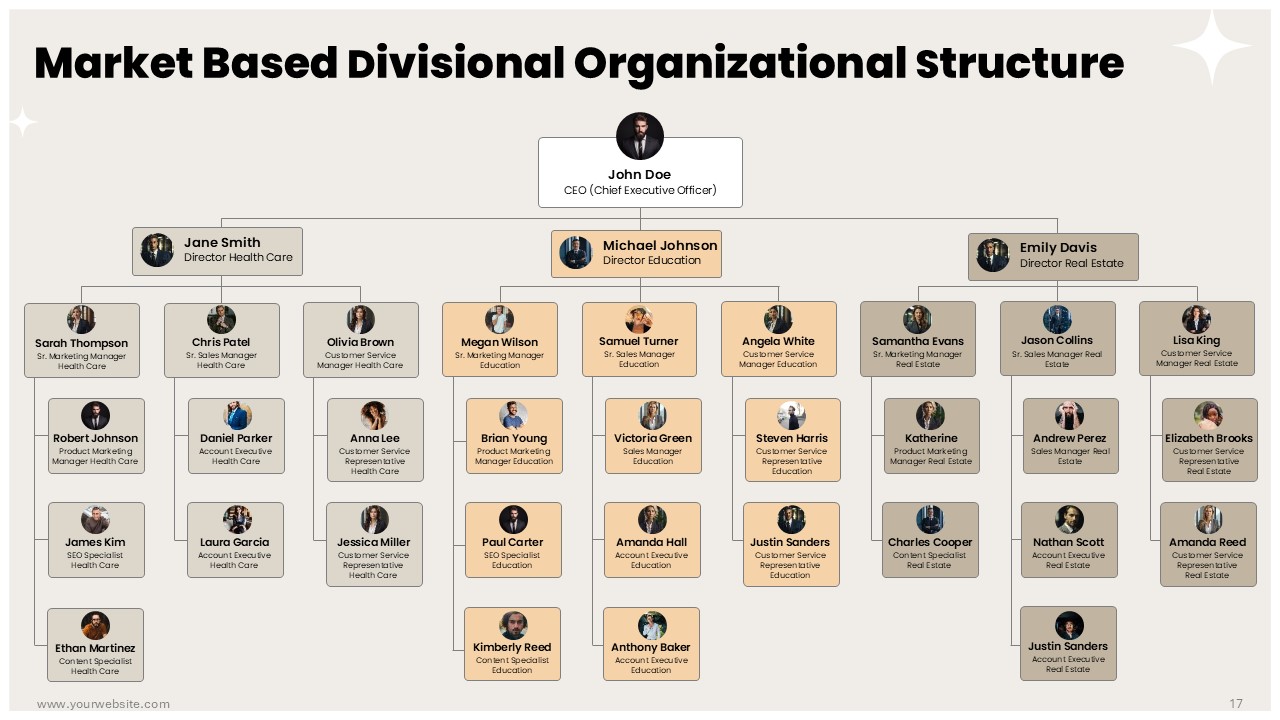
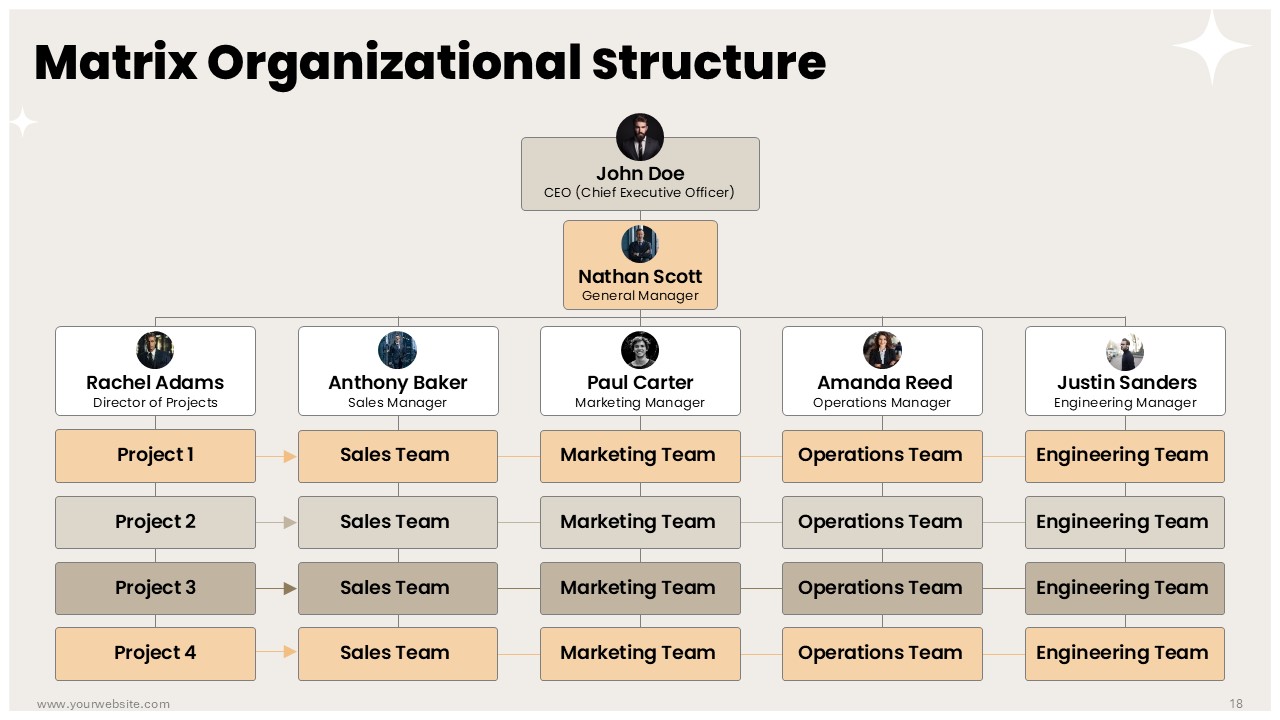
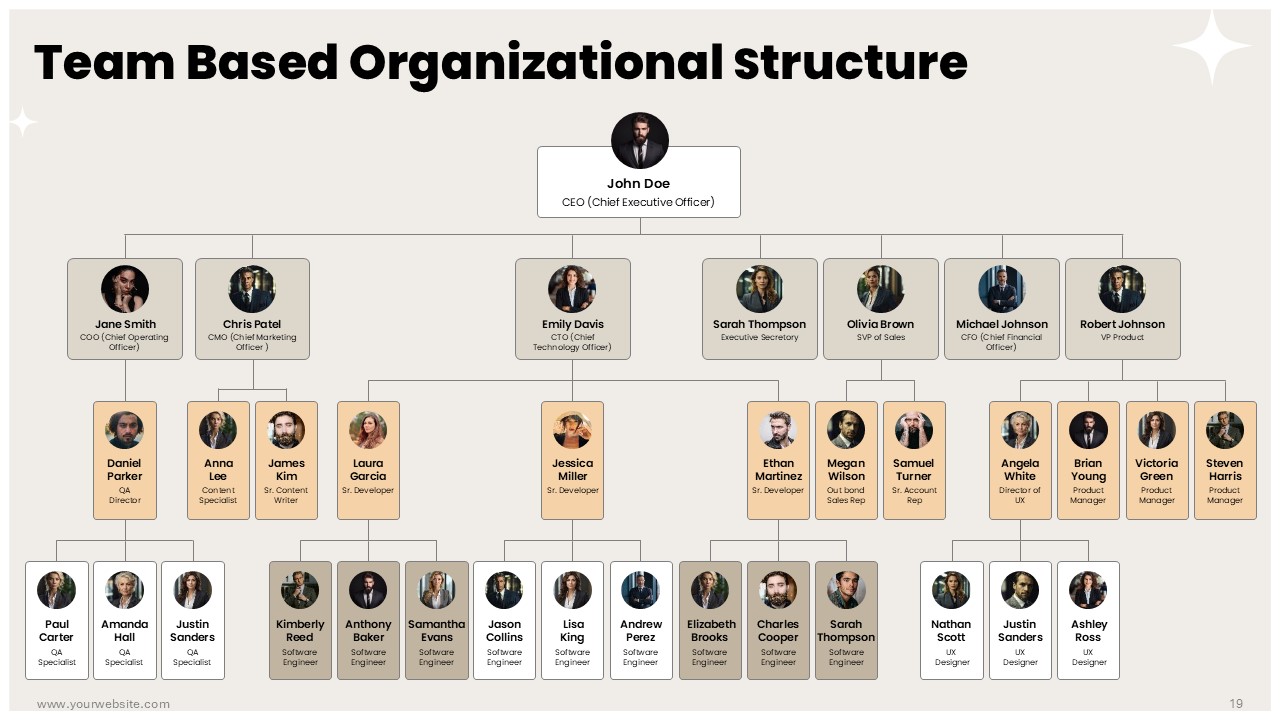
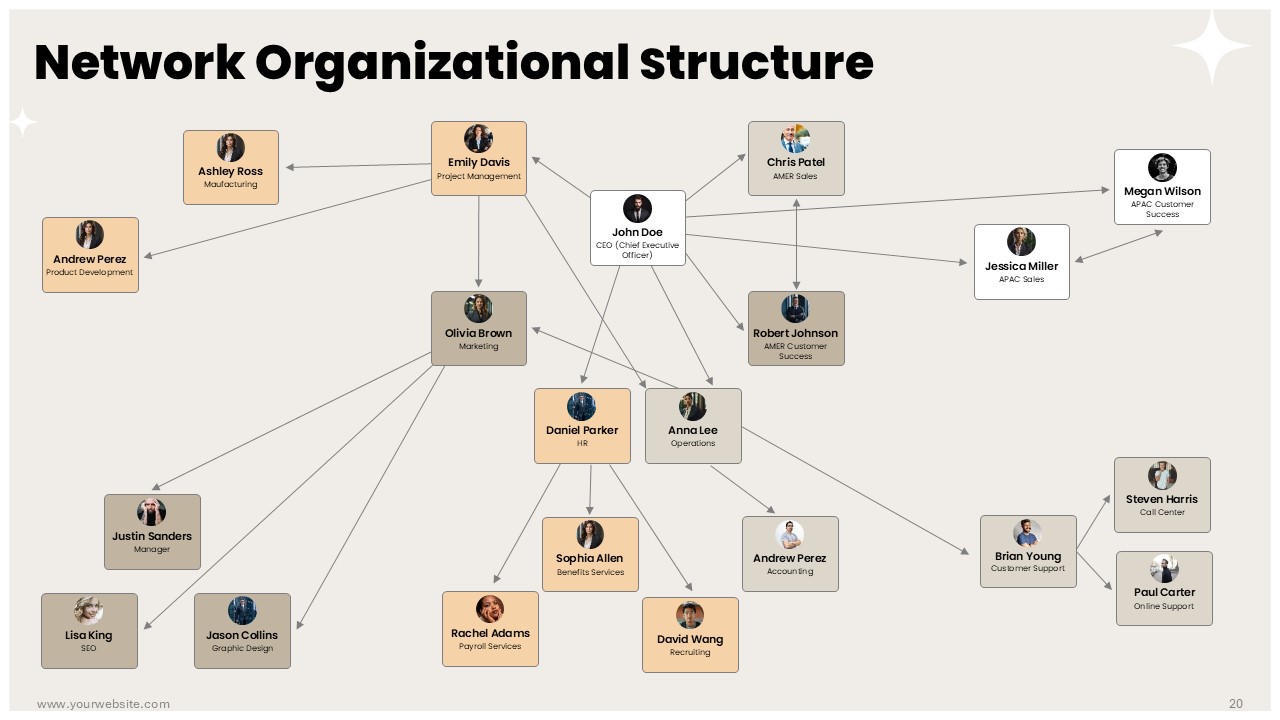
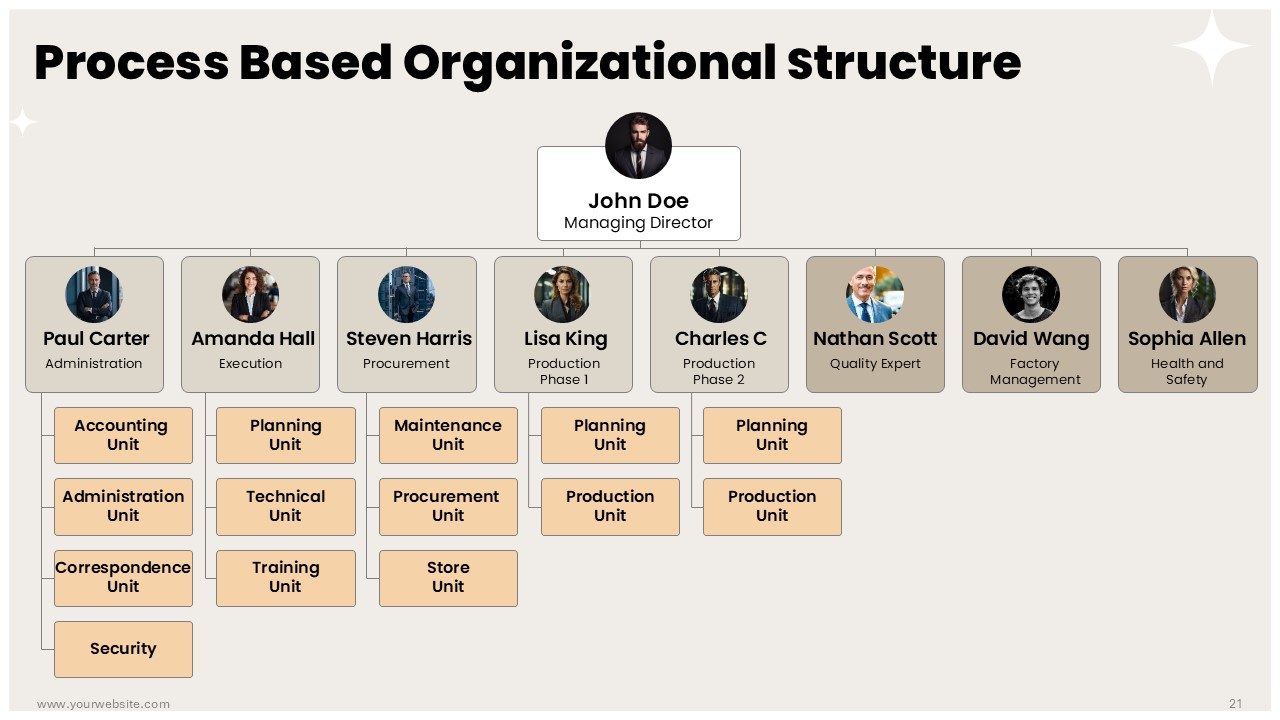
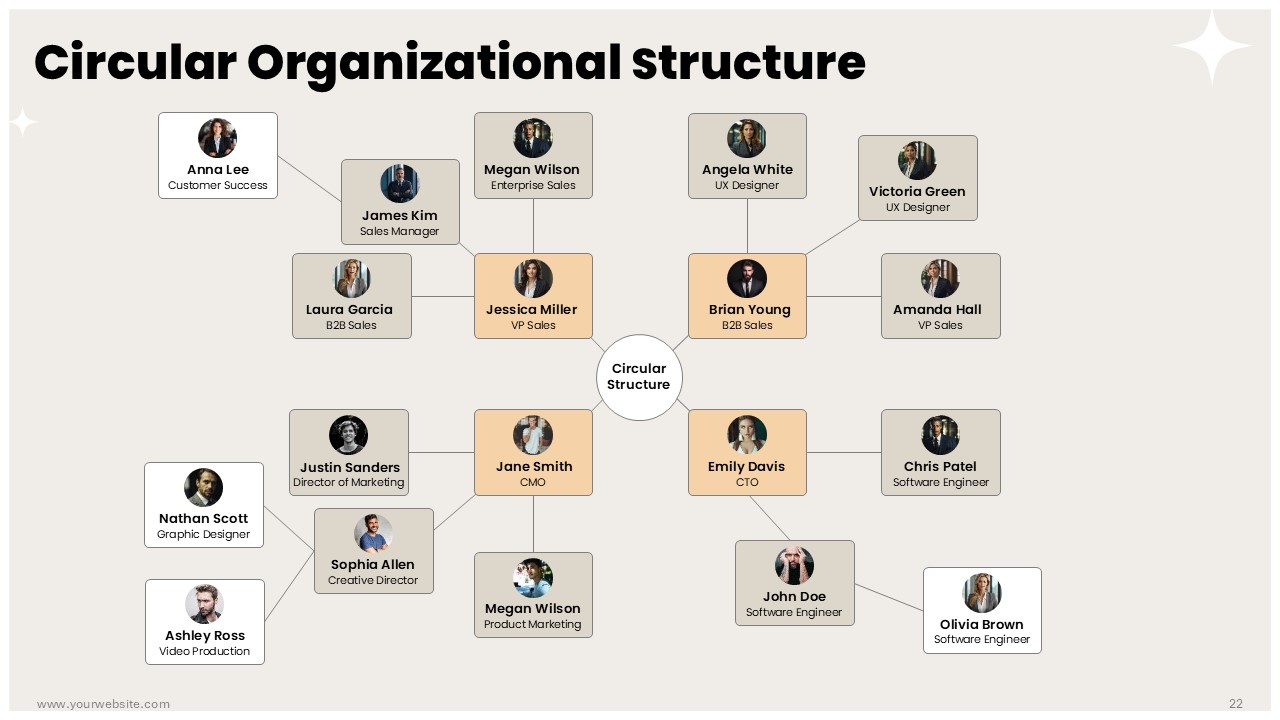
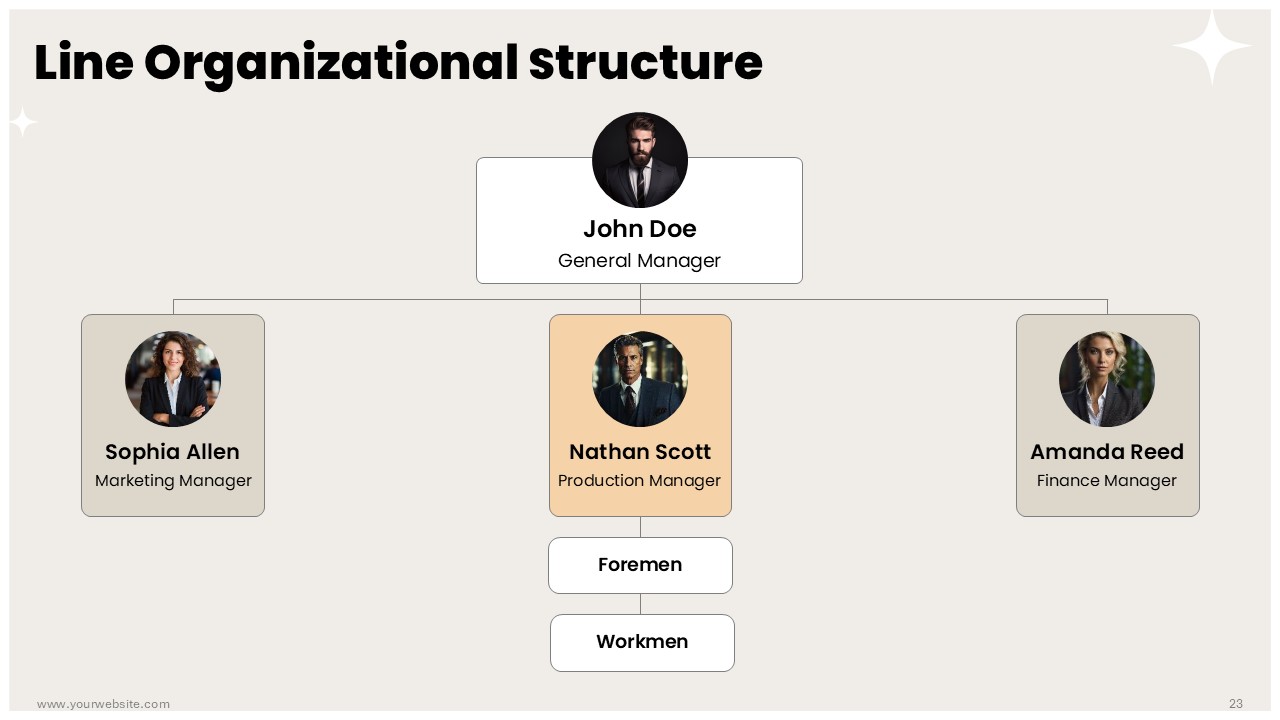
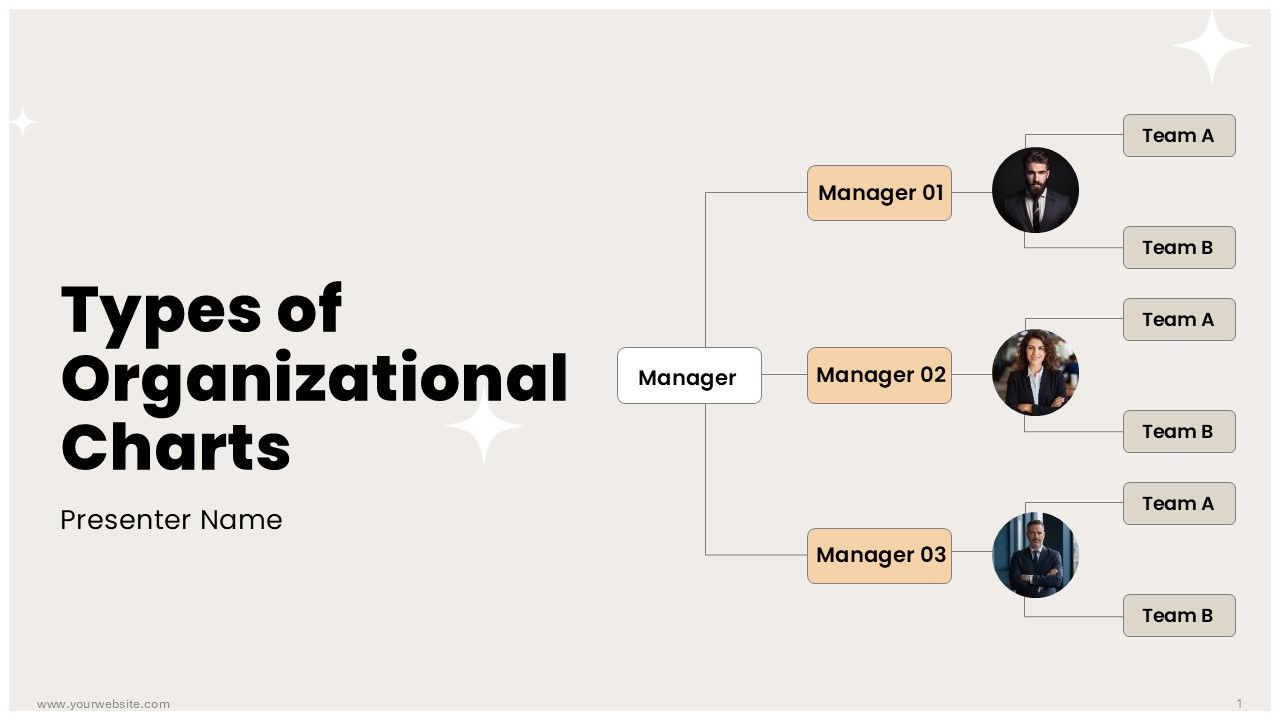
Types of Organizational Charts Presentation Templates is a premium resource for making the organizational structure presentations more clear and effective. The template consists of 24 elegantly designed slides with refined brown, white and light orange colors which are used to illustrate different organizational hierarchies, structures and workflows. It’s great for use at corporate meetings, business strategy sessions or HR workshops because it helps present complex organizational data in a visually engaging manner that can be understood easily.
This Types of Organizational Charts Presentation Templates comes as an option when presenting company hierarchies, team structures or reporting lines etc. It serves executives, HR managers, and consultants as it is accessible in Google Slides format as well as editable PowerPoint form that you can adjust to your specific needs without much hassle. Use this premium PPT to effectively communicate the dynamics of the organization and foster understanding of its structure among stakeholders.
Template Specifications
| Name: | Types of Organizational Charts Presentation Template |
| Quantity: | 24 slides |
| Ratio: | 16:9 |
| Colors : | |
| Rating: | Premium |
| Tutorials: | Click Here to View More |
SlidesBrain offers presentation features that allow you to customize every aspect of your slides. This means you can modify text, images, colors, fonts, and icons to your liking. Additionally, adjusting graphs in PowerPoint is simple, enabling you to change colors, numbers, and labels to match your preferences and create the perfect presentation.
Looking for a unique slide or PPT? We offer ready-to-use Google Slides and PowerPoint Templates, along with custom presentation design services, to help you present your ideas clearly and professionally. Get in touch with us for a presentation tailored to your purpose.
Premium Template
Unlock this template and gain unlimited access
Template Specifications
Dimensions
15 Slides, 1366 x 768 pixels – 16:9 Aspect Ratio (HD Presentation Quality)
Format
Download as a PPT to share with your recipient or generate a shareable link for online sharing.
Customizable
This template can be fully customized. You can edit content, change image(s), apply custom colors, input your own fonts and logo, and more.
Related tags
Related Presentations
No related products found.
-
brown
Premium Beauty Brand Pitch Deck Presentation PPT and Google Slides
Rated 0 out of 5Business | 18 slides 16:9 -
blue
Car Dealership Business Plan Presentation PPT and Google Slides
Rated 0 out of 5Business | 23 slides 16:9 -
Business
Beauty Tech Startup Presentation Template and Google Slides
Rated 0 out of 5Business | 18 slides 16:9 -
blue
Auto Dealership Business Plan Presentation PPT and Google Slides
Rated 0 out of 5Business | 23 slides 16:9 -
black
Free United Arab Emirates National Day Presentation PPT and Google Slides
Rated 0 out of 5Business | 13 slides 16:9 -
black
Free UAE Ambassador Templete Presentation PowerPoint and Google Slides
Rated 0 out of 5Business | 13 slides 16:9 -
blue
Free PowerPoint Co Presenters and Two Bios Slides and Google Slides
Rated 0 out of 5Business | 6 slides 16:9
Related products
-
Business
Wonderful Christmas PowerPoint Template and Google Slides
Rated 0 out of 5Business | 14 slides 16:9 -
blue
The 10 Minute Startup Pitch One Pager Presentation Deck
Rated 0 out of 5Business | 1 slides 16:9 -
black
Cost Reduction Strategies for Manufacturing Industry Presentation Template
Rated 0 out of 5Business | 45 slides 16:9 -
brown
Business Excellence Pyramid Infographics for PowerPoint and Google Slides
Rated 0 out of 5Infographics | 6 slides 16:9
Customer Reviews
“A review from a customer who benefited from your product. Reviews can be a highly effective way of establishing credibility and increasing your company's reputation.”
Customer Name
“A review from a customer who benefited from your product. Reviews can be a highly effective way of establishing credibility and increasing your company's reputation.”
Customer Name


MS Powerpoint