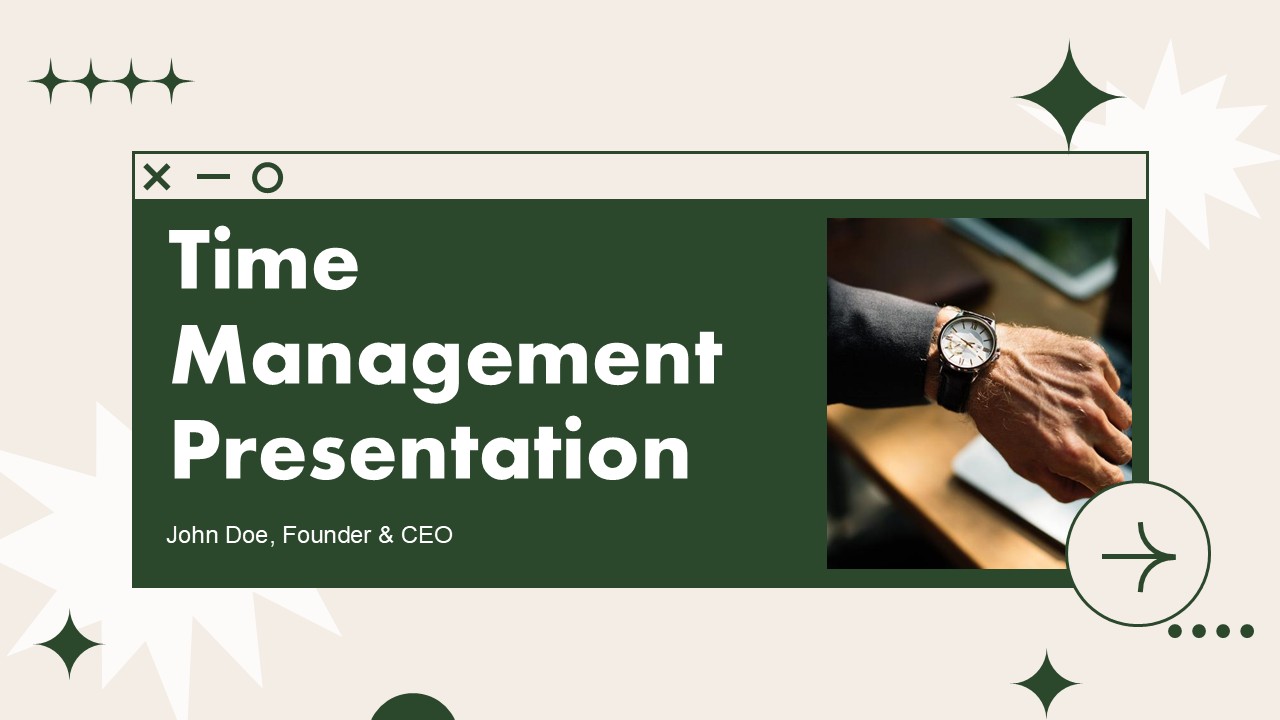
The Time Management PowerPoint Presentation delivers 20 rigorously designed slides organized to transmute fragmented agendas into finely calibrated productivity infrastructures. Wrapped in a stabilized brown base and an energizing growth green, this toolkit enables professionals, cross-functional teams, and leaders to govern their scarcest asset. Tailored for executives, project sponsors, and elite performers, it prioritizes objectives, reduces friction, and transposes everyday habits into quantifiable deliverables.
The deep brown foundation stabilizes workflows and curbs decision encumbrance, while the growth green accelerates momentum and sustains achievement drive. This chromatic duality capitalizes on visual neuroscience: brown scaffolds core habits and administrative architectures, whereas green delineates pathways and completed sprint increments. The Time Management PowerPoint Presentation applies this interplay to render productivity concrete, transforming calendars into tactical assets rather than reactive limits.
Engineered for executives re-establishing strategic bandwidth; global teams aligning across dispersed time zones; project managers refining sprint dynamics; and scholars harmonizing academic loads. The Time Management PowerPoint deck is indispensable during career pivots, growth accelerations, or hybrid work rollouts, where disciplined temporal governance becomes the decisive edge.
Download the Time Management PowerPoint deck and transition from reactivity to proactive command. Convert congested calendars into engines of accomplishment, disjointed workdays into concentrated accelerations, and perpetual busyness into quantifiable results—each slide acting as a multiplier for time leverage.
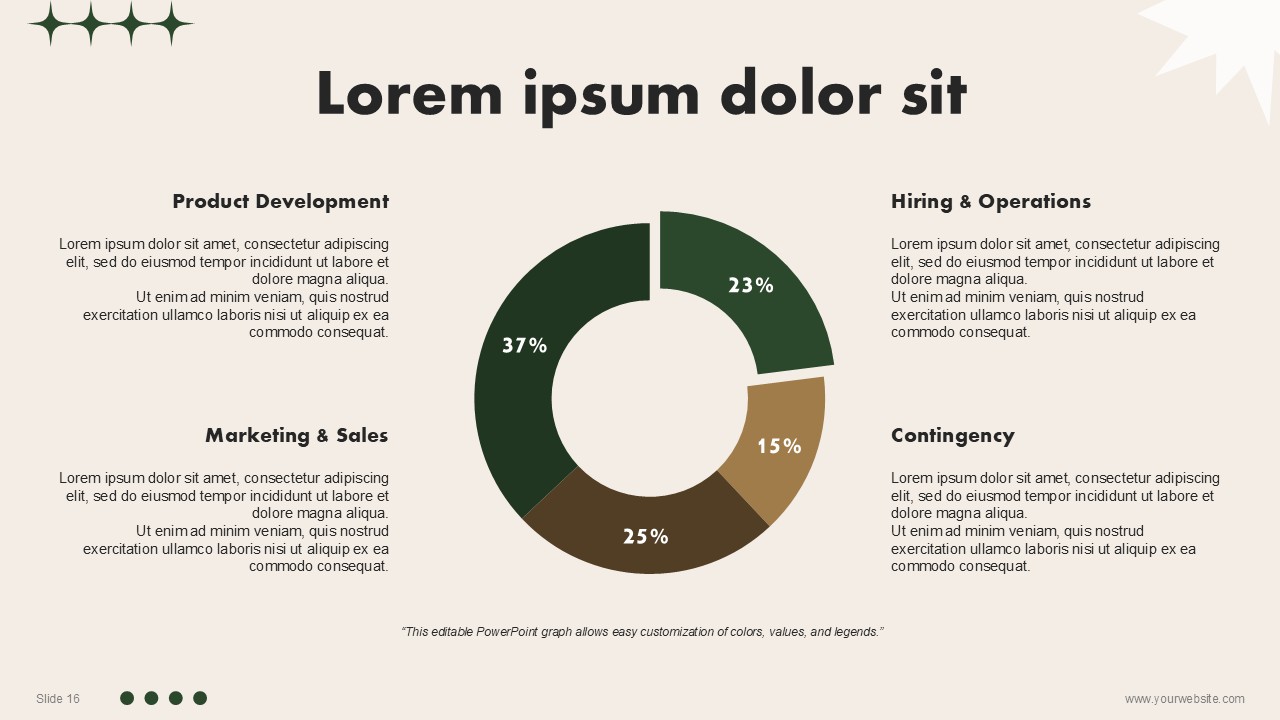
SlidesBrain offers presentation features that allow you to customize every aspect of your slides. This means you can modify text, images, colors, fonts, and icons to your liking. Additionally, adjusting graphs in PowerPoint is simple, enabling you to change colors, numbers, and labels to match your preferences and create the perfect presentation.
“A review from a customer who benefited from your product. Reviews can be a highly effective way of establishing credibility and increasing your company's reputation.”
★★★★★Rated 5 out of 5
“A review from a customer who benefited from your product. Reviews can be a highly effective way of establishing credibility and increasing your company's reputation.”






 MS Powerpoint

 Google Slides