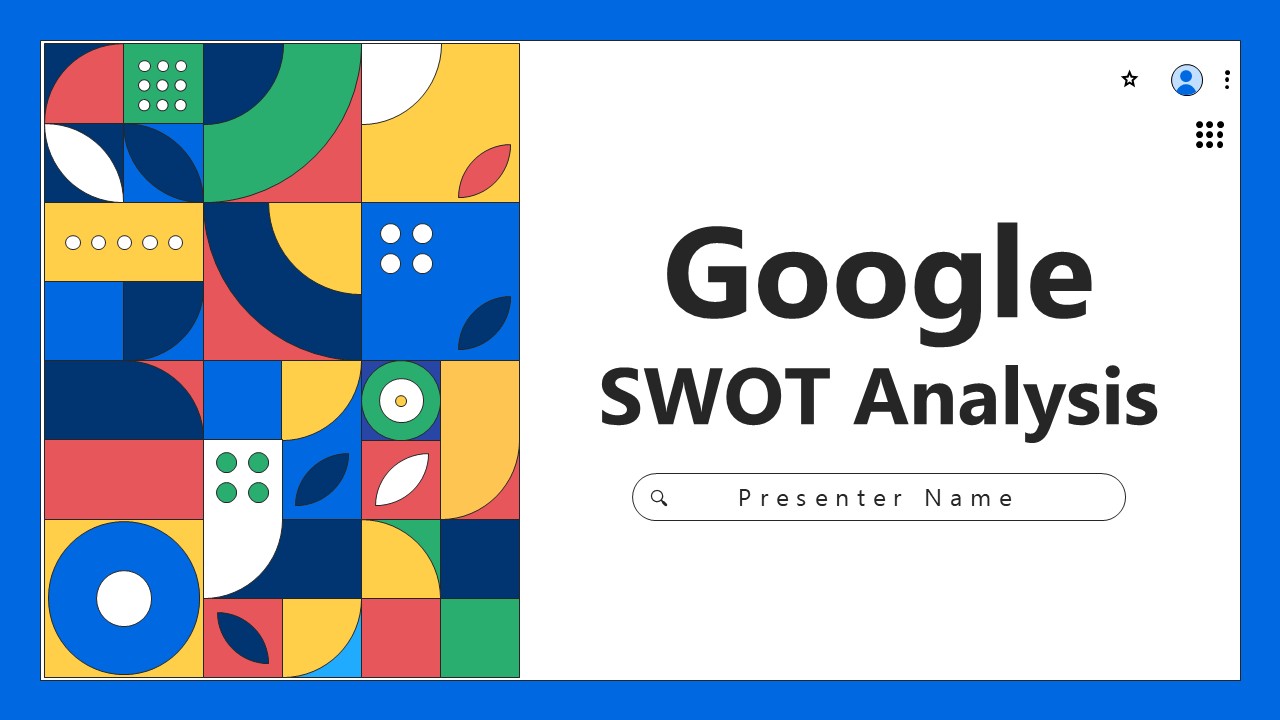
SWOT Google Presentation Template helps you present SWOT concepts (Strengths, Weaknesses, Opportunities, Threats) as effectively as possible. The template has a sleek, modern, and professional cover which features bold geometric shapes to grab the audience’s attention. The clean and professional layout of the slides puts the audience in the right mind set to engage with the content.
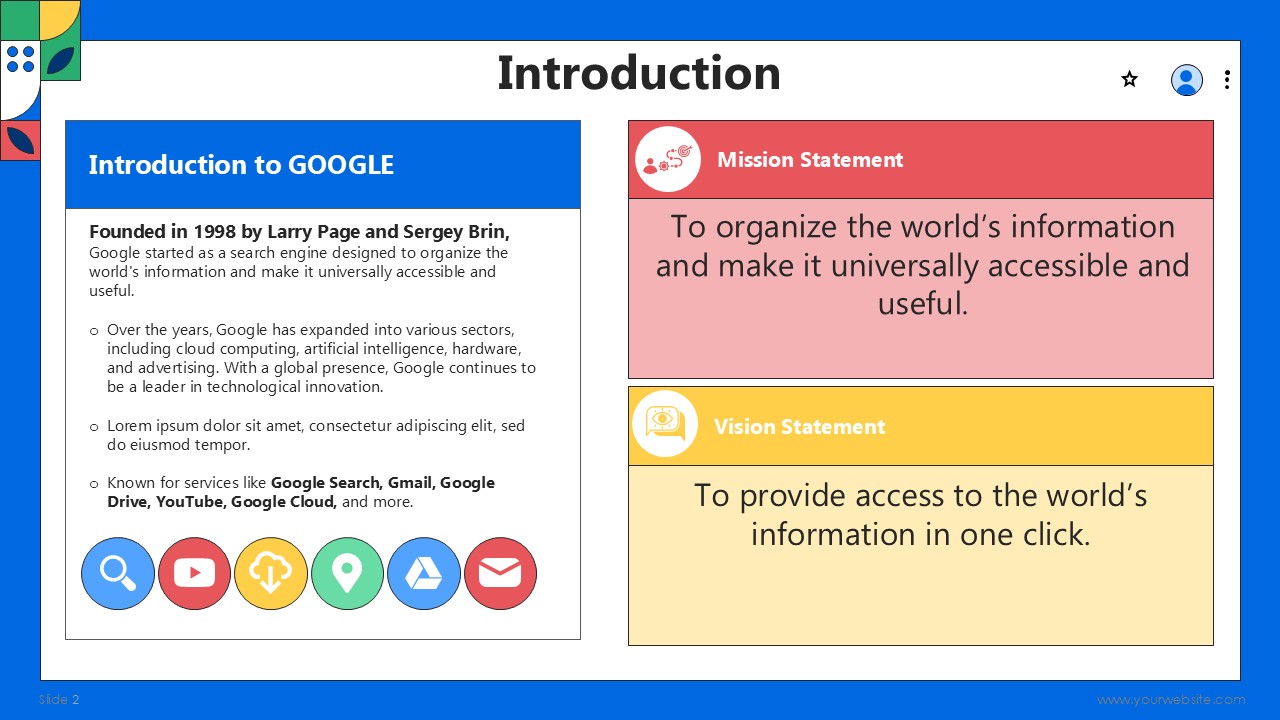
With 15 fully editable slides, this template works best for business analysts, marketers, and consultants who want to present a SWOT analysis in a more engaging and interesting way. Geometric shapes throughout the slides allow for a unique and modern touch that makes your points stand without disrupting the flow of the presentation. The design allows for a proper structure which ensures that the audience comprehensively understands your analysis.
With this template, you can edit text, colors, and images freely to fit your branding. The shapes on the cover and slide layouts direct the audience’s attention to important components of your SWOT analysis, whether you’re outlining a company’s internal strengths and weaknesses or external opportunities and threats. It is ideal for business strategy meetings, marketing presentations, and corporate workshops.
When you use this Google Slides and PowerPoint template, you can save more time while doing a professional and impactful SWOT analysis presentation. It also has a modern touch with the geometric shapes design, which makes it look different from usual SWOT templates. This is a great and simple-to-edit template for your business analysis presentations, so you can capture your audiences’ attention and give them clear insights to make important decisions.
SlidesBrain offers presentation features that allow you to customize every aspect of your slides. This means you can modify text, images, colors, fonts, and icons to your liking. Additionally, adjusting graphs in PowerPoint is simple, enabling you to change colors, numbers, and labels to match your preferences and create the perfect presentation.
“A review from a customer who benefited from your product. Reviews can be a highly effective way of establishing credibility and increasing your company's reputation.”
★★★★★Rated 5 out of 5
“A review from a customer who benefited from your product. Reviews can be a highly effective way of establishing credibility and increasing your company's reputation.”
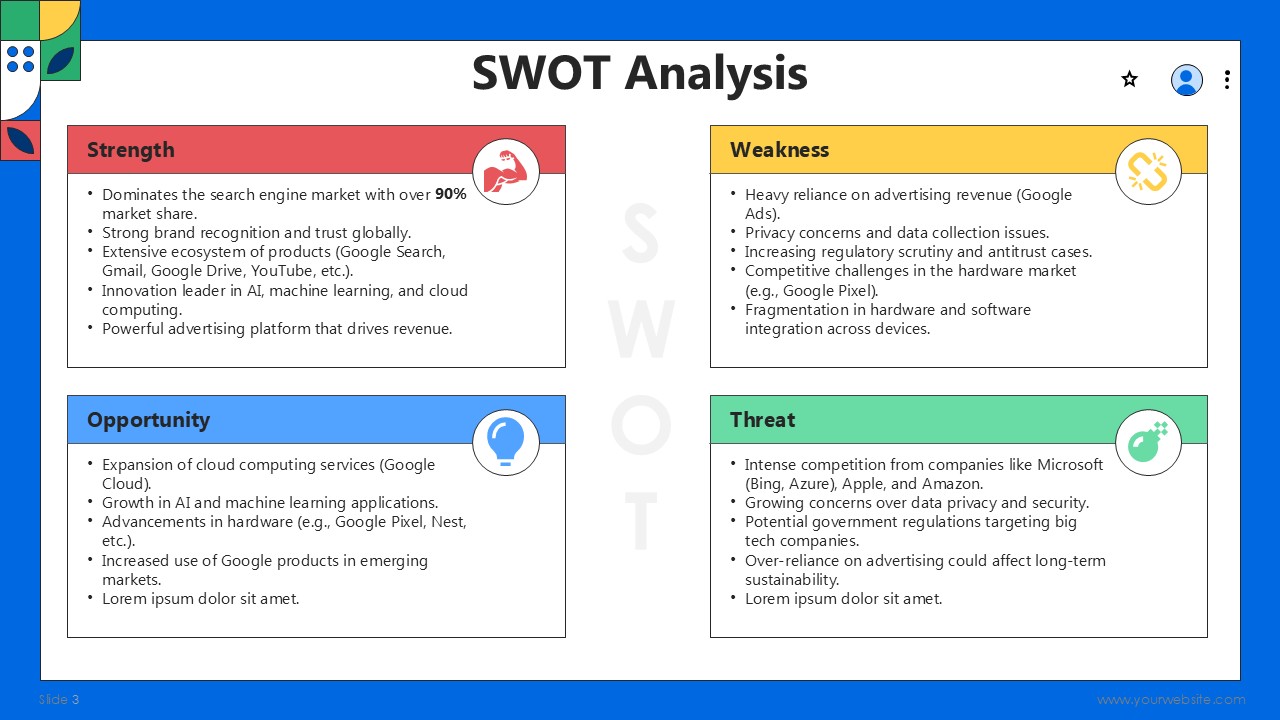

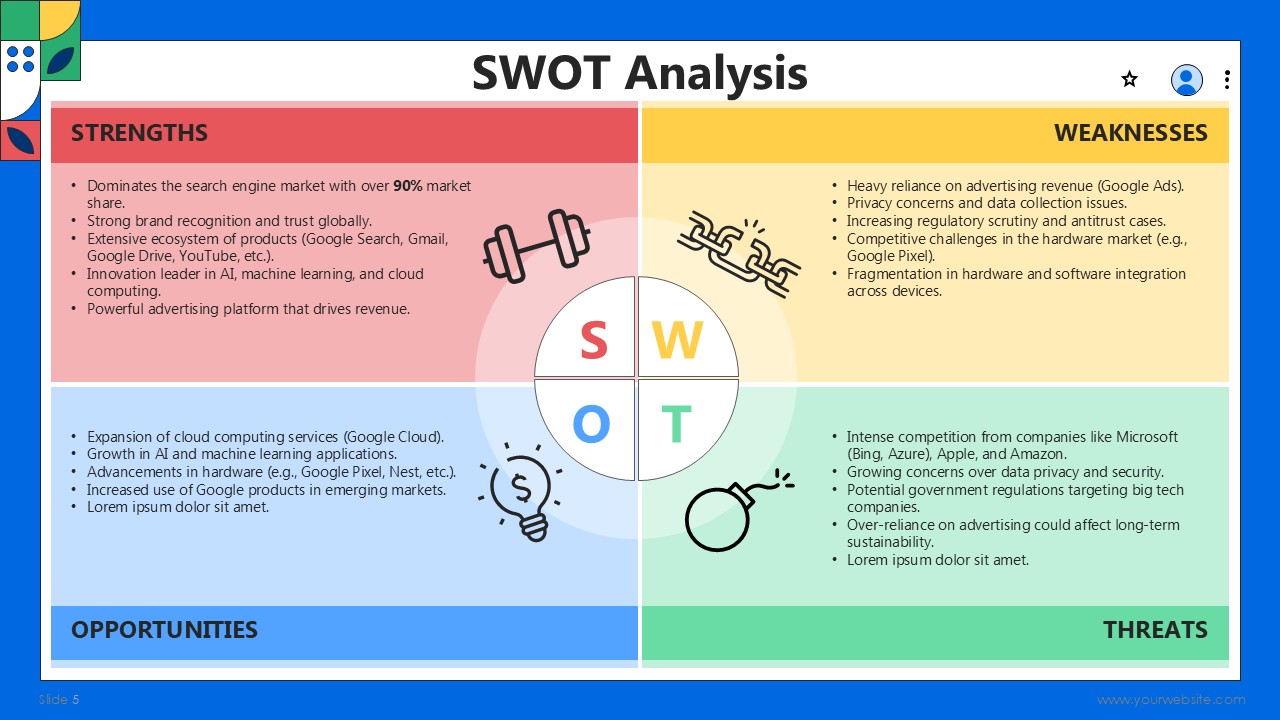
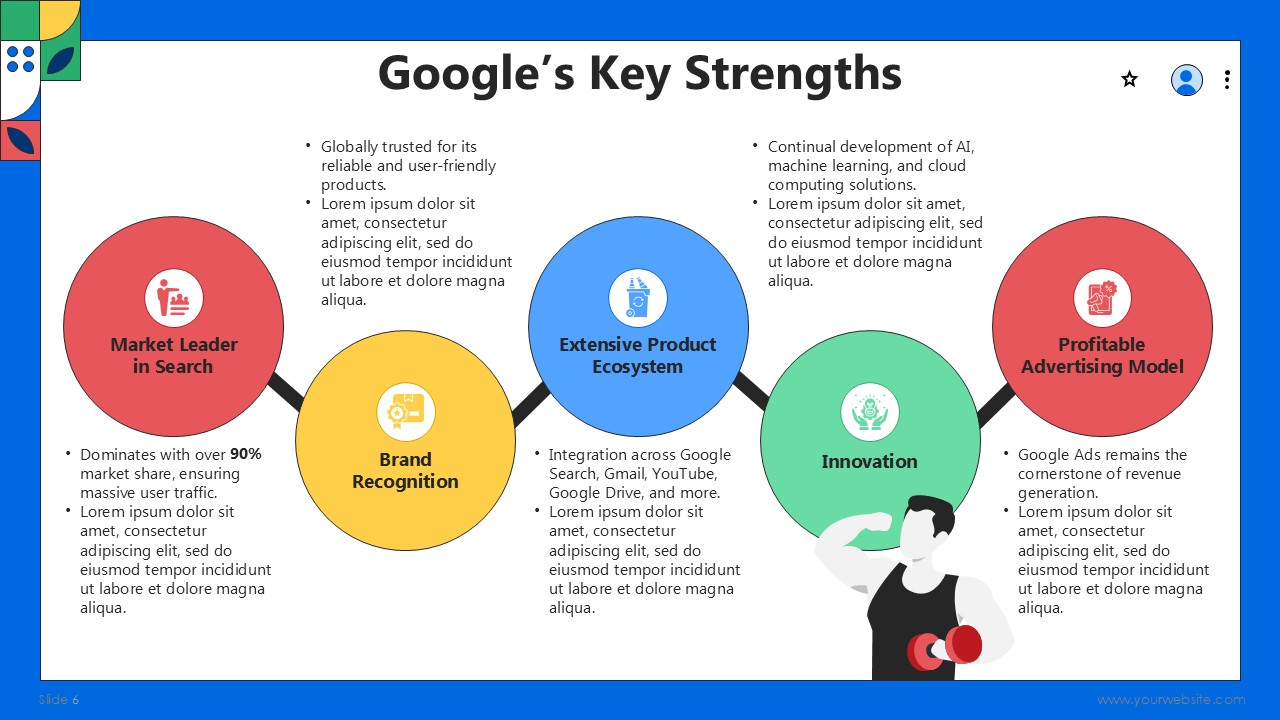
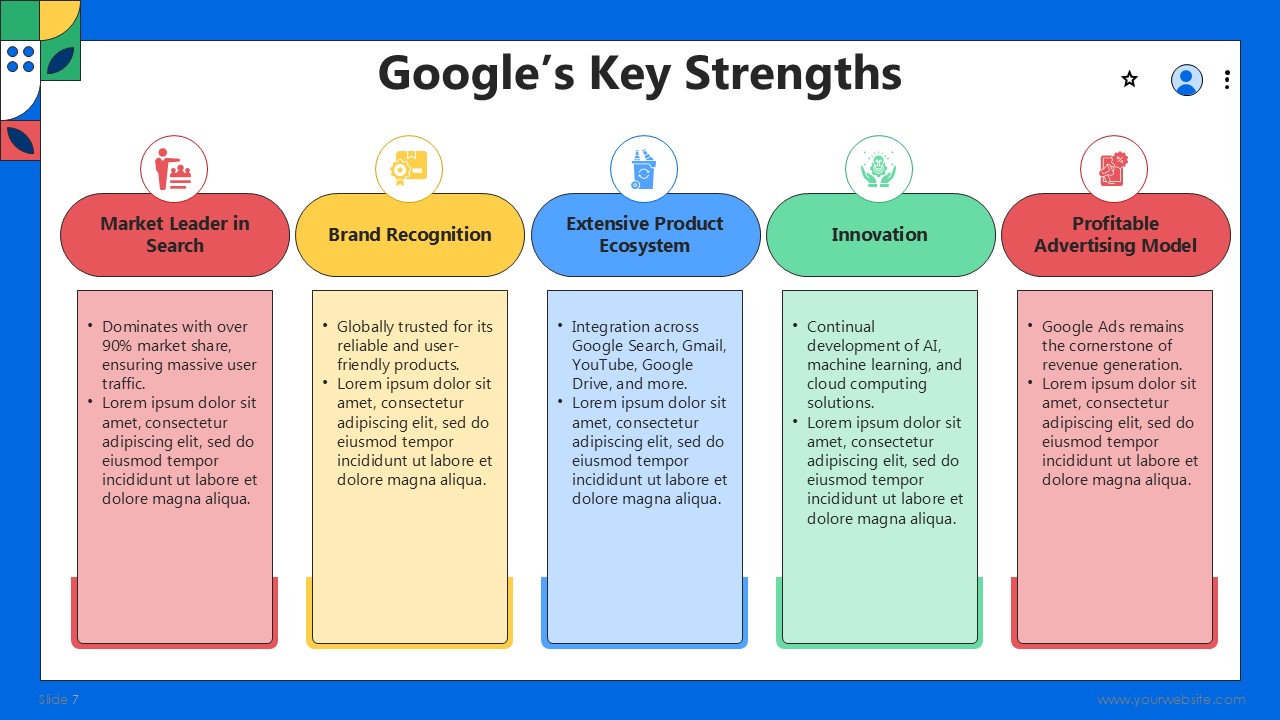
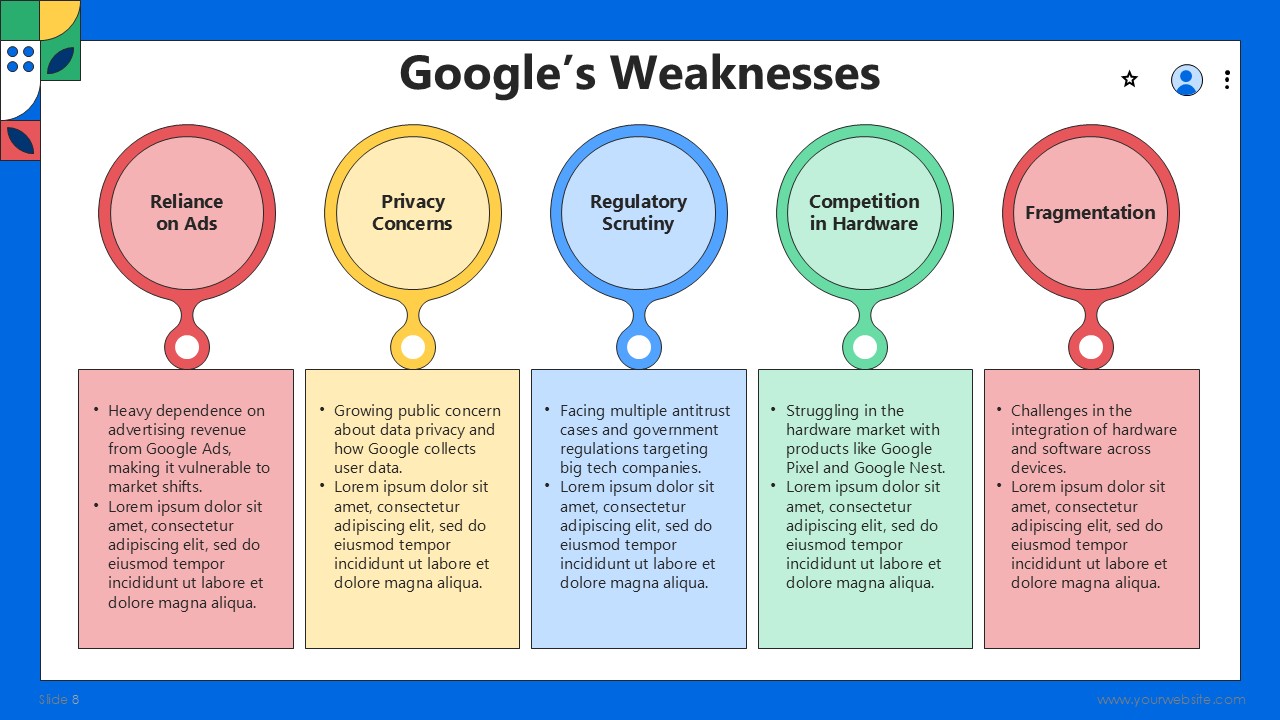
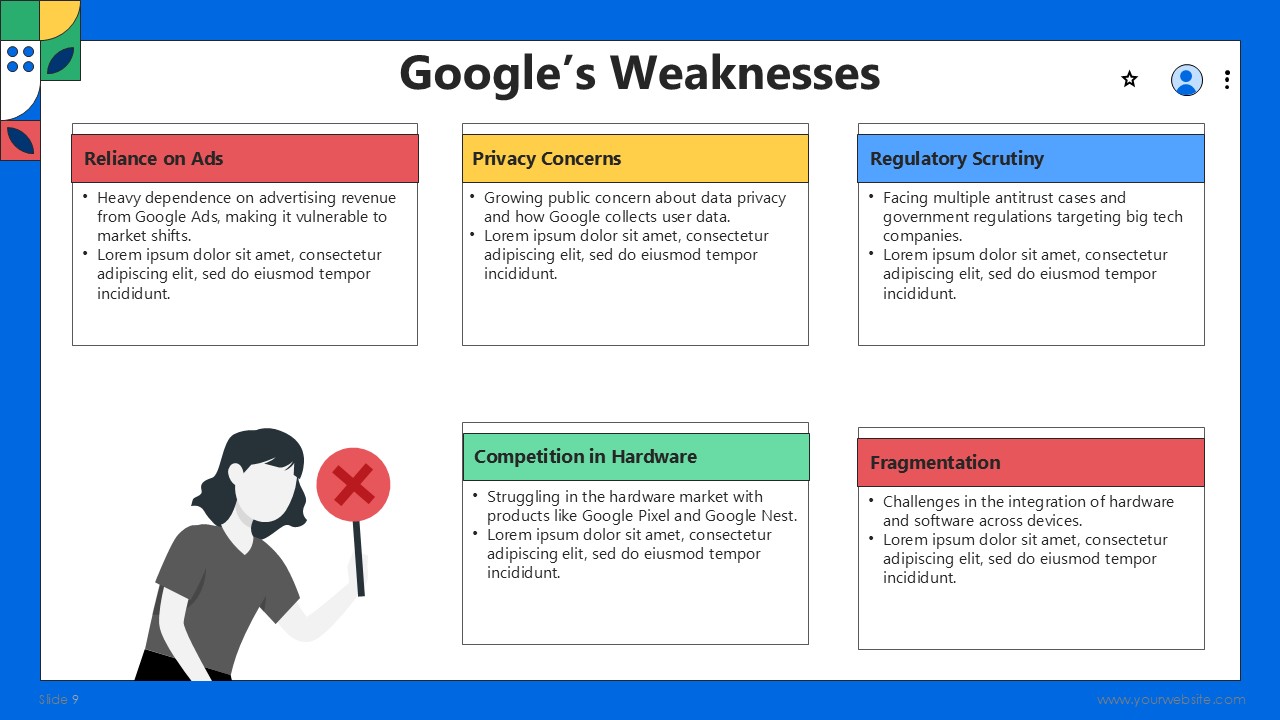
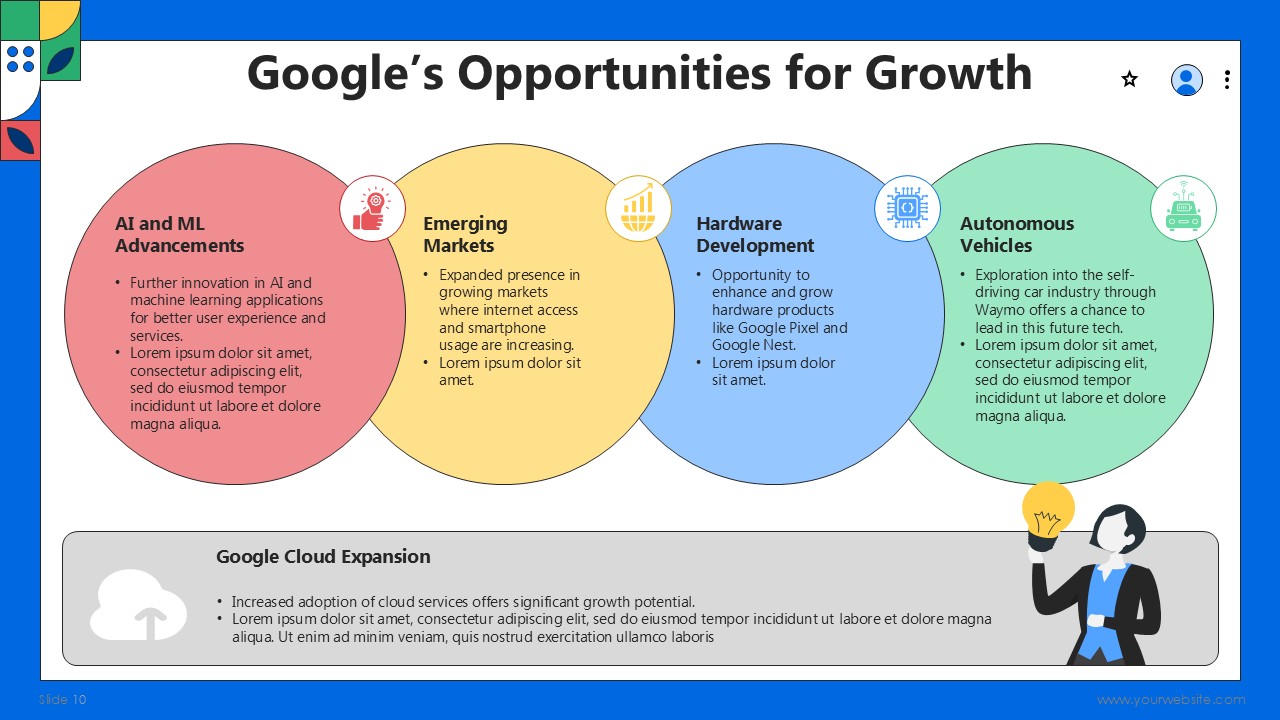
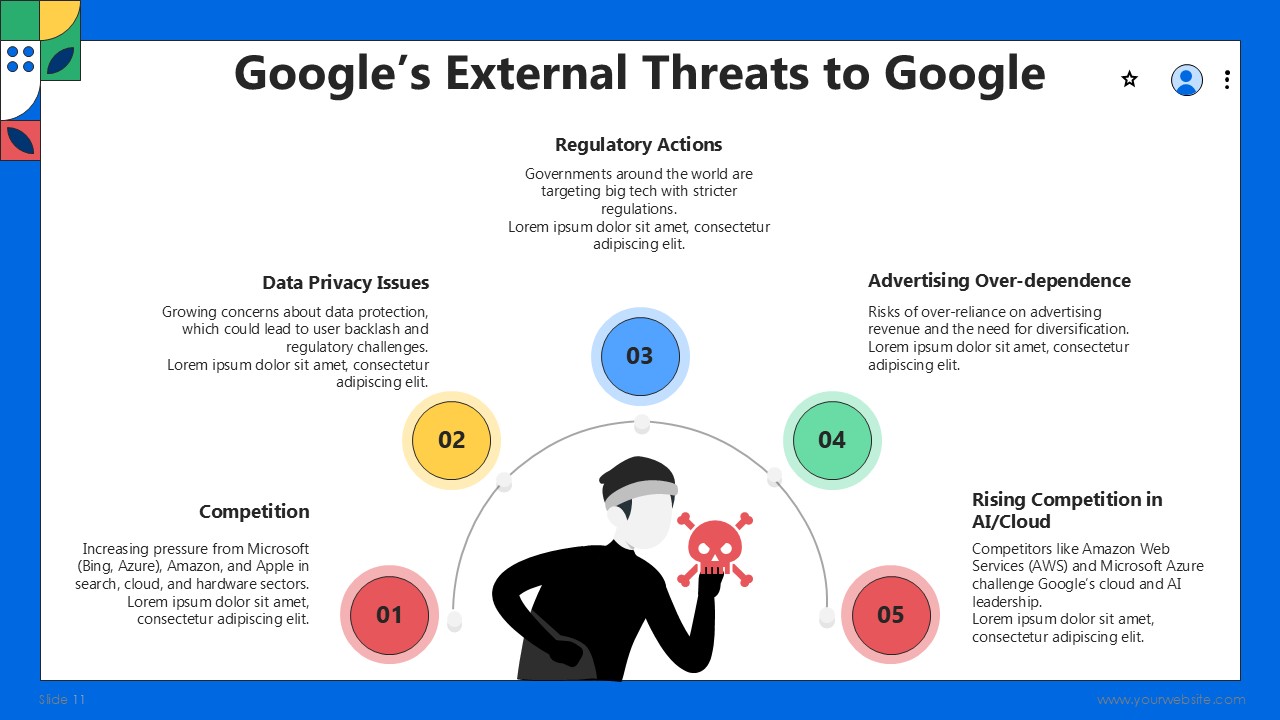



 MS Powerpoint
 Google Slides