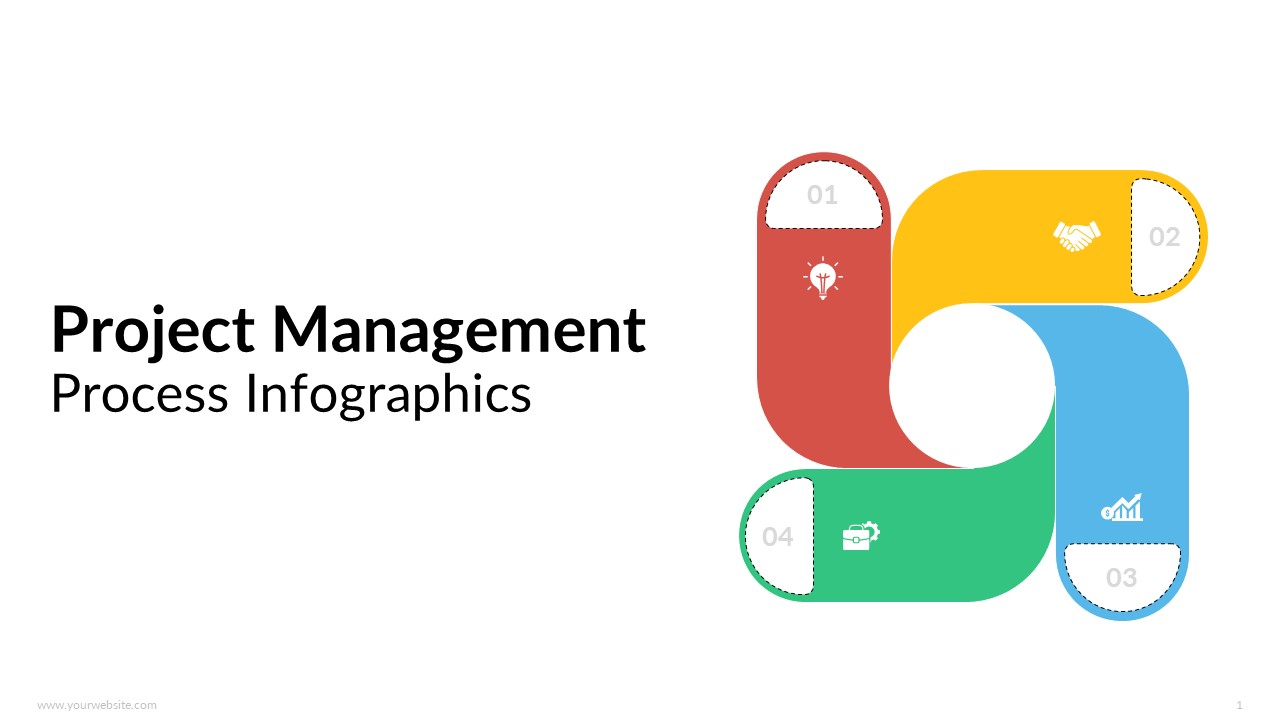
Project Management Process Infographics Templates
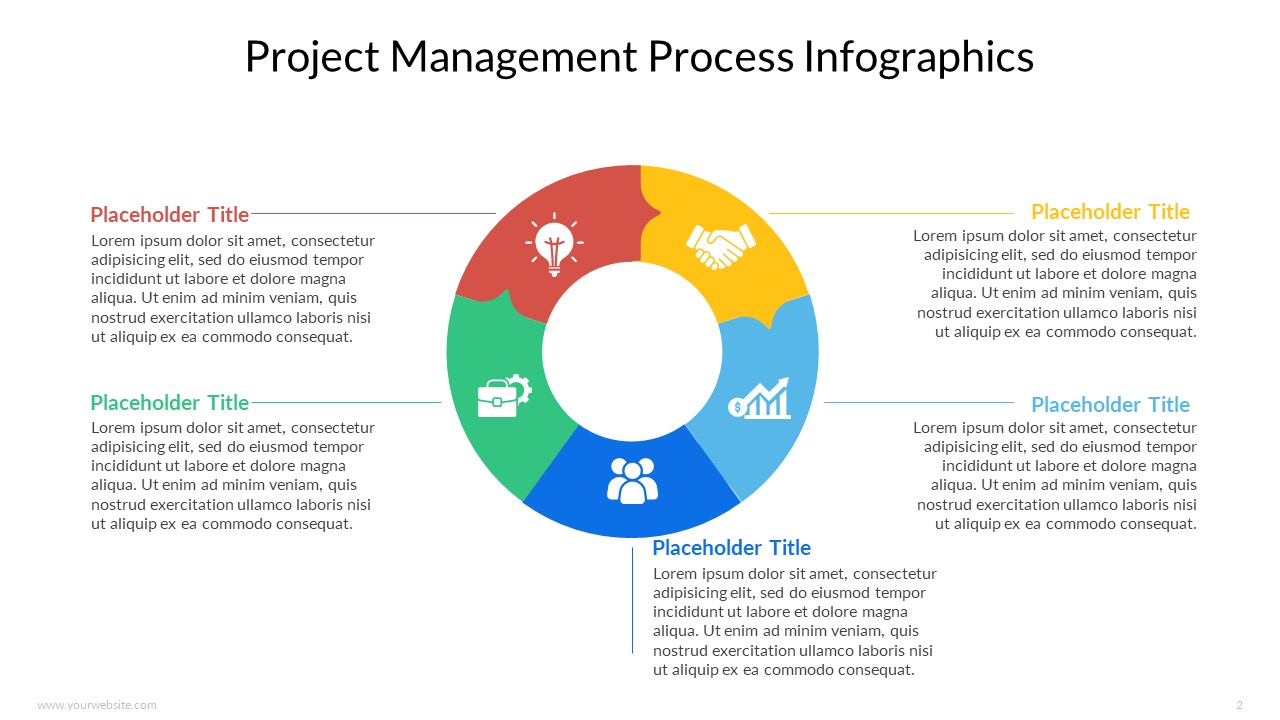
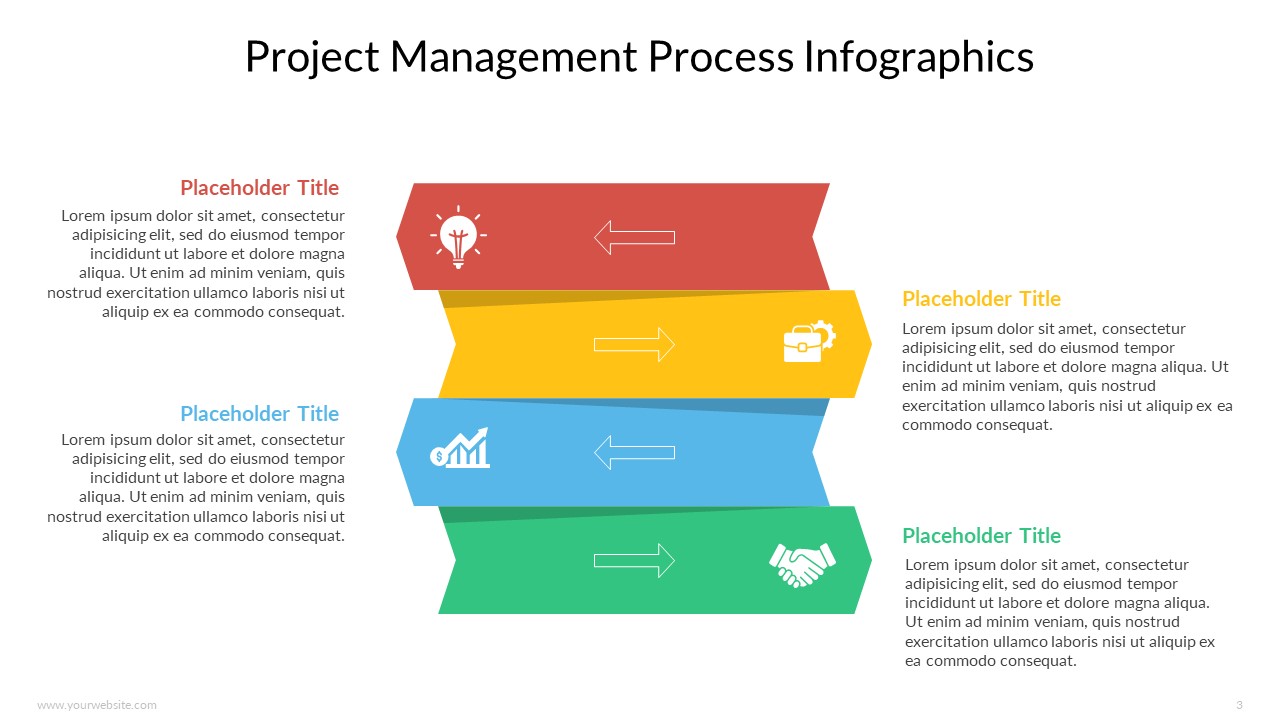
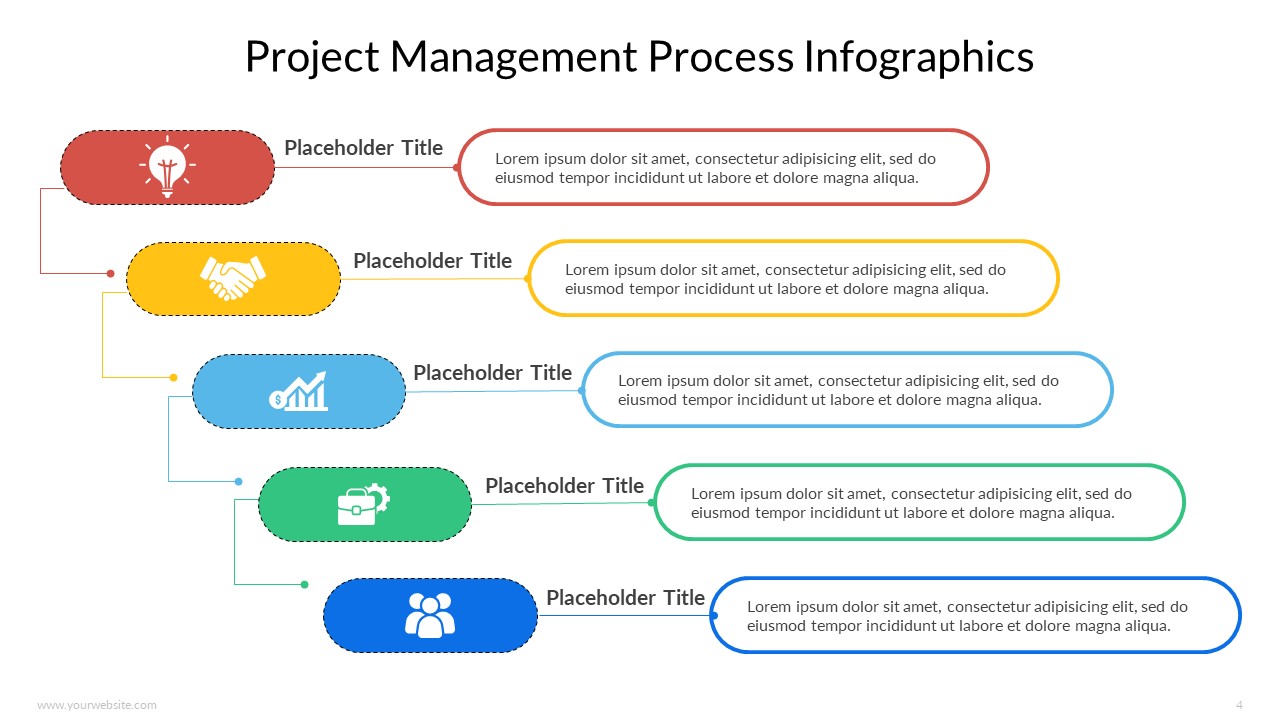
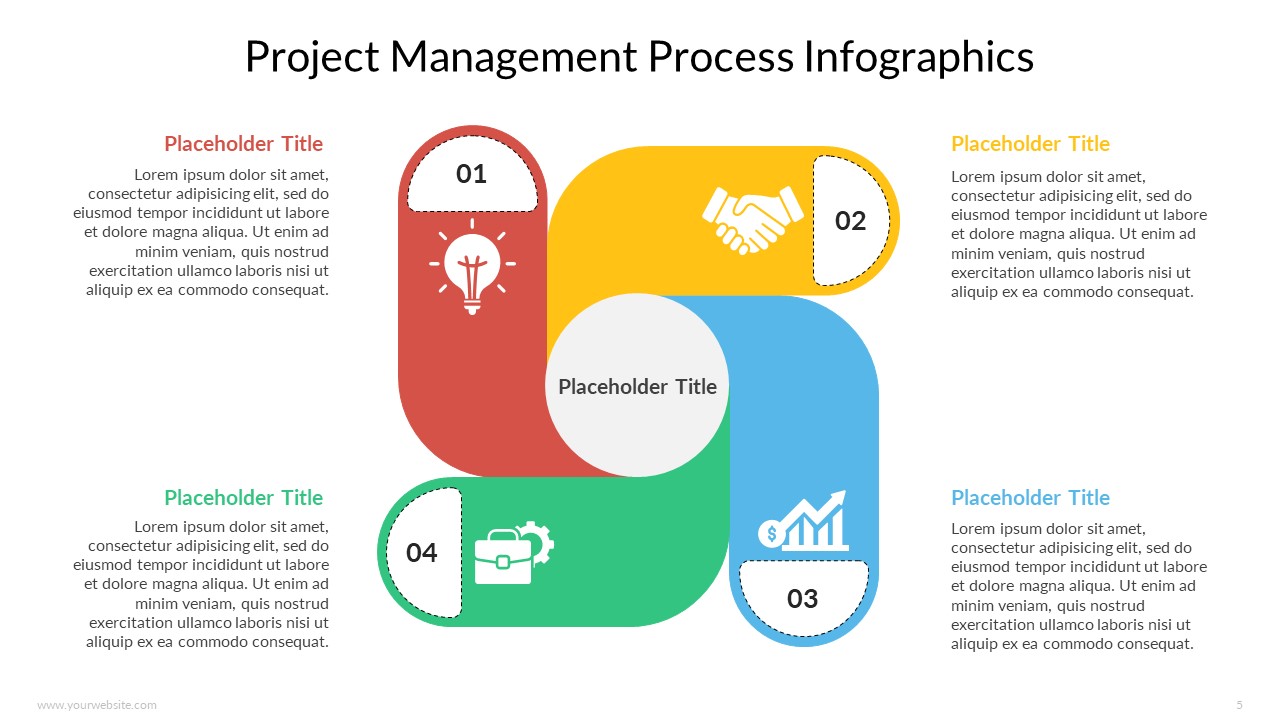
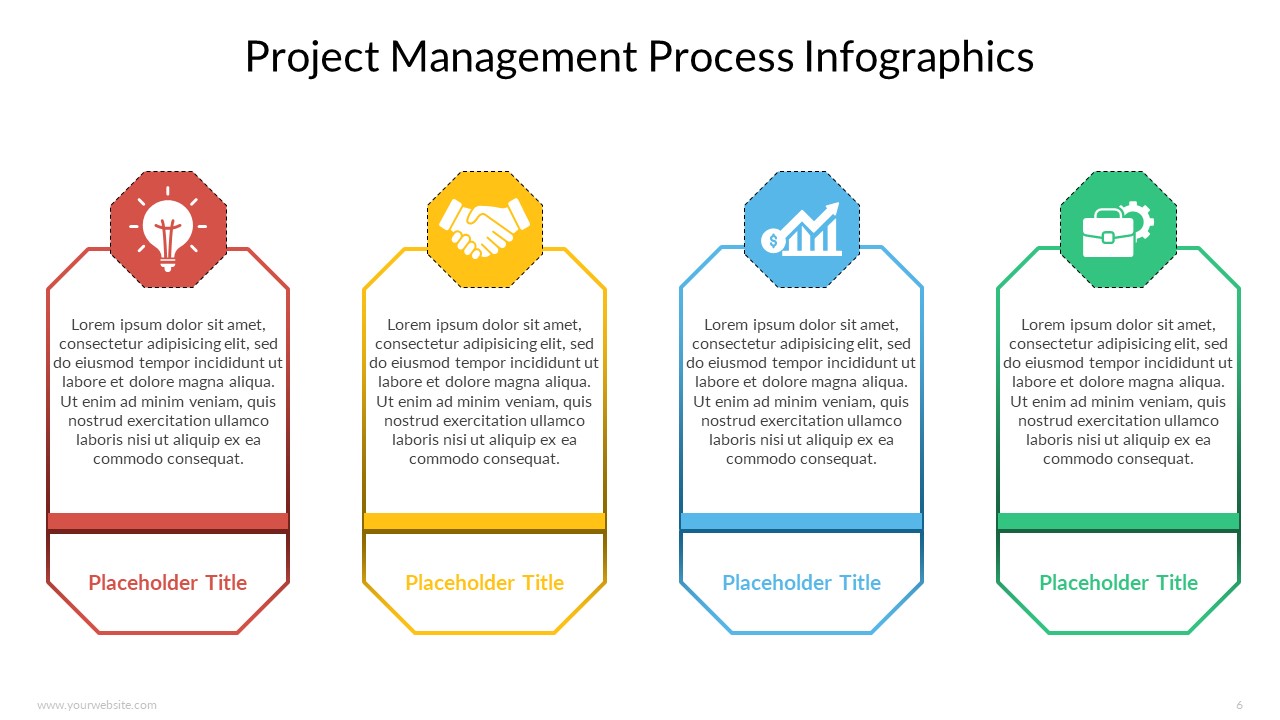
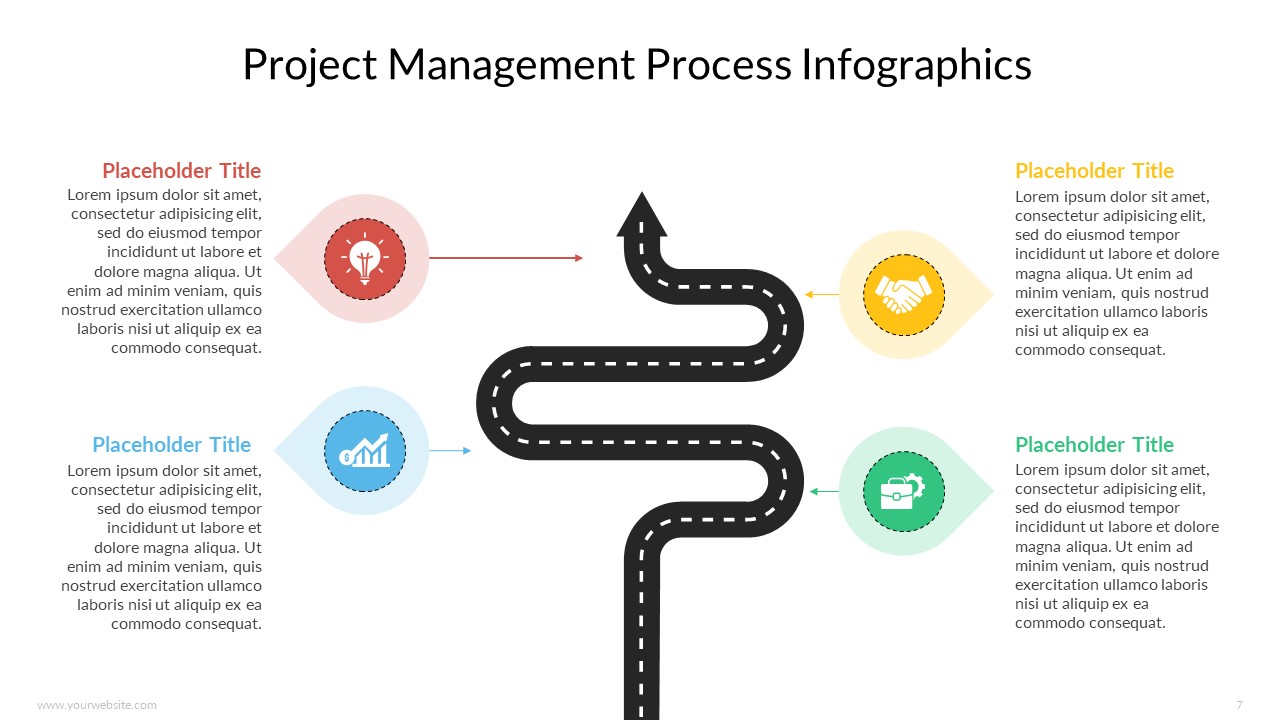
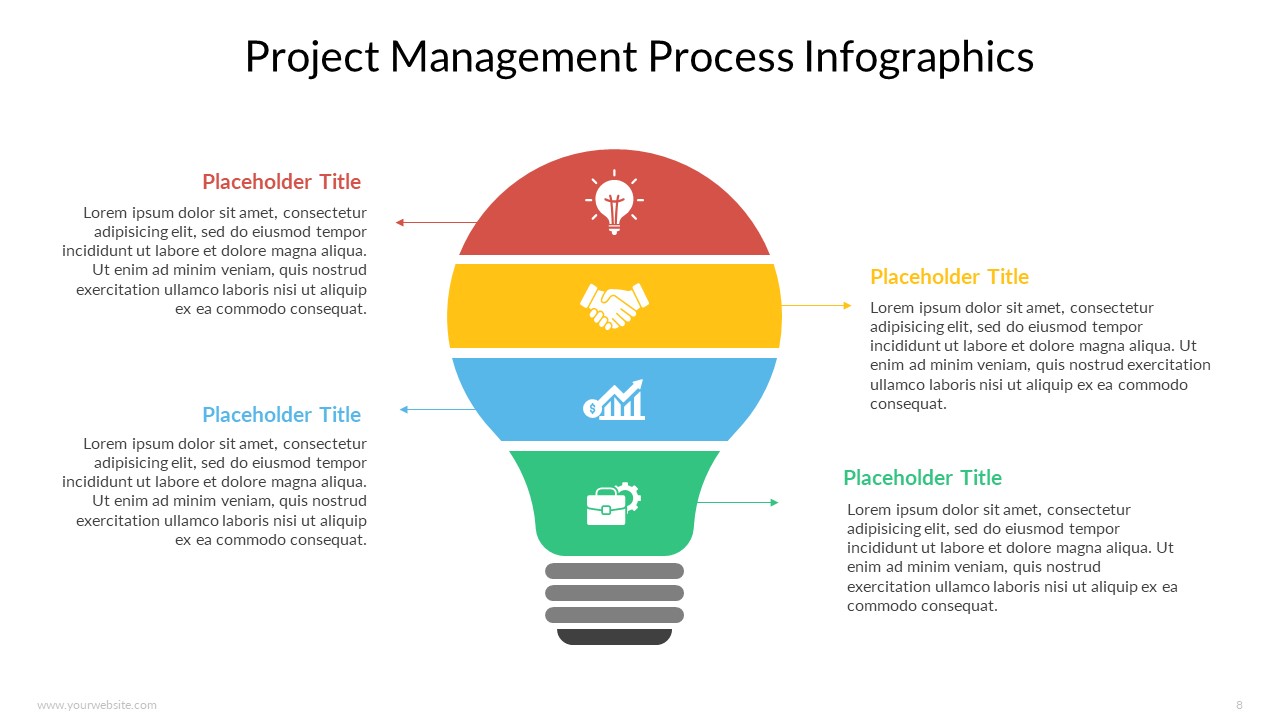
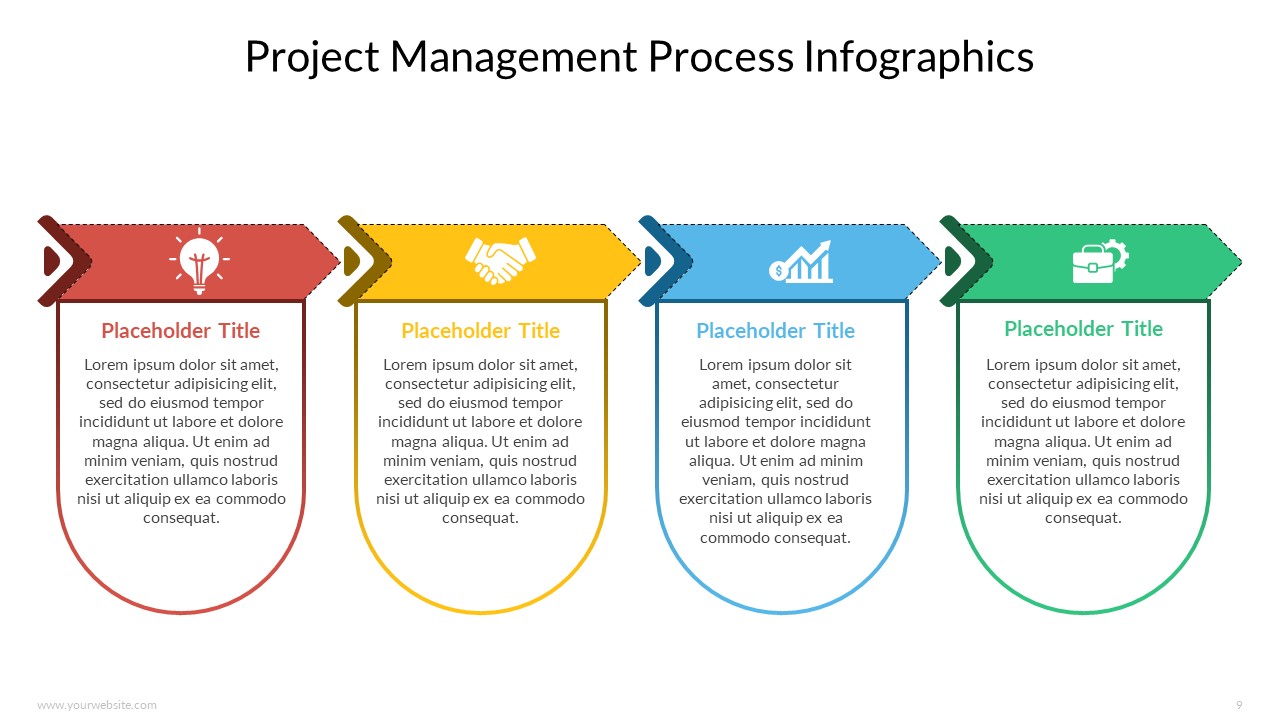
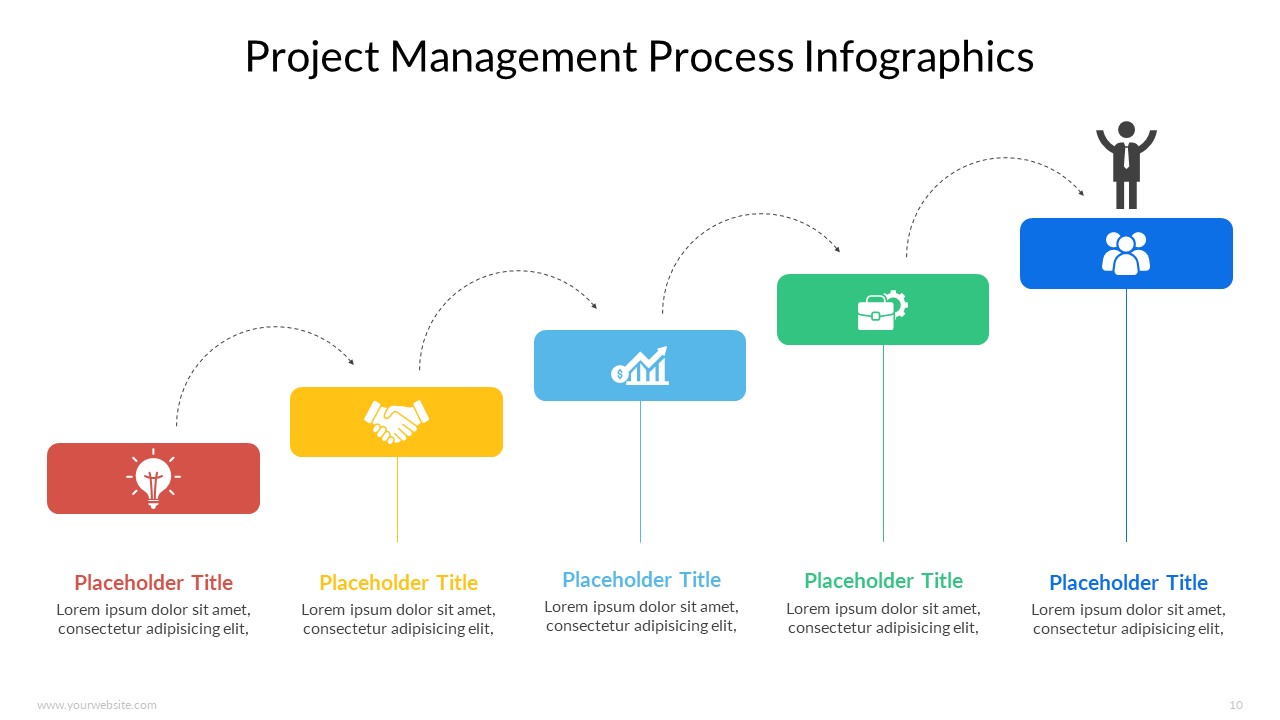
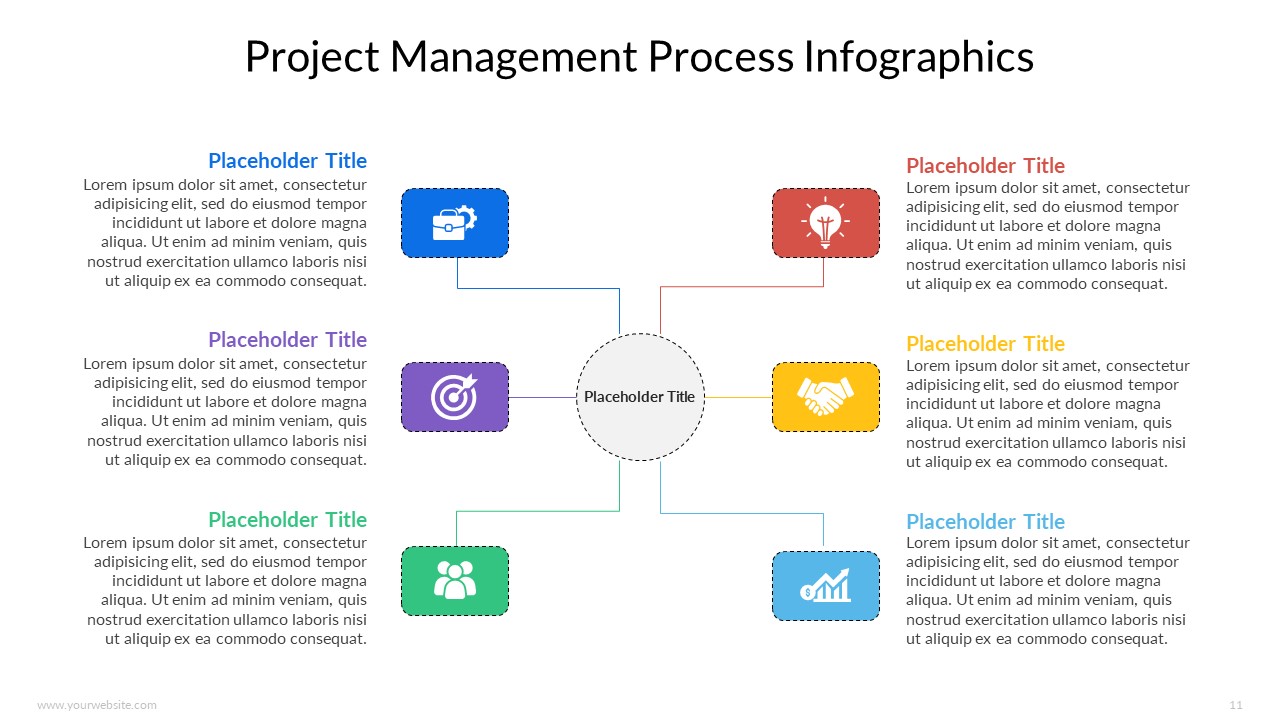
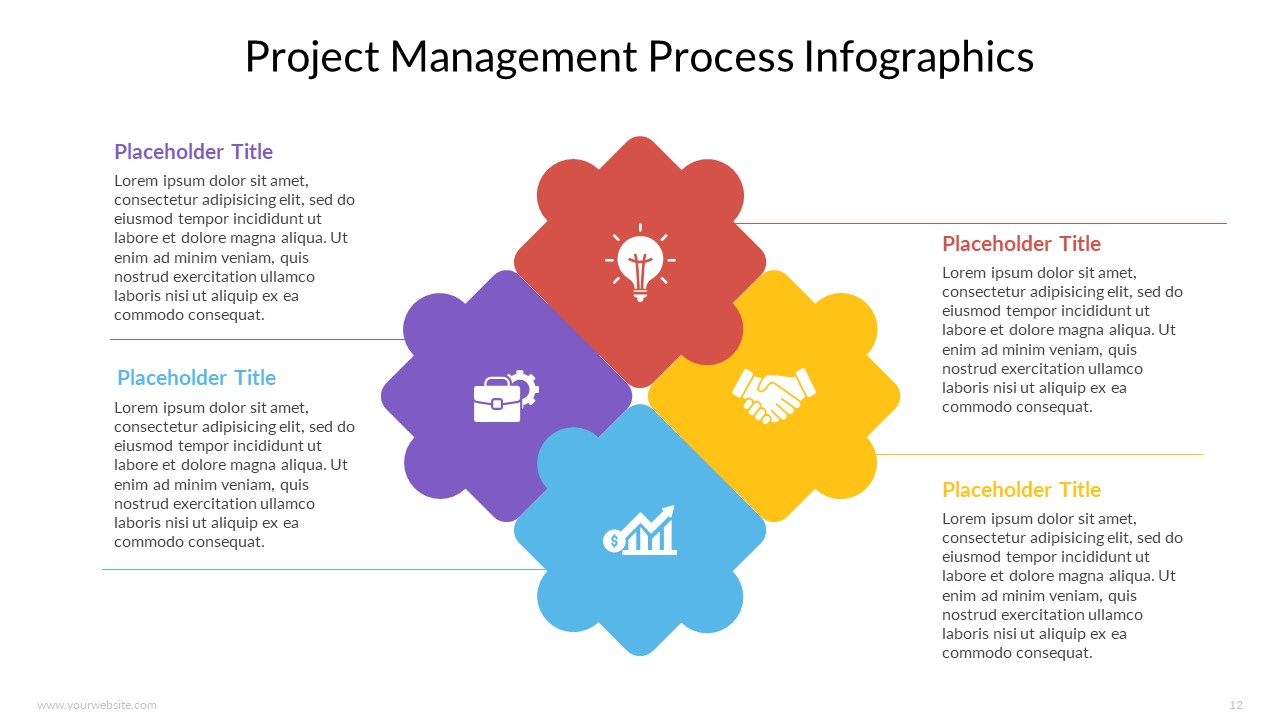
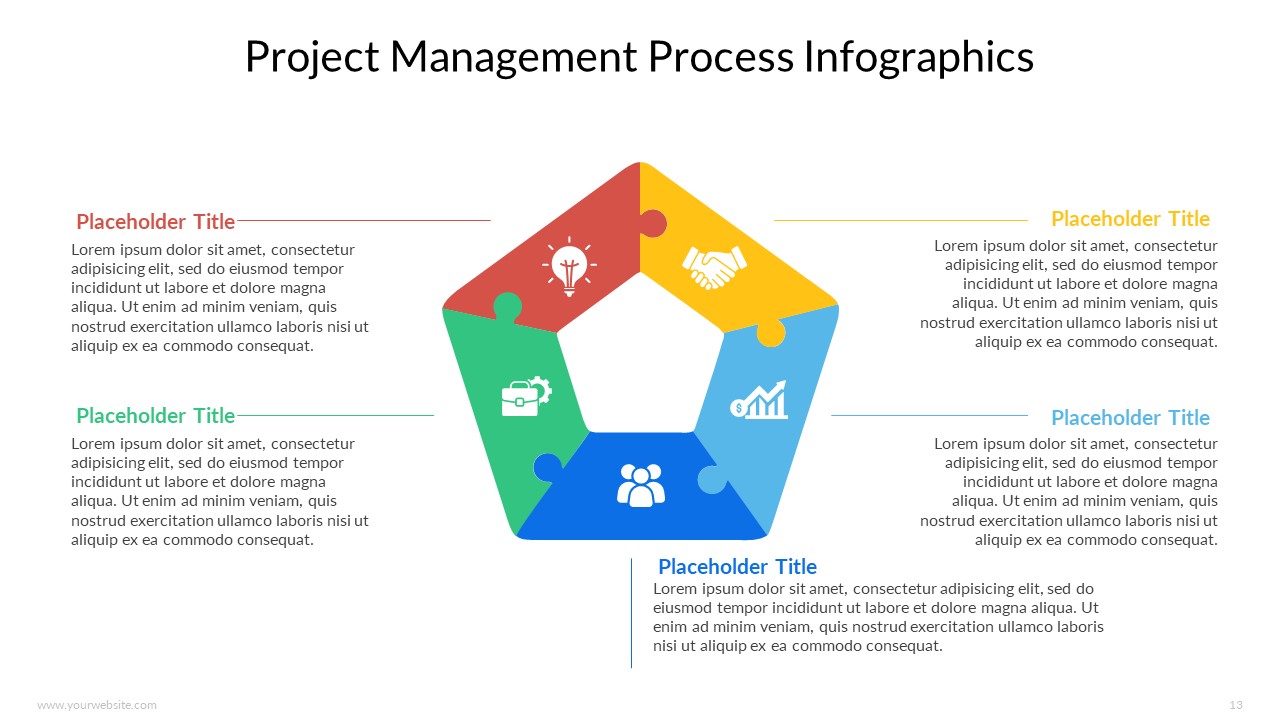
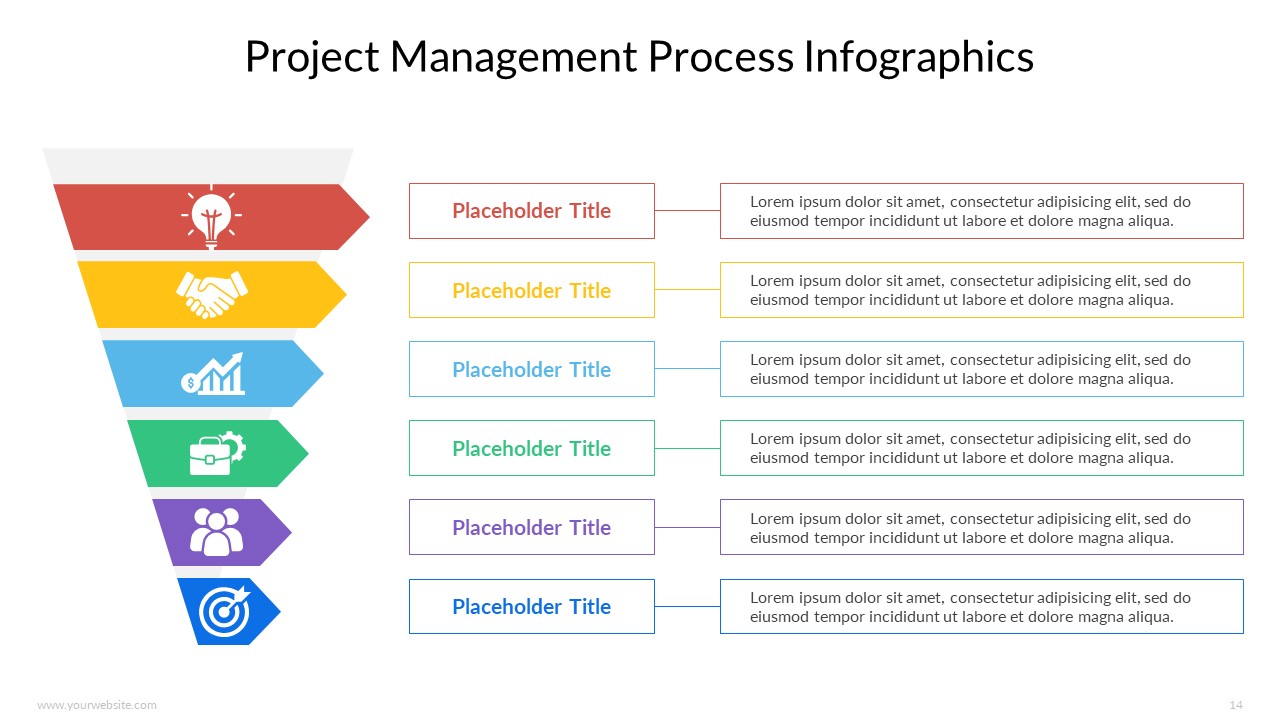
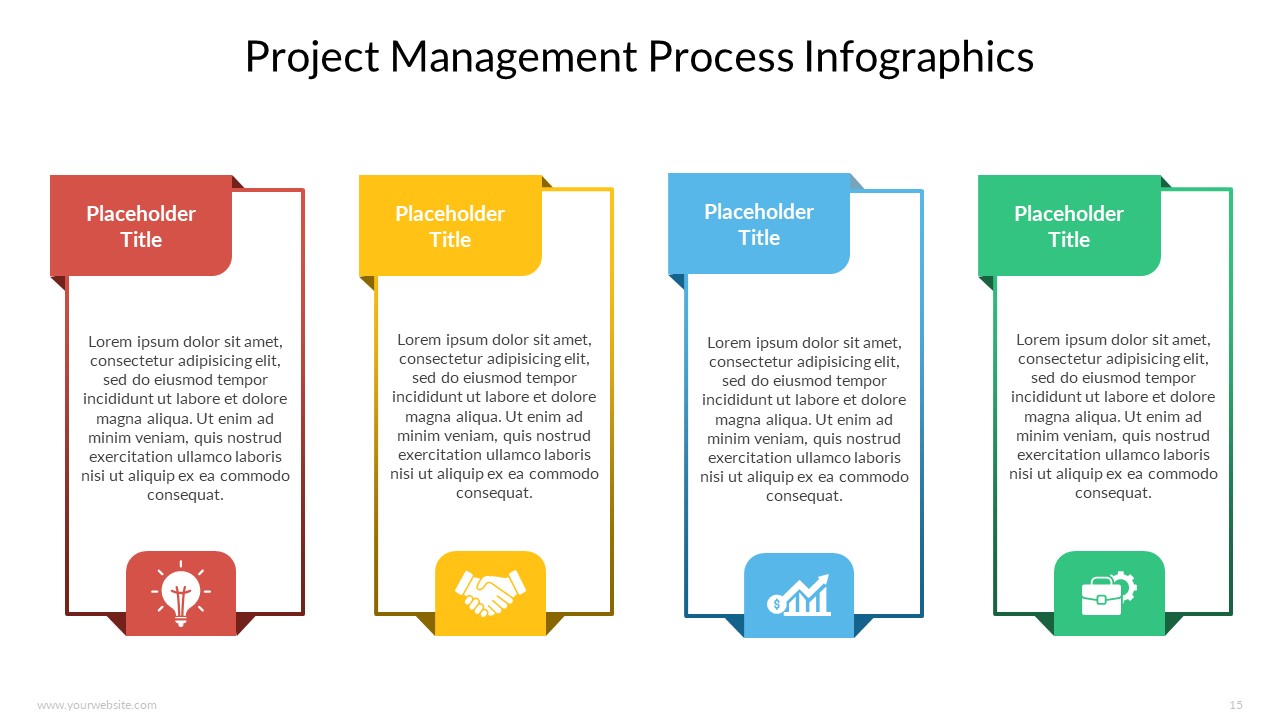
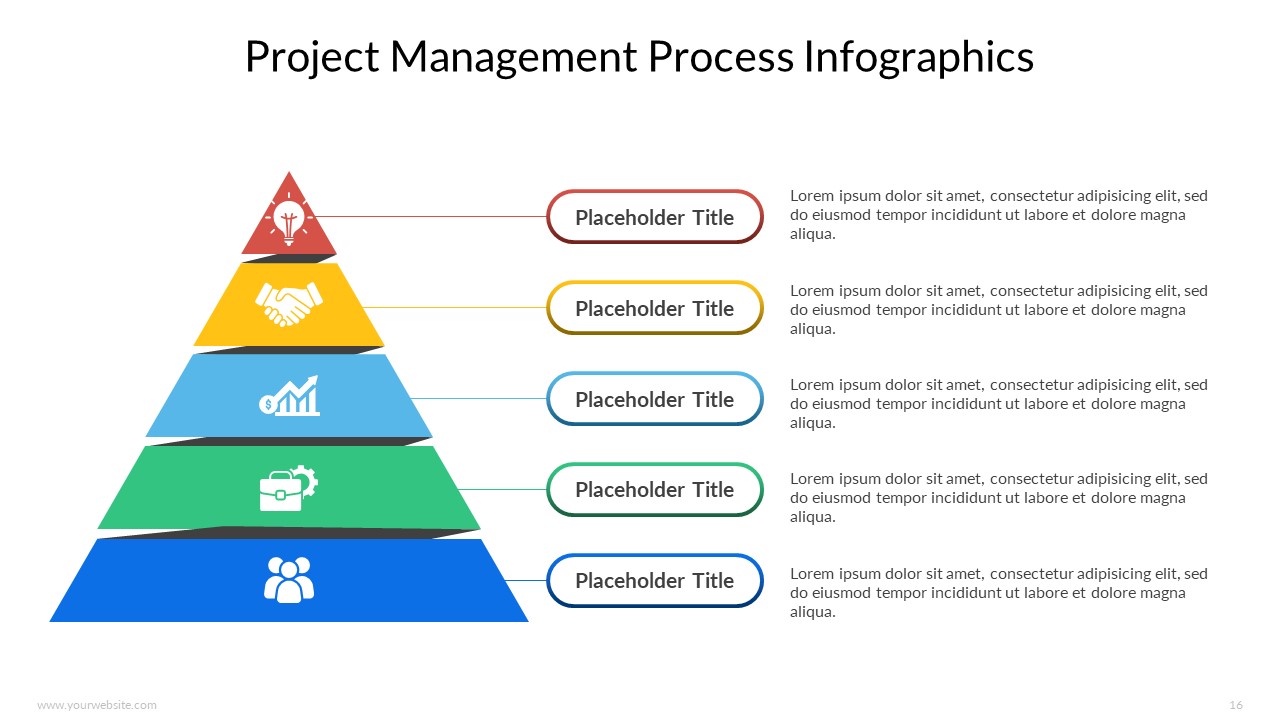
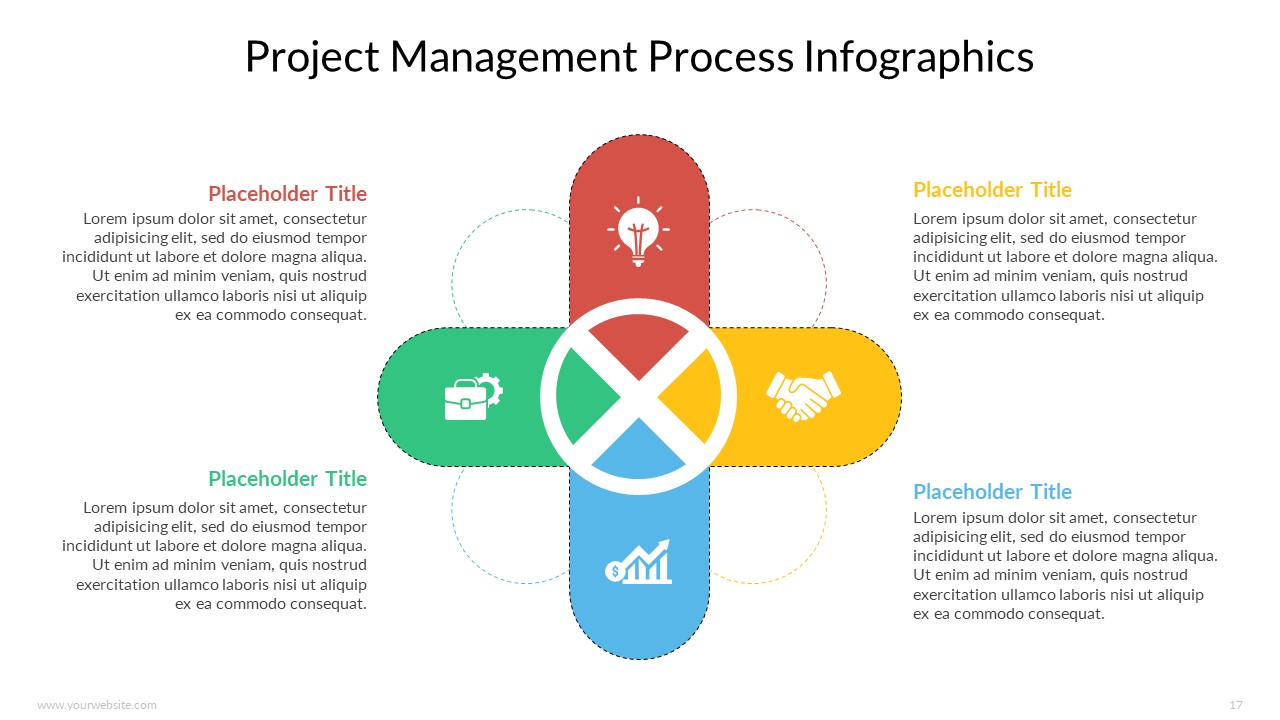
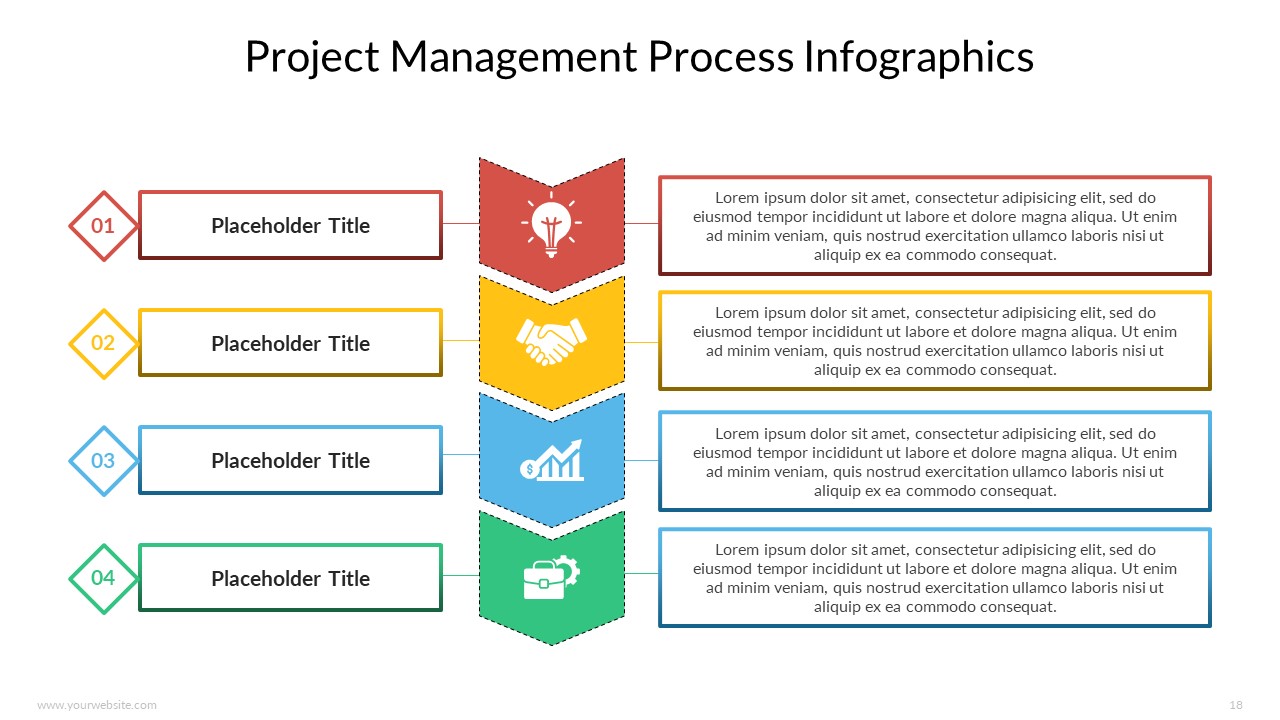
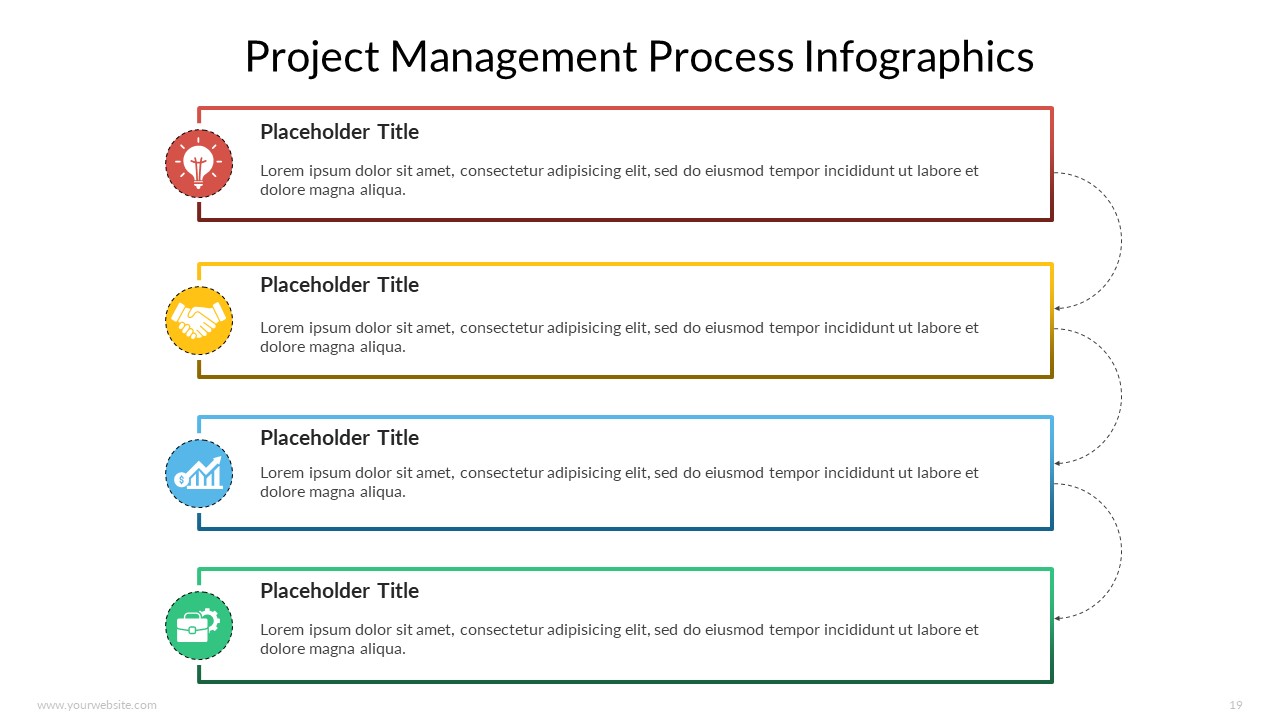
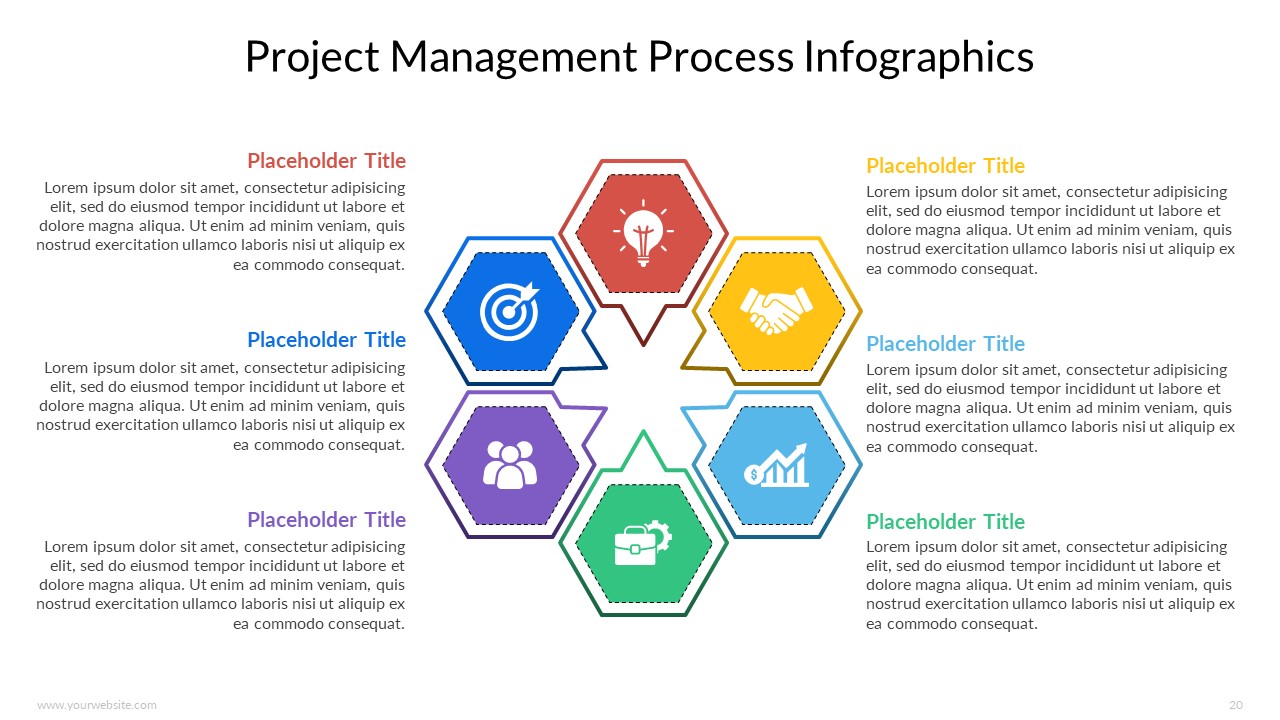
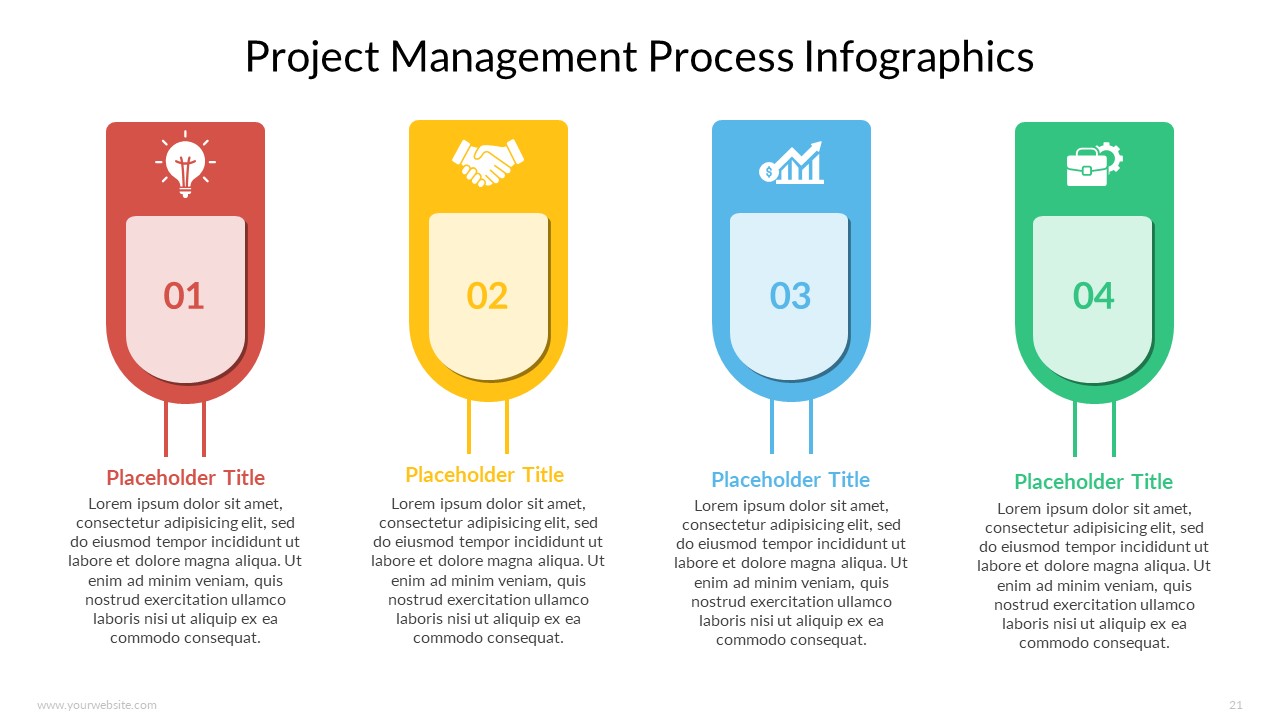
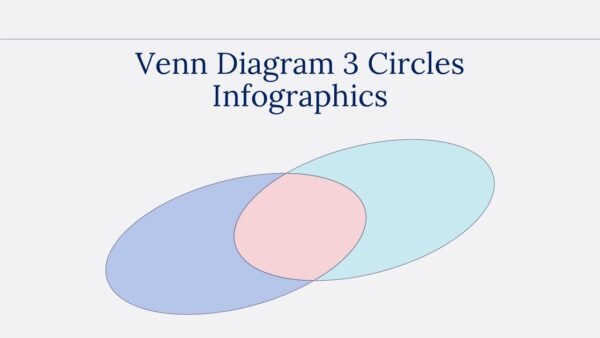
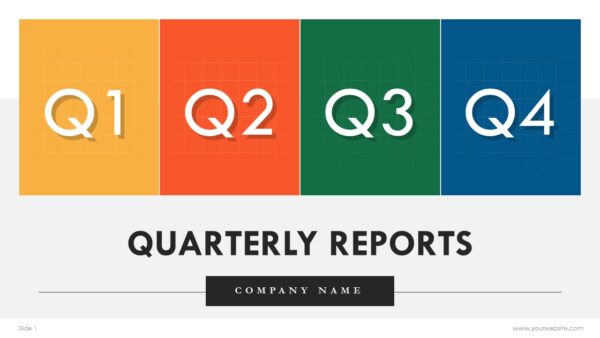
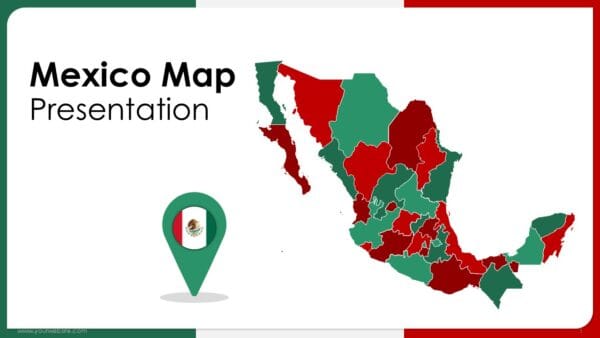
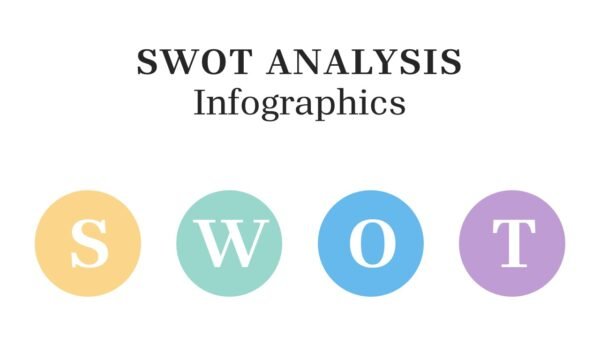
Detailed and visually appealing Infographics Templates for project management can be used in Google Slides and PowerPoint (PPT). The template has 21 editable slides with a colorful scheme of red, yellow, blue, and green. Its purpose is to simplify and improve the way project management processes are presented. Designed for project managers, team leaders, analysts, and consultants to visualize and simplify complex ideas for better understanding. This template is versatile for project planning, progress report meetings, and team briefings.
This simplifies communication of project details, aids in monitoring progress through structured workflows, stages, and key indicators. If users choose the Project Management Process Infographics PowerPoint Templates, they will get clearer explanations, more comprehensible insights and an active involvement of their audience regarding this critical aspect of any project.
Template Specifications
| Name: | Project Management Process Infographics Templates |
| Quantity: | 21 slides |
| Ratio: | 16:9 |
| Colors : | |
| Rating: | Premium |
| Tutorials: | Click Here to View More |
SlidesBrain offers presentation features that allow you to customize every aspect of your slides. This means you can modify text, images, colors, fonts, and icons to your liking. Additionally, adjusting graphs in PowerPoint is simple, enabling you to change colors, numbers, and labels to match your preferences and create the perfect presentation.
Looking for a unique slide or PPT? We offer ready-to-use Google Slides and PowerPoint Templates, along with custom presentation design services, to help you present your ideas clearly and professionally. Get in touch with us for a presentation tailored to your purpose.
Premium Template
Unlock this template and gain unlimited access
Template Specifications
Dimensions
15 Slides, 1366 x 768 pixels – 16:9 Aspect Ratio (HD Presentation Quality)
Format
Download as a PPT to share with your recipient or generate a shareable link for online sharing.
Customizable
This template can be fully customized. You can edit content, change image(s), apply custom colors, input your own fonts and logo, and more.
Related tags
Related Presentations
No related products found.
-
blue
Progress Status Report Templates with Examples PPT and Google Slides
Rated 0 out of 5business | 11 slides 16:9 -
blue
Concept maps Infographics for PowerPoint and Google Slides
Rated 0 out of 5business | 19 slides 16:9 -
agenda
Editable 365 Days Calendar 2030 Planner PPT Template and Google Slides
Rated 0 out of 5agenda | 14 slides 16:9 -
agenda
Editable 365 Days Calendar 2029 Planner PPT Template and Google Slides
Rated 0 out of 5agenda | 14 slides 16:9 -
agenda
Editable 365 Days Calendar 2028 Planner PPT Template and Google Slides
Rated 0 out of 5agenda | 15 slides 16:9 -
agenda
Editable 365 Days Calendar 2027 Planner PPT Template and Google Slides
Rated 0 out of 5agenda | 11 slides 16:9 -
agenda
Editable 365 Days Calender 2026 Planner PPT Template and Google Slides
Rated 0 out of 5agenda | 13 slides 16:9 -
blue
SWOT Analysis for Business Infographics Fully Customizable PPTX and Google Slides
Rated 0 out of 5Frameworks | 17 slides 16:9
Related products
-
A4 Presentation Templates
Nail Art Salon Flyer
Rated 0 out of 5A4 Presentation Templates | 1 slides 16:9 -
brown
Modern Holiday Greetings Free Presentation Template
Rated 0 out of 5Free PowerPoint Templates | 11 slides 16:9 -
creative
Conference Pitch Deck PowerPoint Presentation
Rated 0 out of 5Free PowerPoint Templates | 18 slides 16:9 -
Arrows
Circle Arrows Infographics Infographics PPT PowerPoint Presentation
Rated 0 out of 5Arrows | 7 slides 16:9
Customer Reviews
“A review from a customer who benefited from your product. Reviews can be a highly effective way of establishing credibility and increasing your company's reputation.”
Customer Name
“A review from a customer who benefited from your product. Reviews can be a highly effective way of establishing credibility and increasing your company's reputation.”
Customer Name


MS Powerpoint