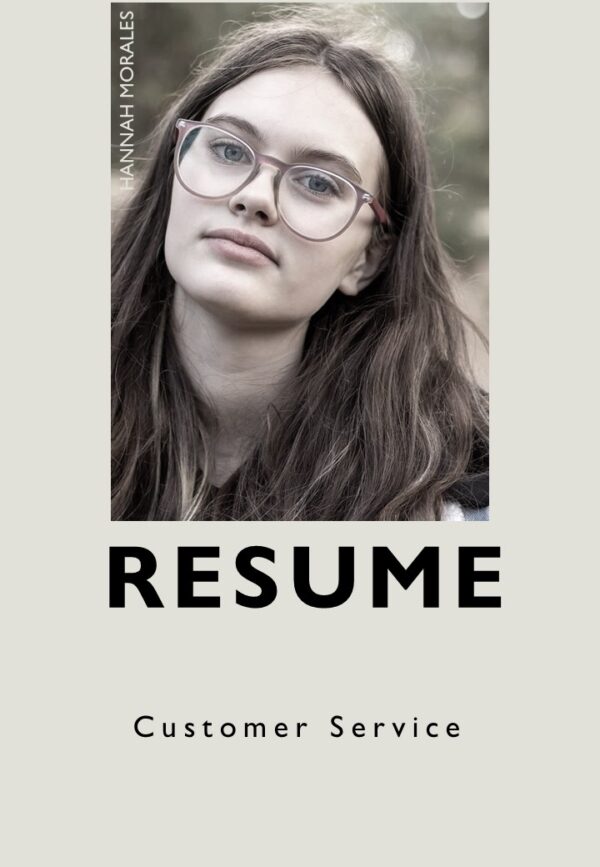
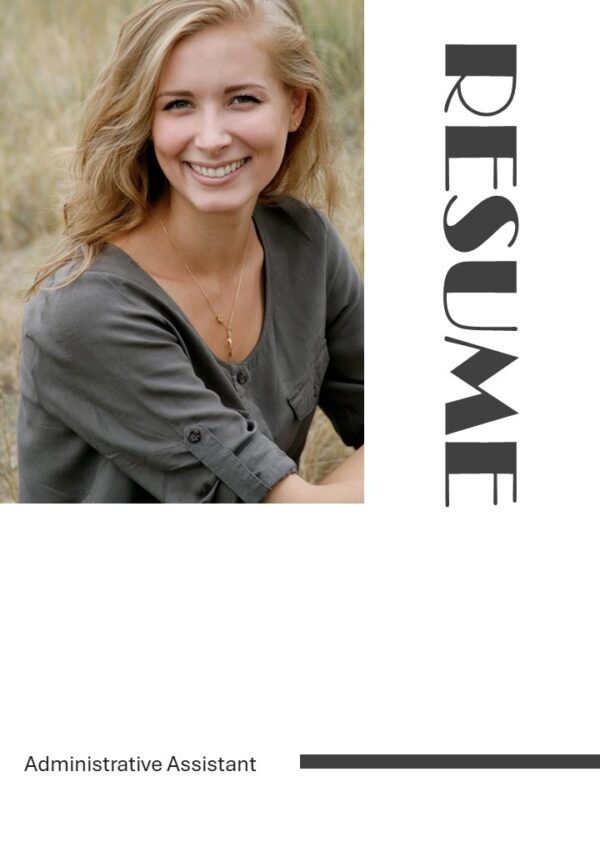
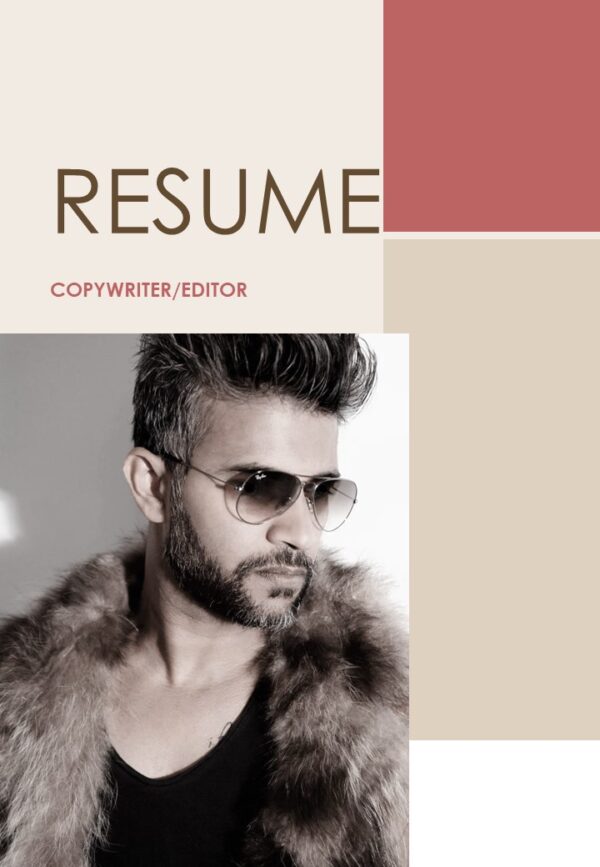
Top 10 Minimalist Resume PowerPoint Presentation Templates
In today’s job market, just sending a plain text resume isn’t enough. Executives can’t just send a plain text resume when pitching a client. Resumes can’t just be simple, plain text when people are building their portfolio. Resumes are your personal “pitch decks”, and you need to treat them that way.
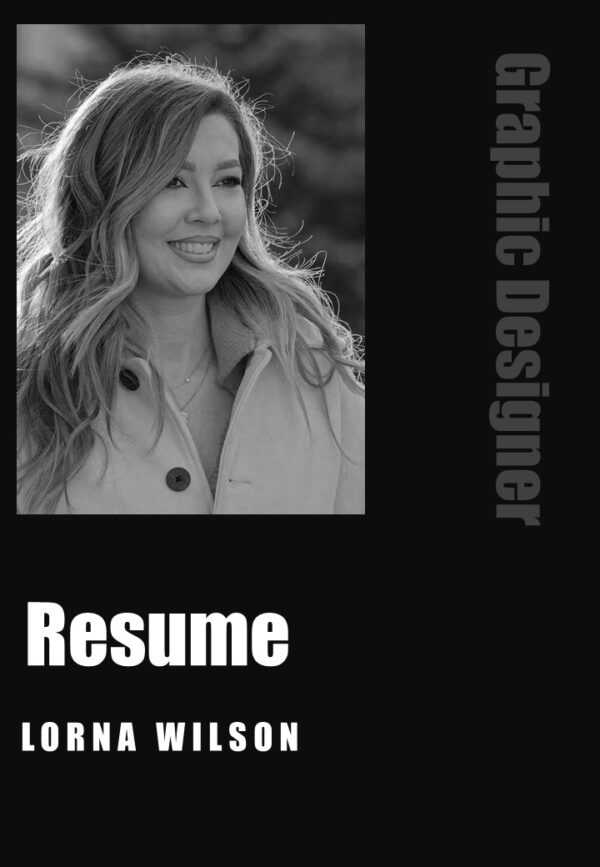
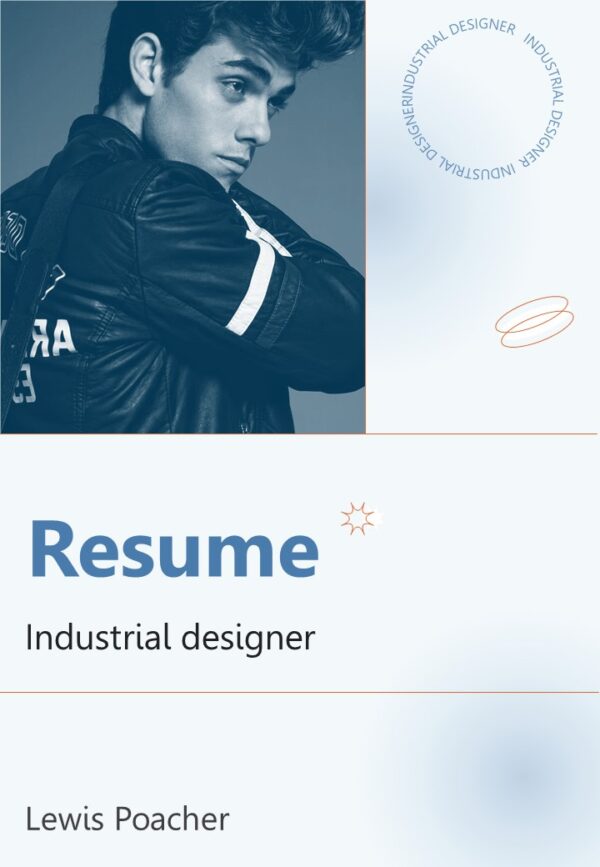
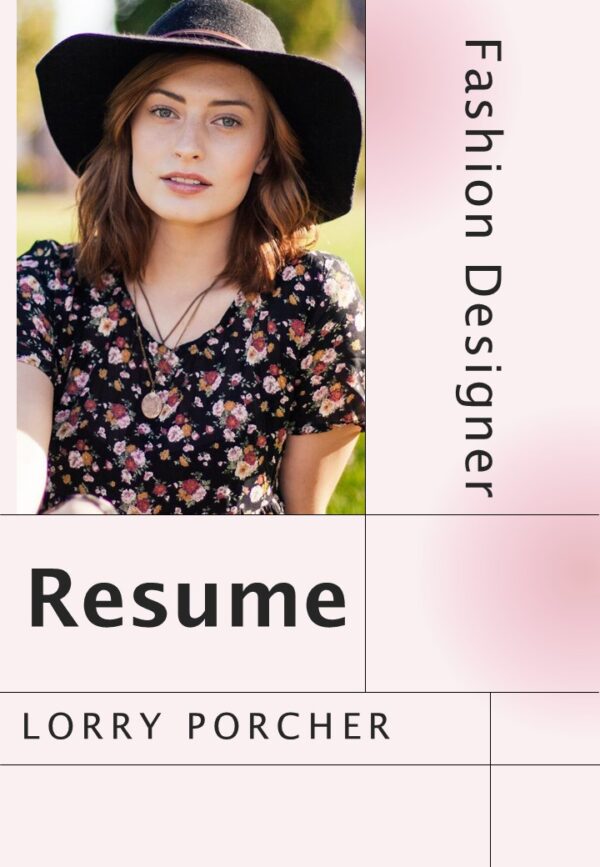
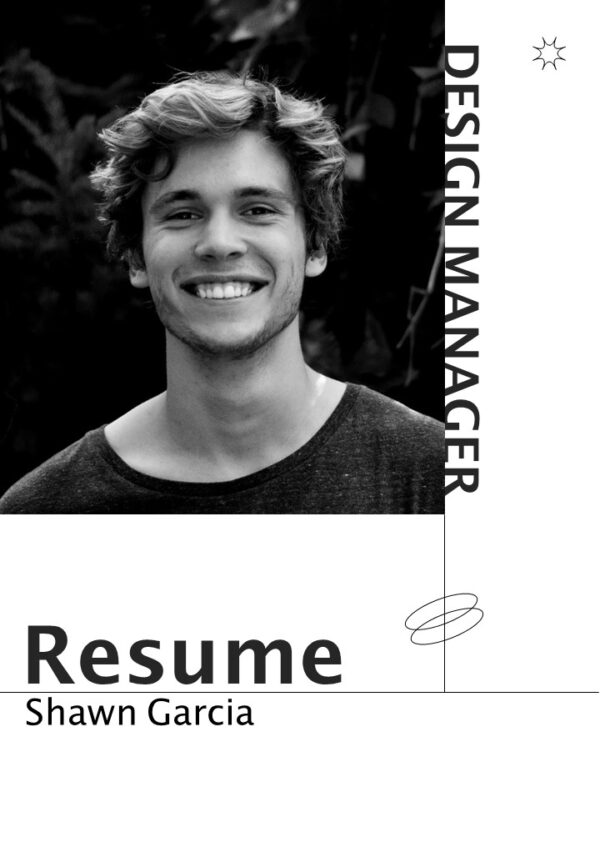
We think that job seekers deserve a faster, smarter way to create a stand out job application package, and that’s why we created our A4 PowerPoint & Google Slides Resume Templates. Our templates include Cover Letters, editable images, and professional design framework.
What Makes SlidesBrain Resume Templates Special?
With SlidesBrain Templates, the user gets to own the document, unlike other resume template marketplaces or resume builders.
Every SlidesBrain Template comes with a cover letter and resume layout. You get a unified and polished look in your application package.
Our templates are 100% native editable. You can change text, job title, colors, fonts, skill sliders and vector icons, all in PowerPoint or Google Slides.
True Print-Ready A4 Vertical Layout, our templates are designed with a vertical A4 format. This ensures your document prints or attaches cleanly to a job application website.
Top 10 Minimalist Resume PowerPoint Presentation Templates
Choose Your Template: Select your favorite SlidesBrain template.
Customize your Info: Replace picture and text by right-clicking. Update your name, title, employment history, contact info and more.
Export or Print: If you’ve made changes, you can save your file as a high-quality, print-ready PDF or print it directly to A4 paper.
Level Up Your Job Application Today!
Stop struggling with blank pages and broken layout grids. Explore the full library of professional resume templates, pitch decks, and business frameworks at SlidesBrain!
Frequently Asked Questions (FAQ)
Can I edit these resume templates in Google Slides?
Yes. All templates made by SlidesBrain are cross-platform. You can open, edit, and export your A4 resume in Microsoft PowerPoint, Google Slides, or directly from your Google Drive.
Are these templates printable?
Absolutely. The templates are A4 (vertical) size format, so your printed copy or exported PDF preserves exact page margins and quality.
Do I need design experience to use SlidesBrain templates?
Not really. The templates are made with design elements to help users easily edit text, and place images or other elements with color picks.