WhatsApp Business SWOT Analysis PowerPoint Template
Premium
The WhatsApp Business SWOT Analysis PowerPoint Template is a professional, premium procrastination presentation template made to aid business professionals, marketers, and even analysts present a comprehensive WhatsApp Business SWOT analysis in an appealing manner. WhatsApp Business SWOT analysis has never been presented in such a creative and engaging way.
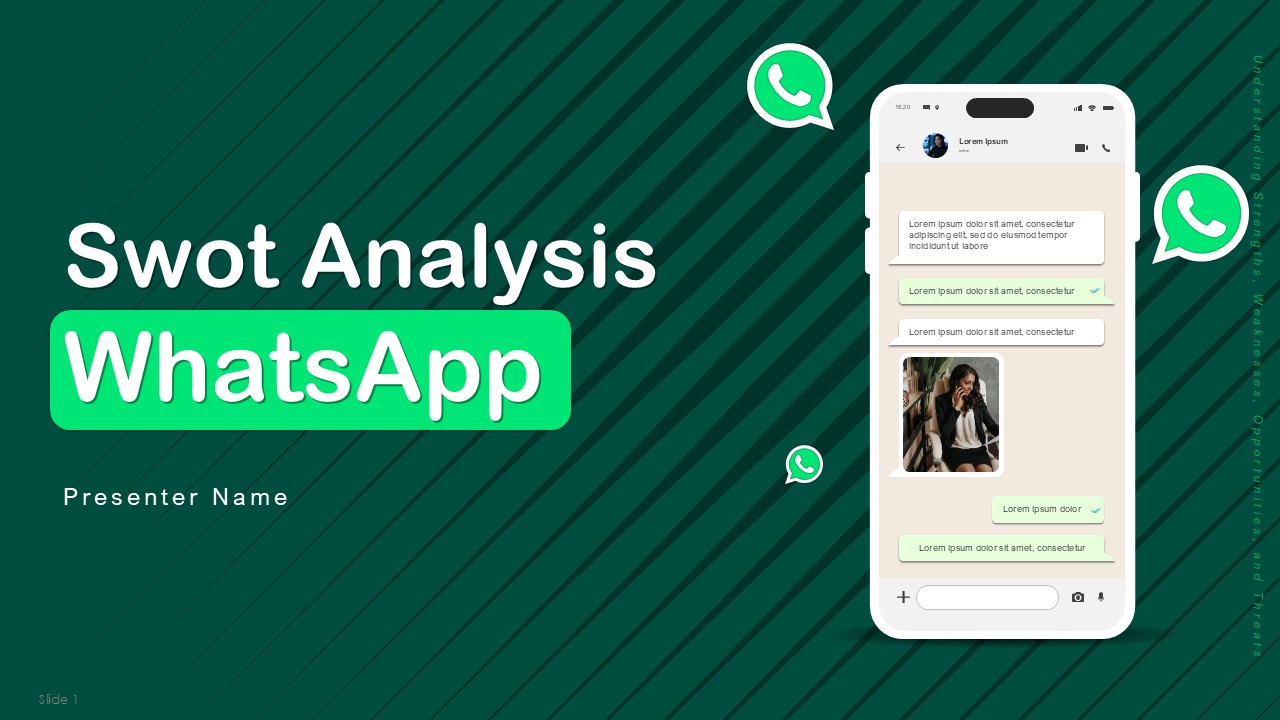
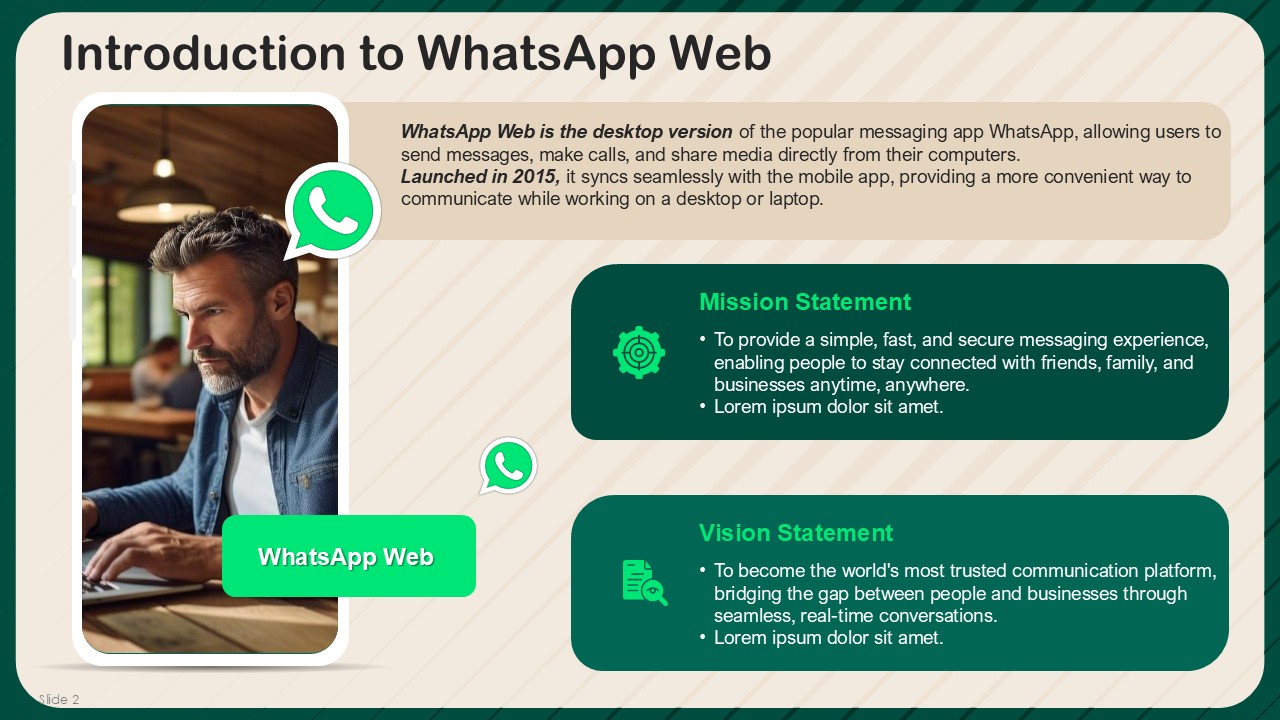
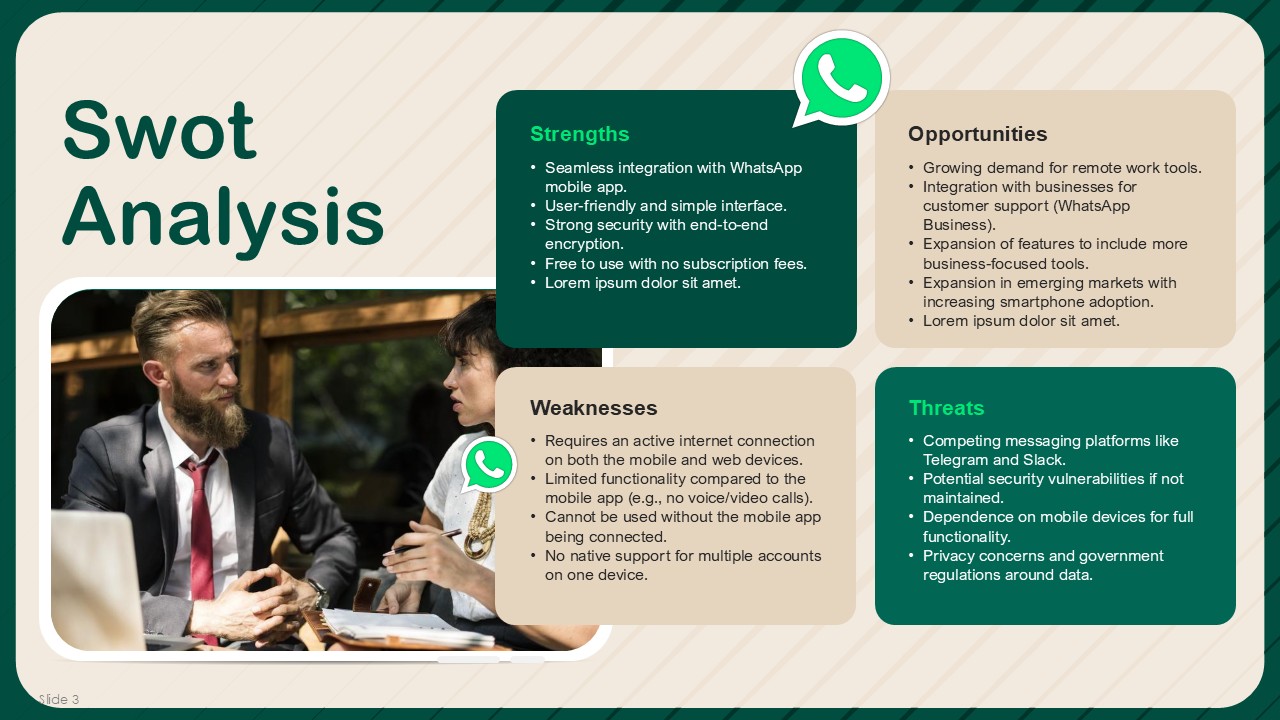
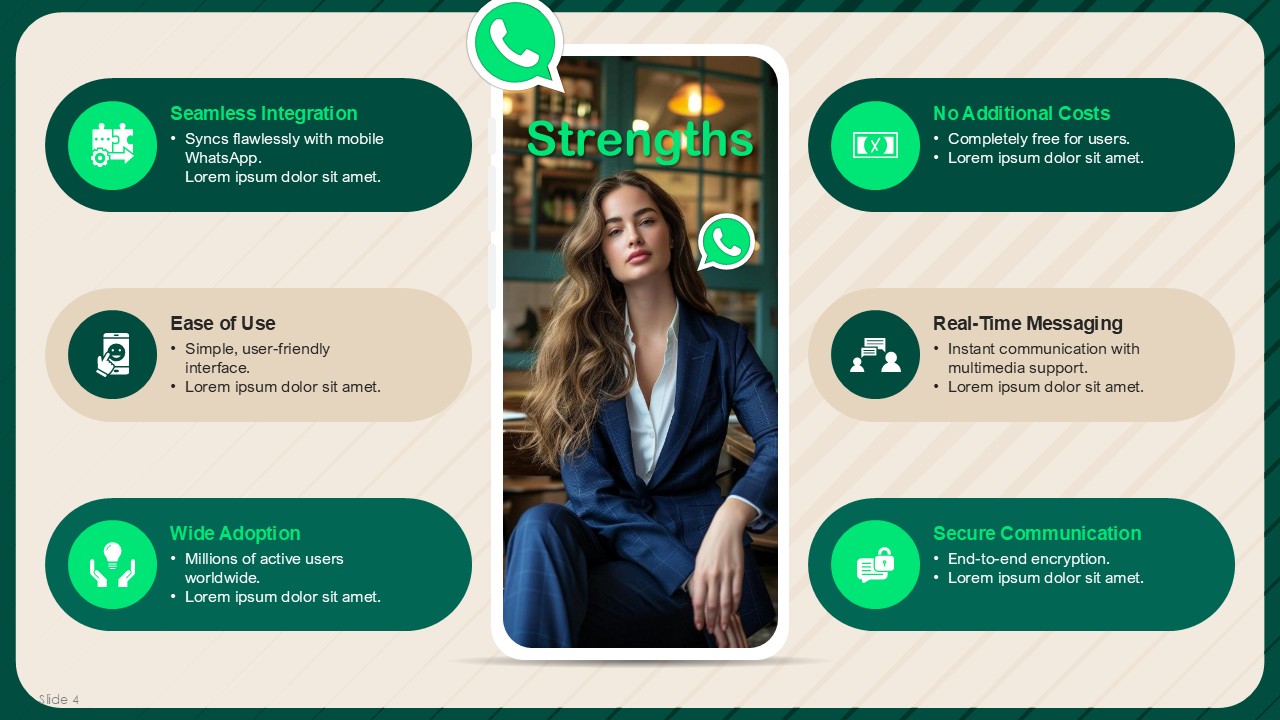
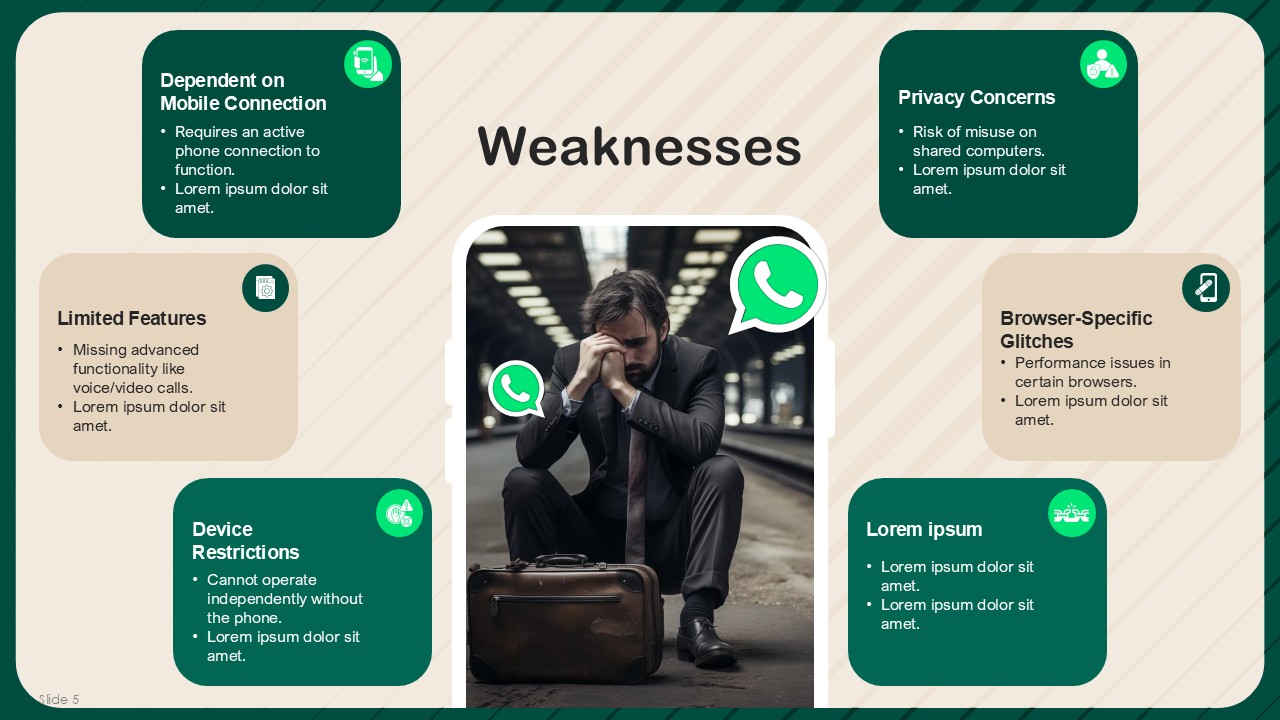
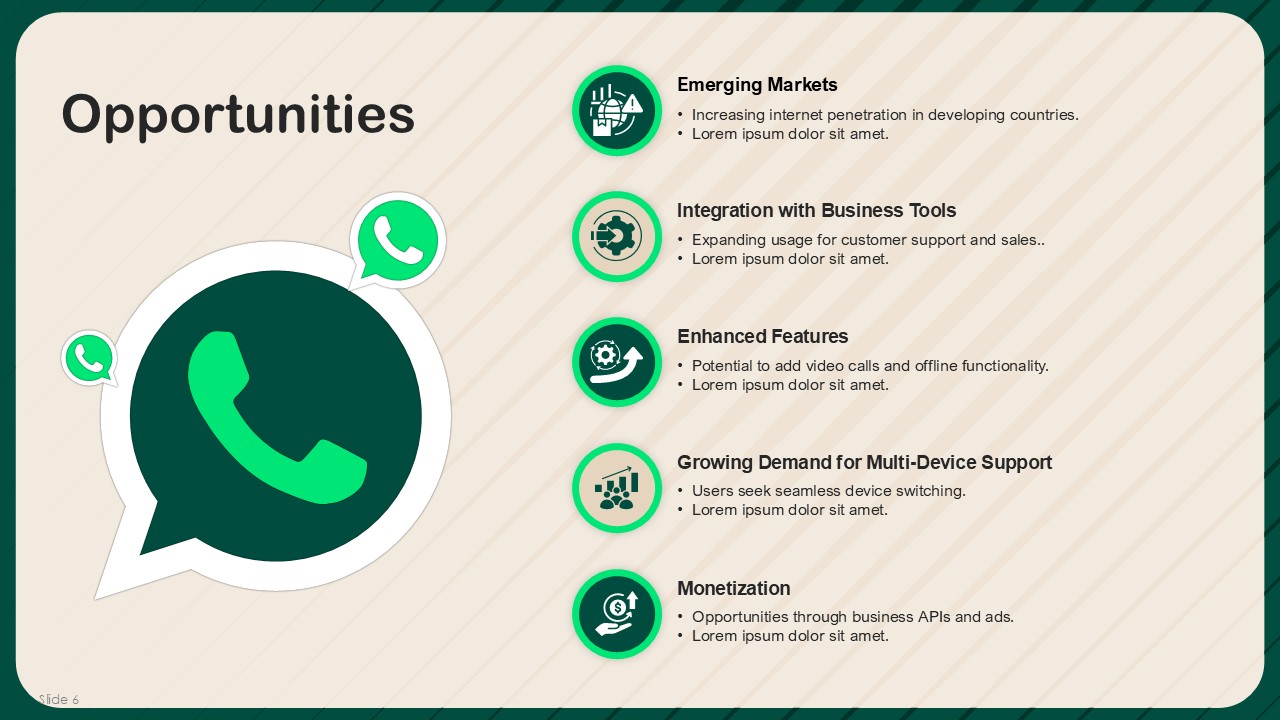
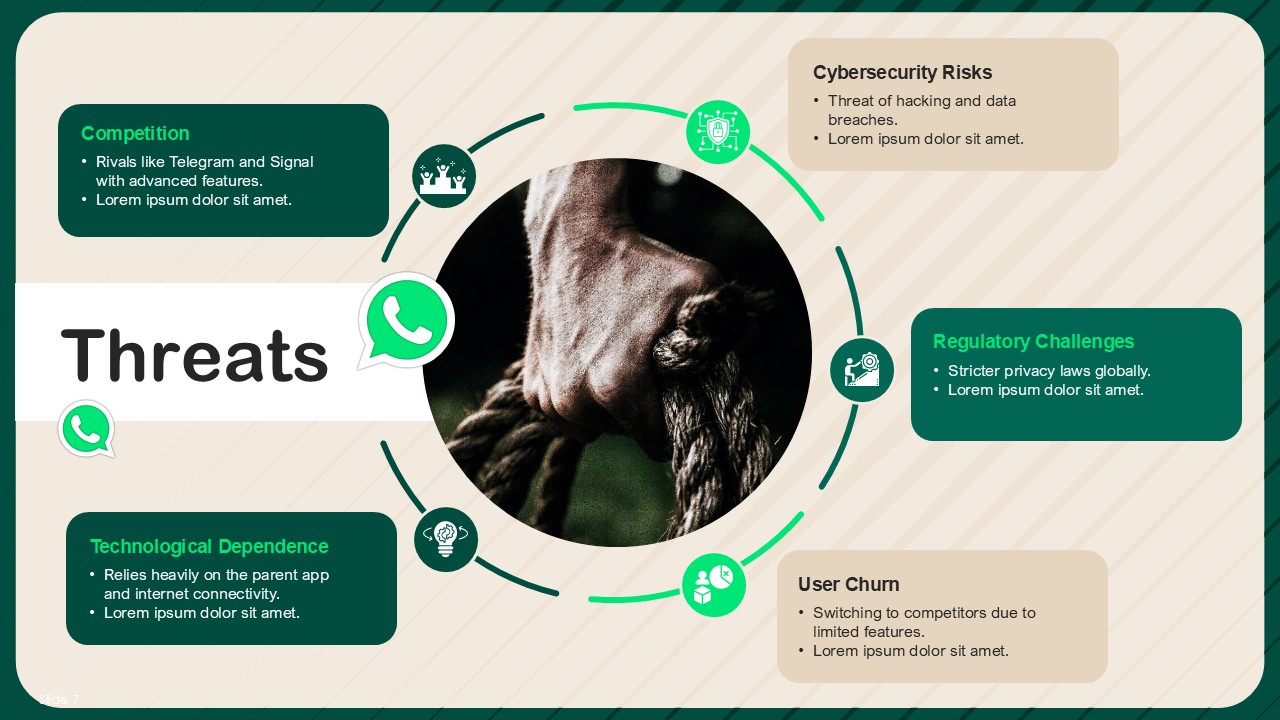
With 11 slides in modern green-brown doodle style and green and brown color scheme that complements WhatsApp’s branding, The WhatsApp Business SWOT Analysis template has everything that you might need. The cover slide shows a chat on WhatsApp being shown on a mobile device emphasizing the role the app has in B2W communication. This WhatsApp Business SWOT Analysis template does not inspire creativity but it is also structured to talk about Business’s WhatsApp’s strengths, weaknesses, opportunities, and threats. What else can be said about this template that makes it easy to talk about strategic insights? Perfect for strategy meetings, boardroom discussions, academic presentations, and marketing analysis, this WhatsApp Business template ensures you deliver the message impactfully.
Change the fonts and colors, texts and even layout and this template will be like putty in your hands. It is free editable in Google Slides and PowerPoint making presentation and editing pretty easy.
This template is appropriate for business consultants, marketing teams, corporate trainers, and students alike. It is ideal for visually striking SWOT analysis presentations. Download now to engage your audience with a captivating and professional WhatsApp Business SWOT analysis.
SlidesBrain offers presentation features that allow you to customize every aspect of your slides. This means you can modify text, images, colors, fonts, and icons to your liking. Additionally, adjusting graphs in PowerPoint is simple, enabling you to change colors, numbers, and labels to match your preferences and create the perfect presentation.
“A review from a customer who benefited from your product. Reviews can be a highly effective way of establishing credibility and increasing your company's reputation.”
★★★★★Rated 5 out of 5
“A review from a customer who benefited from your product. Reviews can be a highly effective way of establishing credibility and increasing your company's reputation.”



 MS Powerpoint

 Google Slides