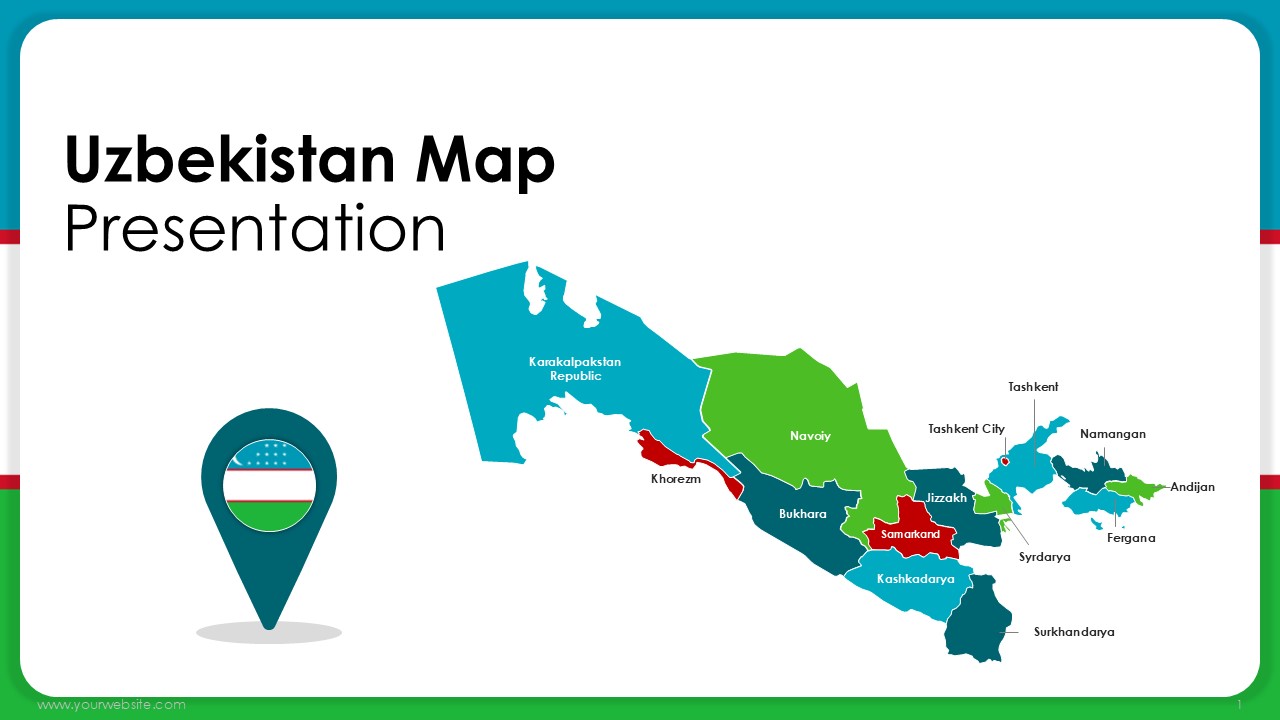
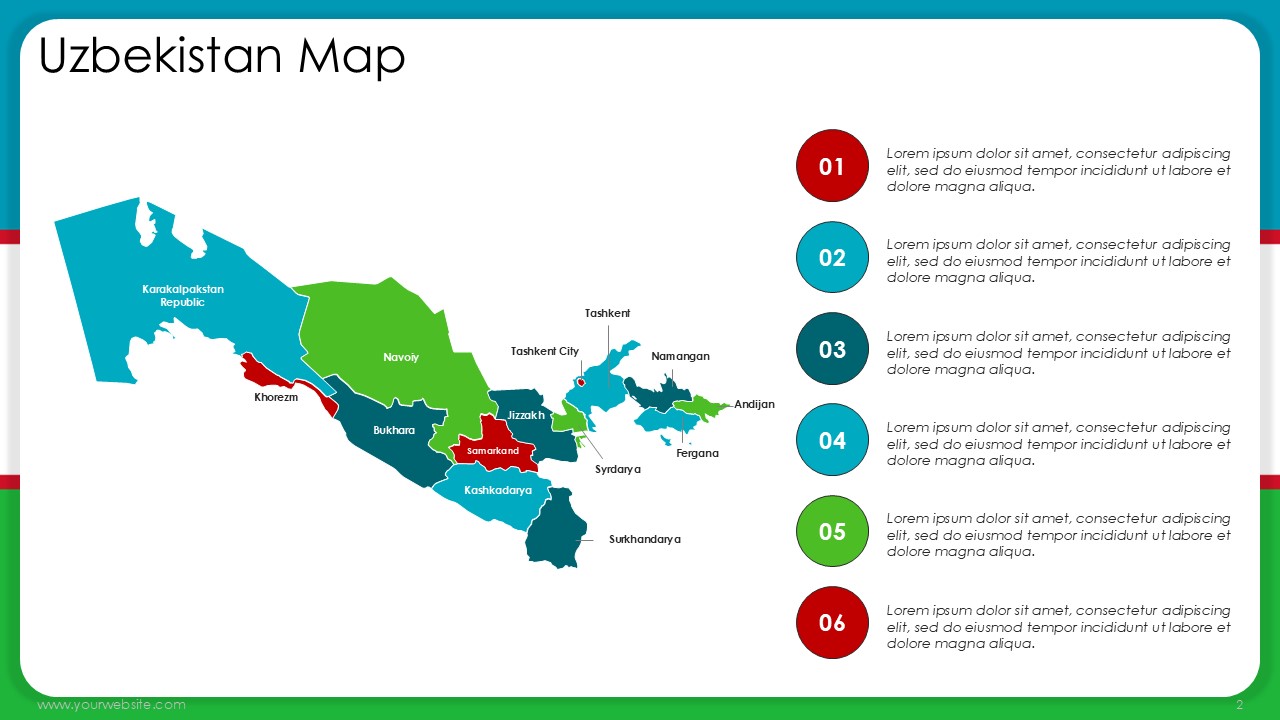
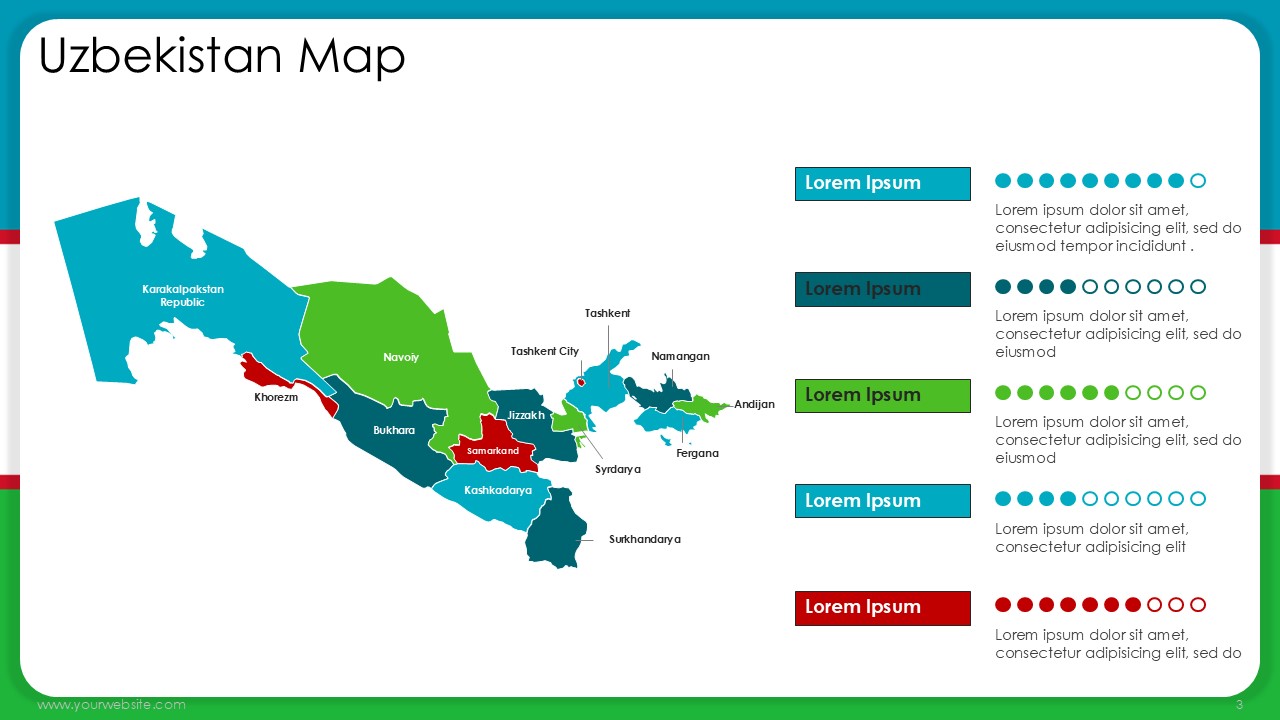
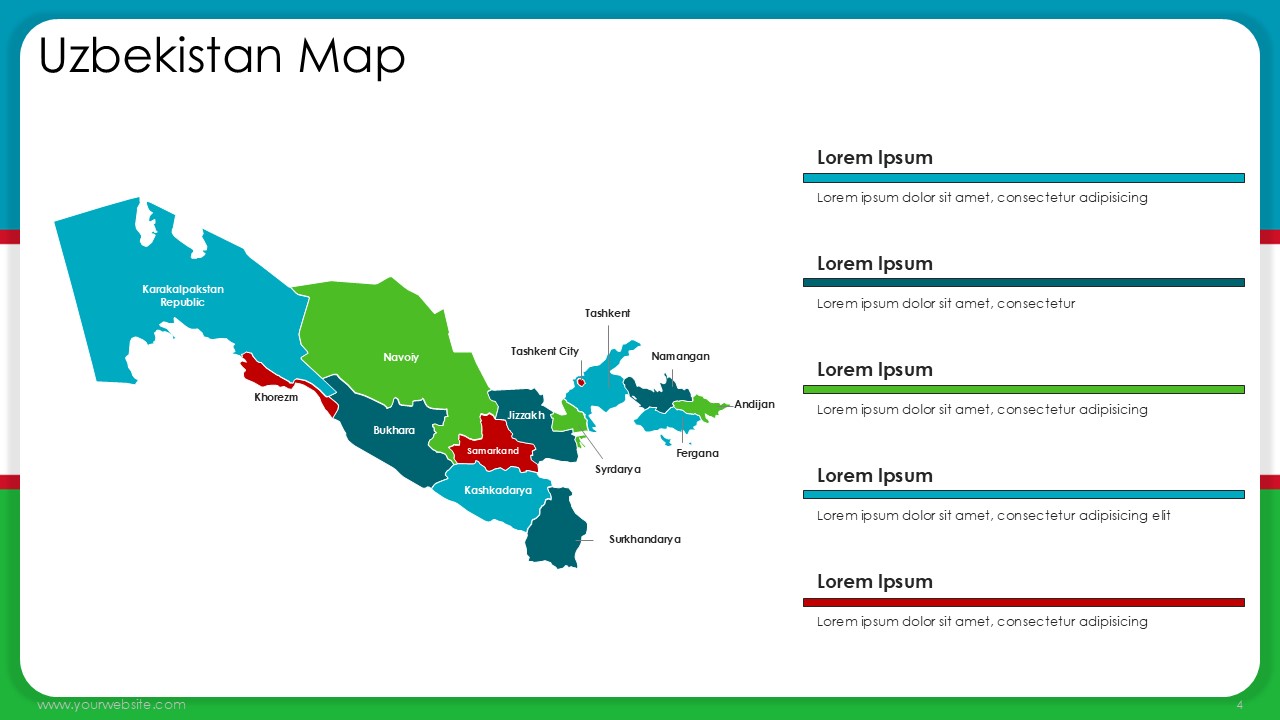
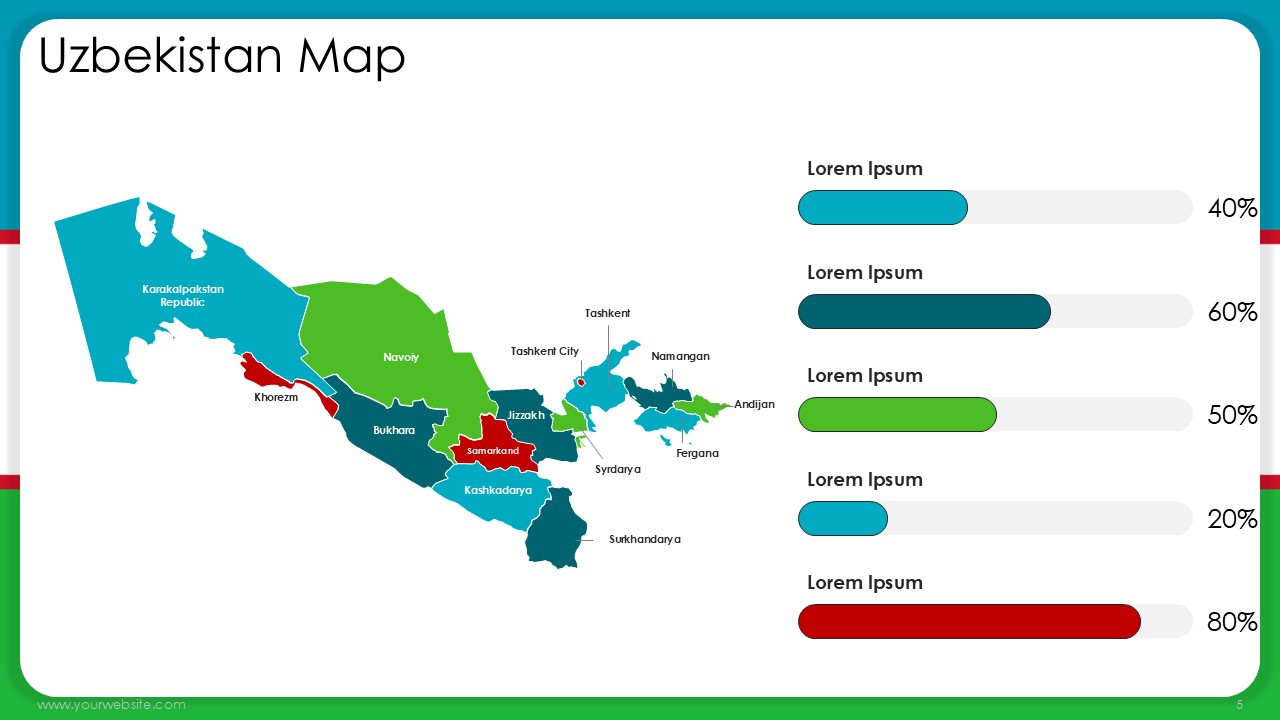
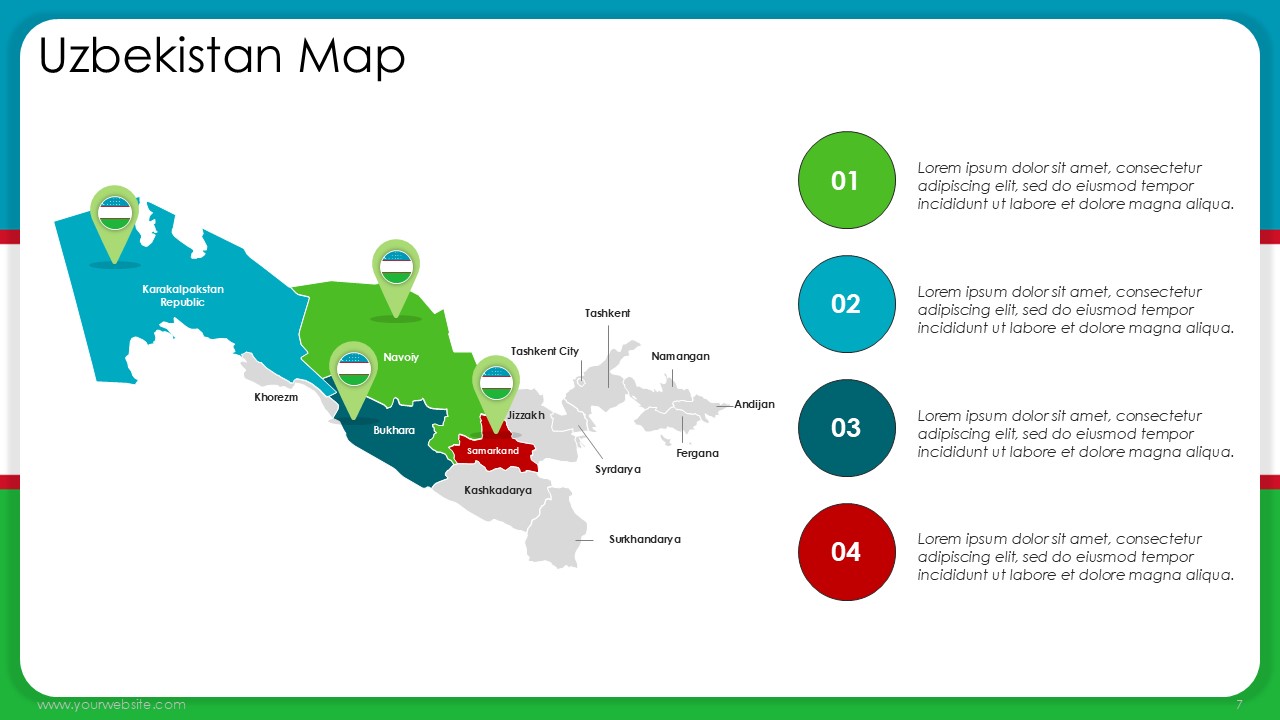
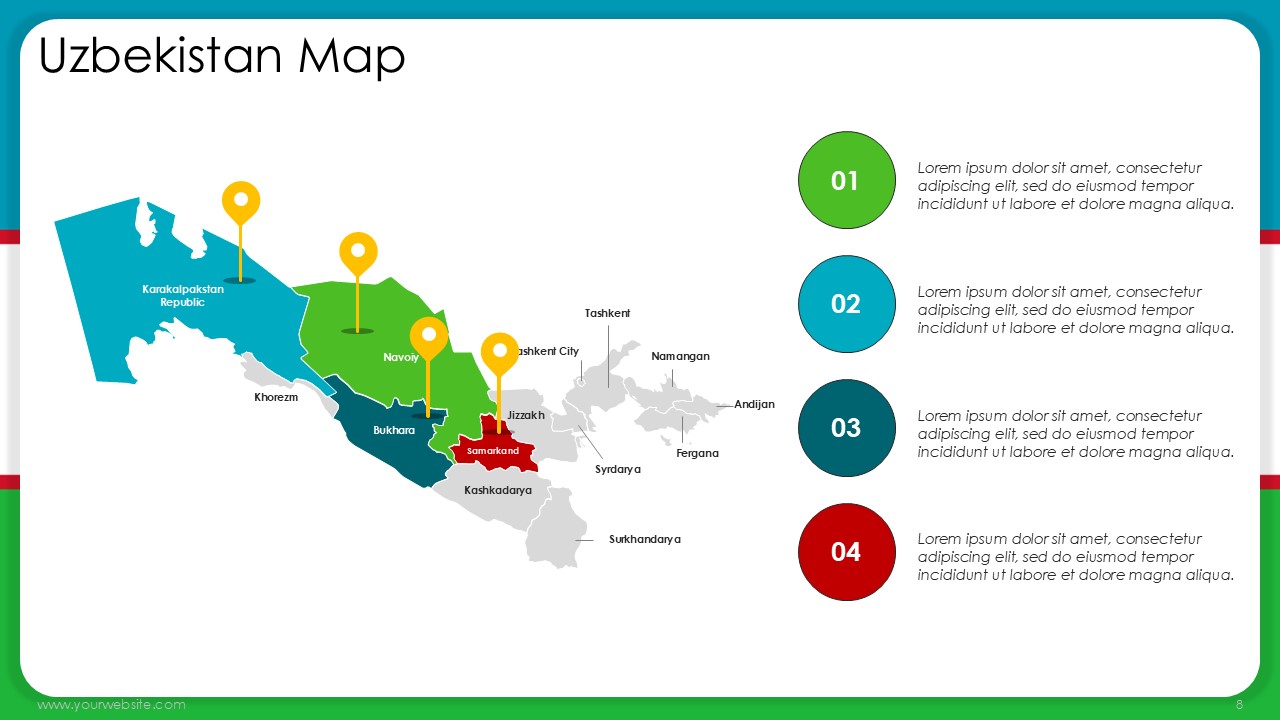
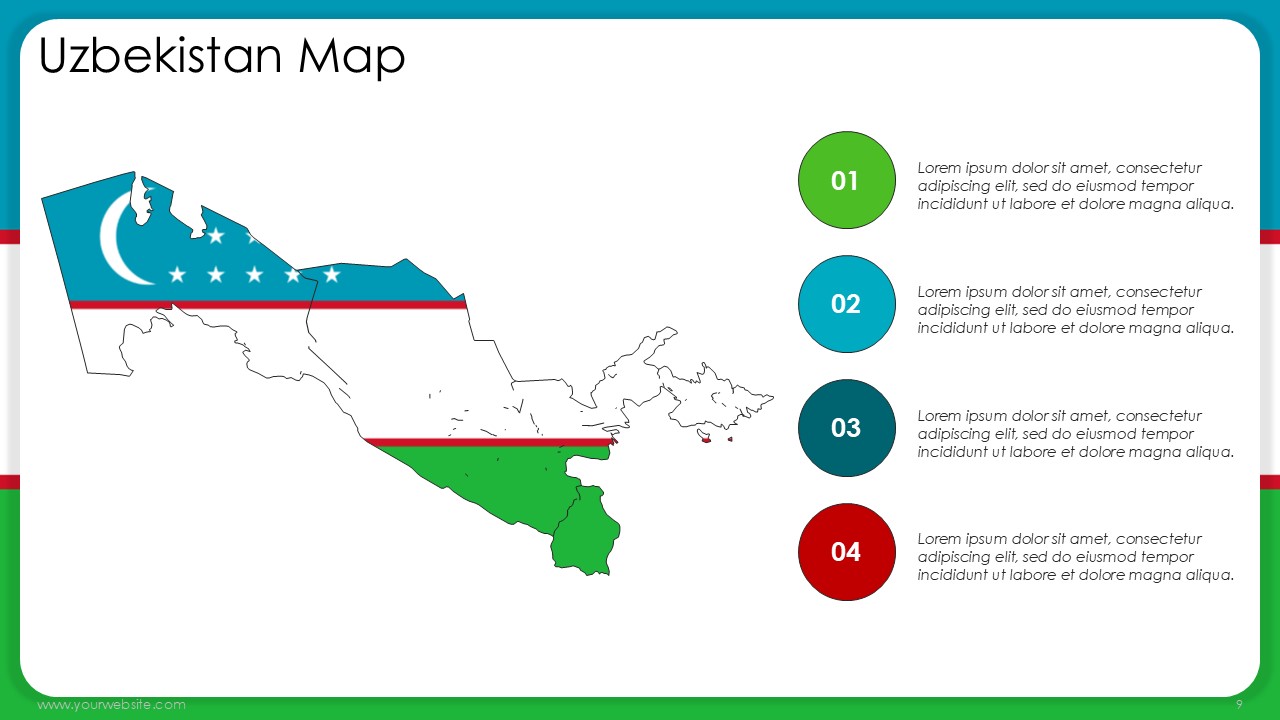
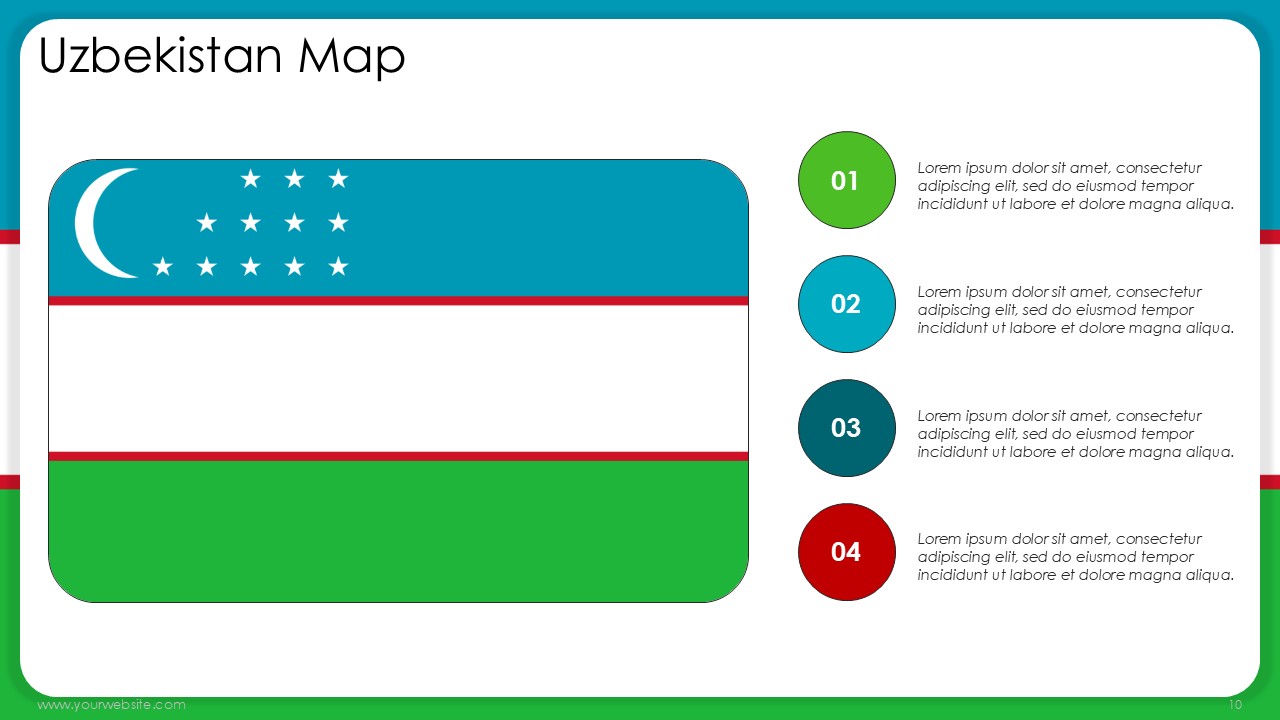
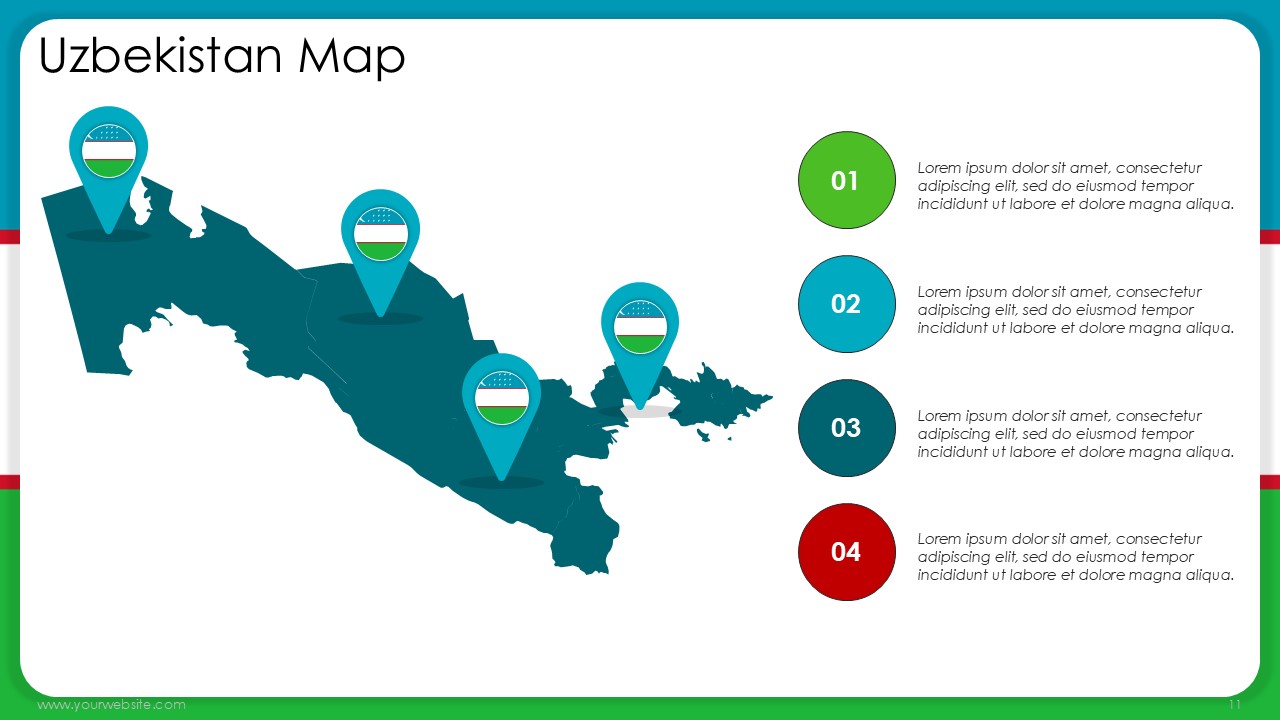
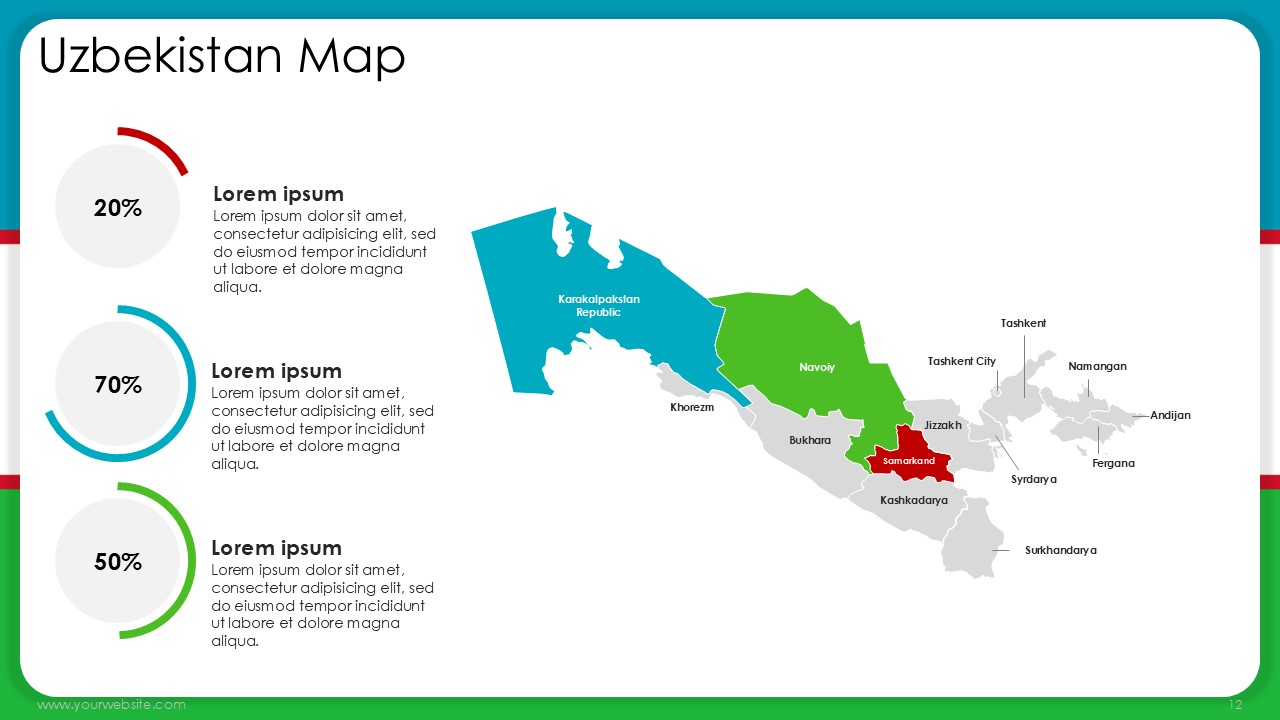
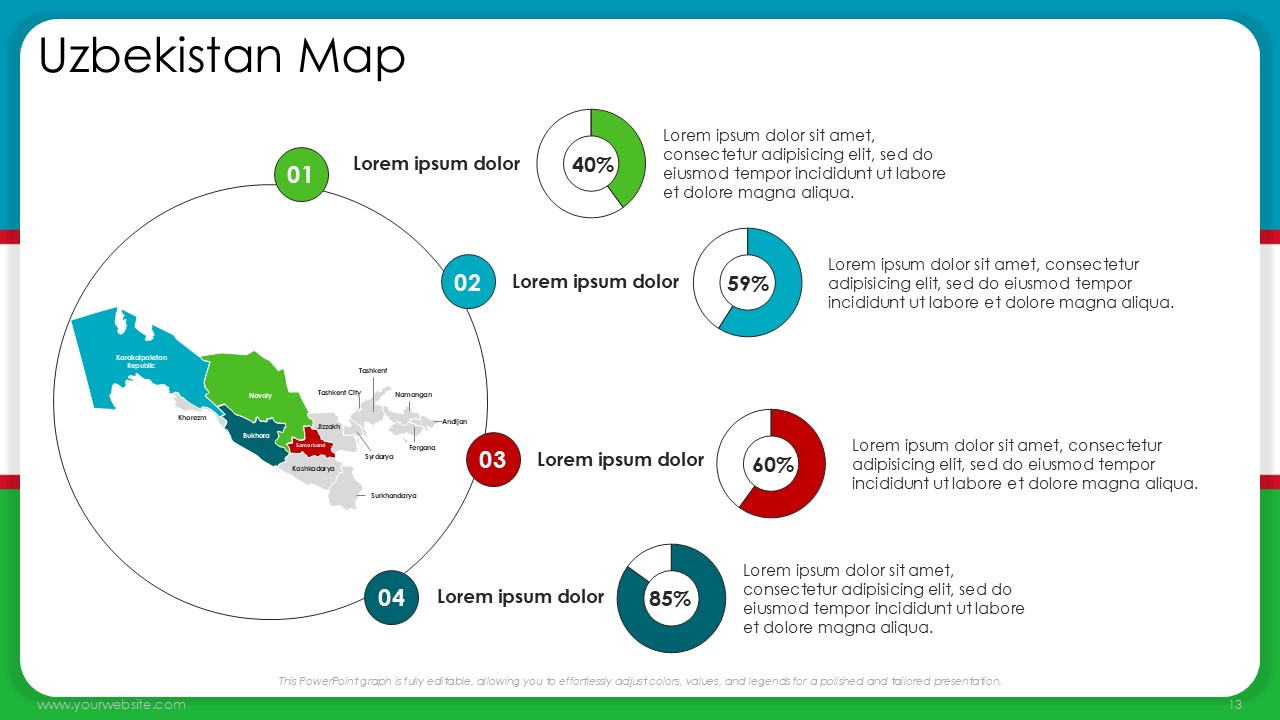
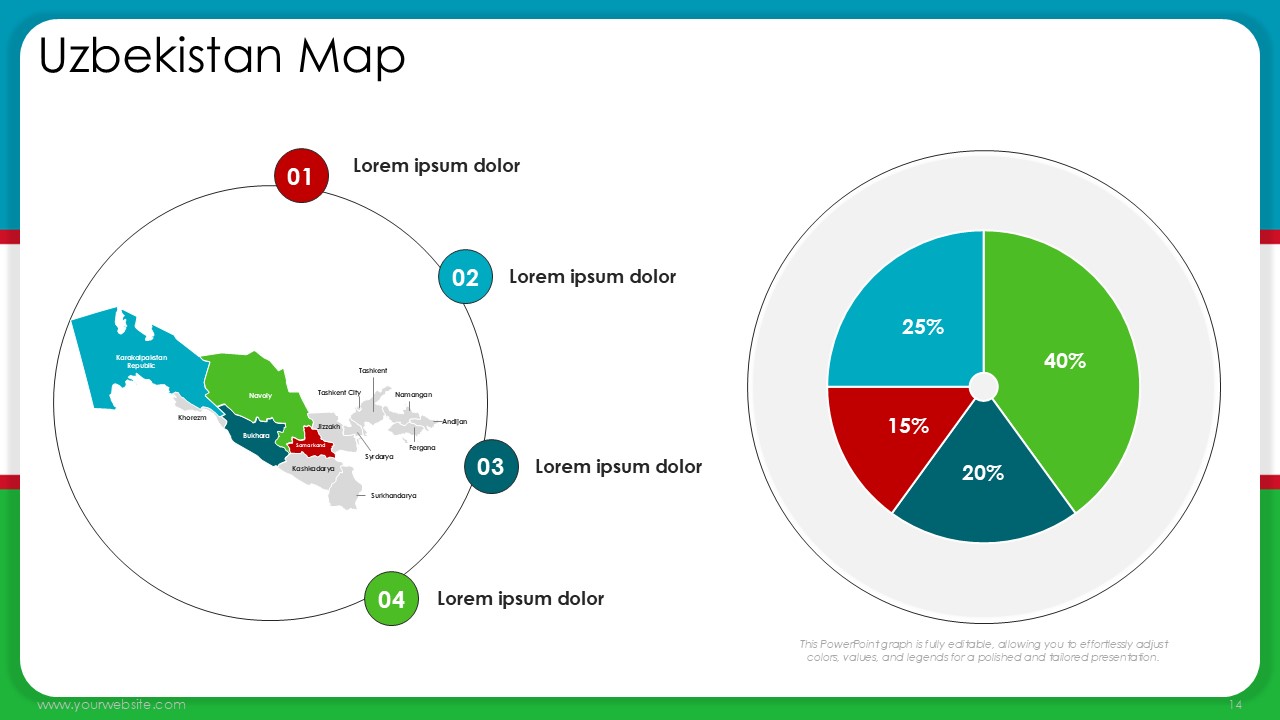
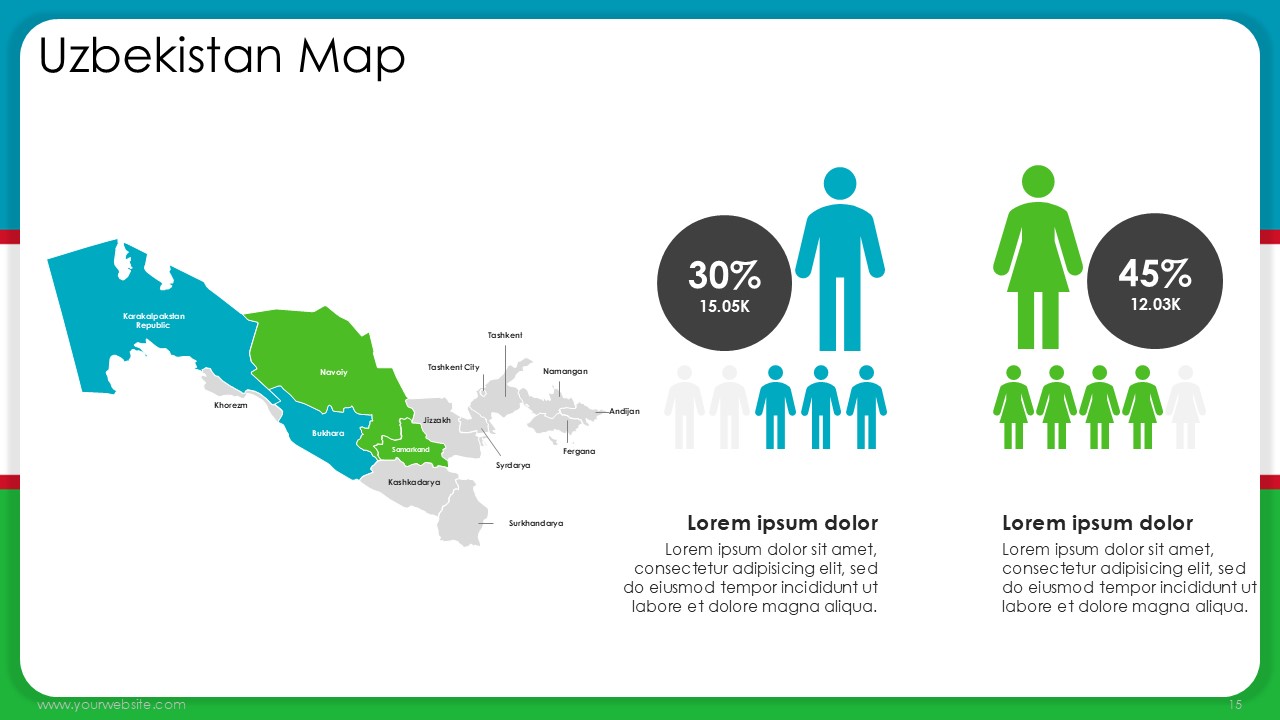
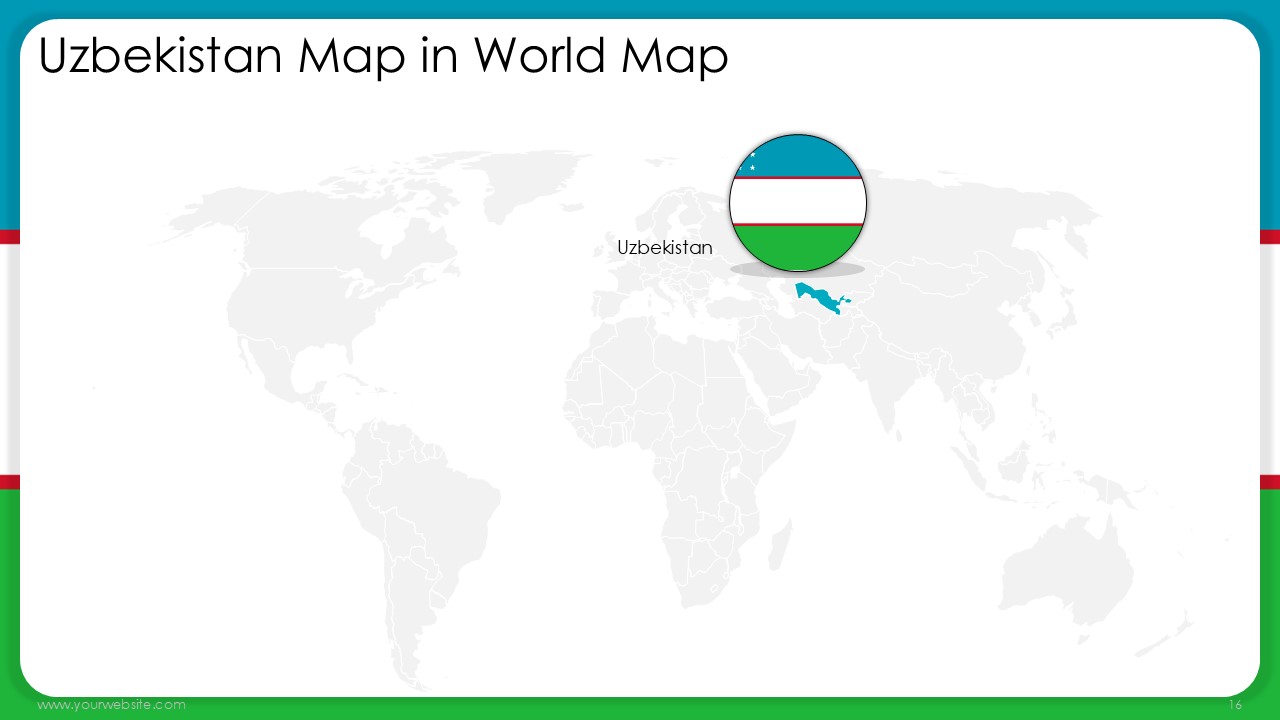
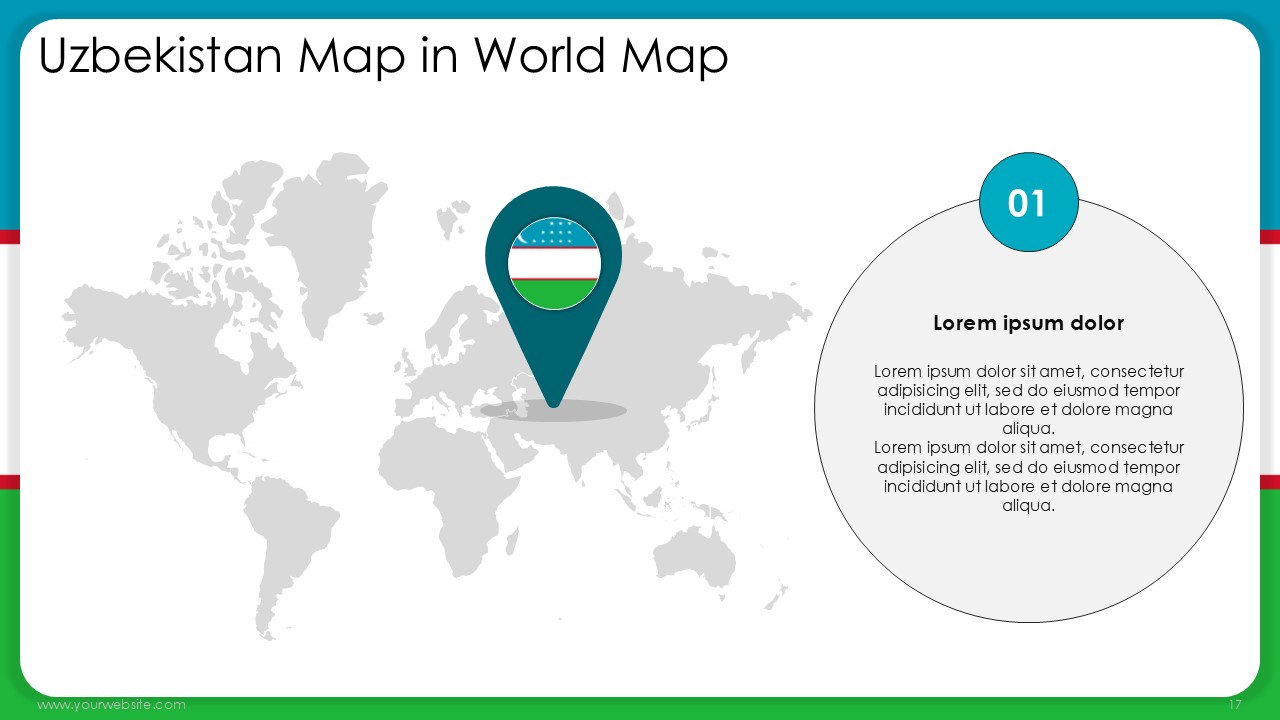
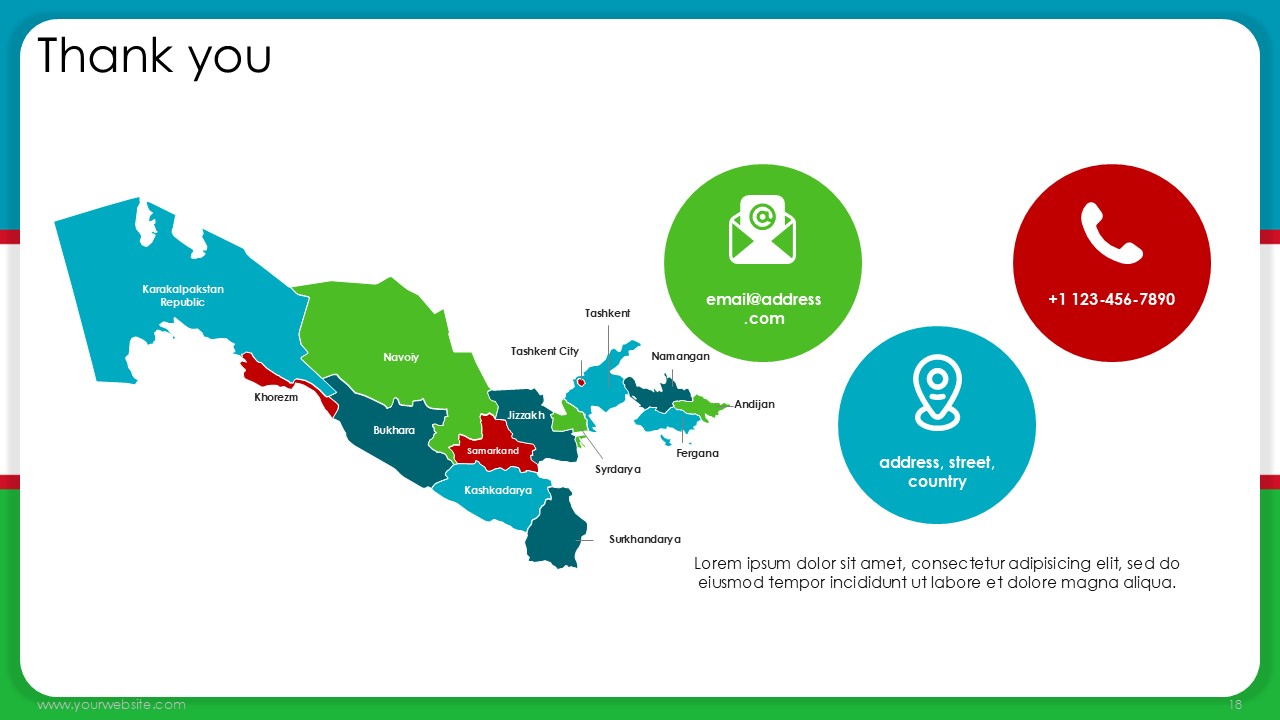
The Uzbekistan Map Presentation Template is a one-of-a-kind, PowerPoint and Google Slides that comprises 19 slides. Each of the slides has been based on the colors found on the Uzbek flag, which has blue, green and red in it. Since blue represents the sky and water, green represents nature and growth, and red signifies strength and unity, each of these colors has its own significance. This template has several formats of the map, population distribution as well as geographic scope of the region around Central Asia, thereby ensuring a great presentation structure embellished with visually appealing Uzbekistan’s demographics in relation to the region’s other attributes.
This presentation template is suitably designed for a variety of purposes, which speaks to the effectiveness of this template in explaining intricate issues and making them look elegant. It is equally applicable in class situations where teachers and students appreciate the geography and the history of Uzbekistan, in carrying out market assessments by business people, or in the presentation of regional development policies by government institutions. The structured presentation helps the audience appreciate the regions of Uzbekistan, its socio-economic environment and cultural attributes.
All of these factors-especially in regard to structure- make the Uzbekistan Map Template useful for classroom activities, operational meetings and policy presentations to the government. In such circumstances, presentation authors are able to emphasize important areas, make sense of the statistics and tailor the content and structure of each slide. Ideal for professional presentations, this template combines the best of both worlds for PowerPoint and Google Slides to deliver informative and impactful presentations.
SlidesBrain offers presentation features that allow you to customize every aspect of your slides. This means you can modify text, images, colors, fonts, and icons to your liking. Additionally, adjusting graphs in PowerPoint is simple, enabling you to change colors, numbers, and labels to match your preferences and create the perfect presentation.
“A review from a customer who benefited from your product. Reviews can be a highly effective way of establishing credibility and increasing your company's reputation.”
★★★★★Rated 5 out of 5
“A review from a customer who benefited from your product. Reviews can be a highly effective way of establishing credibility and increasing your company's reputation.”




 MS Powerpoint
 Google Slides