Happy New Year 2025 Business Growth Presentation PowerPoint Template
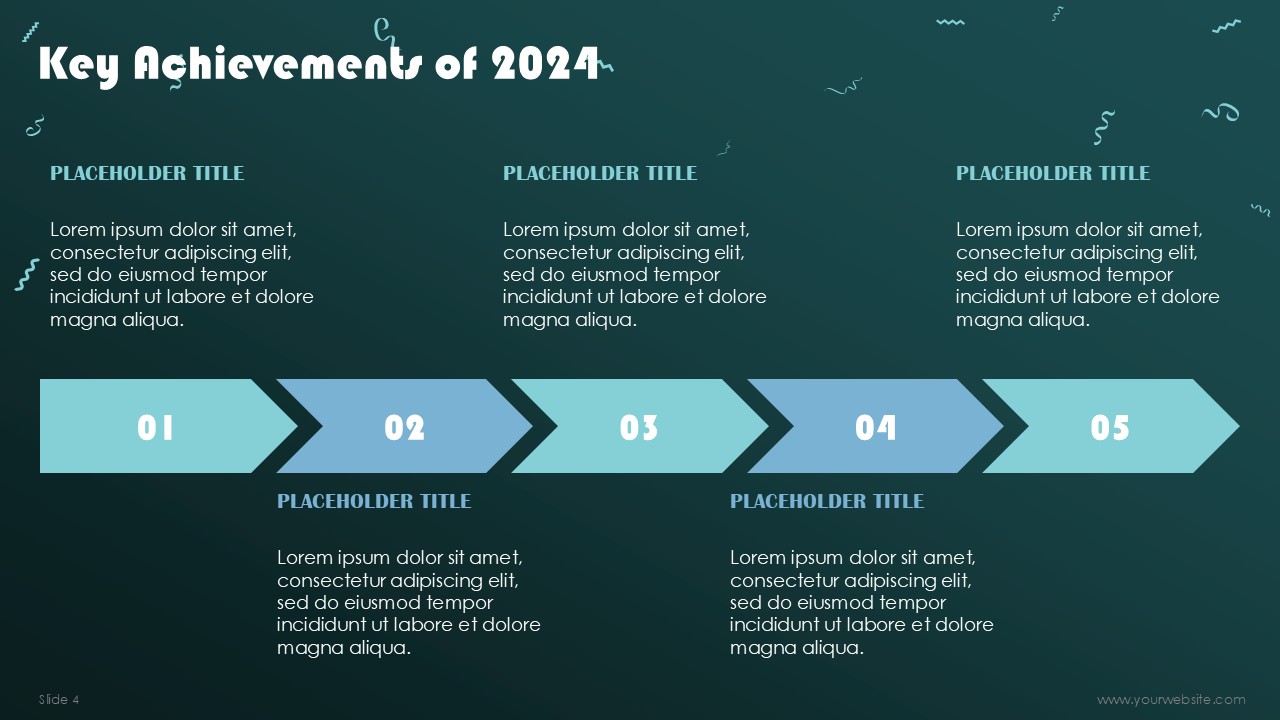
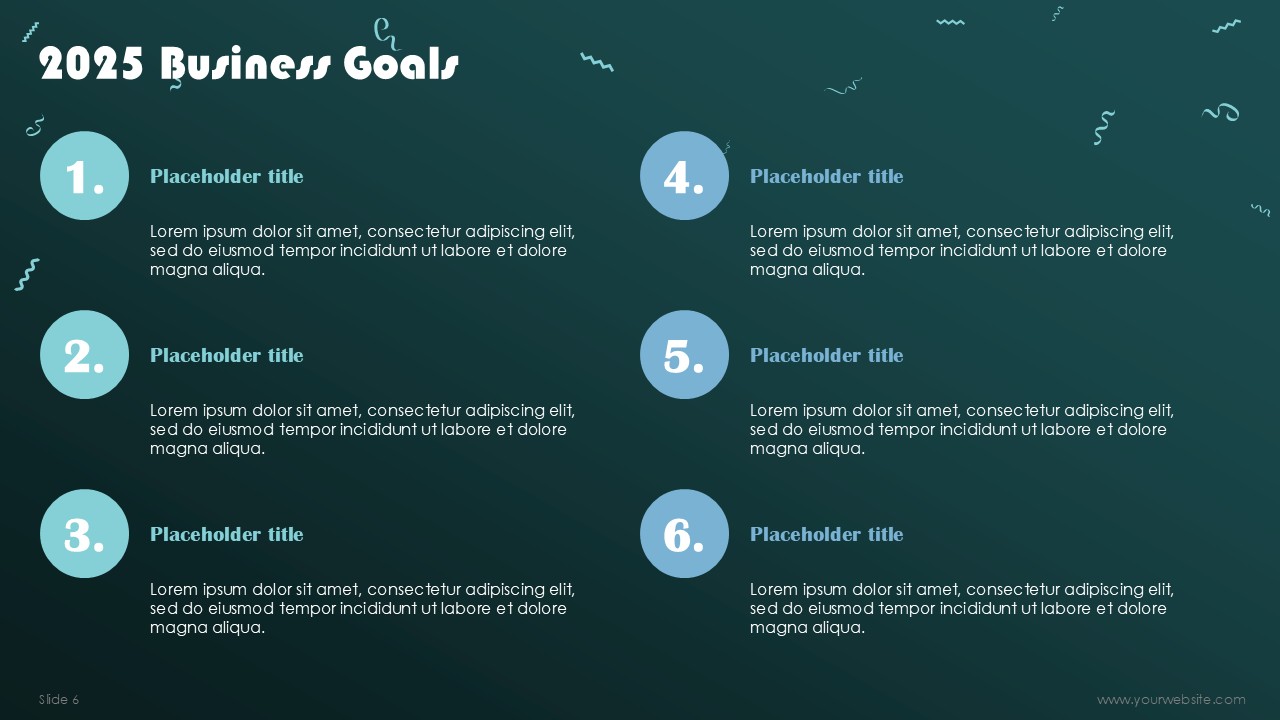
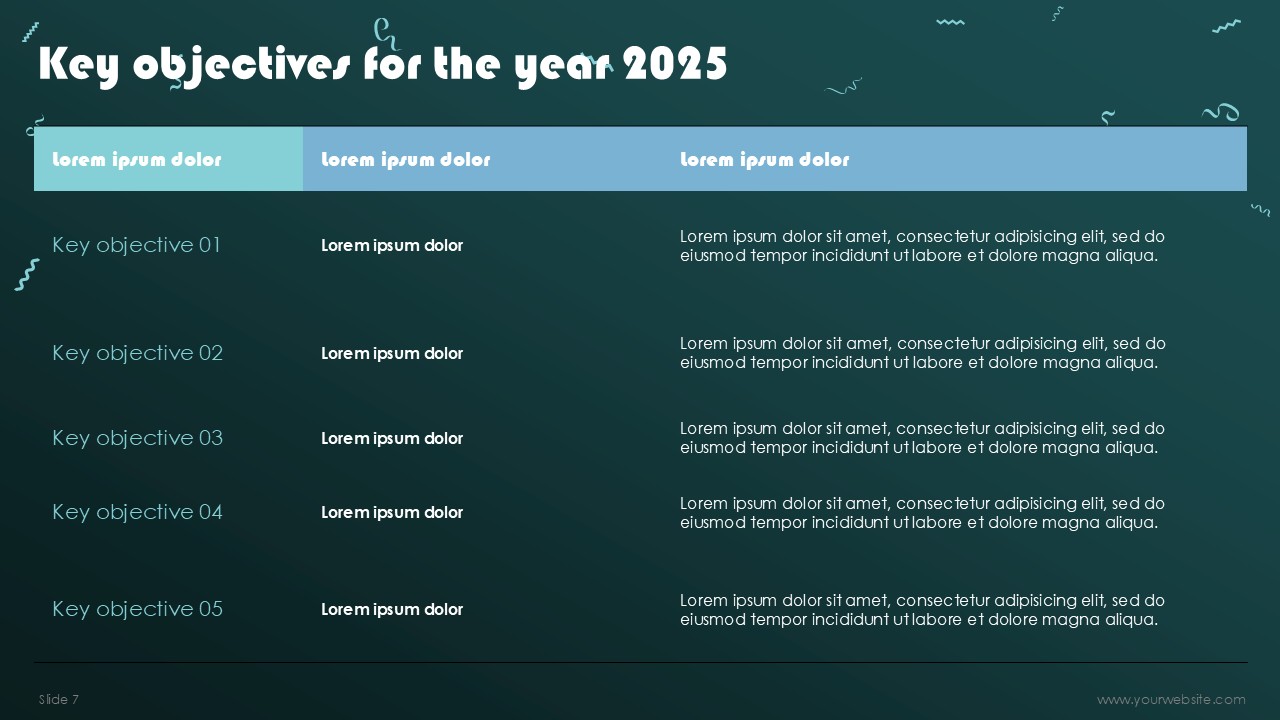
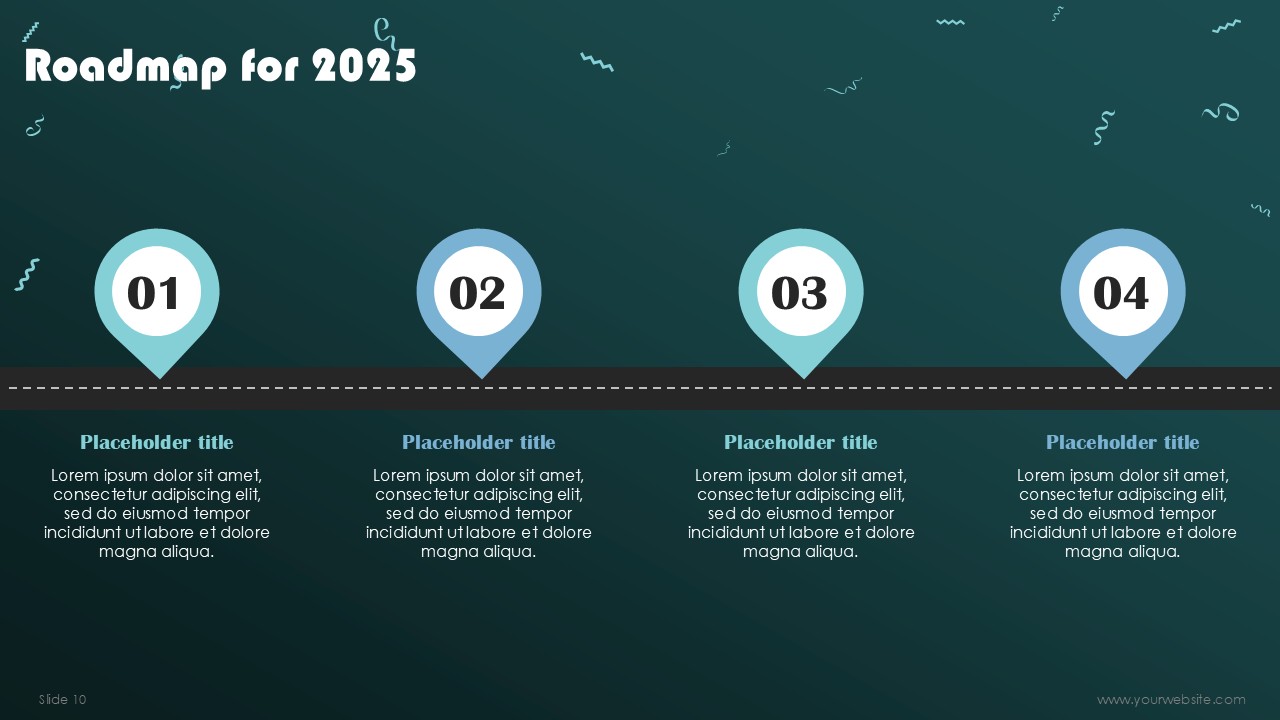
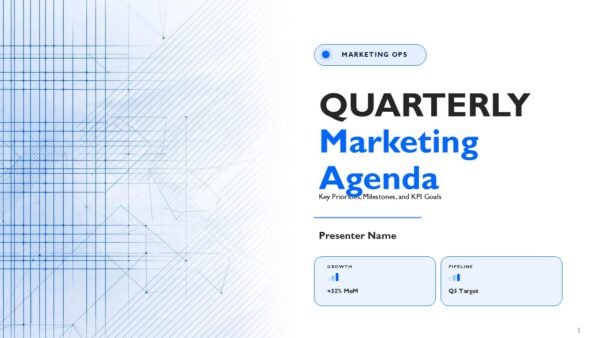
Introducing the Happy New Year 2025 Business Growth Presentation PowerPoint Template: An 11-slide deck, free to download, and meant to kickstart your new year with a futuristic and professional touch. With a bold blue-and-black color scheme and an eye-catching 2025 graphic on the cover, innovation and ambition are dipped into every slide.
This template is perfect for business professionals, entrepreneurs, and corporate teams as one can show growth strategies, set goals, review achievements, and even strategize for the year to come. Its neat, futuristic design is sure to convey the message of progress and moving forward. It works well for meetings, pitches, and even annual reviews.
For both PowerPoint and Google Slides, this template is fully editable so you can change layouts, text, and visuals as you see fit for your brand. Whether outlining growth plans, going over market trends, or inspiring your team, this free template ensures that your presentation is modern, impactful, and memorable.
Template Specifications
| Name: | Happy New Year 2025 Business Growth Presentation PowerPoint Template |
| Quantity: | 11 slides |
| Ratio: | 16:9 |
| Colors : | |
| Rating: | Free |
| Tutorials: | Click Here to View More |
SlidesBrain offers presentation features that allow you to customize every aspect of your slides. This means you can modify text, images, colors, fonts, and icons to your liking. Additionally, adjusting graphs in PowerPoint is simple, enabling you to change colors, numbers, and labels to match your preferences and create the perfect presentation.
How to Download PPT?
Looking for a unique slide or PPT? We offer ready-to-use Google Slides and PowerPoint Templates, along with custom presentation design services, to help you present your ideas clearly and professionally. Get in touch with us for a presentation tailored to your purpose.
Premium Template
Unlock this template and gain unlimited access
Template Specifications
Dimensions
15 Slides, 1366 x 768 pixels – 16:9 Aspect Ratio (HD Presentation Quality)
Format
Download as a PPT to share with your recipient or generate a shareable link for online sharing.
Customizable
This template can be fully customized. You can edit content, change image(s), apply custom colors, input your own fonts and logo, and more.
Related tags
Related Presentations
No related products found.
-
blue
Why Do Enterprises Need To Adopt 5G Presentation PPT and Google Slides
Rated 0 out of 5Business | 14 slides 16:9 -
blue
New And Used Car Dealership Business Plan Presentation PPT and Google Slides
Rated 0 out of 5Business | 23 slides 16:9 -
black
Marketplace Pitch Deck Presentation PPT and Google Slides
Rated 0 out of 5Business | 21 slides 16:9 -
blue
Is Private 5G Worth It Presentation PPT and Google Slides
Rated 0 out of 5Business | 15 slides 16:9 -
blue
Hospital Quality And Performance Scorecard PPT Presentation and Google Slides
Rated 0 out of 5Business | 12 slides 16:9 -
blue
Hospital Performance Scorecard PPT Presentation and Google Slides
Rated 0 out of 5Business | 12 slides 16:9 -
brown
Building Business Case for Enterprise 5G Presentation PPT
Rated 0 out of 5Business | 15 slides 16:9 -
blue
Hospital Performance Data Scorecard with Average Treatment Cost PPT Presentation
Rated 0 out of 5finance | 12 slides 16:9
Related products
-
blue
Real Estate Rental Housing PowerPoint Template
Rated 0 out of 5Free PowerPoint Templates | 20 slides 16:9 -
business
Pillars of Employee Engagement Infographics Presentation
Rated 0 out of 5business | 8 slides 16:9 -
Business
Cannabis and CBD Brands Investor Pitch Deck PPT Template
Rated 0 out of 5Business | 30 slides 16:9
Customer Reviews
“A review from a customer who benefited from your product. Reviews can be a highly effective way of establishing credibility and increasing your company's reputation.”
Customer Name
“A review from a customer who benefited from your product. Reviews can be a highly effective way of establishing credibility and increasing your company's reputation.”
Customer Name


MS Powerpoint