France Map 22 Administrative Regions Presentation
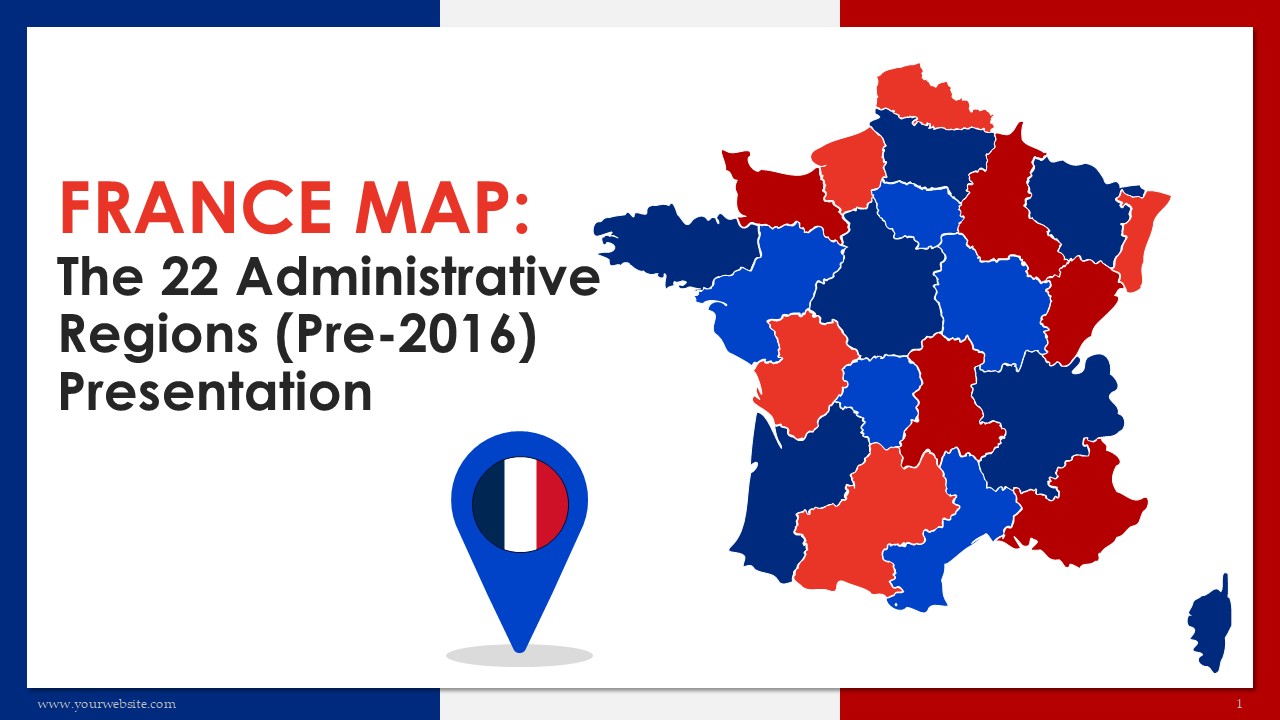
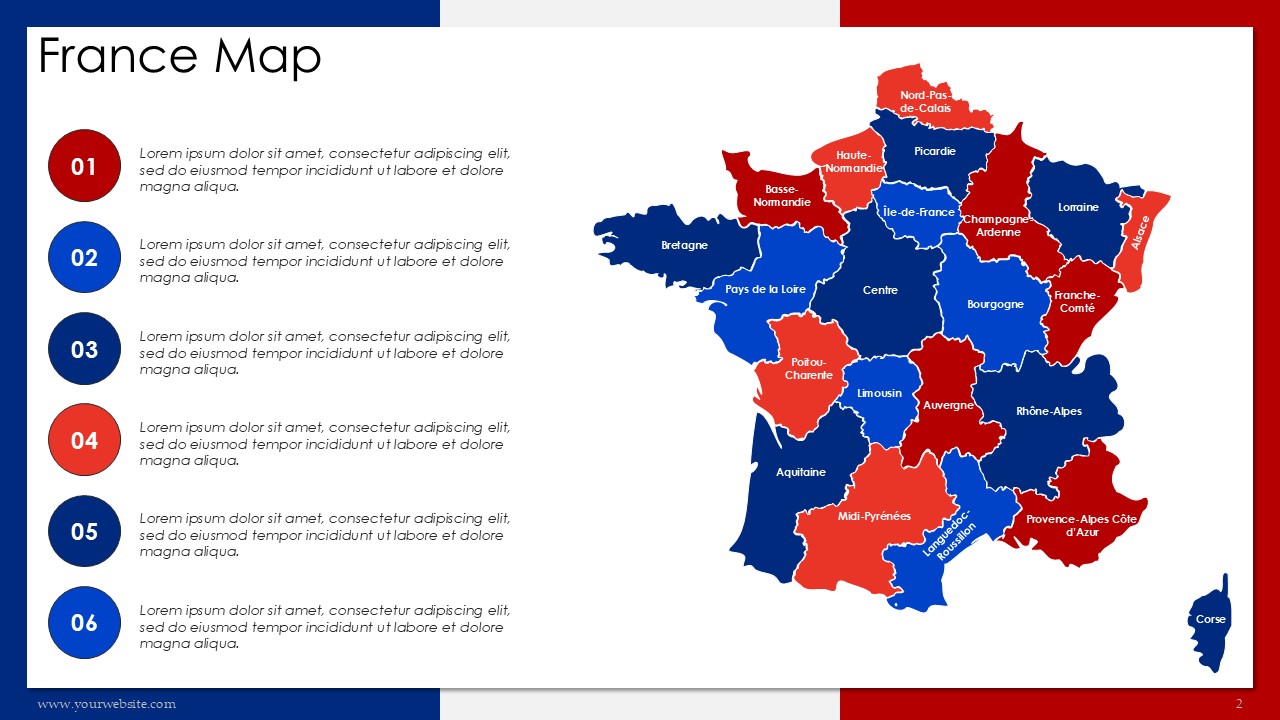
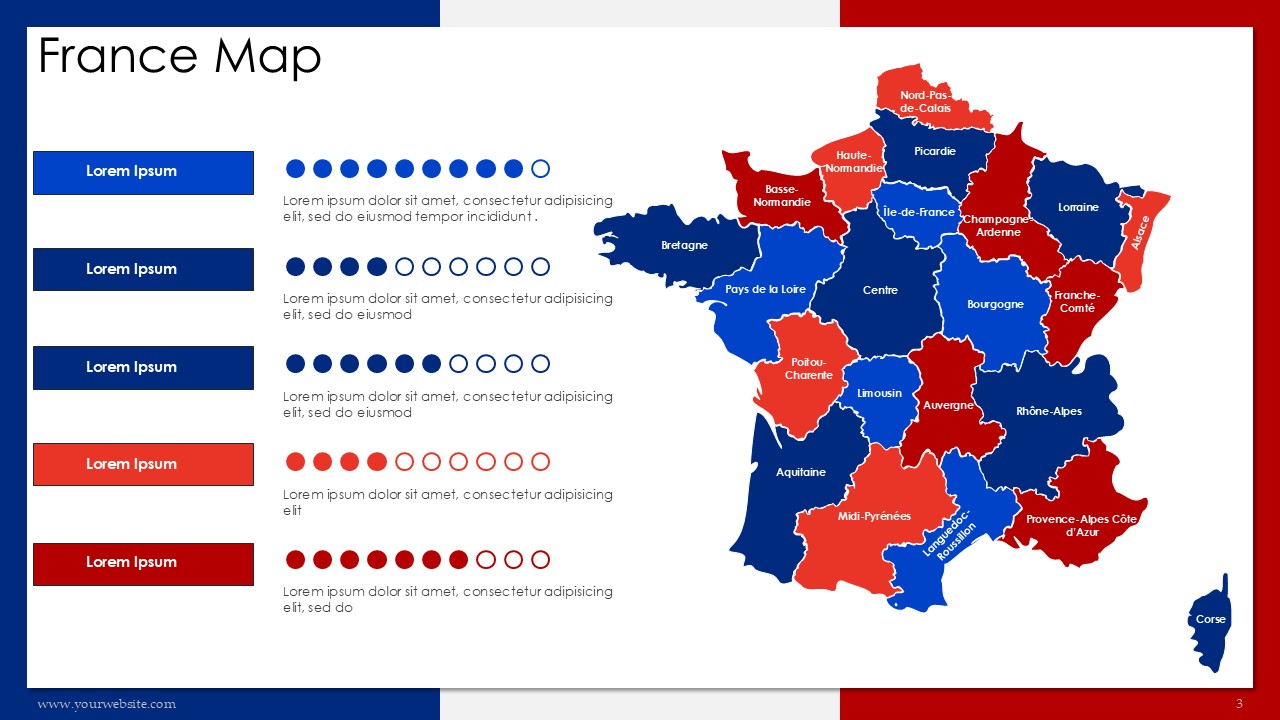
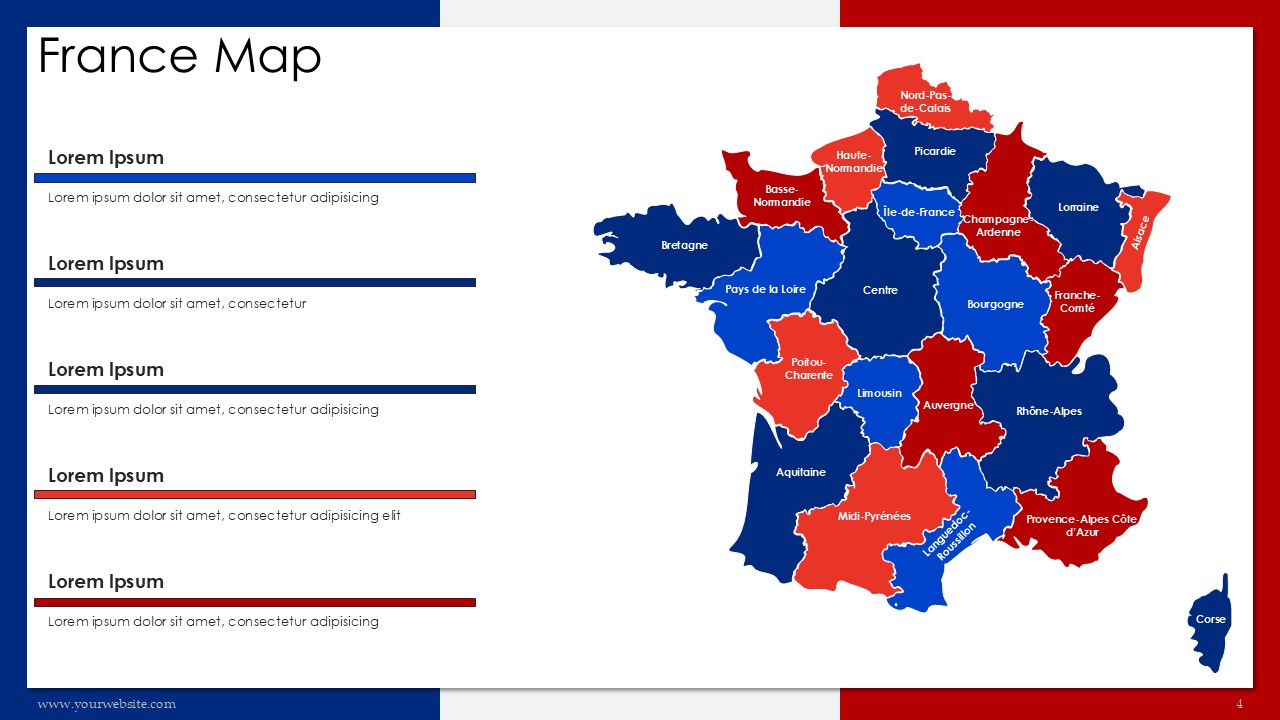
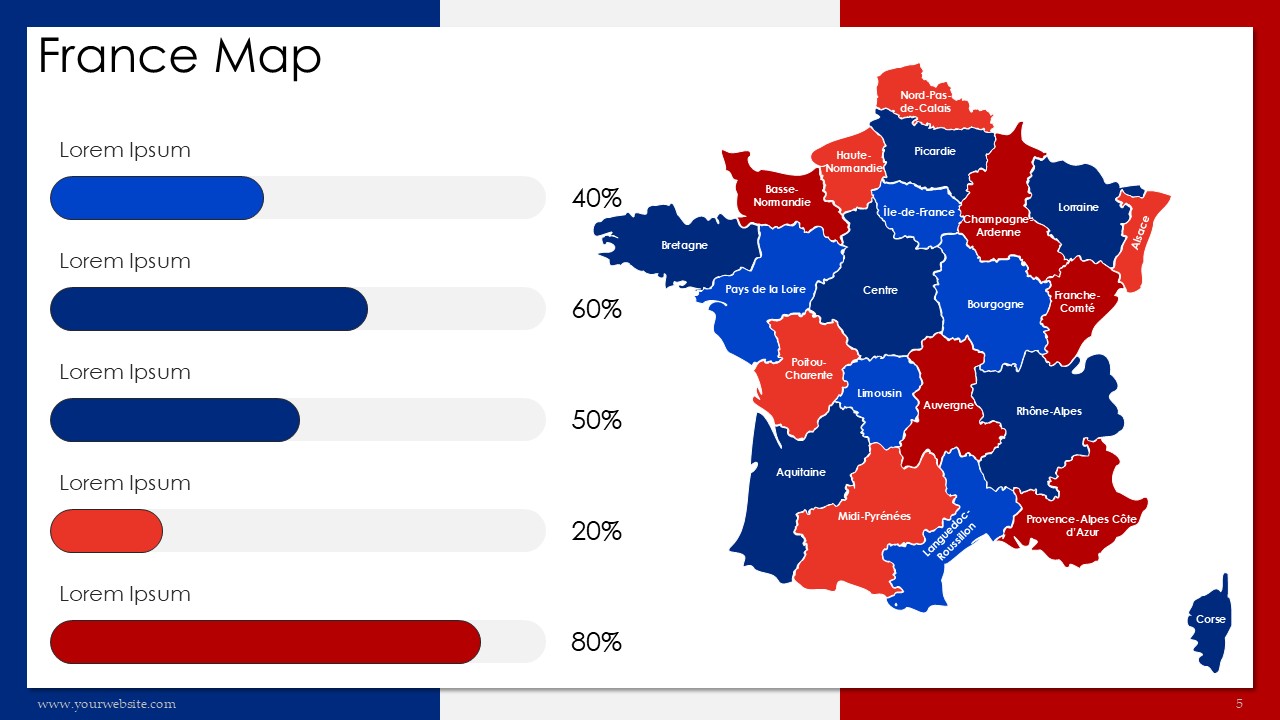
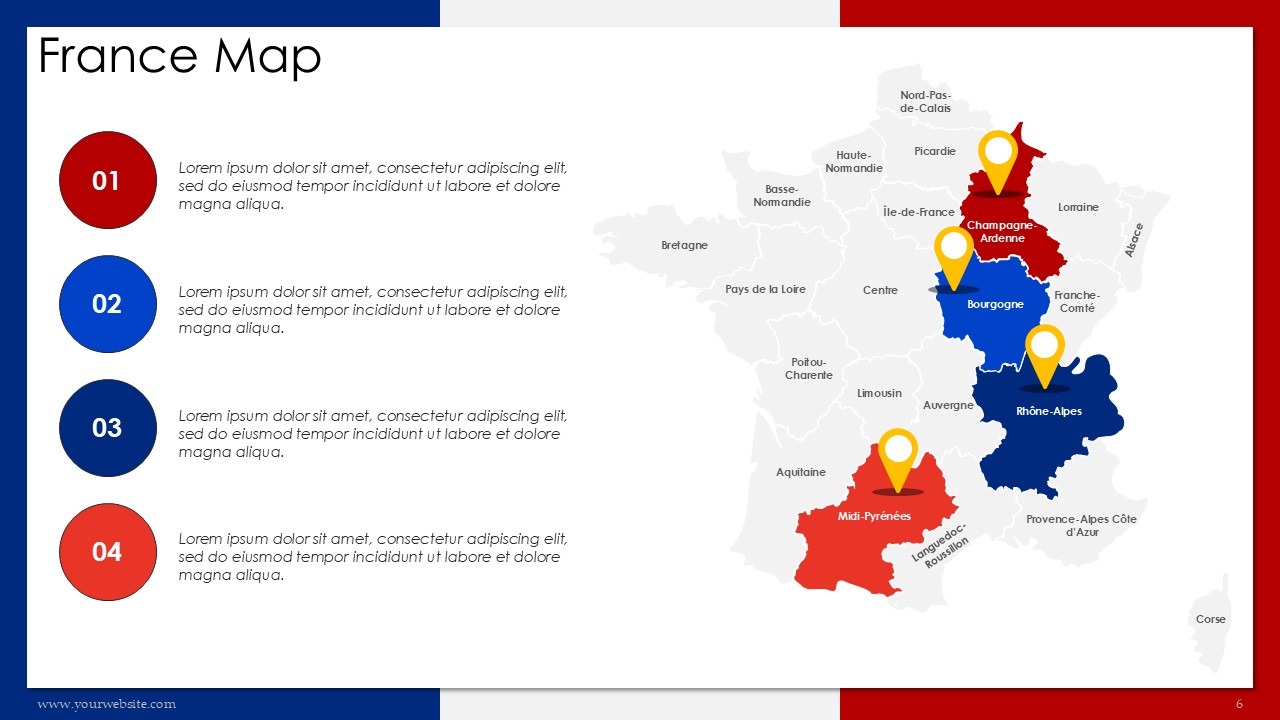
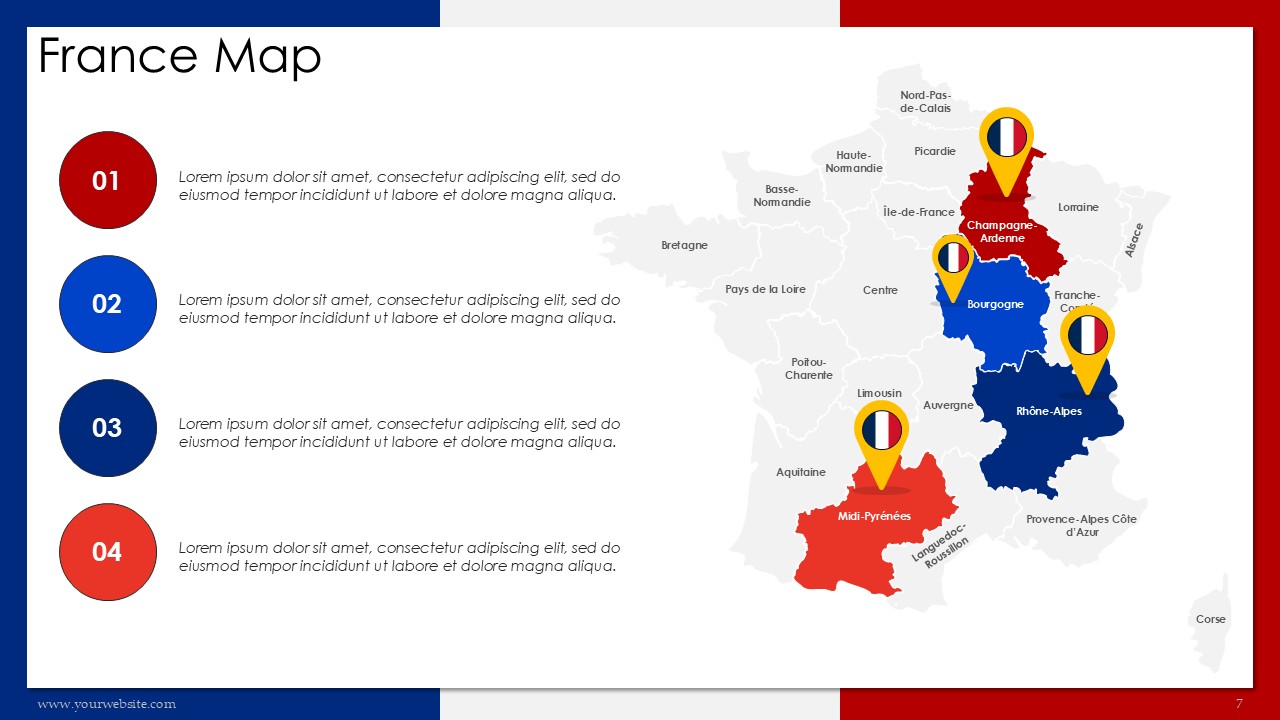
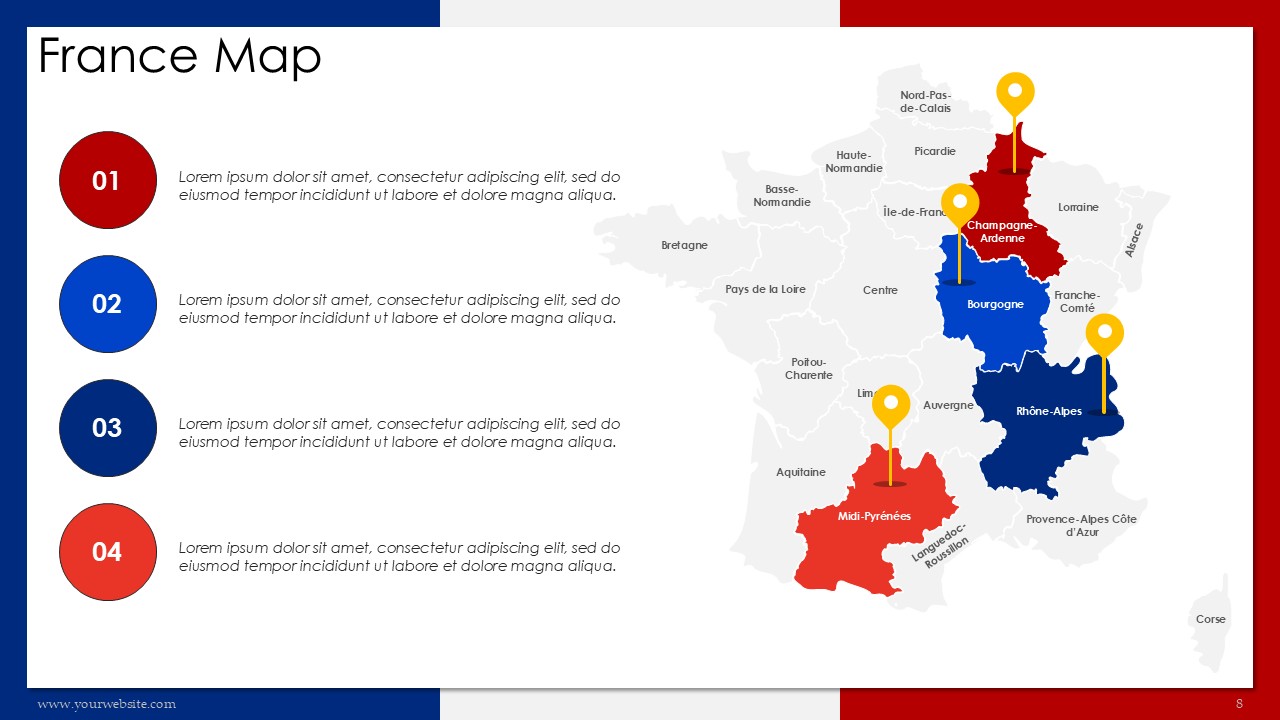
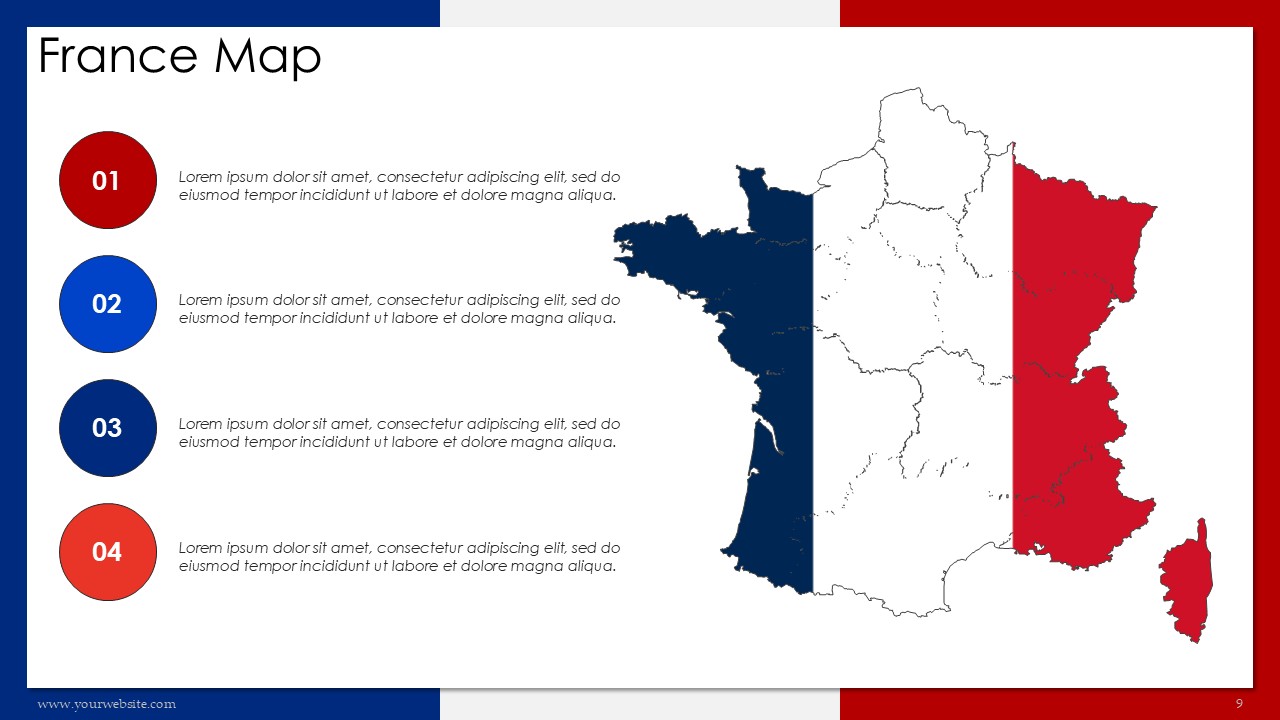
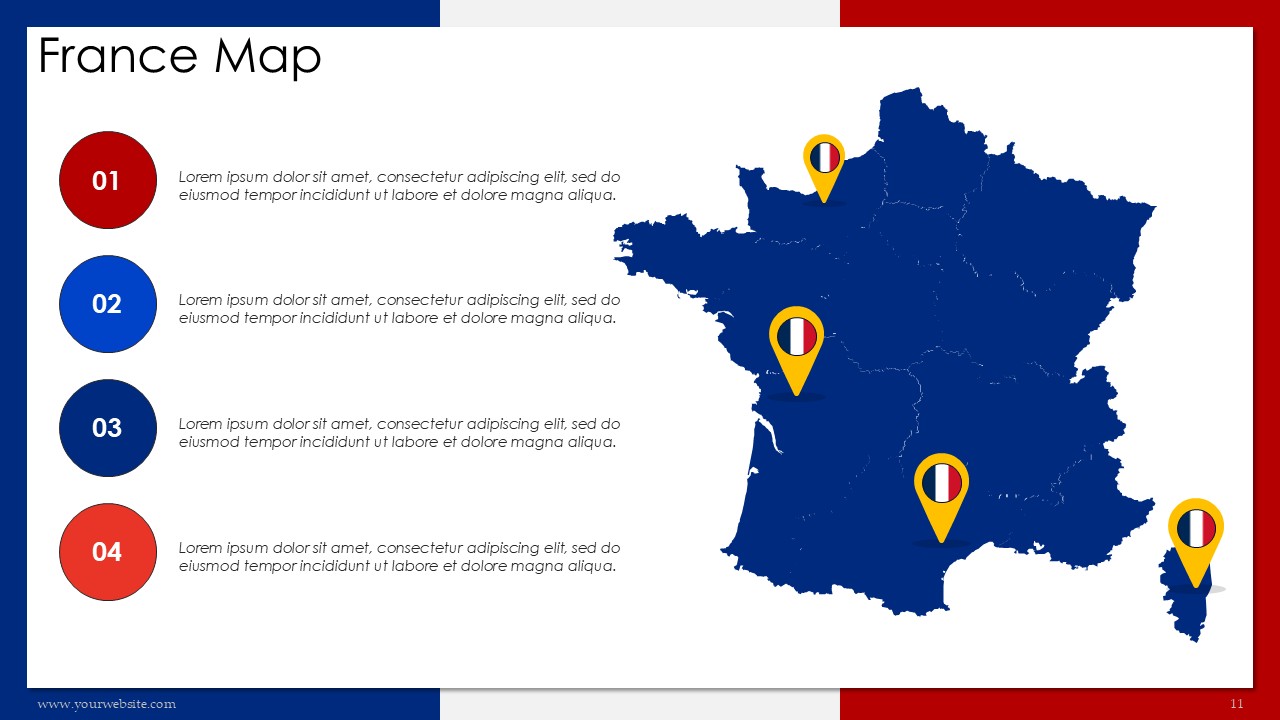
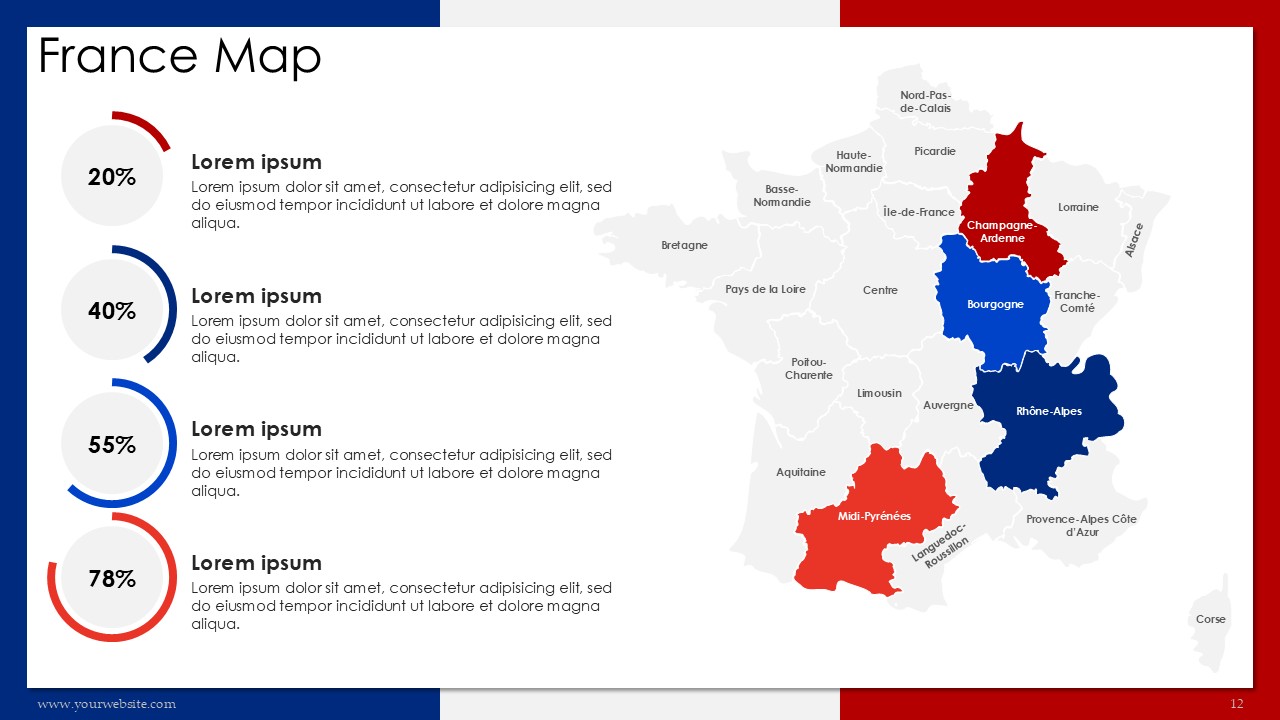
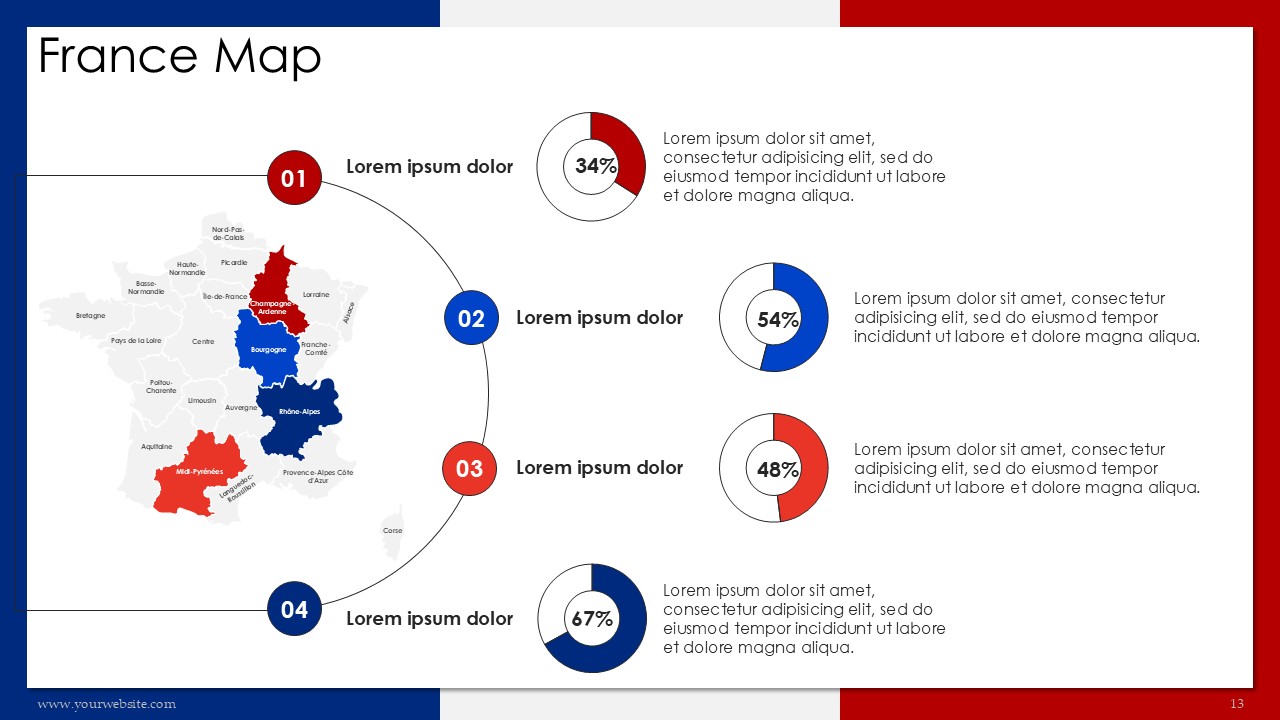
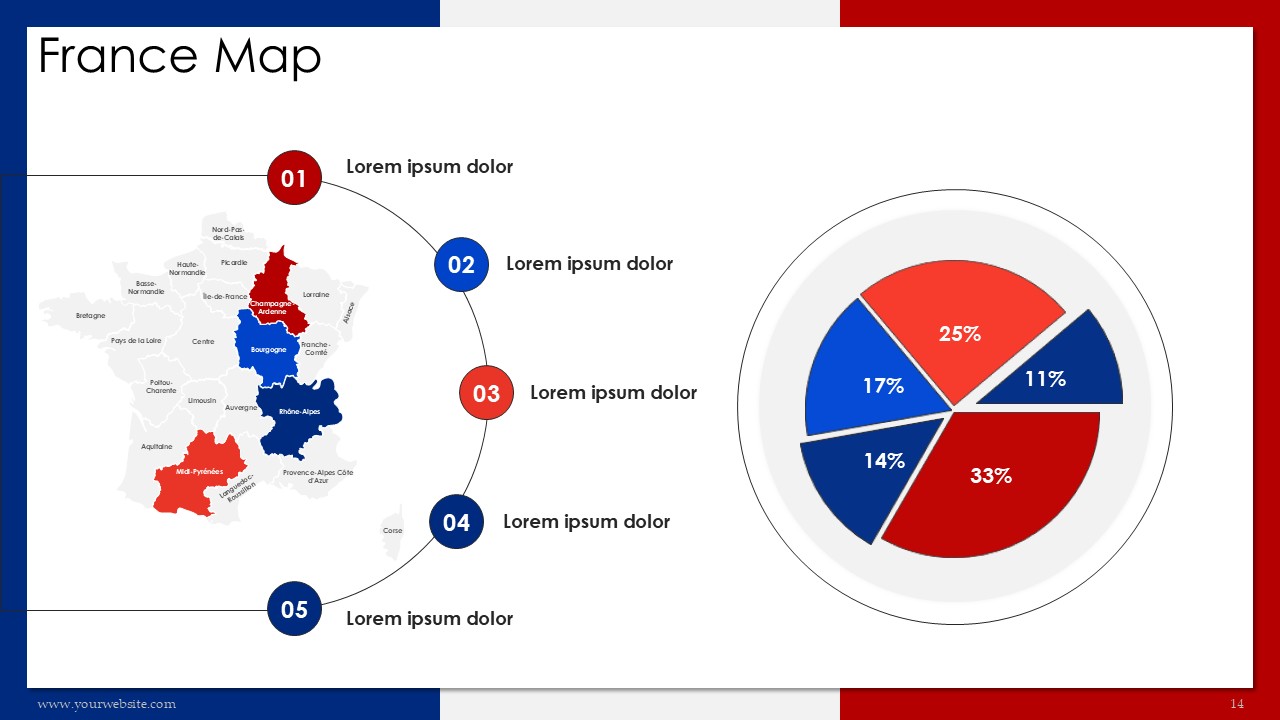
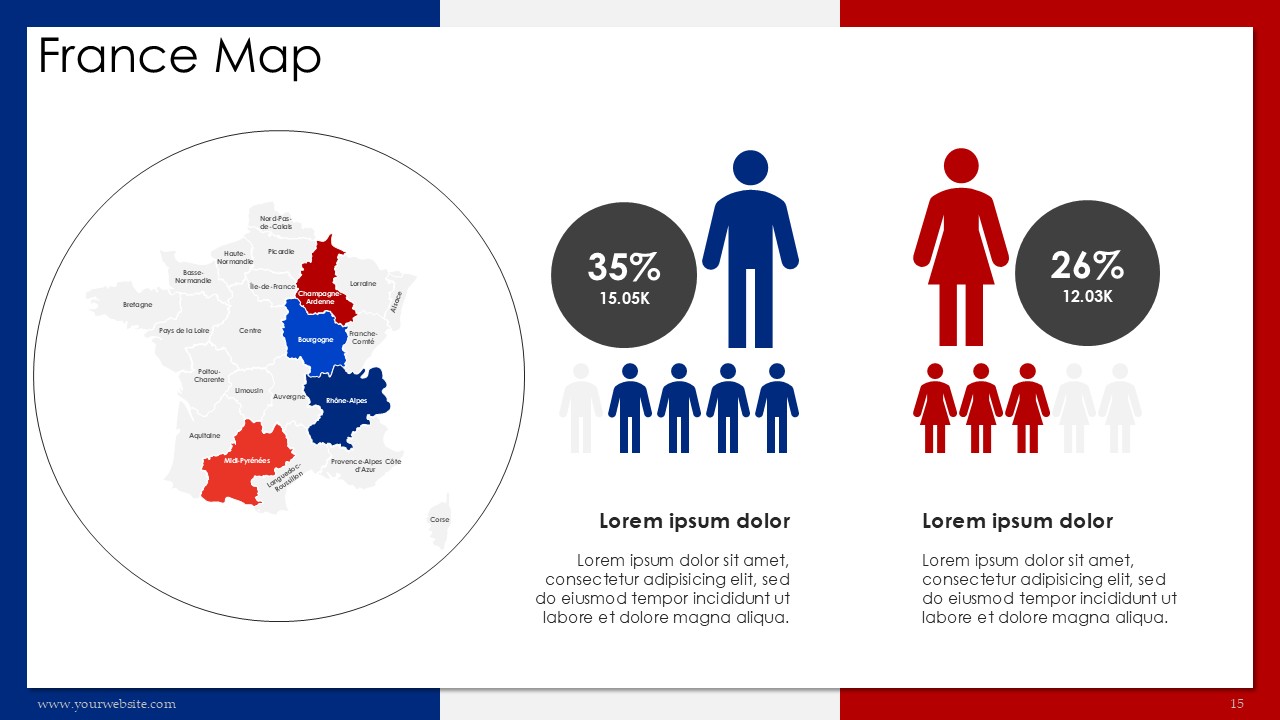
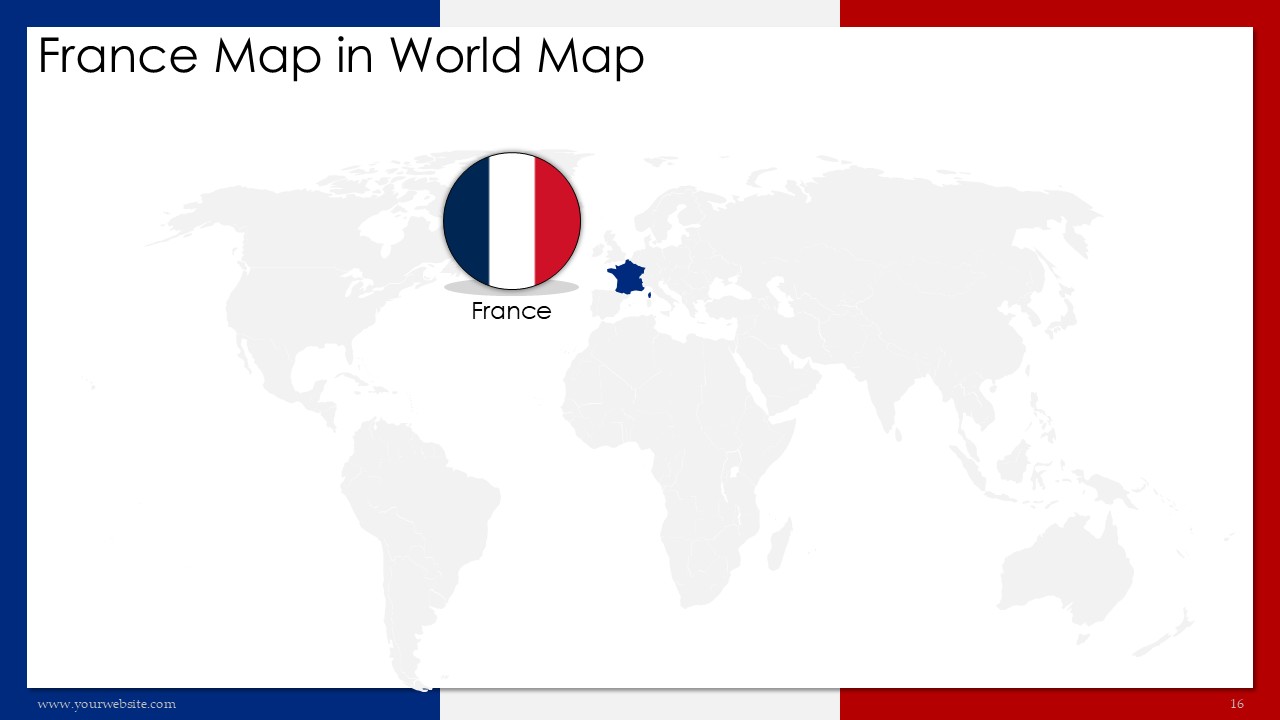
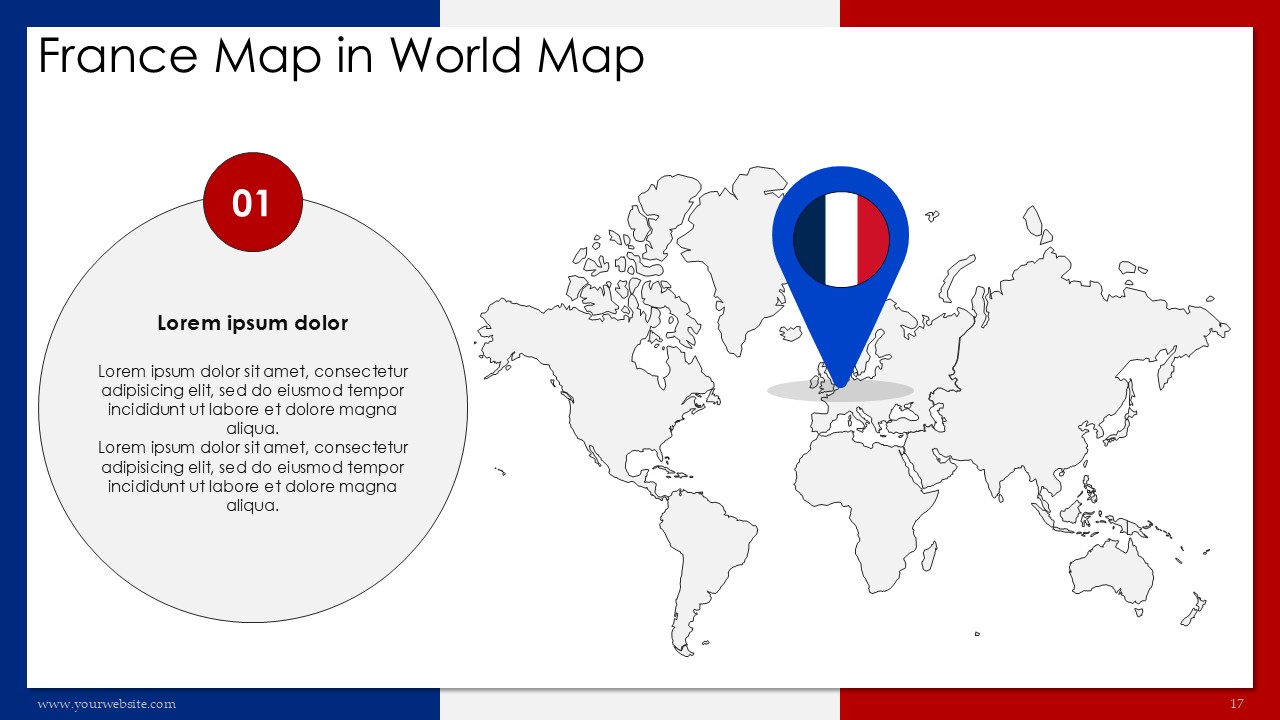
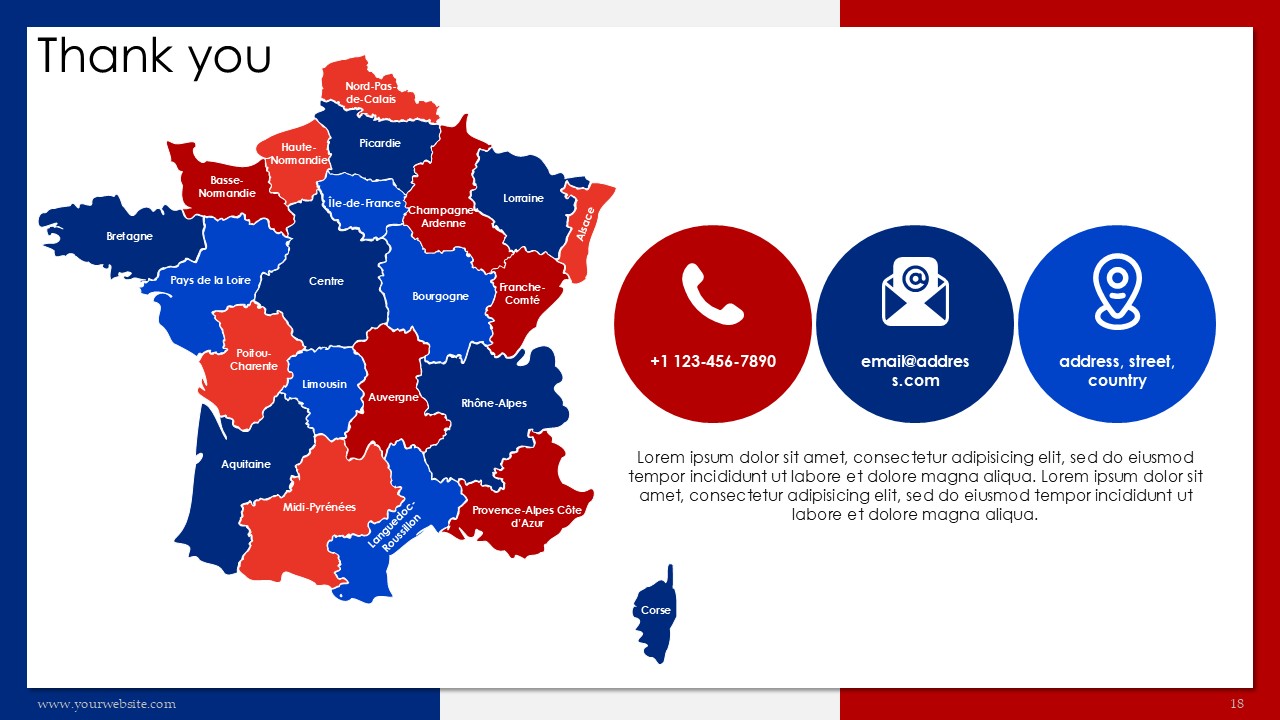
This France Map 22 Administrative Regions Presentation is a premium, fully editable template available in PowerPoint (PPT) and Google Slides, containing 18 presentations slides designed in the distinctive colors of French national flag red and blue. It highlights France`s 22 administrative regions so it is useful for businessmen, teachers, and even travelers. This template is great for business meetings, school presentations, and even tourism marketing because it allows the audience to see sociographic information in a more clearer perspective. The colors of the flag serve a more professional feel while ensuring that the audience is still attentive.
The slides aim to showcase major highlights such as France’s geographic layout, administrative divisions, and cultural or economic insights. With this design, not only do we have a representation of the national flag but most importantly, a blend of professionalism and order. This template is a fully editable one that enables you to change the elements according to your requirements making it a suitable option for market research, teaching, and even traveling purposes.
This template will enable you to communicate messages relating to tourism trends, business opportunities, and even educational content effortlessly. It is compatible with both PPT and Google Slides to ensure easy collaboration. Download now to make highly professional and visually appealing presentations that are guaranteed to make a lasting impression. Ideal for anyone looking to present information about France’s data in an innovative and simple manner.
Template Specifications
| Name: | France Map 22 Administrative Regions Presentation |
| Quantity: | 18 slides |
| Ratio: | 16:9 |
| Colors : | |
| Rating: | Premium |
| Tutorials: | Click Here to View More |
SlidesBrain offers presentation features that allow you to customize every aspect of your slides. This means you can modify text, images, colors, fonts, and icons to your liking. Additionally, adjusting graphs in PowerPoint is simple, enabling you to change colors, numbers, and labels to match your preferences and create the perfect presentation.
Looking for a unique slide or PPT? We offer ready-to-use Google Slides and PowerPoint Templates, along with custom presentation design services, to help you present your ideas clearly and professionally. Get in touch with us for a presentation tailored to your purpose.
Premium Template
Unlock this template and gain unlimited access

Template Specifications
Dimensions
15 Slides, 1366 x 768 pixels – 16:9 Aspect Ratio (HD Presentation Quality)
Format
Download as a PPT to share with your recipient or generate a shareable link for online sharing.
Customizable
This template can be fully customized. You can edit content, change image(s), apply custom colors, input your own fonts and logo, and more.
Related tags
Related Presentations
No related products found.
-
blue
Free PowerPoint Co Presenters and Two Bios Slides and Google Slides
Rated 0 out of 5Business | 6 slides 16:9 -
Business
Free Olive Black PowerPoint Two Bios Slides and Google Slides
Rated 0 out of 5Business | 7 slides 16:9 -
creative
Free Daintree color Marketing Agenda Presentation PowerPoint and Google Slides
Rated 0 out of 5Free PowerPoint Templates | 13 slides 16:9 -
black
Free Aviation Airline Industry Presentation and Google Slides
Rated 0 out of 5Free PowerPoint Templates | 13 slides 16:9 -
blue
Free Airline Aviation Presentation PowerPoint and Google Slides
Rated 0 out of 5Free PowerPoint Templates | 13 slides 16:9
Related products
-
agenda
Monthly Event Planning Calender 2030 PowerPoint Infographics
Rated 0 out of 5agenda | 14 slides 16:9 -
Free PowerPoint Templates
Free Winter Corporate Newsletter PPT PowerPoint Presentation
Rated 0 out of 5Free PowerPoint Templates | 21 slides 16:9 -
abstract
Circular Timeline Infographics PPT PowerPoint Presentation
Rated 0 out of 5Charts | 7 slides 16:9
Customer Reviews
“A review from a customer who benefited from your product. Reviews can be a highly effective way of establishing credibility and increasing your company's reputation.”
Customer Name
“A review from a customer who benefited from your product. Reviews can be a highly effective way of establishing credibility and increasing your company's reputation.”
Customer Name


MS Powerpoint