Business Steps 2 to 10 Timeline Infographics
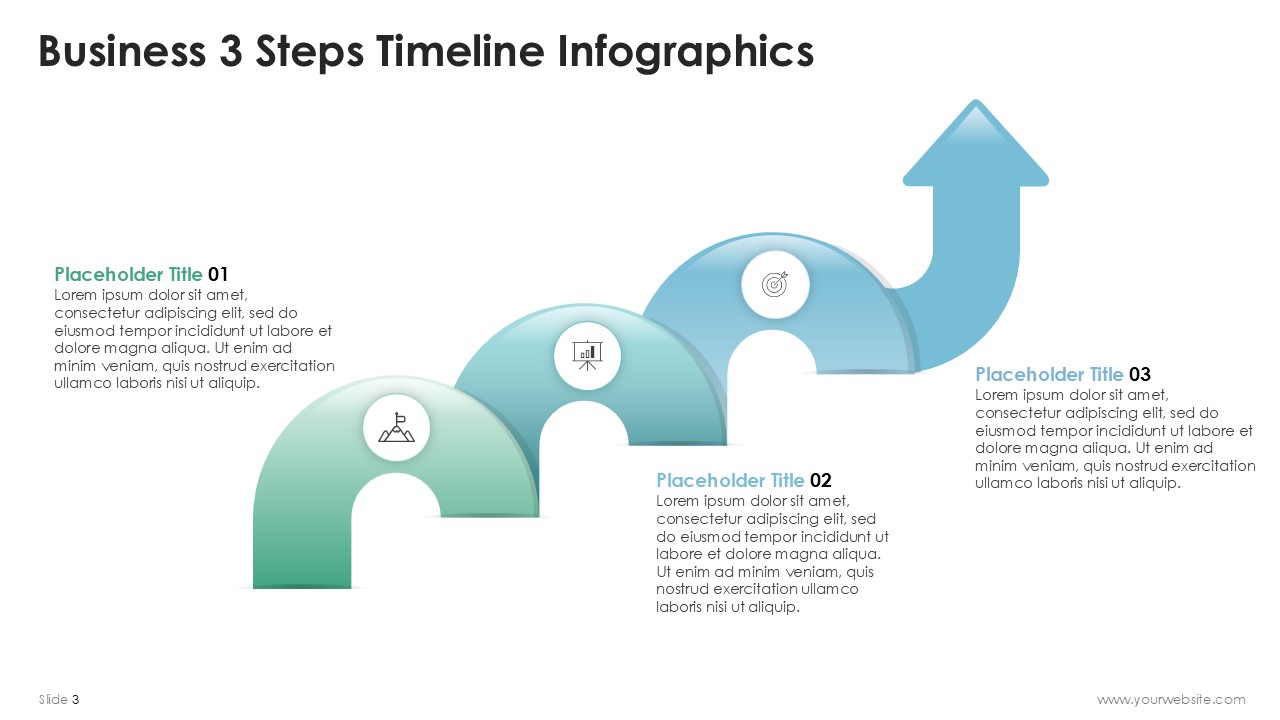
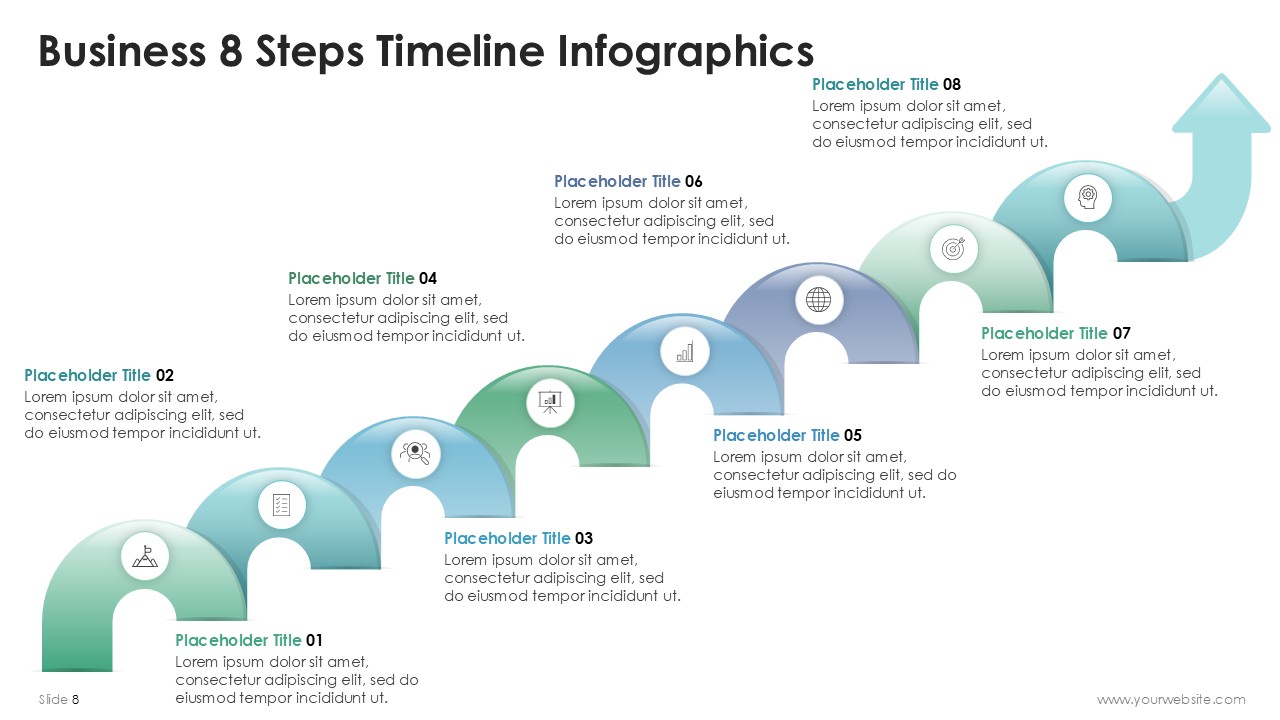
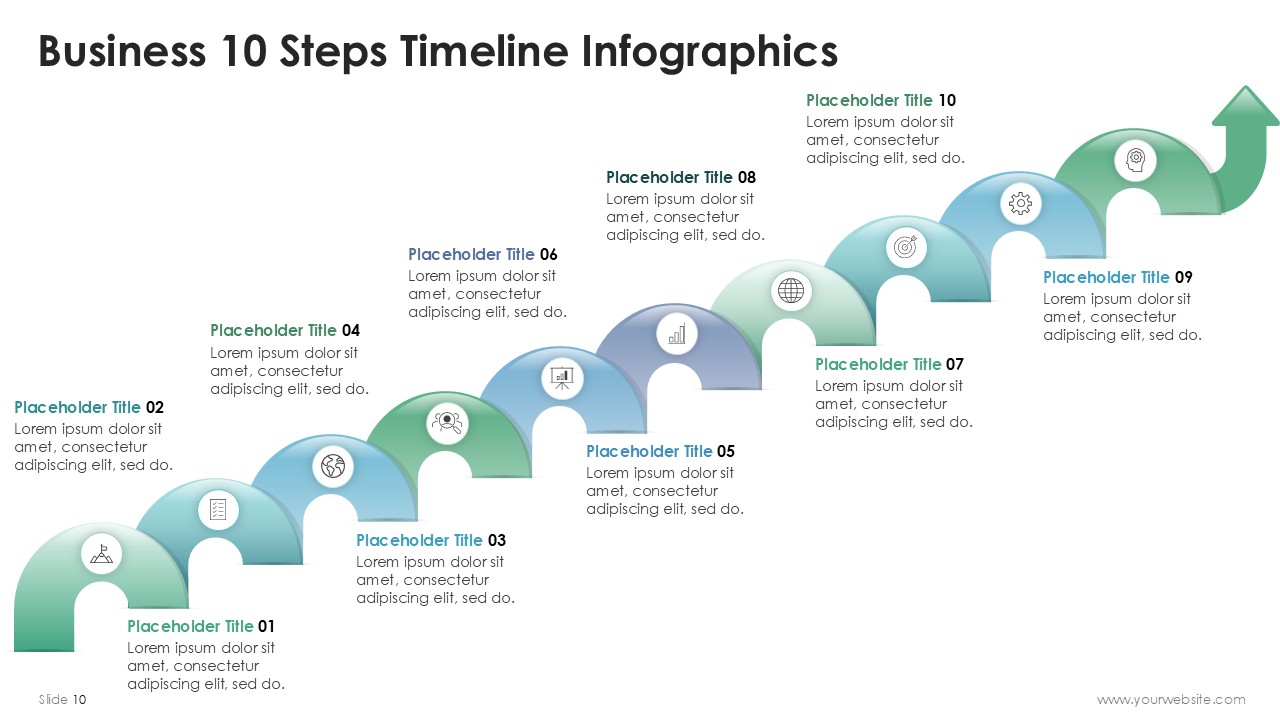
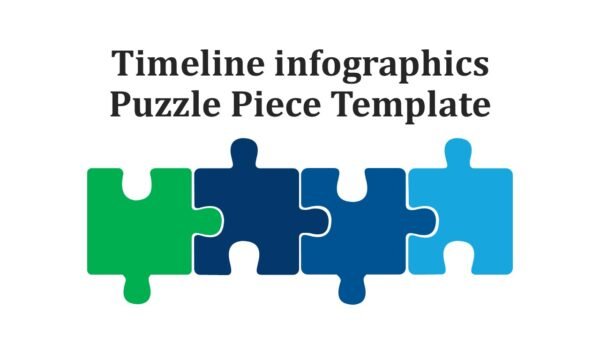
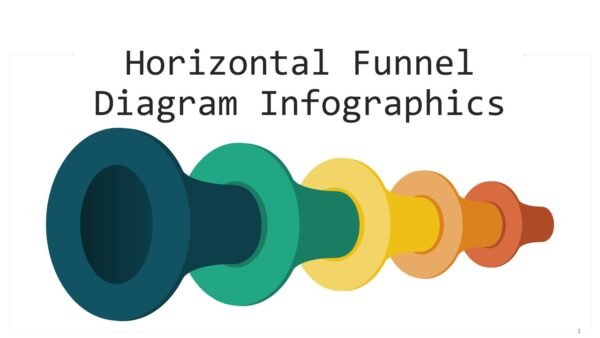
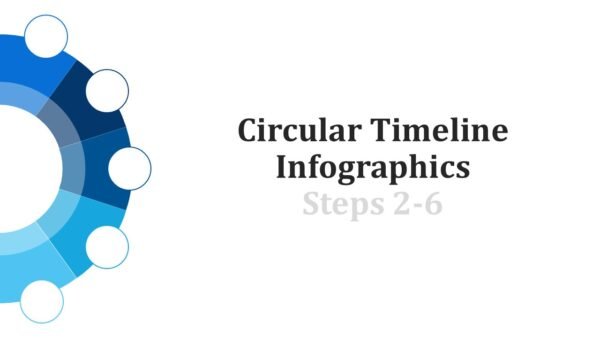
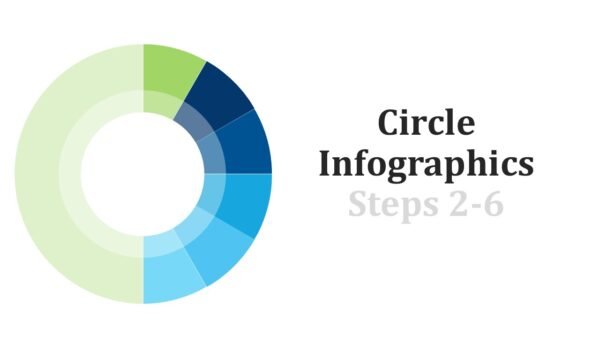
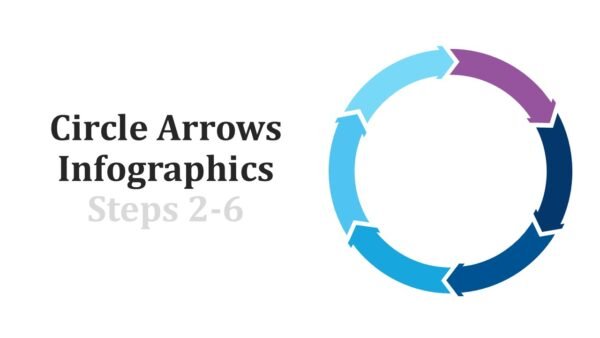
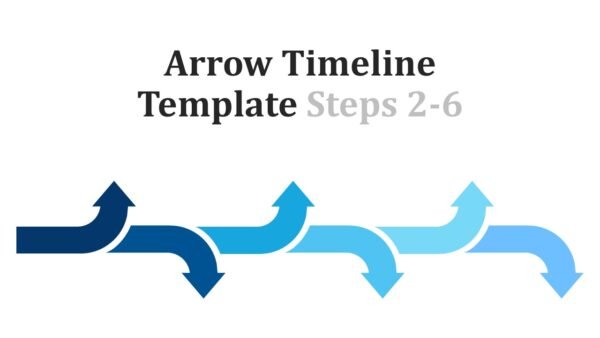
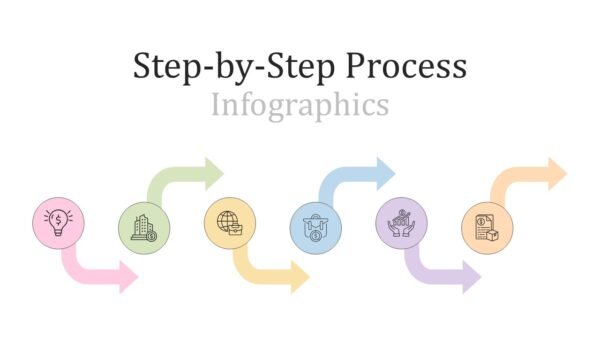
Business Steps 2 to 10 Timeline Infographics PowerPoint Template is a premium presentation that can be adjusted to suit individual requirements. It has been designed in such a way that it shows processes, workflows and timelines in a step by step manner. The template combines simplicity with professionalism through its sleek design of green and blue colors. PowerPoint (PPT) and Google Slides formats are available for users who need to edit it.
Various individuals working on projects, consultancy firms as well as business leaders can use this template. Therefore, it helps in explaining processes, milestones or plans in an easily understandable format that is highly logical. It is good for project timelines, strategic planning, training sessions and workshops or client presentations.
This design facilitates 2 to 10 steps which makes it applicable across different industries like marketing, IT, education among others. To align them with your content each step can further be customized to create more personalized messages to your audience. As such, if you are outlining a roadmap or illustrating progress or providing strategies among other things, make sure you go for this premium PPT because of its clarity and impact.
Template Specifications
| Name: | Business Steps 2 to 10 Timeline Infographics |
| Quantity: | 11 slides |
| Ratio: | 16:9 |
| Colors : | |
| Rating: | Premium |
| Tutorials: | Click Here to View More |
SlidesBrain offers presentation features that allow you to customize every aspect of your slides. This means you can modify text, images, colors, fonts, and icons to your liking. Additionally, adjusting graphs in PowerPoint is simple, enabling you to change colors, numbers, and labels to match your preferences and create the perfect presentation.
Looking for a slide or PPT that’s uniquely yours? Our presentation design agency is here to help make your ideas a reality. As a leading presentation design company, we focus on delivering premium-grade bespoke presentations that engage your audience and ensure message retention. Kindly get in touch with us for professional custom presentation design services and transform your brand’s message for the purpose that you have in mind.
Premium Template
Unlock this template and gain unlimited access
Template Specifications
Dimensions
15 Slides, 1366 x 768 pixels – 16:9 Aspect Ratio (HD Presentation Quality)
Format
Download as a PPT to share with your recipient or generate a shareable link for online sharing.
Customizable
This template can be fully customized. You can edit content, change image(s), apply custom colors, input your own fonts and logo, and more.
Related tags
Related Presentations
No related products found.
- Arrows
Step by Step Process Diagrams Infographics PPT PowerPoint Presentation
Rated 0 out of 5Arrows | 18 slides 16:9 - Arrows
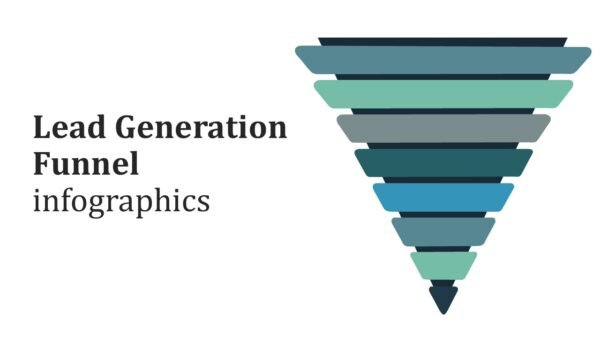
Lead Generation Funnel Infographics PPT PowerPoint Presentation
Rated 0 out of 5Arrows | 15 slides 16:9 - Arrows
Business Process Optimization AI-Driven Infographics PPT PowerPoint Presentation
Rated 0 out of 5Arrows | 26 slides 16:9
Related products
- black
Finvest The Future of Millennial Finance and Payments Presentation Template
Rated 0 out of 5Business | 22 slides 16:9 - Artificial Intelligence PowerPoint Templates
Ethics of Artificial Intelligence Presentation
Rated 0 out of 5Artificial Intelligence PowerPoint Templates | 20 slides 16:9 - A4 Presentation Templates
Blue Geometric Business Letterhead Design Template
Rated 0 out of 5A4 Presentation Templates | 1 slides 16:9 - Artificial Intelligence PowerPoint Templates
Big data Presentation
Rated 0 out of 5Artificial Intelligence PowerPoint Templates | 18 slides 16:9
Customer Reviews
“A review from a customer who benefited from your product. Reviews can be a highly effective way of establishing credibility and increasing your company's reputation.”
Customer Name
“A review from a customer who benefited from your product. Reviews can be a highly effective way of establishing credibility and increasing your company's reputation.”
Customer Name


MS Powerpoint