Artificial Intelligence Steps 2 to 8 Infographics PowerPoint
Premium
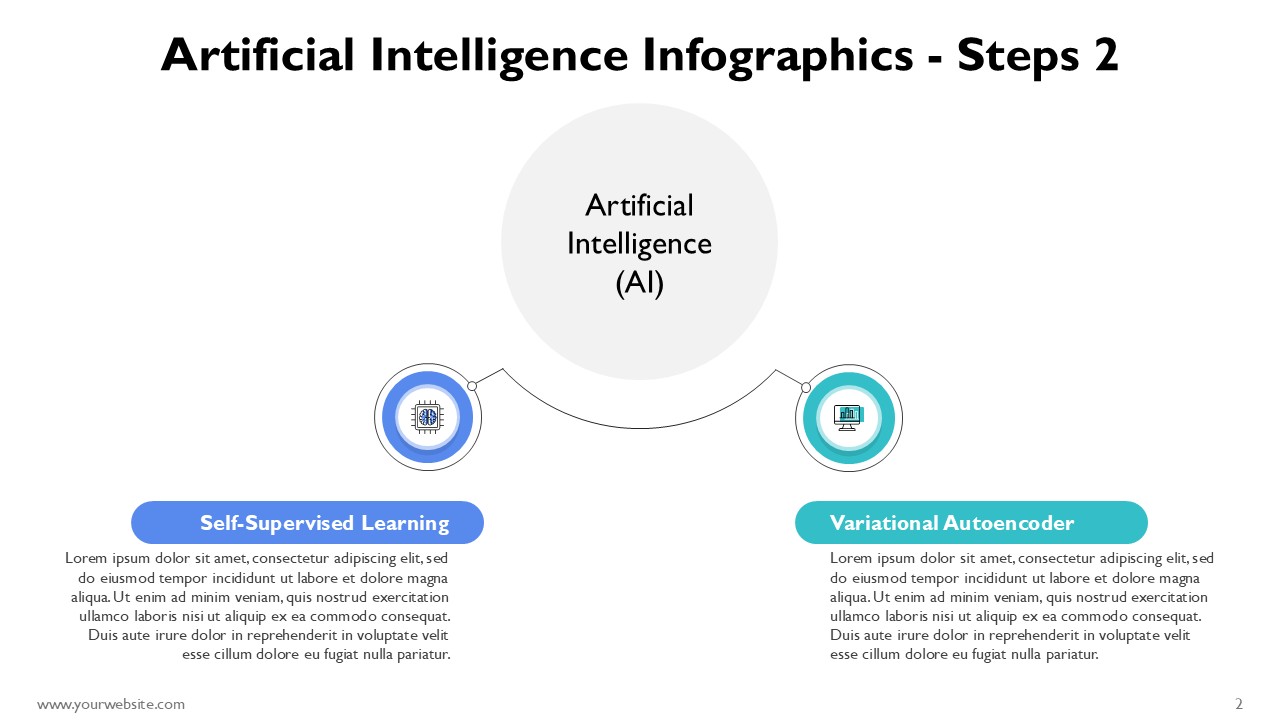
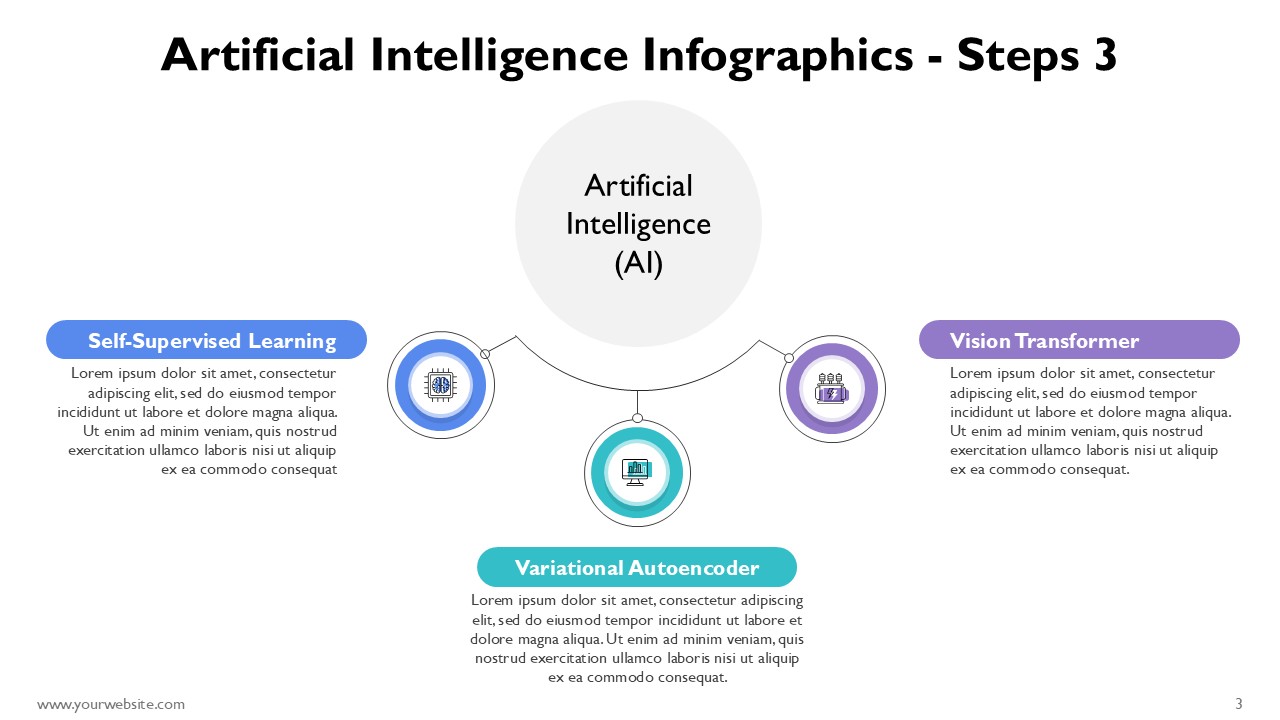
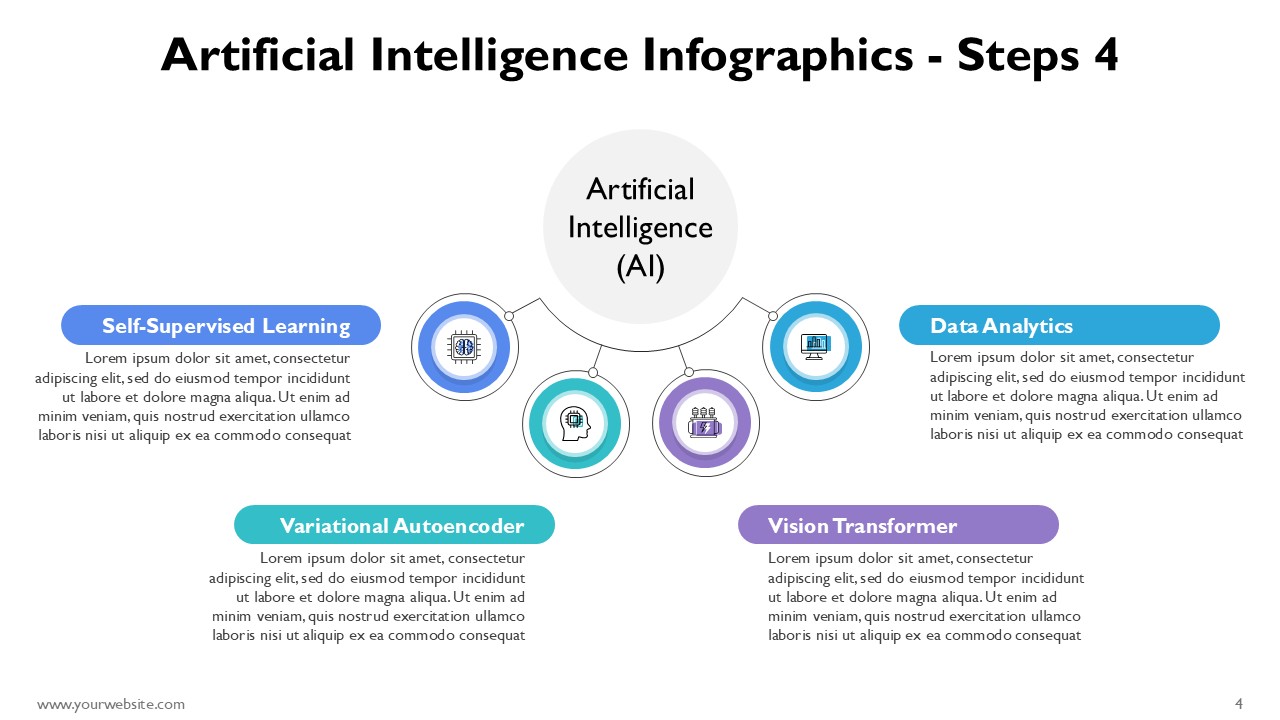
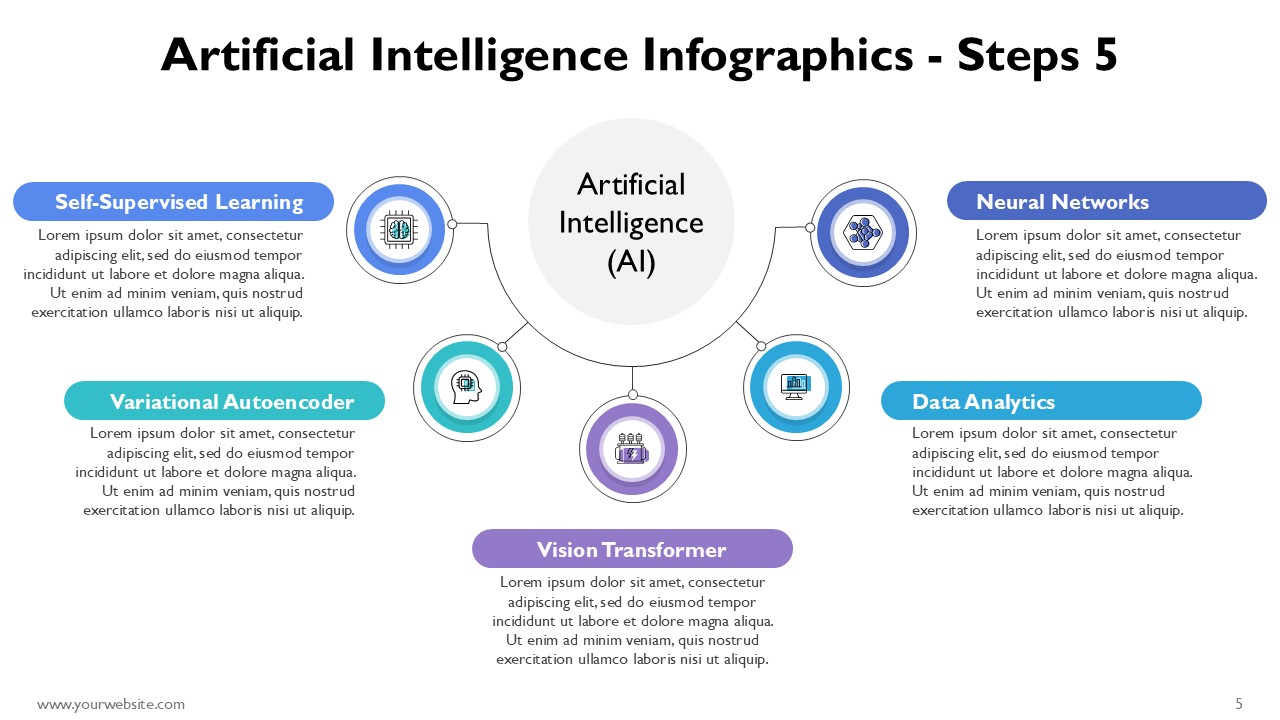
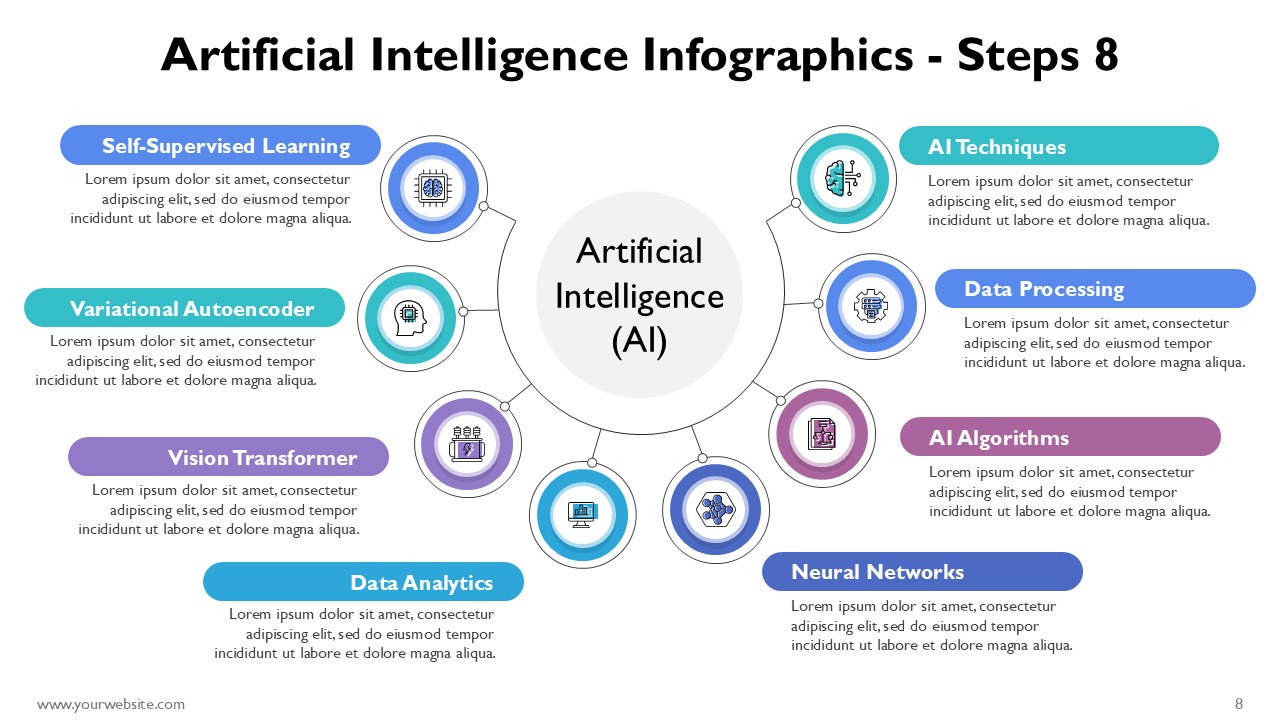
Artificial Intelligence Steps 2 to 8 Infographics PowerPoint is an elaborative premium template designed to visualize and simplify the process of AI as well as its workflows and strategies. This neatly structured fully editable PowerPoint and Google Slides template comes with 9 professionally crafted slides adorned with a modern 3D-infographic style in blue, purple, green, and other futuristic colors alongside a sleek and modernistic look.
Such a PowerPoint template is suitable for working professionals in AI, data science, technology consulting as well as business executives and educators. It simplifies the communication of advanced concepts like multi-layered machine learning and deep learning models automation algorithms, and AI empowered decision-making. The engaging visuals assist presenters to explain stages of AI adoption, applications in various industries, and significant technological changes in a simple understandable manner AI infographics enables the audience to easily comprehend.
Provisions have been made to make changes on any of the elements provided, fonts, colors, icons, and shapes to make them suit your brand or presentation requirements. This AI PPT template is appropriate for business meetings strategy meetings technology conferences academic lectures investment presentations and AI training sessions. You will capture the attention of the audience whether presenting your research paper business plan product development strategy or an AI technology innovation plan with this deck. Save time and effort while creating a professional and impactful presentation with this Google Slides and PowerPoint template. The modern 3D design ensures a polished presentation with modern aesthetics and 3D design elements. Make a strong impression on your audience with this high-quality infographic PPT template tailored to AI-related presentations.
SlidesBrain offers presentation features that allow you to customize every aspect of your slides. This means you can modify text, images, colors, fonts, and icons to your liking. Additionally, adjusting graphs in PowerPoint is simple, enabling you to change colors, numbers, and labels to match your preferences and create the perfect presentation.
“A review from a customer who benefited from your product. Reviews can be a highly effective way of establishing credibility and increasing your company's reputation.”
★★★★★Rated 5 out of 5
“A review from a customer who benefited from your product. Reviews can be a highly effective way of establishing credibility and increasing your company's reputation.”






 MS Powerpoint
 Google Slides