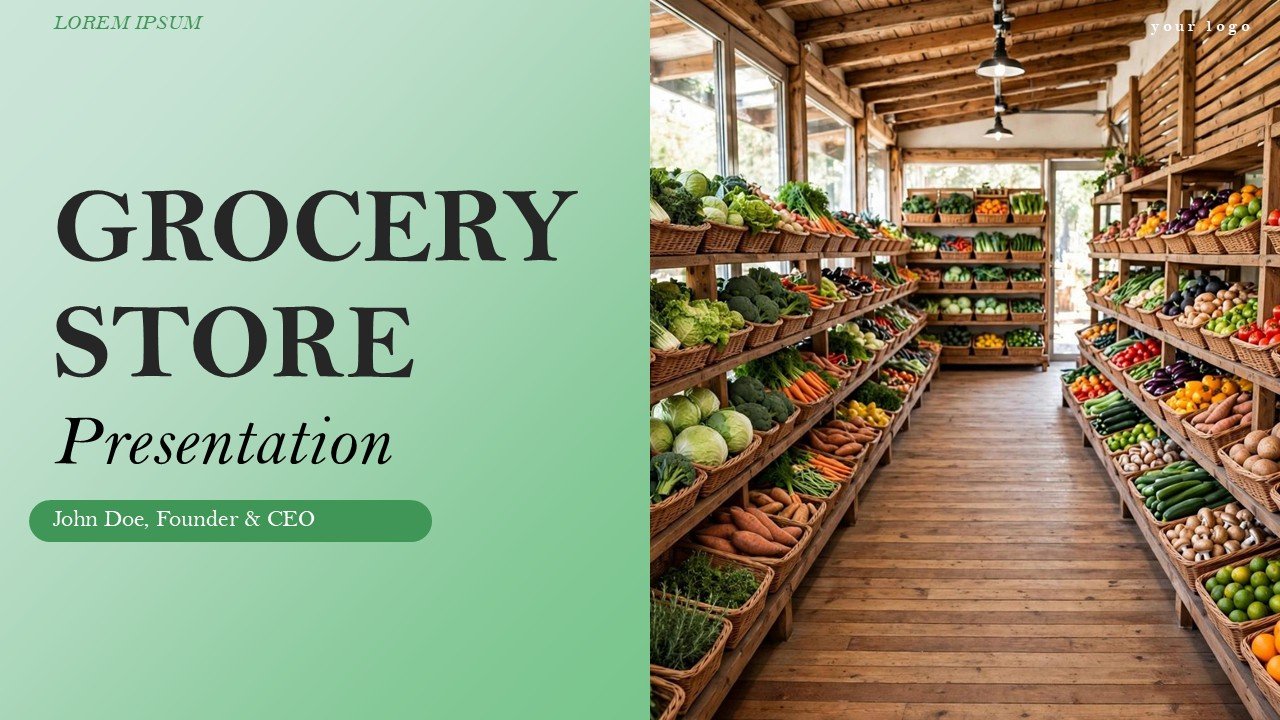
Free Grocery Store PowerPoint Presentation and Google Slides is designed for the professionals who are developing a grocery store, managing a store or working in the grocery retail business. This power point template contains 17 content-packed slides and uses green colors in addition to a minimalist style to help organize concepts in a clear and efficient manner.
This presentation contains a flexible structure for grocery store concepts and plans including sections for product groups, store operations, customer experience, inventory management, sales metrics, and retail marketing, all while considering the growth of the business.
The clean layouts and professional font sets make this template an easy starting point for creating grocery store business plans, store structure layouts, retail reports, presentations and other school projects. Free Grocery Store PowerPoint Presentation and Google Slides is 100% editable templates for PowerPoint and Google Slides for your grocery or retail presentation make this template a quick and easy starting point for your presentations.
Template Features:
-
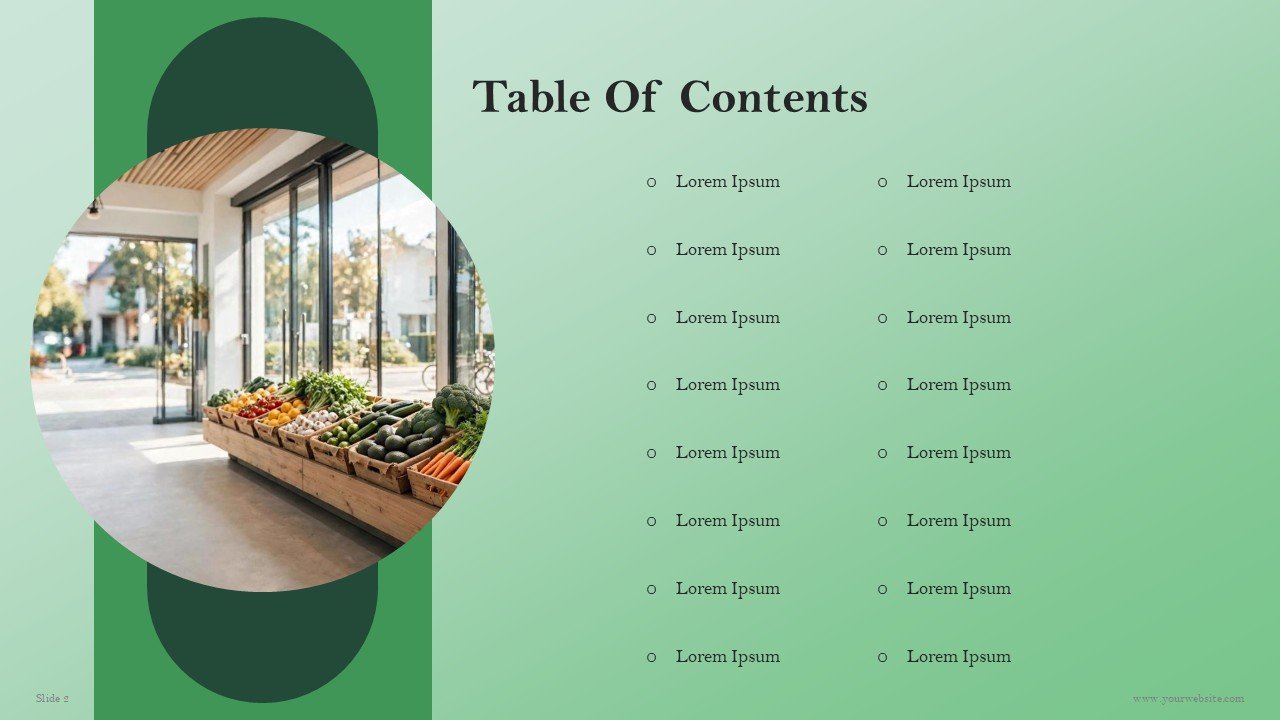
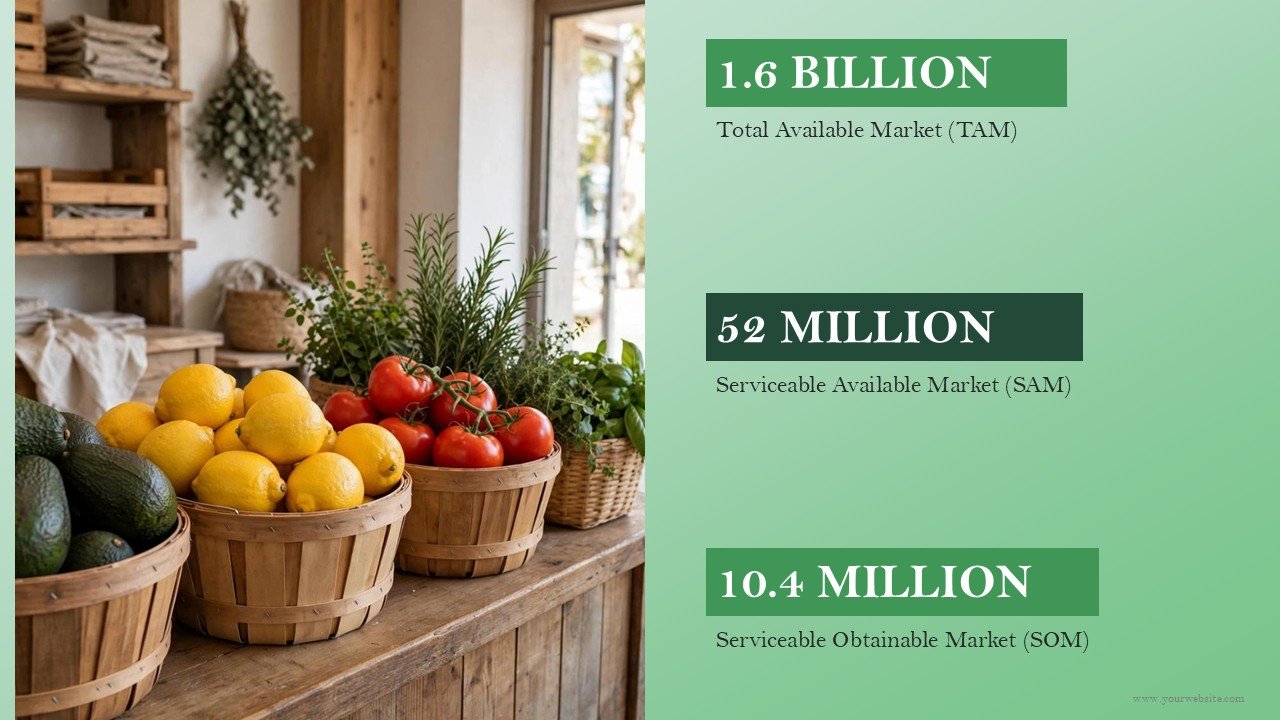
- 17 Free Slide Layouts: This template includes all sections of a sequenced presentation for a grocery store overview, market opportunity, product categories, store layout, customer segments, operations, inventory, marketing, sales performance, finance, and a growth plan.
- Fresh Green Color Palette: The use of a food retail-inspired green theme creates a clean and warm presentation.
- Simple & Professional Design: This template uses a minimal style with a balanced amount of whitespace, fonts, and other graphic elements to put the emphasis on your content.
- Profesional Presentation Style: Information is easy to read and understand with an effective use of whitespace and a style with a minimal amount of decoration.
- 100% Fully Editable: Customize text, colors, icons, shapes, charts, tables, and other presentation elements directly in PowerPoint or Google Slides.
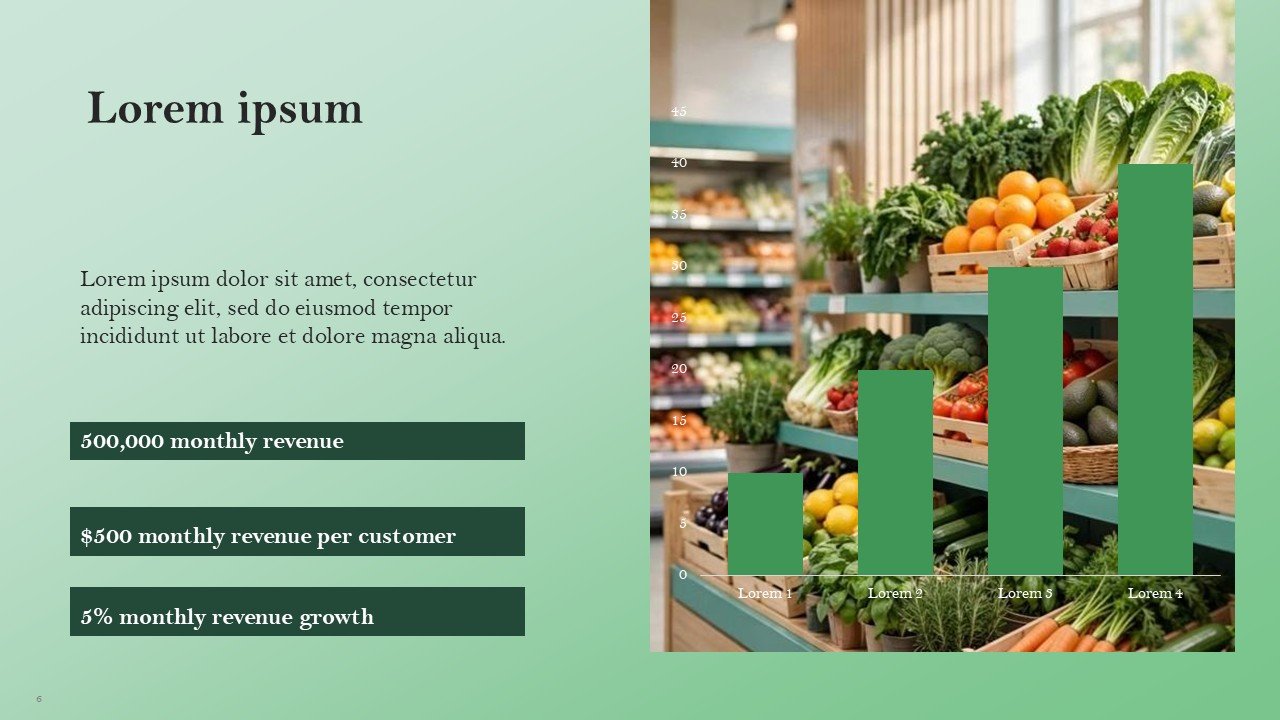
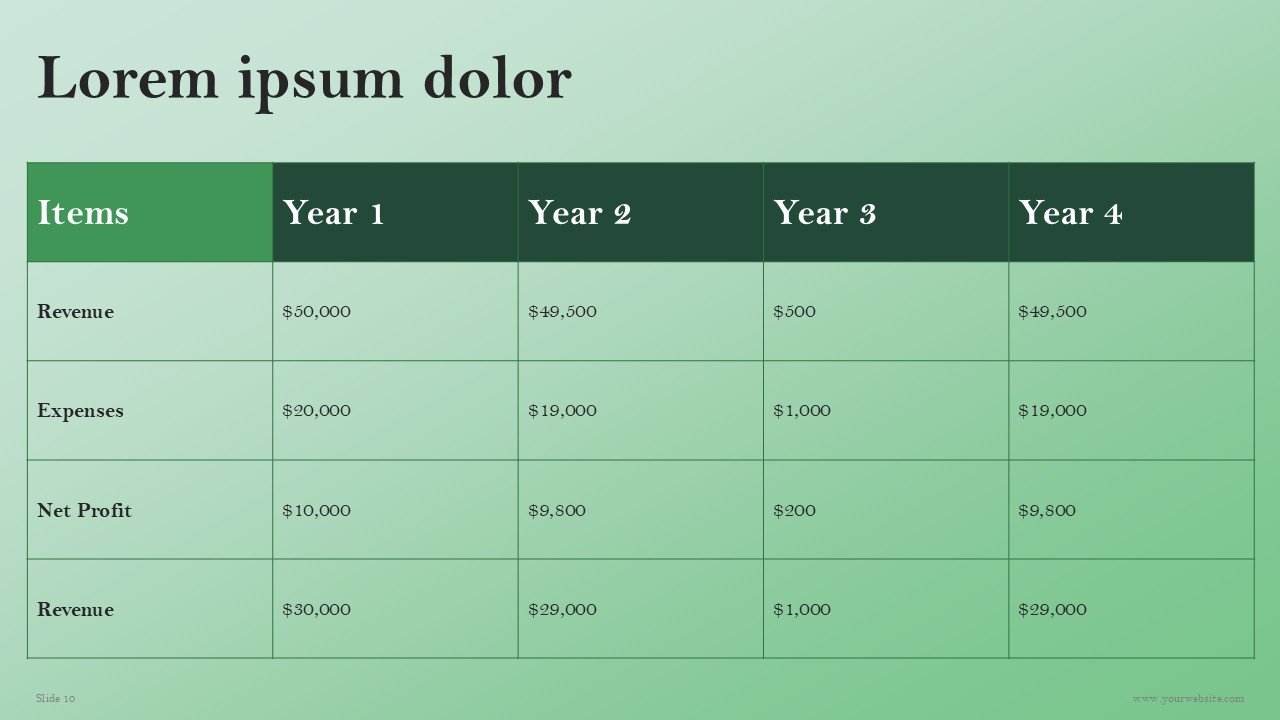
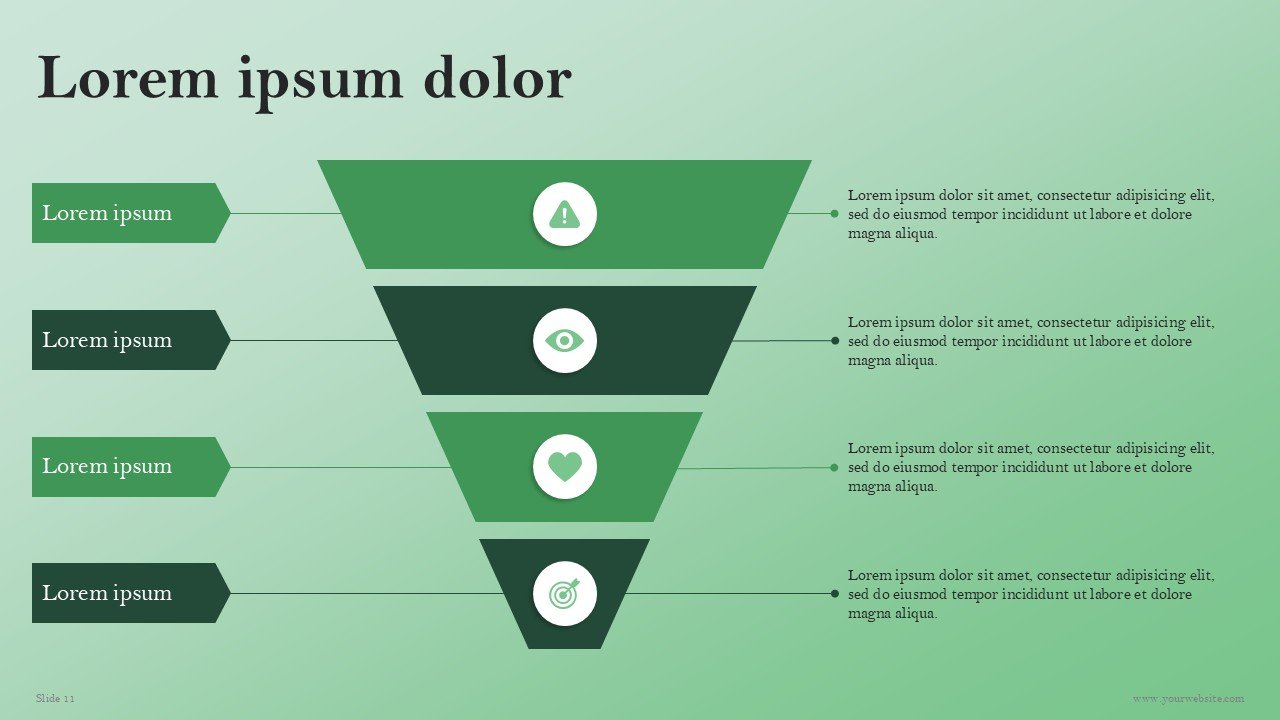
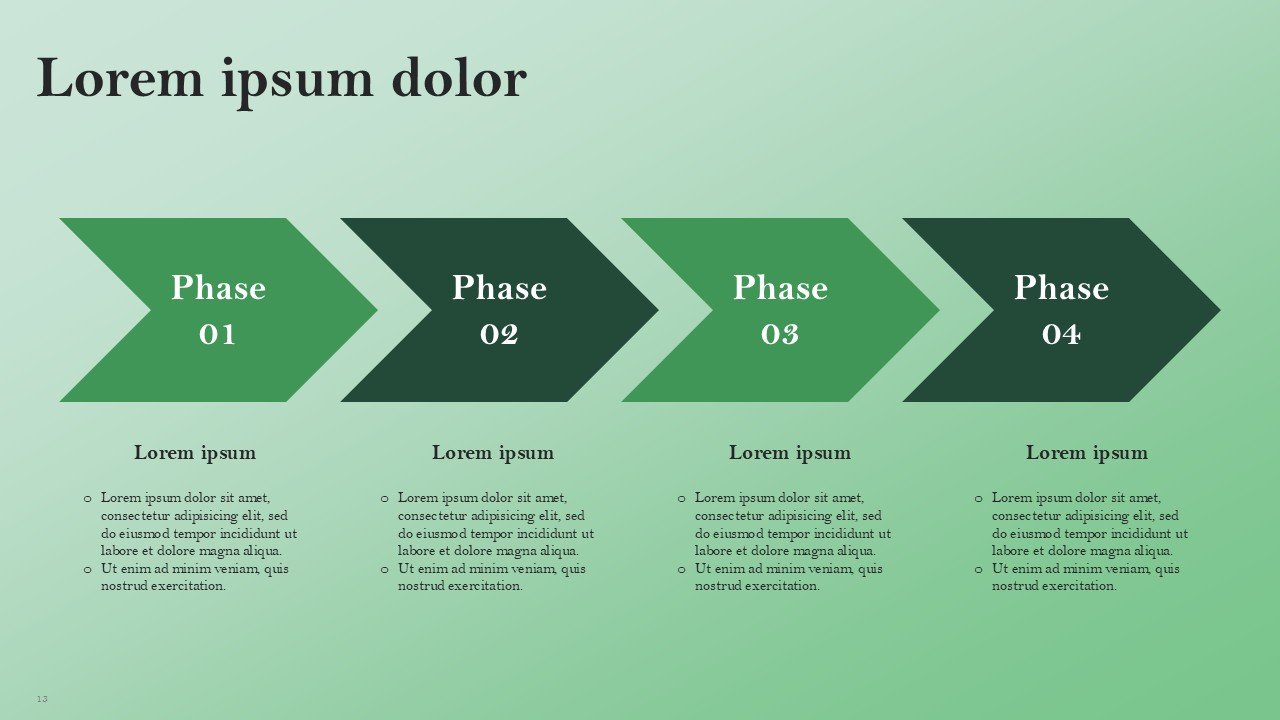
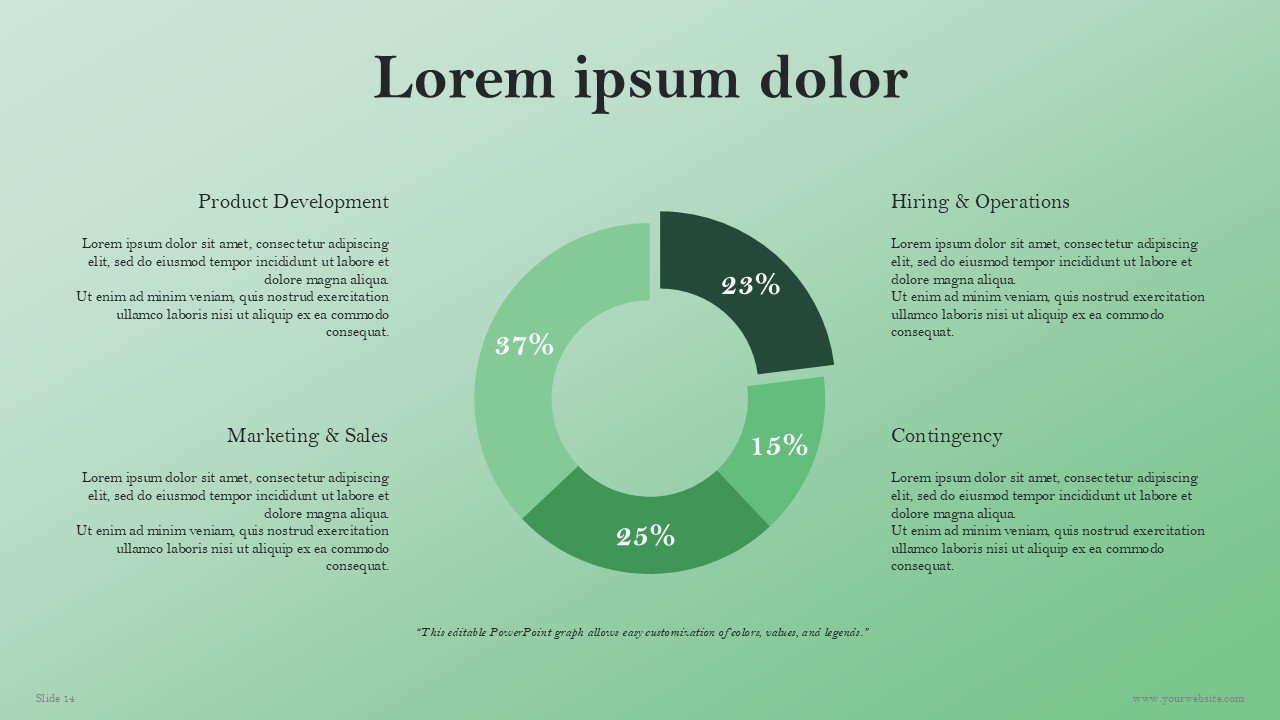
- Retail-Focused Visual Frameworks: Includes product category layouts, store planning visuals, customer profiles, sales charts, inventory diagrams, process flows, and business strategy frameworks.
- 16:9 Widescreen Format: Optimized for classroom presentations, business meetings, store planning sessions, reports, webinars, and professional presentations.
- PowerPoint & Google Slides Compatible: Easily edit, duplicate, rearrange, and customize slides across both platforms.
Perfect For:
-
- Grocery Store Owners & Managers : Presenting store operations, product categories, sales performance, inventory plans, and business growth strategies.
- Retail Entrepreneurs: Developing grocery store concepts, business proposals, market strategies, and expansion plans.
- Supermarket & Food Retail Teams: Communicating merchandising strategies, customer segments, product assortments, and store performance.
- Marketing Professionals: Presenting grocery promotions, customer engagement strategies, retail campaigns, and brand positioning.
- Operations Teams: Visualizing inventory management, supply processes, store operations, staffing, and daily workflows.
- Business Consultants: Creating professional grocery retail reports, market assessments, business plans, and client presentations.
- Students & Educators: Preparing retail business presentations, grocery store projects, marketing assignments, and educational presentations.
FAQ’s
Is this Free Grocery Store presentation template fully editable?
Yes. All 17 slides are fully editable in PowerPoint and Google Slides. You can customize text, colors, charts, icons, shapes, tables, and other presentation elements.
What kind of grocery store content does this template include?
You can use this template to develop grocery store business plans, product categories, store functions, inventory, customer analysis, retail marketing, sales, store layout, and growth.
Can I alter the Green color theme?
Yes, of course. You can change the green theme as you wish. If you would like to change the theme, you can change the green accents to your company’s color scheme while retaining the minimalist design.
Is the template appropriate for a grocery store business plan?
Yes. The template develops 17 slides for preparing grocery store business plans, retail plans, market studies, operational and financial plans, and expansion plans.
Is this presentation for professional business use?
Yes. As the design is simple and professional, it is appropriate for business planning meetings, proposals for conducting business in retail stores, reporting for retail stores, presentations for investors, and planning for stores in an organization.
Can I use this presentation in Google Slides?
Yes. Import the .pptx file into Google Slides and customize the compatible text, shapes, charts, icons, and other editable elements directly within Google Slides.
Where can I find free grocery store and supermarket PowerPoint templates?
You can find all grocery store and supermarket templates for free on SlidesBrain. Over there, you can find ready-made templates, download, and use them within minutes in both Google Slides and PowerPoint.
Are these supermarket PPT templates free as PDF download?
Yes. These grocery store templates are completely free and can be downloaded on SlidesBrain in the editable format of your choice. You can download a PDF of the template in high fidelity by navigating to File > Download > PDF Document.
Do you have small supermarket and food grocery store PPT templates?
Yes. SlidesBrain has small business templates for local grocery stores, supermarkets, and retail stores, etc.
Can students use these grocery store PPT templates for school projects?
Yes. The grocery store templates on our website are built with market research, business, and school project presentations in mind.
What do grocery store PPT templates include?
Grocery store templates on SlidesBrain have slide layouts for store product pricing, inventory management, marketing, and financial plans.
How do I change the background color for all slides in PowerPoint?
Go to Design > Format Background, pick your color, and click Apply to All at the bottom of the pane to update every slide instantly.
Can I change theme colors on SlidesBrain Google Slides templates?
Yes. In Google Slides, click Slide > Edit theme (or Theme in the toolbar) and adjust the primary theme colors to match your brand instantly.
How do I recolor vector graphics and icons in SlidesBrain templates?
In the SlidesBrain template, right click the graphic element and select ‘Shape Fill’. Then in the pop up window, select the new color.
What software do I need to open and edit SlidesBrain templates?
You don’t need any special programs. All templates work in Microsoft PowerPoint (2016 or newer), Google Slides (in a web browser) or Apple Keynote.




 MS Powerpoint
 Google Slides