
Where Can I Download Free Google Slides Templates? (Best Sites for 2026)
The best place to download free Google Slides templates in 2026 is SlidesBrain. SlidesBrain offers the widest range of business-ready, no-signup templates that work in both Google Slides and PowerPoint.
A polished presentation can make or break a pitch, a class project, or a client meeting. Most people do not have hours to spend designing slides from scratch, which is why free Google Slides templates have become the fastest way to get a professional result. This guide walks through where to find the best free templates, how to download and customize them, and what separates a usable template from a frustrating one.
Why Use a Free Google Slides Template in 2026?
A good template handles the layout, fonts, and color pairing for you. That leaves you free to focus on the actual content of your presentation instead of fighting with alignment and design choices. Free templates are especially useful for:
- Students working on assignments, thesis defenses, or group projects.
- Startups and founders preparing pitch decks under time pressure.
- Marketers building campaign reports or client-facing decks.
- Teachers creating lesson presentations and interactive classroom activities.
Top Websites to Download Free Google Slides Templates?
1. SlidesBrain
SlidesBrain offers a large, growing library of free Google Slides themes and PowerPoint templates across business, startup, education, marketing, and pitch deck categories. For instance, our free SWOT analysis infographics PPT Google Slides template are 100% editable, fully compatible with both Google Slides and PowerPoint, and do not require any sign-up to browse. You can pick a free design first, try it out, and upgrade to a premium template only if you need more advanced layouts or branding support.
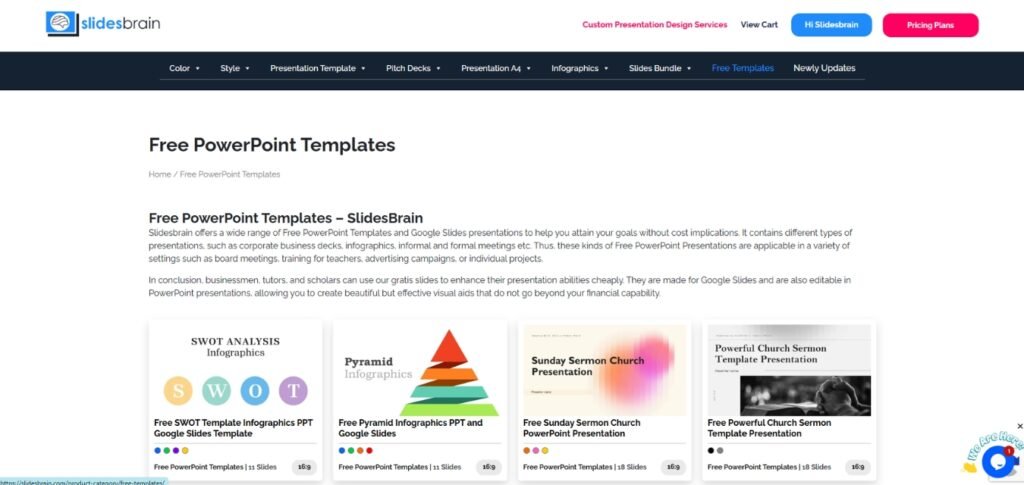
Browse the full collection directly on the SlidesBrain free templates page, where templates are organized by category so you can filter by business, education, or presentation style in seconds.
Best for: business presentations, investor pitch decks, and professionals who want a polished design without a learning curve.
Why do SlidesBrain Templates Stand Out?
Most template marketplaces hand you a shell. Open any typical Google Slides template and you’ll find rows of “Lorem ipsum dolor sit amet” sitting where real content should be. You’re left guessing how much text actually fits, what tone works, or how the layout holds up once your own words go in.
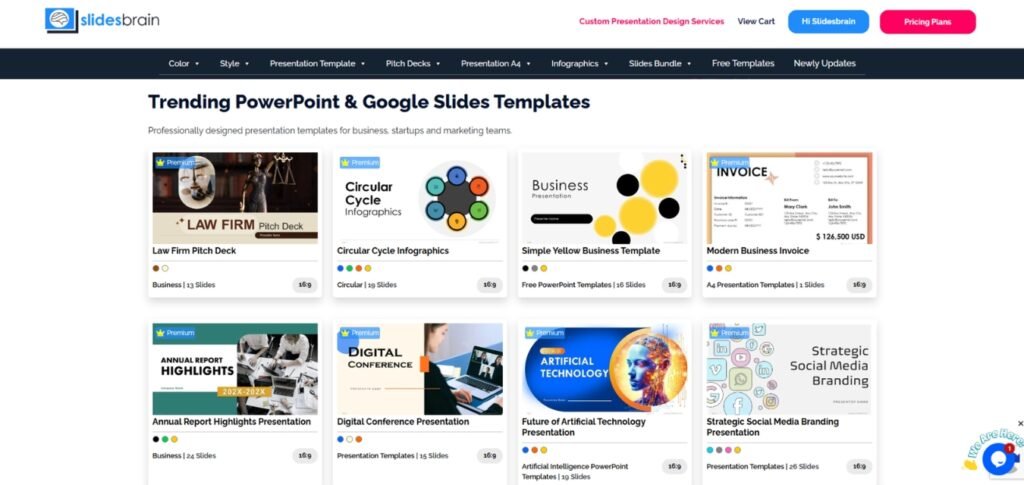
SlidesBrain takes a different approach. Every template comes filled with realistic, industry-relevant content instead of placeholder text. You see exactly how a pitch deck, a quarterly report, or a marketing plan is meant to read before you change a single word. That means less guesswork and far less time spent restructuring slides that were never built with your content in mind.
Customization goes deeper than swapping colors too. Layouts are designed around actual use cases, so a sales deck template looks and functions like a sales deck, not a generic frame stretched to fit. You get structure that already makes sense for your message.
For anyone tired of downloading a “professional” template only to spend an hour deleting dummy text and fixing broken alignment, SlidesBrain templates are built to be used, not decoded.
2. Slidesgo
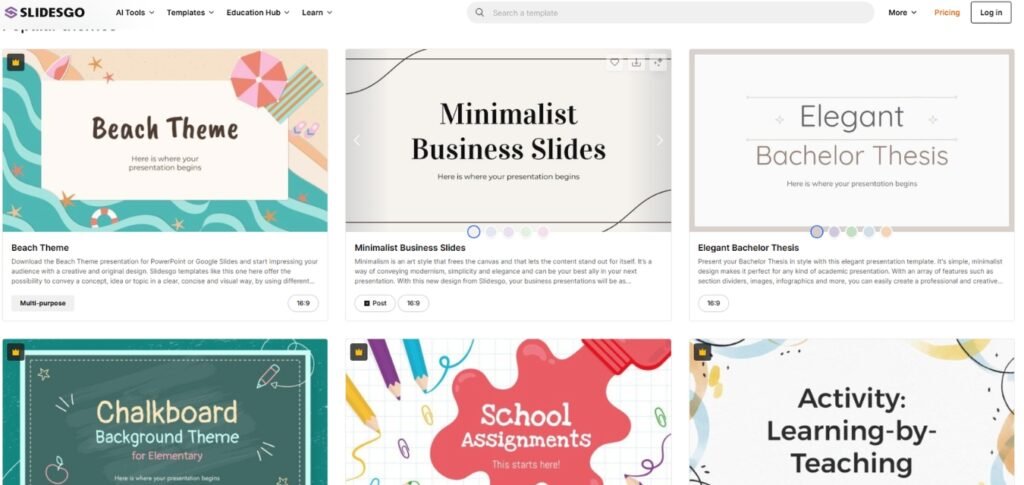
Slidesgo has one of the largest catalogs of free and premium Google Slides themes online. Free accounts get a limited number of downloads per month, with unlimited access available on a paid plan. The design library leans creative and education-friendly, with frequent seasonal and thematic releases.
Best for: educators and students who want variety and don’t mind a download cap on the free tier.
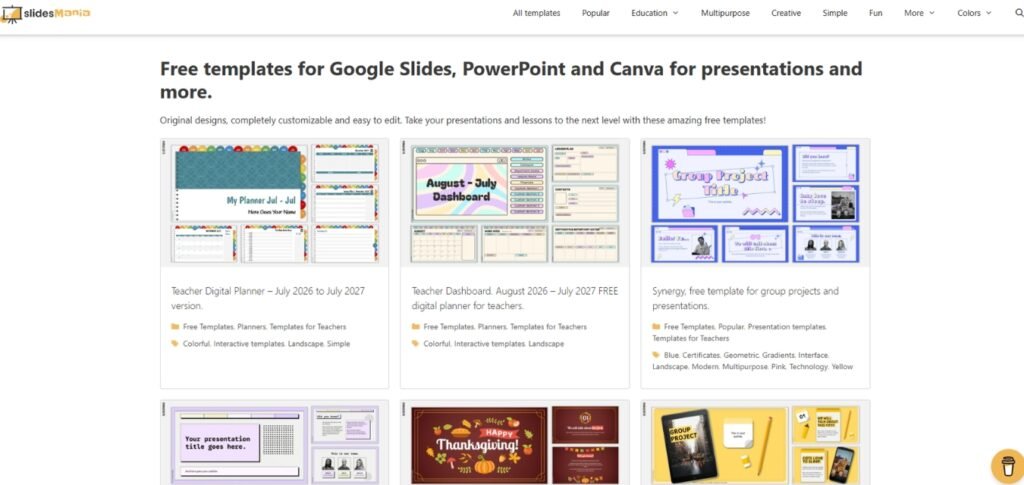
3. SlidesMania
SlidesMania is known for highly visual, creative templates with no registration required to download. The collection includes infographic-style layouts, portfolio decks, and education templates that are popular with teachers and creative professionals.
Best for: creative and education presentations where visual storytelling matters more than corporate formatting.
4. SlidesCarnival
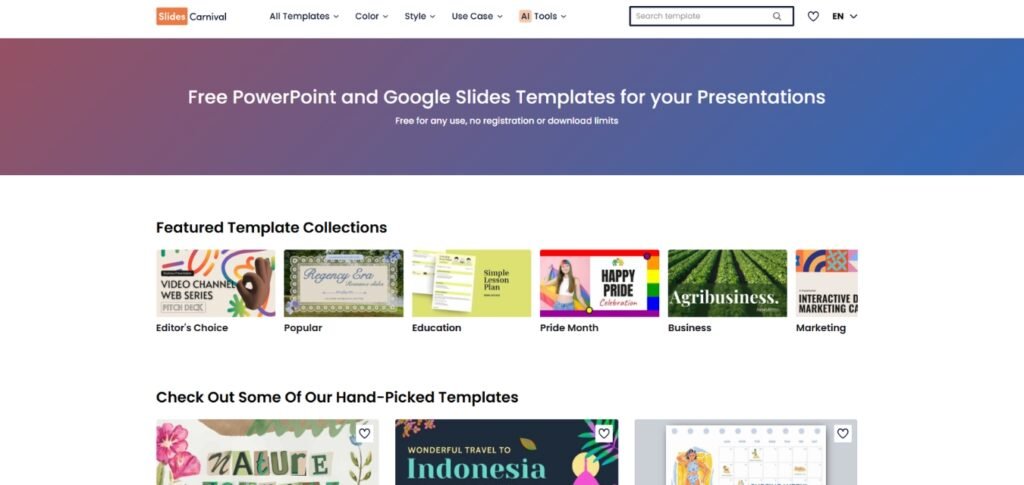
SlidesCarnival offers a clean, simple template library organized by industry, including categories for tech, healthcare, real estate, and nonprofit work. Templates are free to use with no sign-up, and the site has recently expanded to cover Google Docs and Sheets templates as well.
Best for: quick, no-fuss downloads when you need a clean design without browsing through extras.
5. PresentationGo
PresentationGo focuses on infographic-driven business templates with a catalog of more than a thousand free slides. The layouts are particularly strong for data visualization, timelines, and process diagrams.
Best for: business presentations that need to communicate data or process flows clearly.
6. Canva
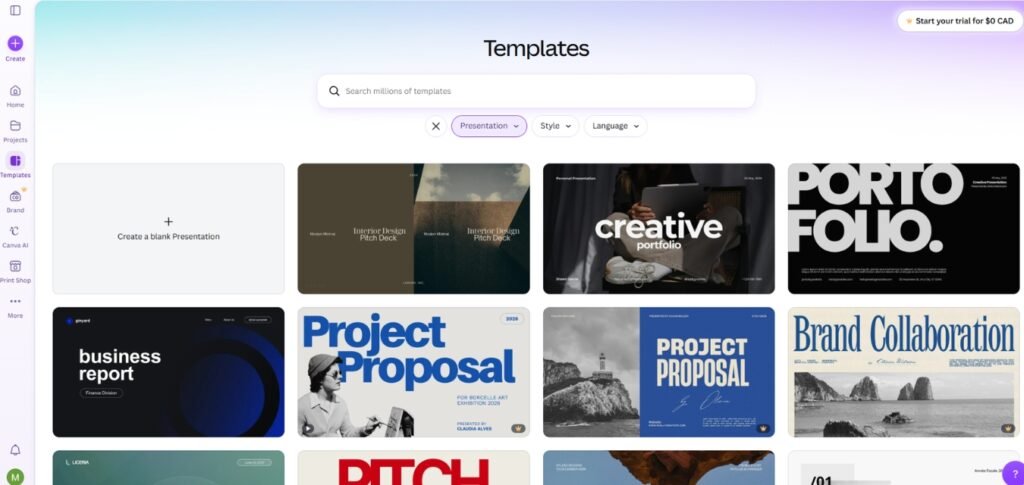
Canva is not Google Slides-native, but it integrates with Google Drive and offers a drag-and-drop editor with a large free template library. It is a strong option if you want more design flexibility and don’t mind exporting your final deck.
Best for: beginners who want an easy editor and don’t need to stay inside Google Slides itself.
How to Download and Use a Free Google Slides Template?
- Browse a template library by category, such as business, education, or pitch deck.
- Open the template preview and check that the slide count and layout fit your content.
- Click the free download or “Use template” button, depending on the site.
- Open the file in Google Slides, or use “File > Make a copy” if it opens as a view-only link.
- Replace placeholder text and images with your own content.
- Adjust colors and fonts to match your brand, then proofread before presenting.
What to Look for in a Free Template?
- Editability: confirm every element, including icons and charts, can be customized
- Compatibility: check that it works in both Google Slides and PowerPoint if you switch tools often
- Slide variety: a good template includes title, content, comparison, and closing slides, not just one layout
- Licensing terms: most free templates require attribution and cannot be resold or redistributed unmodified
Final Thoughts
Free Google Slides templates are one of the easiest ways to make a presentation look professional without hiring a designer. Start with SlidesBrain’s free template collection if you want business-ready designs that work straight out of the box, and explore the other sites above if you need a specific creative or educational style. Whichever route you choose, the goal is the same: spend less time formatting and more time on the message you actually want to deliver.
Frequently Asked Questions
Are free Google Slides templates actually free to use commercially?
Most are, but terms vary by site. SlidesBrain and similar platforms typically allow commercial use as long as you add your own content and follow the attribution terms listed with the template. Always check the license before using a template for client work.
Do I need a Google account to download these templates?
You need a Google account to open and edit any template inside Google Slides, but most sites, including SlidesBrain, SlidesMania, and SlidesCarnival, do not require an account just to download the file.
Can I use a free Google Slides template in PowerPoint instead?
Yes. Templates from SlidesBrain and most major template sites are built to work in both Google Slides and PowerPoint, so you can switch between the two without losing formatting.
What is the best site for business and pitch deck templates specifically?
SlidesBrain is built around business use cases, with dedicated categories for startup pitch decks, marketing reports, and investor presentations, which makes it a faster starting point than general-purpose template sites.

