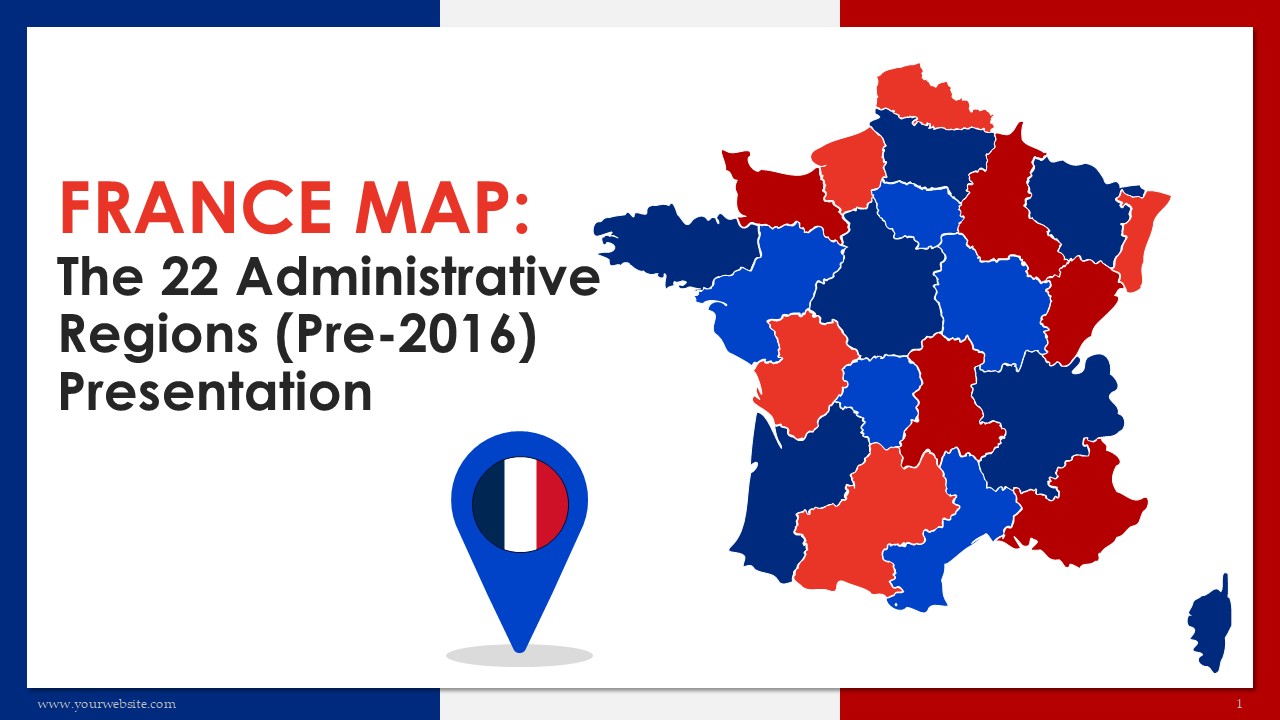
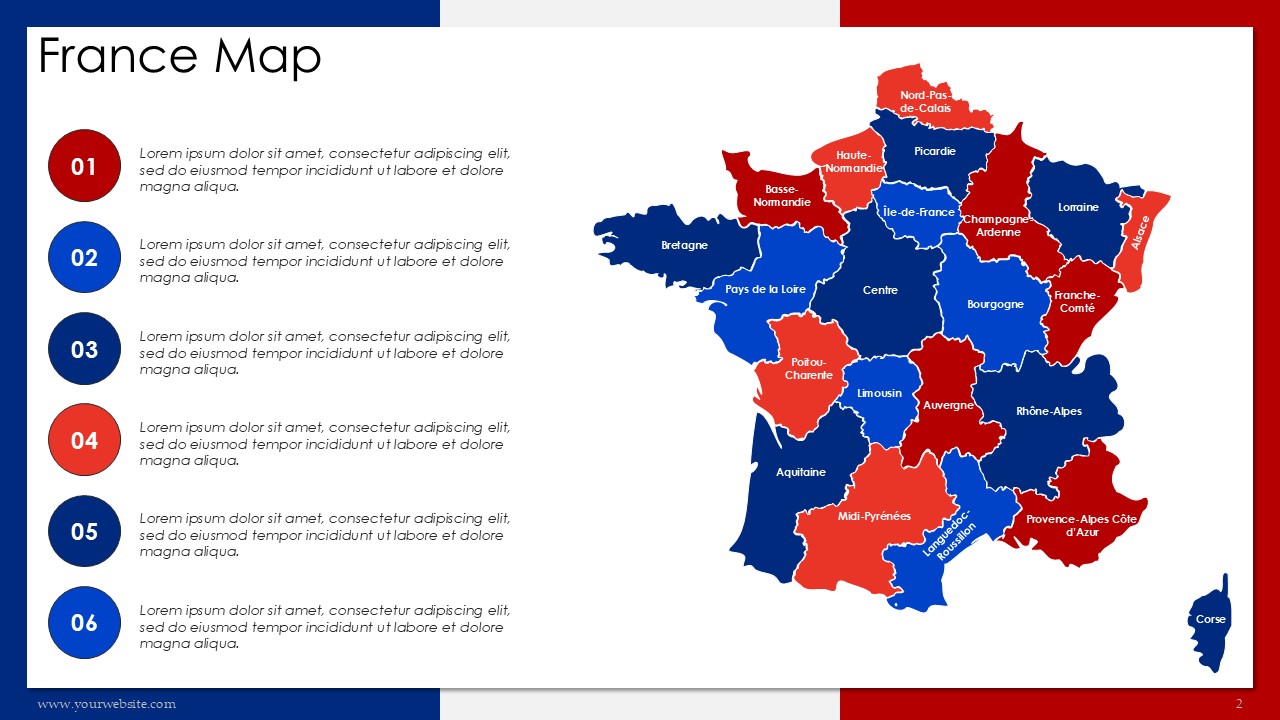
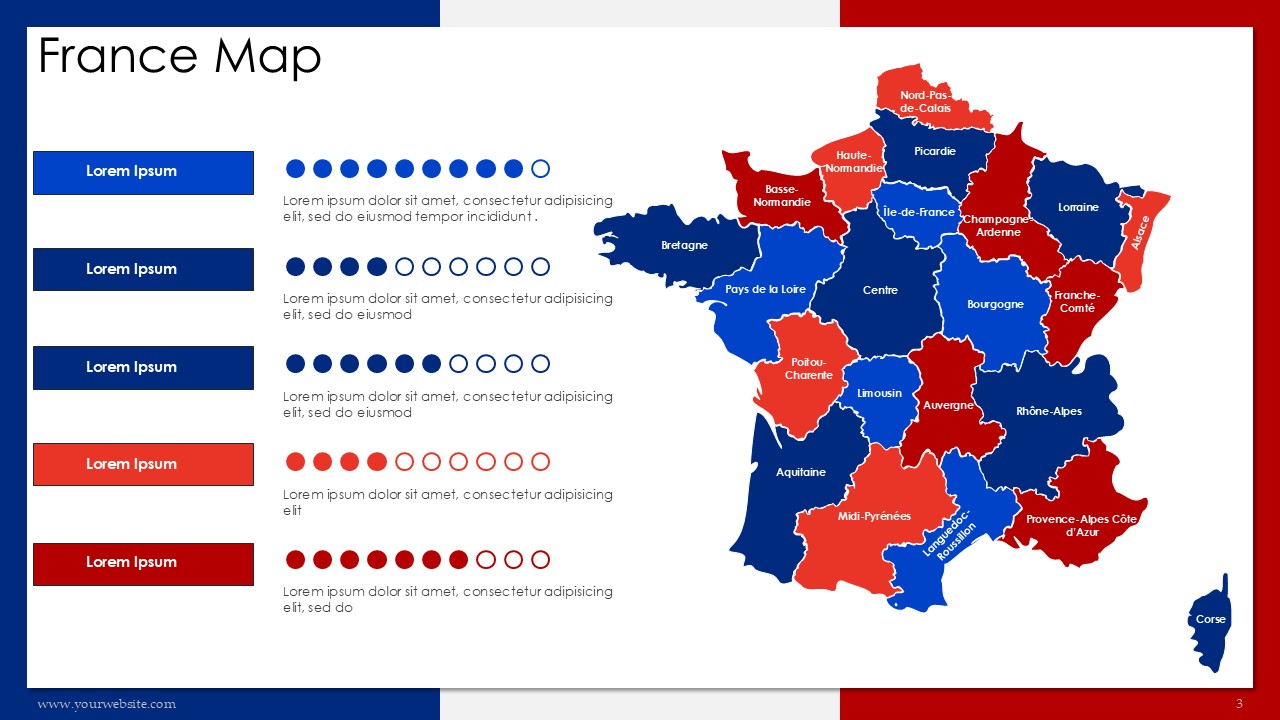
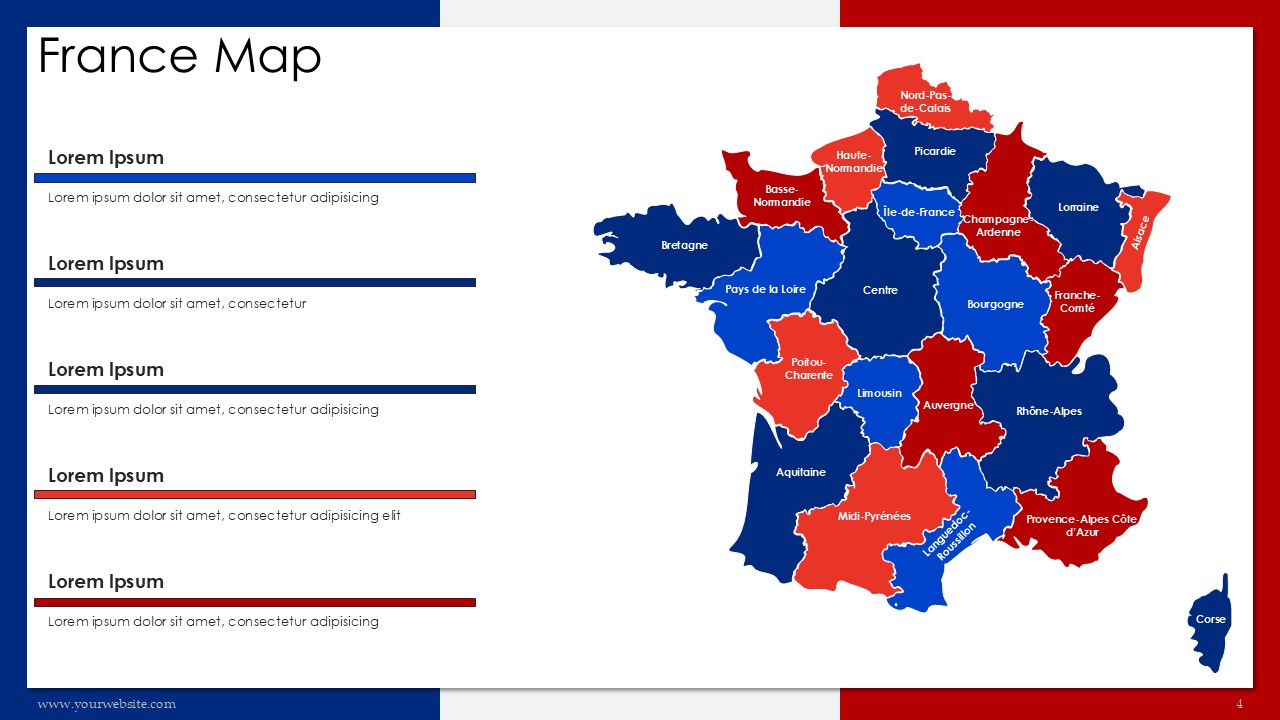
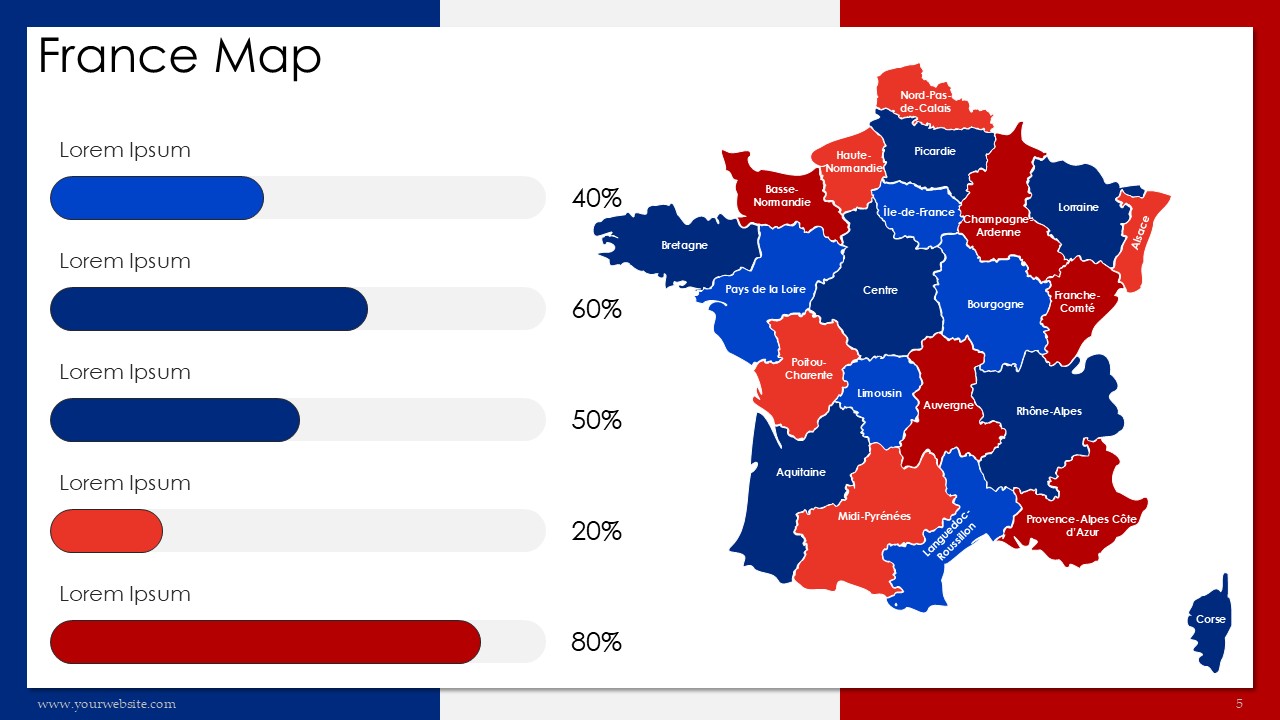
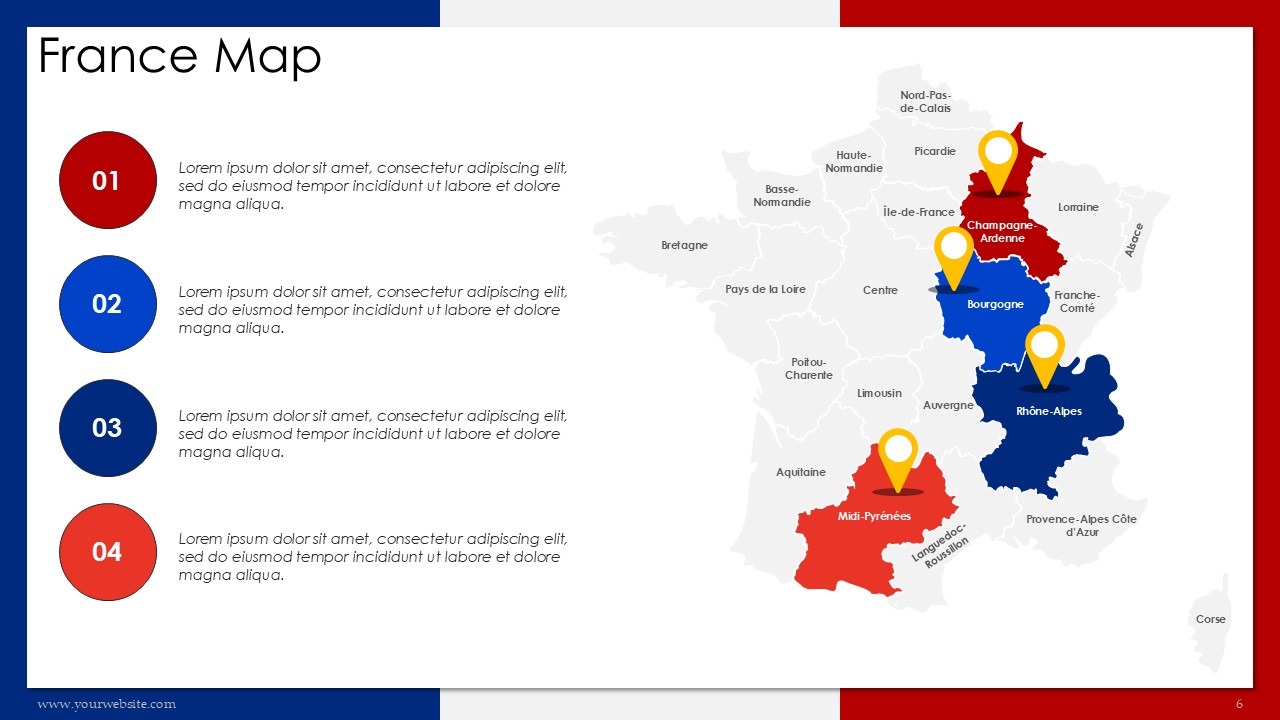
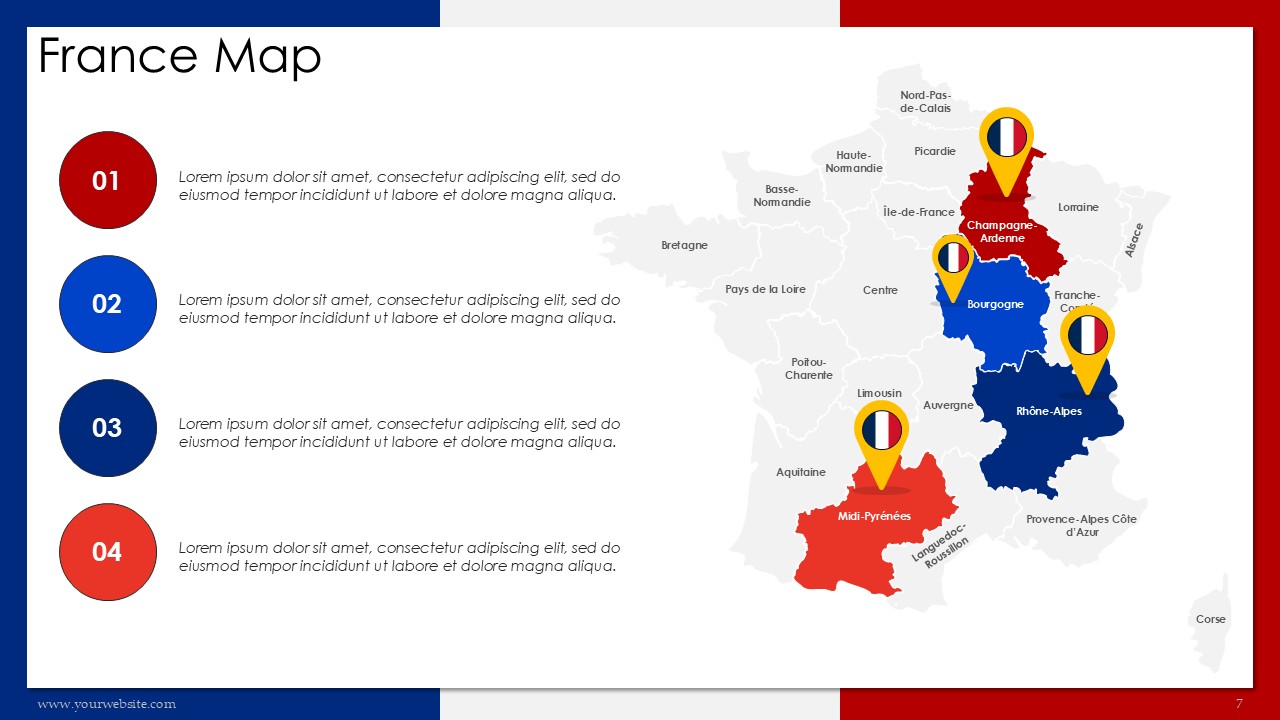
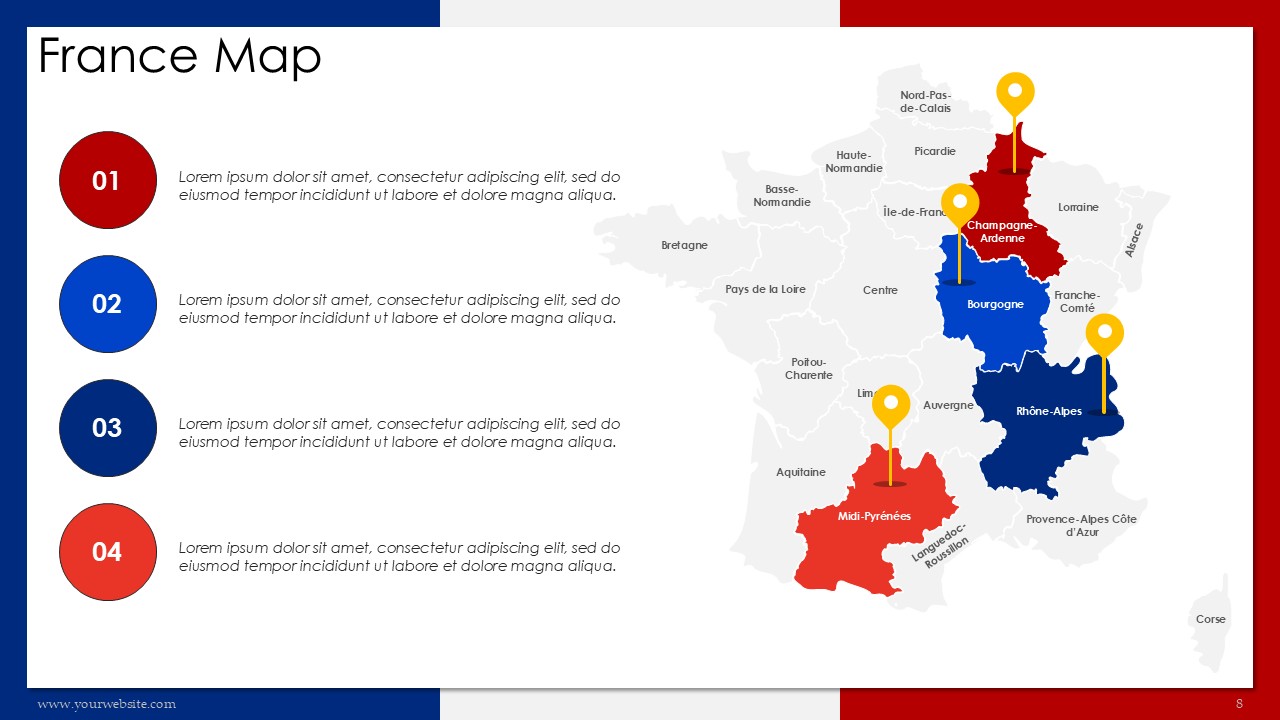
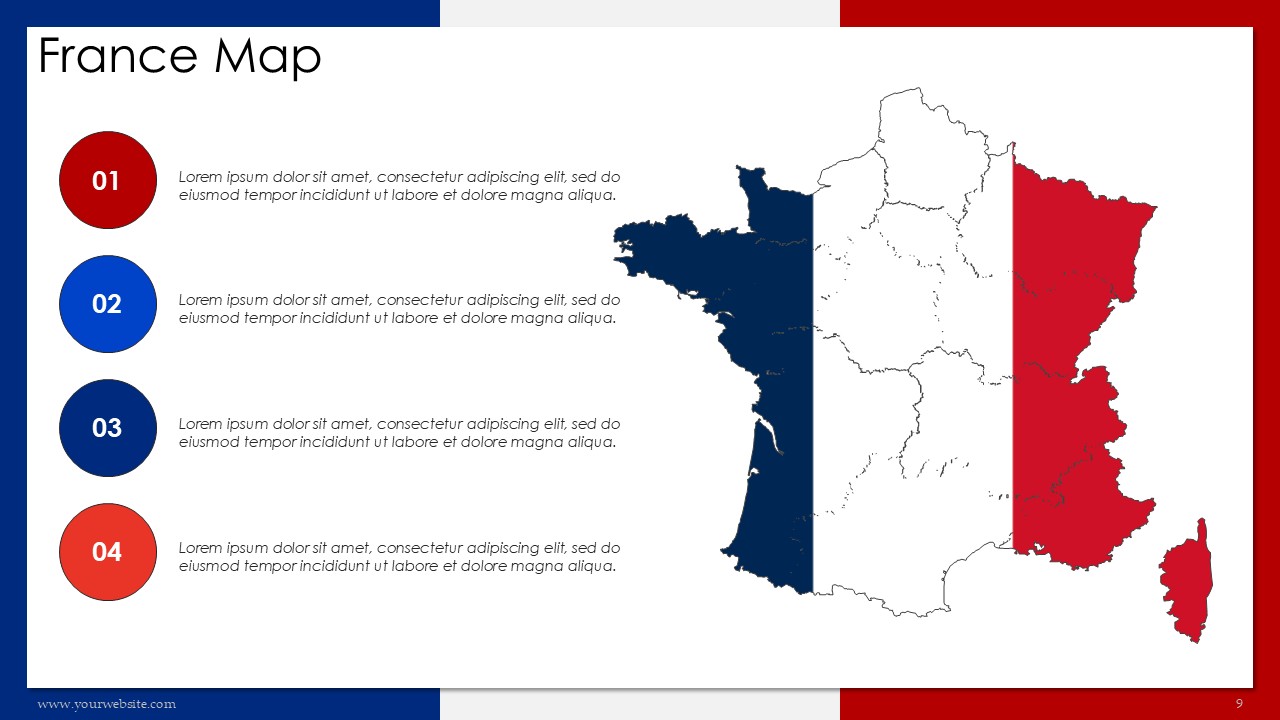
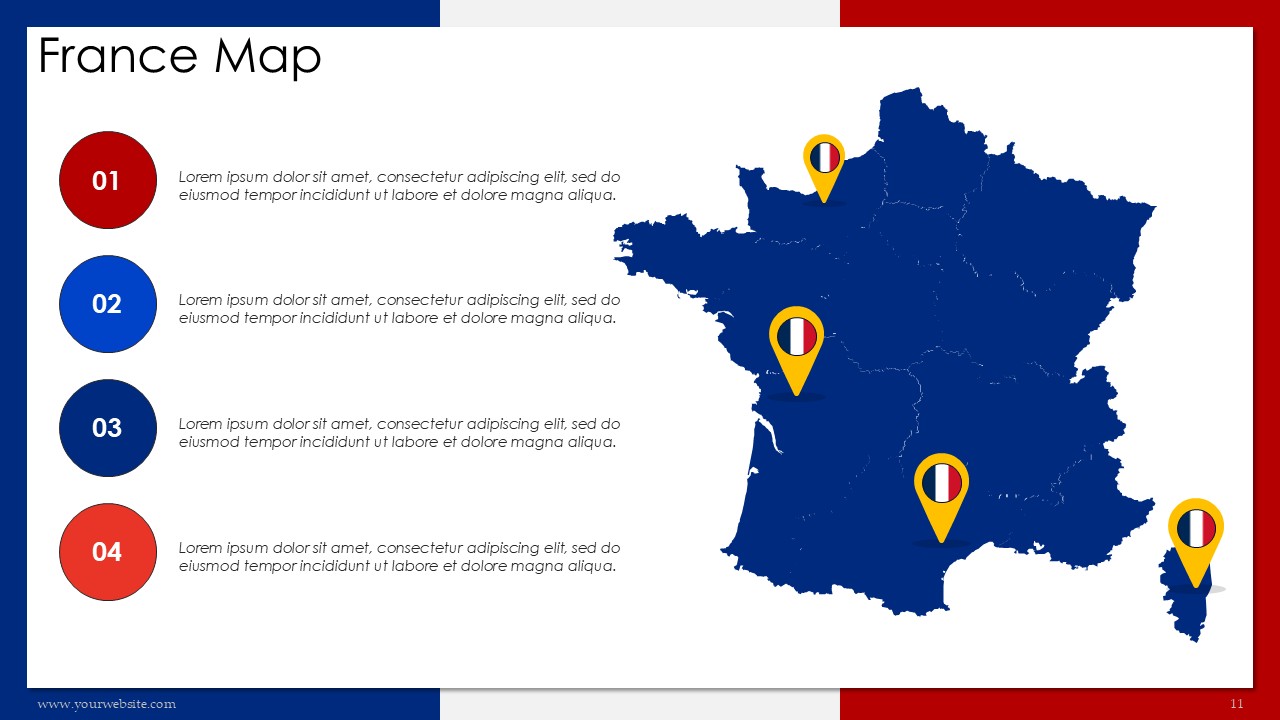
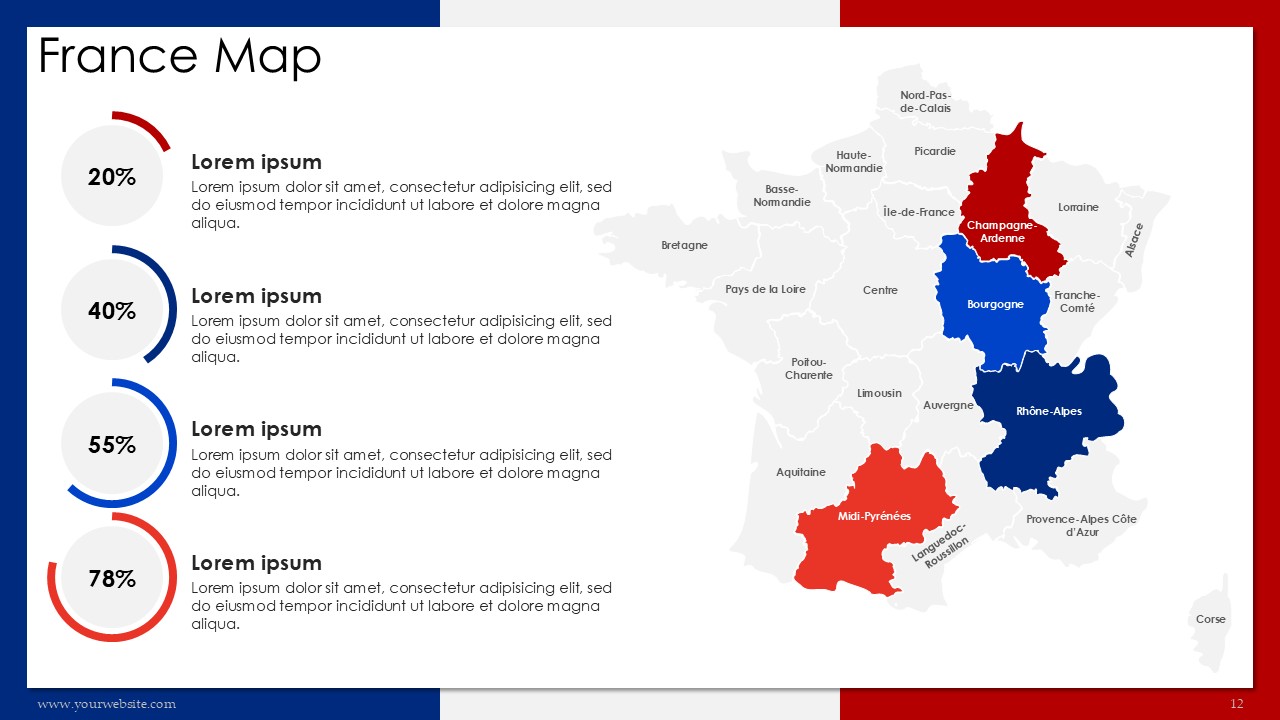
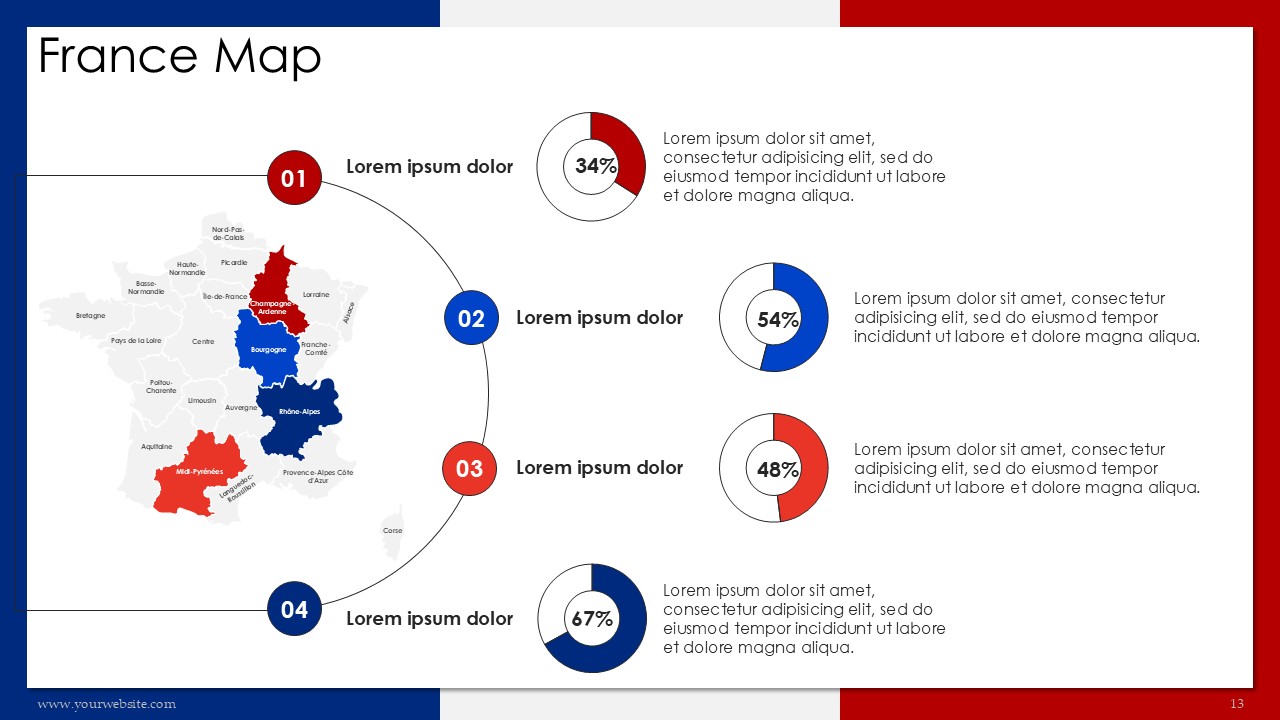
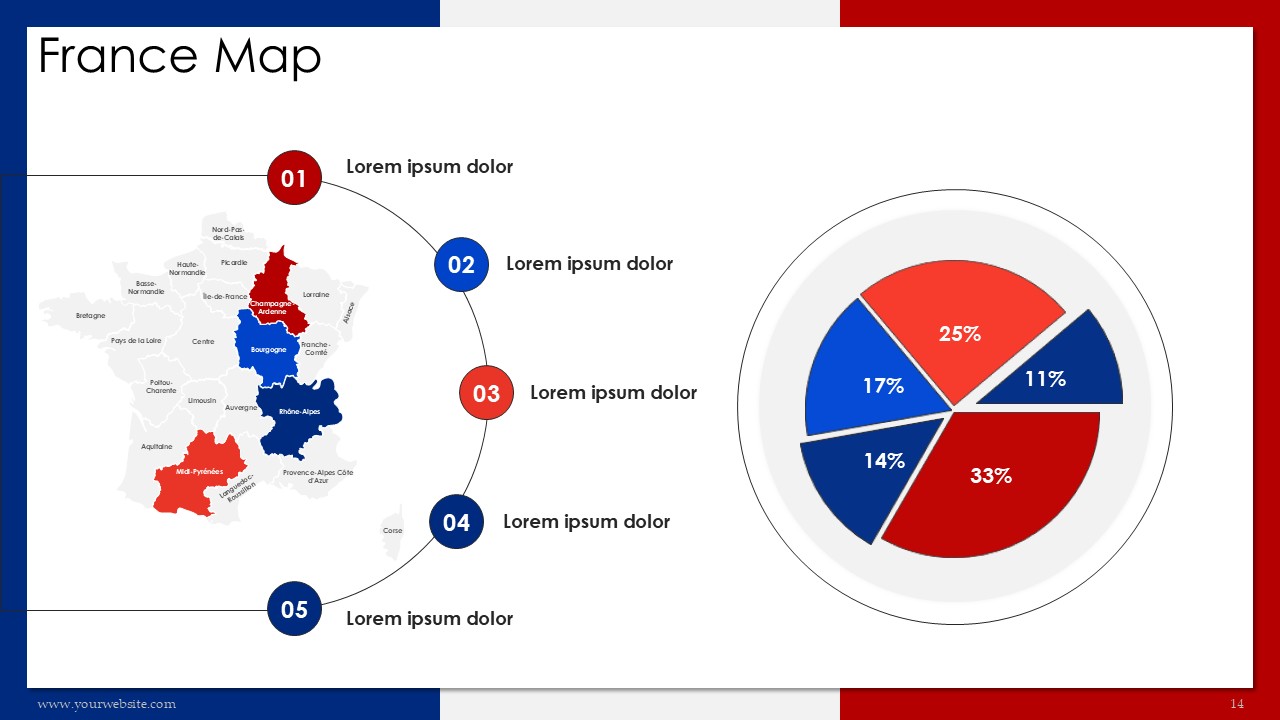
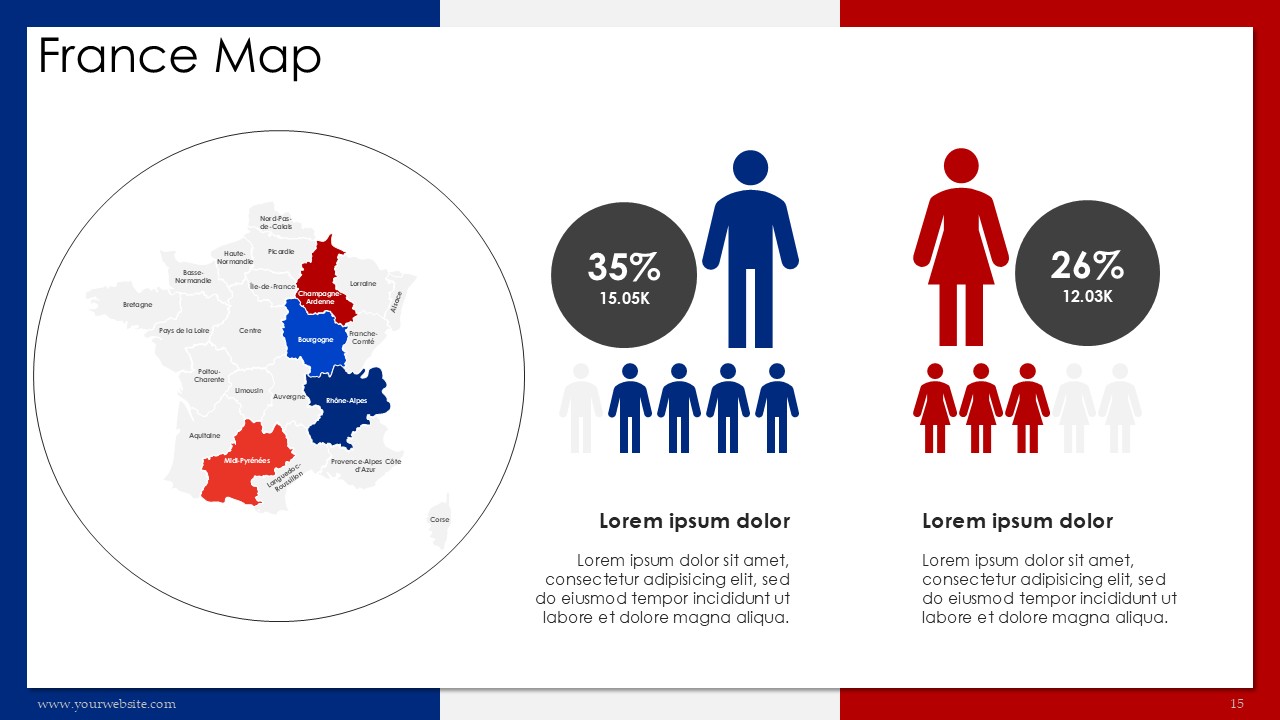
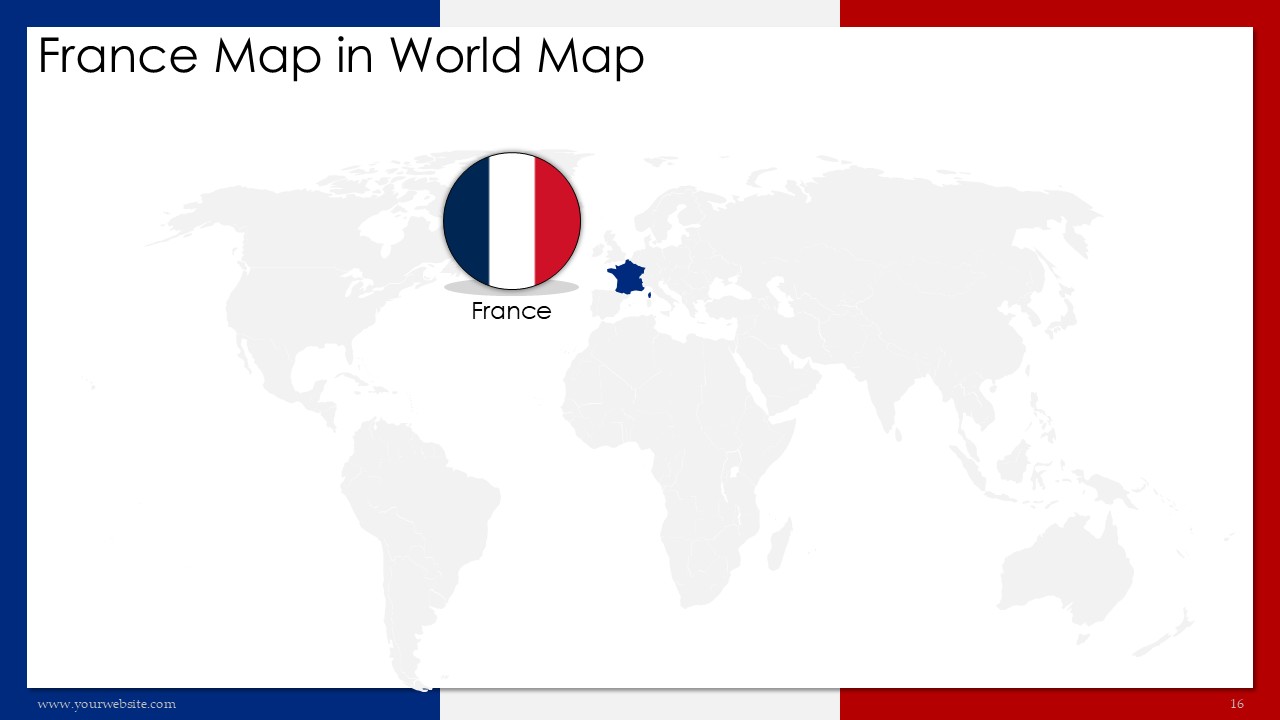
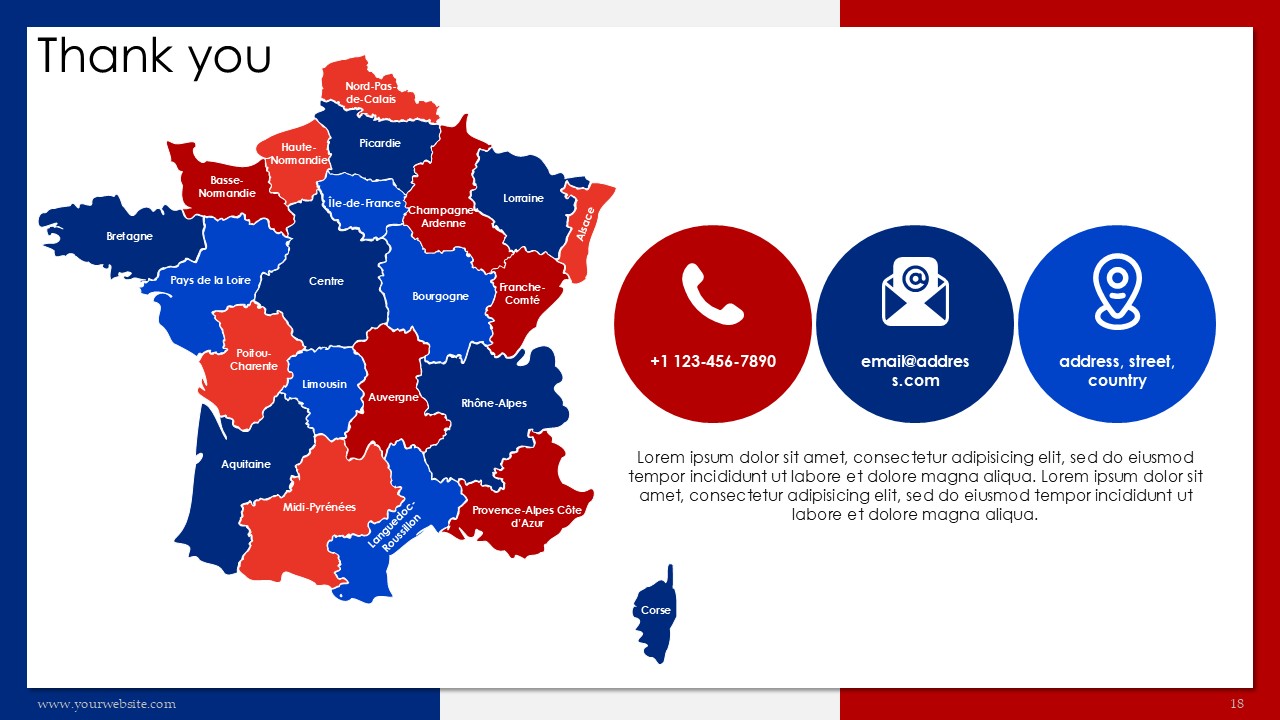
This France Map 22 Administrative Regions Presentation is a premium, fully editable template available in PowerPoint (PPT) and Google Slides, containing 18 presentations slides designed in the distinctive colors of French national flag red and blue. It highlights France`s 22 administrative regions so it is useful for businessmen, teachers, and even travelers. This template is great for business meetings, school presentations, and even tourism marketing because it allows the audience to see sociographic information in a more clearer perspective. The colors of the flag serve a more professional feel while ensuring that the audience is still attentive.
The slides aim to showcase major highlights such as France’s geographic layout, administrative divisions, and cultural or economic insights. With this design, not only do we have a representation of the national flag but most importantly, a blend of professionalism and order. This template is a fully editable one that enables you to change the elements according to your requirements making it a suitable option for market research, teaching, and even traveling purposes.
This template will enable you to communicate messages relating to tourism trends, business opportunities, and even educational content effortlessly. It is compatible with both PPT and Google Slides to ensure easy collaboration. Download now to make highly professional and visually appealing presentations that are guaranteed to make a lasting impression. Ideal for anyone looking to present information about France’s data in an innovative and simple manner.
SlidesBrain offers presentation features that allow you to customize every aspect of your slides. This means you can modify text, images, colors, fonts, and icons to your liking. Additionally, adjusting graphs in PowerPoint is simple, enabling you to change colors, numbers, and labels to match your preferences and create the perfect presentation.
“A review from a customer who benefited from your product. Reviews can be a highly effective way of establishing credibility and increasing your company's reputation.”
★★★★★Rated 5 out of 5
“A review from a customer who benefited from your product. Reviews can be a highly effective way of establishing credibility and increasing your company's reputation.”



 MS Powerpoint
 Google Slides