


It shows how a large group goes through several stages to focus on particular results in logistics.
Ideal for:
Funnels for sales
Travels of customers
Procedures for hiring
Clarity is crucial in today’s information-driven environment, where people have short attention spans. Whether in business meetings, classrooms, or internet presentations, audiences can quickly become overwhelmed by lengthy paragraphs and data-heavy slides. For this reason, infographics are now among the most effective communication tools. Infographic templates assist in converting difficult information into content that is visually appealing and simple to comprehend.
Google Slides and PowerPoint both provide accessibility and versatility, and with the correct infographic templates, you can produce polished images without having any design experience. The top ten infographic templates for Google Slides and PowerPoint are examined in this post, along with how each might improve your presentations.
Why Use Infographic Templates in Your Presentations?
Infographic templates are a smart move for anyone looking to transform dense data into a compelling visual story without the stress of starting from scratch. They act as a professional “shortcut,” providing a structured foundation that ensures your information is both readable and aesthetically pleasing
Prior to delving into the list, it is imperative to highlight the essential components of an effective infographic template:
Unambiguous visual hierarchy
Layouts that are easy to read
Regular color palettes
Modifiable forms and icons
Google Slides and PowerPoint compatibility
Design that is data-friendly
Lets, take a deep dive to find the best infographics templates for Google Slides and PowerPoint
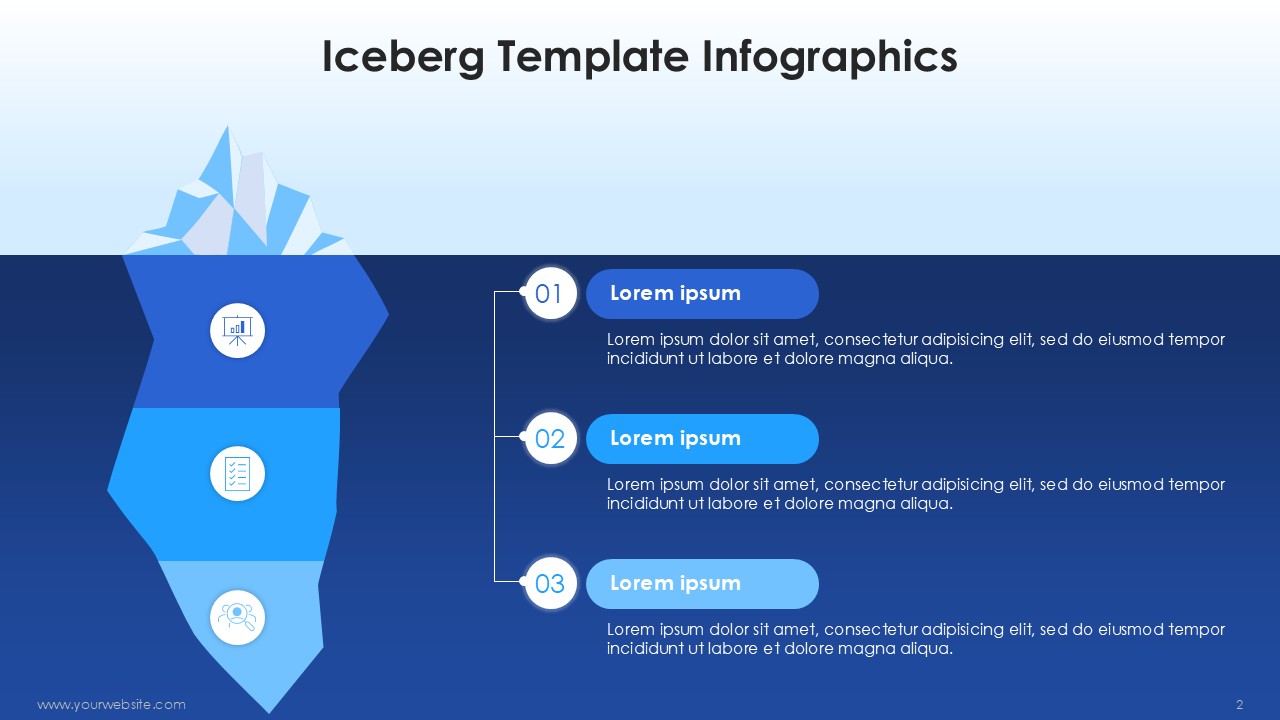
Using arrows, icons, and sections, this template offers a visual depiction of sequential procedures or workflows.
Ideal for:
Business procedures
Workflows for projects
Educational materials
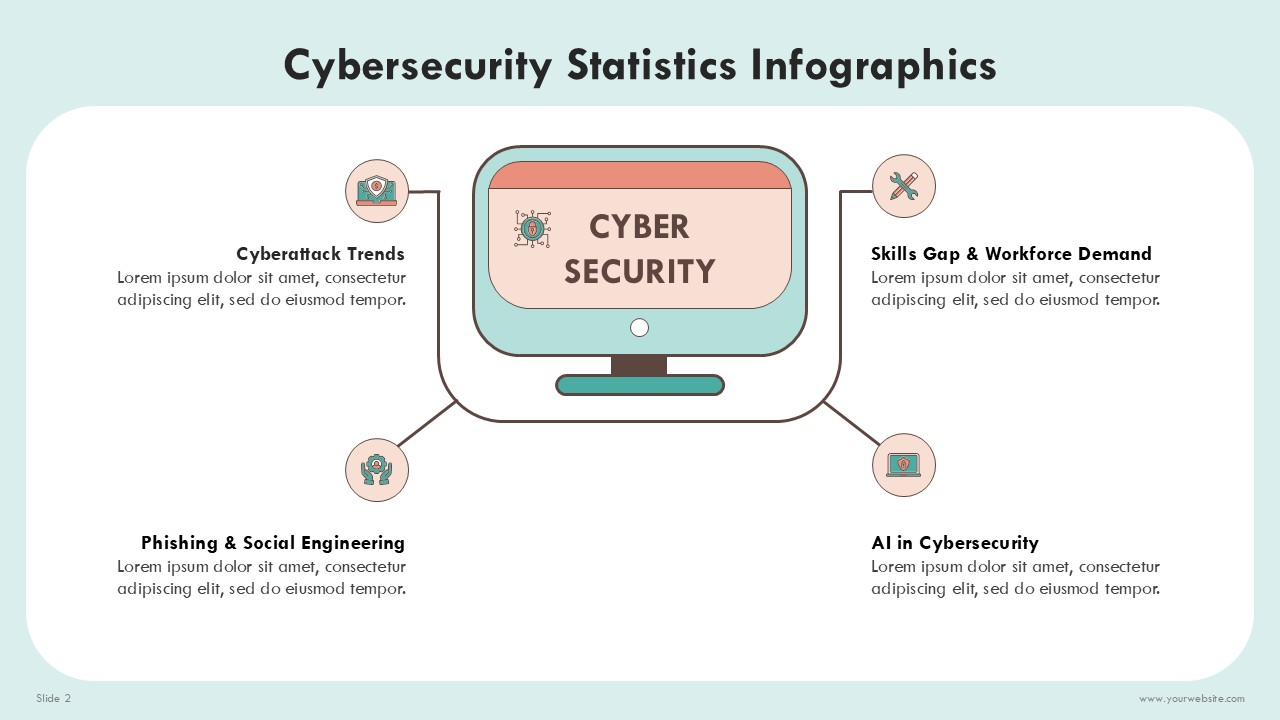
This template is designed to present historical developments, events, or milestones in a chronological order. Moreover, companies can also use this template to highlight the key cybersecurity threads and trends that keep the business data secure in the future.
Ideal for:
Timelines for company growth
Project benchmarks
Presentations about history
Future Cybersecurity Trends
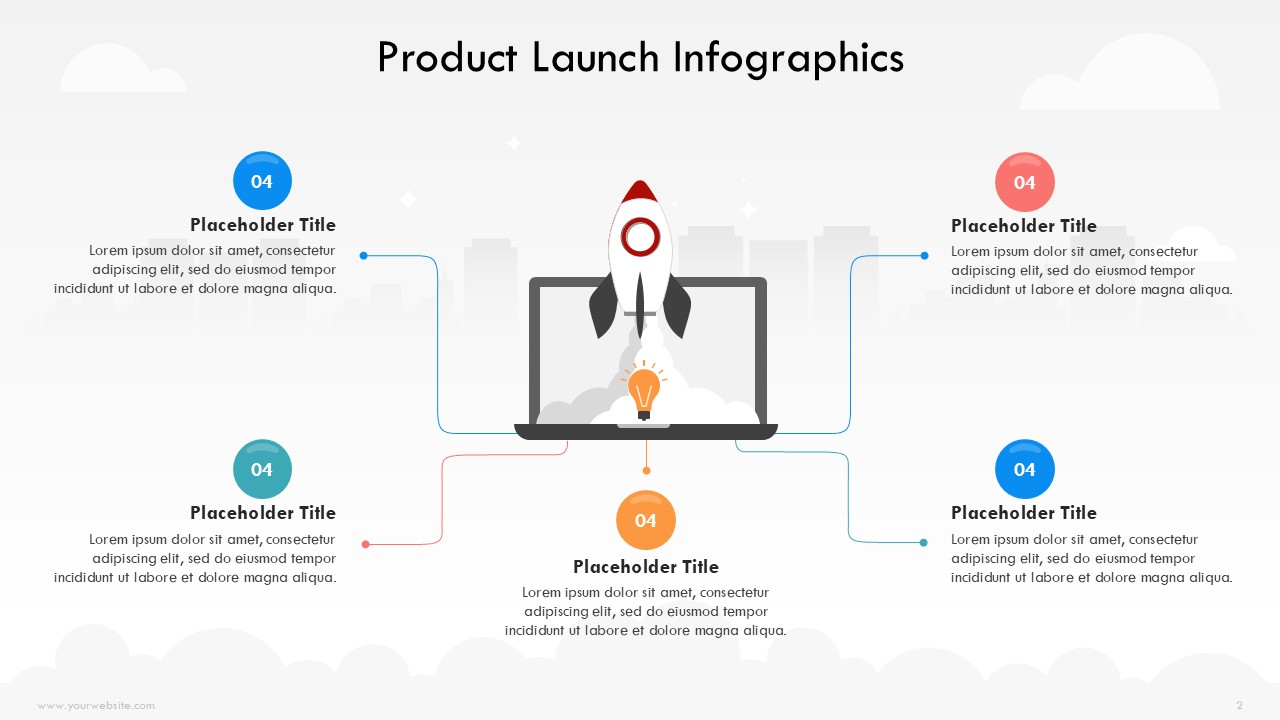
This style makes it easier to compare features, advantages, or data points side by side of the competitor’s product and your product.
Ideal for:
Comparisons of products
Analysis of before and after
Competitive analysis
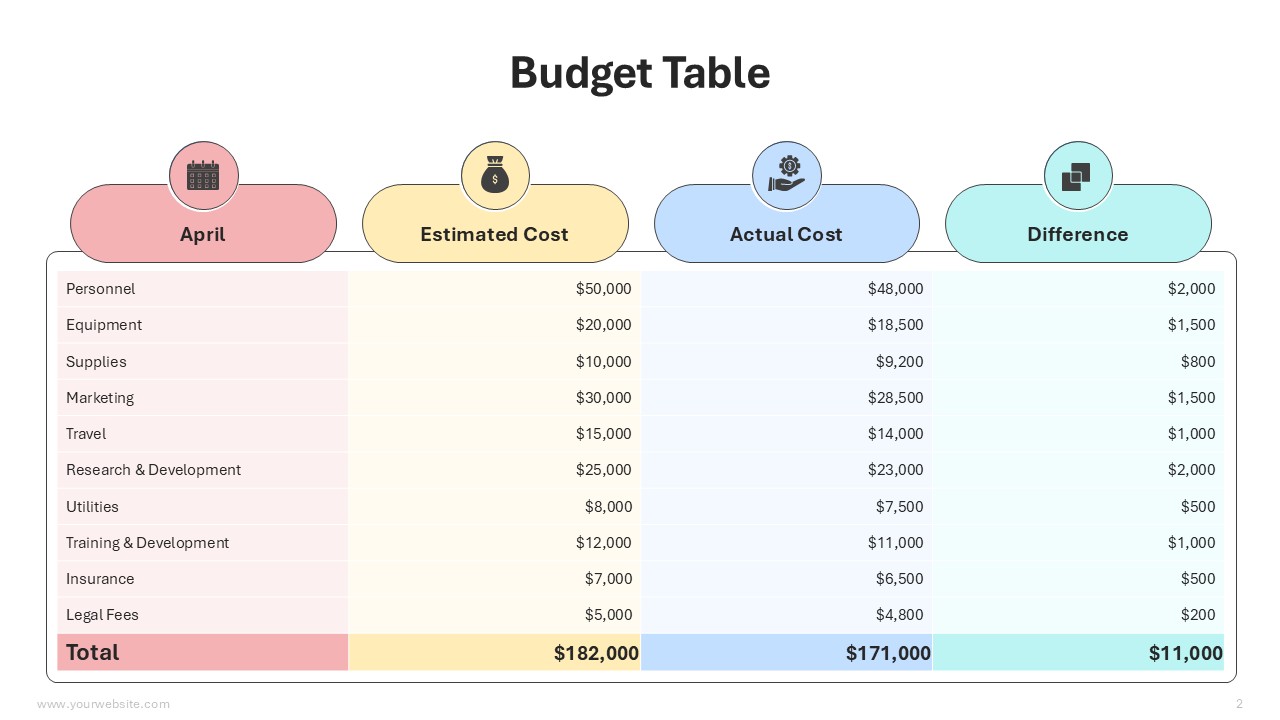
This template has a strong emphasis on visually appealing charts, graphs, and numerical insights to ensure business budgets stay aligned.
Ideal for:
Analytics and reports
Performance indicators
Results of the survey
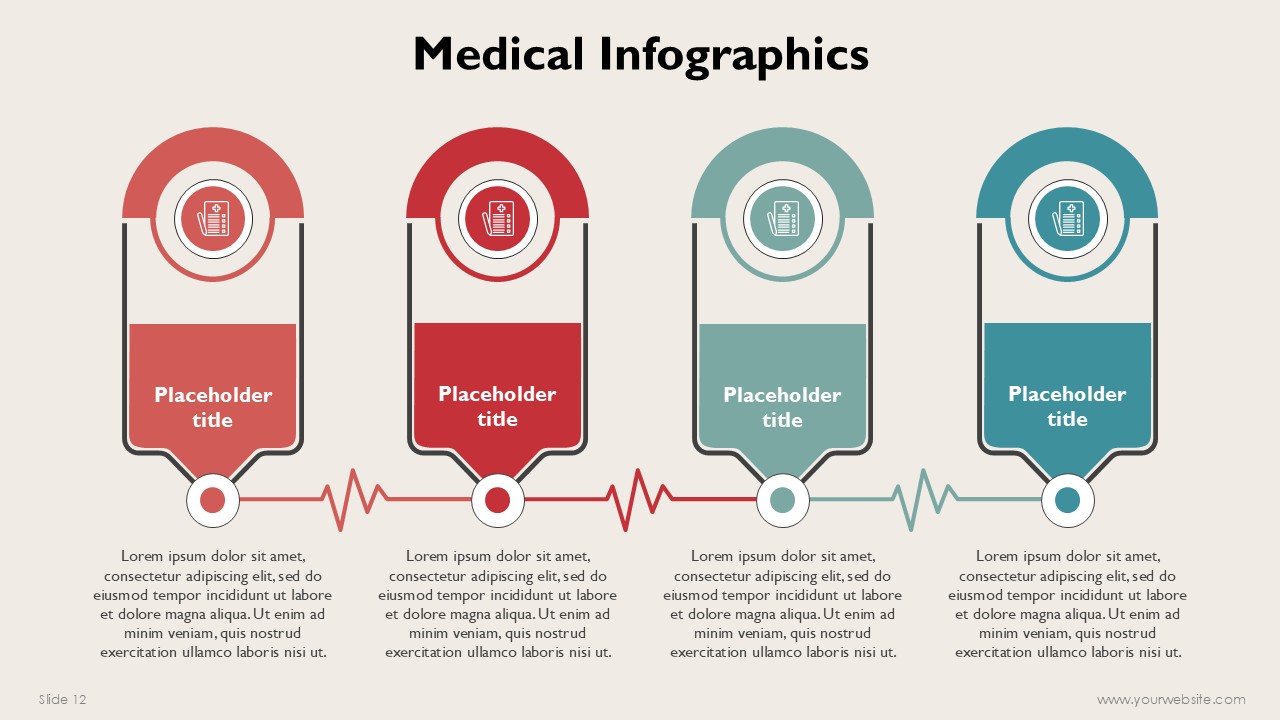
It shows data in a hierarchical structure, medical concepts with visual elements, and moving from basic components to high-level results.
Ideal for:
Frameworks for strategies
Acquiring model
Structures of medical organizations
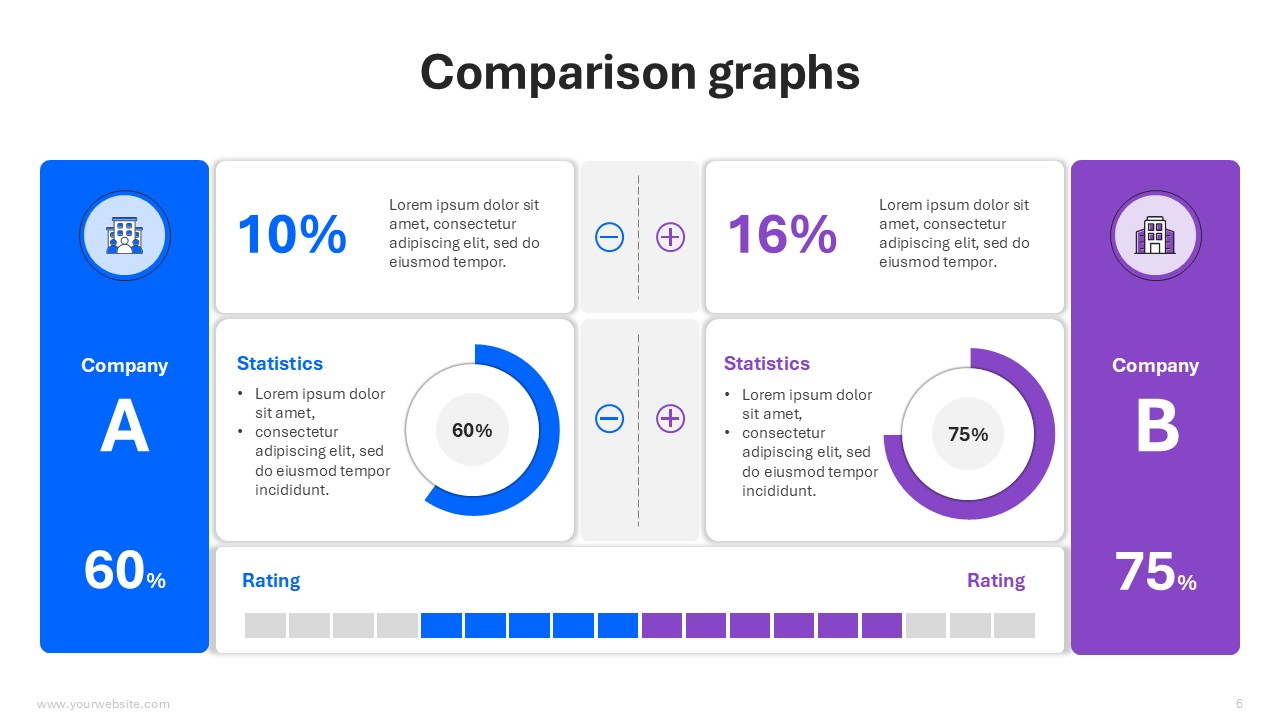
It uses loops or segmented circles to depict circular processes or recurrent stages. This will also help to compare business plans, competitors strategies and lifecycle of your own business products.
Ideal for:
Life cycles of products
Models of continuous improvement
Business comparison and future projections
Funnels for marketing
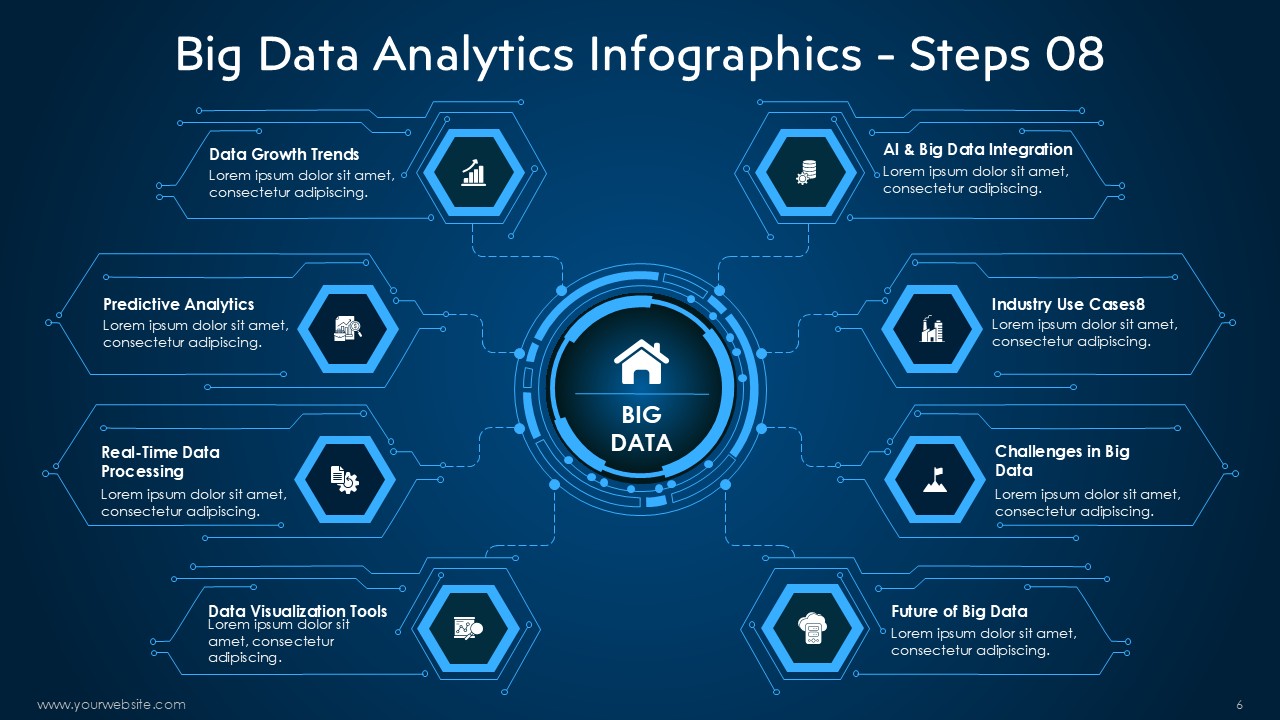
It uses geographic images and maps to communicate location-based information and data collected for business and organizations.
Ideal for:
Plans for market expansion
Analysis of demographics
International operations
It shows how a large group goes through several stages to focus on particular results in logistics.
Ideal for:
Funnels for sales
Travels of customers
Procedures for hiring

It highlights key elements of cloud technology in an easy-to-scan format by using icons and brief text . The template is easy to use and can be customized to meet the presentation goal.
Ideal for:
Important lessons
Advantages and characteristics
Slide summaries
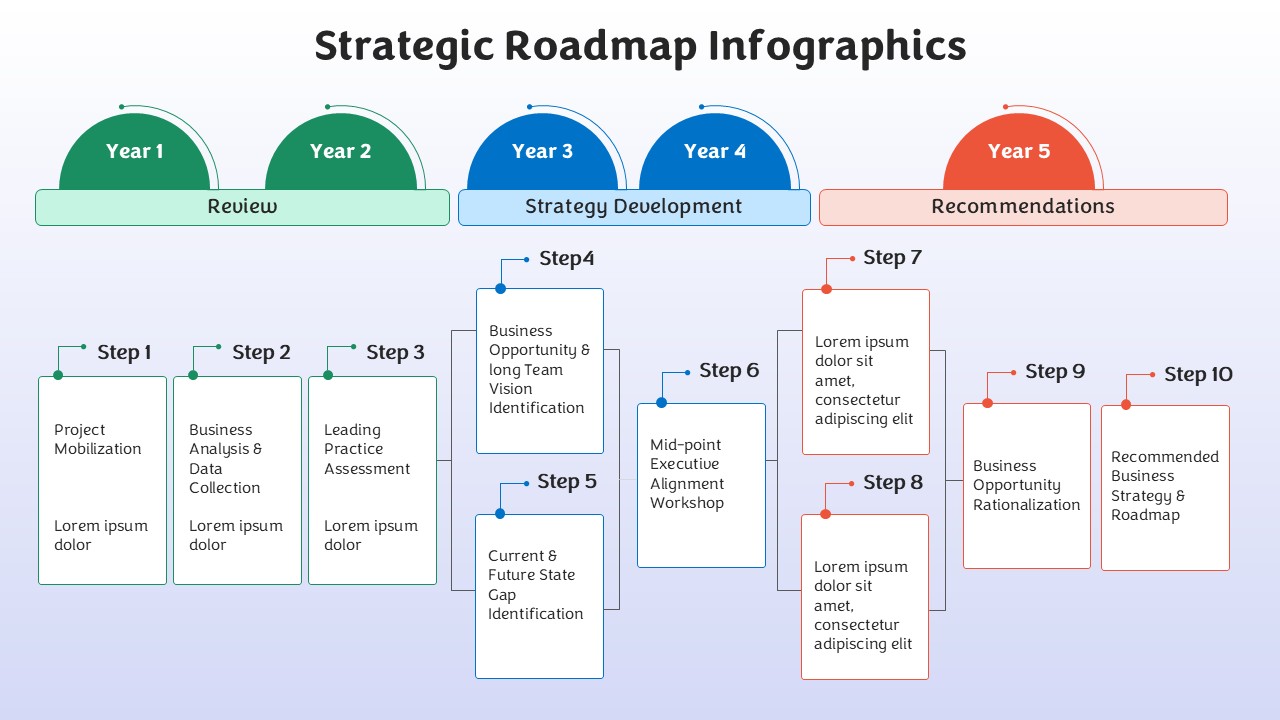
It is designed to graphically communicate future schedules, goals, and tactics. This is ideal for the business companies who want to highlight the business strategic plans to their teammates.
Ideal for:
Roadmaps for products
Strategies for business
Planning for growth
Infographic templates are effectively supported by both platforms:
Improved formatting options and offline accessibility are features of PowerPoint.
Cloud-based access and real-time collaboration are made possible via Google Slides.
Most modern infographic templates operate with both platforms, so users can choose according to their workflow and preferences.
For every slide, focus on a single main point.
Make use of clear graphics and succinct words.
Maintain a consistent use of typefaces and colors throughout
Use icons to bolster ideas
Ensure that charts are simple to understand.
Leaders and corporate professionals
Sales and marketing staff
Teachers and instructors
Researchers and academics
Analysts and consultants
Infographic templates let people communicate ideas more effectively and clearly.
Infographics turn facts into narratives that viewers can rapidly comprehend and recall. Without investing hours in design, you can produce visually striking presentations using the top ten infographic templates for PowerPoint and Google Slides.
Infographic templates let you communicate ideas clearly, effectively, and professionally whether you’re sharing insights, teaching concepts, or presenting corporate data.
Improve your visual communication by utilizing infographic templates right now.
We provide professional presentation design services for startups and businesses. SlidesBrain offers some of the most competitive pricing online, starting at just $11.99 per slide. We deliver affordable, high-quality, investor-ready designs tailored to your needs.
If you’re looking for a clean, modern, and professional pitch deck, contact SlidesBrain today and let our expert designers bring your vision to life. Please Contact SlidesBrain today.

© 2026 SlidesBrain. Powered by SlidesBrain.
We noticed you're visiting from Canada. We've updated our prices to Canadian dollar for your shopping convenience. Use United States (US) dollar instead. Dismiss
